
Twitch Clip Editor
The best 50 Twitch Clip Editor AI tools - Free & Paid
Explore 50 AI for Twitch Clip Editor
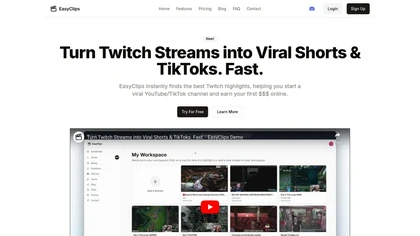
EasyClips automatically turns Twitch VODs into vertical TikTok‑ready clips by scanning for high‑impact moments, assembling polished highlights with transitions, and formatting them 9:16 in minutes—enabling streamers to quickly produce shareable content.
Freemium
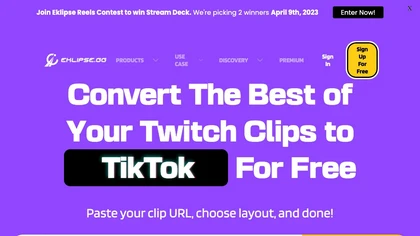
Eklips is an AI tool that automatically clips gaming moments from Twitch streams and converts them into TikTok, Reel, and Short formats for easy editing and sharing on social media. It also has a mobile app and video editor for customization.
Free

Streamladder is a video editing tool for Twitch, YouTube, and TikTok that enables users to trim, split, and combine video segments easily. It offers customizable templates, effects, and integrated sharing options to enhance and distribute content efficiently.
FlexClip is an online video editor with templates, resources, and powerful tools to create and edit videos for various purposes, as well as integration with royalty-free stock media providers and easy social media sharing.
Freemium

Streamgen is an AI tool for streamers that generates highlight clips from Twitch VODs by identifying viral moments. It features customizable captions, silence removal, automated word censoring, and a content scheduler for easy posting on various platforms.
Freemium
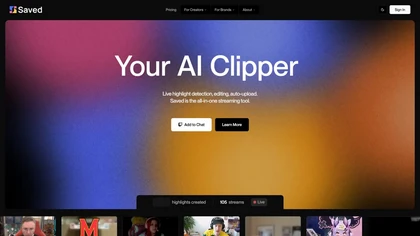
Saved is an AI clipper for streamers that automatically detects and edits highlights from live streams, facilitating quick uploads to platforms like YouTube and Twitch while allowing users to customize highlights for enhanced viewer engagement.
Subscription
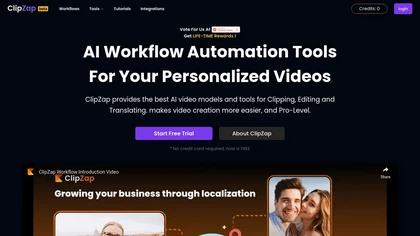
Clipzap.ai is a free AI video workflow editor that enables users to clip, edit, and translate videos in multiple languages. It features face-swapping, video generation, and integration with audio/video products for streamlined content creation.
Free trial
SliceTube trims and downloads YouTube videos directly, offering start‑and‑end selection and export to MP4, MP3, or WEBM up to 4K. Browser‑based, watermark‑free, and privacy‑protected, it’s useful for creators and educators needing quick clips.
Paid
- $5

FragCut is an AI gaming clip generator that auto-detects highlights like kills and clutches from VODs and converts them into vertical, share-ready clips. It features auto-subtitles, a montage maker, and batch processing to drastically reduce editing time for creators.
Subscription
- $24.99/mo
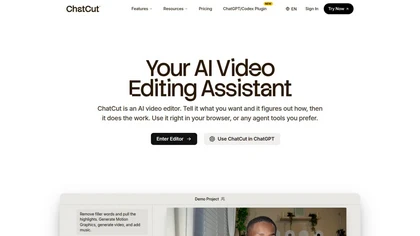
ChatCut is a browser and ChatGPT-plugin video editor that uses transcript-based editing to remove fillers, trim and reorder talking-head footage, assemble coherent cuts, generate motion graphics, B-roll, captions (100+ languages) and AI music, and export timelines.
Subscription
- $25
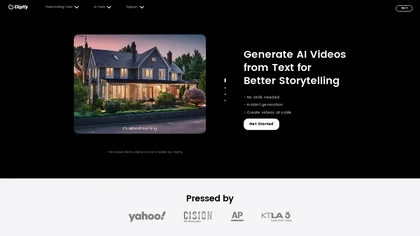
Clipfly turns text prompts into videos, animates images, and adds lifelike touches to photos. With an AI storyboard, one‑click enhancer, background removal, subtitles, and audio integration, it streamlines branded content, social clips, and personal memories.
Free

EZTrimmer is a browser-based video editor for trimming, splitting, and merging clips with a timeline interface. It enables quick preparation of short-form content for platforms like TikTok and YouTube Shorts with frame-accurate cuts and drag-and-drop simplicity.
Free
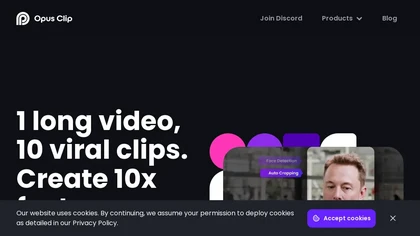
OpusClip is an AI-powered video tool that transforms long videos into shareable short clips with one click. It uses AI to identify compelling moments, generate captions, and optimize for social media.
Freemium

Streamlabs is a cross-platform live streaming and recording suite providing multistreaming to major platforms, customizable overlays/alerts, guest co-streaming, OBS integration, moderation and analytics, plus built-in editing tools for repurposing clips and podcasts.
Subscription
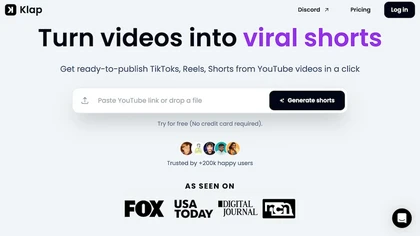
Klap automatically extracts key moments from long videos, reframes them for vertical formats, adds multilingual subtitles, and lets you customize branding. Upload files or YouTube links, then share or schedule ready‑to‑publish clips across TikTok, Instagram, LinkedIn, and YouTube.
Paid
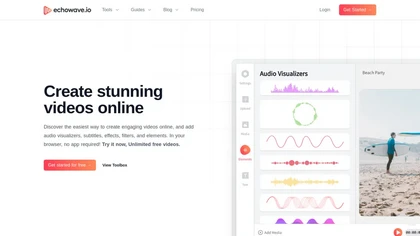
EchoWave converts audio into video using templates or custom layouts, adds subtitles and waveforms, offers editing tools, compresses files, and exports to social media formats—ideal for podcasters, musicians, and creators seeking quick, cloud‑based video production without software.
Freemium
- $19/mo
CapCut is an AI-powered video editor & design tool with social media templates, background removal, upscaling, color correction, portrait generation, text-to-speech, voice changers, and team collaboration support - accessible online and for Mac download.
Free trial
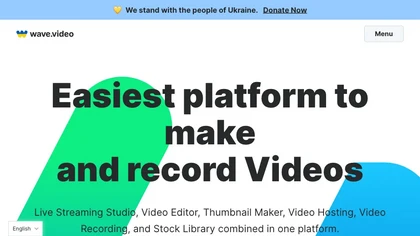
Wave.video is an all-in-one AI video editing and creation platform that allows users to create, edit, and distribute videos, offering features such as online editing, live streaming, thumbnail maker, and customizable live streaming studios.
Freemium
- $16/mo
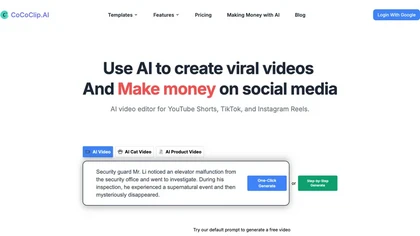
CoCoClip.AI transforms text prompts into videos, auto‑edits image sequences, and tracks real‑time trends on TikTok, YouTube Shorts, and Instagram Reels. It offers face swap, watermark removal, talking photos, lip‑sync, and creative generators for efficient content creation.
Paid
- $14.9/mo
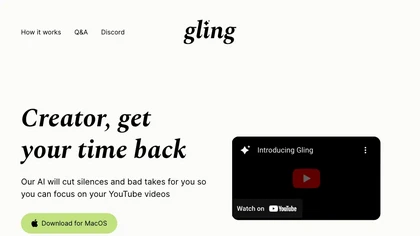
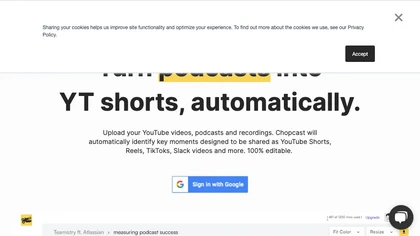
Chopcast is an AI-powered content repurposing tool that automates the process of identifying key moments in long-form video and turning them into short-form content for social media channels, saving time and reducing edit costs.
Free trial
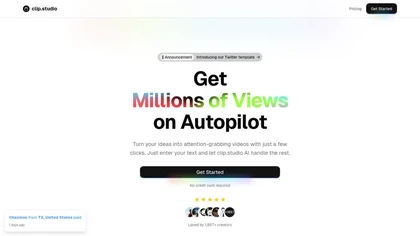
Clip Studio is an AI platform for creating viral short-form videos, offering customizable templates, automated captions, and music selection. It enables scheduling posts across platforms and provides performance analytics to enhance content strategy.
Free trial
- $1.17/mo
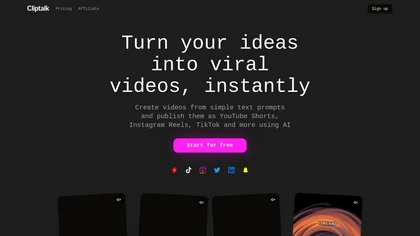
Cliptalk turns text, images, or website content into ready‑to‑publish short‑form videos, automating editing, captions, B‑roll, and voice creation. It supports multiple languages, voice styles, and natural‑language editing for quick publishing.
Paid
- $19

InShot is a mobile video editor that lets users cut, trim, and layer clips, auto‑generate multilingual captions, add music, intros/outros, and apply AI‑driven, 3D, glitch, and lens transitions, text, stickers, and picture‑in‑picture overlays.
Free
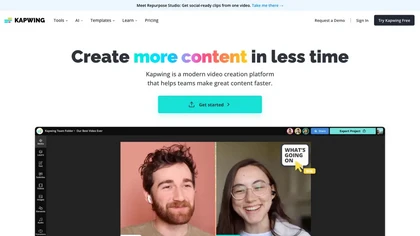
Kapwing is an online video platform offering drag‑and‑drop editing for trimming, layering, overlays, and team collaboration. Its audio tools record, edit, and clean tracks; subtitler auto‑generates captions in 40+ languages.
Freemium
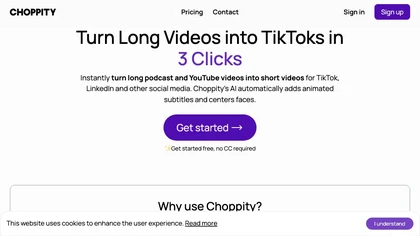
Choppiti is an AI-based video editing tool that repurposes longer videos for social media platforms and adds animated subtitles and face centering. It's faster and cheaper than traditional software or outsourcing, making it accessible to anyone.
Freemium
- $1.17/mo
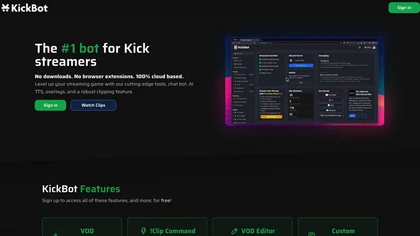
KickBot is a cloud‑based platform for Kick streamers that unifies chat management, customizable widgets, real‑time alerts, and moderation. It offers an AI‑powered chatbot, TTS voice responses, clip creation, VOD editing, and global tipping with chargeback protection, all without local software.
Free
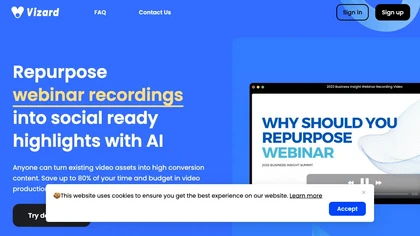
Vizard.ai automatically transcribes footage, spots highlights, and creates TikTok, Reels, and Shorts‑ready clips with one click. It provides text trimming, timeline precision, vertical resizing, multilingual captions, brand templates, collaborative workspaces, and API integration.
Freemium

Clips AI is an open‑source Python library that automatically segments long‑form videos using WhisperX transcription and Pyannote speaker diarization, then resizes and reframes clips to 9:16 for mobile. It streamlines batch processing of podcasts, interviews, speeches, and sermons.
Freemium
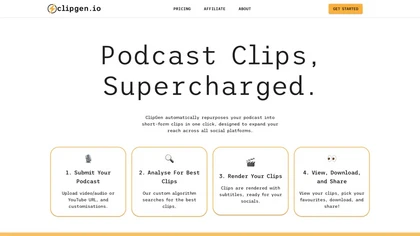
ClipGen converts podcast audio or video into shareable social media clips. Upload files or YouTube links, it auto‑scores segments, adds subtitles, lets you refine timing and captions, reframes for portrait or square formats, then exports or posts directly.
Freemium
- $9.99/mo

ClipTrend.ai is an AI video generator that instantly remixes trending TikTok and YouTube formats using viral effect templates and multi-model support (Kling, VEO 3.1, WAN 2.7). Creators can upload a selfie or reference media, apply zero-prompt templates or URL-to-action extraction, and export waterm
Paid
- $11.99
Qlip automatically extracts short, vertical or square clips from longer videos, preserving focus on key moments. It applies brand templates, generates speech‑to‑text transcripts with speaker tags, and offers an API for clip creation, aspect‑ratio conversion, subtitle burning, and transcription.
Free
- $30

Tella is a cross-platform screen recorder and video editor that captures screen and webcam in 4K, offers clip-based recording with multi-camera layouts, transcript-driven and AI-assisted editing (filler removal, silence trim), templates, hosting and export options.
Free trial
- $13/mo
Videoleap is a cross‑platform editor with AI background removal, infinite‑zoom, text‑to‑video, audio cutting, subtitles, and built‑in filters. It offers templates for TikTok, Reels, Shorts, and ads, plus a drag‑and‑drop interface for quick professional videos on web or mobile.
Free trial
Flowjin AI Clip Maker extracts share-worthy moments from long videos and podcasts, creating 10+ short, captioned clips with platform‑specific titles, hashtags, and CTAs. It offers editing, templating, and one‑click scheduling for LinkedIn, YouTube, X, Instagram Reels, TikTok, and Facebook.
Subscription
- $10/mo

Clipdrop is an AI image editor that adjusts aspect ratios, extends boundaries, and adds background space while preserving detail. It offers background removal, object cleanup, relighting, universal resizing, upscale, and text‑to‑image generation for photographers and designers.
Freemium
- $15/mo

Riverside is a comprehensive platform for recording high-quality video and audio, with AI-powered editing and live streaming tools. It centralizes hosting, publishing, and analytics for podcasts and videos, supporting remote collaboration and content repurposing.
Freemium
- $24/mo
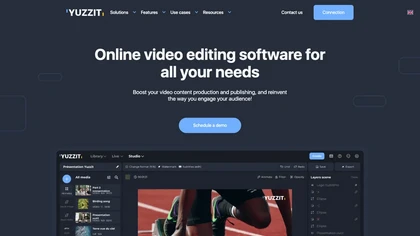
Yuzzit is a cloud‑based platform that captures and instantly clips live streams, automatically reframes videos for vertical formats, adds subtitles, and publishes highlights to social media and CDN endpoints with collaborative review and approval.
Freemium
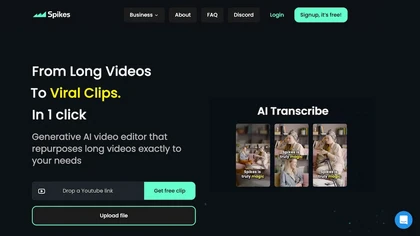
Spikes Studio automates video editing, turning raw footage into platform‑ready clips for TikTok, Instagram Reels, and YouTube Shorts. It detects high‑impact moments, adds multilingual captions, auto‑resizes, schedules posts, tracks analytics, and supports team collaboration.
Paid
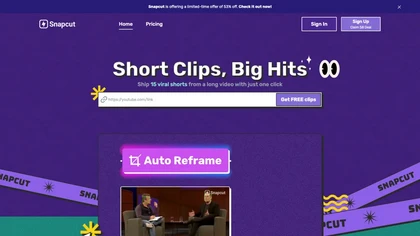
Snapcut.ai is an AI-driven video editing tool that transforms long videos into engaging short clips. It identifies key moments, reframes for various platforms, and adds animated captions, streamlining the editing process for social media content creators.
Free trial
vidIQ delivers real‑time YouTube analytics, keyword research, AI‑powered thumbnail creation, and competitive insights. Its AI coach refines titles and descriptions, while clipping tools produce short videos. Available via Chrome or mobile, it boosts visibility and engagement for creators.
Subscription
- $31/mo
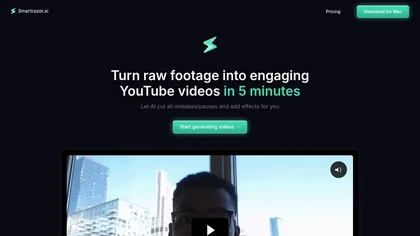
Smartrazor automates video editing by removing mistakes and pauses, adding English captions, and zooming to highlight speakers. It accepts uploads or live feeds, lets users fine‑tune edits via a transcript editor, and exports to YouTube or downloads.
Subscription
- $9/mo
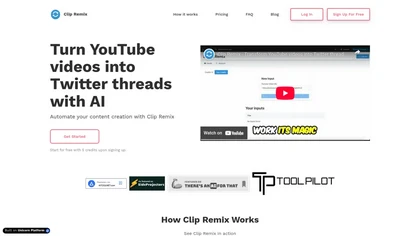
Clip Remix is an AI tool that converts YouTube videos into concise Twitter threads, enabling content creators to repurpose video content for greater social media engagement. Its user-friendly interface makes it accessible without technical skills.
Free trial
- $5

Wisecut uses AI to turn long recordings into short social clips by detecting highlights, cutting silences, auto-reframing, adding captions and translations, auto zoom and transitions, audio cleanup, and storyboard editing for faster multilingual content production.
Free
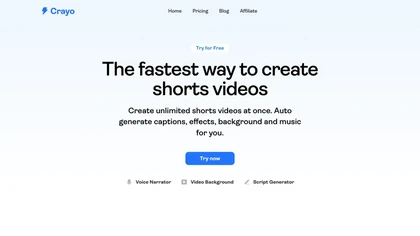
Crayo is a browser‑based AI video editor that lets creators upload or link clips, choose from 15+ subtitle styles, generate voiceovers, enhance speech, remove backgrounds, and produce short‑form videos in seconds, with tools for clipping, split‑screen, compression, and audio balance.
Subscription
- $19

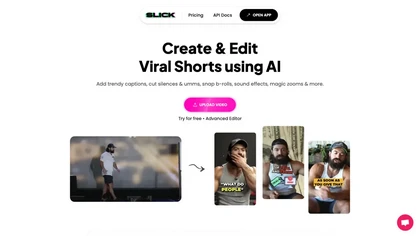
Slick is an AI‑powered video editor that auto‑cuts full‑length footage into social‑media shorts via drag‑and‑drop or a YouTube link. It removes silences, adds multilingual captions, inserts b‑roll, supports 4K, and exports for TikTok, Instagram, YouTube.
Subscription
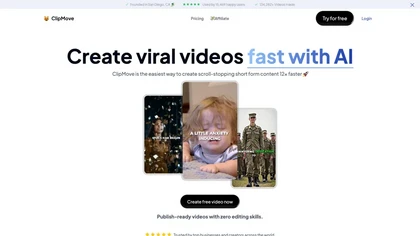
Clipmove is an AI video production tool that simplifies short-form content creation, featuring AI script generation, an avatar generator, dynamic captions in 40+ languages, and audio-video enhancement for quick, engaging video outputs.
Free trial
- $14.33/mo