
Screenshot Answer Extension
The best 50 Screenshot Answer Extension AI tools - Free & Paid
Explore 50 AI for Screenshot Answer Extension

SynthAnswer AI is a browser extension that converts screenshots (text, math, code, handwritten notes) into instant answers with step-by-step explanations and formatted solutions, delivering fast, cross-platform problem solving for students, researchers, and professionals with privacy controls.
Free trial
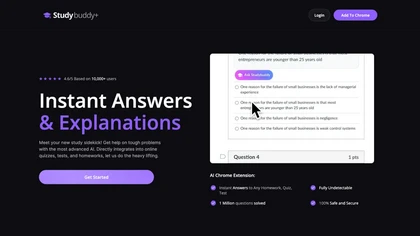
StudyBuddy Chrome Extension captures screenshots or highlights of questions to provide instant answers and detailed step‑by‑step explanations. It supports math, diagrams, and image queries in English, Spanish, and Portuguese, and includes a personal AI chat for broader study assistance.
Freemium
- $0.99
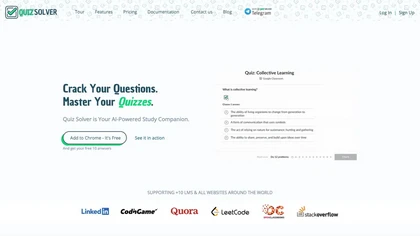
Quiz Solver AI is a browser extension that automatically detects quiz questions on LMSs and PDFs, offering QuickSnap and Ghost Mode. It delivers instant, step‑by‑step answers—solve, explain, calculate, translate, rewrite, summarize, generate options—processing content locally for privacy.
Subscription
- $5.42/mo
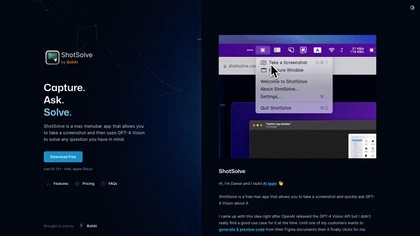
ShotSolve is a native macOS app that captures screenshots and uses GPT‑4o for instant queries. It offers a clean chat interface with themes, code styling, context controls, secure key storage, and configurable parameters for custom AI interactions.
Free
- $29/mo
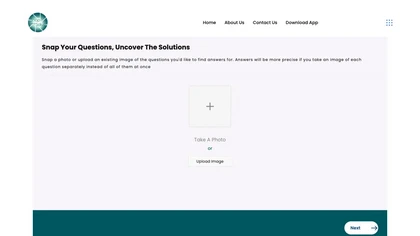
SnapAndSolve uses OCR and language‑model inference to turn photographed questions into quick, accurate answers. Users capture or upload images, crop for focus, and receive concise, context‑aware responses in seconds, supporting multiple languages for students, professionals, and educators.
Freemium
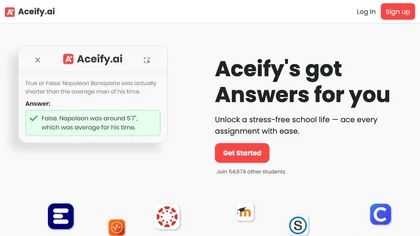
Aceify.ai delivers instant AI help for homework and study queries, letting users upload screenshots or use a Chrome extension. It summarizes content and supports Canvas, Blackboard, MoodleCloud, and other LMS, offering quick, accurate answers, especially in mathematics.
Subscription
- $9.99/mo
Interview Solver is a desktop AI copilot that supplies real‑time code and system‑design solutions during coding interviews, accepting screenshots, voice, and documents, and remains invisible in screen sharing and background processes.
Freemium
- $30
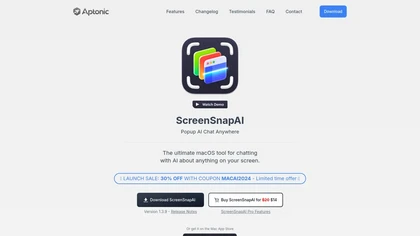
ScreenSnapAI auto‑renames and tags screenshots on macOS, letting users open an AI chat for instant content explanations. Accessible via menu or shortcut, it organizes images with AI‑generated metadata, speeding knowledge capture and retrieval on Intel and Apple Silicon machines.
Freemium
Screenshot Coder transforms visual mockups into production‑ready frontend code in seconds, supporting Tailwind CSS, Bootstrap, and React. It delivers responsive, clean UI code directly from screenshots, accelerating prototyping for designers and developers.
Free

answersai is an AI tool that offers instant solutions to academic questions. Users can capture problems via photo and receive accurate responses, with support for follow-up queries to enhance understanding across various subjects, accessible on mobile and web.
Freemium
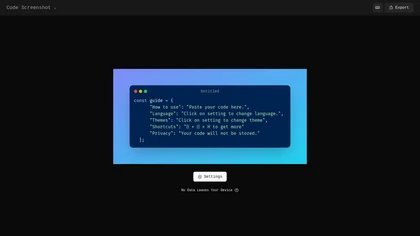
Code Screenshot allows developers to convert code snippets into visually appealing images with syntax highlighting for various languages. It features customizable themes, keyboard shortcuts for efficiency, and local storage for enhanced privacy in sensitive projects.
Freemium

iAsk.Ai delivers instant, factual answers to natural‑language questions from authoritative web sources, and offers essay drafting, advanced grammar checks, academic summarization, PDF analysis, image generation, URL bullet‑point briefs, and one‑click grammar correction. Accessible via browser extens
Freemium
- $9.95/mo
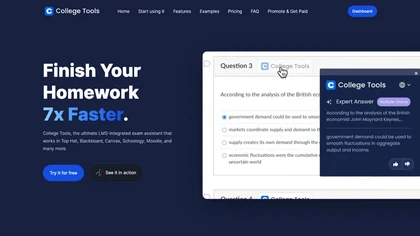
AI Homework Helper is a Chrome extension that highlights questions or images to instantly provide detailed, step‑by‑step answers across subjects. It supports PDFs, lecture notes, a sidepanel chat, a mobile app, and works on multiple browsers while safeguarding privacy.
Subscription
- $19.99/mo
Wizardshot is a web app and Chrome extension that automatically converts screen recordings into structured, step‑by‑step tutorials. It exports to PDF/DOC, GIFs, embeds videos, supports team collaboration, role‑based access, blurs sensitive data, and provides analytics on usage and gaps.
Free
Sider AI is a browser extension that consolidates instant summarization, translation, and research tools in a side panel. Users compare AI model responses, receive on‑the‑fly explanations for highlighted text, extract OCR, and store snippets in a searchable knowledge base.
Free

Jelli is a Chrome extension that captures screenshots with a hotkey and copies them to the clipboard. Users can annotate by drawing arrows or rectangles directly on the image, then paste into Slack, Jira, or documents.
Freemium
- $19.99/mo
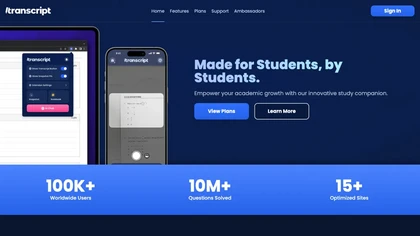
Transcript is an AI study platform with a Chrome extension, mobile app, and synced notebook. It offers instant answers, step‑by‑step solutions, source references, flashcards, handwritten question scanning, lecture summaries, and interactive quizzes for students.
Freemium
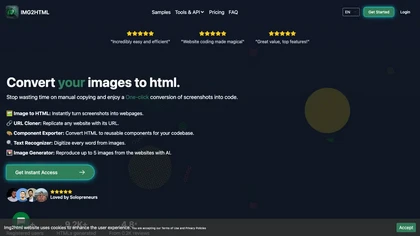
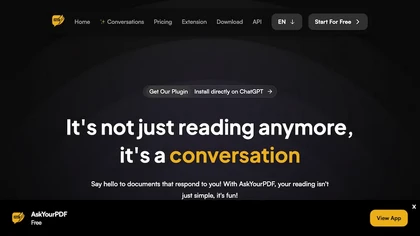
AskYourPDF lets users upload PDF or text files to ask questions and retrieve instant answers. It instantly summarizes long documents, supports keyword search across multiple files, and offers a shared library with mobile, Chrome, and plugin access, all GDPR‑compliant.
Free
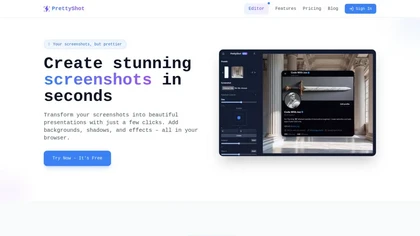
PrettyShot is a web-based tool that enhances standard screenshots by adding backgrounds, shadows, and effects, allowing users to create professional-quality visuals. It supports mockups with device frames and offers efficient preset slots for customization.
Free trial
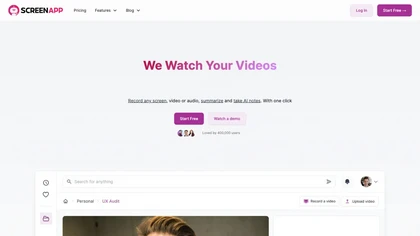
ScreenApp records and transcribes audio/video meetings, extracts key points and action items, and delivers searchable summaries and exports. It integrates with Zoom, Google Meet, YouTube and supports real‑time translation, helping teams quickly locate information.
Subscription
- $199/mo
Pixelcode is a Chrome extension that extracts code from screenshots, images, PDFs, and video frames, recognizes over 30 programming languages, preserves formatting, and copies snippets directly to the clipboard for use in any editor.
Free
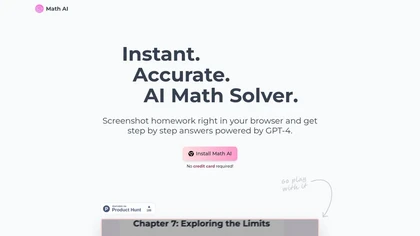
Math AI provides instant GPT‑4 math solutions with step‑by‑step explanations. Capture problem screenshots in‑browser, choose detailed, quick, or tutor modes, and extend to physics, chemistry, biology. It auto‑adapts themes, formats LaTeX, supports 21 languages, and offers keyboard shortcuts.
Freemium
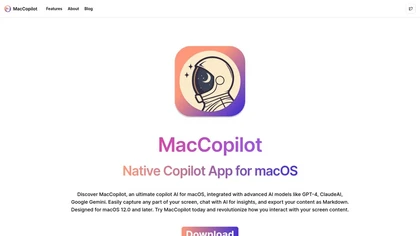
MacCopilot lets macOS users select any screen area, capture screenshots, and chat with AI models—GPT‑4o, Claude, Gemini, or local Ollama—to receive instant visual analysis, code reviews, design feedback, and contextual insights directly on‑screen. Hotkeys and history improve workflow.
Free
PhotoSolve uses AI to read academic problem images and delivers step‑by‑step solutions for math, science, and language tasks. It offers browser, mobile, and desktop extensions, flashcards, quizzes, and multilingual support with privacy safeguards.
Paid
Raycast is an AI tool that can help developers write code faster, access a new layer of context, and accelerate tasks without any coding required.
Freemium

TechScreen is an AI interview assistant that provides real-time support during technical interviews on video platforms. It processes audio and on-screen content, offers quick responses to coding challenges, and supports multiple programming languages to enhance interview efficiency.
Free trial

YouTube sumamry chrome extension is a YouTube video summary tool developed by Glasp Inc., currently in beta testing and requires installation on Chrome or Safari browsers along with sign-up.
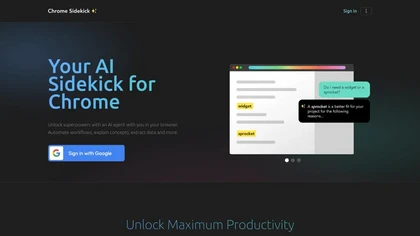
Chrome Sidekick is an AI-powered Chrome extension that explains web pages and automates repetitive tasks like form filling. It uses memory to recall your workflows and integrates with other apps for collaboration.
Subscription
- $9/mo
GhostInterview is a real-time AI interview copilot that provides live coding, system design, and OOD support. It transcribes audio, parses screenshots, and delivers stealth-visible hints and solution outlines during live interviews.
Free trial
- $99/mo
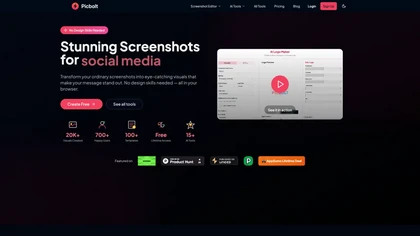
Picbolt is a screenshot editor that transforms screenshots into high-quality visuals with one-click presets, smart cropping, and customizable device mockups. It is ideal for educators, content creators, and small business owners, offering tools for annotations and workflow optimization.
Free trial
Voilà AI Assistant is a cross‑platform browser extension, desktop, and mobile app that uses GPT‑5 to summarize, rewrite, translate, and auto‑reply to emails, chats, PDFs, spreadsheets, and YouTube transcripts, while correcting spelling, grammar, tone and generating images from text.
Freemium
- $10/mo

Browser extension that displays conversational AI answers and multi-model comparisons alongside search results, integrates with GPT-4/Claude and major search engines, and adds YouTube summaries, PDF/image/OCR processing and content-generation tools for research and creation.
Free
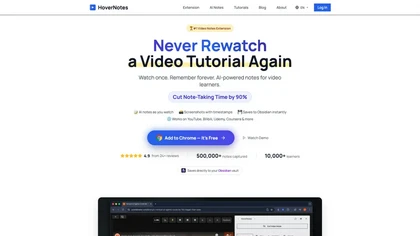
HoverNotes is an AI browser extension that enhances note-taking for videos by capturing key concepts, screenshots, and timestamps. It integrates with Obsidian for organized storage, making it ideal for students and professionals engaged in technical subjects.
Free trial
ChatGPT2Help is a Chrome extension embedding ChatGPT for instant AI assistance: rapid content drafting, copy editing, multi‑language translation, page summarization, and specialized tasks like real‑estate listings, legal risk flagging, customer‑service FAQ responses, personalized education plans, an
Subscription

Datemaxx generates context‑aware replies and conversation starters for dating apps and social media. By uploading up to three screenshots, the AI produces tone‑matched responses for platforms like Tinder, Bumble, and Hinge, and offers profile reviews to boost match rates.
Freemium
- $3.99

MeetAssist.io is an AI interview assistant for browser meetings that provides real-time answer suggestions and live transcripts. It analyzes your active tabs and uploaded resume to deliver contextual, tailored responses directly to your phone to keep your screen distraction-free.
Free trial
- $9
Checkget is a browser extension that adds ChatGPT to any webpage via a single shortcut. It auto‑detects contexts, enabling summarization, translation, grammar correction, tone adjustment, and can run locally encrypted. Supports GPT‑3.5/4 for fast, on‑page AI help.
Subscription
- $4.99/mo
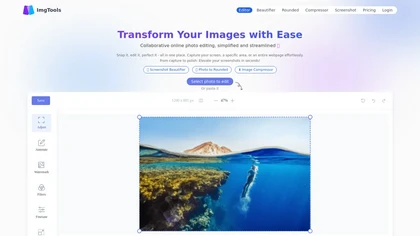
ImgTools is a versatile screenshot tool that simplifies capturing, editing, and enhancing images efficiently. It offers features like screenshot beautifier, advanced editing options, collaborative online editing, and customization tools to elevate your visuals effortlessly.
Freemium

Summarify AI gives YouTube video summaries in‑app and via Chrome, offering text, bullet, outline styles with timestamps for quick navigation. It supports export to PDF, Markdown, TXT, etc., helping students, researchers, creators save time and organize content.
Free
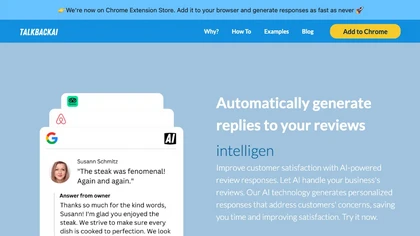
TalkbackAI is a Chrome extension that automates review responses on Google Business Profile, Yelp, and TripAdvisor. Users set a brand voice, generate SEO‑optimized replies, edit them, and view unified analytics for sentiment and performance.
Freemium
Recap is a Chrome extension that lets users highlight any web text and receive a concise ChatGPT summary. It supports model selection, custom API hosts, sticky‑panel removal, and density‑chain control for precise length.
Free

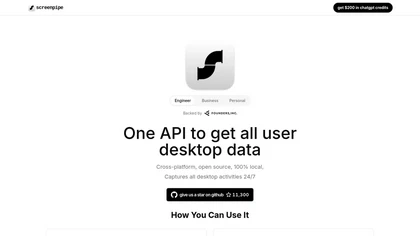
Screenpipe records screen and microphone continuously on macOS, Windows, or Linux, stores data locally, indexes it by text/audio, and runs AI agents that update CRMs, transcribe meetings, track expenses, or monitor competitors, delivering structured data to apps like Slack or Notion. Privacy is kept
Subscription
- $35/mo

NeuralBox captures photos instantly via camera, lock‑screen widget, or share extension, auto‑imports screenshots, and offers a scanning mode. AI image recognition and OCR enable keyword searches; similarity browsing groups images by visual traits. Files sync locally or in the cloud.
Subscription
- $5.99/mo
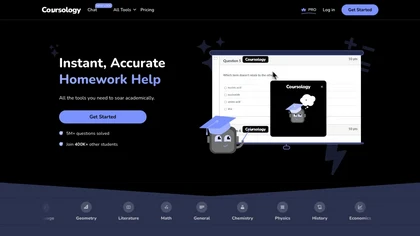
AI Homework Helper lets students upload documents, notes, and webpages to chat with the AI, generate quizzes, flashcards, and concise notes, convert lectures into podcasts, transcribe sessions, and solve problems via a Chrome extension across many subjects.
Freemium
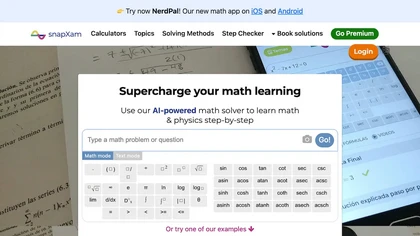
SnapXam is an AI math tutor for arithmetic, algebra, calculus, and differential equations. It offers an on‑screen calculator, AI whiteboard, worksheet generator, image upload, step‑by‑step explanations, and multilingual support across desktop, tablet, and mobile.
Free

InterviewBot Xpress offers interview prep and a live simulation with 20 on‑screen questions. Users upload a resume or job description to generate up to ten personalized questions per role, with downloadable offline practice files. Repeat sessions, no response recording.
DocsHound is a Chrome extension that records product demos and auto‑generates step‑by‑step guides, FAQs, and code blocks. It provides a visual editor, voice‑command editing, and AI chatbots for quick, accurate knowledge base creation.
Freemium
- $150/mo
Describe Image & Picture extracts text, alt descriptions, and HTML snippets from PNG, JPEG, or WEBP files up to 2 MB, converting visuals into editable Markdown or code, auto‑tagging photos, and generating Flux image variants for creators, developers, and marketers.
Freemium