
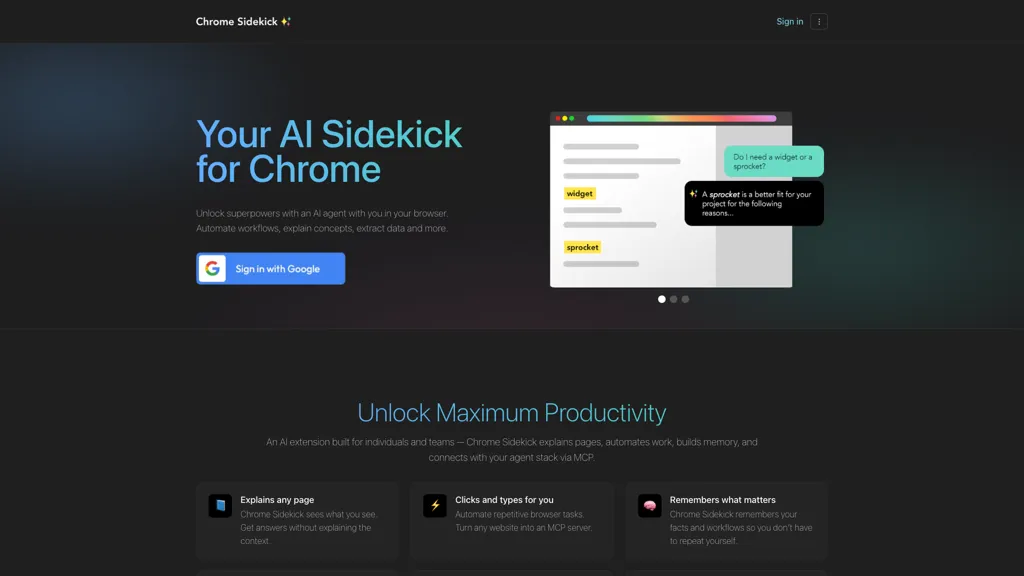
What is Chrome Sidekick?
Chrome Sidekick is a browser-based application designed to enhance productivity and streamline workflows within Chrome. It operates directly in the browser and requires JavaScript to function. While specific features are not detailed, such tools typically provide utilities such as task management, quick access to tools, browser automation, or productivity enhancements for professionals and teams. Use cases likely include improving efficiency, managing online tasks, and simplifying routine browser-based activities.
Chrome Sidekick details
- Company
- Gadget Labs LLC
- Built for
- Individuals
- Data residency
- United States and other locations of service providers
Chrome Sidekick tech specs
- Works with
- OpenAI / GPT Anthropic / Claude
- Integrations
- Slack Salesforce
Chrome Sidekick pricing
SubscriptionPricing details aren't listed here — check the official pricing page below. Plans start from $9/mo.
Verify on the official pricing page.
View plansChrome Sidekick's key features
-
AI-powered automation
-
Plain language explanations of web pages
-
Repetitive task automation
-
Memory capabilities for user interactions
-
Integration with other applications via MCP link
Chrome Sidekick use cases
-
Use Chrome Sidekick to quickly fill out online forms and save time on repetitive data entry tasks, allowing users to focus on more important aspects of their work
-
Leverage Chrome Sidekick's memory capabilities to recall past web interactions, simplifying the process of navigating frequently visited sites and enhancing productivity
-
Integrate Chrome Sidekick with other applications through MCP link to streamline collaborative tasks, ensuring seamless communication and workflow management among team members
Chrome Sidekick user reviews
Based on 4 reviews, 100% of users recommend Chrome Sidekick, rated highly for ease of use.
Liked for
Would you recommend Chrome Sidekick?
Who is Chrome Sidekick for?
-
Web automation users
-
Page explanation readers
-
Workflow automation seekers
-
Collaboration focused teams
-
Repetitive task performers
Chrome Sidekick FAQ
How much does Chrome Sidekick cost?
Chrome Sidekick is a paid product with no free plan. Paid plans start at $9/mo.
Is Chrome Sidekick safe to use?
Chrome Sidekick is operated by Gadget Labs LLC.
What are the best alternatives to Chrome Sidekick?
The closest alternatives to Chrome Sidekick are Axiom, Mazaal AI, WebFill, Ai Form Filler and Linnk.AI. You can compare them side by side in the alternatives section further down this page.
What does Chrome Sidekick do with my data?
Chrome Sidekick states that customer content is not used to train its models. Its privacy policy states that personal data is not sold or shared for marketing purposes. Data may be shared with third-party service providers that help run the product. Customer data is held in United States and other locations of service providers.
Who made Chrome Sidekick?
Chrome Sidekick is built and operated by Gadget Labs LLC.
Which AI models does Chrome Sidekick use?
Chrome Sidekick is built on OpenAI / GPT and Anthropic / Claude. Which models you can reach may depend on your plan.
What does Chrome Sidekick integrate with?
Chrome Sidekick connects with Slack and Salesforce.
Compliance, privacy and billing terms are as stated in each product's own published documentation and have not been independently verified by TopAI.tools.


