
Photo Style Converter
The best 50 Photo Style Converter AI tools - Free & Paid
Explore 50 AI for Photo Style Converter
ImageToCartoon turns JPEG, PNG, or WebP photos into high‑resolution cartoon images directly in the browser. Users pick from 80+ styles—Ghibli, Pixar, anime, comics—to create avatars, prints, or pet illustrations, with royalty‑free commercial rights.
Free
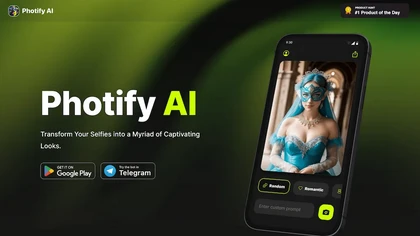
Photify AI transforms a single selfie into a stylized image in about two seconds, offering themed packs (cartoon, anime, retro, travel, etc.). Its quick processing, style transfer, and intuitive interface help creators, marketers, and hobbyists generate ready‑to‑use visuals.
Free
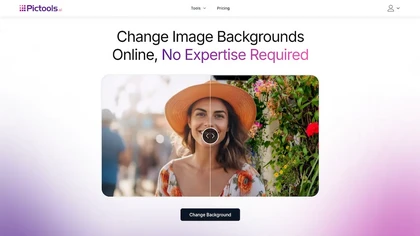
PicTools.AI is a web‑based photo editor that lets users upload images and apply changes via text prompts or over 100 one‑click AI filters—background removal, outfit changes, smile addition, restoration, and artistic styles—without design skills.
Subscription
- $23.4/mo
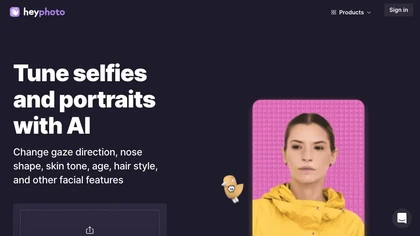
HeyPhoto is an AI‑powered photo editor that lets users swap faces, generate new faces, upscale images, and remove backgrounds with one click, offering facial attribute adjustments and support for common image formats up to 5 MB.
Free
Upload JPG, PNG, or WebP (≤1 MB) to convert images into Disney Pixar or Studio Ghibli style artwork. Specify prompts to guide the transformation and receive high‑resolution JPEG or PNG outputs ready for printing or sharing, all in a simple, subscription‑free workflow.
Paid
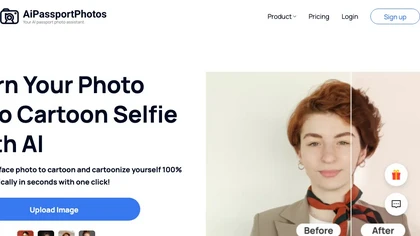
AiPassportPhotos transforms portrait photos into cartoon styles—sketch, 3D, manga—via one click. It also offers background removal, blur, face cutout, enhancement, colorization, and old‑photo restoration, all online with instant downloads. For mobile and desktop browsers, ensuring privacy with a dat
Free

PhotoGrid is a browser‑based AI photo editor that offers one‑click enhancement, background removal, and upscaling. It lets users build collages from 20,000 templates, add stickers, text, custom backgrounds, and convert images into short video clips.
Subscription
- $2.83/mo
AI Photo Studio delivers AI‑powered image and video creation, including generation, background removal, virtual try‑on, style libraries, advanced editing (skin, age, expression, eye color), outpainting, thumbnails, and direct social publishing via a web interface.
Free
- $1.99
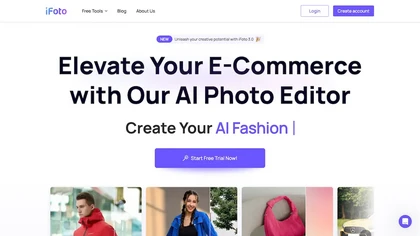
AI Photo Studio automates e‑commerce image editing: background removal, resolution enhancement, lossless compression, profile passport creation, hairstyle preview, object cleanup, old‑photo restoration, colorization, AI fashion model generation, clothing recolor, background changes, and file convers
Free
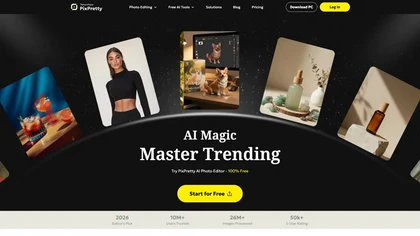
PixPretty AI Photo Editor is a free tool that uses AI to remove or replace backgrounds in seconds. It also supports batch editing for bulk transformations, retouching, and format conversion.
Freemium
- $12.99/mo
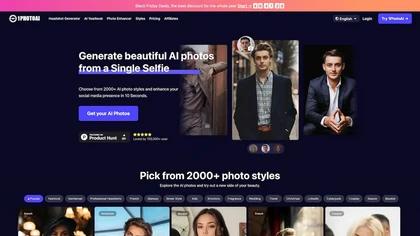
PhotoAI transforms a single selfie into high‑resolution stylized headshots, avatars, or themed images using over 2,000 preset styles. It offers fast, batch processing, AI photo enhancement, and integrates with social‑media workflows for quick profile and marketing updates.
Paid
- $20

AI image enhancer that upscales up to 4×, removes noise, sharpens blur, and can enhance faces or colorize. Handles .png/.jpg/.webp/.tif/.bmp/.raw and outputs the same formats. Windows, macOS and Photoshop plugin supported.
Free trial
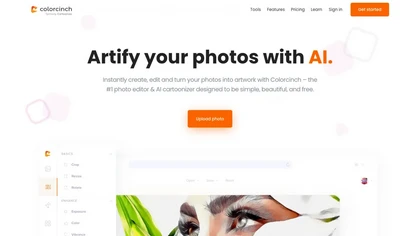
Colorcinch converts photos to cartoons, sketches, or paintings with one click, offers AI background removal, adjustable sliders, overlay effects, multi‑layer editing, high‑resolution export to JPG/PNG/PDF, all usable online/offline without login.
Free
- $8.99
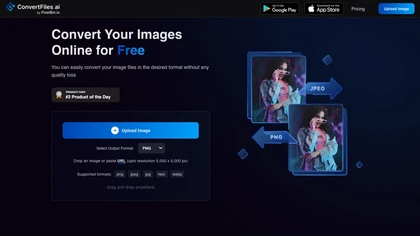
ConvertFiles.ai offers free, server‑side conversion for PNG, JPEG, WEBP, and HEIC files up to 5000 × 5000 px via upload, URL, or drag‑and‑drop. It preserves quality, supports bulk processing, provides instant downloads, and includes a mobile app.
Freemium
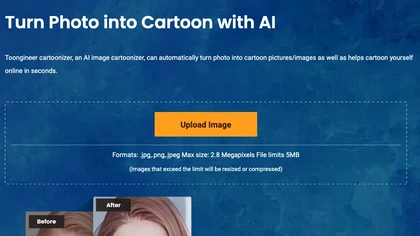
Toongineer Cartoonizer turns JPEG, PNG, or JPG photos into cartoon images with anime, Disney, Ghibli, or comics styles. It supports up to 2.8 MP, offers batch processing, real‑time previews, and quick upscaling via stable diffusion and AnimeGANv2.
Paid
- $4.95
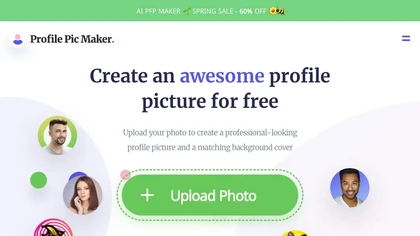
PFPMaker uses AI to generate professional profile pictures from a single selfie in about 15 seconds. It auto‑removes backgrounds, offers templates, borders, gradients, text overlays, and chat‑based edits for makeup, lighting, and expression changes, outputting JPG/PNG up to 5 MB.
Freemium
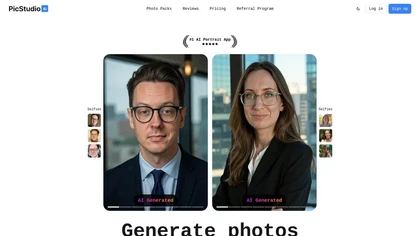
PicStudio.AI turns uploaded selfies into realistic headshots in minutes. It trains on multiple photos to produce corporate, casual, or editorial styles, offers upscaling, background removal, version control, and full commercial ownership of results.
Paid
- $29.99

PicWish AI Photo Editor automates image enhancement, background removal, and watermark deletion. It processes batches of up to 30 files, offering resizing, lighting, upscaling, AI Designer prompts, Face Cutout, and single‑click unblur/sharpen. Available on Windows, macOS, iOS, Android, and browser.
Subscription
- $9.99/mo

VSCO is a cross-platform photo and video editor combining 200+ presets, analog-style Film FX and precision exposure/color controls with AI-powered Remove and retouching, live in-app capture, clip-level video edits, and portfolio/workspace tools for creators.
Freemium
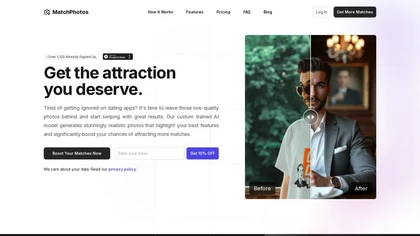
MatchPhotos converts uploaded images into realistic, high‑resolution photos tailored for dating apps. In about an hour, it generates 100+ varied photos—different styles, outfits, settings—ready for download and improve profile use.
Paid
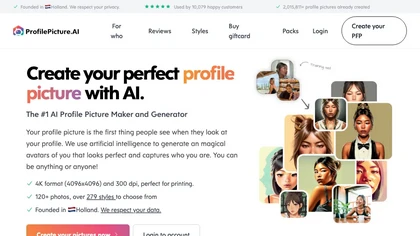
PFP.AI produces studio‑quality profile pictures from a single high‑definition photo, offering preset styles for professional, minimalist, fashion, corporate, or creative looks. It outputs a gallery of JPG, PNG, or WebP images, with privacy data deleted after 24 hours.
Freemium
- $8
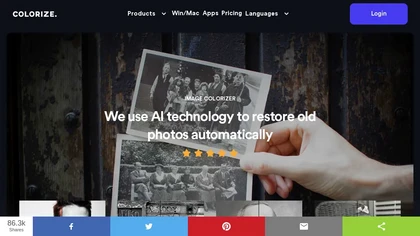
ImageColorizer automatically colorizes black‑and‑white photos, doubles resolution, removes scratches, deletes unwanted objects, and retouches portraits. It supports batch processing, delivering high‑quality, corrected images quickly for restorers and hobbyists and preserves surrounding detail.
Freemium
- $3.9/mo
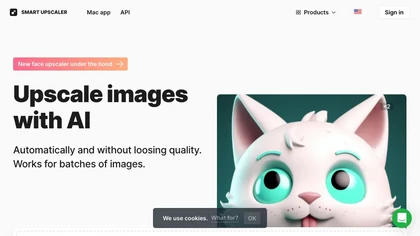
AI-driven image upscaler that enlarges photos to 7680 × 7680 px, supporting JPEG, PNG, WebP and up to 500 images per batch. It offers an API for sharpening, noise reduction, and a Mac app with background removal, photographers, designers, marketers, and social media managers.
Subscription
- $19.99/mo
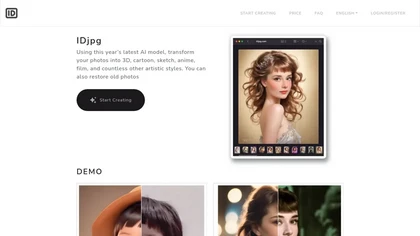
IDjpg is an AI image editor that applies style transfers, restores photos, creates ID images, converts line art, and renders product illustrations. It offers batch processing, face analysis, pose adjustment, and character swapping for professional visuals.
Paid
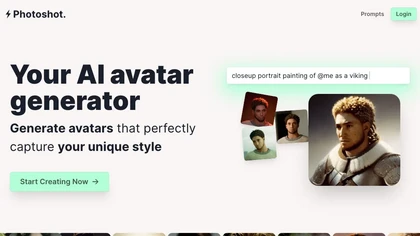
Photoshot lets users upload multiple selfies to train a personalized AI model, automatically producing high‑resolution (4K) portraits that reflect their unique look. Detailed prompts and iterative refinement allow precise, creative outputs for individual creators and brand teams.
Paid
- $12
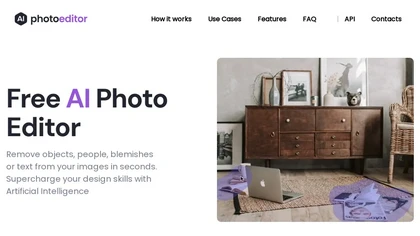
PhotoEditor.ai edits JPG, PNG, HEIC, and WEBP images up to 15 MB in a browser or mobile app. It offers portrait transformation, background removal, detail enhancement, and 4K upscaling, delivering instant downloads for photographers, marketers, and designers.
Paid
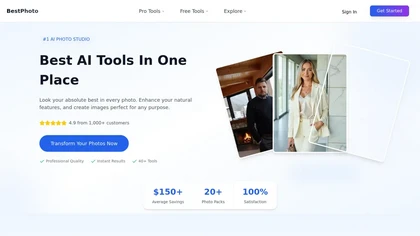
BestPhotoAI is an AI photo studio offering over 40 tools to enhance, create, or transform images. Upload a photo, choose a style like anime or professional headshot, and receive a high-resolution edit in under an hour.
Freemium

Picture Drawing AI transforms photos into artistic drawings in various styles, including sketches and watercolors. Users can easily upload images and generate high-resolution outputs quickly, making it useful for artists and content creators seeking unique visuals.
Freemium
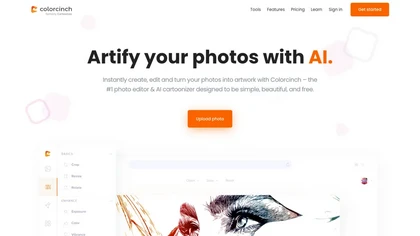
Colorcinch is an AI photo editor that instantly cartoonizes or sketches images and offers background removal, cropping, resizing, exposure and detail controls, file compression, and 400 DPI print‑ready export. Mobile app adds cartoonizing, background removal, and upscaling on the go.
Paid
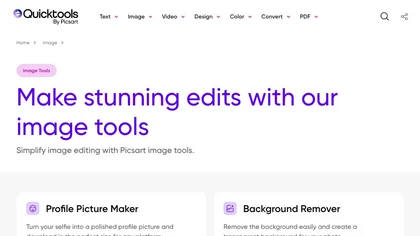
An online image tool with features including background removal, image resizing, text addition, color palettes, conversion, and AI-powered social media bios, market slogans, business name ideas, and hashtag generation.
Free

Image Editor Online is an AI-powered tool that edits your photos using simple text prompts. It allows you to remove backgrounds, adjust poses, transfer styles, and continuously refine your images in one place.
Free
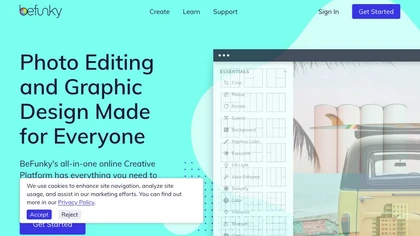
BeFunky is an online editor for photos, collages, and graphics. It offers crop, resize, blur, exposure, batch edits, AI background removal, object erasing, upscale, artistic filters, and drag‑and‑drop templates for banners, flyers, and social‑media posts.
Free
Photoleap is an iOS‑only photo editing app that uses AI for quick enhancements, background removal, object deletion, collage creation, filters, text‑to‑image, video from stills, 4K upscaling, style transfer, portrait retouching, and hair color simulation.
Free trial
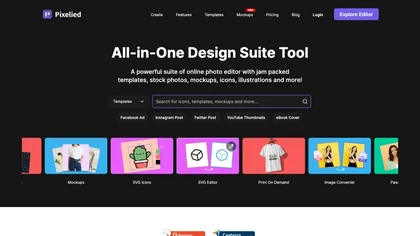
Pixelied is an online photo editor and design suite that offers brightness, saturation, and filter tools, background removal, a 4 million‑photo library, vector editing, team collaboration, and pre‑made templates for quick resizing.
Freemium
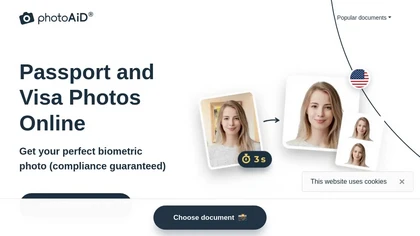
PhotoAiD generates passport, visa, and driver‑license photos from user selfies. The AI crops, resizes, and removes backgrounds to meet official specifications, flags compliance issues, and offers downloadable high‑resolution images or same‑day printed copies via Android or iOS.
Free
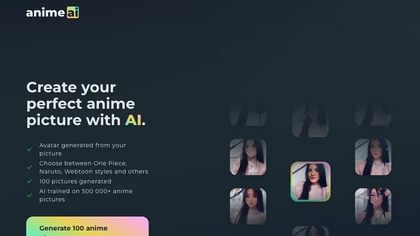
Anime AI transforms portrait photos into 512 × 512 anime-style images using a fine‑tuned Stable Diffusion model. Users upload JPEG/PNG up to 5 MB, select styles (e.g., Naruto, One Piece), and optional attributes, with results stored indefinitely while the original is deleted for privacy.
Freemium
- $1.99
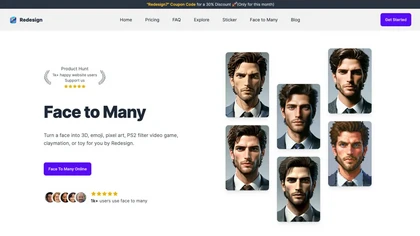
Transform face photos into artistic styles with Face Many AI. Choose from 3D, emoji, pixel art, video game, claymation, and toy styles instantly. User-friendly interface with privacy focus. Free and paid plans available.
Freemium
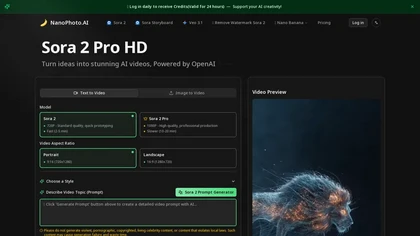
NanoPhoto.AI is an AI-powered media editor that simplifies generating and editing images and videos. It offers features like photo restoration and style changes, and supports batch processing for efficient workflows.
Free trial
- $15/mo
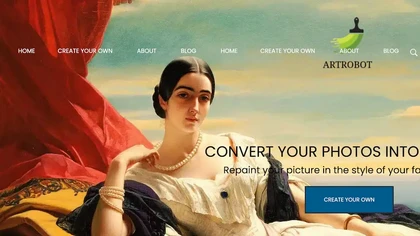
ArtRobot transforms photos into paintings or illustrations using over 150 neural‑network styles. Upload an image, pick a style, and receive an HD or 4K output in minutes—ideal for photographers, designers, and social‑media creators.
Free

ghibli-art.io is an AI tool that transforms photos into Ghibli-inspired, painterly anime art with cinematic lighting and soft palettes. It supports batch uploads, custom style prompts, and aspect ratios for fast, high-resolution social-media-ready outputs.
Freemium

imgtoimg.ai is an AI image transformation tool that generates new images from your photo inputs and text prompts. It offers precise control over style and composition, plus built-in utilities like upscaling and background removal for creators.
Freemium
- $9.99/mo
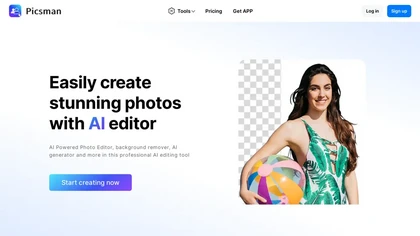
Picsman is an AI‑powered editor that removes or replaces backgrounds, ups image resolution, and applies styles like Ghibli or cartoon. It also offers text‑prompt editing, video generation, image extending, and watermark removal for quick, high‑definition results.
Free
- $5.99/mo
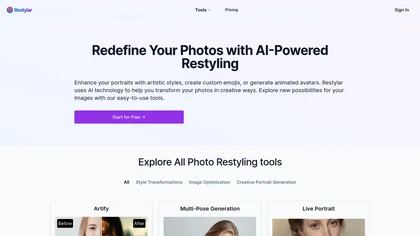
Restyle Image to Image AI transforms photos via natural‑language prompts, offering style transfers (paintings, sketches, anime, Disney‑Pixar), scene changes, and object editing. Upload JPG/PNG/WebP, choose resolution ratios, and select Lite, Standard, or Professional quality modes.
Paid
- $7.9

PhotoToCartoon is an AI tool that converts photos into stylized artwork with over 38 preset effects like anime, oil painting, and Disney styles. It offers a simple three-step workflow to generate high-resolution, customizable art for creators and marketers.
Freemium
- $9.9
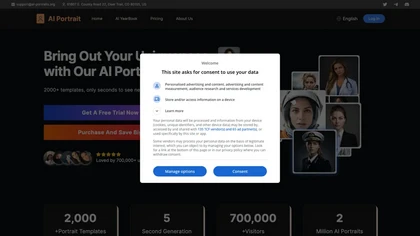
AI Portrait Generator turns a single selfie into over 2,000 AI‑style portraits—including ID photos, comics, oil paintings, cartoons, anime, and avatars—using Midjourney V5. The web app delivers results in 30‑60 seconds and never stores your images.
Freemium
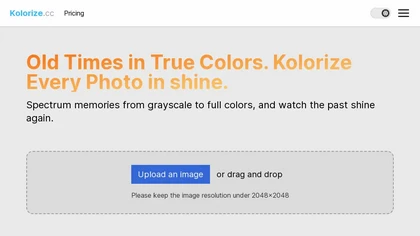
Kolorize automatically colorizes grayscale, black‑and‑white, or sepia images in 3–8 seconds. It accepts JPEG, PNG, WebP, GIF, or AVIF up to 4096×4096 pixels, resamples larger files, outputs colorized JPGs, and deletes uploads after processing.
Freemium
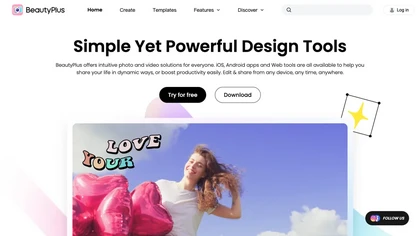
BeautyPlus - Versatile AI tool for effortless photo & video editing; offers face reshaping, filter & sticker additions; perfect for enhancing selfies & videos.
Free trial

PhotoGPT.io is a free, browser-based AI photo editor that enables fast online enhancements like generative fill, relighting, and restoration. It supports batch editing and multiple export formats, ideal for social media creators and small businesses needing quick, professional photo fixes.
Free