
What is Restylar?
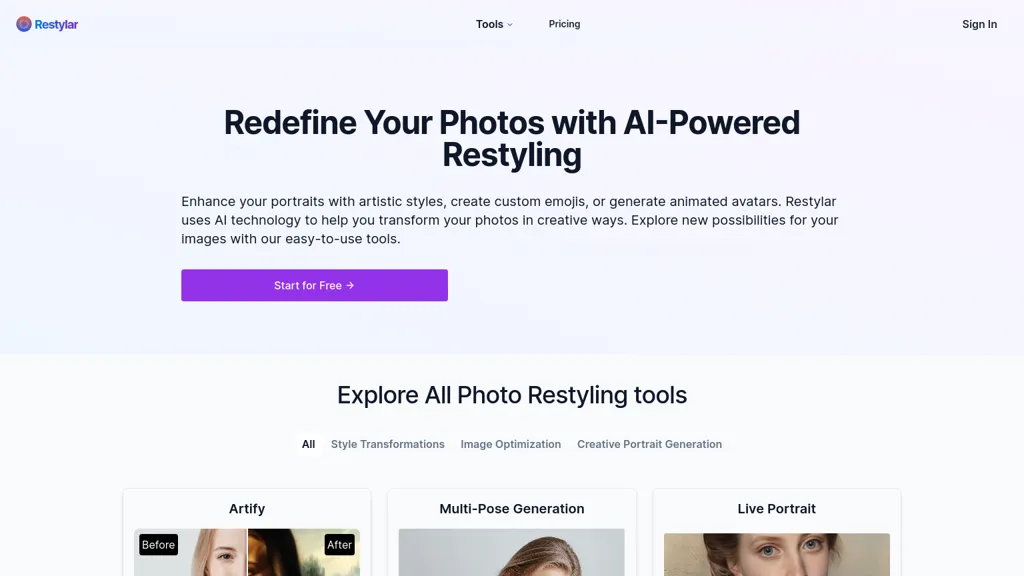
Restyle Image to Image AI transforms photos using text prompts. It supports style transfer to paintings, sketches, anime, and Disney‑Pixar styles, and allows scene changes such as background replacement, lighting adjustments, and weather or time‑of‑day modifications.
Users can upload JPG, PNG, or WebP files and describe desired edits in natural language, with the system interpreting context to preserve important details. The tool offers three quality modes—Lite, Standard, and Professional—to balance speed and resolution.
Restylar details
- Jurisdiction
- United States
- Built for
- Individuals
Restylar pricing
PaidVerify on the official pricing page.
View plansRestylar's key features
-
Transform image via text prompts
-
Accept JPG, PNG, WebP uploads
-
Quality modes: Lite, Standard, Professional
-
Context-aware natural language interpretation
-
Style transfer to cartoons, anime, Disney
-
Background and lighting changes, object removal
Restylar use cases
-
Generate anime‑style promotional images for a mobile game by uploading character photos, applying a 'studio anime' style prompt, and upscaling to 4K for billboard use.
-
Transform vacation photos into watercolor sketches or alter weather conditions—e.g., 'make the beach scene rainy at dusk'—to create unique blog visuals at a chosen resolution ratio.
-
Edit interior property photos to remove clutter, replace the background with virtual staging, adjust lighting to simulate daylight, and output a high‑resolution image suitable for real‑estate listings.
Restylar user reviews
Would you recommend Restylar?
Who is Restylar for?
-
Visual artists
-
Image editors
-
Digital designers
-
Content creators
-
Creative designers
Restylar FAQ
How much does Restylar cost?
Restylar is a paid product with no free plan. Plans include Lite at $7.92, Plus at $15.92 and Pro at $19.95.
What are the best alternatives to Restylar?
The closest alternatives to Restylar are Image to Image AI, Stylize, Face to Many, ImgToImg.ai and Disney Pixar Image Generator. You can compare them side by side in the alternatives section further down this page.
What does Restylar do with my data?
Its privacy policy states that personal data is not sold or shared for marketing purposes. Data may be shared with third-party service providers that help run the product.
Compliance, privacy and billing terms are as stated in each product's own published documentation and have not been independently verified by TopAI.tools.


