
Offline Image Metadata Extractor
The best 50 Offline Image Metadata Extractor AI tools - Free & Paid
Explore 50 AI for Offline Image Metadata Extractor

Generates detailed image descriptions, SEO-friendly alt text, and searchable tags from JPG/PNG/WEBP; performs OCR on text and tables, summarizes charts, converts images into prompts, and offers batch processing, API, and chat-for-image Q&A for workflows.
Free
- $19.99
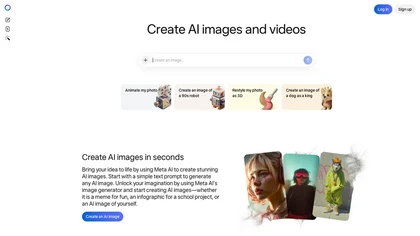
Meta AI generates images and short videos from text prompts or uploaded photos, offering fast text-to-image, editing (add/remove elements, background removal), one-click restyling, and photo-to-animation tools for rapid prototyping and visual asset creation.

ImageWhisperer detects AI-generated images and edits via multi-model classifiers and forensic analyses (perspective, shadows, ELA, metadata), performs reverse-image and social-profile tracing, OCR extraction, and combines findings into plain-language verdicts and detailed reports.
Freemium
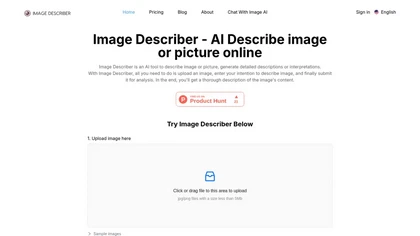
Image Describer generates detailed text from jpg/png/webp/gif images up to 5 MB. Users choose templates or custom prompts, process bulk uploads, export English descriptions, alt text, marketing copy, or AI art prompts, with TTS and OCR support.
Freemium
- $7.9

Imglarger is an image enhancer that upsamples photos up to 8×, supports batch processing, and offers background, object, and face retouch tools. It converts WebP, JPEG, PNG, SVG, JFIF formats and lets users adjust brightness, contrast, and saturation via web or mobile.
Freemium
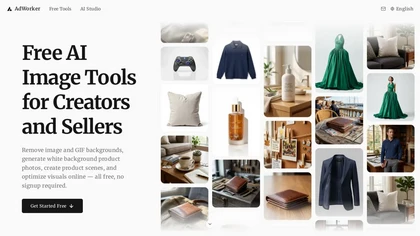
AdWorker AI is an image toolset for ecommerce sellers that removes backgrounds (including from GIFs), creates white-background product shots, and generates AI product scenes. It also offers batch processing, compression, and marketplace-specific cropping for Amazon, Shopify, and eBay.
Free trial

Clipdrop is an AI image editor that adjusts aspect ratios, extends boundaries, and adds background space while preserving detail. It offers background removal, object cleanup, relighting, universal resizing, upscale, and text‑to‑image generation for photographers and designers.
Freemium
- $15/mo
Clipdrop uses deep learning to remove backgrounds, objects, and text, upscale images, adjust lighting, uncrop, and resize. It also offers text‑to‑image generation and an API for developers, supporting design, marketing, and app workflows.
Subscription
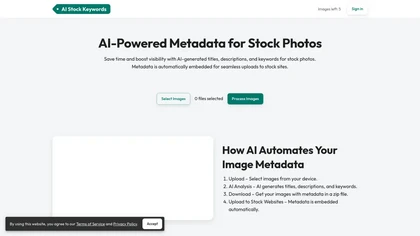
AI Stock Keywords automatically generates XMP‑compatible titles, descriptions, and keywords for JPEG, PNG, MP4, and MOV files. Bulk processing up to 500 files, exportable as CSV or ZIP, streamlines metadata creation for stock platforms.
Paid
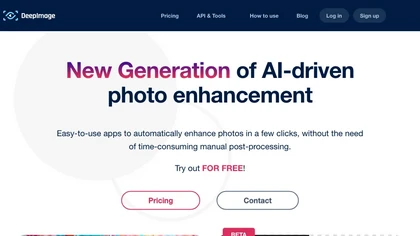
Deep‑Image.ai offers photo upscaling, denoising, sharpening, color and lighting adjustments. It removes backgrounds, adds virtual staging, creates business headshots, and delivers batch product‑photo presets, inpainting, and high‑resolution generative upscaling up to 300 MP.
Freemium
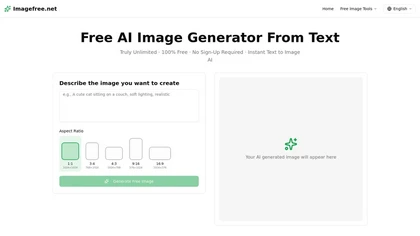
imagefree.net is a text-to-image AI generator that turns descriptive prompts into visuals across multiple styles like photorealism, anime, and 3D renders. It offers adjustable aspect ratios, lighting cues, and high-resolution outputs for rapid image creation without requiring artistic skills.
Free
AI Background Remover deletes backgrounds from JPG, PNG, WebP images while preserving resolution, handling up to 500 at once. Users can replace with color, gallery, or upload; ideal for designers, marketers, and e‑commerce workflows.
Freemium
- $9
ImgUpscaler enlarges JPG, PNG, WebP images up to 400 % using super‑resolution, producing 16k × 16k outputs with minimal detail loss. Batch up to 5 images, offers basic editing, deletes uploads after 24 h, free commercial use.
Free
iLikeIMG is a browser-based AI photo and video editor offering 50+ task-specific tools for photo enhancement, restoration, background removal, and AI generation. It provides fast, no-install features like unblur, denoise, colorize, background changer, and batch processing for streamlined edits.
Freemium

AI Photo Studio automates e‑commerce image editing: background removal, resolution enhancement, lossless compression, profile passport creation, hairstyle preview, object cleanup, old‑photo restoration, colorization, AI fashion model generation, clothing recolor, background changes, and file convers
Free
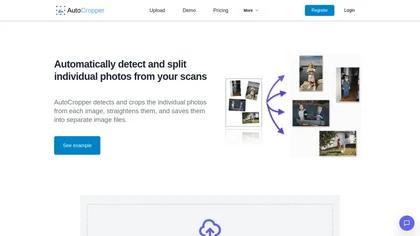
AutoCropper uses AI to detect, crop, and straighten photos from scans, handling JPEG, PNG, TIFF, and PDF in batches. It splits images into full‑quality files, lets you resize or tag crops, all in the browser with full privacy.
Freemium
- $18

Browser-based Online Audio Converter converts 300+ audio/video formats to MP3, WAV, M4A, FLAC, OGG, etc., extracts audio from video, offers bitrate/sample rate/channel controls, fade/reverse/voice removal, batch conversion, metadata editing, and cloud export.
Subscription
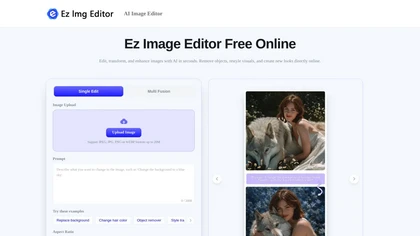
EzImgEditor.io is a browser-based AI tool for editing, enhancing, and transforming photos. It enables tasks like object removal, background replacement, and style transfer with text-prompt controls and multi-image blending.
Freemium
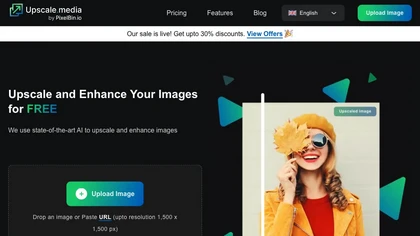
Upscale.media is a browser-based AI upscaler that increases image and short-video resolution up to 2×/4×/8×, reconstructs detail, reduces noise/artifacts, and offers deblur, sharpen, colorisation, face restoration, batch processing and API access.
Freemium
- $0.02
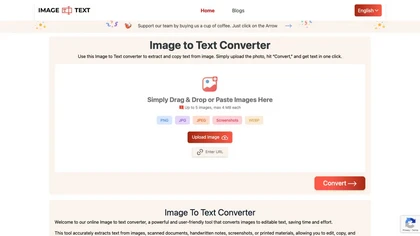
Image to Text Converter extracts text from images, PDFs, and handwritten notes in 30+ languages. It accepts JPEG, PNG, WebP, GIF, PDF, handles blurry files, and can recognize equations. Users can crop regions, and outputs editable TXT, PDF, or DOCX.
Free
Describe Image & Picture extracts text, alt descriptions, and HTML snippets from PNG, JPEG, or WEBP files up to 2 MB, converting visuals into editable Markdown or code, auto‑tagging photos, and generating Flux image variants for creators, developers, and marketers.
Freemium
Instasize is an AI-powered photo editor and image resizer that optimizes visuals for specific social media platforms like Instagram, YouTube, and TikTok. It offers background removal, 4K upscaling, and batch processing to streamline content creation for creators, marketers, and e-commerce teams.
Freemium

Picture Picker is an AI-driven image management tool that captures images via browser extension, syncs libraries across devices, supports one-click collection and bulk downloads, natural-language image search and automatic categorization, color palette extraction, format conversion, and compression.
Free
- $9/mo
Free AI Image Detector analyzes images for AI generation with high accuracy in under 10 seconds. It supports JPEG, PNG, WEBP, and HEIC formats, providing a confidence score and authenticity explanation without storing uploaded files. No registration is needed.
Free
Stock image finder that provides a variety of use cases for finding the best licensed images at the lowest price.
Freemium
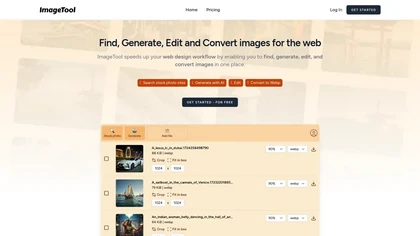

TheToolBus offers free, no‑watermark PDF and image utilities for small business owners, including merge, compress, OCR, conversion, background removal, calculators, QR codes, and AI text extraction, all accessible without sign‑up.
Freemium

AI-driven image upscaler that enlarges photos to 7680 × 7680 px, supporting JPEG, PNG, WebP and up to 500 images per batch. It offers an API for sharpening, noise reduction, and a Mac app with background removal, photographers, designers, marketers, and social media managers.
Subscription
- $19.99/mo
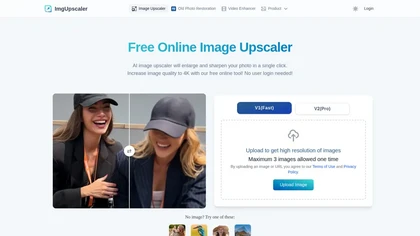
Imgupscaler is an AI tool for enhancing image quality by upscaling images to 4K resolution. It supports multiple formats and restores details while reducing noise, making it suitable for e-commerce, social media, and graphic design.
Freemium
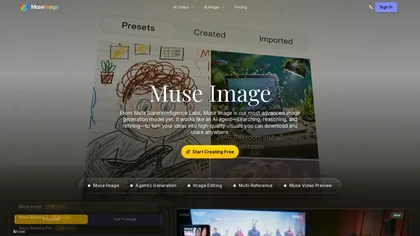
museimage.devis an AI image generator that uses agentic workflows to search, reason, and self-refine visuals—enabling precise editing, multi-reference composition, and 4K exports for creators, designers, and marketers.
Freemium

Deep Art AI transforms photos into artworks using style‑transfer algorithms, offering on‑device, privacy‑respecting editing across Windows, macOS, Linux, Android, and iOS. Features include up to 4× upscale, background removal, colorization, preset filters, batch processing, and an API for developers
Free trial
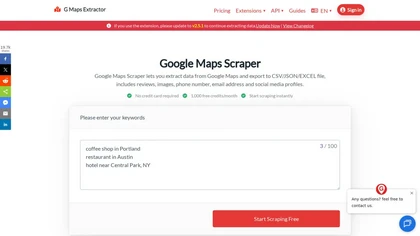
gmapsextractor.com is a cloud-based Google Maps scraper that extracts structured business data including names, addresses, contacts, and reviews. It exports to CSV, JSON, or Excel for CRM imports, lead generation, local SEO, and market research, with anti-blocking and API integration.
Freemium

PhotoGrid is a browser‑based AI photo editor that offers one‑click enhancement, background removal, and upscaling. It lets users build collages from 20,000 templates, add stickers, text, custom backgrounds, and convert images into short video clips.
Subscription
- $2.83/mo
Unblur Image is an AI-powered tool that enhances blurry photos by removing motion blur, poor focus, and noise. It supports various formats, batch processing, and upscaling to 4K resolution for improved image quality and clarity.
Freemium
Imagga offers APIs for image and video recognition, providing tagging, categorization, smart cropping, background removal, color extraction, face and OCR detection, and custom model training. It supports safe content moderation and visual search for media, e‑commerce, and more.
Freemium

backgroundremove.io is a tool that quickly erases image backgrounds using AI. It automatically creates clean, high-resolution cutouts, ready for e-commerce, social media, and design projects.
Free

PhotoEditor.ai edits JPG, PNG, HEIC, and WEBP images up to 15 MB in a browser or mobile app. It offers portrait transformation, background removal, detail enhancement, and 4K upscaling, delivering instant downloads for photographers, marketers, and designers.
Paid
Retoucher Online is an AI background remover handling batch uploads via drag‑and‑drop, camera, or file selection. It isolates foregrounds, lets users keep transparent backgrounds, replace with white or custom images, add shadows, fine‑tune edges, and download PNG/JPG at various resolutions.
Freemium
- $659/mo
ObjectRemover uses AI to erase unwanted people, stickers, logos, text, and clutter from images. Drag‑and‑drop JPG, PNG, or WebP files up to 10 MB, preview edits, and download watermark‑free results in seconds with high‑quality output.
Free

AI image enhancer that upscales up to 4×, removes noise, sharpens blur, and can enhance faces or colorize. Handles .png/.jpg/.webp/.tif/.bmp/.raw and outputs the same formats. Windows, macOS and Photoshop plugin supported.
Free trial

Image Editor Online is an AI-powered tool that edits your photos using simple text prompts. It allows you to remove backgrounds, adjust poses, transfer styles, and continuously refine your images in one place.
Free
Img2Prompt is an AI tool that generates text prompts from images and provides a public API for image captioning and prompt-based image generation. It can run on personal hardware or cloud platforms.
Freemium
- $0.36
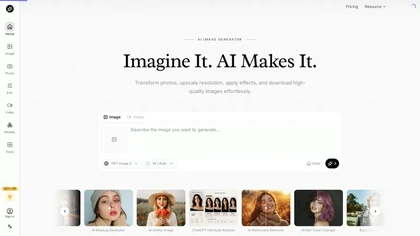
AI Imagine offers image and video generation and editing: text-to-image creation, enhancement, background/object/watermark removal, upscaling, unblurring, style transfer, batch format conversion, portrait retouching and virtual try-ons, plus short-form video with consistent character styling.
Free trial
- $4.99/mo

Pixelied is an online photo editor and design suite that offers brightness, saturation, and filter tools, background removal, a 4 million‑photo library, vector editing, team collaboration, and pre‑made templates for quick resizing.
Freemium

Grok Imagine is a multimodal AI generator for text-to-image, text-to-video and image-to-video creation, offering adjustable modes, aspect ratios and lengths, character/anime/3D/pixel generators, face swap, video effects, lip-sync and image editing utilities.
Free

GPTImage2.dev is a browser-based AI image generator and editor that creates and modifies images from text prompts or reference uploads. It offers advanced editing tools like relighting and style transfer, producing high-resolution assets for marketing, design, and content creation.
Free trial
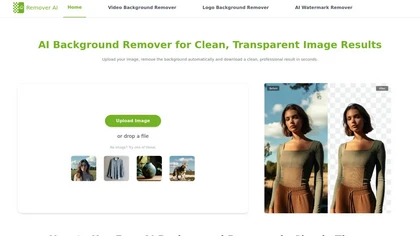
removerai.io is a web-based AI tool that automatically removes backgrounds from images, preserving fine details like hair and edges. It requires no installation, allows manual refinements, and exports high-resolution transparent PNGs for e-commerce, design, and marketing.
Free