
Image Improver
The best 50 Image Improver AI tools - Free & Paid
Explore 50 AI for Image Improver

Imglarger is an image enhancer that upsamples photos up to 8×, supports batch processing, and offers background, object, and face retouch tools. It converts WebP, JPEG, PNG, SVG, JFIF formats and lets users adjust brightness, contrast, and saturation via web or mobile.
Freemium
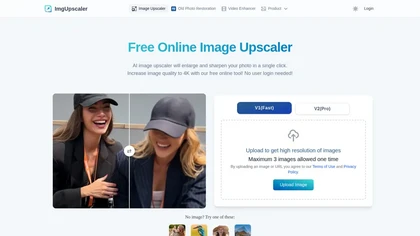
Imgupscaler is an AI tool for enhancing image quality by upscaling images to 4K resolution. It supports multiple formats and restores details while reducing noise, making it suitable for e-commerce, social media, and graphic design.
Freemium

Imgenhancer.ai is an AI image enhancement platform that enables one-step transformations with customizable settings. It supports various formats, batch processing, and delivers high-quality images with features like noise reduction and background removal, suitable for diverse creative projects.
Free trial
- $8.25/mo
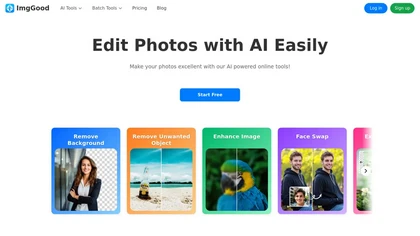
ImgGood is an AI-powered online photo editor that offers background removal, object editing, and image enhancement tools. It supports batch processing for resizing, format conversion, and intelligent image expansion.
Free trial
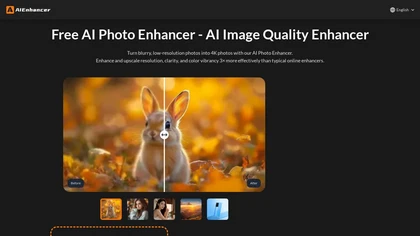
AIEnhancer.ai is a free online tool that instantly transforms blurry, low-quality images into high-resolution 4K photos. Simply upload your picture to apply AI-powered upscaling, noise reduction, and color correction, then preview and download the enhanced result.
Freemium
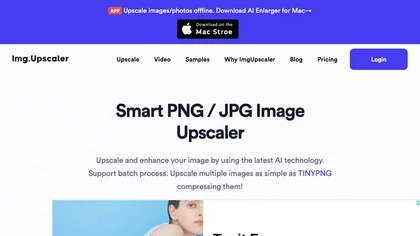
ImgUpscaler enlarges JPG, PNG, WebP images up to 400 % using super‑resolution, producing 16k × 16k outputs with minimal detail loss. Batch up to 5 images, offers basic editing, deletes uploads after 24 h, free commercial use.
Free
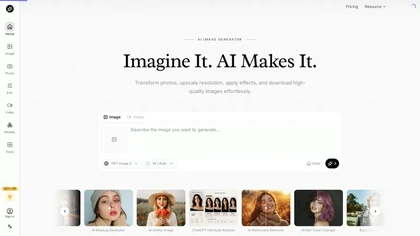
AI Imagine offers image and video generation and editing: text-to-image creation, enhancement, background/object/watermark removal, upscaling, unblurring, style transfer, batch format conversion, portrait retouching and virtual try-ons, plus short-form video with consistent character styling.
Free trial
- $4.99/mo

Remini is an AI photo enhancer that offers various tools to improve the quality of low-quality visuals and restore old photos with incredible detail.
Free
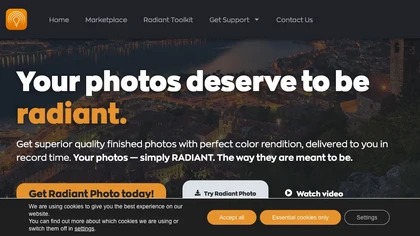
Get superior quality finished photos with perfect color rendition and fast delivery for radiant results.
Freemium

AI-driven image upscaler that enlarges photos to 7680 × 7680 px, supporting JPEG, PNG, WebP and up to 500 images per batch. It offers an API for sharpening, noise reduction, and a Mac app with background removal, photographers, designers, marketers, and social media managers.
Subscription
- $19.99/mo
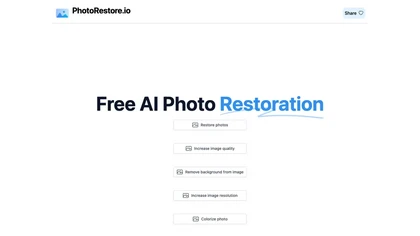
PhotoRestore uses AI to repair scratches, fading, and stains in legacy photos, auto‑colorizes black‑and‑white images, sharpens and denoises for clarity, upscales 2‑4×, and removes backgrounds for clean cutouts, supporting common formats and album sharing.
Free
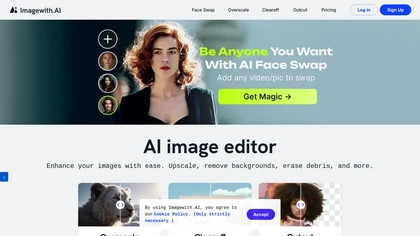
Imagewith.AI offers web‑based AI tools for image enhancement, background removal, object deletion, upscaling, photo restoration, and portrait improvement. Deep‑learning algorithms increase resolution, reduce noise, clean artifacts, and preserve fine detail for designers, photographers, and archivist
Free

AI image enhancer that upscales up to 4×, removes noise, sharpens blur, and can enhance faces or colorize. Handles .png/.jpg/.webp/.tif/.bmp/.raw and outputs the same formats. Windows, macOS and Photoshop plugin supported.
Free trial

PicWish AI Photo Editor automates image enhancement, background removal, and watermark deletion. It processes batches of up to 30 files, offering resizing, lighting, upscaling, AI Designer prompts, Face Cutout, and single‑click unblur/sharpen. Available on Windows, macOS, iOS, Android, and browser.
Subscription
- $9.99/mo
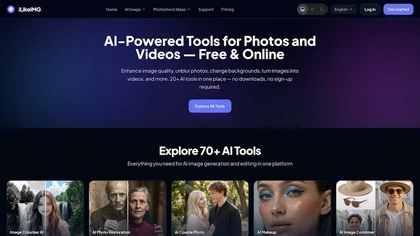
iLikeIMG is a browser-based AI photo and video editor offering 50+ task-specific tools for photo enhancement, restoration, background removal, and AI generation. It provides fast, no-install features like unblur, denoise, colorize, background changer, and batch processing for streamlined edits.
Freemium

Mejorar Calidad de Imagen uses AI to enhance photo resolution up to 10 times, achieving high-quality 12K images. Users can easily upload images and select enhancement levels for professional-grade results, accessible on mobile devices.
Freemium

AI Photo Studio automates e‑commerce image editing: background removal, resolution enhancement, lossless compression, profile passport creation, hairstyle preview, object cleanup, old‑photo restoration, colorization, AI fashion model generation, clothing recolor, background changes, and file convers
Free
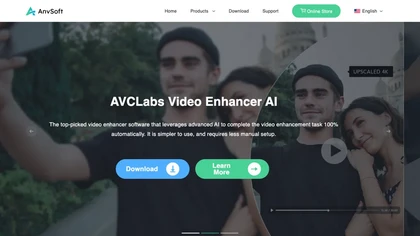
AVCLabs Video Enhancer AI uses deep learning to upscale, denoise, sharpen, colorize, and interpolate frames, automatically detecting and refining faces. It supports batch conversion, preview comparison, multiple formats, preserves frame rates, and leaves originals unaltered.
Free
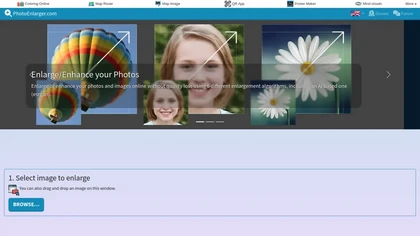
Upload or drag a photo, then upscale it with one of six algorithms—Magic Kernel Sharp, Lanczos 3, Hermite, or AI‑based ESRGAN—entirely client‑side for privacy. Crop as needed and download in JPG, PNG, or WebP.
Free
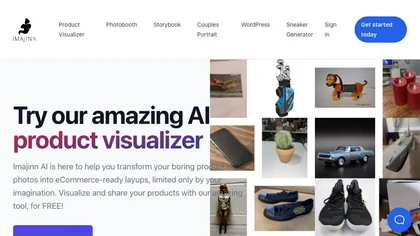
Imajinn AI offers enhanced ecommerce product photos using a product visualizer and photoshoot capabilities. Custom AI model training is available for various objects, styles, pets, and people. Imajinn is free with prompt examples for visuals.
Freemium
HitPaw AI Photo Enhancer upsamples images up to 8×, removes blur and noise, sharpens detail, and restores color for JPG, PNG, and WebP files. Works on web, desktop, and mobile with batch processing, aiding photographers, designers, and archivists.
Freemium

imgtoimg.ai is an AI image transformation tool that generates new images from your photo inputs and text prompts. It offers precise control over style and composition, plus built-in utilities like upscaling and background removal for creators.
Freemium
- $9.99/mo
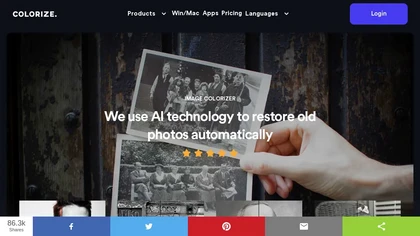
ImageColorizer automatically colorizes black‑and‑white photos, doubles resolution, removes scratches, deletes unwanted objects, and retouches portraits. It supports batch processing, delivering high‑quality, corrected images quickly for restorers and hobbyists and preserves surrounding detail.
Freemium
- $3.9/mo

Colorcinch converts photos to cartoons, sketches, or paintings with one click, offers AI background removal, adjustable sliders, overlay effects, multi‑layer editing, high‑resolution export to JPG/PNG/PDF, all usable online/offline without login.
Free
- $8.99
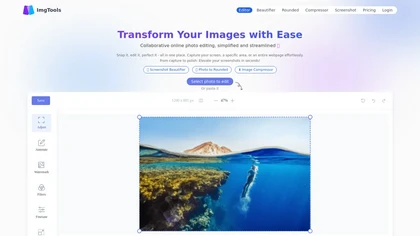
ImgTools is a versatile screenshot tool that simplifies capturing, editing, and enhancing images efficiently. It offers features like screenshot beautifier, advanced editing options, collaborative online editing, and customization tools to elevate your visuals effortlessly.
Freemium
MagickImg is an AI image enhancement platform that uses deep‑learning models for upscaling, colorizing, background removal, and headshot generation. Its simple interface processes images quickly, securely deletes files after an hour, and uses a credit system for transparent usage.
Freemium
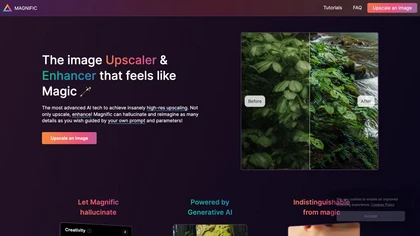
Magnific AI upsamples, enhances, and transforms images, producing high‑resolution outputs for photography, illustration, design, and game assets. Users guide detail with prompts and sliders for creativity, HDR, and resemblance, and can batch‑process for workflow integration.
Freemium
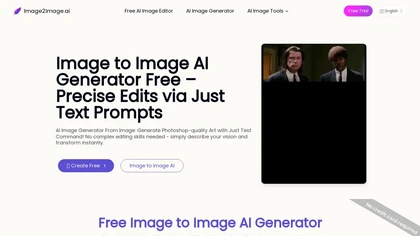
Image to Image AI is a tool that intelligently edits and transforms your photos based on simple text prompts. It allows for complex alterations like style changes, object removal, and realistic detail enhancement while maintaining consistency.
Free trial

Enhancephoto.ai is a web-based AI tool that improves low-resolution images to high-quality versions up to 16k. It restores missing details without blurring and enables users to enhance three images simultaneously without registration.
Freemium

PicFixer.ai is an AI-powered photo enhancer and headshot generator that transforms everyday selfies into professional-grade profile photos for LinkedIn, medical residency, real estate, and acting. It upscales images, corrects lighting and detail, and offers batch processing with industry-specific fo
Free trial
- $10
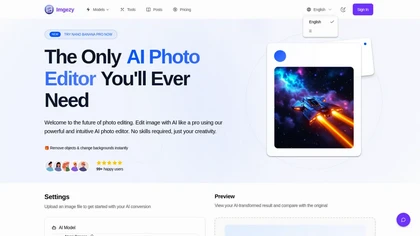
Imgezy is an AI photo editor for object removal, background replacement and automated color/exposure enhancement; it supports JPG, PNG, HEIC and WebP, offers high-resolution downloads, batch processing, fast previews and smart repair for damaged or blurry images.
Freemium
- $9.99

The AI Lab provides an advanced tool with image and facial enhancements features such as photo colorization, object and background removal, cartoon creation, retouching portraits, adjusting facial expressions, and API and platform for developers.
Free
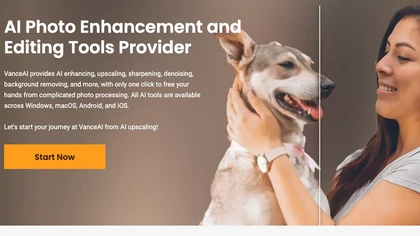
VanceAI offers AI‑driven image enhancement tools—upscaling, sharpening, denoising, background removal, restoration, and cartoonization. Supports batch processing and a Windows desktop app, enabling quick, detail‑preserving edits for photographers, designers, and e‑commerce sellers.
Free trial
Deep‑Image.ai offers photo upscaling, denoising, sharpening, color and lighting adjustments. It removes backgrounds, adds virtual staging, creates business headshots, and delivers batch product‑photo presets, inpainting, and high‑resolution generative upscaling up to 300 MP.
Freemium

PhotoGrid is a browser‑based AI photo editor that offers one‑click enhancement, background removal, and upscaling. It lets users build collages from 20,000 templates, add stickers, text, custom backgrounds, and convert images into short video clips.
Subscription
- $2.83/mo
LetsEnhance is an AI image editor that upscales up to 512 MP, sharpens, restores, and removes compression artifacts from JPG, PNG, or WebP files. It supports batch processing, high‑resolution outputs for prints and AI art, preserving natural texture without watermarks.
Freemium
- $0.75/mo
The AI tool is an online image enhancement platform that automatically improves the quality of images using deep learning algorithms, allowing users to upscale, denoise, restore, and refine faces in photos.
Subscription
Face Photo Restorer uses AI to enhance and restore old or blurry face photos, supporting batch uploads. It outputs high‑resolution images with corrected color, reduced noise, and sharpened detail, and offers real‑time previews for comparison.
Freemium
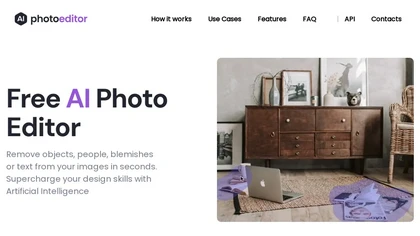
PhotoEditor.ai edits JPG, PNG, HEIC, and WEBP images up to 15 MB in a browser or mobile app. It offers portrait transformation, background removal, detail enhancement, and 4K upscaling, delivering instant downloads for photographers, marketers, and designers.
Paid
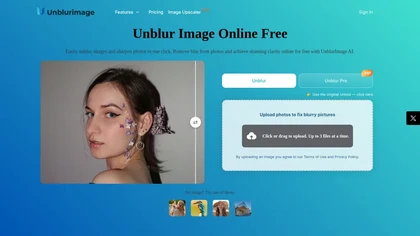
Unblur Image is an AI-powered tool that enhances blurry photos by removing motion blur, poor focus, and noise. It supports various formats, batch processing, and upscaling to 4K resolution for improved image quality and clarity.
Freemium

HitPaw FotorPea automatically enhances photos by applying AI models for sharpening, denoising, face and color correction. It unblurs images, upsizes to 4K/8K, restores old photos, removes backgrounds, and generates images from text prompts.
Free trial
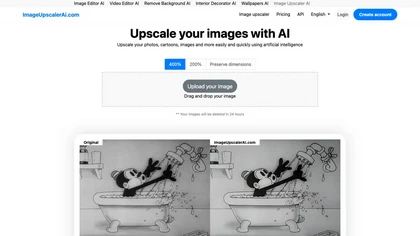
Image Upscaler AI enlarges photos, cartoons, and images up to 400 % using AI while preserving aspect ratio. Users upload via drag‑and‑drop, receive high‑resolution downloads within seconds, with files kept temporarily for privacy.
Paid
- $7/mo
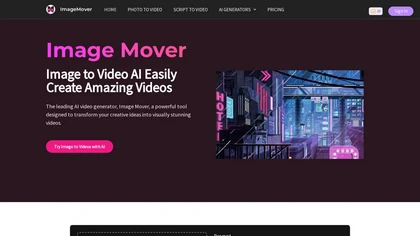
ImageMover is an AI-powered video creation tool that transforms images into stunning videos using customizable templates. Ideal for social media, marketing, and storytelling, it offers a user-friendly interface for fast and effortless video generation.
Freemium
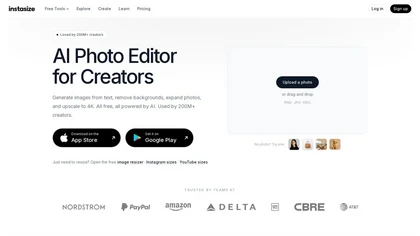
Instasize is an AI-powered photo editor and image resizer that optimizes visuals for specific social media platforms like Instagram, YouTube, and TikTok. It offers background removal, 4K upscaling, and batch processing to streamline content creation for creators, marketers, and e-commerce teams.
Freemium

Colorcinch is an AI photo editor that instantly cartoonizes or sketches images and offers background removal, cropping, resizing, exposure and detail controls, file compression, and 400 DPI print‑ready export. Mobile app adds cartoonizing, background removal, and upscaling on the go.
Paid
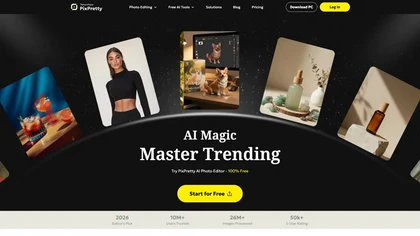
PixPretty AI Photo Editor is a free tool that uses AI to remove or replace backgrounds in seconds. It also supports batch editing for bulk transformations, retouching, and format conversion.
Freemium
- $12.99/mo

AI Image Editor is a free online tool that utilizes AI to edit and enhance photos. It supports various image formats and batch processing, offering customizable transformations, aspect ratio adjustments, and precise edits for diverse visual content.
Free trial
- $11.85
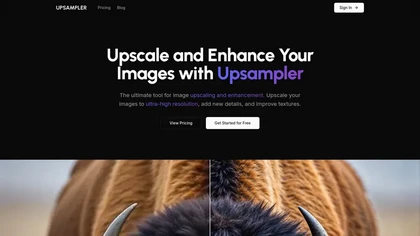
Upsampler enhances and upscales images up to 100 megapixels, improving textures and adding details. Its generative fill feature allows users to modify specific sections, making it valuable for designers, photographers, and game developers seeking increased realism.
Freemium
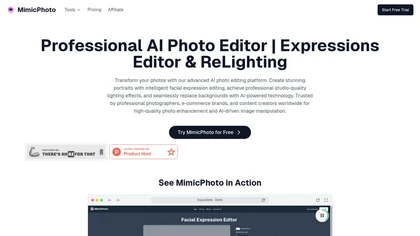
MimicPhoto is a professional AI photo editor that transforms photos with advanced tools like facial expression editing, studio-quality lighting, and seamless background replacement. It also features LivePortrait and AI Hug Generator for dynamic animations, delivering hyper-realistic results for port
Free trial
- $16/mo