
Highlight Text Explanation
The best 42 Highlight Text Explanation AI tools - Free & Paid
Explore 42 AI for Highlight Text Explanation
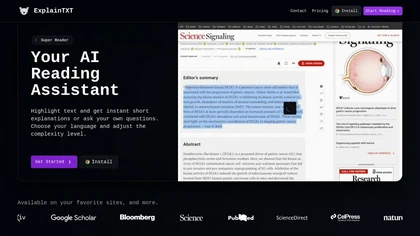
ExplainTXT is a Chrome extension that instantly explains highlighted text in plain language, covering legal, medical, technical, financial, and academic content. No account needed; works on all desktop browsers for professionals, students, and everyday readers.
Freemium
Explainpaper reads research papers, offering contextual, step‑by‑step explanations in 50+ languages. Highlight text for tailored breakdowns, ask chat questions with cited sections, and extract outlines, key findings, concept maps for quick, focused literature review.
Freemium
- $16/mo
Video Highlight delivers AI‑driven summaries, searchable transcripts, and timestamped key points for YouTube, Vimeo, Dailymotion, and private files in 37+ languages. It supports annotations, exports to Notion, Word, Markdown, CSV, Readwise, and enables collaborative sharing.
Freemium
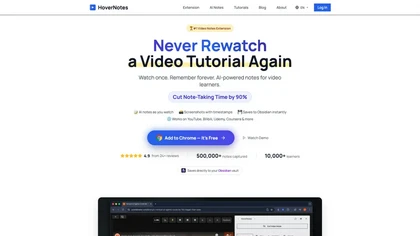
HoverNotes is an AI browser extension that enhances note-taking for videos by capturing key concepts, screenshots, and timestamps. It integrates with Obsidian for organized storage, making it ideal for students and professionals engaged in technical subjects.
Free trial
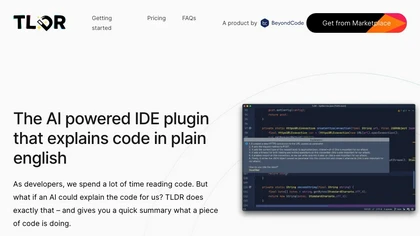
TLDR is an AI‑powered IDE plugin that converts selected code into concise plain‑English explanations. Supporting multiple languages, it helps teams quickly understand snippets, regex, and SQL, accelerating onboarding and debugging within JetBrains IDEs.
Freemium
text2note is an AI tool that converts text notes into structured formats, facilitating better organization and accessibility. It supports various export options, allowing efficient sharing and archiving of notes from multiple content types.
Freemium
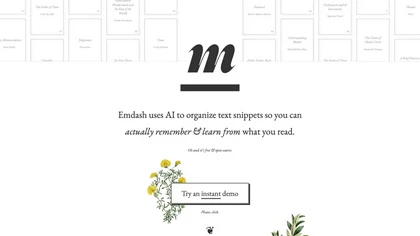
Edash is an open‑source AI tool that organizes, tags, and searches book highlights locally, linking similar passages across works. It supports Kindle, JSON, CSV imports, offers full‑text and fuzzy search, re‑phrasing, and export to e‑pub while keeping data on the device.
Free
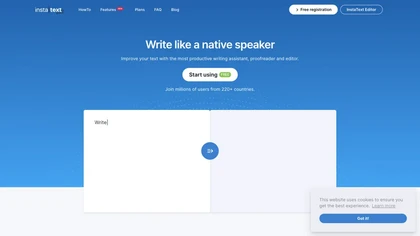
InstaText is an AI editing assistant that highlights suggestions for clarity, flow, word choice, and grammar. Users can accept or reject each change, select dialect, formality, or add custom terms. It works on Chrome, Gmail, Slack, Docs, Overleaf, and Word.
Paid
- $9.99/mo
GPT‑Prompter is a Chrome extension that brings GPT‑3/4 and ChatGPT API directly into any webpage. It highlights selected text for instant explanations, supports pre‑made and custom prompts, and streamlines drafting for researchers, writers, and developers.
Free
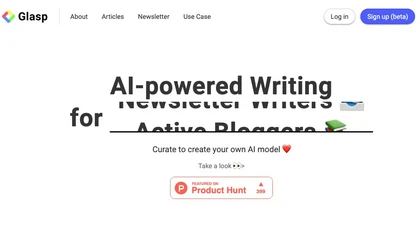
Glasp is a web app that enables users to highlight and take notes on online articles, curate and organize their reading materials, share insights with the Glasp community, and discover like-minded individuals through its social network feature.
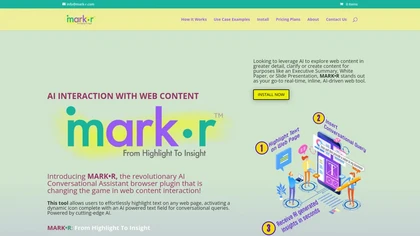
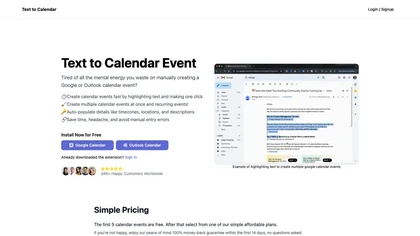
Text to Calendar is a browser extension that converts highlighted text into Google or Outlook events, supporting recurring series. It auto‑fills time, location, and description, letting users add events instantly without manual entry.
Paid
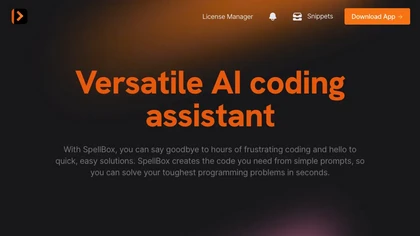
SpellBox is an AI coding assistant that generates, explains, and bookmarks code across languages like C++, Python, MATLAB, and JavaScript. It runs on Windows and macOS, available as a desktop app or VS Code extension, streamlining development workflows.
Paid
- $35/mo

Inline Help provides AI-powered, in-app contextual support by turning knowledge bases into guidance, offering no-code tooltips, an embeddable chatbot and ticket form, multilingual coverage, and analytics to reduce support tickets and improve product adoption.
Free trial
- $97/mo
Textify Analytics turns raw structured and unstructured data into actionable insights. Its AI search and NLP let users ask plain‑language questions, generating visual reports, custom metrics, cohort analysis, and forecasts for research, market studies, and operations.
Paid
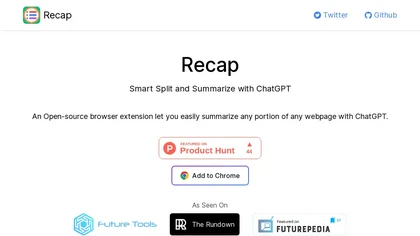
Recap is a Chrome extension that lets users highlight any web text and receive a concise ChatGPT summary. It supports model selection, custom API hosts, sticky‑panel removal, and density‑chain control for precise length.
Free
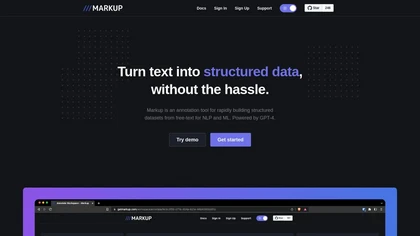
Markup Annotation Tool converts unstructured data into structured datasets, streamlining the annotation process for NLP and ML applications. Powered by GPT-4, it enhances accuracy and efficiency, supporting rapid training dataset creation for improved model performance.
Free
Lightkey is an AI writing assistant for Windows that predicts words and sentences in real time, learns user style, supports over 60 domains, integrates with Office and browsers, offers dyslexia‑friendly and accessibility features, and keeps data on‑prem for privacy.
Freemium
Bluf is an AI-powered web page assistance tool that provides concise answers, summaries, and explanations of web pages.
Freemium
FlashAI is a Chrome extension that runs ChatGPT via your OpenAI API key in-browser, offering one-click webpage summarization, highlight-to-run prompts, a prompt manager, keyboard shortcuts and context-menu access for faster research, drafting and content extraction.
Free
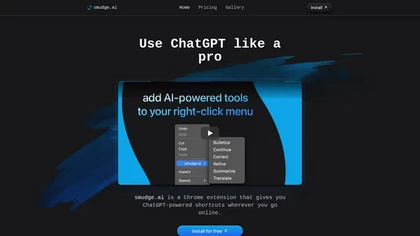
smudge.ai is a Chrome extension that adds AI commands to the right‑click menu for instant summarizing, proofreading, bullet‑pointing, and translating highlighted text. It handles up to 150k words, syncs across devices, and uses OpenAI without logging content.
Subscription
- $5/mo

Explainium automates motion‑graphics creation, converting prompts and media into on‑brand animations. It auto‑places text, images, and clips with precise control, delivering Full HD output for promo videos, ads, demos, quick internal, and real‑estate clips.
Freemium
- $19.99/mo

Summarify AI gives YouTube video summaries in‑app and via Chrome, offering text, bullet, outline styles with timestamps for quick navigation. It supports export to PDF, Markdown, TXT, etc., helping students, researchers, creators save time and organize content.
Free
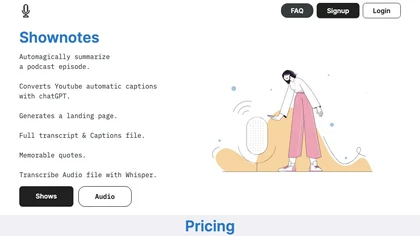
Shownotes transcribes MP3 audio into text and summarizes content within minutes. Supports batch uploads, direct links, and podcast ingestion. Users edit transcripts, search text, and share securely with role‑based access for teams.
Freemium
- $9/mo
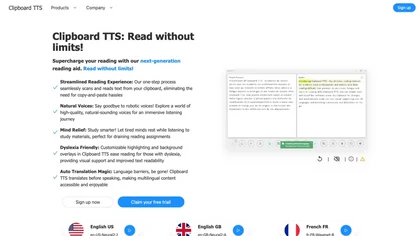
Clipboard TTS automatically reads clipboard changes with 49 languages and 100+ voices, supports translation, OCR, dictionary, text editing, history, experimental AI summaries, and user‑defined order for mutations on Windows and Linux.
Subscription
- $4.49/mo
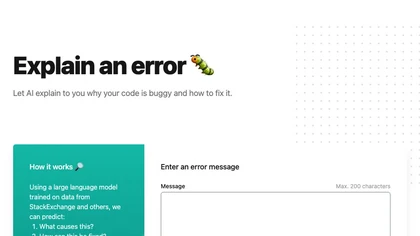
Explain by Whybug uses a large language model trained on StackExchange data to analyze code errors. Paste an error message (≤200 characters) and receive concise explanations and actionable fixes, helping developers and students debug faster.
Freemium
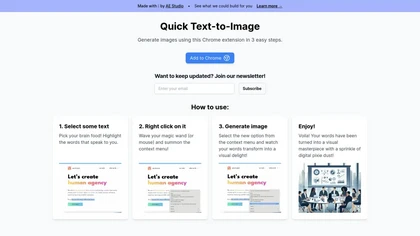
Quick Text-to-Image is a Chrome extension that transforms highlighted text into AI‑generated images within seconds. The three‑step, no‑setup process lets writers, marketers, designers, and educators add instant visuals to blogs, social posts, or slides without searching stock photos.
Freemium

Unearthed syncs and deduplicates highlights from Kindle and KOReader, indexes and searches across books, notes, and highlights, generates daily reflections and study questions, integrates with Obsidian/Notion, supports local-first deployment and optional AI analyses.
Subscription
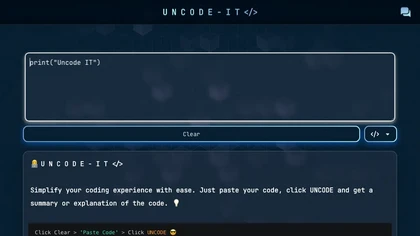
UNCODE‑IT lets you paste code into a web form, then GPT‑3 generates a concise plain‑language summary. Ideal for debugging, learning, and reviewing unfamiliar functions quickly. A Clear button resets the input for iterative analysis.
Freemium
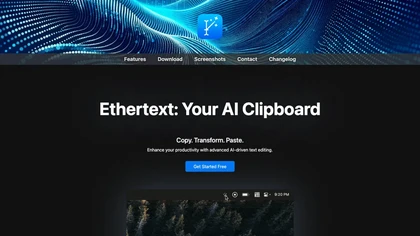
Ethertext is a macOS clipboard utility that uses AI models (OpenAI, Gemini, Anthropic, or local Ollama) to transform copied text with one‑click shortcuts. It supports API keys, on‑device MLX privacy, dictation, OCR, and custom prompts for writers, developers, and researchers.
Free
Hackerman Text is a lightweight offline editor with zero‑latency AI completion from local or cloud models. It offers multi‑cursor editing, split views, detachable tabs, built‑in syntax highlighting, inline shell execution, Org‑mode, ripgrep search, and no telemetry or accounts.
Subscription
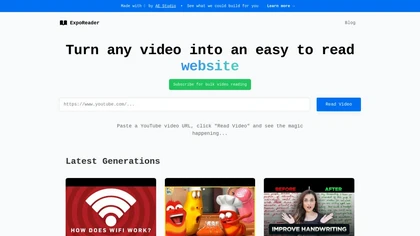
Exporeader transforms YouTube video content into concise text summaries, enabling efficient information consumption. It's ideal for educators, students, and content creators, with support for bulk video processing to enhance engagement and comprehension.
Freemium
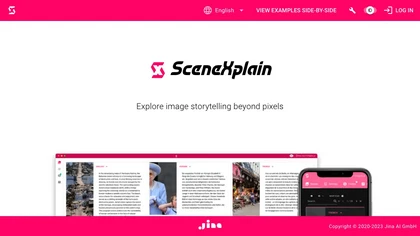
SceneXplain converts images and videos into captions, summaries, alt‑text, and JSON using multimodal AI. It supports 100+ languages, visual Q&A, batch processing of 128 images, and provides a REST API for web and mobile integration, enhancing accessibility and data extraction.
Freemium
tldrx turns any web page into a concise summary. Add tldrx.me to a URL and choose quick, structured, bullet, or deep‑dive outputs. Accessible via Chrome extension, iOS shortcut, and mobile app for students, researchers, and professionals.
Freemium
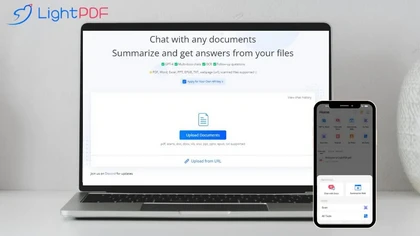

Ahsk is a macOS AI assistant that works on selected text across apps to translate, rewrite, summarize, and download video content, offering format presets, workflow-focused edits, and on-device processing with granular data controls.
Freemium

AITextTune is a Windows AI writing assistant offering system-wide, hotkey-triggered editing for grammar correction, clarity and style transformation, summarization, reader-level rewrites, and 25+ language translation, with custom styles, chat refinement and optional Gemini integration.
Freemium
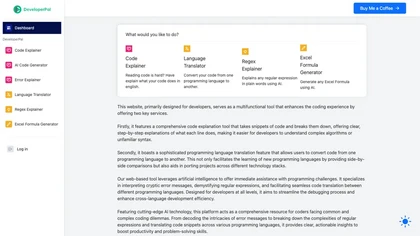
DeveloperPal is an AI web platform that line‑by‑line explains code, translates snippets across languages, interprets errors, and demystifies regex. It also generates Excel formulas, aiding debugging, learning, and project porting for developers of all levels.
Freemium

Textfix AI humanizer converts AI-generated text into natural, human-like writing, improving readability, lowering AI-detector signals, adjusting tone and structure, offering batch processing and SEO keyword integration for academic, publishing, and business communications.
Freemium
- $7
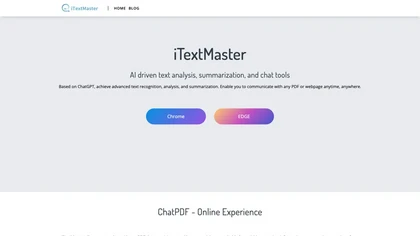
iTextMaster, powered by ChatGPT, is an AI tool that expertly analyzes, summarizes, and navigates through large PDF documents using advanced chat capabilities for efficient insights and responses.
Free
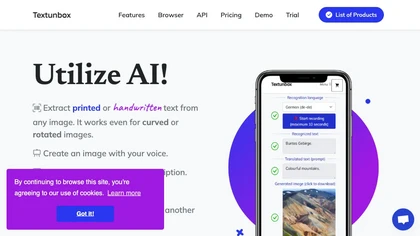

Nex AI Knowledge Copilot is a browser extension that highlights and summarizes lengthy YouTube videos and articles, enabling quick comprehension and retention of key points, thus enhancing productivity and streamlining the online reading and viewing experience.
Freemium