
What is Explain An Error?
Explain by Whybug
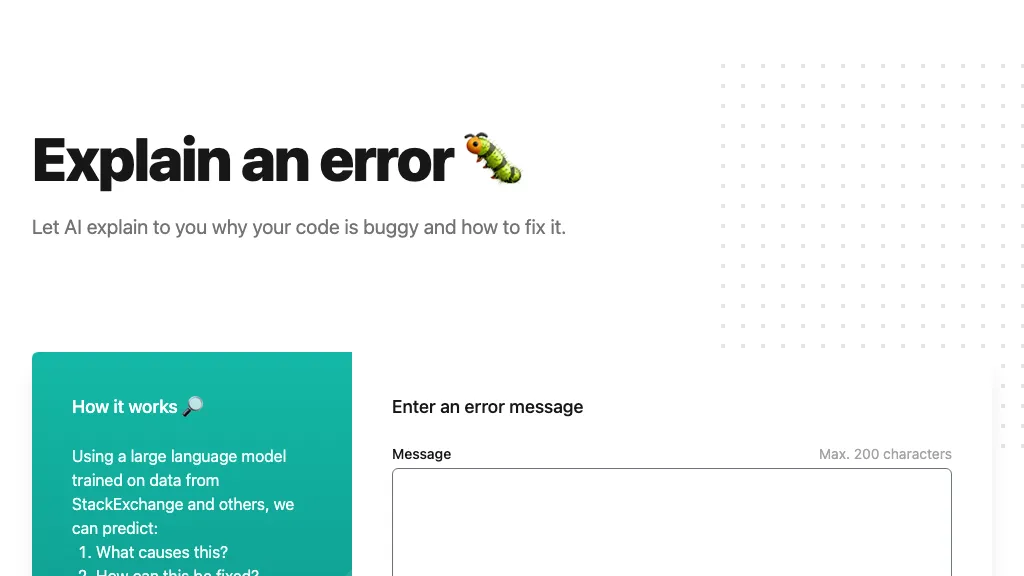
Explain by Whybug uses a large language model trained on StackExchange and related sources to analyze code errors and exception messages. Users can paste an error or exception and receive a concise explanation of its cause and actionable fix suggestions.
The tool highlights common bug patterns, such as container conflicts or database query issues, and provides example code corrections. It limits input to 200 characters, encouraging the removal of personal data before analysis. Developers, students, and support teams benefit from rapid, accurate diagnostics that streamline debugging workflows.
Explain An Error pricing Freemium
Explain An Error offers a free plan with paid upgrades available.
Verify on the official pricing page.
View plansExplain An Error user reviews
Would you recommend Explain An Error?
Recommend this tool?
Explain An Error's key features
-
AI explains code bugs
-
Predicts error causes
-
Suggests code fixes
-
LLM trained on StackExchange
-
Accepts error messages (max 200 chars)
-
Removes personal info pre-processing
-
Displays example error responses
Explain An Error use cases
-
Paste a Java error stack trace into Explain by Whybug to instantly receive a concise explanation and a line‑by‑line fix guide
-
Use Explain by Whybug to auto‑detect common Python syntax mistakes while teaching coding bootcamps, providing quick corrections
-
Integrate Explain by Whybug into your IDE to get real‑time bug pattern detection and actionable fixes for C++ memory errors
Who is it for?
-
Software developers
-
Code learners
-
Technical analysts
-
System architects
-
Data scientists