Beat Synced Video Editing
The best 50 Beat Synced Video Editing AI tools - Free & Paid
Explore 50 AI for Beat Synced Video Editing
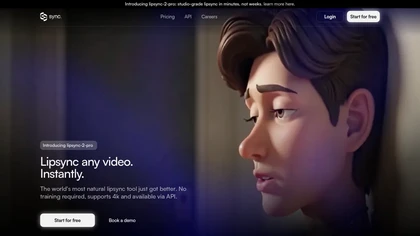
Lipsync-2-Pro enables rapid creation of high-quality lipsync animations by synchronizing audio with video content. Ideal for diverse media formats, it supports voice cloning and real-time editing, making it suitable for film, gaming, and marketing applications.
Free trial
- $0.001
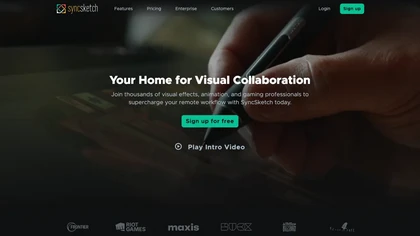
SyncSketch is a cloud-based collaboration tool for visual effects and gaming professionals, enabling remote teams to review media efficiently with synchronized presentations, frame-accurate annotations, version comparisons, and mobile access, while integrating with platforms like Jira and ShotGrid.
Free trial

BeatMV is an AI music video generator that transforms uploaded tracks into synchronized videos with selectable styles and automated editing. It features AI music tools like vocal removal and lyric generation, producing social-media-ready videos with minimal manual input.
Freemium
- $11.9/mo
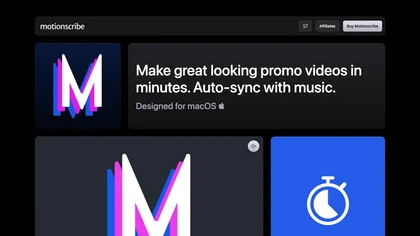
Generates music‑synced promo videos from scripts in minutes. Users select a visual style, import text, clips, and images. The software aligns transitions with beats, supports various formats, unlimited projects, and runs on macOS.
Paid
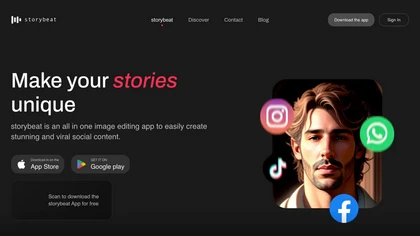
Storybeat is an AI content platform that offers 300+ templates for reels, collages, and slideshows. It includes color filters, music, Beat Sync, auto captions, avatar transforms, and advanced editing for quick, polished social media assets.
Free
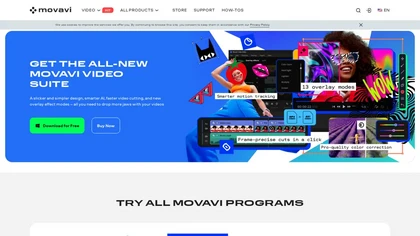
Movavi Video Editor is a desktop app for Mac and Windows that lets users trim, crop, color‑grade footage and add titles, overlays, and filters. AI features automate subtitles, noise suppression, and motion tracking. It includes a screen recorder for tutorials.
Paid
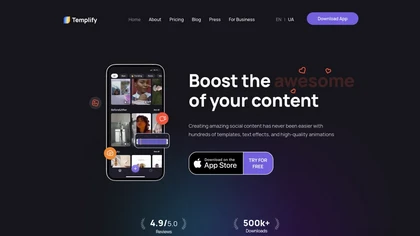
Templify App automates video and photo editing for creators and small‑business teams. It offers a full‑featured editor, audio‑syncing, one‑tap background removal, a library of 1,000+ templates, overlays, and a carousel builder for quick, brand‑consistent posts.
Freemium

BeatViz AI is an advanced tool that transforms audio tracks into synchronized music videos using style prompts and rhythm detection. It also generates original audio from text, serving as an all-in-one AI video and music production platform.
Free trial
- $19.9/mo
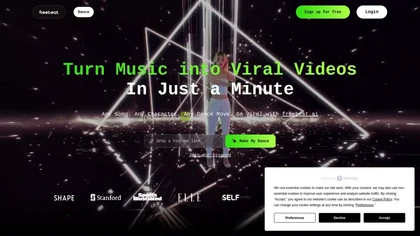
Freebeat.ai is an AI-driven tool for creating dance and lyric videos, allowing users to synchronize choreography to songs from Spotify, Apple Music, and YouTube. It features customizable 3D avatars and backgrounds for personalized visual experiences.
Freemium

LipSync Studio is an AI tool for creating lip-sync animations, supporting multiple languages for humans, cartoons, and animals. It offers features like natural speech synchronization, multi-character dialogues, and image-mask uploads for precise dialogue targeting.
Free trial
- $29.99/mo
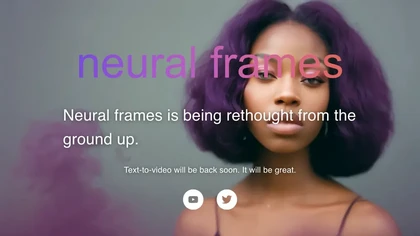
Neural Frames turns songs into audio‑reactive videos with a two‑click autopilot or frame‑by‑frame editor, offers text‑to‑video tools, stem‑based modulation, custom model training, and free 4K upscaling for professional media.
Paid
- $19/mo
Veo Flow is an AI filmmaking tool designed for creatives, enabling seamless creation of cinematic clips and stories by combining user-provided assets with Google’s generative AI models, streamlining the filmmaking process.
Freemium
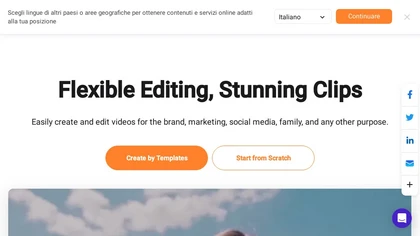
FlexClip is an online video editor with templates, resources, and powerful tools to create and edit videos for various purposes, as well as integration with royalty-free stock media providers and easy social media sharing.
Freemium
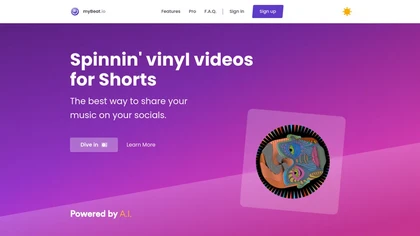
myBeat converts tracks into vinyl‑style music videos, auto‑generating cover art with an OpenAI model. Users edit GIFs, videos, add loops and effects, export full songs or clips, and publish to YouTube or Spotify Canvas with watermark‑free finishes.
Freemium

seeddance.video is an AI video generator that creates short cinematic clips with synchronized audio from multi-modal inputs like images, videos, and text. It offers precise control over elements like camera motion and music, with built-in tools for editing and extending the generated footage.
Freemium
- $6.9/mo
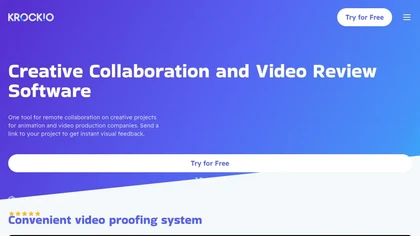
KROCK centralizes video, audio, and visual assets for review and approval, offering time‑coded comments, drawing, attachment tools, automated visual difference detection, and AI storyboard generation. It integrates with DaVinci Resolve, Adobe CC, and Final Cut Pro for streamlined collaboration.
Freemium
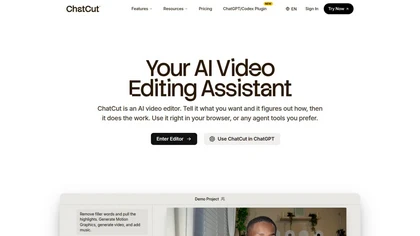
ChatCut is a browser and ChatGPT-plugin video editor that uses transcript-based editing to remove fillers, trim and reorder talking-head footage, assemble coherent cuts, generate motion graphics, B-roll, captions (100+ languages) and AI music, and export timelines.
Subscription
- $25
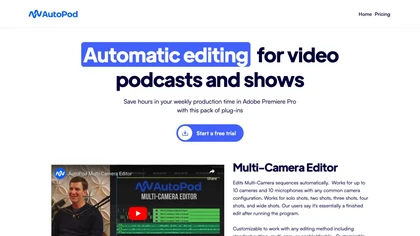
AutoPod automates podcast editing in Premiere Pro, handling up to 10 cameras and microphones, offering customizable cuts, reusable presets, social‑media clip generation with auto‑reframe and batch export, and jump‑cut creation based on audio levels.
Subscription
- $29/mo
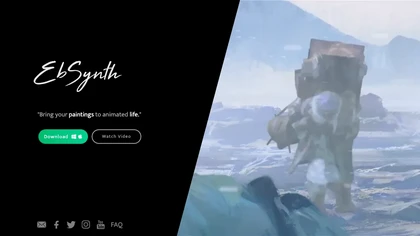
EbSynth propagates changes from a single keyframe to an entire video using texture synthesis, enabling hand‑drawn animation, retouching, colorization, and digital makeup without manual tracking. It supports desktop OS, MP4/PNG export, up to 4K, and offline command‑line processing.
Freemium
- $20/mo

One More Shot AI is an AI music video generator that converts audio tracks into synchronized visual content by analyzing rhythm, tempo, and mood. It offers both one-click auto-generation and detailed scene-by-scene editing, exporting videos in multiple formats optimized for social media platforms.
Freemium
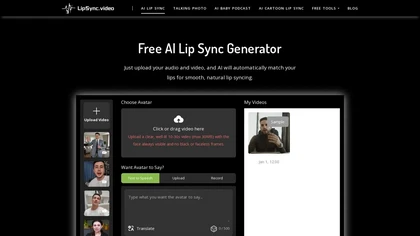
LipSync.video is an AI-powered tool that generates lifelike lip-synced videos by matching audio with customizable avatars or existing footage. It supports multiple formats and use cases, from social media to educational content, with neural network-driven precision.
Free

CodeVideo records editor edits, terminal output, and UI events into an event-sourced, deterministic timeline for creating editable, scrubable code tutorials and training; export to video, Markdown, PDF, PPTX, HTML, framework-specific projects, or programmatic workflows via API/JSON.
Subscription

Supercut is an asynchronous video messaging platform that records screen and webcam (up to 4K), auto-edits and chapters recordings, provides branded shareable links with embedded CTAs, analytics and engagement tracking, collaboration tools, and enterprise-grade security.
Free trial

Seedance 2.0 generates 4–15s cinematic clips from text, images, video and audio using role-based tags to control composition, camera motion, continuity and character details; supports clip extension, beat‑synced choreography, audio-aware lip‑sync and repeatable edits.
Free trial
CapCut is an AI-powered video editor & design tool with social media templates, background removal, upscaling, color correction, portrait generation, text-to-speech, voice changers, and team collaboration support - accessible online and for Mac download.
Free trial
VEED is an AI‑powered video editor that lets users upload media, auto‑generate subtitles, edit clips, add music or text, correct eye contact, reduce noise, remove backgrounds, translate captions, and export in multiple formats.
Freemium
- $11/mo
Choppiti is an AI-based video editing tool that repurposes longer videos for social media platforms and adds animated subtitles and face centering. It's faster and cheaper than traditional software or outsourcing, making it accessible to anyone.
Freemium
- $1.17/mo
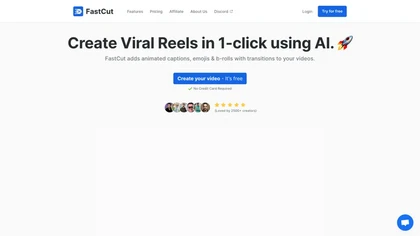
FastCut uses AI to transform raw footage into short‑form videos for TikTok, Reels, Shorts, and social ads. It trims clips, removes silence, adds captions, selects B‑rolls, and provides music and overlays, cutting editing time by up to 90%.
Freemium
- $20/mo

EZTrimmer is a browser-based video editor for trimming, splitting, and merging clips with a timeline interface. It enables quick preparation of short-form content for platforms like TikTok and YouTube Shorts with frame-accurate cuts and drag-and-drop simplicity.
Free
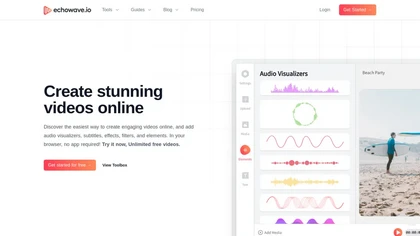
EchoWave converts audio into video using templates or custom layouts, adds subtitles and waveforms, offers editing tools, compresses files, and exports to social media formats—ideal for podcasters, musicians, and creators seeking quick, cloud‑based video production without software.
Freemium
- $19/mo
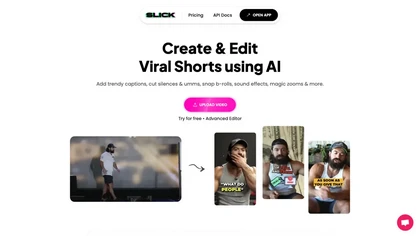
Slick is an AI‑powered video editor that auto‑cuts full‑length footage into social‑media shorts via drag‑and‑drop or a YouTube link. It removes silences, adds multilingual captions, inserts b‑roll, supports 4K, and exports for TikTok, Instagram, YouTube.
Subscription
Wave.video is an all-in-one AI video editing and creation platform that allows users to create, edit, and distribute videos, offering features such as online editing, live streaming, thumbnail maker, and customizable live streaming studios.
Freemium
- $16/mo

Seedance20.net is a Bytedance AI video generator that creates multi-shot, audio-synced videos from text, images, or audio. It produces production-ready, watermark-free clips with consistent characters and dynamic scenes for ads, social media, and storytelling.
Freemium
- $13.99/mo
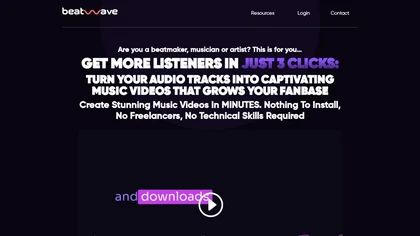
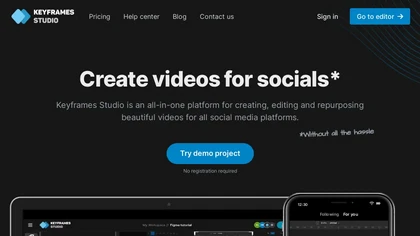
Keyframes Studio is an online video editor that auto‑generates keyframes and subtitles in up to 12 languages. Its drag‑and‑drop interface, live preview, and stock library enable trimming, cropping, while collaboration tools, brand kits, and direct export support social‑media video creation.
Subscription
- $5/mo

Streamladder is a video editing tool for Twitch, YouTube, and TikTok that enables users to trim, split, and combine video segments easily. It offers customizable templates, effects, and integrated sharing options to enhance and distribute content efficiently.

Animoto is a drag‑and‑drop video creation platform that lets users assemble polished videos using templates, screen and webcam recording, licensed music, and Getty stock assets. It supports voice‑overs, graphics, collaboration, and branding presets.
Freemium
- $7/mo
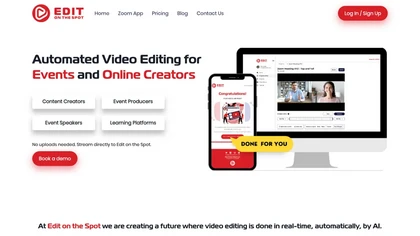
Streamline your video editing process with Edit Spot AI tool. Automate trimming, branding, and enhance content creatively in minutes. Connect recordings or web conferencing platforms for instant editing. Coming soon: multi-segment social media clips.
Freemium
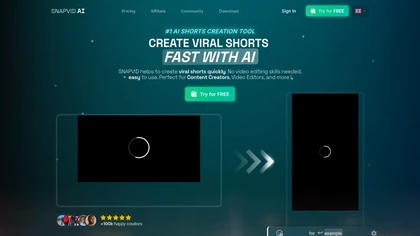
SNAPVID.AI automates cutting long videos into 30‑second clips, removes filler pauses, adds multi‑language subtitles, offers 4K output, AI‑generated B‑roll, audio cleanup, and batch processing with a credit‑based monthly reset for creators.
Subscription
- $16/mo
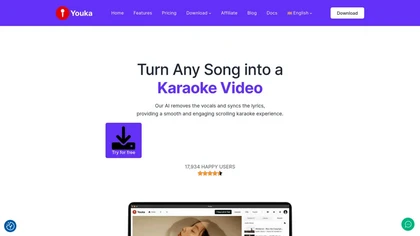
Generate karaoke videos in minutes by separating vocals from any audio or video file. Syncs lyrics automatically, offers 1080p export with customizable backgrounds, fonts, and logos, supports duet mode, 50+ languages, and real‑time chord charts for musicians.
Paid
InShot is a mobile video editor that lets users cut, trim, and layer clips, auto‑generate multilingual captions, add music, intros/outros, and apply AI‑driven, 3D, glitch, and lens transitions, text, stickers, and picture‑in‑picture overlays.
Free
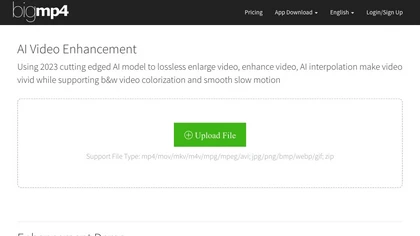
AI Video Enhancement enlarges and improves video/images with no quality loss, scaling to 2K/4K/8K, noise‑reducing, colorizing black‑and‑white, interpolating up to 240fps for smooth slow‑motion. Supports MP4, MOV, MKV, AVI, JPG, PNG, BMP, GIF, WEBP; batch ZIP; desktop for Mac/Windows.
Paid
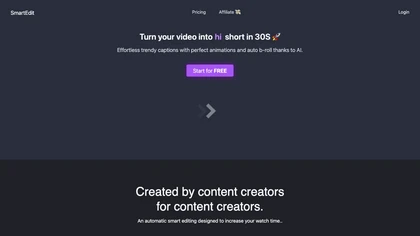
SmartEdit transforms full videos into trend‑aligned short clips in under 30 s, adding AI captions, emoji, keyword highlights, and auto‑zoom/B‑roll. It offers 15‑language transcription, multilingual translation, customizable branding, and exports full‑HD 60‑fps or directly to Premiere Pro and DaVinci
Freemium
- $8/mo
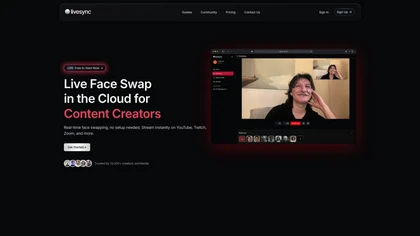
##liveSync is a real-time face swap tool for live streaming and video conferencing, allowing users to create realistic avatars and characters. It integrates with platforms like YouTube, Twitch, and Zoom, enhancing interactivity and customizability for various content creators.
Free trial
- $9/mo

Seedance 2.0 is an AI video generator that converts text or images into 1080p videos with native audio. It includes automated editing tools and presets to quickly create and format content for social media and other platforms.
Freemium
- $9.99/mo
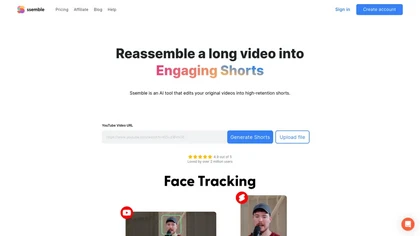
Ssemble automatically extracts viral moments from long videos, centers faces for vertical formats, adds captions and translations, and schedules short clips for TikTok, YouTube, and Instagram. AI‑generated titles, hashtags, and API access support scalable content production.
Paid

Medeo is a chat-driven AI video editor that converts text, scripts, slides, images and blog posts into finished videos using template "recipes", offering text/script-to-video, B-roll/stock generation, audio creation and multi-aspect export presets for social platforms.
- $28/mo
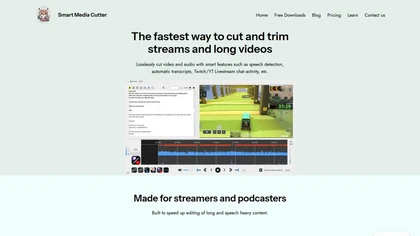
Smart Media Cutter is a desktop tool for streamers and editors that enables frame-accurate, lossless cutting of video and audio. It uses AI transcription, chat activity overlays, and automated silence removal to quickly find highlights and export clips for social media.
Free

Seedance2.0.ai is an AI video generator that creates 1080p cinematic videos from text or images. It features multi-shot storytelling with dynamic transitions and enhanced subject consistency for professional results.
Freemium