
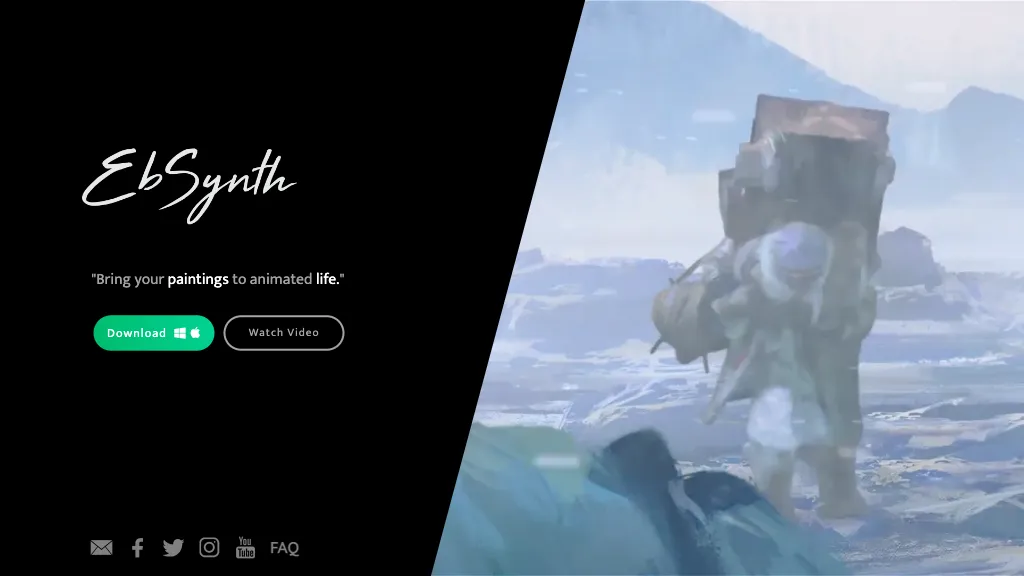
What is EbSynth?
EbSynth transforms video footage by propagating changes made to a single keyframe throughout a clip using a texture‑synthesis algorithm. The software enables hand‑drawn animation, retouching, colorization, and digital makeup without manual tracking, making it useful for animators, VFX artists, and video editors who need quick visual iteration.
Keyframe editing can be performed manually or with an optional AI tool that generates frames from a reference image. The program runs on desktop operating systems and supports export to MP4 or PNG sequence, with options for 720p or up to 4K resolution.
Offline processing is available for projects that require full data privacy or command‑line automation. By simplifying the workflow from keyframe creation to full‑frame output, EbSynth allows creators to focus on artistic decisions rather than technical tracking.
EbSynth details
- Company
- Secret Weapons, Inc.
- Jurisdiction
- Delaware, USA
- Built for
- Individuals
- Data residency
- United States (and potentially other countries)
EbSynth pricing
FreemiumVerify on the official pricing page.
View plansEbSynth's key features
-
Keyframe-based texture synthesis
-
Auto propagate painting across timeline
-
Transparent background keyframe support
-
Command-line automation support
-
Offline processing with data privacy
-
Export 4K PNG sequence
-
Optional AI keyframe generation
EbSynth use cases
-
Create hand‑drawn animation from a single illustration, automatically propagating frame‑by‑frame detail without manual keyframing, ideal for indie animators producing short films at 4K resolution
-
Transform a black‑and‑white film into a vibrant color masterpiece by painting one keyframe, letting EbSynth apply consistent colorization across all frames, perfect for restoration projects
-
Apply digital makeup or retouching effects to a recorded interview by editing a single frame, then have the changes ripple throughout the video, saving editors hours and preserving natural motion
EbSynth user reviews
Would you recommend EbSynth?
Who is EbSynth for?
-
Visual artists
-
Graphic designers
-
Motion graphics artists
-
Digital creators
-
Design engineers
EbSynth FAQ
Is EbSynth free?
Partly. EbSynth has a free plan with usage limits, and paid plans unlock the full feature set. Plans include Pro at $20/mo.
Is EbSynth safe to use?
EbSynth is operated by Secret Weapons, Inc., registered in Delaware, USA. It has a substantial audience that is independently measured month to month.
What are the best alternatives to EbSynth?
The closest alternatives to EbSynth are Keyframes Studio, imagetovideoai.pro, Photo to Video, ToonCrafter and bigmp4. You can compare them side by side in the alternatives section further down this page.
What does EbSynth do with my data?
EbSynth states that customer content is not used to train its models. Its privacy policy states that personal data is not sold or shared for marketing purposes. Data may be shared with third-party service providers that help run the product. Customer data is held in United States (and potentially other countries).
Who made EbSynth?
EbSynth is built and operated by Secret Weapons, Inc., a company registered in Delaware, USA.
Compliance, privacy and billing terms are as stated in each product's own published documentation and have not been independently verified by TopAI.tools.


