
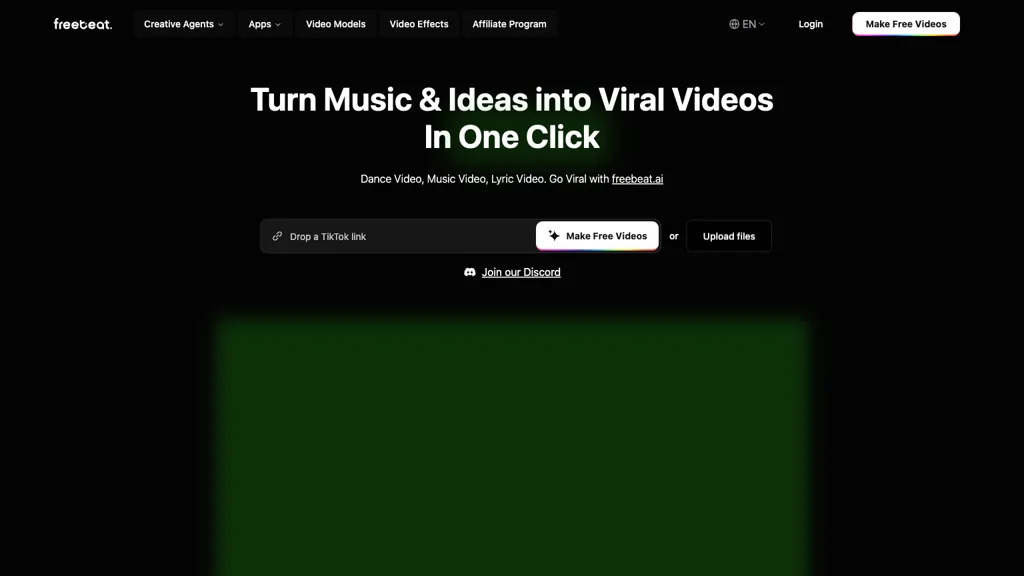
What is freebeat AI?
Freebeat.ai is an AI-powered music creation tool that brings your music to life with stunning music videos, AI dance videos, and synchronized lyric videos.Simply upload your track or connect it from supported platforms, and let AI create a unique visual experience with beat-synced scenes, choreography, and creative effects.
Create personalized videos with different dance styles, custom avatars, and unique visual styles to match your vibe.Available on both web and mobile app, Freebeat is built for artists, content creators, and anyone who wants an effortless way to showcase their music without editing skills.
freebeat AI pricing
FreemiumVerify on the official pricing page.
View plansfreebeat AI user reviews
Based on 19 reviews, 73.7% of users recommend freebeat AI, rated highly for ease of use.
Liked for
Disliked for
Would you recommend freebeat AI?
freebeat AI's key features
-
AI-Powered Video Generator
-
AI Music Video Generator
-
AI Dance Video Generator
-
AI Lyrics Video Generator
-
Dynamic Lyric Animator
-
Music Video Creation
freebeat AI use cases
-
Music Video Creation - Generate synced videos for song promotion
-
Dance Video Production - Craft choreography videos in styles like Hip Hop or Pop
-
Lyric Video Design - Produce animated lyric visuals for easy sharing
Our verdict on freebeat AI
Freebeat is an intriguing AI music video generator that’s gained traction for its ease-of-use and surprisingly effective results. While it's not a perfect solution, particularly compared to more sophisticated tools, it offers a compelling entry point into the world of automated music visualization, especially for creators with limited technical skills or budgets.
Pros
- Ease of Use: The core strength of Freebeat is its incredibly simple interface. The ‘four steps’ process – upload song/link, choose mode/style, generate, refine – makes it accessible to anyone, regardless of their video editing experience. It truly delivers on the promise of ‘no editing skills required.’
- Rhythm-Based Generation: Unlike many other AI tools that produce generic animations, Freebeat excels at syncing visuals with the music’s rhythm and structure. The BPM analysis is generally quite accurate, leading to surprisingly dynamic and engaging video sequences.
- Multiple Styles & Modes: Offering ‘Story Video’ or ‘Stage Performance’ modes allows for some creative control over the overall aesthetic. The ability to customize characters and styles further enhances this flexibility.
- Lyrics Syncing (with caveats): The automatic lyric syncing is a standout feature, producing surprisingly good results, especially when the song has clear and well-defined lyrics. This dramatically simplifies the creation of karaoke-style videos.
- Rapid Generation: The speed at which Freebeat generates videos is notable, particularly compared to some other AI video generators that can take minutes to produce a single clip. The paid plans offer even faster generation speeds.
- Commercial Use License: You own the rights to your generated videos, a crucial consideration for many creators looking to monetize their content.
Cons
- Output Quality Can Be Inconsistent: While impressive at times, the visual quality can vary significantly depending on the song. Complex arrangements with intricate instrumentation or rapid tempo changes sometimes lead to less coherent results.
- Limited Creative Control (Despite Customization): While you can adjust styles and characters, the overall narrative direction is largely determined by the AI agent. Users seeking highly specific or nuanced artistic control may find it restrictive.
- Character Consistency Issues: Maintaining consistent character appearances across multiple generated scenes can be challenging. The AI occasionally introduces subtle variations in appearance or animation that break the illusion of a seamless performance.
- Over-Reliance on Templates (Sometimes): The ‘stage performance’ mode, while useful, can sometimes produce videos that feel overly template-driven and lacking genuine creative flair – although this is highly dependent on the specific song and style chosen.
- Pricing: While the free plan offers a good starting point, the paid plans can become relatively expensive compared to other AI video generation tools, especially if you require faster generation speeds or higher output quality.
- Text Rendering Issues (Occasionally): Though improved with the Nano Banana 2 Lite update, occasional issues with text rendering in-image still persist and can detract from the overall visual impact.
More from this provider

freebeat AI FAQ
What is the maximum length of an AI music video I can generate?
Freebeat supports both short-form and longer music video creation. You can generate videos as short as 15 seconds for social clips, or up to approximately 6 minutes for full-length tracks. The system automatically adapts pacing, visuals, and structure based on the duration of your music.
Can I use Freebeat for free?
Yes. Freebeat includes a free plan so you can test the AI music video generator at no cost. To unlock all features and improve generation speed, you can upgrade to a paid plan.
Do I own the rights to my AI music videos created on Freebeat?
Yes. You retain full rights to the AI music videos you generate with Freebeat. Freebeat does not claim ownership of your content or reuse your videos without permission, and you may publish, distribute, and monetize your videos across platforms.
What video quality and formats does Freebeat support?
Freebeat generates professional-quality output suitable for YouTube, TikTok, and Instagram. The AI music video generator currently supports video export in HD 720p and Full HD 1080p resolution.
What should I do if I have questions or need help?
If you have any questions or need assistance, please contact us at [email protected]. Our team will be happy to help.
How does Freebeat compare to other AI music video generators in 2026?
Freebeat is a purpose-built AI music video generator designed specifically for music-first video generation, not generic text-to-video workflows. It analyzes rhythm, structure, and mood to generate visuals that align with the song rather than applying template motion.
Is Freebeat suitable for musicians?
Yes. Freebeat is designed for musicians and artists who want to turn songs into visuals quickly while maintaining creative control.
Who is freebeat AI for?
-
Content creators
-
Dance enthusiasts
-
Music producers
-
Digital artists
-
Video editors


 Zanobia
Freebeat makes it really simple to make music videos, anyone can do it. You just upload your song and pick a style. The AI does most of the work of putting the visuals together, which is great if you don't know how to edit videos. However, you dont have total control, the AI mostly decides what looks good. Its like having a creative assistant, but sometimes it has its own ideas! You can adjust some things to fit your vision, but overall its pretty automatic.