
Batch Watermark Remover
The best 50 Batch Watermark Remover AI tools - Free & Paid
Explore 50 AI for Batch Watermark Remover

WatermarkRemover.io uses AI to erase watermarks from images, videos, and PDFs while preserving quality. It supports batch uploads, command‑line, web, API, and plugin integration for workflows, with secure, compliant data handling.
Subscription
DeWatermark uses AI to remove watermarks, logos, text, emojis, and timestamps from photos, videos, PDFs, and images. It applies inpainting, offers a manual brush for edits, and batch processes up to 50 files on mobile and desktop.
Free
- $10/mo
videowatermarkremover.org is a web-based AI tool that removes watermarks, logos, text, and unwanted objects from video files while preserving original resolution and detail. It supports batch processing, API integration, and works across common video formats for content creators, marketers, and team
Free trial
Unwatermark is a web tool that removes watermarks, logos, and text from images and videos using AI. It offers automatic and manual removal modes, batch processing, and supports multiple formats while ensuring user privacy.
Free trial
Remove Watermarks - MarkGone is an AI tool that automatically removes logos, text, and stamps from images and videos. It supports batch uploads for popular formats and preserves visual details with minimal artifacts.
Freemium

VideoWatermarkRemove is an AI-powered online tool that intelligently removes watermarks, logos, and text from videos. It analyzes surrounding pixels to erase unwanted elements while preserving the original video quality.
Freemium
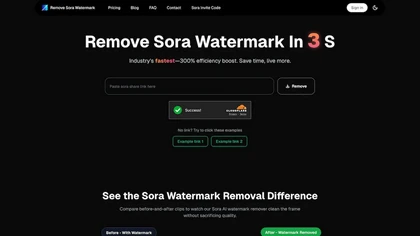
RemoveSoraWatermark is an AI tool that instantly removes the Sora watermark from any video link. It delivers high-quality, watermark-free videos without any loss in quality, ensuring your privacy as files are never stored.
Freemium

removefrom.video uses AI video inpainting to remove watermarks, logos, text, subtitles and unwanted objects from MP4, MOV and WEBM files. Drag-and-drop upload, automatic detection and manual masking with cloud processing that preserves motion and lighting.
Freemium
- $8.33/mo

AI Video Watermark Remover uses AI-driven pixel restoration to automatically detect and remove watermarks, logos, text, and timestamps from short videos (up to 10 minutes/500 MB), preserving resolution and visual continuity for downloadable output.
Free trial
- $5

removesorawatermark.video is a tool that instantly removes Sora's watermark from shared videos via a public link, delivering a clean MP4. It supports batch processing and API access for high-volume workflows, preserving the original video's quality.
Freemium
- $4.99/mo

Sora Watermark Remover uses a Sora share URL to strip visible watermarks from public Sora videos without uploads, preserving original resolution, audio and frame rate, offering lossless export, browser compatibility, and fast GPU-accelerated processing.
Freemium

VideoWatermarkRemover AI is an online tool that uses AI to automatically detect and remove static or moving watermarks from your videos in seconds. It processes files up to 4K and 500MB with encrypted, secure handling and requires no installation or login.
Free

Sora Watermark Remover is a browser-based tool that removes watermarks from Sora videos via a share link. It processes files in the cloud and delivers a watermark-free download while preserving original quality.
Free trial
- $9.9/mo

AI Background Remover deletes backgrounds from JPG, PNG, WebP images while preserving resolution, handling up to 500 at once. Users can replace with color, gallery, or upload; ideal for designers, marketers, and e‑commerce workflows.
Freemium
- $9

Browser-based, client-side tool that detects, visualizes, and removes 30+ invisible Unicode watermark and formatting characters (ZWSP, ZWJ, NBSP, BOM, etc.), preserving visible punctuation while offering real-time stats and configurable cleaning for publishing and data preparation.
Free
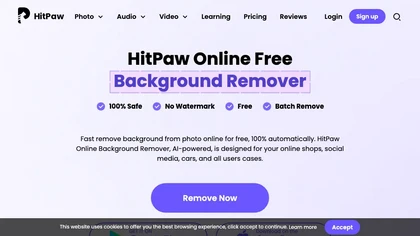
HitPaw Online Background Remover uses AI to delete backgrounds in seconds, supporting single or up to 50‑image batch uploads. It offers transparent, black, or template backgrounds, realistic shadows, and works on Windows, macOS, iOS, Android, and browsers.
Freemium

Remove.bg automatically deletes image backgrounds, outputting white or transparent PNGs. It offers a web app, Photoshop plugin, mobile app, and API for single or bulk processing, with a brush tool for manual edits, aiding product shots, branding, and development.
Freemium
- $8.1/mo
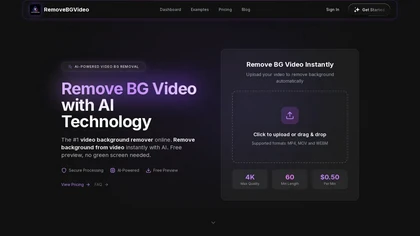
RemoveBGVideo is an AI tool that automatically removes backgrounds from videos, supporting HD/4K footage up to 60 minutes. It offers batch processing, green-screen support, and exports with transparent or custom backgrounds for content creators and e-commerce.
Freemium
- $6
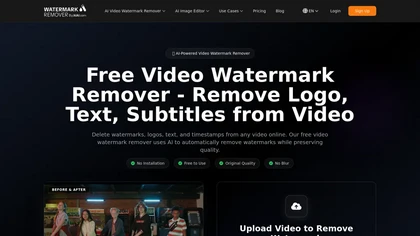
AI Video Watermark Remover removes watermarks, logos, timestamps, subtitles and unwanted objects from MP4/MOV/M4V/MKV (up to 500 MB/10 minutes) using automated detection, optional manual selection and AI inpainting for artifact-free, fast GPU processing.
Free trial
- $7.99

PicWish AI Photo Editor automates image enhancement, background removal, and watermark deletion. It processes batches of up to 30 files, offering resizing, lighting, upscaling, AI Designer prompts, Face Cutout, and single‑click unblur/sharpen. Available on Windows, macOS, iOS, Android, and browser.
Subscription
- $9.99/mo
BgEraser is a web‑based AI that removes photo backgrounds in seconds, supporting JPEG, PNG, and WebP. It handles up to 20 images at once, preserves fine detail, offers drag‑and‑drop uploads, and provides commercial‑ready, watermark‑free downloads.
Free
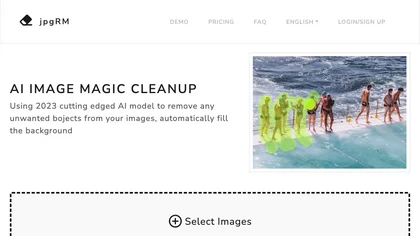
AI Image Magic Cleanup uses a 2026 GAN to automatically erase backgrounds or unwanted objects from photos. Users mark areas with a brush, then the tool refines and fills the space with matching background detail, delivering quick results on mobile.
Paid
ObjectRemover uses AI to erase unwanted people, stickers, logos, text, and clutter from images. Drag‑and‑drop JPG, PNG, or WebP files up to 10 MB, preview edits, and download watermark‑free results in seconds with high‑quality output.
Free

iPurix is an AI-based watermark remover that allows users to upload various image formats and efficiently eliminate watermarks. It supports batch processing, maintains image quality, and ensures privacy through automatic file deletion within 24 hours.
Free trial

MusicRemover AI is a browser-based AI karaoke maker that separates vocals and instrumentals to create karaoke-ready tracks and lyric videos. It offers vocal/music removal, audio cleaning, word-level lyric editing, layout controls, and exports MP4 for singers, teachers, cover makers, and event hosts.
Free
Retoucher Online is an AI background remover handling batch uploads via drag‑and‑drop, camera, or file selection. It isolates foregrounds, lets users keep transparent backgrounds, replace with white or custom images, add shadows, fine‑tune edges, and download PNG/JPG at various resolutions.
Freemium
- $659/mo
VocalRemover separates vocals from music in audio or video files up to 10 GB, supporting .wav, .mp3, .flac, .ogg, .opus, .mp4, .mkv, .avi, and .mov. Outputs include karaoke, vocals‑only, and individual instruments, with quick batch processing and temporary storage.
Subscription
- $4.99/mo
Free Sora Watermark Remover is a tool for erasing watermarks from videos, while Fliflik Karaoke Maker is a browser-based tool that removes vocals from songs to create karaoke tracks and instrumentals.
Free

Removal.AI instantly isolates foreground subjects from .jpg and .jpeg images, offering preview, high‑resolution downloads, background replacement, manual eraser, API integration, batch processing, and professional editing support. Ideal for photographers, designers, marketers, and e‑commerce sites n
Free
- $0.13
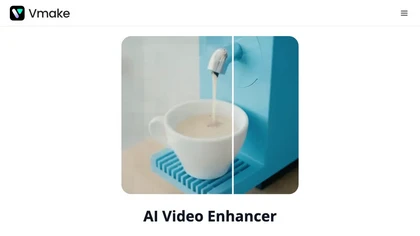
Vmake AI Video Enhancer upsamples MP4, MOV, AVI, etc. to 2K/4K/AI 4K+, removes artifacts, improves low‑light, reduces noise, and offers watermark/text removal, background elimination, and subtitle generation, giving creators, e‑commerce, and gamers sharper, cleaner videos.
Subscription
- $9.99/mo

TheToolBus offers free, no‑watermark PDF and image utilities for small business owners, including merge, compress, OCR, conversion, background removal, calculators, QR codes, and AI text extraction, all accessible without sign‑up.
Freemium
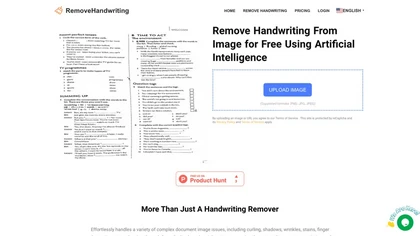
Remove Handwriting AI Tool efficiently eliminates handwritten content from images and PDFs with ease. Corrects distortions like curling and shadows, making documents pristine. Ideal for education, business, and document management needs.
Freemium
- $2
remaker ai offers web and mobile AI image and video editing for creators and teams, including upscaling, background removal, object erasing, face swap, text-to-image, lip-sync, batch processing and templates for short-form social content.
Free trial
UnlimitedBG uses AI to remove image backgrounds in seconds, supporting PNG, JPG, GIF, WebP, BMP, TIFF, and AVIF. It offers batch processing, local browser execution, no sign‑up, no watermark, and unlimited high‑resolution output.
Free
bgremover.com is a free AI background remover for images and videos, providing transparent PNG and white-background exports with edge-aware processing. It also offers specialized tools for ecommerce listings, ID photos, logos, avatars, and more, supporting uploads up to 10 MB.
Free trial
- $7.99/mo

backgroundremove.io is a tool that quickly erases image backgrounds using AI. It automatically creates clean, high-resolution cutouts, ready for e-commerce, social media, and design projects.
Free
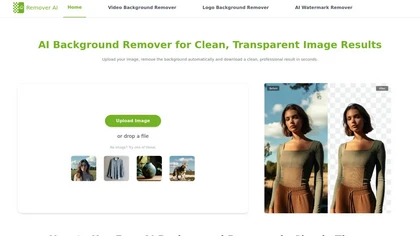
removerai.io is a web-based AI tool that automatically removes backgrounds from images, preserving fine details like hair and edges. It requires no installation, allows manual refinements, and exports high-resolution transparent PNGs for e-commerce, design, and marketing.
Free

RemoveBackgroundAI.com is a web‑based AI that deletes image and video backgrounds from JPEG, PNG, GIF, MP4, MOV files up to 234 MB, offering transparent or solid colors. It supports batch processing, multiple output formats (PNG, WebP, MP4), and a multilingual interface.
Paid
- $70/mo

GStory.ai is an AI-powered creative suite for video and photo editing. Its core features include automated subtitle generation, background removal, and tools for enhancing image quality and removing watermarks.
Freemium
- $0.03

Erase.bg uses AI to remove backgrounds from PNG, JPG, JPEG, WEBP, and HEIC files. It supports batch processing, lets users replace backgrounds with colors or images, works on browser, iOS, Android, outputs PNG/JPEG, and clears data after use.
Freemium
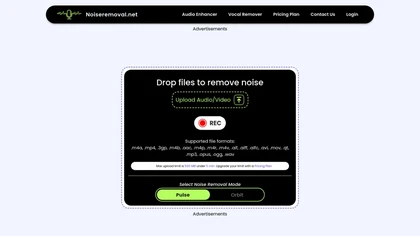
The Free Background Noise Removal Tool utilizes AI algorithms to efficiently reduce unwanted sounds in audio and video recordings. It supports multiple file formats and offers customizable noise removal modes while preserving audio quality.
Freemium
- $20/mo
Splitter.ai automatically separates audio into 5‑stem (vocals, drums, bass, piano, other) or 2‑stem (vocal, instrumental) tracks, removes reverb, and processes YouTube and cloud uploads. It offers an API for developers and supports producers, DJs, forensic, and karaoke use.
Free
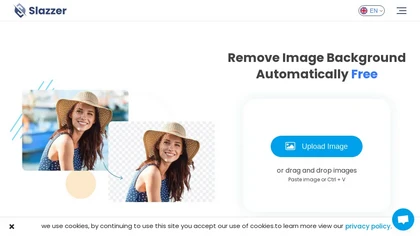
Slazzer: AI‑driven background removal that handles complex edges, offers upscale, shadow, sky replacement, and de‑oldifying. Available via web, desktop, mobile, API, and design‑software plugins for bulk processing, ideal for photographers, e‑commerce, marketers, and developers.
Paid
- $0.14
Pixflux.ai is a browser-based AI photo editing tool that improves image quality through features like background removal, watermark erasure, object removal, and enhancement, while also supporting batch processing and transparent background generation.
Freemium

AIRemover.org is a web-based AI tool that removes on-screen text, subtitles, logos, and watermarks from videos and images with automatic detection or manual selection. It preserves background detail and resolution, allowing fast preview and download without frame-by-frame editing.
Freemium

PxBee is an AI-powered photo editor that offers tools like background removal, blur fixing, noise reduction, and resolution upscaling. It also generates realistic backgrounds and works entirely in your browser with an intuitive interface.
Free

ImgKits is an AI-powered image and video processing tool that enables background removal, object replacement, and photo enhancement while preserving quality. It supports batch processing for JPG, PNG, and WEBP formats, offering features like watermark removal, upscaling, and unblurring.
Free trial

remove-text-from-video - aiai is an AI-powered tool that removes watermarks, logos, subtitles, and on-screen text from videos by automatically tracking and inpainting over them while preserving original resolution.
Free trial
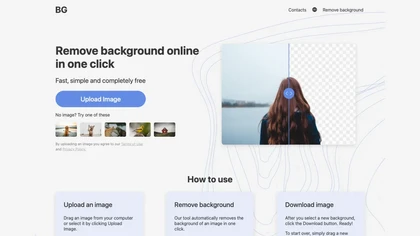
BG is an online AI background remover that deletes image backgrounds with a single click, supporting PNG/JPG of any size. It outputs high‑resolution transparent or custom‑colored images, works in-browser on PC and mobile, no installation required.
Free

Bgrem AI automates background removal, photo‑to‑video conversion, and inpainting for image editing. It offers text‑driven image generation, artistic painting effects, object erasure/replacement, interior redesign from photos, and vector illustration creation.
Free trial
- $4.99