Batch Image Processor
The best 50 Batch Image Processor AI tools - Free & Paid
Explore 50 AI for Batch Image Processor
Bulk Image Generation quickly produces up to 100 images in 15 seconds with the Flux 1.1 model, needs only a simple description, and offers bulk editing, resizing, aspect‑ratio calculations, and prompt conversion for diverse projects.
Subscription
- $15/mo

AI Background Remover deletes backgrounds from JPG, PNG, WebP images while preserving resolution, handling up to 500 at once. Users can replace with color, gallery, or upload; ideal for designers, marketers, and e‑commerce workflows.
Freemium
- $9

AI-driven image upscaler that enlarges photos to 7680 × 7680 px, supporting JPEG, PNG, WebP and up to 500 images per batch. It offers an API for sharpening, noise reduction, and a Mac app with background removal, photographers, designers, marketers, and social media managers.
Subscription
- $19.99/mo
ImgUpscaler enlarges JPG, PNG, WebP images up to 400 % using super‑resolution, producing 16k × 16k outputs with minimal detail loss. Batch up to 5 images, offers basic editing, deletes uploads after 24 h, free commercial use.
Free
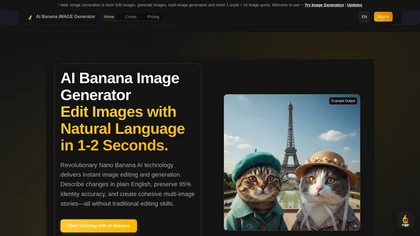
AIBanana.net is an AI image generator that creates and edits images from text descriptions in seconds. It specializes in high-identity accuracy, batch processing, and smart prompts for professional e-commerce and marketing content.
Freemium
BigJpg AI upsizes JPEG, PNG, GIF, BMP images from 2× to 16× while preserving edge sharpness and detail. It automatically sharpens textures, keeps fine lines and color gradients, and supports single or batch processing for printing, displays, and design work.
Paid

Photoroom is an AI-powered tool for creating professional product visuals at scale, featuring automatic background removal, image generation, virtual staging, and batch editing capabilities for efficient high-quality output.
Free trial
- $5.99/mo
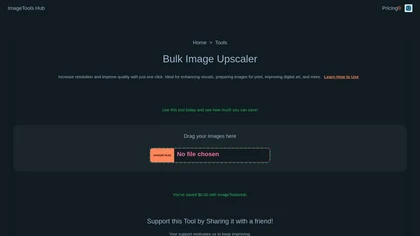
Automated Bulk Image Upscaler upsizes and sharpens images with one click, supporting batch processing. It runs locally or on the cloud, keeping data private, and offers REST API and Zapier integration for automated design and web workflows.
Subscription
- $49/mo
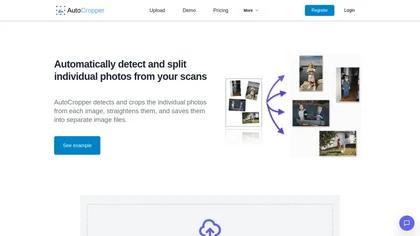
AutoCropper uses AI to detect, crop, and straighten photos from scans, handling JPEG, PNG, TIFF, and PDF in batches. It splits images into full‑quality files, lets you resize or tag crops, all in the browser with full privacy.
Freemium
- $18
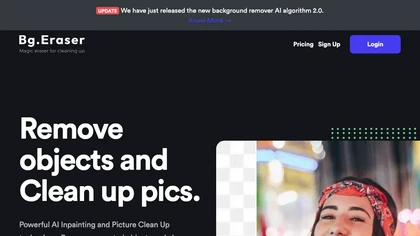
BgEraser is a web‑based AI that removes photo backgrounds in seconds, supporting JPEG, PNG, and WebP. It handles up to 20 images at once, preserves fine detail, offers drag‑and‑drop uploads, and provides commercial‑ready, watermark‑free downloads.
Free
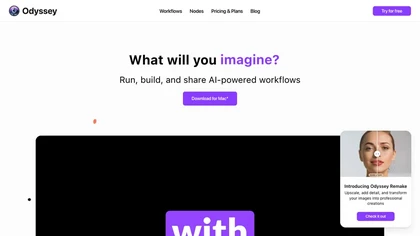
Odyssey is an AI platform that automates image processing tasks for photographers and designers. It supports local execution for privacy, offers features like background removal, and allows customizable workflows, facilitating efficient asset production and collaboration.
Free trial
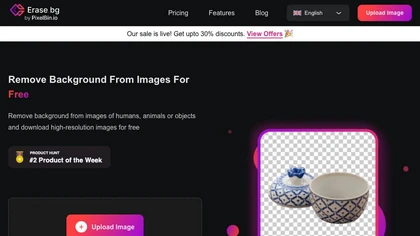
Erase.bg uses AI to remove backgrounds from PNG, JPG, JPEG, WEBP, and HEIC files. It supports batch processing, lets users replace backgrounds with colors or images, works on browser, iOS, Android, outputs PNG/JPEG, and clears data after use.
Freemium
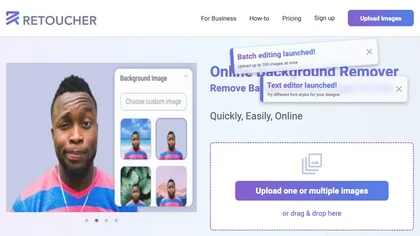
Retoucher Online is an AI background remover handling batch uploads via drag‑and‑drop, camera, or file selection. It isolates foregrounds, lets users keep transparent backgrounds, replace with white or custom images, add shadows, fine‑tune edges, and download PNG/JPG at various resolutions.
Freemium
- $659/mo

Upscale.media is a browser-based AI upscaler that increases image and short-video resolution up to 2×/4×/8×, reconstructs detail, reduces noise/artifacts, and offers deblur, sharpen, colorisation, face restoration, batch processing and API access.
Freemium
- $0.02
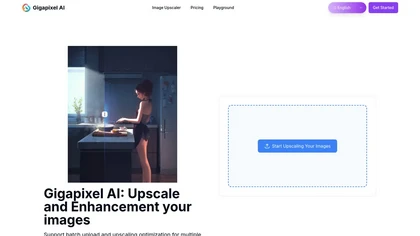
Gigapixel AI is an AI-driven image upscaler that enhances image quality up to 10x, preserving details and textures. It supports batch processing and offers specialized presets for portraits, landscapes, and more, making it suitable for both professionals and casual users.
Free trial
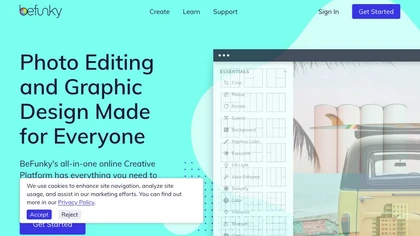
BeFunky is an online editor for photos, collages, and graphics. It offers crop, resize, blur, exposure, batch edits, AI background removal, object erasing, upscale, artistic filters, and drag‑and‑drop templates for banners, flyers, and social‑media posts.
Free

PhotoGrid is a browser‑based AI photo editor that offers one‑click enhancement, background removal, and upscaling. It lets users build collages from 20,000 templates, add stickers, text, custom backgrounds, and convert images into short video clips.
Subscription
- $2.83/mo
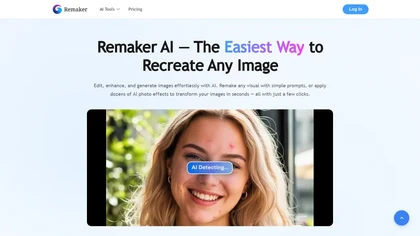
remaker ai offers web and mobile AI image and video editing for creators and teams, including upscaling, background removal, object erasing, face swap, text-to-image, lip-sync, batch processing and templates for short-form social content.
Free trial

PicCreator.ai is an AI image maker and editor that combines text-to-image generation with robust photo editing tools. It enables prompt-based creation, inpainting/outpainting, batch editing, and high-resolution upscaling for marketers, designers, and photographers.
Freemium
- $5.99/mo

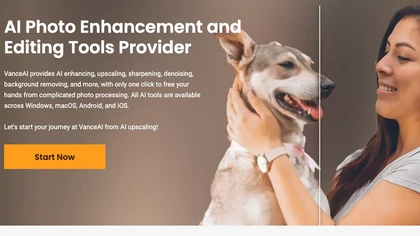
VanceAI offers AI‑driven image enhancement tools—upscaling, sharpening, denoising, background removal, restoration, and cartoonization. Supports batch processing and a Windows desktop app, enabling quick, detail‑preserving edits for photographers, designers, and e‑commerce sellers.
Free trial

HitPaw Online Background Remover uses AI to delete backgrounds in seconds, supporting single or up to 50‑image batch uploads. It offers transparent, black, or template backgrounds, realistic shadows, and works on Windows, macOS, iOS, Android, and browsers.
Freemium
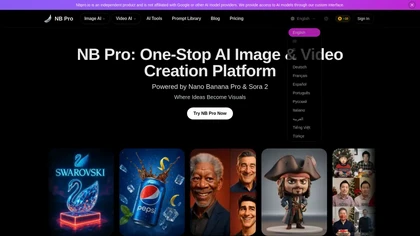
NBPro is an all-in-one AI platform for generating and editing images and videos using multiple models from a single interface. It supports workflows from creation to export, offering tools for upscaling, batch processing, and prompt optimization for commercial projects.
Freemium
- $10/mo
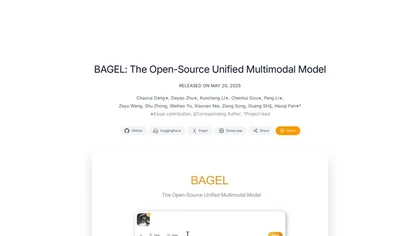
Bagel is an open-source multimodal model that enables advanced image and text processing, including generation and editing. It integrates image and text inputs for coherent outputs and supports tasks like chat generation and style transfer.
Free

TensorPix enhances SD video to 4K 60FPS, removes artifacts from VHS and old footage, offers real‑time call improvement, batch processing, API integration, and cloud GPU processing—no local install needed.
Freemium

PicWish AI Photo Editor automates image enhancement, background removal, and watermark deletion. It processes batches of up to 30 files, offering resizing, lighting, upscaling, AI Designer prompts, Face Cutout, and single‑click unblur/sharpen. Available on Windows, macOS, iOS, Android, and browser.
Subscription
- $9.99/mo
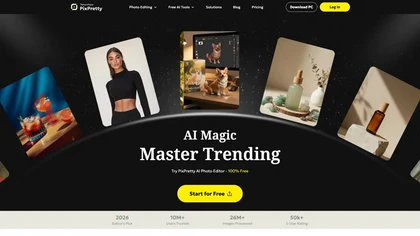
PixPretty AI Photo Editor is a free tool that uses AI to remove or replace backgrounds in seconds. It also supports batch editing for bulk transformations, retouching, and format conversion.
Freemium
- $12.99/mo

EzMaker AI is an AI-powered photo editor that automates image enhancement, background removal, and retouching for scalable, consistent edits. It offers fast batch processing and workflow presets tailored for photographers, e-commerce sellers, and social media managers.
Free

Imglarger is an image enhancer that upsamples photos up to 8×, supports batch processing, and offers background, object, and face retouch tools. It converts WebP, JPEG, PNG, SVG, JFIF formats and lets users adjust brightness, contrast, and saturation via web or mobile.
Freemium

Generates detailed image descriptions, SEO-friendly alt text, and searchable tags from JPG/PNG/WEBP; performs OCR on text and tables, summarizes charts, converts images into prompts, and offers batch processing, API, and chat-for-image Q&A for workflows.
Free
- $19.99
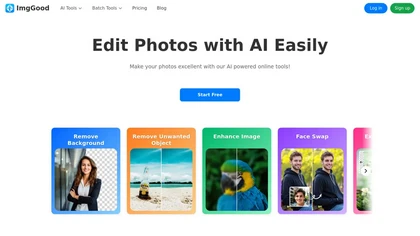
ImgGood is an AI-powered online photo editor that offers background removal, object editing, and image enhancement tools. It supports batch processing for resizing, format conversion, and intelligent image expansion.
Free trial
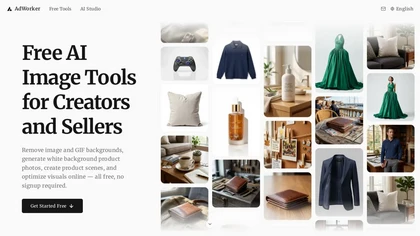
AdWorker AI is an image toolset for ecommerce sellers that removes backgrounds (including from GIFs), creates white-background product shots, and generates AI product scenes. It also offers batch processing, compression, and marketplace-specific cropping for Amazon, Shopify, and eBay.
Free trial

NanoBanana-2.ai is an AI-powered image editor and generator that automates enhancement, retouching, and batch processing. It also features text-to-image creation with web grounding for professional photo editing and content workflows.
Freemium

banana-ai.org is a fast AI photo editor for text-guided image generation and editing. It offers style conversion, background replacement, and identity-consistent edits using simple prompts.
Freemium
- $7.92/mo
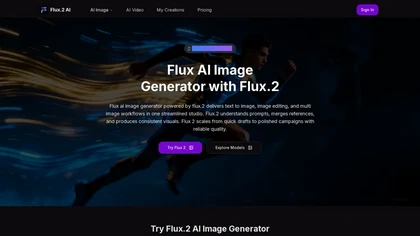
flux.2 is an AI image generator that creates and edits images from text prompts and reference images. It supports batch outputs, rapid generation, and multi-image workflows, ensuring consistent aesthetics for effective storytelling and iteration.
Freemium
- $7.9/mo
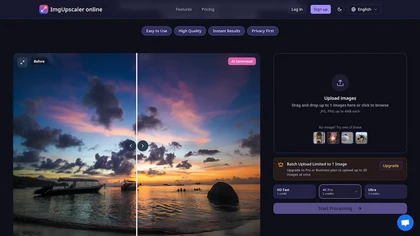
ImgUpscaler.online is an AI-powered tool that instantly upscales low-resolution images to HD, 4K, or Ultra quality, reducing blur while preserving detail. It offers batch processing and is designed for photographers, e-commerce, and real estate to enhance web and print visuals.
Free trial
- $2.5/mo
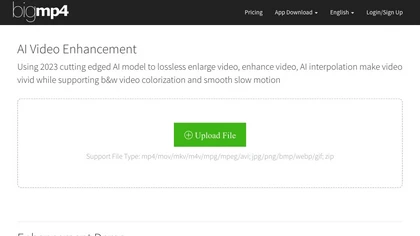
AI Video Enhancement enlarges and improves video/images with no quality loss, scaling to 2K/4K/8K, noise‑reducing, colorizing black‑and‑white, interpolating up to 240fps for smooth slow‑motion. Supports MP4, MOV, MKV, AVI, JPG, PNG, BMP, GIF, WEBP; batch ZIP; desktop for Mac/Windows.
Paid
Seedream4.0.io is a lightning-fast AI image generator and editor that creates 2k images in 1.8 seconds. It supports text-to-image generation, batch processing, and advanced editing using up to six reference images.
Freemium
- $9.9/mo

LetsEnhance is an AI image editor that upscales up to 512 MP, sharpens, restores, and removes compression artifacts from JPG, PNG, or WebP files. It supports batch processing, high‑resolution outputs for prints and AI art, preserving natural texture without watermarks.
Freemium
- $0.75/mo
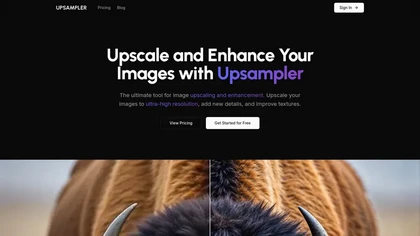
Upsampler enhances and upscales images up to 100 megapixels, improving textures and adding details. Its generative fill feature allows users to modify specific sections, making it valuable for designers, photographers, and game developers seeking increased realism.
Freemium

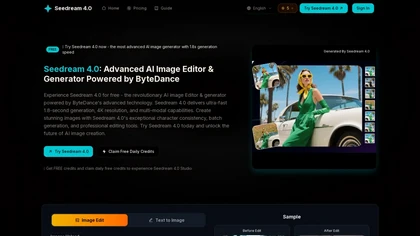
Seedream 4.0 is an AI image editor and generator that creates high-resolution images in 1.8 seconds. It features batch generation, natural language editing, and supports multiple reference images for enhanced precision and artistic consistency.
Freemium

ImagineX is an AI visual creator that generates photorealistic images and synchronized short-form videos from text or image inputs. It features multimodal editing for style transfer and scalable batch workflows, producing publish-ready assets for social media and e-commerce.
Free trial
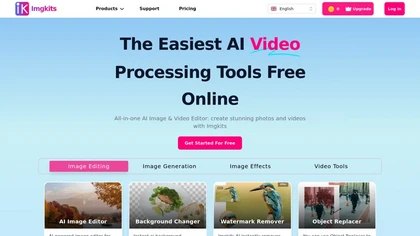
ImgKits is an AI-powered image and video processing tool that enables background removal, object replacement, and photo enhancement while preserving quality. It supports batch processing for JPG, PNG, and WEBP formats, offering features like watermark removal, upscaling, and unblurring.
Free trial
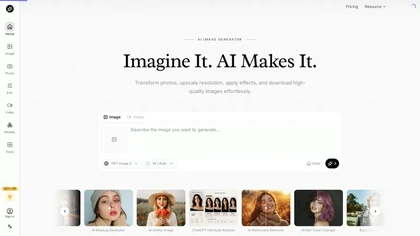
AI Imagine offers image and video generation and editing: text-to-image creation, enhancement, background/object/watermark removal, upscaling, unblurring, style transfer, batch format conversion, portrait retouching and virtual try-ons, plus short-form video with consistent character styling.
Free trial
- $4.99/mo

AI Image Editor is a free online tool that utilizes AI to edit and enhance photos. It supports various image formats and batch processing, offering customizable transformations, aspect ratio adjustments, and precise edits for diverse visual content.
Free trial
- $11.85

Removal.AI instantly isolates foreground subjects from .jpg and .jpeg images, offering preview, high‑resolution downloads, background replacement, manual eraser, API integration, batch processing, and professional editing support. Ideal for photographers, designers, marketers, and e‑commerce sites n
Free
- $0.13
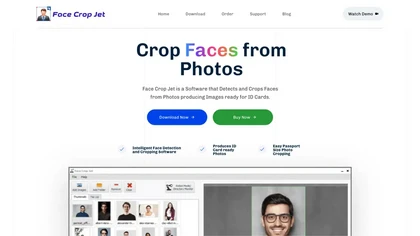
Face Crop Jet uses AI to automatically detect and crop faces for ID cards, supporting batch and directory monitoring. It corrects orientation, offers customizable crop settings, and runs locally on Windows/macOS with a server edition for unattended use.
Paid