
AI Uncrop Image Free
The best 50 AI Uncrop Image Free tools - Free & Paid
Explore 50 AI for AI Uncrop Image Free

Clipdrop is an AI image editor that adjusts aspect ratios, extends boundaries, and adds background space while preserving detail. It offers background removal, object cleanup, relighting, universal resizing, upscale, and text‑to‑image generation for photographers and designers.
Freemium
- $15/mo
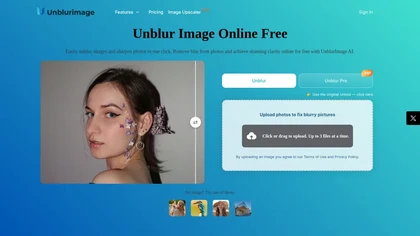
Unblur Image is an AI-powered tool that enhances blurry photos by removing motion blur, poor focus, and noise. It supports various formats, batch processing, and upscaling to 4K resolution for improved image quality and clarity.
Freemium
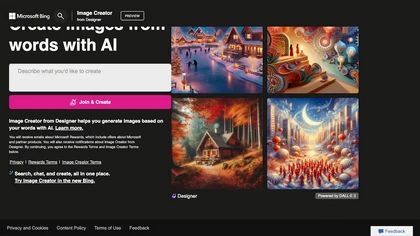
Bing's new image generator using DALL-E2 is free and fast but can also be improved with credits for speed and limit removal.
Free
ImgUpscaler enlarges JPG, PNG, WebP images up to 400 % using super‑resolution, producing 16k × 16k outputs with minimal detail loss. Batch up to 5 images, offers basic editing, deletes uploads after 24 h, free commercial use.
Free
Free AI Image Enhancer upscale images up to 25MP by a factor of four, improving resolution and detail. It features various enhancement modes, including face restoration, and supports batch processing while ensuring user data privacy.
Free
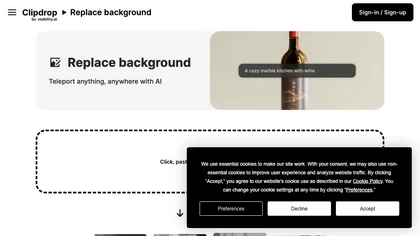
Clipdrop is an AI-driven tool for background replacement and image editing, allowing users to easily swap subjects with new environments, and provide additional capabilities like resizing, text removal, and relighting.
Free
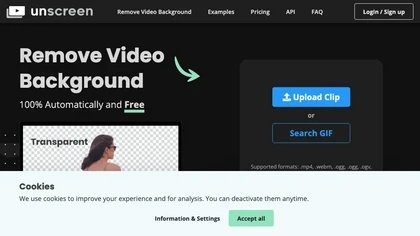
Unscreen is a cloud video editor that removes backgrounds from clips and exports them instantly, with format conversion and resizing. It offers plugins for After Effects and Premiere Pro and integrates with Canva for AI‑enhanced features.
Freemium
- $9
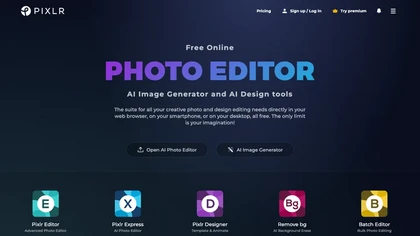
Pixlr is a browser‑based photo editor that uses AI for background removal, generative fill, and object deletion. It offers cropping, color correction, collages, templates, and social media layouts across desktop, tablet, and mobile.
Free trial
- $1.99/mo
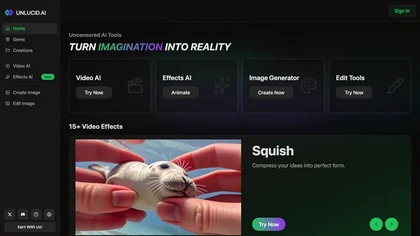
Unlucid AI is an uncensored creative platform for content creators, offering uncensored AI tools for generating and editing images and videos. It features over 15 video effects for animation and landscape transformation, with an intuitive editing interface.
Freemium

Uncensored AI delivers a chat platform featuring Claude Opus, Gemini, Grok, and MiniMax M2‑Her. It supports text, audio, image, and code interactions, including image‑to‑video via Image Studio. API beta and usage stats benefit developers, writers, educators, and researchers.
Freemium
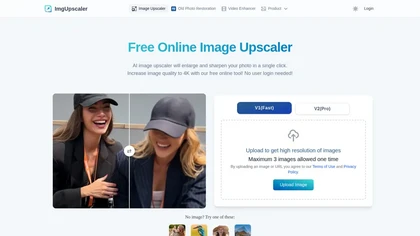
Imgupscaler is an AI tool for enhancing image quality by upscaling images to 4K resolution. It supports multiple formats and restores details while reducing noise, making it suitable for e-commerce, social media, and graphic design.
Freemium

Imglarger is an image enhancer that upsamples photos up to 8×, supports batch processing, and offers background, object, and face retouch tools. It converts WebP, JPEG, PNG, SVG, JFIF formats and lets users adjust brightness, contrast, and saturation via web or mobile.
Freemium
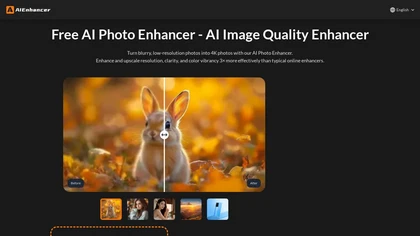
AIEnhancer.ai is a free online tool that instantly transforms blurry, low-quality images into high-resolution 4K photos. Simply upload your picture to apply AI-powered upscaling, noise reduction, and color correction, then preview and download the enhanced result.
Freemium

Cutout.pro is a powerful AI-based platform for creating and editing visual content that enhances e-commerce and marketing efforts.
Freemium
Upscayl is an open‑source AI upscaler that boosts images up to 16× with minimal detail loss. It supports batch processing, multiple model styles, local cross‑platform execution, and cloud sync for convenient, private, high‑quality image enhancement.
Freemium
- $24.99

Photiu Image Upscaler is an AI tool that instantly enhances image resolution and quality for sharper details. It supports drag-and-drop or URL uploads of JPG, PNG, and WebP files, ideal for photographers, e-commerce, and digital content.
Freemium
Upload or drag a photo, then upscale it with one of six algorithms—Magic Kernel Sharp, Lanczos 3, Hermite, or AI‑based ESRGAN—entirely client‑side for privacy. Crop as needed and download in JPG, PNG, or WebP.
Free
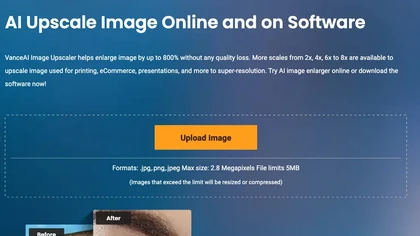
VanceAI Image Upscaler enlarges JPEG, PNG, and WebP files up to 40‑fold while preserving detail. It offers multiple AI models for texture and color fidelity, removes artifacts, supports batch processing, and includes background removal—ideal for e‑commerce and print restoration.
Free trial
- $4.95
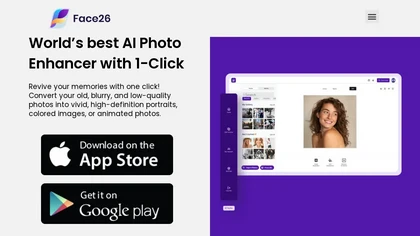
Face26 is an AI photo enhancer that improves image quality with denoising, color correction, upscaling, recoloring, and background removal. It supports photo‑realistic art, animated versions, and headshot creation, available on web and mobile.
Freemium

Upscale.media is a browser-based AI upscaler that increases image and short-video resolution up to 2×/4×/8×, reconstructs detail, reduces noise/artifacts, and offers deblur, sharpen, colorisation, face restoration, batch processing and API access.
Freemium
- $0.02
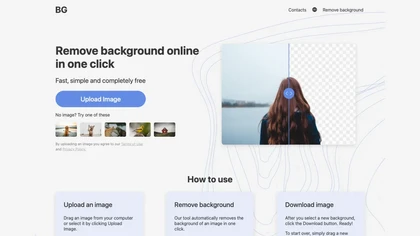
BG is an online AI background remover that deletes image backgrounds with a single click, supporting PNG/JPG of any size. It outputs high‑resolution transparent or custom‑colored images, works in-browser on PC and mobile, no installation required.
Free

HitPaw FotorPea automatically enhances photos by applying AI models for sharpening, denoising, face and color correction. It unblurs images, upsizes to 4K/8K, restores old photos, removes backgrounds, and generates images from text prompts.
Free trial
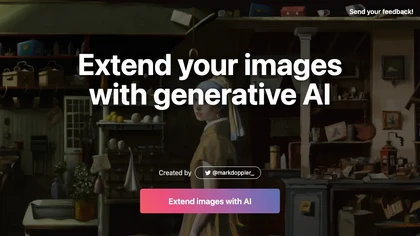
ExtendImageAI enlarges photos beyond original borders while preserving sharpness and color continuity. It offers aspect‑ratio adjustments, freeform selection, and variant generation for marketing, posters, and social media. Convert vertical shots to landscape instantly.
Free

Prechance uncensored Image generator, free that requires no sign-up and is unlimited. Generate Images from text prompts without censors.
Free

imgtoimg.ai is an AI image transformation tool that generates new images from your photo inputs and text prompts. It offers precise control over style and composition, plus built-in utilities like upscaling and background removal for creators.
Freemium
- $9.99/mo
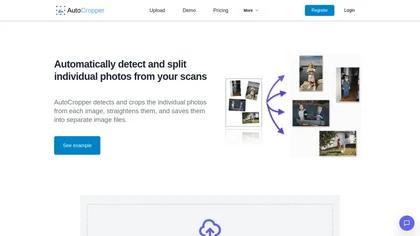
AutoCropper uses AI to detect, crop, and straighten photos from scans, handling JPEG, PNG, TIFF, and PDF in batches. It splits images into full‑quality files, lets you resize or tag crops, all in the browser with full privacy.
Freemium
- $18

AI image enhancer that upscales up to 4×, removes noise, sharpens blur, and can enhance faces or colorize. Handles .png/.jpg/.webp/.tif/.bmp/.raw and outputs the same formats. Windows, macOS and Photoshop plugin supported.
Free trial
CapCut is an AI-powered video editor & design tool with social media templates, background removal, upscaling, color correction, portrait generation, text-to-speech, voice changers, and team collaboration support - accessible online and for Mac download.
Free trial

Photoleap is an iOS‑only photo editing app that uses AI for quick enhancements, background removal, object deletion, collage creation, filters, text‑to‑image, video from stills, 4K upscaling, style transfer, portrait retouching, and hair color simulation.
Free trial

Image Editor Online is an AI-powered tool that edits your photos using simple text prompts. It allows you to remove backgrounds, adjust poses, transfer styles, and continuously refine your images in one place.
Free
Leawo PhotoIns AI Photo Enhancer uses deep learning to sharpen details, adjust white balance, correct exposure, and retouch skin. It isolates subjects for background removal or transparency, supports 40‑fold upscaling, and offers batch processing on Windows and macOS.
Freemium
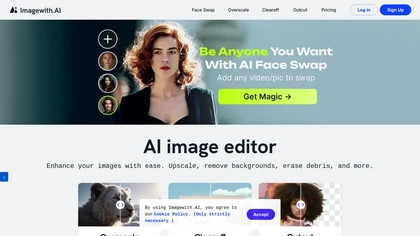
Imagewith.AI offers web‑based AI tools for image enhancement, background removal, object deletion, upscaling, photo restoration, and portrait improvement. Deep‑learning algorithms increase resolution, reduce noise, clean artifacts, and preserve fine detail for designers, photographers, and archivist
Free

Pokecut is an AI-powered online photo editor that instantly enhances images, transforming them into studio-quality visuals effortlessly. With features like one-click background removal, customizable templates, and advanced photo enhancement, it caters to both e-commerce designers and photography ent
Freemium
- $9.99

AI Background Remover deletes backgrounds from JPG, PNG, WebP images while preserving resolution, handling up to 500 at once. Users can replace with color, gallery, or upload; ideal for designers, marketers, and e‑commerce workflows.
Freemium
- $9
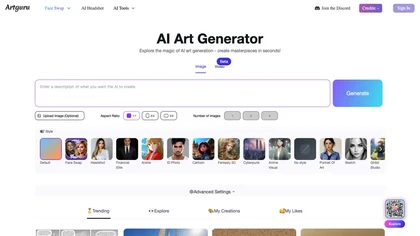
Artguru is a one‑click AI enhancer that sharpens photos, restores old or blurry images, upsamples videos to 8K, removes backgrounds, cleans scanned PDFs, and batch‑processes folders across phone and desktop for consistent, high‑quality media.
Freemium
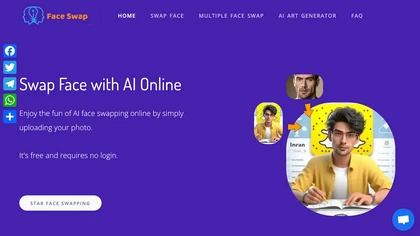
AIFaceSwap lets you swap faces in photos, GIFs, and videos without sign‑up. It supports JPG, PNG, WebP, batch processing, and gender swapping. Results are watermark‑free, auto‑deleted after 24 hours, and mobile‑friendly.
Free
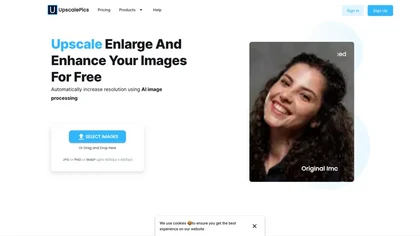
Upscalepics lifts image resolution up to 8× with one click via a machine‑learning model, supporting JPG, PNG, and WebP files up to 4000 px. It offers custom dimensions, bulk uploads, and outputs up to 256 MP for print‑ready quality.
Freemium
- $3.3/mo

Nero AI Image Upscaler uses deep neural networks to enlarge images up to 268 MP while adding detail, removing noise, and auto‑removing JPEG artifacts. It offers Face, Anime, Photo, Standard, and Reconstruct styles, plus batch processing for efficient workflows.
Freemium
- $0.03
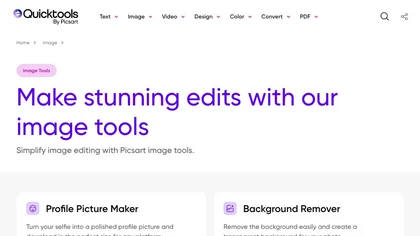
An online image tool with features including background removal, image resizing, text addition, color palettes, conversion, and AI-powered social media bios, market slogans, business name ideas, and hashtag generation.
Free
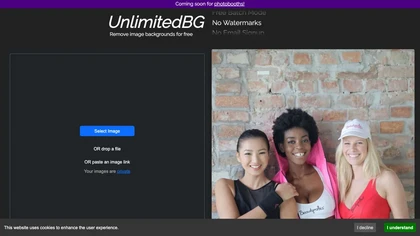
UnlimitedBG uses AI to remove image backgrounds in seconds, supporting PNG, JPG, GIF, WebP, BMP, TIFF, and AVIF. It offers batch processing, local browser execution, no sign‑up, no watermark, and unlimited high‑resolution output.
Free
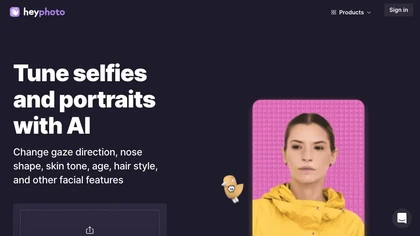
HeyPhoto is an AI‑powered photo editor that lets users swap faces, generate new faces, upscale images, and remove backgrounds with one click, offering facial attribute adjustments and support for common image formats up to 5 MB.
Free

Picsman is an AI‑powered editor that removes or replaces backgrounds, ups image resolution, and applies styles like Ghibli or cartoon. It also offers text‑prompt editing, video generation, image extending, and watermark removal for quick, high‑definition results.
Free
- $5.99/mo

Colorcinch converts photos to cartoons, sketches, or paintings with one click, offers AI background removal, adjustable sliders, overlay effects, multi‑layer editing, high‑resolution export to JPG/PNG/PDF, all usable online/offline without login.
Free
- $8.99
123rf Image Editor is a comprehensive AI tool for effortless photo editing, offering features like image scaling, background removal, object removal, and seamless background remixing. It also includes an AI writer for content creation and an image enlarger for ratio adjustments. Efficiently enhance
Freemium

imgeditor.co is an AI image editor that transforms images using text prompts. It features one-shot editing for consistent details, superior scene preservation, and rapid processing for multi-image workflows.
Free trial
- $12/mo
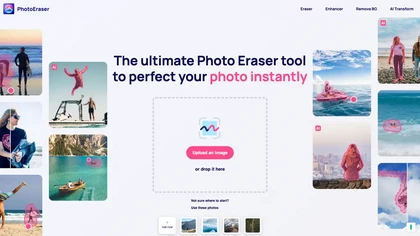
Photo Eraser uses AI to delete objects, people, backgrounds, or blemishes, replace skies, and swap faces. It supports HEIC, PNG, JPG, and offers automatic context‑aware erasing, cropping, and photo enhancement via a drag‑and‑drop interface.
Free
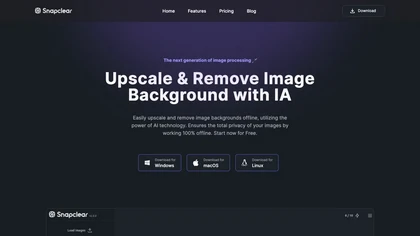
Snapclear is a cross‑platform desktop app that removes backgrounds and upsizes images up to 4× offline, preserving privacy for photographers, designers, and e‑commerce merchants. It supports bulk processing and smart cropping across Windows, macOS, and Linux.
Freemium
- $2.99/mo
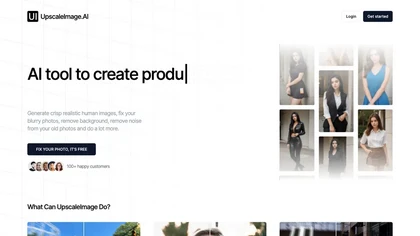
UpscaleImage.AI quickly produces realistic user‑generated content videos and cleans up photos. It offers 8× image upscaling, clarity restoration, old photo repair, and precise automated background removal. Users choose from 20+ scenes, customize actors, and generate unlimited video variations.
Free
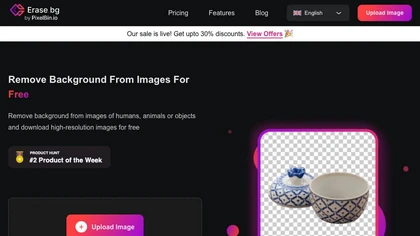
Erase.bg uses AI to remove backgrounds from PNG, JPG, JPEG, WEBP, and HEIC files. It supports batch processing, lets users replace backgrounds with colors or images, works on browser, iOS, Android, outputs PNG/JPEG, and clears data after use.
Freemium
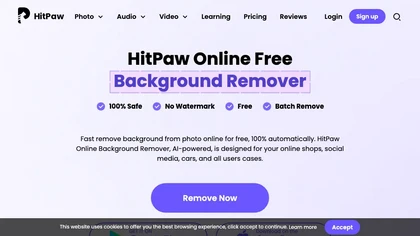
HitPaw Online Background Remover uses AI to delete backgrounds in seconds, supporting single or up to 50‑image batch uploads. It offers transparent, black, or template backgrounds, realistic shadows, and works on Windows, macOS, iOS, Android, and browsers.
Freemium