
What is VanceAI Image Upscaler?
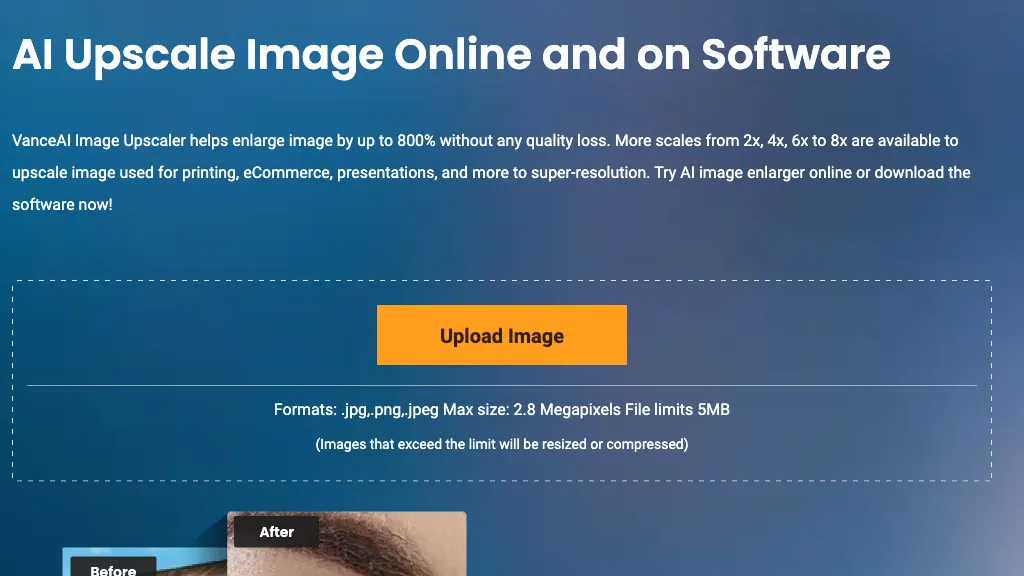
VanceAI Image Upscaler enlarges photos and illustrations up to 40‑fold with AI‑driven detail preservation.
It supports JPEG, PNG, and WebP formats up to 28 MB, offering 2×, 4×, 8×, and 40× scaling options for standard, anime, and digital art.
Users can select from multiple AI models to optimize texture, color fidelity, and text clarity, and the tool automatically removes JPEG artifacts and noise.
Batch processing and real‑time preview enable quick handling of multiple images while maintaining aspect ratio and sharpness.
The application includes background removal, portrait retouching, and text image upscaling, making it useful for e‑commerce listings, print media, and archival photo restoration.
VanceAI Image Upscaler pricing Free trial
Verify on the official pricing page.
Start free trialVanceAI Image Upscaler user reviews
Based on 18 reviews, 77.8% of users recommend VanceAI Image Upscaler, rated highly for quality results.
Liked for
Disliked for
Would you recommend VanceAI Image Upscaler?
VanceAI Image Upscaler's key features
-
Upscale images up to 40x losslessly
-
Batch image processing
-
Real-time image preview
-
Custom resolution output
-
AI background removal
-
AI image denoising
VanceAI Image Upscaler use cases
-
Enhance product listings on an online marketplace by upscaling low‑resolution images up to 40× while preserving color fidelity and removing JPEG artifacts, ensuring sharper visuals that improve click‑through rates
-
Restore vintage or damaged photos for archival projects by enlarging images without loss of texture detail, allowing historians and collectors to view high‑resolution prints for the first time
-
Automate social‑media content creation for a marketing agency by batch‑upscaling and background‑removing promotional graphics, saving hours of manual editing and maintaining brand consistency across platforms
Who is it for?
-
Graphic designers
-
Product designers
-
Content creators
-
E-commerce sellers
-
Marketing teams


