
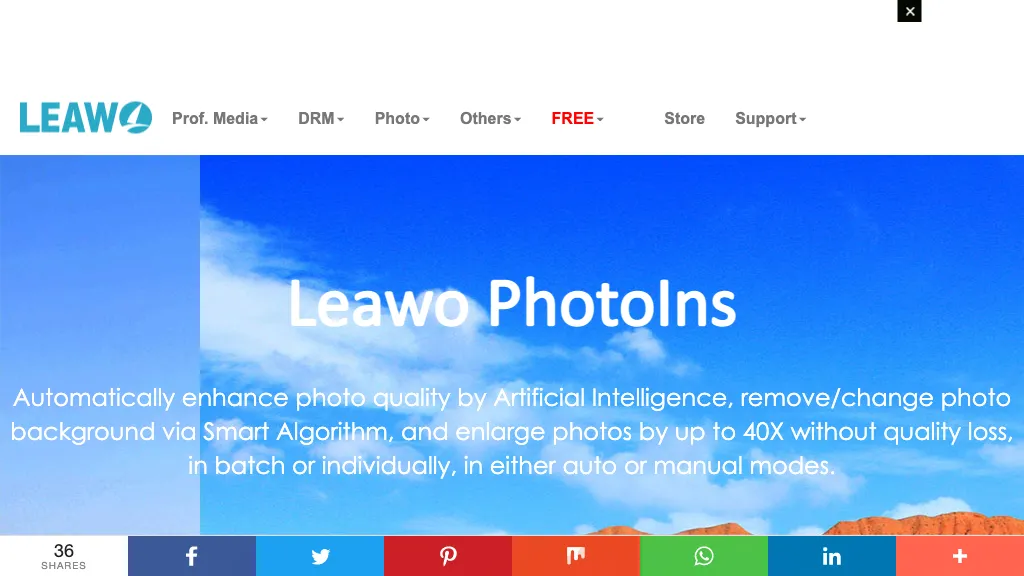
What is Leawo PhotoIns?
Leawo PhotoIns AI Photo Enhancer is an image editing tool that uses artificial intelligence to automatically improve photo quality. It sharpens details, adjusts white balance, corrects color, compensates exposure, and performs skin retouching to remove blemishes.
The background removal feature employs a neural algorithm that isolates objects, allowing users to replace or make backgrounds transparent. PhotoIns can upscale images up to 40‑fold in resolution while preserving detail and reducing noise. Batch processing capabilities enable rapid editing of large photo collections for photographers, e‑commerce, and social‑media managers.
The software runs on Windows and macOS, offering both automated and manual editing modes. Users can enlarge photos, correct lighting, and modify backgrounds with a single click, streamlining workflows across professional and amateur photo workflows..
Leawo PhotoIns details
- Built for
- Individuals
Leawo PhotoIns pricing
Freemium- Refund window
- 14 days
Verify on the official pricing page.
View plansLeawo PhotoIns's key features
-
Download up to 8K videos
-
Record DRM protected streams up to 4K
-
Batch download TV episodes
-
Preserve subtitles and audio tracks
-
GPU hardware acceleration for downloads
-
Remove ads and popups
-
Auto power off after completion
Leawo PhotoIns use cases
-
Create stunning product photos with 40‑fold upscaling and background removal for e‑commerce listings, eliminating the need for Photoshop
-
Enhance family portraits by auto‑correcting exposure, removing skin blemishes, and adjusting color balance in batch mode, saving hours of manual editing
-
Quickly prepare high‑resolution marketing assets by retouching photos, adjusting white balance, and isolating subjects for clean overlays, all on Windows and macOS
Leawo PhotoIns user reviews
Based on 30 reviews, 80% of users recommend Leawo PhotoIns, rated highly for value for money.
Liked for
Disliked for
Would you recommend Leawo PhotoIns?
Who is Leawo PhotoIns for?
-
Photo editors
-
Visual designers
-
Content publishers
-
Digital marketers
-
E-commerce sellers
Leawo PhotoIns FAQ
Is Leawo PhotoIns free?
Partly. Leawo PhotoIns has a free plan with usage limits, and paid plans unlock the full feature set. Plans include Photoins bundles at $79.95.
Is Leawo PhotoIns safe to use?
Leawo PhotoIns carries the TopAI.tools verified mark, which we award after a manual review of pricing transparency, published terms, public following and working functionality.
Is Leawo PhotoIns good?
Leawo PhotoIns has an 80% recommendation rate from 30 reviewers on TopAI.tools. Reviewers rate it highest on value for money and quality of results.
What are the best alternatives to Leawo PhotoIns?
The closest alternatives to Leawo PhotoIns are HitPaw Photo AI, AI Image Enlarger, Let’s Enhance, PicWish and HitPaw Online Photo Enhancer. You can compare them side by side in the alternatives section further down this page.
What does Leawo PhotoIns do with my data?
Its privacy policy states that personal data is not sold or shared for marketing purposes. Data may be shared with third-party service providers that help run the product.
Does Leawo PhotoIns auto-renew or offer refunds?
Leawo PhotoIns states a 14-day refund window.
Is there a mobile app for Leawo PhotoIns?
Yes. Leawo PhotoIns has a mobile app alongside its web version.
Compliance, privacy and billing terms are as stated in each product's own published documentation and have not been independently verified by TopAI.tools.


