
Convert any PDF or document into a Chatbot with these AI tools
By topAI.tools

In today's fast-paced business world, the ability to efficiently manage and access important documents is crucial to success. However, with the sheer volume of data that companies generate, it can be a daunting task to locate and retrieve the right information when you need it. That's where document search chatbots powered by AI come in. These cutting-edge tools can help streamline document management processes, saving time and improving productivity for businesses of all sizes. In this list, we'll explore the various use cases for document search chatbots in the business world and highlight some of the top tools available on the market. Let's dive in!
Many of the tools below support different types of documents and different integrations for converting your documents into a chatbot application, similar to chatGPT experince. You can ask questions and and receive answers. In addition to that some tools like ingestAI can even be integrated into all of your chat applications
Use cases for this is actually limitless, from customer support chatbots to studying your own courses at school in a new different way. Have look at the following tools and give it a shot.
Convert any PDF or document into a Chatbot with these AI tools
1.Chatbase
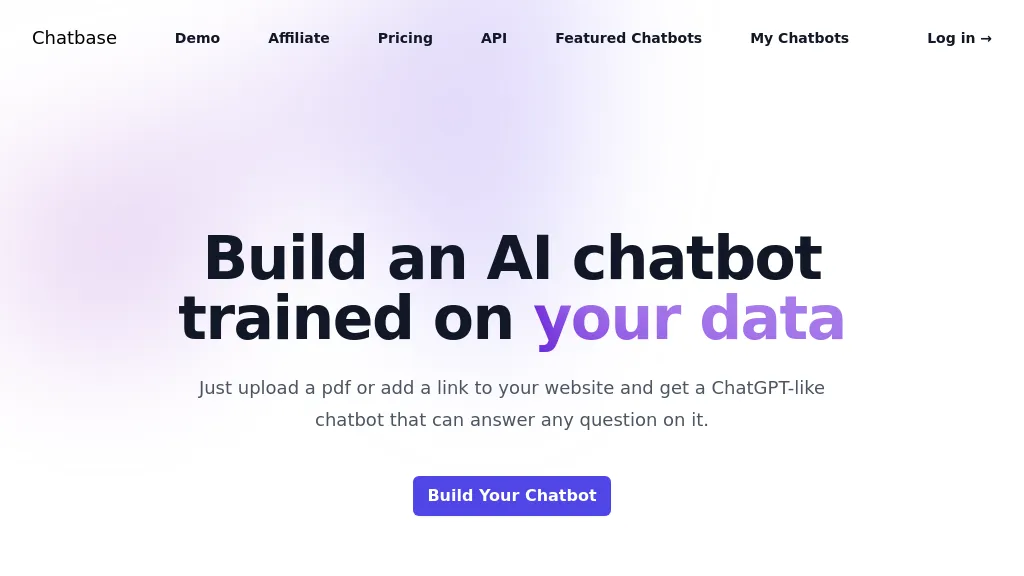
Chatbase is a platform for building and deploying AI support agents for customer service and customer service automation.It enables training agents on business data, configuring actions within connected systems, and routing complex queries to human agents.
Integrations with CRMs, order management, Zendesk, Slack, WhatsApp and other tools provide real-time data sync and chatbot integrations for personalized responses and automated workflows.Features include model comparison, natural-language escalation rules, whitelabel chat widgets, APIs and client libraries for product integration.
Admin dashboards deliver analytics, observability, and reporting to monitor agent performance and customer interactions.Security controls include SOC 2 Type II compliance and encryption of data at rest and in transit, with options to limit model training on customer data.
Pricing starts at: $32/mo
Chatbase can be used for:
- Deploy a white‑label AI support agent trained on your product docs, knowledge base and CRM to handle tier‑1 customer inquiries across your website chat, Slack and WhatsApp, automatically create and update Zendesk tickets, escalate complex cases to human agents with full context, and maintain encryption and SOC 2 compliance to reduce response times
- Automate common customer workflows such as refunds, returns, billing adjustments and subscription changes by integrating Chatbase with your CRM and payment systems, triggering multi‑step automated flows, notifying customers via WhatsApp/Slack, and logging actions in Zendesk for auditability and analytics
- Provide 24/7 multilingual conversational support by training agents on localized content and CRM data, route language‑specific conversations or escalate to regional teams, surface analytics on intent trends and CSAT, and enforce role‑based security controls for enterprise compliance
Chatbase Key Features
- Train and deploy AI agents on your business data
- Sync with real-time data and integrate with CRMs, order systems, and other tools
- Configure agents to take actions within connected systems (e.g., update subscriptions)
- Natural-language smart escalation to route complex queries to human agents
- APIs, client libraries, and components for deep product integration
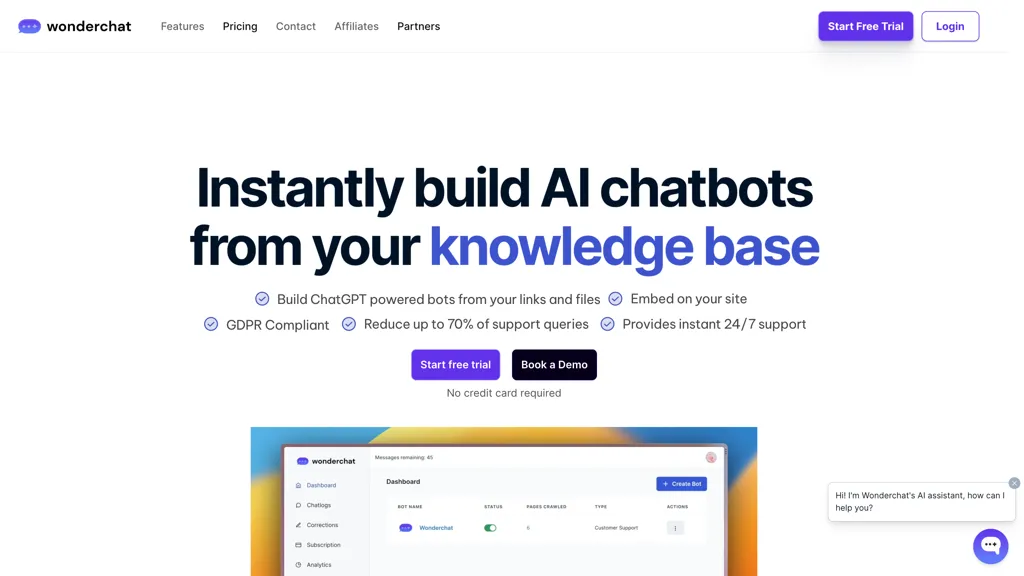
Wonderchat is an AI chatbot builder that allows you to create custom ChatGPT-powered chatbots using your business data.The tool enables quick setup, typically within five minutes, and can train chatbots using data from website links and PDF files.
These chatbots can provide accurate, human-like responses and effectively resolve up to 70% of customer support queries.Key features include GDPR compliance, easy embedding on websites, smart routing to email support or live chat, and customizable chatbot roles and behaviors.
Additionally, Wonderchat offers detailed analytics and the ability to monitor and improve chatbot performance based on customer feedback.The tool is designed to enhance customer service efficiency and is compatible with various platforms such as WordPress, Squarespace, and Webflow.
More over Wonderchat provides lots of integrations with popular platforms like Zapier, Zendesk, Whatsapp and more.
Pricing starts at: $49.99/mo
Wonderchat can be used for:
- Create AI-powered chatbots to handle up to 70% of customer support queries effectively
- Embed chatbots on your website to provide accurate, 24/7 customer service with human-like responses
- Monitor and improve chatbot performance with detailed analytics and customer feedback integration
Wonderchat Key Features
- Train on your data or website
- Customizable chatbot
- Embeddable on your site in minutes
- Chat data analytics
- Response enhancements
- Sentiment analysis
- Custom branding
- Daily reports
- GDPR compliant
- Human handover
3.PDF.ai
PDF.ai
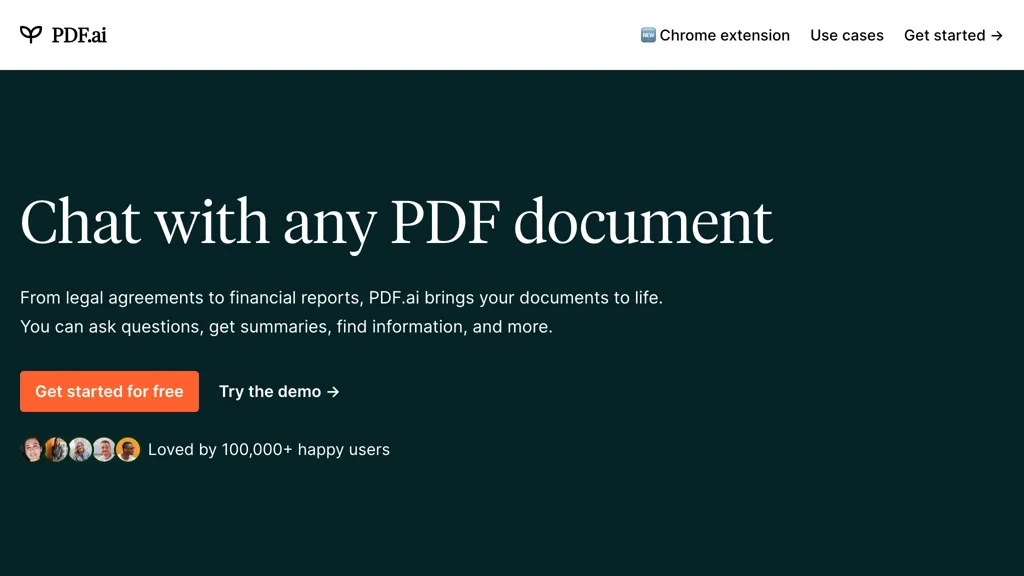
PDF.ai allows users to upload PDF documents and interact with them via a chat interface, enabling questions, summarizations, and information extraction.
The platform provides AI‑powered parsing that converts PDFs into structured JSON, detecting headings, paragraphs, tables, and figures with advanced OCR and layout analysis.
Field extraction with custom prompts retrieves specific data points such as names, dates, and amounts, while intelligent splitting separates PDFs into user‑defined sections automatically.
All responses are supported by source citations extracted from the original document, ensuring traceable references for users.
Developers can integrate these capabilities through a RESTful API that offers endpoints for parsing, extracting, splitting, uploading, and chatting with PDFs in any programming language.
PDF.ai is designed for a range of professional domains—including legal, finance, real estate, healthcare, education, and research—by offering specialized AI agents tailored to each field’s document analysis needs.
Pricing starts at: $0/mo - Freemium
PDF.ai can be used for:
- Extract structured JSON from contract PDFs for automated compliance checks without manual data entry
- Quickly summarize and answer questions on technical whitepapers, providing source‑cited excerpts for research teams
- Parse financial statements, extracting tables and key metrics, and feed them into business intelligence dashboards via RESTful API
PDF.ai Key Features
- Chat with PDF documents
- Parse PDFs into structured JSON
- Advanced OCR and layout detection
- AI field extraction with prompts
- Intelligent PDF splitting
- RESTful API endpoints
See also: Chatbots Document Search Alternatives of PDF.ai
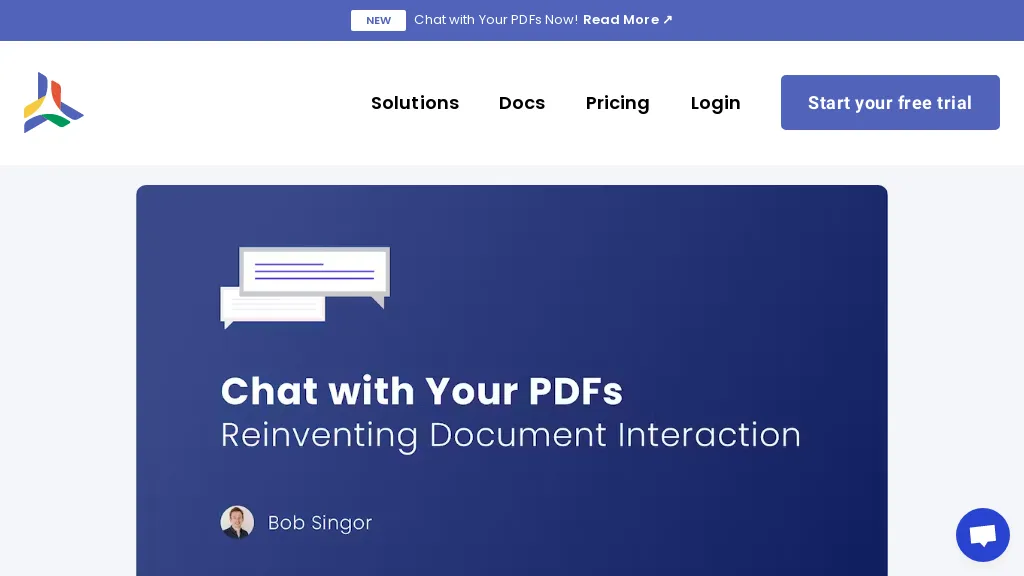
Chat with Your PDF allows users to ask natural‑language questions to any PDF and receive instant answers. The tool uses vector search to locate relevant sections based on semantic similarity, rather than keyword matching. Users upload a document, enable AI chat in the permissions settings, and then interact through a chat pane that displays answers and source excerpts within the viewer.
The feature is applicable to academic papers, legal texts, technical manuals, and other reference materials, helping researchers, students, and professionals locate information quickly. Enterprise development plans will extend this capability to search across large document collections using vector search.
Pricing starts at: $20/mo
CloudPDF - Chat with your PDFs can be used for:
- Instantly retrieve key findings from a regulatory compliance PDF without manual scrolling, with source excerpts for audit trails
- Study complex research papers by asking conceptual questions and getting concise, vector‑search‑backed answers for exam prep
- Navigate legal contracts quickly by querying clauses and receiving relevant excerpts, reducing contract review time
CloudPDF - Chat with your PDFs Key Features
- Embed PDF viewer with HTML snippet
- Disable PDF download and printing
- Server-side PDF generation
- Analytics on viewer usage
- Lead capture before viewing
- Customizable viewer appearance
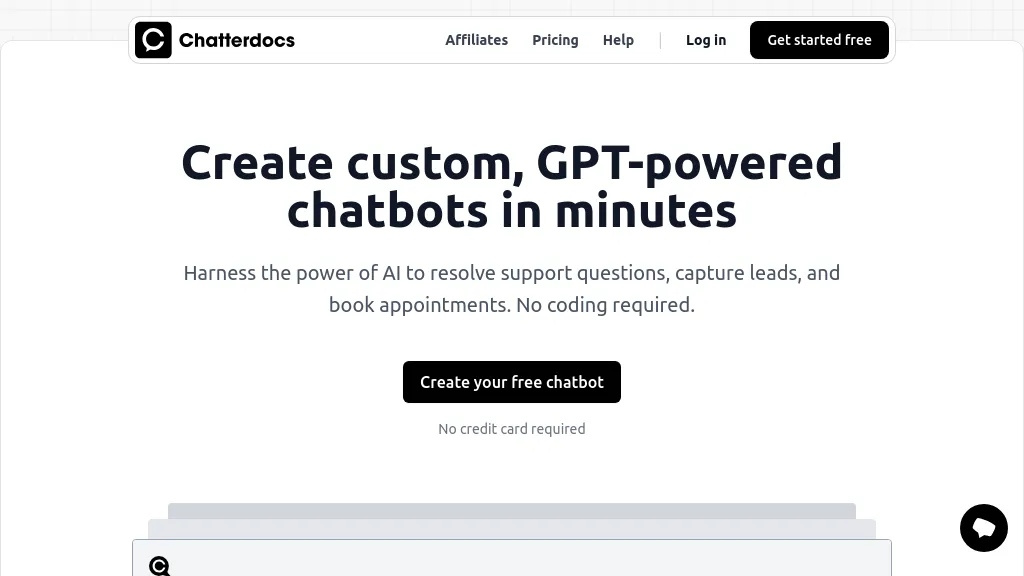
Chatterdocs is a no‑code platform that lets businesses create GPT‑powered chatbots in minutes. The builder supports data import from web pages, PDFs, CSV, Markdown, audio, and Notion workspaces, enabling the bot to answer questions based on the organization’s own knowledge base.
Chatbots can be embedded as a lightweight widget on a website, integrated with Slack via slash commands, or exposed through an API for custom applications. The tool offers built‑in lead capture, appointment booking, and email collection, and provides downloadable insights into visitor interactions.
Pricing starts at: $9/mo
Chatterdocs can be used for:
- Enable a 24/7 customer support chatbot on your e‑commerce site that pulls product FAQ from PDFs and markdown docs, auto‑captures leads via web widgets, and provides real‑time interaction insights to optimize conversion rates.
- Integrate a Slack slash command chatbot that pulls sales playbook data from Notion and CSV files, allowing sales reps to quickly retrieve pricing tiers, booking information, and lead qualification scripts without leaving their channel.
- Build a marketing lead capture bot for your landing page that imports webinar Q&A transcripts from audio files, guides visitors through interactive prompts, and logs engagement metrics through the API for targeted follow‑up campaigns.
Chatterdocs Key Features
- Build GPT-powered chatbots
- Zero-code chatbot creation
- Upload PDFs, CSV, Markdown, audio
- Connect Notion workspaces
- Embed brandable widget
- Slack slash command integration
- API response integration
6.ChatFast
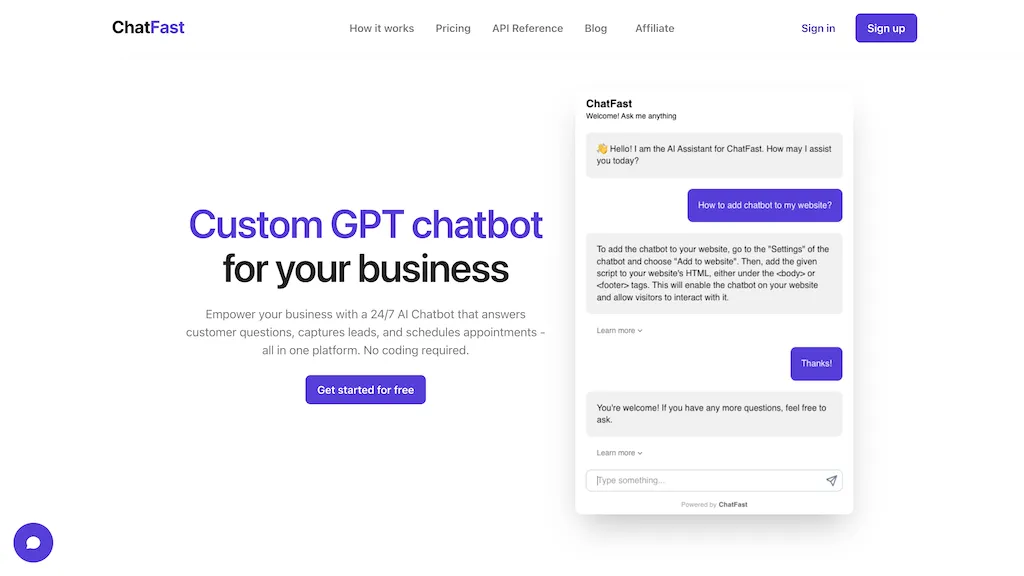
ChatFast is a chatbot platform that lets businesses build GPT‑powered assistants from their own data. It supports plain text, PDFs, and website URLs as data sources, and can answer questions in over 95 languages, even when the input text is in a different language.
Users can train the bot with custom Q&A sets to guide responses and embed the chatbot directly on their website. The tool also captures visitor details such as name, email, and phone number, providing analytics on visitor intent. API access is available on paid plans, while a free tier offers basic chatbot functionality for new users.
Pricing starts at: $0/mo - Free trial
ChatFast can be used for:
- Answer product queries in real time on your online store using ChatFast’s PDF and URL integration, eliminating customer support tickets
- Create an internal knowledge base chatbot for your organization by uploading policy PDFs and training it with Q&A sets, ensuring all employees can instantly retrieve policy details
- Deploy a multilingual customer support bot on your website that tracks visitor intent analytics, providing personalized assistance across 95+ languages
ChatFast Key Features
- Custom GPT chatbot creation
- 24/7 AI support with lead capture
- No coding required
- Multi-source training: text, PDFs, URLs
- 95+ language support
- Visitor data collection and analytics
- API access for paid plans
See also: Chat Customer Support Alternatives of ChatFast
7.ChatCube
ChatCube is an AI chatbot maker that allows you to train a chatbot to answer questions based on any document or website in just 60 seconds.With ChatCube, you can create a personalized chatbot without any coding knowledge by simply entering the document or website URL.
It supports various types of content, including website documentation, online blogs, research papers, books, and legal documents.The chatbot can be trained in multiple languages, and non-English characters are also supported.
ChatCube offers advantages over traditional chatbots, such as a no-code builder for customization, lightning-fast integration, fine-tuning on specific data sources, data encryption and security, customizable appearance and voice, and the latest AI technology.
By leveraging ChatCube, businesses can enhance their customer support, reduce support ticket volumes, and provide efficient and accurate assistance to users.
Pricing starts at: $19/mo
ChatCube can be used for:
- Create a chatbot to answer customer questions on a product manual
- Train a chatbot to provide support on a research paper or article
- Develop a chatbot to assist with legal document inquiries
ChatCube Key Features
- Train a chatbot
- Support multiple languages
- Customizable appearance and voice
- Data encryption and security
- Latest ai technology
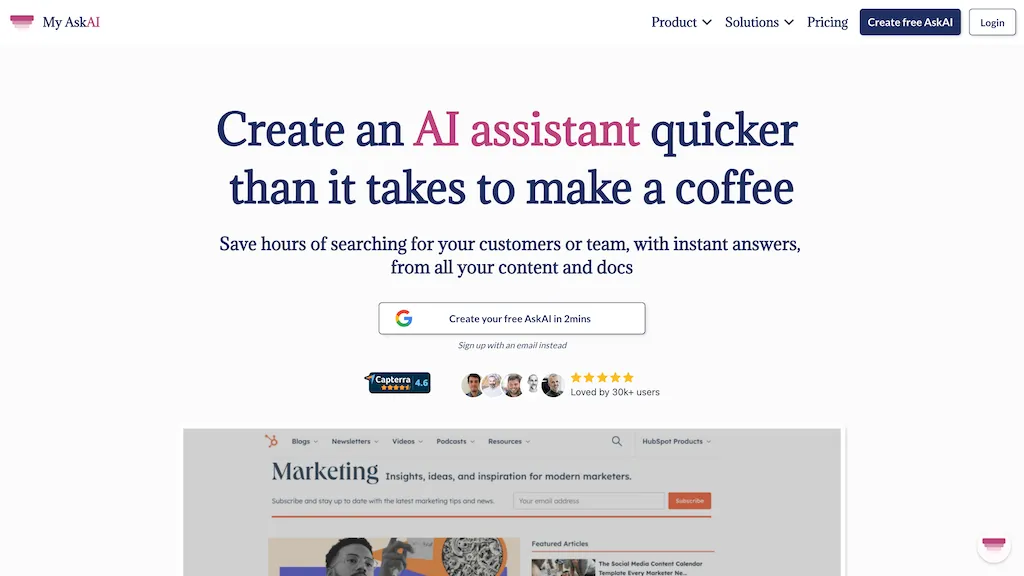
My AskAI integrates directly into helpdesk platforms such as Zendesk, Intercom, Freshdesk, HubSpot, and Gorgias, adding an AI agent that can answer up to 75 % of customer support tickets automatically. The agent learns from your existing help center articles, websites, documents, and internal SOPs, enabling it to provide accurate responses without requiring additional development work.
It supports multilingual conversations and live translation, and includes intelligent escalation to human agents when the AI is uncertain. Built‑in features such as Copilot & Draft Replies, Guidance, and Insight reporting help teams refine answers and monitor performance.
The agent can access real‑time customer data through APIs, allowing it to answer account‑specific questions and perform complex support tasks like refunds or upgrades. All content and data remain isolated, encrypted, and are not used for model training beyond service requests.
Pricing starts at: $199/mo
My Ask AI can be used for:
- Automatically answer up to 75% of incoming tickets by leveraging internal docs and knowledge base, freeing agents to focus on complex issues
- Provide real‑time multilingual support with live translation for global customers, ensuring quick and accurate responses
- Use Copilot drafts and escalation insights to route tickets intelligently, improving first‑contact resolution and agent efficiency
My Ask AI Key Features
- AI draft replies in internal notes
- Chrome extension AI answer suggestions
- Intelligent escalation with human handoff
- Live translation support across languages
- Self‑learning AI improves with tickets
- Automatic conversation tagging
See also: Chat Document Search Alternatives of My Ask AI
9.Cody
Cody is an AI assistant that can be trained on a company’s documents and processes to provide instant, context‑aware answers to employee and customer questions.Users can upload PDFs, PowerPoint slides, website content, or other files and create a secure knowledge base that Cody queries to generate responses.
Cody offers source attribution for every answer, allowing teams to verify information and maintain compliance.The platform includes a prompt manager, focus mode for specialized queries, and a scratchpad to refine bot outputs, supporting use cases in marketing, HR, IT, sales, and training.
Conversation logs are centrally stored and filterable by date or bot, enabling audit and performance review.Cody operates in multiple languages, making it suitable for global teams and customers.Integration options include API access, web widgets, and embeds for Slack, Discord, Zapier, and websites, facilitating workflow automation.
Access controls allow administrators to restrict chatbot visibility per user or group, ensuring data security and role‑based permissions.The system uses AWS encryption and SOC II compliant vector databases to protect stored documents and conversation histories.
Pricing starts at: $0/mo - Free
Cody can be used for:
- Enable instant, source‑verified support for employees via Slack, so HR can answer policy queries in real‑time without leaving the chat, ensuring audit‑ready logs for compliance.
- Automate customer onboarding by embedding Cody in a Zapier workflow that pulls product docs and delivers a multilingual FAQ bot on the company portal, giving users instant, citation‑backed answers.
- Centralize compliance training with a secure, multilingual knowledge base that allows auditors to trace every answer through audit‑ready logs, while team members retrieve policy info instantly across Slack.
Cody Key Features
- Custom Knowledge Base Upload
- Instant Business Answers
- Supports Multiple Languages
- Prompt Manager for Chatbots
- Focus Mode for Document Context
- Centralized Conversation Logs
- API Integration with Apps
See also: Business Document Search Alternatives of Cody
10.PDFGPT
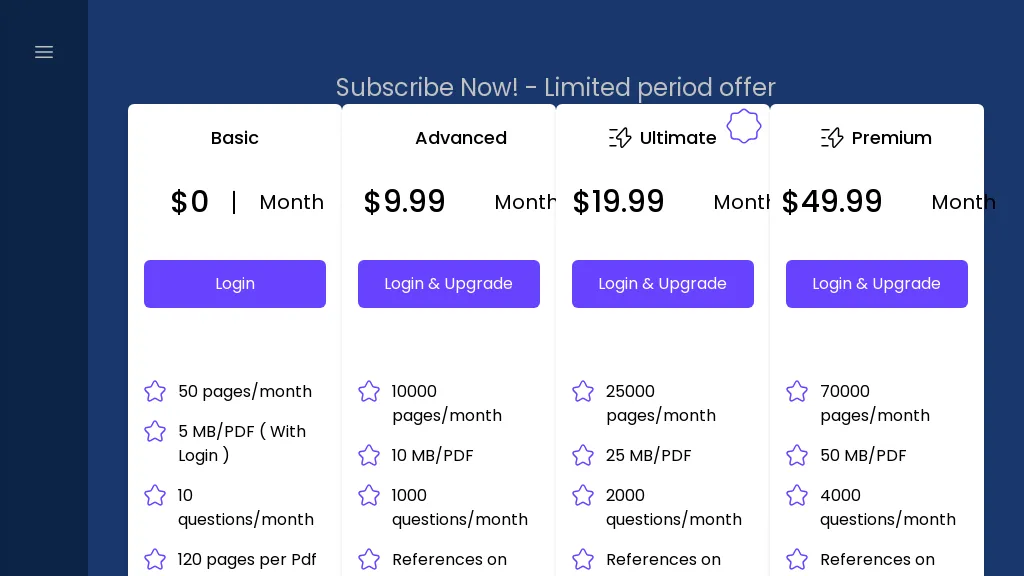
PdfGPT is an AI‑powered PDF summarizer that accepts single files or entire folders, automatically structuring and linking documents for quick reference. It enables conversational search across multiple PDFs, allowing users to ask questions, compare versions, and identify specific clauses or contradictions.
The platform offers built‑in agents for specialized tasks such as compliance checks, risk flagging, and fact‑checking, which can be customized without coding. Output can be exported as notes, citations, or redlined Word/PDF documents for collaboration.
Users in law, academia, journalism, research, and real estate benefit from automated cross‑document analysis, citation generation, and real‑time research mode that pulls current references. Data handling is confined to the platform, ensuring privacy and security for confidential files.
Pricing starts at: $4.99/mo
PDFGPT can be used for:
- Summarize a batch of policy documents for a legal team, instantly flagging compliance gaps and generating citation‑ready notes
- Compare different versions of a contract to spot clause changes, export a redlined diff for negotiation
- Conduct a real‑time research session on industry regulations, chat with the PDF summarizer and receive a compliance checklist and citation list
PDFGPT Key Features
- Upload PDFs and folders
- Multi-document conversational analysis
- Custom AI agents for tasks
- Live research with citations
- Redline agreement drafts
- Fact-check claims with data
- Save insights as notes
11.PDF GPT
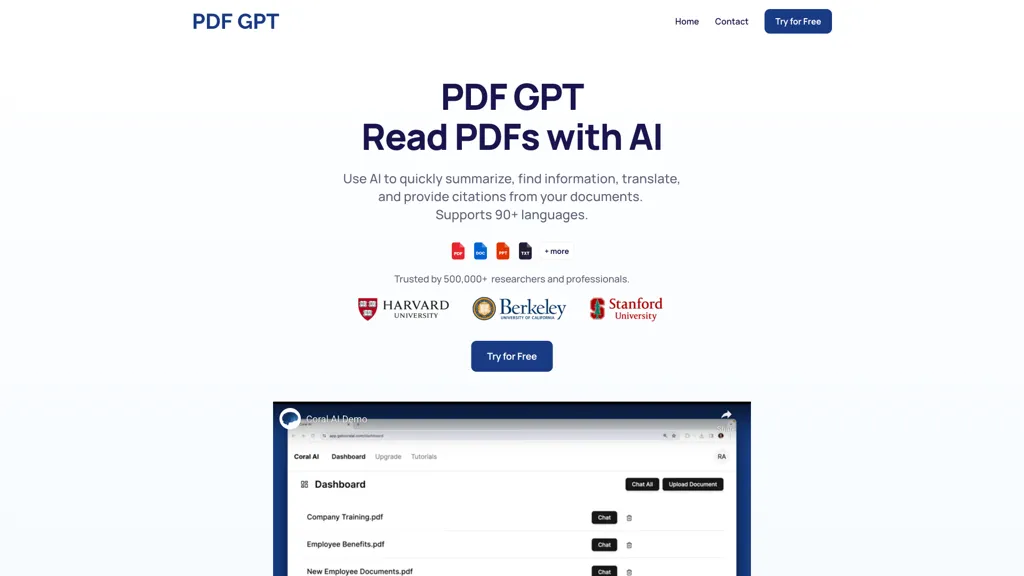
PDF GPT is an AI‑powered platform that reads and analyzes PDF documents. It produces instant summaries of long PDFs, saving time for researchers, professionals, and students. Every answer is accompanied by clickable page references and highlighted excerpts, enabling precise citation for reports, papers, or presentations.
The tool allows users to upload multiple files and search for specific information across all documents at once, streamlining literature reviews or data extraction tasks. Users can tag and organize PDFs, then chat about grouped documents for collaborative work or study groups.
Pricing starts at: $6/mo
PDF GPT can be used for:
- Quickly generate a concise summary of a lengthy legal contract and highlight critical clauses for rapid compliance review
- Simultaneously search and extract relevant statistics from a batch of medical research PDFs, auto‑generating citations in APA format for a systematic review
- Enable cross‑functional teams to collaborate on PDF annotations in real‑time, tagging findings and generating a shared research dossier in multiple languages
PDF GPT Key Features
- Summarize PDFs instantly
- Provide clickable page citations
- Search across multiple PDFs
- Tag and organize documents
- Translate documents in 90+ languages
- Generate study guides and presentations
12.Upstream AI
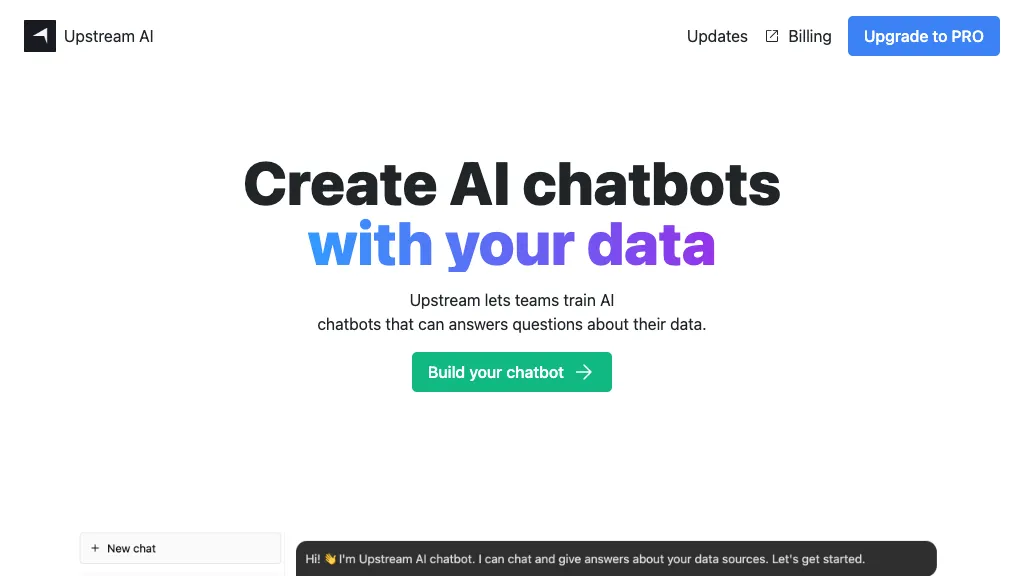
Upstream.ai is an AI tool that allows users to create AI chatbots that can answer questions based on various sources such as work documents, articles, and PDF files. The tool offers fast responses and is continuously updated with the latest model from OpenAI. Multiple sources can be checked for references in answering tasks. Users can get started with an activation key.
Upstream AI can be used for:
- Customer service chatbot
- HR chatbot for employee inquiries
- Educational chatbot for student support
Upstream AI Key Features
- Create ai chatbots
- Answer questions
- Utilize work documents, articles, and pdf files as sources
- Offer fast responses
- Continuously updated with openai model
13.Slite - Ask
Ask by Slite is a tool that allows teams to ask questions to their knowledge base. It uses artificial intelligence to search through your team's documentation and find the answers to your questions. Ask by Slite can be used to answer questions quickly, without ever having to search through your team's documentation manually.
Pricing starts at: $0/mo - Freemium
Slite - Ask can be used for:
- Quickly find answers to common questions
- Reduce time spent searching for information
- Improve team productivity by streamlining knowledge sharing
Slite - Ask Key Features
- Search
- Documentation
- Knowledge base
- Questions
- Answers
14.Ask Corpora
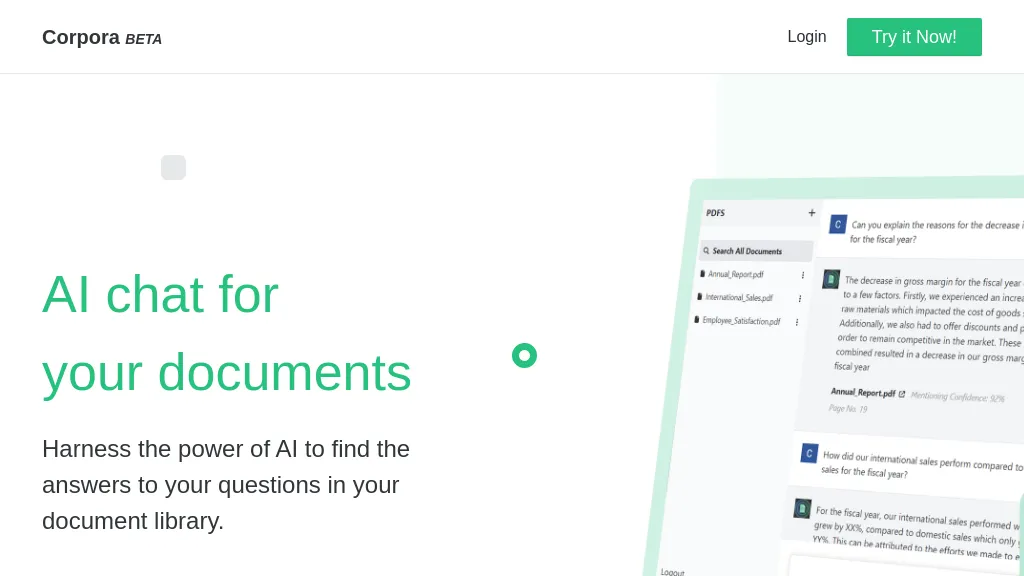
Corpora is document search engine that helps users find the answers to their questions in their document library. It uses advanced natural language processing techniques to analyze the content of documents, allowing it to provide accurate and relevant search results.
Pricing starts at: $0/mo - Free trial
Ask Corpora can be used for:
- Finding specific information in a large document library
- Researching a topic across multiple documents
- Identifying relevant documents for a legal case
Ask Corpora Key Features
- Search
- Analyze
- Natural language processing
- Document library
- Answers
15.Humata AI

Humata is ChatGPT for your files. Ask questions about your data and get instant answers powered by AI. Learn, summarize, synthesize, and extract valuable data from your files 100X faster. Legal, technical or Reports Document Search.
Pricing starts at: $14.99/mo
Humata AI can be used for:
- Legal document analysis and extraction
- Technical document summarization
- Report data extraction
Humata AI Key Features
- Document search
- Question answering
- Data learning
- Summarization
- Extraction
See also: Document Search Chatbots Alternatives of Humata AI
16.Papers GPT

Demo of Custom GPTs Allows users to upload multiple data sources, such as scientific papers, to customize GPT knowledge. The left‑hand interface connects data sets, after which users can query the model about the content. Users supply their own OpenAI API key with the command `set_key [YOUR_API_KEY]`; for safety, a temporary key is recommended and should be deleted afterward.
Pricing starts at: $0/mo - Freemium
Papers GPT can be used for:
- Build a personalized literature review bot that ingests a lab’s publication corpus and instantly answers queries about methods, results, and citation trends, eliminating manual literature searches.
- Develop a developer knowledge base by uploading internal docs, code samples, and APIs so the custom GPT can answer stack questions and suggest refactors in real time.
- Create an educator AI tutor that imports curriculum materials and academic papers, then delivers interactive lesson plans and assessment questions tailored to course objectives.
Papers GPT Key Features
- Connect data source on left
- Ask questions about data source
- Set your own OpenAI API key
17.QueryGPT
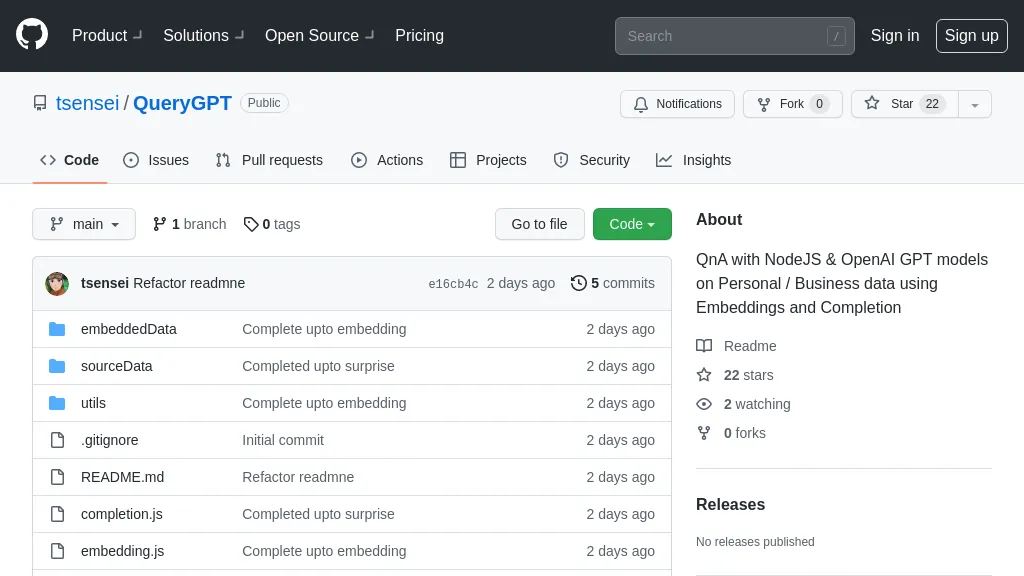
An opensource example for building Q&A chatbot based on documents and is using the OpenAI GPT models. Using this tool you can build your own chatbots from your own documents and knowledge base and integrate them in any application.
Pricing starts at: $0/mo - Free
QueryGPT can be used for:
- Customer support chatbot
- Educational chatbot
- FAQ chatbot
QueryGPT Key Features
- Building chatbots
- Using openai gpt models
- Integrating with applications
- Customizing with own documents and knowledge base
See also: Document Search Chatbots Alternatives of QueryGPT
18.Chatdoc
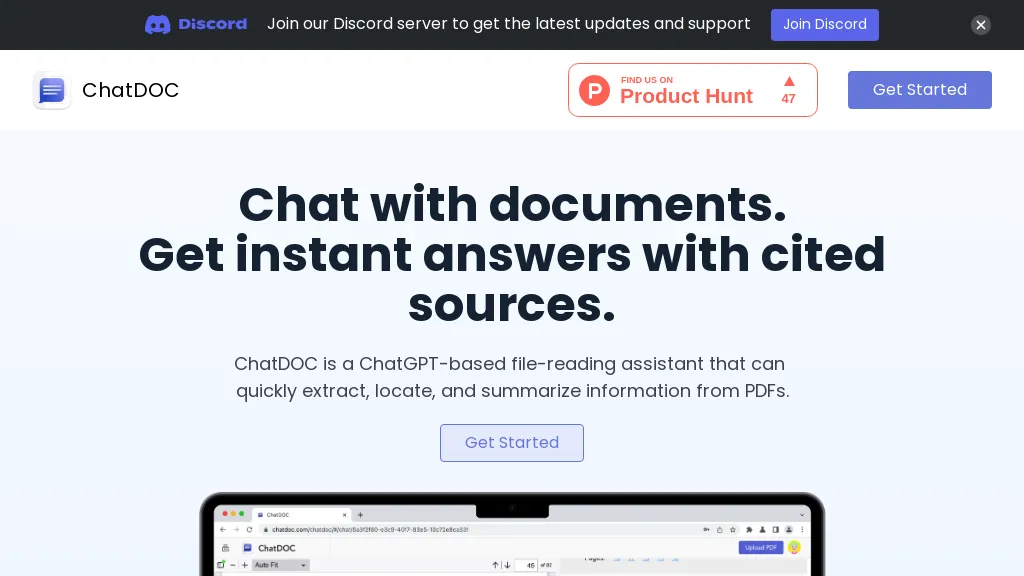
ChatDOC is an AI‑powered chat platform that enables users to interact with PDF and other document formats such as DOC, DOCX, EPUB, MD, and TXT. The tool parses documents and preserves layouts, automatically recognizing tables, formulas, and images across pages for precise extraction.
Users can ask questions, receive answers with visible source citations, and highlight text or view footnotes directly within the chat interface. Multilingual support allows queries in over 25 languages, and built‑in translation keeps the original layout intact.
The system supports unlimited files, pages, and folders, making it suitable for researchers, educators, HR managers, lawyers, and analysts who need quick retrieval of policy, research, or financial data from large document collections. API and SDK integrations provide developers with programmatic access for embedding document‑centric AI chat into custom workflows.
Pricing starts at: $0/mo - Freemium
Chatdoc can be used for:
- Enable lawyers to quickly extract and cite clauses from multi-page contracts, automatically preserving tables and formulas for accurate legal review
- Help researchers query large academic PDFs or EPUBs in their native language, retrieving key data tables and equation explanations with precise source citations
- Streamline corporate onboarding by allowing HR teams to chat with policy PDFs, instantly retrieving relevant sections and cross-referencing multiple documents through the SDK
Chatdoc Key Features
- Parse PDFs, DOCs, and web pages
- Chat AI queries document context
- Highlight text, view quotes, reveal footnotes
- Translate documents into 25+ languages
- Optical character recognition on images
- Recognize and extract mathematical formulas
- Build and reuse prompt templates
See also: Chatbots Document Search Alternatives of Chatdoc
19.Docu-Talk
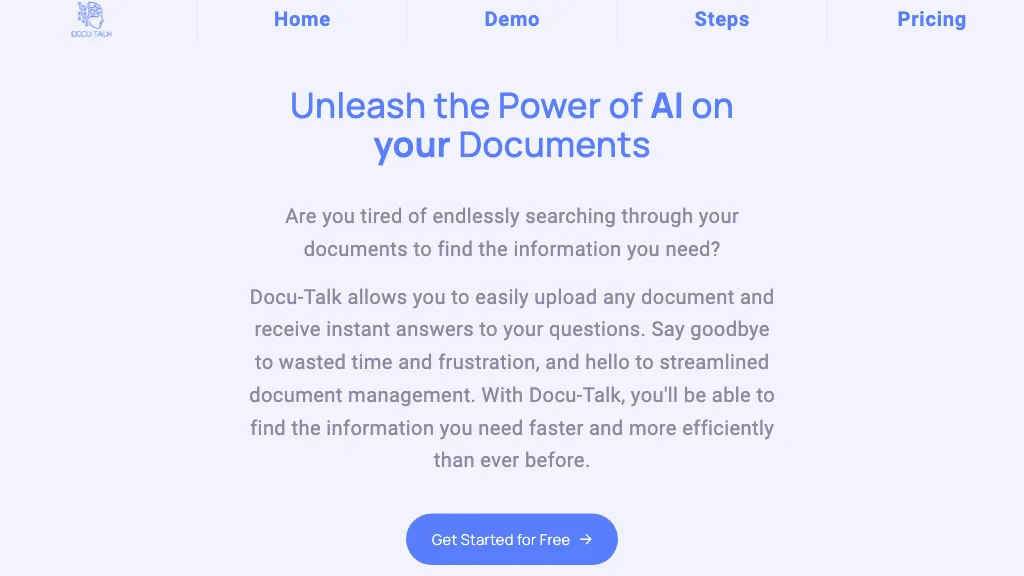
Docu-Talk allows you to easily upload any document and receive instant answers to your questions. Say goodbye to wasted time and frustration, and hello to streamlined document management. Docu-Talk, helps you find the information you need faster and more efficiently.
Pricing starts at: $0/mo - Freemium
Docu-Talk can be used for:
- Automated customer support for document-related queries
- Document collaboration with AI-powered assistant
- AI-powered document analysis and summarization
Docu-Talk Key Features
- Upload documents
- Receive instant answers
- Documents management
See also: Chatbots Document Search Alternatives of Docu-Talk
20.Visus
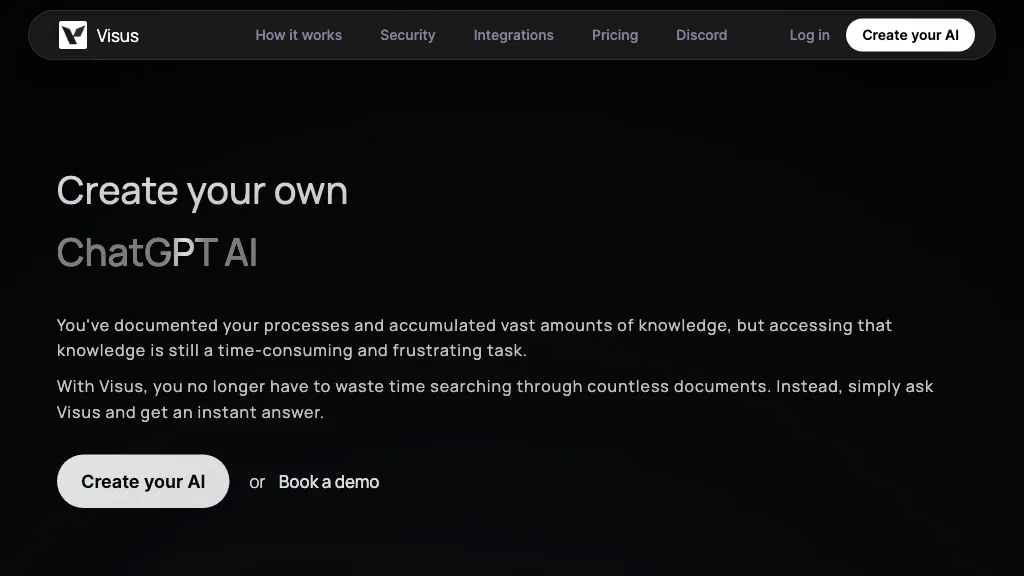
Visus is an AI tool that can create and train ChatGPT AI to understand and provide quick and accurate responses to questions based on accumulated knowledge. It stores a vast amount of documents and provides instant access to information, making it easier to retrieve valuable insights from data. Visus is fully customizable and offers three steps to train the AI, configure the interface, and ask queries. It also ensures data security and compliance with industry standards, including AES 256 encryption and strict permission enforcement. Visus works with various integrations, such as Google Drive, Confluence, Notion, Slack, Microsoft Teams, Discord, and Chrome extensions, making it accessible from anywhere.
Pricing starts at: $0/mo - Freemium
Visus can be used for:
- Customer service chatbot
- Internal knowledge base
- Research and data analysis
Visus Key Features
- Creates and trains chatgpt ai
- Stores vast amount of documents
- Provides quick and accurate responses to questions
- Fully customizable
- Ensures data security and compliance with industry standards
See also: Chatbots Document Search Alternatives of Visus
21.Heybot
Website to Chatbot powered by ChatGPT. Heybot is powered by GPT3 that Converts your website/blog, pdf, notion, and youtube channel into a chatbot in minutes.
Pricing starts at: $0/mo - Free
Heybot can be used for:
- Create a chatbot for customer support
- Convert a blog into a chatbot for engagement
- Transform a YouTube channel into a chatbot for interaction
Heybot Key Features
- Converts
- Website/blog
- Notion
- Youtube
- Into
- Chatbot
See also: Chatbots no-code Alternatives of Heybot
22.LightPDF
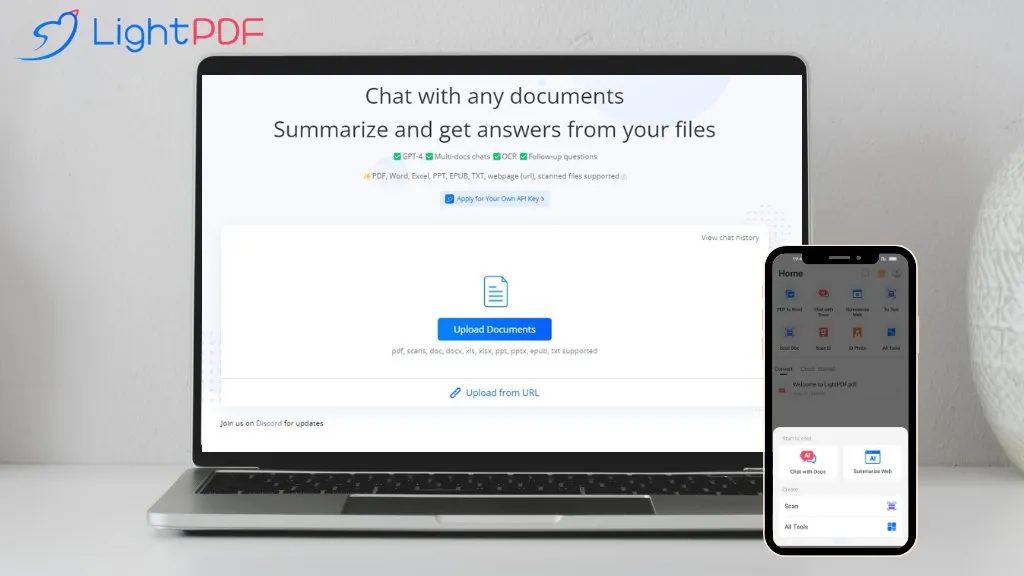
LightPDF is an AI‑driven document assistant that lets users chat with PDFs, Word, Excel, PowerPoint, EPUB, and other file formats.
It supports searchable and scanned documents, performs OCR, and can process multiple files in a single session.
The interface returns answers in plain text, lists, tables, or markdown, and provides references for each response.
Users can ask follow‑up questions, generate summaries, extract tables, and create outlines from uploaded content.
The tool works on Windows, macOS, Android, and iOS and accepts prompts in over 100 languages, making it accessible for students, researchers, business analysts, and content creators.
LightPDF can be used for:
- Generate concise meeting summaries from PowerPoint decks, returning Markdown with source citations and a clear outline
- Extract and translate tables from multilingual PDFs into Excel for market research, ensuring accurate OCR and data mapping
- OCR scan handwritten receipts and auto‑categorize expenses into encrypted PDF storage for personal finance tracking
LightPDF Key Features
- GPT-4 powered PDF chat
- Multi-document chat support
- OCR for scanned documents
- Supports PDFs, Word, Excel, PPT
- Summarize and answer queries
- 100+ language support
- Chrome and G Suite extensions
See also: Chatbots Document Search Alternatives of LightPDF
23.Arsturn AI
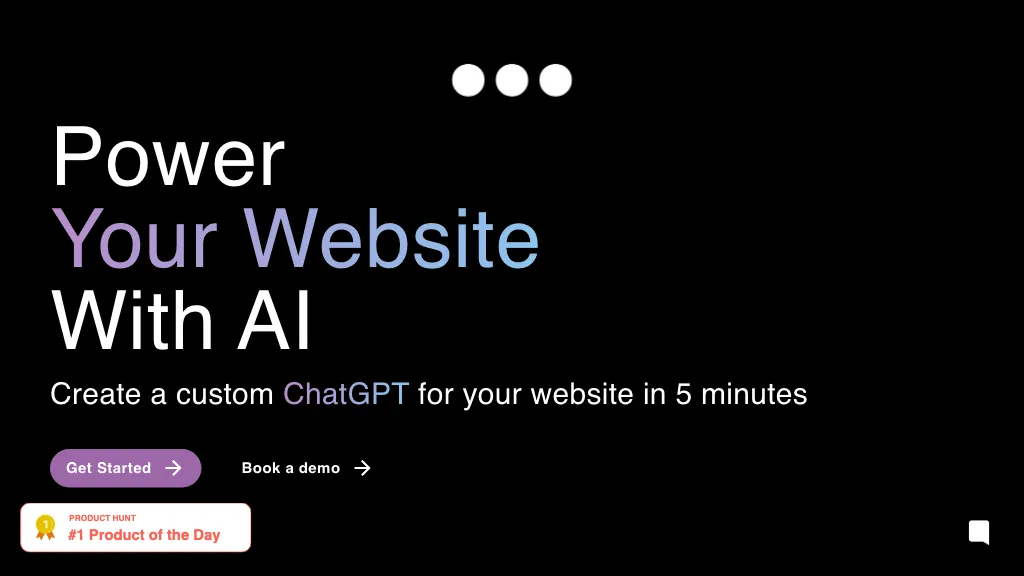
This AI tool allows users to create custom chatbots for their website in just 5 minutes. The chatbots are powered by GPT and aim to improve customer experience and engagement while saving time and costs. The tool uses three simple steps to build the chatbot and maximizes its intelligence through continuous learning and fine-tuning. Users can track metrics, explore clusters, and search for intents to gain insights into user conversations.
Arsturn AI can be used for:
- Create a chatbot for a website in 5 minutes
- Track metrics and gain insights into user conversations
- Build a chatbot from website page by automated website crawling and enhance analytics
Arsturn AI Key Features
- Chatbot building
- Gpt powered chatbots
- Customer experience improvement
- Engagement enhancement
- Time and cost savings
24.Docalysis
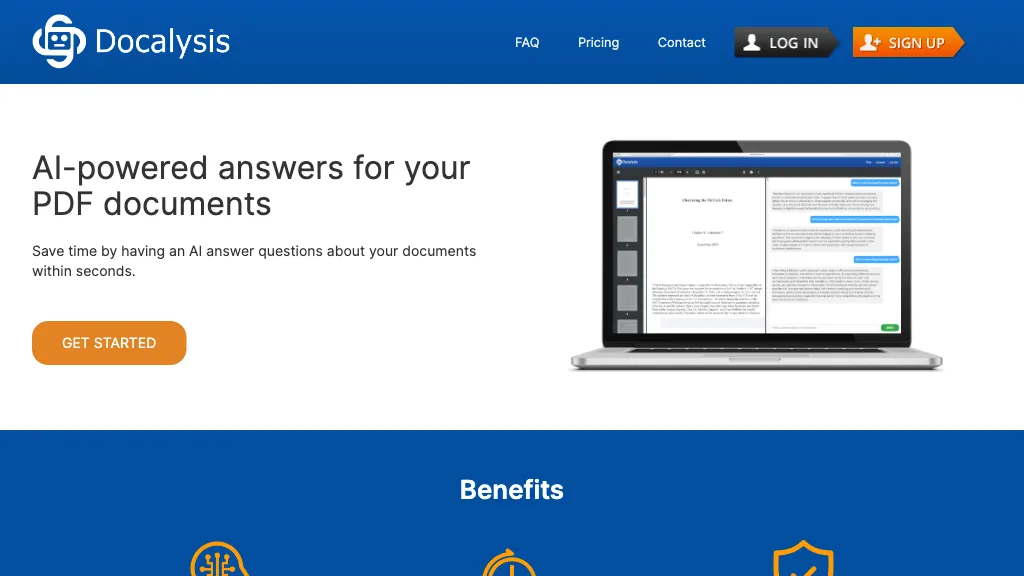
Docalysis is an AI‑driven chat platform that reads and analyzes PDF documents to provide instant answers to user queries. The tool utilizes natural language processing and document understanding to extract relevant information from files without manual review.
Users can ask specific questions and receive concise responses within seconds, reducing the time required for manual document reading by up to 95 %. Docalysis supports batch processing, API integration, and embedding capabilities, allowing developers to incorporate PDF chat functionality into custom workflows.
All uploaded documents are stored securely and can be deleted at any time, ensuring compliance with data privacy standards. The interface is designed for professionals who need quick insights from contracts, reports, or academic papers, making it suitable for legal, academic, and business settings.
Pricing starts at: $14/mo
Docalysis can be used for:
- Generate instant legal contract insights for compliance teams, enabling quick review of clauses without manual reading
- Integrate Docalysis into a corporate portal via API to provide employees a secure, searchable PDF knowledge base for on‑the‑job reference
- Batch‑process research papers, extracting key findings and summarizing them for academic teams to reduce reading time
Docalysis Key Features
- AI chat with PDF documents
- Instant answers to PDF questions
- Secure file handling and deletion
- Batch processing of PDFs
- API integration for PDFs
- Time-saving reading automation
See also: Chatbots Document Search Alternatives of Docalysis
25.ChaturGPT
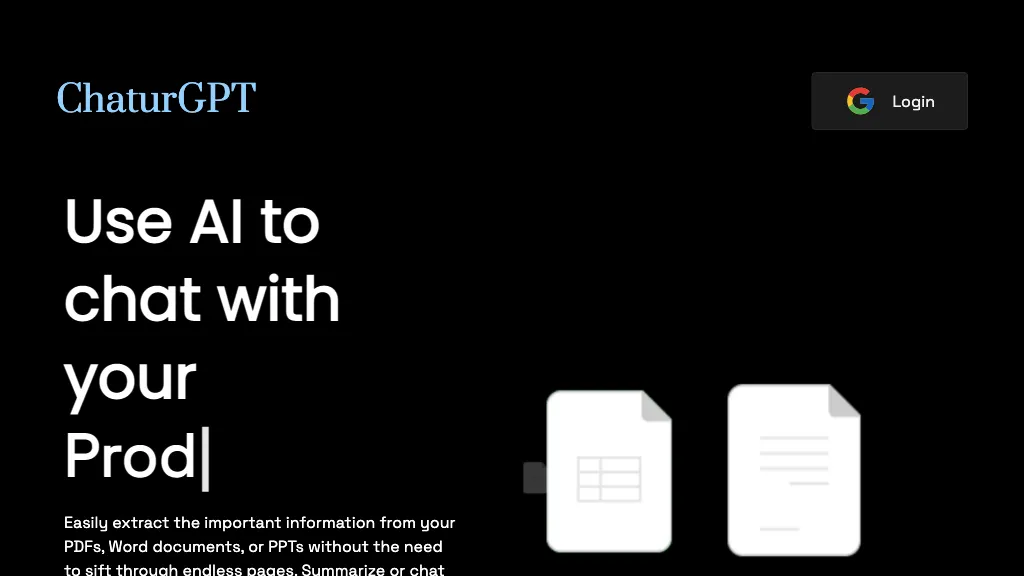
Chatur is an AI tool that reads and summarizes chat PDFs, word documents, and PPTs. It allows users to easily extract and import information without sifting through endless pages. Users can upload and ask questions about any kind of PDF, code document, bank statement, or legal document. Chatur categorizes matters and formats answers according to the specific information required. The tool optimizes workflow by providing instant answers and is secured with enterprise-grade security.
Pricing starts at: $0/mo - Free trial
ChaturGPT can be used for:
- Students can use Chatur to quickly summarize lengthy academic papers
- Legal professionals can use Chatur to extract key information from legal documents
- CXOs can use Chatur to quickly analyze financial statements and reports
ChaturGPT Key Features
- Reading
- Summarizing
- Extracting
- Importing
- Categorizing
See also: Chatbots Document Search Alternatives of ChaturGPT
26.PrivateGPT
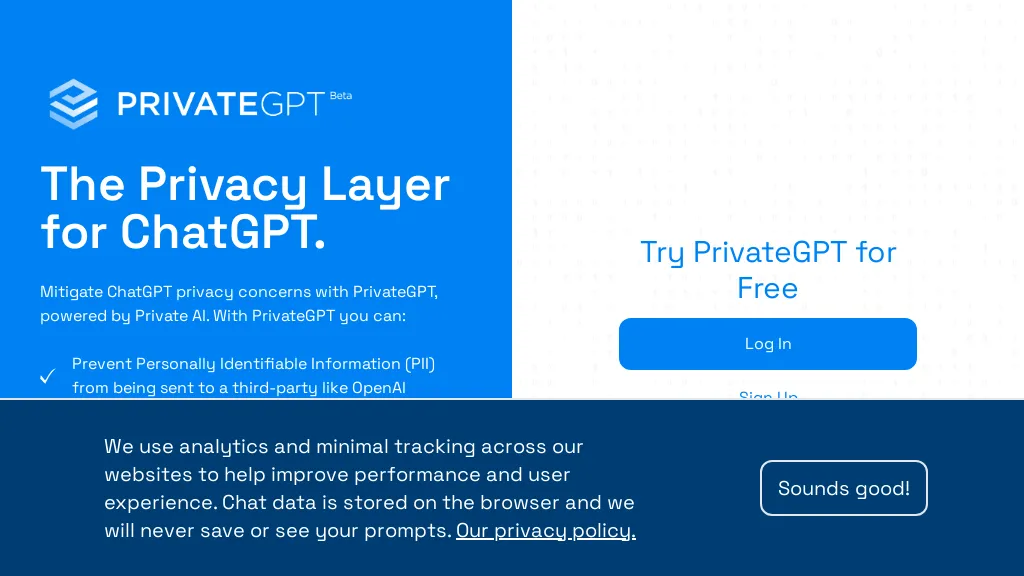
Interact privately with your documents using the power of GPT, 100% privately, no data leaks. Ask questions to your documents without an internet connection, using the power of LLMs. 100% private, no data leaves your execution environment at any point. You can ingest documents and ask questions without an internet connection using langchain and GPT4ALL.
Pricing starts at: $0/mo - Free
PrivateGPT can be used for:
- Securely analyze confidential documents
- Privately query sensitive information
- Confidentially interact with private documents
PrivateGPT Key Features
- Private document interaction
- No data leaks
- 100% offline functionality
- Ingest documents
- Ask questions
27.Odin
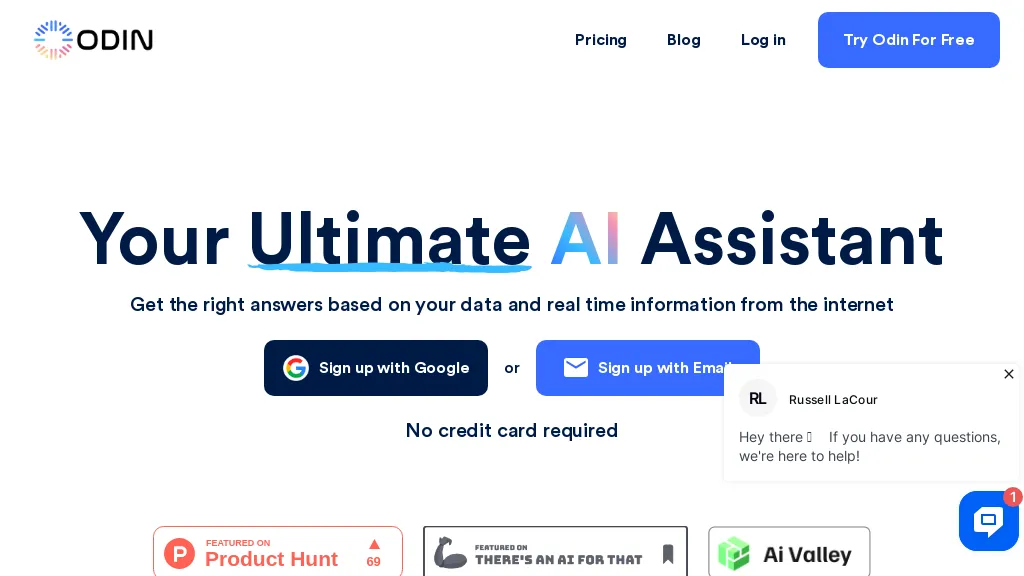
Odin AI is an enterprise‑grade platform that lets businesses build and deploy AI agents to automate repetitive tasks across multiple domains. The platform supports pre‑built workflow templates for customer support, finance, HR, legal, and operations, enabling rapid deployment in minutes.
Agents can extract data from ticketing systems, financial reports, lab results, and legal documents, and then trigger actions such as ticket routing, expense categorization, or contract clause extraction. Users can customize agents with flexible configurations and integrate them into existing communication tools and data stores, including 200 + connectors for calendars, email, and ERP systems.
The no‑code automator component allows non‑technical teams to orchestrate complex workflows without writing code. Odin AI incorporates guardrails and auditing features to maintain compliance and data governance. The platform provides a knowledge‑base‑driven approach, ensuring agents respond based on specific corporate data rather than generic models.
Pricing starts at: $100/mo
Odin can be used for:
- Automate ticket routing in customer support using Odin AI’s no‑code workflow, ensuring accurate triage and faster resolution by assigning tickets to the right agents based on intent and priority
- Automate expense categorization and entry into finance systems with Odin AI, extracting data from invoices and receipts, tagging categories, and reducing manual entry errors
- Extract key clauses from legal contracts using Odin AI, automatically parsing contract documents to highlight risk clauses and generate concise summaries
Odin Key Features
- Automated Ticket Routing Workflow
- Lab Results Extraction Agent
- Resume Screening & Matching
- Meeting Notes Summarization
- No-Code Automation with 200+ Integrations
- Customizable AI Agent Templates
- Guardrails for Compliance and Trust
See also: Research Document Search Alternatives of Odin
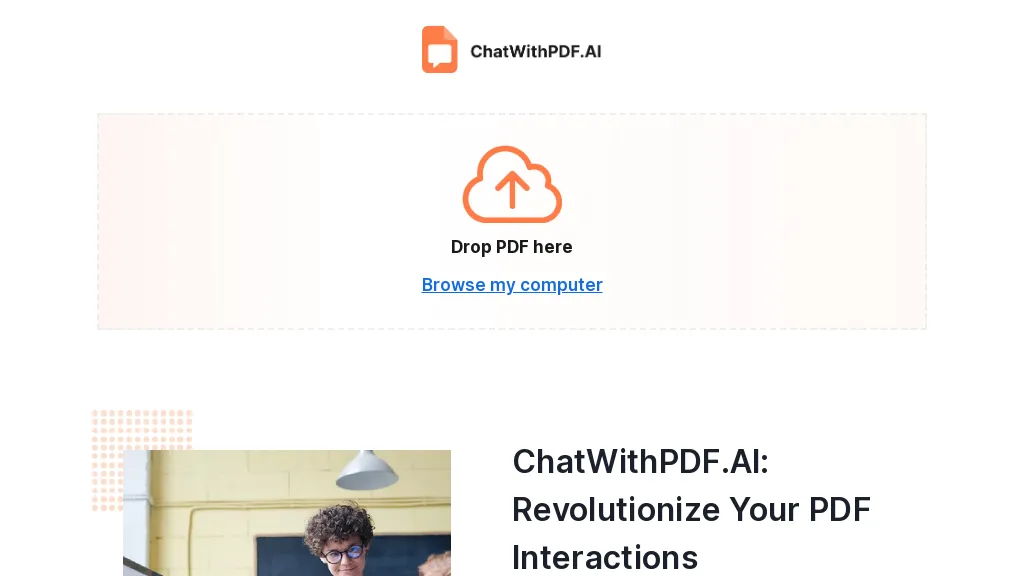
ChatwithPDF is an AI tool that makes interactions with PDF documents easy. With this tool, you can communicate with your digital documents in a more human-like way. It acts as your personal PDF assistant, allowing you to ask questions, extract key data, and gain unprecedented insights from your PDFs.
Unlike other tools, ChatwithPDF has no limits on the number of pages or size per PDF. This means you can dive deep into extensive documents without worrying about hitting any limitations. With instant interaction, you can easily find the information you need without scrolling through pages or waiting for page-loads.
One of the great advantages of ChatwithPDF is that there is no need for registration or signup. You can start chatting with your PDFs as soon as you visit the site. ChatwithPDF is completely free to use, making its advanced features accessible to everyone.
Chat PDF is helps with a wide range of users. Whether you are a researcher, a business professional dealing with contracts, or a student, ChatwithPDF can help you extract valuable insights from your PDFs. Students can benefit from Chat PDF by asking questions about complex concepts, definitions, or theories, and getting easy-to-understand answers. Business professionals can simplify complex terms, extract key points, and gain clarity on specific clauses or terms in contracts. Researchers can quickly uncover profound insights and turbocharge their research by asking questions and extracting key data.
Pricing starts at: $0/mo - Free
ChatwithPDF.ai can be used for:
- Ask questions about complex concepts about any PDF
- Extract key points from contracts and legal PDF documents
- Uncover insights for research from your uploaded documents
ChatwithPDF.ai Key Features
- Communicate with pdfs
- Ask questions
- Extract key data
- Gain insights from pdfs
- Simplify complex terms
29.BrainyPDF
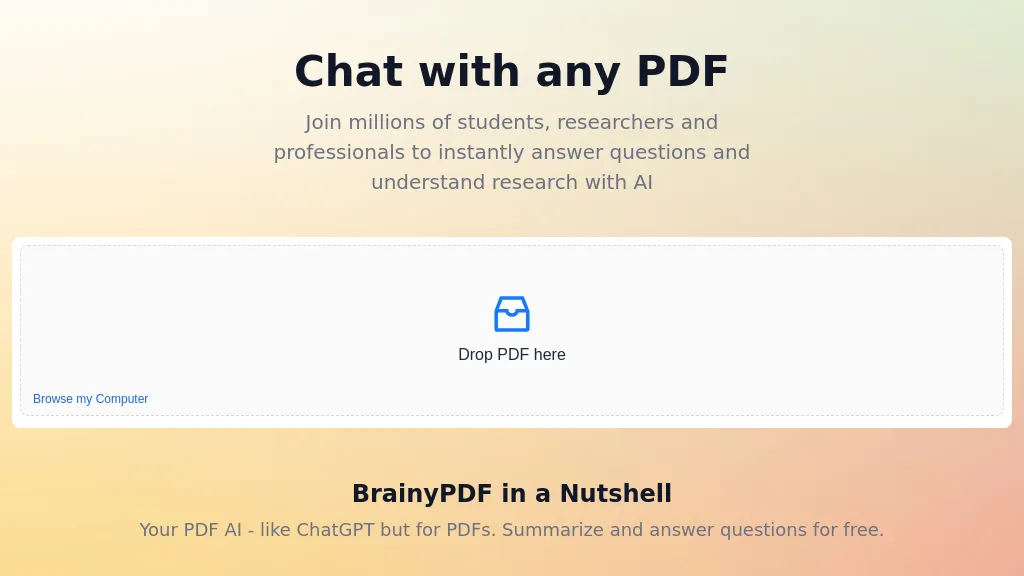
BrainyPDF is an AI tool that helps you chat with any PDF document. It allows students, researchers, and professionals to instantly find answers and understand research within PDF documents through a chat-like interface. With BrainyPDF, you can drop in your PDF file and browse it as if you were having a conversation with an AI assistant. The tool can summarize and answer questions for free.
For students, BrainyPDF is a valuable resource for exam preparation, homework help, and multiple-choice question answering. Researchers can benefit from easily accessing information within scientific papers, academic articles, and books, aiding their research process. Professionals can also find relevant information within scientific papers, academic articles, and books to support their work.
BrainyPDF supports multiple languages, making it accessible to users worldwide. Answers provided by BrainyPDF are backed by sources and include references to the original PDF document, ensuring credibility. The tool offers a simple, secure, fast, and free experience with files securely stored in the cloud.
Pricing starts at: $10
BrainyPDF can be used for:
- Students can chat with PDF docs for exam preparation
- Researches can ingest new research PDF documents quickly and easily
- Save time on reading long documents by finding answers in a chat interface
- Accessing information within scientific papers easily by asking questions
BrainyPDF Key Features
- Exam preparation
- Homework help
- Multiple-choice question answering
- Scientific research
- Academic articles
See also: Chat Document Search Alternatives of BrainyPDF
30.Whismer
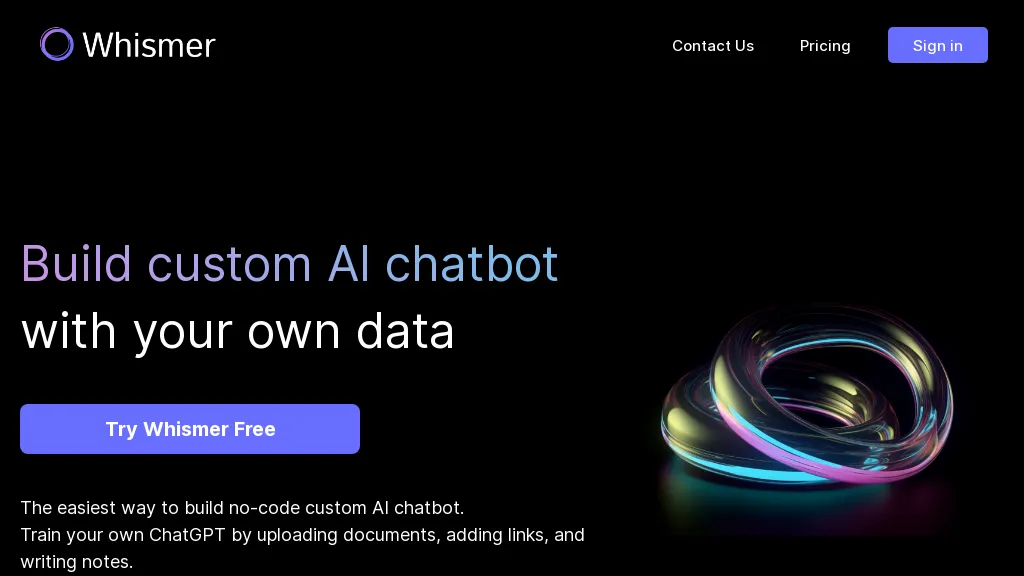
Whismer is a no‑code platform that lets users build custom AI chatbots by uploading documents, adding web links, and writing notes. It supports multiple file formats, including PDF, DOC, CSV, and TXT, so data from varied sources can be integrated. The system automatically learns from the uploaded content, enabling it to answer domain‑specific questions with higher accuracy and efficiency.
Teams can create tailored AI assistants for customer support, internal knowledge bases, or educational purposes. Once built, a chatbot can be shared with collaborators or the public with a single click, allowing broad accessibility. Whismer’s workflow emphasizes quick setup and continuous learning from user‑provided resources.
Pricing starts at: $0/mo - Freemium
Whismer can be used for:
- Build a customer support chatbot for your e‑commerce site by uploading product spec PDFs and FAQ CSVs, letting Whismer auto‑learn and answer shipping, returns, and product queries instantly, all without writing a single line of code.
- Develop a training assistant for your corporate learning portal by uploading training manuals, policy documents, and lesson slides, turning them into an on‑demand knowledge base that answers employee questions, tracks learning progress, and integrates with Slack for instant help.
- Create a research companion for academic teams by importing research papers, datasets, and meeting notes, enabling Whismer to provide quick summaries, citation suggestions, and answer domain‑specific queries, then share the bot with collaborators with a single click.
Whismer Key Features
- Build custom AI chatbot
- Upload PDFs, DOCs, CSVs, TXT
- Add web links and notes
- No-code training interface
- Share AI project single click
- Create professional knowledge base
See also: Chat Document Search Alternatives of Whismer
31.PDF AI
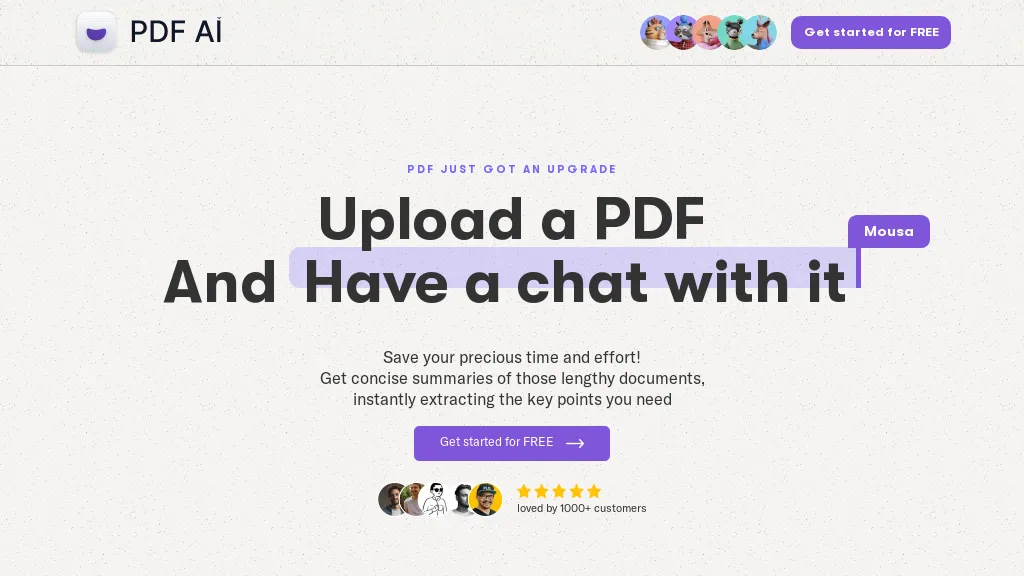
With PDF AI, you can save time and effort by chatting with your PDF documents, whether they are legal forms or academic papers. It also supports getting concise summaries of lengthy documents.This tool instantly extracts key points from PDFs, making complex terms and concepts simple and easy to understand.
Additionally, you can get instant explanations and definitions of confusing terms, acronyms, and concepts right within your document.Uploading a PDF is easy with a simple drag and drop interface and you can start chatting and interacting with your docs right away.
PDF AI can also help you navigate through sections, jump to specific pages, and locate relevant information within your documents, making it useful for financial documents, legal documents, academic papers, and scientific papers.
Pricing starts at: $0/mo - Freemium
PDF AI can be used for:
- Financial document analysis via easy Q&A
- Legal document review quickly
- Academic paper summarization and key points extraction
PDF AI Key Features
- Chat with pdfs
- Extract key points from pdfs
- Instant explanations of confusing terms
- Simple drag and drop interface
- Navigate through sections and jump to specific pages
32.ChatWithDocs
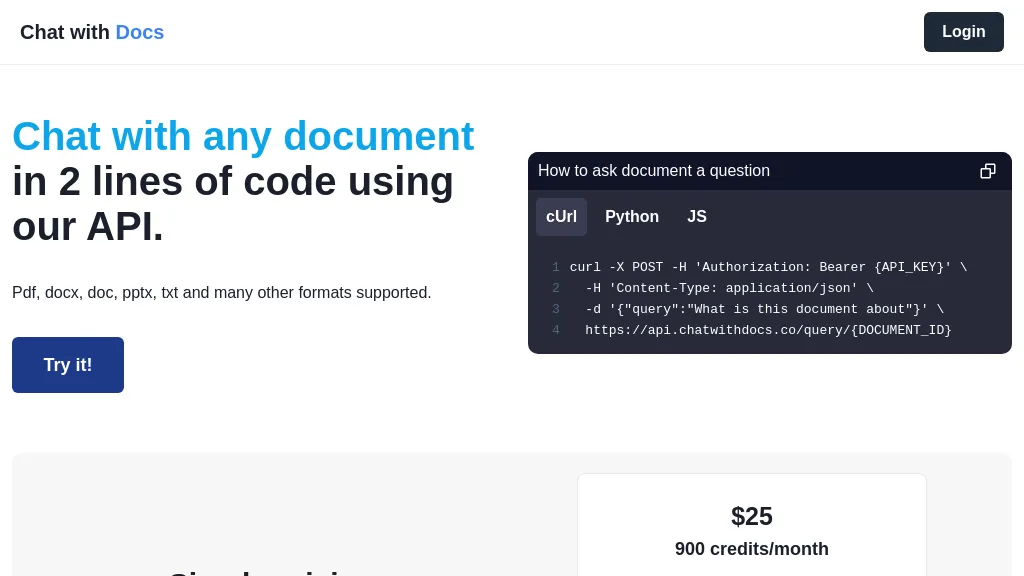
Chatwithdocs.co is an AI-powered tool that allows users to easily chat with documents. With just 2 lines of code, users can login and chat with their documents in various formats including PDF, DOCX, DOC, PPTX, and TXT. It supports multiple programming languages such as Python, JavaScript, and cURL, making it easy to integrate into different applications.
Users can ask questions about the document using the API and receive answers instantly. The tool offers simple and transparent pricing, with users being charged 2 credits for uploading a document and 1 credit for asking a document question.
Chatwithdocs.co ensures privacy and security with its strict privacy policy and terms of use. Designed for convenience and efficiency, this AI tool is a valuable resource for anyone looking to easily interact and extract information from their documents.
Pricing starts at: $25
ChatWithDocs can be used for:
- Enhancing document collaboration by enabling real-time chat and interaction
- Automating document analysis and extraction of information through conversational queries
- Integrating document chat functionality into applications for improved user experience
ChatWithDocs Key Features
- Login
- Chat with documents in various formats
- Integrate into different applications
- Ask questions about documents
- Receive answers instantly
- Simple and transparent pricing
- Privacy and security
See also: Chat Document Search Alternatives of ChatWithDocs
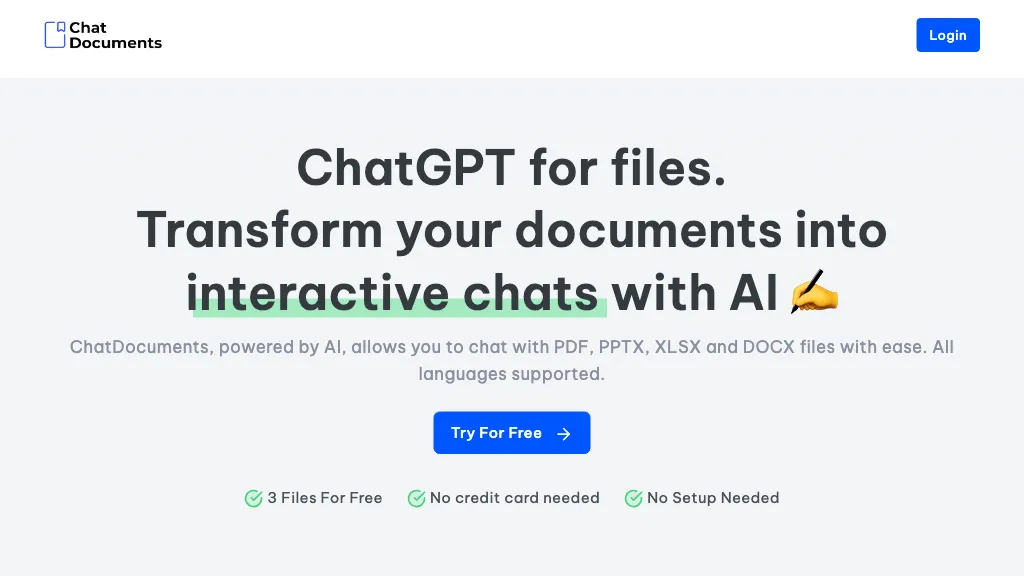
ChatDocuments is an AI-powered document chat tool that allows users to easily interact with PDF, PPTX, XLSX, and DOCX files.With support for multiple languages, users can chat with their documents to enhance productivity and streamline workflow.
By using ChatDocuments, it becomes effortless to summarize chapters, write essays, translate paragraphs, proofread documents, and much more.The tool offers a wide range of prebuilt prompts, including prompts for students, recruiters, and lawyers, to facilitate specific tasks.
ChatDocuments ensures high levels of security and privacy, keeping your data safe while you work with your documents.
Pricing starts at: $0/mo - Free trial
Chat Documents can be used for:
- Effortlessly summarize documents
- Interact and chat with documents via asking and answering questions
- Translate paragraphs quickly to another language
- Proofread documents efficiently
- Enhance productivity and streamline workflow
Chat Documents Key Features
- Interact with pdf, pptx, xlsx, and docx files
- Enhance productivity
- Streamline workflow
- Summarize chapters
- Write essays
- Translate paragraphs
- Proofread documents
34.Documate
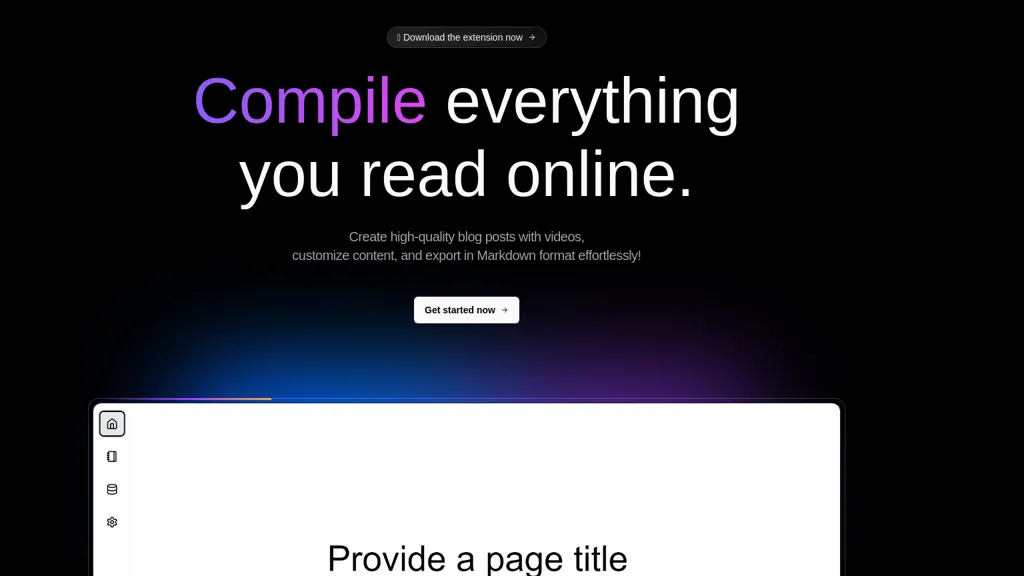
Documate, an open-source AI tool designed to make your documentation site more intelligent. With Documate, you can easily skip content and ask the AI to provide quick answers to user questions based on your site's content.
The tool offers a hassle-free integration with popular documentation site platforms such as Vitepress, Docusaurus, Docsify, and more. No prior knowledge of AI or machine learning is required to get started, and you have full control over the code, data, and content indexing.
One of the standout features of Documate is its full customization capabilities. You can fine-tune the tool's UI to match your specific needs and create a seamless user experience. Made with love by aircode, documate is a powerful solution for making your doc site more intelligent and user-friendly.
Pricing starts at: $0/mo - Free
Documate can be used for:
- Enhancing user experience on documentation sites with Q&A search
- Improving search functionality on documentation sites
- Increasing user engagement on documentation sites
Documate Key Features
- Quick answers to user questions
- Hassle-free integration with popular documentation site platforms
- Full control over code, data, and content indexing
- Ui customization capabilities
- Made by aircode
See also: Chat Document Search Alternatives of Documate
Convert any PDF or document into a Chatbot with these AI tools Comparison chart
| App name | Short Description | Starting Price | Has App | Pricing model |
|---|---|---|---|---|
| Chatbase | Chatbase builds and deploys AI customer support agents trained on business data, integrates with CRMs, Zendesk, Slack and WhatsApp, enables automated workflows, human escalation, analytics, multilingual support, and security controls (SOC 2, encryption). | $32/mo | No | Freemium |
| Wonderchat | Wonderchat is an AI chatbot builder that allows you to create custom ChatGPT-powered chatbots using your business data. It enables quick setup and can train chatbots using data from website links and PDF files. | $49.99/mo | No | Freemium |
| PDF.ai | PDF.ai lets users upload PDFs and chat for questions, summaries, and data extraction. It parses documents into structured JSON, detects sections, tables, and figures, and supplies source‑cited answers via a RESTful API for rapid, secure analysis. | - | No | Freemium |
| CloudPDF - Chat with your PDFs | Chat with Your PDF lets users ask natural‑language questions to PDFs and receive instant, vector‑search‑driven answers that display source excerpts. It speeds up research, study, and professional document review. | $20/mo | No | Paid |
| Chatterdocs | Chatterdocs lets businesses create GPT chatbots in minutes by importing data from web pages, PDFs, CSV, Markdown, audio, and Notion. It offers web widgets, Slack slash commands, API access, lead capture, booking, and interaction insights for support, marketing, and sales. | $9/mo | No | Subscription |
| ChatFast | ChatFast lets businesses build GPT‑powered chatbots from their own data, supporting PDFs, URLs, and 95+ languages. It can be embedded on sites, customized with Q&A sets, and tracks visitor details for intent analytics. | - | No | Free trial |
| ChatCube | ChatCube is an AI chatbot maker that allows you to train a chatbot to answer questions based on any document or website in just 60 seconds without any coding knowledge. It supports various types of content and can be trained in multiple languages. | $19/mo | No | Freemium |
| My Ask AI | My AskAI integrates into helpdesk platforms, automatically answering up to 75 % of tickets by learning from internal docs. It supports multilingual chat, live translation, intelligent escalation, Copilot drafts, insights, API customer data, with isolated encryption. | $199/mo | No | Subscription |
| Cody | Cody is an AI assistant that learns from a company’s documents to answer employee and customer queries instantly, providing source attribution. It offers a secure, multilingual knowledge base, audit‑ready logs, and integrations such as Slack and Zapier. | - | No | Free |
| PDFGPT | PdfGPT summarizes PDFs and folders, structures and links documents, supports conversational search for questions, comparisons, clause spotting. Built‑in agents perform compliance, risk, fact‑checking, and export results as notes, citations, or redlined docs. | $4.99/mo | No | Subscription |
| PDF GPT | PDF GPT reads PDFs and instantly generates summaries, page‑referenced excerpts, and highlights. It supports multi‑file searches, tagging, collaboration, and 90+ languages, enabling efficient research, data extraction, and citation for professionals, students, and teams. | $6/mo | No | Freemium |
| Upstream AI | Upstream.ai is a tool that creates AI chatbots that can answer questions based on various sources and is updated with the latest model from OpenAI. | - | No | - |
| Slite - Ask | Ask by Slite is a tool that allows teams to quickly find answers to their questions using artificial intelligence and documentation search. | - | Yes | Freemium |
| Ask Corpora | Corpora is a document search engine that uses advanced natural language processing techniques to analyze the content of documents and provide accurate and relevant search results. | - | No | Free trial |
| Humata AI | Humata is a powerful AI tool that helps you extract valuable insights from your files by asking questions and receiving instant answers. | $14.99/mo | No | Freemium |
| Papers GPT | Demo of Custom GPTs lets users upload papers and other data, link them via the left interface, and query a tailored GPT. It requires an OpenAI key, works best on a large screen, aiding researchers, developers, and educators. | - | No | Freemium |
| QueryGPT | An open-source example for building Q&A chatbots using OpenAI GPT models, allowing creation of customized chatbots from documents and knowledge bases for integration in any application. | - | No | Free |
| Chatdoc | ChatDOC lets users ask questions about PDFs, DOCs, EPUBs, MD, and TXT while preserving layout, tables, formulas, and images. It returns answers with source citations, supports 25+ languages, and offers API/SDK integration. | - | No | Freemium |
| Docu-Talk | Docu-Talk is a document management tool that allows for easy uploading of documents and instant answers to questions through natural language processing. It streamlines document management by providing faster and more efficient information retrieval. | - | No | Freemium |
| Visus | Visus is an AI-powered chatbot with advanced features including ChatGPT integration, vast information storage, customization options, data security and compliance, platform integration, and remote access. | - | No | Freemium |
| Heybot | Heybot is a ChatGPT-powered chatbot platform that converts website/blog, PDF, Notion, and YouTube channel content into a chatbot in minutes. | - | No | Free |
| LightPDF | LightPDF lets users chat with PDFs, Word, Excel, PowerPoint, EPUB, performing OCR on scanned documents and handling multiple files per session. It returns plain text, lists, tables or markdown with citations, supporting over 100 languages in a cross‑platform interface. | - | No | Paid |
| Arsturn AI | This AI tool allows users to create custom chatbots in just 5 minutes with GPT technology to improve customer experience and engagement while saving time and costs. | - | No | - |
| Docalysis | Docalysis is an AI chat platform that parses PDF documents and instantly answers user queries, cutting reading time by up to 95%. It supports batch processing, API and embedding, and stores files securely for professional use. | $14/mo | No | Freemium |
| ChaturGPT | Chatur is an AI tool that reads and summarizes chat PDFs, word documents, and PPTs to extract information without sifting through endless pages. It categorizes matters and formats answers according to the specific information required. | - | No | Free trial |
| PrivateGPT | Interact privately with documents using the power of GPT and LLMs for 100% private and offline communication without data leaks. | - | No | Free |
| Odin | Odin AI lets enterprises build and deploy AI agents to automate tasks across customer support, finance, HR, legal, and operations. With no‑code workflow, 200+ connectors, and compliance guardrails, it extracts data, triggers actions, and improves efficiency while reducing errors. | $100/mo | No | Subscription |
| ChatwithPDF.ai | ChatwithPDF is a free AI tool that makes interactions with PDF documents easy. It acts as a personal PDF assistant, allowing you to ask questions, extract key data, and gain insights from your digital documents. | - | No | Free |
| BrainyPDF | BrainyPDF is an AI-powered chatbot that helps users instantly find answers and understand research within PDF documents through a chat-like interface. | $10 | No | Free |
| Whismer | Whismer lets users build AI chatbots by uploading PDFs, DOCs, CSVs, TXT, web links, and notes. The platform auto‑learns from the content, enabling accurate domain‑specific responses for support, knowledge bases, or education. Share with a click. | - | No | Freemium |
| PDF AI | PDF AI is a tool that uses AI to extract key points, provide definitions and summaries of complex PDFs, making it useful for various types of documents including legal, financial, academic and scientific papers. | - | No | Freemium |
| ChatWithDocs | Chatwithdocs.co is an AI-powered tool that allows users to easily chat with documents in various formats including PDF, DOCX, DOC, PPTX, and TXT, with simple and transparent pricing. | $25 | No | Subscription |
| Chat Documents | ChatDocuments is an AI-powered document chat tool that allows users to easily interact with PDF, PPTX, XLSX, and DOCX files. Enhance productivity and streamline workflow by summarizing chapters, writing essays, translating paragraphs or proofreading documents | - | No | Free trial |
| Documate | Documate is an open-source AI tool that helps make documentation sites more intelligent by providing quick answers to user questions based on site content. | - | No | Free |
Introduction
1.Chatbase
2.Wonderchat
3.PDF.ai
4.CloudPDF - Chat with your PDFs
5.Chatterdocs
6.ChatFast
7.ChatCube
8.My Ask AI
9.Cody
10.PDFGPT
11.PDF GPT
12.Upstream AI
13.Slite - Ask
14.Ask Corpora
15.Humata AI
16.Papers GPT
17.QueryGPT
18.Chatdoc
19.Docu-Talk
20.Visus
21.Heybot
22.LightPDF
23.Arsturn AI
24.Docalysis
25.ChaturGPT
26.PrivateGPT
27.Odin
28.ChatwithPDF.ai
29.BrainyPDF
30.Whismer
31.PDF AI
32.ChatWithDocs
33.Chat Documents
34.Documate
Conclusion
- Personalized recommendations
- Custom collections
- Save favorites
Already a member? Sign in