
Video Notes Extractor
The best 50 Video Notes Extractor AI tools - Free & Paid
Explore 50 AI for Video Notes Extractor
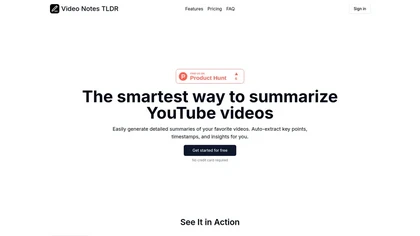
Video Notes TLDR summarizes YouTube videos into detailed notes with key points, timestamps, and tags. Users can export notes to Notion or organize them within the app, enhancing efficiency for students, researchers, and professionals.
Free trial
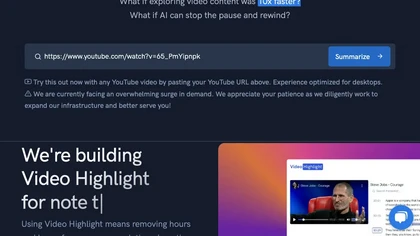
Video Highlight delivers AI‑driven summaries, searchable transcripts, and timestamped key points for YouTube, Vimeo, Dailymotion, and private files in 37+ languages. It supports annotations, exports to Notion, Word, Markdown, CSV, Readwise, and enables collaborative sharing.
Freemium
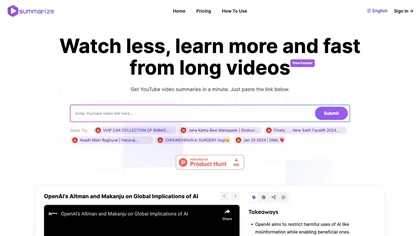
Summarize.ing instantly condenses YouTube videos into concise summaries, segmented sections, mind maps, and keyword lists. It generates 8‑10 Q&A pairs for review, aiding students, educators, and professionals in quick comprehension and decision‑making.
Freemium
- $15.7/mo

Movavi Video Editor is a desktop app for Mac and Windows that lets users trim, crop, color‑grade footage and add titles, overlays, and filters. AI features automate subtitles, noise suppression, and motion tracking. It includes a screen recorder for tutorials.
Paid

aivideosummarizer.io is an AI tool that converts videos (from uploads or links) into concise summaries, full transcripts, and chapter markers. It supports multiple formats and languages, generating editable outputs like study outlines and mind maps for faster content review.
Free
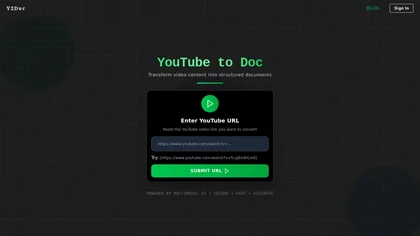
y2doc is an AI-powered tool that converts YouTube videos into structured documents for easy data extraction and analysis. It offers fast processing, security features, and customizable content ranges for tailored results.
Free trial
SliceTube trims and downloads YouTube videos directly, offering start‑and‑end selection and export to MP4, MP3, or WEBM up to 4K. Browser‑based, watermark‑free, and privacy‑protected, it’s useful for creators and educators needing quick clips.
Paid
- $5
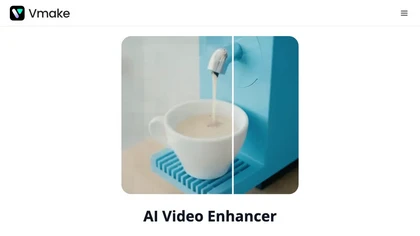
Vmake AI Video Enhancer upsamples MP4, MOV, AVI, etc. to 2K/4K/AI 4K+, removes artifacts, improves low‑light, reduces noise, and offers watermark/text removal, background elimination, and subtitle generation, giving creators, e‑commerce, and gamers sharper, cleaner videos.
Subscription
- $9.99/mo
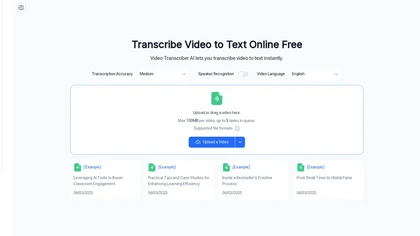
Video Transcriber AI is a tool that instantly converts videos from MP4, YouTube, or Zoom into text. It offers speaker recognition and accuracy modes for transcriptions up to 1GB, with no sign-up required.
Freemium
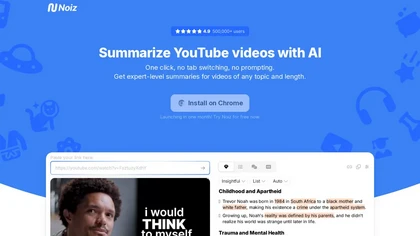
Noiz AI simplifies summarizing YouTube videos by offering expert-level summaries in multi-languages. With instant summarization and easy installation, users can quickly extract key ideas and enhance their learning experience.
Free trial
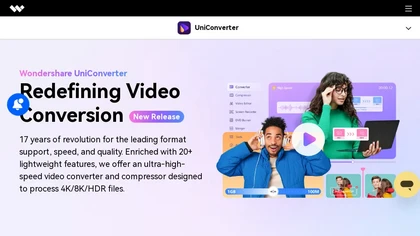
Wondershare UniConverter is an AI‑powered all‑in‑one tool that converts, enhances, compresses, records, and edits video and audio. It supports 1,000+ formats, delivers ultra‑fast conversions, upscales to 4K/8K, adds subtitles, removes backgrounds, and preserves metadata for creators and SMBs.
Paid
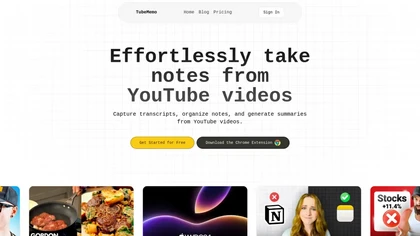
TubeMemo: AI browser extension that extracts YouTube transcripts, highlights key points, produces summaries, mind maps, flashcards; supports annotations, multi‑language, library, drafts for blogs, tweets, study guides; useful for professionals, students, creators, educators, journalists.
Free
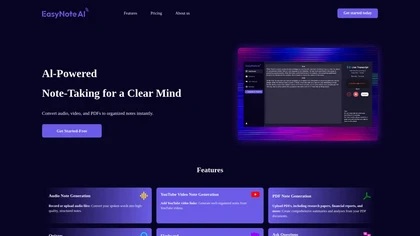
EasyNoteAI converts audio, video, PDFs into structured notes, offering real‑time transcription, summaries, quizzes, flashcards, mind‑maps, and interactive questioning. Users upload lectures, YouTube links, or research papers; the platform generates summaries, key‑point lists, and supports multilingu
Subscription
- $8.39/mo

YTvidhub is a YouTube subtitle downloader that extracts transcripts and captions from videos, playlists, and channels. It supports bulk downloads, multiple export formats (SRT, VTT, TXT), and includes an AI-powered summary generator for content analysis and repurposing.
Freemium
Video Reader converts YouTube videos into concise blog posts, summarizing key insights for content creators, educators, and professionals. It enhances productivity by saving time while accessing essential information across a variety of topics.
Freemium

YouTube sumamry chrome extension is a YouTube video summary tool developed by Glasp Inc., currently in beta testing and requires installation on Chrome or Safari browsers along with sign-up.
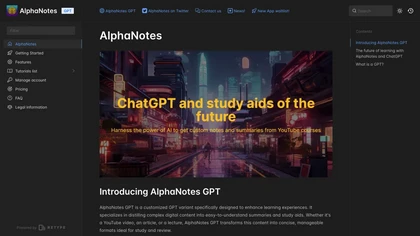
AlphaNotes turns YouTube videos, articles, and lectures into structured summaries and study notes. It extracts key points, simplifies concepts, and creates PDF exports, quizzes, and assessments—all via real‑time ChatGPT integration.
Freemium
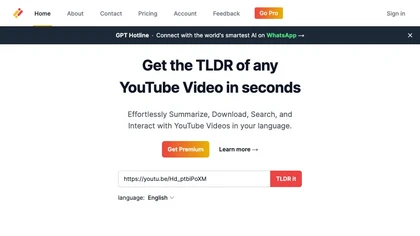
Transcribes, translates, and summarizes YouTube videos in 125+ languages, delivering instant transcripts, AI‑generated summaries with timestamps, and automatically formatted blog posts, LinkedIn articles, Twitter threads, PPT decks, chapter markers, and clip ideas for students, researchers, educator
Subscription
- $19/mo

Summarify AI gives YouTube video summaries in‑app and via Chrome, offering text, bullet, outline styles with timestamps for quick navigation. It supports export to PDF, Markdown, TXT, etc., helping students, researchers, creators save time and organize content.
Free
💰 Deal
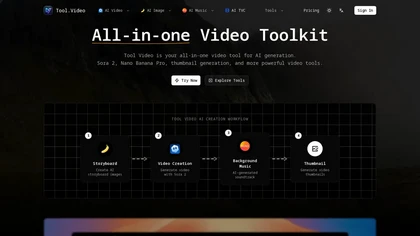
Tool.Video is an AI video generation toolkit that integrates Sora 2 for text-to-video, Nano Banana Pro for images, and Suno 5 for music. It provides a unified platform for creating, editing, and exporting complete video assets with utilities like trimming and watermarking.
Freemium
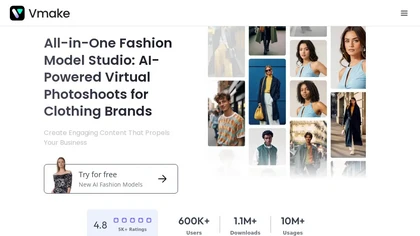
Vmake automates UGC and viral video cloning, producing product, fitness, and real‑estate clips with AI editing tools—watermark removal, background swap, noise suppression, upscaling. It auto‑generates captions, hooks, thumbnails, supports batch processing, and offers a teleprompter for polished deli
Free

Nemovideo is an AI video editor that automates short-form content creation by generating trend-based scripts, storyboards, and auto-editing clips. Its tools include automated highlight selection, voiceovers, captions, and a talking-head editor for rapid production of social media videos.
Freemium
- $12.99/mo
VEED is an AI‑powered video editor that lets users upload media, auto‑generate subtitles, edit clips, add music or text, correct eye contact, reduce noise, remove backgrounds, translate captions, and export in multiple formats.
Freemium
- $11/mo
Audionotes AI tool for effortless voice-to-text conversion, organization, summarization, and content generation.
Freemium
AskVideo.ai converts any public YouTube clip into a searchable knowledge base. By generating a timestamped transcript, users can ask natural‑language queries and retrieve precise answers, reducing search time and enhancing learning for students, professionals, and creators.
Subscription
- $8/mo
Ask Youtube is a text‑based AI that retrieves precise timestamps for any YouTube video, summarizing sections, highlighting key points, and helping educators, students, researchers, and creators locate specific content quickly.
Free

Wayin AI offers AI-powered summaries and chats about YouTube videos. Instantly gain in-depth insights from all types of videos like courses, speeches, news, sports, and gaming, saving you valuable time.
Free trial
- $9.99/mo
Eightify uses AI to extract key ideas from YouTube videos, delivering timestamped bullet‑point summaries, full transcripts, and comment insights via a Chrome extension and mobile apps. It supports 40+ languages, helping users preview, note‑take, and share content efficiently.
Freemium

AIVideo.com automates video production, creating music videos, lyric visuals, looping clips, and converting audio or images into video. It offers text‑to‑image/video, background removal, matchcut editing, and visual effects, enabling quick, professional media creation.
Freemium
Video Summarizer converts lengthy videos into concise, language‑specific text summaries. Educators, students, and creators can quickly review key points, produce study aids, or create short clips via a simple upload and instant output.
Freemium
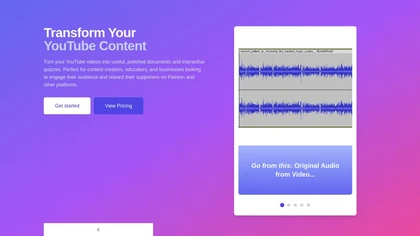
YouTube Transcript Optimizer turns video URLs into 98%+ accurate transcripts, formats them as Markdown, HTML, or PDF, auto‑generates quizzes, and lets users edit content with PDFs updating automatically. Ideal for creators, educators, and businesses needing structured video materials.
Paid
- $10
YT Copycat lets licensed users download and archive YouTube videos for offline use, supporting batch processing, multiple formats, and direct export to local or cloud storage. Creators can repurpose clips and maintain a private library.
Freemium
- $0.92/mo
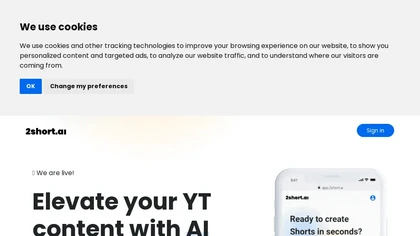
2short.ai automatically extracts the most engaging segments from long videos to create 1080p YouTube Shorts, using facial‑tracking, one‑click animated subtitles, and flexible aspect ratios. It supports multiple languages, direct Drive/URL imports, and brand presets for consistent visuals.
Freemium
- $9.9/mo
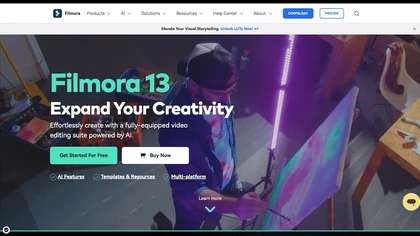
Wondershare Filmora is a cross‑platform video editor featuring AI tools like Video Extender, Image‑to‑Video, Text‑to‑Video, AI Music Generator, and AI Object Remover. It offers a timeline, dual‑timeline editing, motion‑path tools, AI‑assisted asset matching, GPU acceleration, and export presets for
Paid

Extractify is a free AI tool that helps creators expand their reach on social media platforms by converting YouTube videos into tweets and LinkedIn posts.
Free
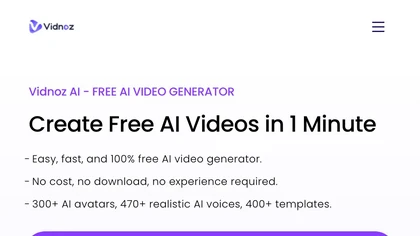
Vidnoz AI turns text into video with over 1900 AI avatars, 2000 voices, and 2800 templates. It supports voice cloning, real‑time lip sync, and 140+ language subtitles, enabling quick, low‑cost production for creators, marketers, educators, and trainers.
Paid
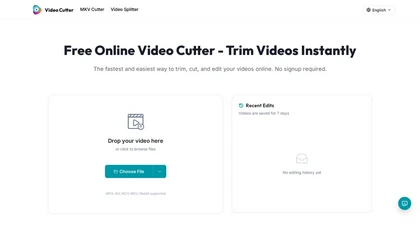
Video Cutter is a free online tool for precise, lossless trimming and splitting of videos in multiple formats. It features a drag-and-drop interface, preserves audio and subtitles, and allows quick export and sharing of clips.
Free
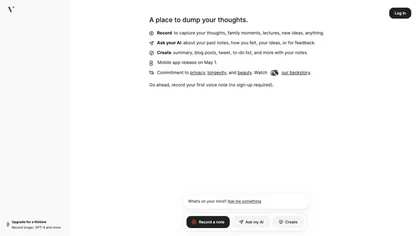
Voicenotes lets users record audio on iPhone, Android, desktop, or web, automatically transcribing and summarizing content. It supports 100+ languages, integrates with video calls, and converts notes into blogs, emails, or tasks, keeping recordings encrypted and private.
Freemium
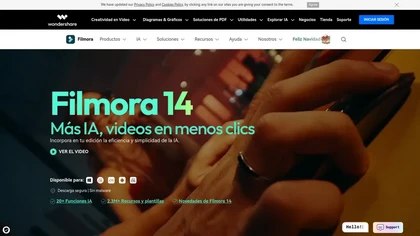
Wondershare Filmora® is an AI-driven video editing software that offers intuitive drag-and-drop editing, automatic scene detection, and audio synchronization, alongside templates and effects, making it suitable for beginners and experienced editors alike.
Freemium
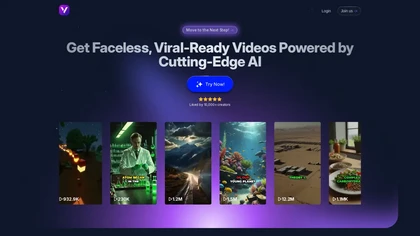
Vexub is an AI-driven video creation tool that enables users to convert prompts, text, and audio files into customizable videos for platforms like TikTok and YouTube, featuring styles, effects, subtitles, and various voice options.
Free trial
- $15/mo
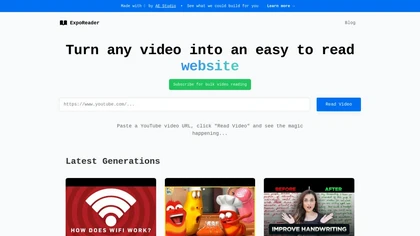
Exporeader transforms YouTube video content into concise text summaries, enabling efficient information consumption. It's ideal for educators, students, and content creators, with support for bulk video processing to enhance engagement and comprehension.
Freemium
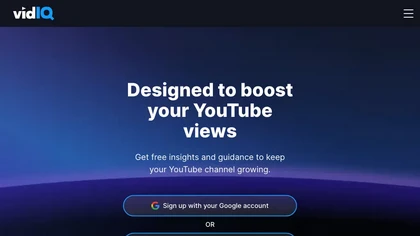
vidIQ delivers real‑time YouTube analytics, keyword research, AI‑powered thumbnail creation, and competitive insights. Its AI coach refines titles and descriptions, while clipping tools produce short videos. Available via Chrome or mobile, it boosts visibility and engagement for creators.
Subscription
- $31/mo

Video To Blog converts YouTube links or uploads into ready‑to‑publish blog posts in under a minute, supporting 30+ languages. It formats prose, adds headings, SEO metadata, and embeds, and outputs HTML, Markdown, PDF, or links.
Paid
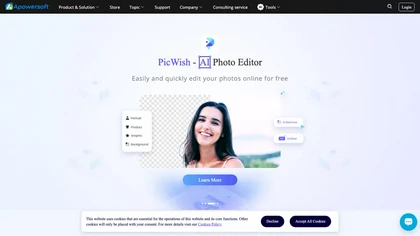
Apowersoft delivers cross‑platform screen, audio, and video capture with high‑fidelity recording, along with versatile media conversion, editing, and PDF OCR. It also offers background removal, data recovery for mobile/desktop, HEIC conversion, and multi‑monitor support for creators and businesses.
Free

RepoClip is an AI tool that converts code repositories into narrated tutorial and demo videos. It analyzes a project's structure to automatically generate synchronized visual walkthroughs and demonstrations for documentation and onboarding.
Freemium
AI Video Agent converts text, product images or URLs, and reference clips into full‑scripted, brand‑aligned videos, automatically planning scenes, adding visual effects, and allowing prompt‑based refinement for fast marketing and social content creation.
Freemium
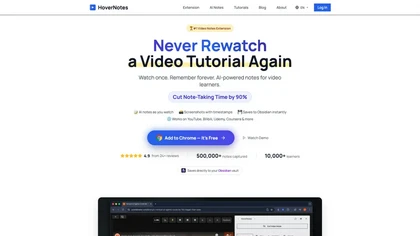
HoverNotes is an AI browser extension that enhances note-taking for videos by capturing key concepts, screenshots, and timestamps. It integrates with Obsidian for organized storage, making it ideal for students and professionals engaged in technical subjects.
Free trial

FlexClip is an online video editor with templates, resources, and powerful tools to create and edit videos for various purposes, as well as integration with royalty-free stock media providers and easy social media sharing.
Freemium

EZTrimmer is a browser-based video editor for trimming, splitting, and merging clips with a timeline interface. It enables quick preparation of short-form content for platforms like TikTok and YouTube Shorts with frame-accurate cuts and drag-and-drop simplicity.
Free