Image Description
The best 50 Image Description AI tools - Free & Paid
Explore 50 AI for Image Description
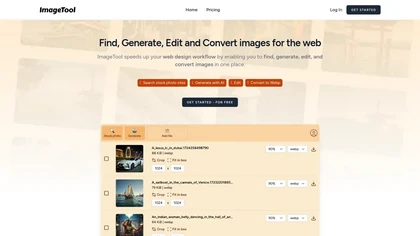
An online image tool with features including background removal, image resizing, text addition, color palettes, conversion, and AI-powered social media bios, market slogans, business name ideas, and hashtag generation.
Free
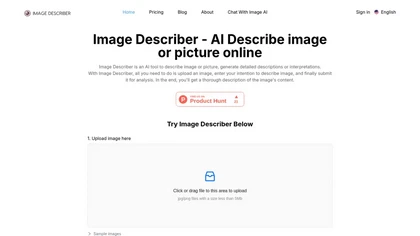
Image Describer generates detailed text from jpg/png/webp/gif images up to 5 MB. Users choose templates or custom prompts, process bulk uploads, export English descriptions, alt text, marketing copy, or AI art prompts, with TTS and OCR support.
Freemium
- $7.9

Generates detailed image descriptions, SEO-friendly alt text, and searchable tags from JPG/PNG/WEBP; performs OCR on text and tables, summarizes charts, converts images into prompts, and offers batch processing, API, and chat-for-image Q&A for workflows.
Free
- $19.99
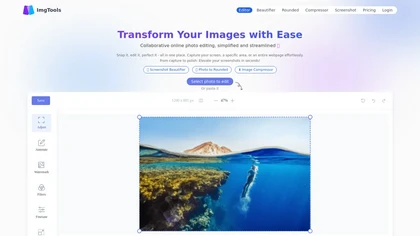
ImgTools is a versatile screenshot tool that simplifies capturing, editing, and enhancing images efficiently. It offers features like screenshot beautifier, advanced editing options, collaborative online editing, and customization tools to elevate your visuals effortlessly.
Freemium
The AI Lab provides an advanced tool with image and facial enhancements features such as photo colorization, object and background removal, cartoon creation, retouching portraits, adjusting facial expressions, and API and platform for developers.
Free
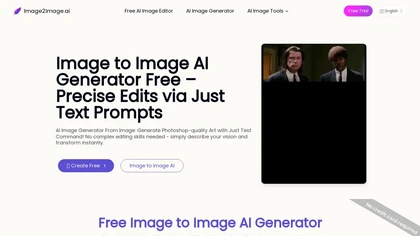
Image to Image AI is a tool that intelligently edits and transforms your photos based on simple text prompts. It allows for complex alterations like style changes, object removal, and realistic detail enhancement while maintaining consistency.
Free trial
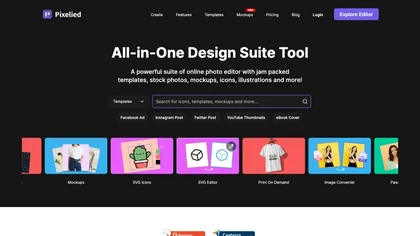
Pixelied is an online photo editor and design suite that offers brightness, saturation, and filter tools, background removal, a 4 million‑photo library, vector editing, team collaboration, and pre‑made templates for quick resizing.
Freemium
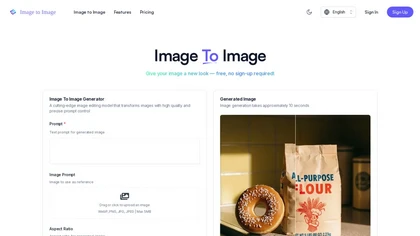
ImagetoImage.tech is a web-based AI tool that transforms your uploaded photos or sketches into new visuals using simple text prompts. It enables instant editing and generation of images in various styles and aspect ratios, with free cloud storage for your creations.
Freemium
ImageToCartoon turns JPEG, PNG, or WebP photos into high‑resolution cartoon images directly in the browser. Users pick from 80+ styles—Ghibli, Pixar, anime, comics—to create avatars, prints, or pet illustrations, with royalty‑free commercial rights.
Free
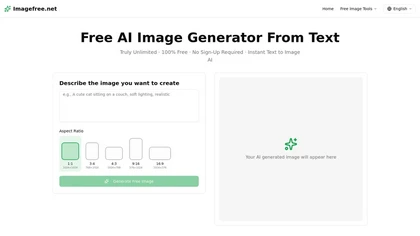
imagefree.net is a text-to-image AI generator that turns descriptive prompts into visuals across multiple styles like photorealism, anime, and 3D renders. It offers adjustable aspect ratios, lighting cues, and high-resolution outputs for rapid image creation without requiring artistic skills.
Free

Image Editor Online is an AI-powered tool that edits your photos using simple text prompts. It allows you to remove backgrounds, adjust poses, transfer styles, and continuously refine your images in one place.
Free
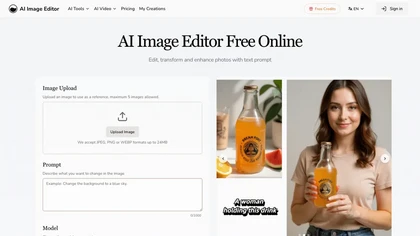
AI Image Editor is an online tool for editing and enhancing images with pixel-level precision. It supports various formats, offers text editing, artistic style transfers, and allows quick generation of image variations for efficient workflow.
Free trial
- $7.99
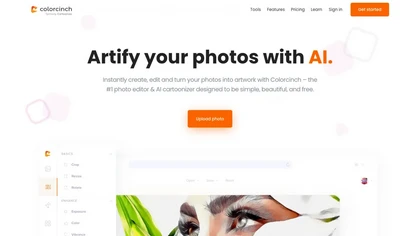
Colorcinch converts photos to cartoons, sketches, or paintings with one click, offers AI background removal, adjustable sliders, overlay effects, multi‑layer editing, high‑resolution export to JPG/PNG/PDF, all usable online/offline without login.
Free
- $8.99

imgtoimg.ai is an AI image transformation tool that generates new images from your photo inputs and text prompts. It offers precise control over style and composition, plus built-in utilities like upscaling and background removal for creators.
Freemium
- $9.99/mo

PicWish AI Photo Editor automates image enhancement, background removal, and watermark deletion. It processes batches of up to 30 files, offering resizing, lighting, upscaling, AI Designer prompts, Face Cutout, and single‑click unblur/sharpen. Available on Windows, macOS, iOS, Android, and browser.
Subscription
- $9.99/mo
Describe Image & Picture extracts text, alt descriptions, and HTML snippets from PNG, JPEG, or WEBP files up to 2 MB, converting visuals into editable Markdown or code, auto‑tagging photos, and generating Flux image variants for creators, developers, and marketers.
Freemium
Imglarger is an image enhancer that upsamples photos up to 8×, supports batch processing, and offers background, object, and face retouch tools. It converts WebP, JPEG, PNG, SVG, JFIF formats and lets users adjust brightness, contrast, and saturation via web or mobile.
Freemium
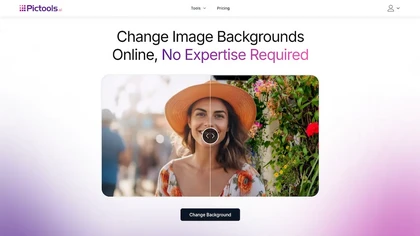
PicTools.AI is a web‑based photo editor that lets users upload images and apply changes via text prompts or over 100 one‑click AI filters—background removal, outfit changes, smile addition, restoration, and artistic styles—without design skills.
Subscription
- $23.4/mo
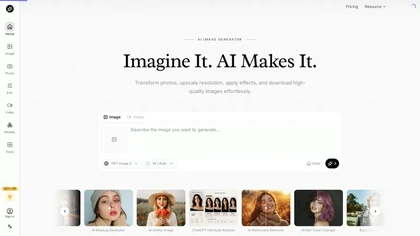
AI Imagine offers image and video generation and editing: text-to-image creation, enhancement, background/object/watermark removal, upscaling, unblurring, style transfer, batch format conversion, portrait retouching and virtual try-ons, plus short-form video with consistent character styling.
Free trial
- $4.99/mo
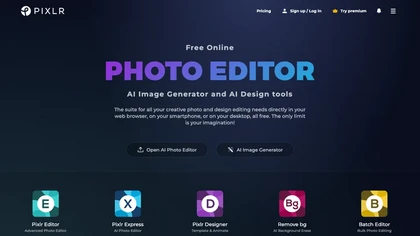
Pixlr is a browser‑based photo editor that uses AI for background removal, generative fill, and object deletion. It offers cropping, color correction, collages, templates, and social media layouts across desktop, tablet, and mobile.
Free trial
- $1.99/mo
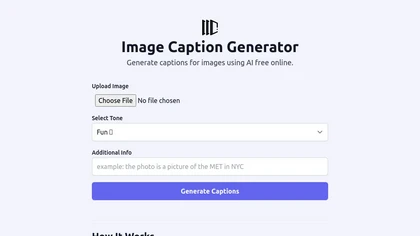
The Image Caption Generator is a free online AI tool that generates captions and descriptions for images based on selected tones. You can use it to caption instagram, twitter or any social media post.
Free
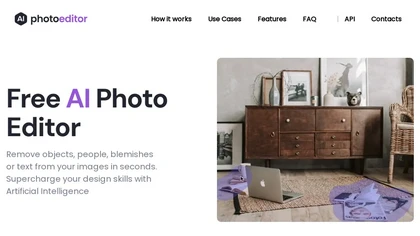
PhotoEditor.ai edits JPG, PNG, HEIC, and WEBP images up to 15 MB in a browser or mobile app. It offers portrait transformation, background removal, detail enhancement, and 4K upscaling, delivering instant downloads for photographers, marketers, and designers.
Paid
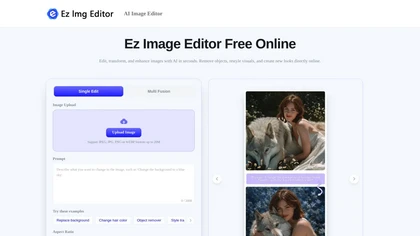
EzImgEditor.io is a browser-based AI tool for editing, enhancing, and transforming photos. It enables tasks like object removal, background replacement, and style transfer with text-prompt controls and multi-image blending.
Freemium
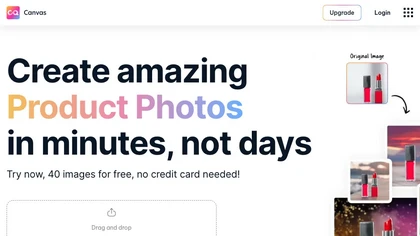
Magicstudio Canvas is an AI tool for quickly creating product photos with up to 40 free uploads in JPEG or PNG format. It offers intuitive, easy-to-use editing tools and features for profile pictures, removing backgrounds, and adding text.
Freemium

PhotoGrid is a browser‑based AI photo editor that offers one‑click enhancement, background removal, and upscaling. It lets users build collages from 20,000 templates, add stickers, text, custom backgrounds, and convert images into short video clips.
Subscription
- $2.83/mo
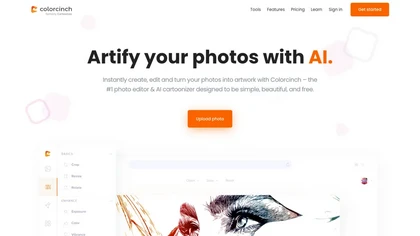
Colorcinch is an AI photo editor that instantly cartoonizes or sketches images and offers background removal, cropping, resizing, exposure and detail controls, file compression, and 400 DPI print‑ready export. Mobile app adds cartoonizing, background removal, and upscaling on the go.
Paid
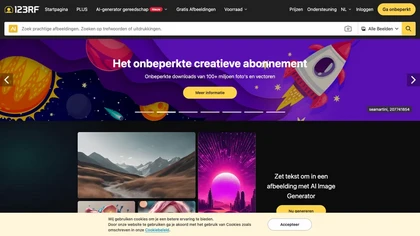
123rf Image Editor is a comprehensive AI tool for effortless photo editing, offering features like image scaling, background removal, object removal, and seamless background remixing. It also includes an AI writer for content creation and an image enlarger for ratio adjustments. Efficiently enhance
Freemium
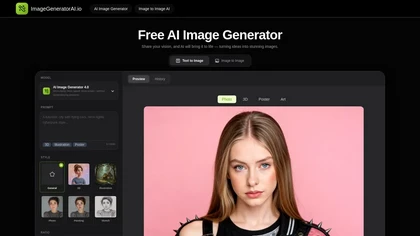
ImageGeneratorAI.io is a browser-based AI image generator that transforms text prompts into high-resolution visuals using models like SDXL and Flux. It offers extensive customization for style, aspect ratio, and composition, enabling rapid creation of marketing assets, concept art, and social media
Free
AI2imag is an AI tool that quickly generates custom images for websites, blogs, and social media, offering three modes and a user-friendly interface.
Free trial
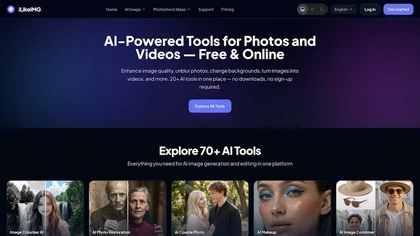
iLikeIMG is a browser-based AI photo and video editor offering 50+ task-specific tools for photo enhancement, restoration, background removal, and AI generation. It provides fast, no-install features like unblur, denoise, colorize, background changer, and batch processing for streamlined edits.
Freemium
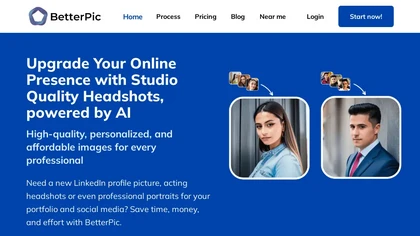

AI Image Editor is a free online tool that utilizes AI to edit and enhance photos. It supports various image formats and batch processing, offering customizable transformations, aspect ratio adjustments, and precise edits for diverse visual content.
Free trial
- $11.85
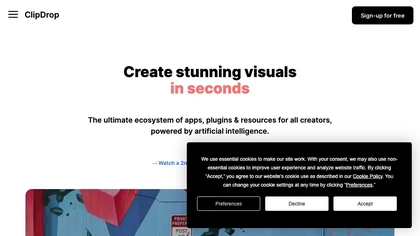
Clipdrop uses deep learning to remove backgrounds, objects, and text, upscale images, adjust lighting, uncrop, and resize. It also offers text‑to‑image generation and an API for developers, supporting design, marketing, and app workflows.
Subscription
The AI tool is a digital painting generator that allows users to turn text into high-detail images with editing and variation functions.
Subscription
- $10
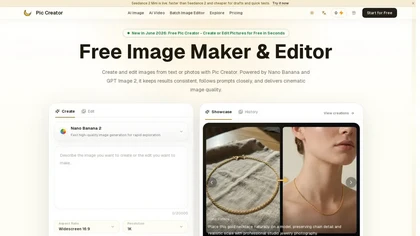
PicCreator.ai is an AI image maker and editor that combines text-to-image generation with robust photo editing tools. It enables prompt-based creation, inpainting/outpainting, batch editing, and high-resolution upscaling for marketers, designers, and photographers.
Freemium
- $5.99/mo
Photoleap is an iOS‑only photo editing app that uses AI for quick enhancements, background removal, object deletion, collage creation, filters, text‑to‑image, video from stills, 4K upscaling, style transfer, portrait retouching, and hair color simulation.
Free trial
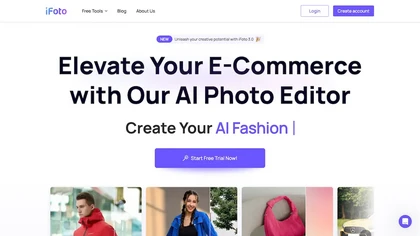
AI Photo Studio automates e‑commerce image editing: background removal, resolution enhancement, lossless compression, profile passport creation, hairstyle preview, object cleanup, old‑photo restoration, colorization, AI fashion model generation, clothing recolor, background changes, and file convers
Free
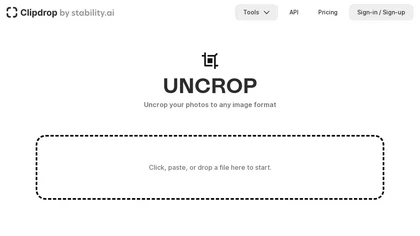
Clipdrop is an AI image editor that adjusts aspect ratios, extends boundaries, and adds background space while preserving detail. It offers background removal, object cleanup, relighting, universal resizing, upscale, and text‑to‑image generation for photographers and designers.
Freemium
- $15/mo
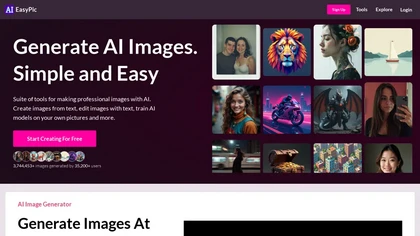
AIEasyPic is an AI-powered image generation tool that creates and edits images from text prompts using 35,000+ community-trained models. It offers face swapping, model training, background removal, and video creation for artists and creators of all levels.
Freemium
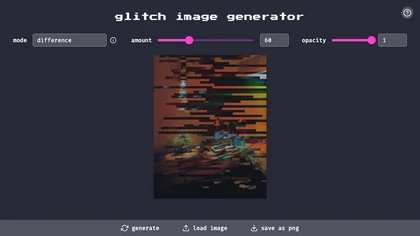
The Glitch Image Generator is an AI tool that creates glitch-style images with adjustable parameters and various blend modes.
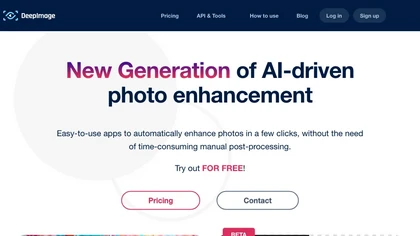
Deep‑Image.ai offers photo upscaling, denoising, sharpening, color and lighting adjustments. It removes backgrounds, adds virtual staging, creates business headshots, and delivers batch product‑photo presets, inpainting, and high‑resolution generative upscaling up to 300 MP.
Freemium
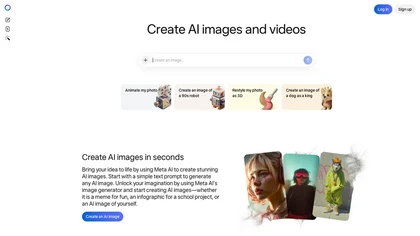
Meta AI generates images and short videos from text prompts or uploaded photos, offering fast text-to-image, editing (add/remove elements, background removal), one-click restyling, and photo-to-animation tools for rapid prototyping and visual asset creation.
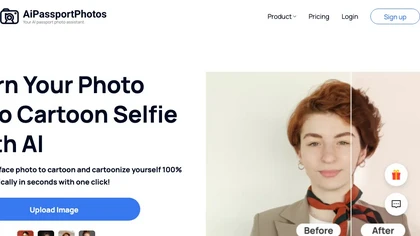
AiPassportPhotos transforms portrait photos into cartoon styles—sketch, 3D, manga—via one click. It also offers background removal, blur, face cutout, enhancement, colorization, and old‑photo restoration, all online with instant downloads. For mobile and desktop browsers, ensuring privacy with a dat
Free
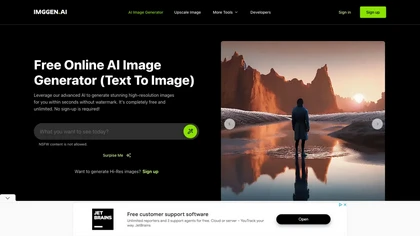
ImgGen AI is a free online AI image generator that swiftly creates watermark-free images based on text prompts. It offers features like image restoration, color correction, and upscaling, making it a versatile tool for various visual projects.
Free
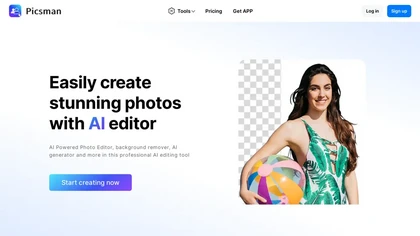
Picsman is an AI‑powered editor that removes or replaces backgrounds, ups image resolution, and applies styles like Ghibli or cartoon. It also offers text‑prompt editing, video generation, image extending, and watermark removal for quick, high‑definition results.
Free
- $5.99/mo
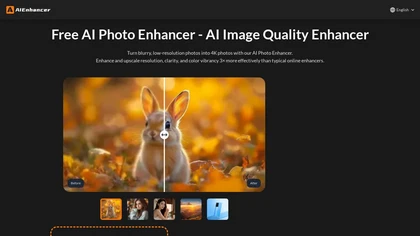
AIEnhancer.ai is a free online tool that instantly transforms blurry, low-quality images into high-resolution 4K photos. Simply upload your picture to apply AI-powered upscaling, noise reduction, and color correction, then preview and download the enhanced result.
Freemium
NanoBanana.im is a natural language image editor powered by Google's Gemini. Simply upload an image and describe your edits in plain text to modify, fuse, or analyze your visuals.
Freemium
SellerPic turns a single photo into high‑quality product images, auto‑removes and replaces backgrounds, adds virtual try‑ons, creates multi‑angle shots, builds 3‑D models, and exports ready‑for‑platform assets for e‑commerce listings, social media, and video ads.
Freemium