
Digital Image Cleanup
The best 50 Digital Image Cleanup AI tools - Free & Paid
Explore 50 AI for Digital Image Cleanup
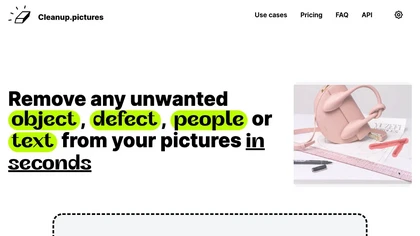
Cleanup.pictures is an AI-powered photo editing tool that allows users to remove objects, people, text, and defects from any picture with ease, highly valued by photographers, creative agencies, real estate professionals, and e-commerce businesses.
Free trail
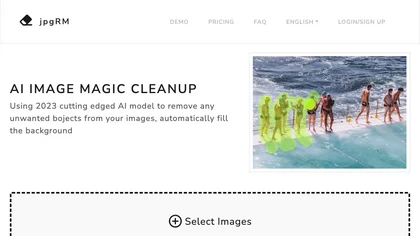
AI Image Magic Cleanup uses a 2026 GAN to automatically erase backgrounds or unwanted objects from photos. Users mark areas with a brush, then the tool refines and fills the space with matching background detail, delivering quick results on mobile.
Paid
Deep‑Image.ai offers photo upscaling, denoising, sharpening, color and lighting adjustments. It removes backgrounds, adds virtual staging, creates business headshots, and delivers batch product‑photo presets, inpainting, and high‑resolution generative upscaling up to 300 MP.
Freemium
jpgHD uses AI to perform lossless restoration of old, scratched photos, adding color, repairing damage, and providing Ultra Restore. It animates up to ten faces, offers 2×/4× super‑resolution, denoising, and high‑definition enhancement via web UI or REST API.
Paid

Clipdrop uses deep learning to remove backgrounds, objects, and text, upscale images, adjust lighting, uncrop, and resize. It also offers text‑to‑image generation and an API for developers, supporting design, marketing, and app workflows.
Subscription

Clipdrop is an AI image editor that adjusts aspect ratios, extends boundaries, and adds background space while preserving detail. It offers background removal, object cleanup, relighting, universal resizing, upscale, and text‑to‑image generation for photographers and designers.
Freemium
- $15/mo

AI Background Remover deletes backgrounds from JPG, PNG, WebP images while preserving resolution, handling up to 500 at once. Users can replace with color, gallery, or upload; ideal for designers, marketers, and e‑commerce workflows.
Freemium
- $9

AI Photo Studio automates e‑commerce image editing: background removal, resolution enhancement, lossless compression, profile passport creation, hairstyle preview, object cleanup, old‑photo restoration, colorization, AI fashion model generation, clothing recolor, background changes, and file convers
Free

Colorcinch converts photos to cartoons, sketches, or paintings with one click, offers AI background removal, adjustable sliders, overlay effects, multi‑layer editing, high‑resolution export to JPG/PNG/PDF, all usable online/offline without login.
Free
- $8.99

PhotoRestore uses AI to repair scratches, fading, and stains in legacy photos, auto‑colorizes black‑and‑white images, sharpens and denoises for clarity, upscales 2‑4×, and removes backgrounds for clean cutouts, supporting common formats and album sharing.
Free

PhotoGrid is a browser‑based AI photo editor that offers one‑click enhancement, background removal, and upscaling. It lets users build collages from 20,000 templates, add stickers, text, custom backgrounds, and convert images into short video clips.
Subscription
- $2.83/mo
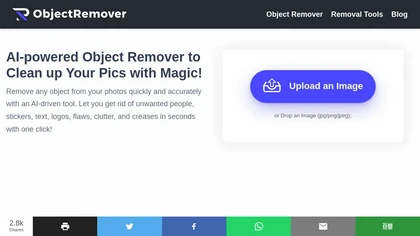
ObjectRemover uses AI to erase unwanted people, stickers, logos, text, and clutter from images. Drag‑and‑drop JPG, PNG, or WebP files up to 10 MB, preview edits, and download watermark‑free results in seconds with high‑quality output.
Free

Removal.AI instantly isolates foreground subjects from .jpg and .jpeg images, offering preview, high‑resolution downloads, background replacement, manual eraser, API integration, batch processing, and professional editing support. Ideal for photographers, designers, marketers, and e‑commerce sites n
Free
- $0.13
Pixlr is a browser‑based photo editor that uses AI for background removal, generative fill, and object deletion. It offers cropping, color correction, collages, templates, and social media layouts across desktop, tablet, and mobile.
Free trial
- $1.99/mo
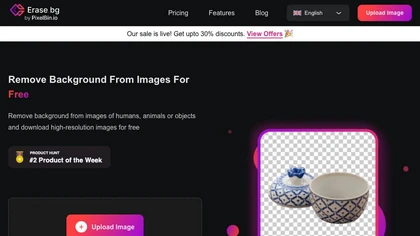
Erase.bg uses AI to remove backgrounds from PNG, JPG, JPEG, WEBP, and HEIC files. It supports batch processing, lets users replace backgrounds with colors or images, works on browser, iOS, Android, outputs PNG/JPEG, and clears data after use.
Freemium

Colorcinch is an AI photo editor that instantly cartoonizes or sketches images and offers background removal, cropping, resizing, exposure and detail controls, file compression, and 400 DPI print‑ready export. Mobile app adds cartoonizing, background removal, and upscaling on the go.
Paid

PicWish AI Photo Editor automates image enhancement, background removal, and watermark deletion. It processes batches of up to 30 files, offering resizing, lighting, upscaling, AI Designer prompts, Face Cutout, and single‑click unblur/sharpen. Available on Windows, macOS, iOS, Android, and browser.
Subscription
- $9.99/mo

Picsman is an AI‑powered editor that removes or replaces backgrounds, ups image resolution, and applies styles like Ghibli or cartoon. It also offers text‑prompt editing, video generation, image extending, and watermark removal for quick, high‑definition results.
Free
- $5.99/mo
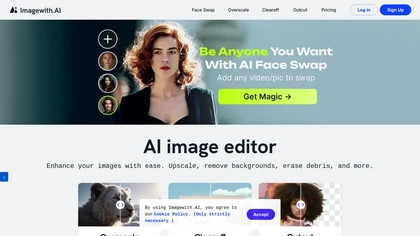
Imagewith.AI offers web‑based AI tools for image enhancement, background removal, object deletion, upscaling, photo restoration, and portrait improvement. Deep‑learning algorithms increase resolution, reduce noise, clean artifacts, and preserve fine detail for designers, photographers, and archivist
Free

Pixelied is an online photo editor and design suite that offers brightness, saturation, and filter tools, background removal, a 4 million‑photo library, vector editing, team collaboration, and pre‑made templates for quick resizing.
Freemium

editaimg.com is an AI-powered image editor for professionals, offering background removal, object editing, and style transforms for retouching and composition. It also provides upscaling, text translation, and creative effects to streamline workflows for e-commerce, design, and content creation.
Freemium

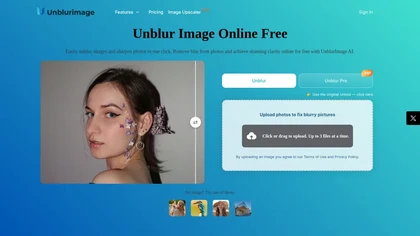
Unblur Image is an AI-powered tool that enhances blurry photos by removing motion blur, poor focus, and noise. It supports various formats, batch processing, and upscaling to 4K resolution for improved image quality and clarity.
Freemium

ImgGood is an AI-powered online photo editor that offers background removal, object editing, and image enhancement tools. It supports batch processing for resizing, format conversion, and intelligent image expansion.
Free trial

Imglarger is an image enhancer that upsamples photos up to 8×, supports batch processing, and offers background, object, and face retouch tools. It converts WebP, JPEG, PNG, SVG, JFIF formats and lets users adjust brightness, contrast, and saturation via web or mobile.
Freemium
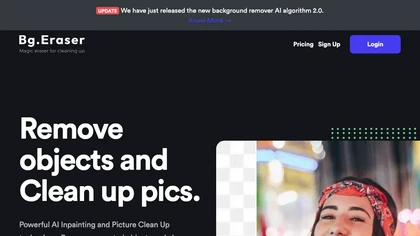
BgEraser is a web‑based AI that removes photo backgrounds in seconds, supporting JPEG, PNG, and WebP. It handles up to 20 images at once, preserves fine detail, offers drag‑and‑drop uploads, and provides commercial‑ready, watermark‑free downloads.
Free
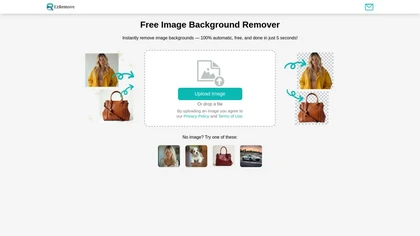
EzRemove.ai is an AI-powered tool that instantly removes image backgrounds in 5 seconds, delivering high-quality transparent PNGs with precision. It offers batch processing, customizable backgrounds, and basic editing features, ideal for ecommerce, design, and social media.
Free
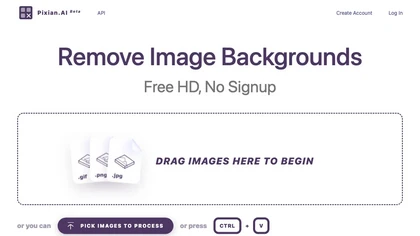

ImageColorizer automatically colorizes black‑and‑white photos, doubles resolution, removes scratches, deletes unwanted objects, and retouches portraits. It supports batch processing, delivering high‑quality, corrected images quickly for restorers and hobbyists and preserves surrounding detail.
Freemium
- $3.9/mo
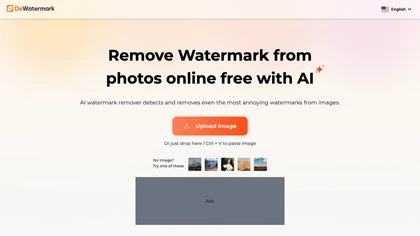
DeWatermark uses AI to remove watermarks, logos, text, emojis, and timestamps from photos, videos, PDFs, and images. It applies inpainting, offers a manual brush for edits, and batch processes up to 50 files on mobile and desktop.
Free
- $10/mo
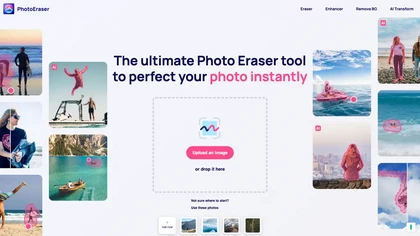
Photo Eraser uses AI to delete objects, people, backgrounds, or blemishes, replace skies, and swap faces. It supports HEIC, PNG, JPG, and offers automatic context‑aware erasing, cropping, and photo enhancement via a drag‑and‑drop interface.
Free

backgroundremove.io is a tool that quickly erases image backgrounds using AI. It automatically creates clean, high-resolution cutouts, ready for e-commerce, social media, and design projects.
Free

AI image enhancer that upscales up to 4×, removes noise, sharpens blur, and can enhance faces or colorize. Handles .png/.jpg/.webp/.tif/.bmp/.raw and outputs the same formats. Windows, macOS and Photoshop plugin supported.
Free trial
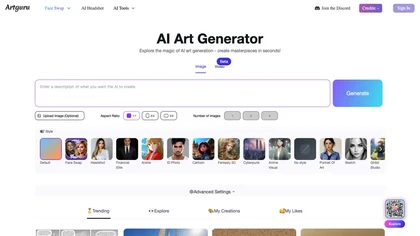
Artguru is a one‑click AI enhancer that sharpens photos, restores old or blurry images, upsamples videos to 8K, removes backgrounds, cleans scanned PDFs, and batch‑processes folders across phone and desktop for consistent, high‑quality media.
Freemium
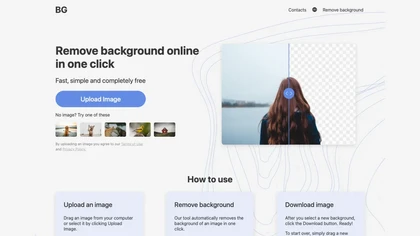
BG is an online AI background remover that deletes image backgrounds with a single click, supporting PNG/JPG of any size. It outputs high‑resolution transparent or custom‑colored images, works in-browser on PC and mobile, no installation required.
Free
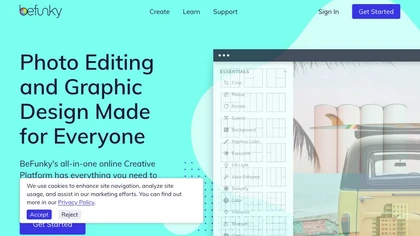
BeFunky is an online editor for photos, collages, and graphics. It offers crop, resize, blur, exposure, batch edits, AI background removal, object erasing, upscale, artistic filters, and drag‑and‑drop templates for banners, flyers, and social‑media posts.
Free
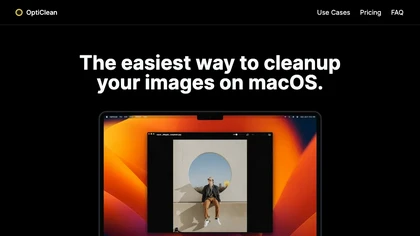
OptiClean removes unwanted objects, people, watermarks, and blemishes from full‑resolution photos and videos on macOS and iOS using AI. It runs locally via a DMG, preserving privacy and enabling quick retouching for hobbyist to professional workflows.
Free
- $9.99

HitPaw Online Background Remover uses AI to delete backgrounds in seconds, supporting single or up to 50‑image batch uploads. It offers transparent, black, or template backgrounds, realistic shadows, and works on Windows, macOS, iOS, Android, and browsers.
Freemium

Upscale.media is a browser-based AI upscaler that increases image and short-video resolution up to 2×/4×/8×, reconstructs detail, reduces noise/artifacts, and offers deblur, sharpen, colorisation, face restoration, batch processing and API access.
Freemium
- $0.02

ImgKits is an AI-powered image and video processing tool that enables background removal, object replacement, and photo enhancement while preserving quality. It supports batch processing for JPG, PNG, and WEBP formats, offering features like watermark removal, upscaling, and unblurring.
Free trial
123rf Image Editor is a comprehensive AI tool for effortless photo editing, offering features like image scaling, background removal, object removal, and seamless background remixing. It also includes an AI writer for content creation and an image enlarger for ratio adjustments. Efficiently enhance
Freemium
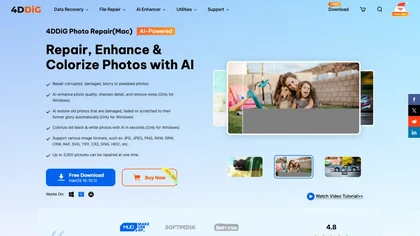
4DDiG Photo Repair uses AI to restore corrupted JPG, PNG, RAW, HEIC, and DNG images, correcting missing headers, color shifts, pixelation, and overexposure. It denoises, enhances faces, colorizes black‑and‑white, processes up to 3,000 files in batch on Windows and macOS.
Paid
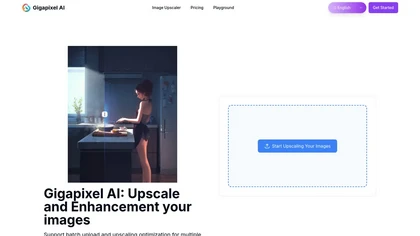
Gigapixel AI is an AI-driven image upscaler that enhances image quality up to 10x, preserving details and textures. It supports batch processing and offers specialized presets for portraits, landscapes, and more, making it suitable for both professionals and casual users.
Free trial
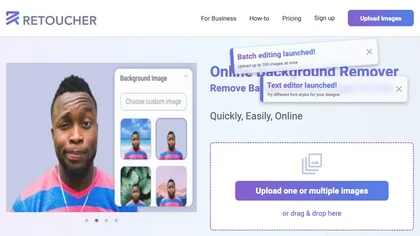
Retoucher Online is an AI background remover handling batch uploads via drag‑and‑drop, camera, or file selection. It isolates foregrounds, lets users keep transparent backgrounds, replace with white or custom images, add shadows, fine‑tune edges, and download PNG/JPG at various resolutions.
Freemium
- $659/mo
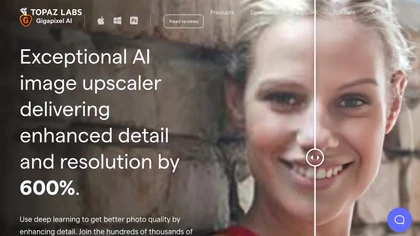
Gigapixel AI is a powerful image upscaling and detail enhancement tool that uses deep learning to increase image resolution up to 600%, improve print quality, restore old photos, and enhance natural details.
Free trial
- $99
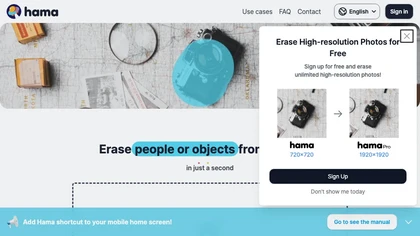
HAMA is an AI‑powered web tool that removes unwanted objects from photos using a brush‑based mask. Users upload an image and a mask, and the API returns a cleaned photo, useful for photo editing, e‑commerce imagery, and design workflows.
Free

Image Editor Online is an AI-powered tool that edits your photos using simple text prompts. It allows you to remove backgrounds, adjust poses, transfer styles, and continuously refine your images in one place.
Free
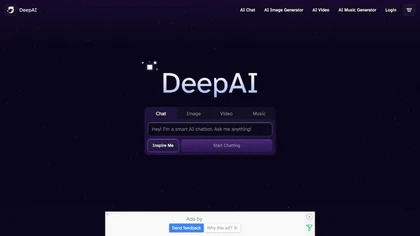
DeepAI offers browser‑based AI tools for text‑to‑image, photo editing, background removal, super‑resolution, and video/musical generation, plus APIs for integration. It prioritizes user ownership, privacy, fast processing, and supports conservation research via object detection and habitat mapping.
Subscription
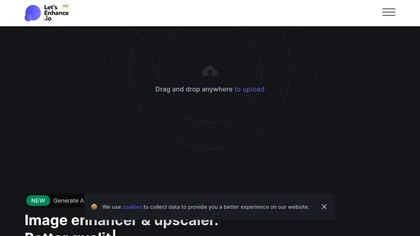
LetsEnhance is an AI image editor that upscales up to 512 MP, sharpens, restores, and removes compression artifacts from JPG, PNG, or WebP files. It supports batch processing, high‑resolution outputs for prints and AI art, preserving natural texture without watermarks.
Freemium
- $0.75/mo
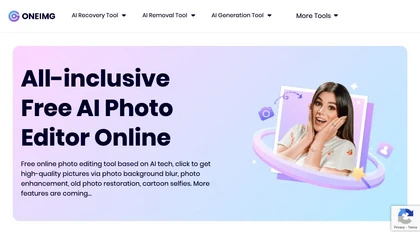
OneImg is a free AI-powered photo editor with advanced features for enhancing and optimizing photos.
Free