
Customizable Pattern Editor
The best 50 Customizable Pattern Editor AI tools - Free & Paid
Explore 50 AI for Customizable Pattern Editor
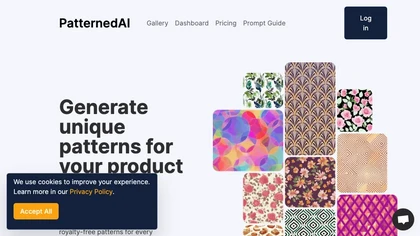
PatternedAI is an AI‑powered platform that quickly generates, recolors, and exports seamless textile patterns in high resolution. It offers one‑click brand‑aligned colorways, mockup previews, and a white‑label editor, delivering royalty‑free designs ready for production.
Free trial
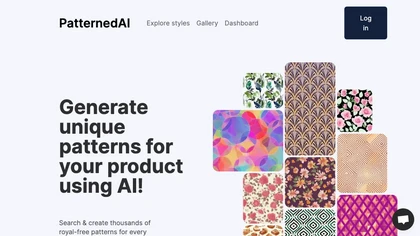
PatternedAI generates production‑ready seamless textile patterns from text or image prompts, auto‑fixes seams, offers one‑click recoloring, vector SVG and high‑res PNG outputs, mockup previews for garments, accessories, and packaging, and white‑label integration, delivering royalty‑free commercial r
Free trial

Magic Patterns is an AI design tool that generates UI and high-fidelity prototypes from ideas, screenshots, or imported design systems, matching existing styles and tokens, enabling rapid prototyping, real-time collaboration, exportable user-testing screens, and enterprise controls.
Freemium
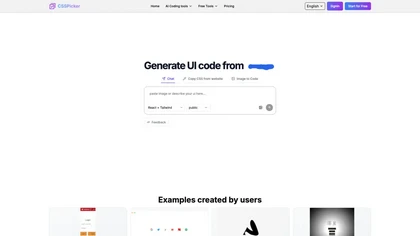
CSSPicker is an AI tool that transforms design screenshots into responsive HTML, CSS, or Tailwind code. With a real-time code editor and integration for frameworks like React, it aids both novice and experienced developers in UI coding tasks.
Free trial
- $30
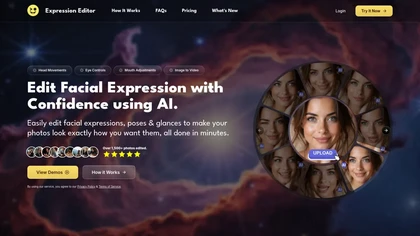
Expression Editor uses AI technology to edit facial expressions in photos and videos, allowing users to adjust head positions, eye details, and mouth shapes for natural-looking results, enhancing professional headshots and social media profiles effortlessly.
Free trial
Quilter is a PCB design tool that simplifies hardware development by optimizing layouts, assessing EMI performance, and ensuring manufacturing compliance. It utilizes generative AI for design exploration and integrates seamlessly with popular ECAD applications.
Free trial
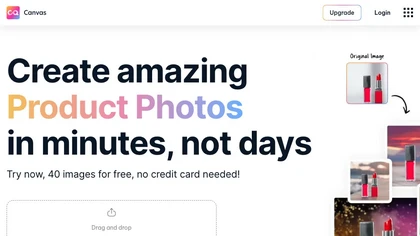
Magicstudio Canvas is an AI tool for quickly creating product photos with up to 40 free uploads in JPEG or PNG format. It offers intuitive, easy-to-use editing tools and features for profile pictures, removing backgrounds, and adding text.
Freemium
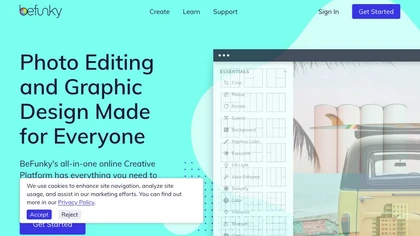
BeFunky is an online editor for photos, collages, and graphics. It offers crop, resize, blur, exposure, batch edits, AI background removal, object erasing, upscale, artistic filters, and drag‑and‑drop templates for banners, flyers, and social‑media posts.
Free
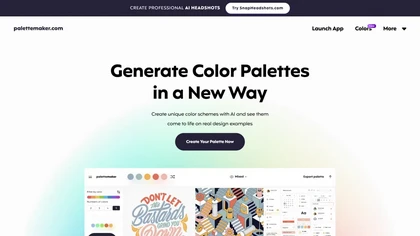
Palettemaker is an AI‑powered color palette generator that lets designers and non‑designers create, tweak, and preview color schemes in real‑world design contexts. It offers export options for Procreate, Adobe ASE, images, and CSS.
Free
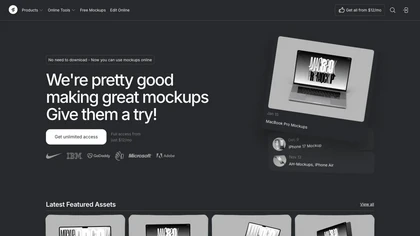
Mckp.live offers a Figma plugin and online editor with over 4,000 editable mockups, including device, branding, print, animated and illustration templates. Designers can replace artwork, adjust layouts, preview across devices, use presets and download assets.
Subscription
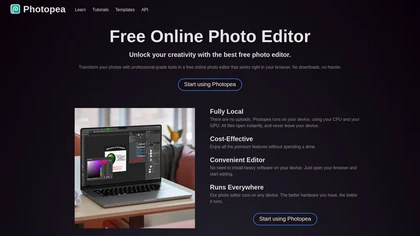
PhotoPea is a browser-based photo editor that runs locally on your device, supporting layered PSD workflows and a wide range of file formats. It offers advanced editing tools, vector design features, and AI-powered background removal without requiring any installation.
Free
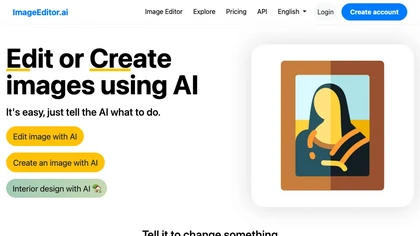
ImageEditor.ai is an AI-powered image editor used for interior design projects and can be controlled using verbal commands.
Subscription
- $7/mo
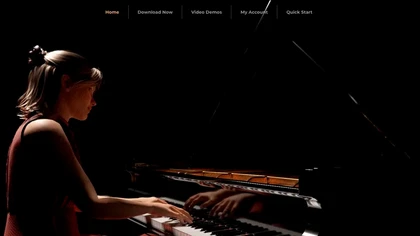
Concert Creator converts audio recordings into hyper‑realistic video performances with customizable avatars, camera angles, lighting, and fingering. It offers on‑screen sheet music, playback control, loops, MIDI I/O, and a built‑in song library for music lessons.
Freemium
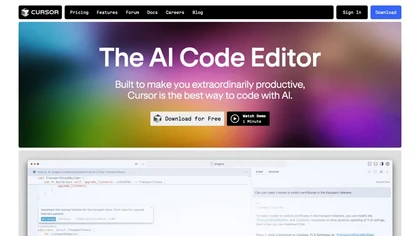
Cursor is an AI-powered code editor that utilizes natural language prompts for efficient coding. It streamlines workflows with features like predictive edits, one-click extensions, and privacy mode, enhancing developer productivity while maintaining a secure environment.
Freemium
- $20/mo

Scale offers a user-friendly platform for creating customizable product mockups for items like apparel and mugs. It supports bulk generation and integrates with e-commerce tools, enhancing efficiency for sellers in their mockup workflows.
Free trial
DesignEvo is an online logo maker featuring over 10,000 templates for branding, social media, apps, and print. Users customize with a vast icon library, 100+ fonts, multiple colors, and drag‑and‑drop editing, then export JPG, PNG, SVG, PDF.
Free
- $24.99
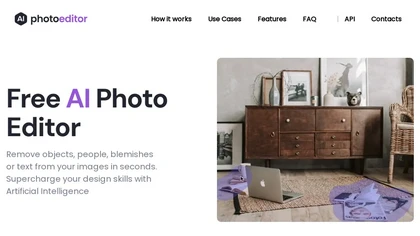
PhotoEditor.ai edits JPG, PNG, HEIC, and WEBP images up to 15 MB in a browser or mobile app. It offers portrait transformation, background removal, detail enhancement, and 4K upscaling, delivering instant downloads for photographers, marketers, and designers.
Paid
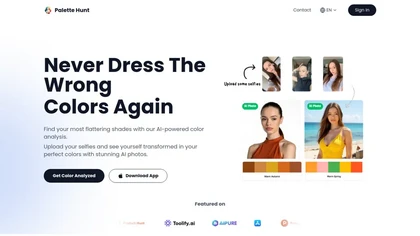
Palette Hunt is an AI tool that analyzes uploaded selfies to create personalized color palettes based on skin tones. It offers virtual try-ons and expert recommendations, helping users discover flattering shades for enhanced fashion choices.
Freemium
Palette automatically colorizes black‑and‑white images up to 5000 × 5000 px. Users upload single or multiple photos, choose from 150+ preset filters, and refine results with keyword‑driven adjustments to hue, saturation, and contrast. Ideal for photographers, designers, and archivists.
Free trial
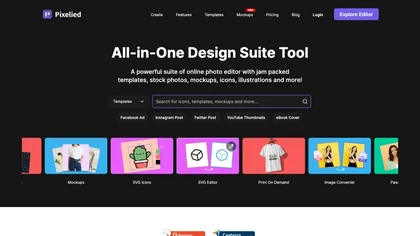
Pixelied is an online photo editor and design suite that offers brightness, saturation, and filter tools, background removal, a 4 million‑photo library, vector editing, team collaboration, and pre‑made templates for quick resizing.
Freemium
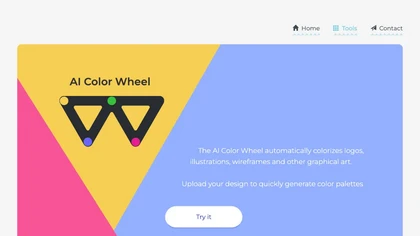
Color Wheel automatically colorizes grayscale flat graphics, generating thousands of palettes from one upload. Users tweak schemes and preview styles from Warhol to NES, saving locally with no registration for web and UI projects.
Free

PhotoGrid is a browser‑based AI photo editor that offers one‑click enhancement, background removal, and upscaling. It lets users build collages from 20,000 templates, add stickers, text, custom backgrounds, and convert images into short video clips.
Subscription
- $2.83/mo
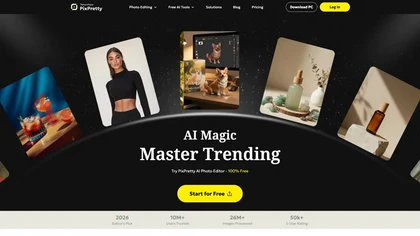
PixPretty AI Photo Editor is a free tool that uses AI to remove or replace backgrounds in seconds. It also supports batch editing for bulk transformations, retouching, and format conversion.
Freemium
- $12.99/mo
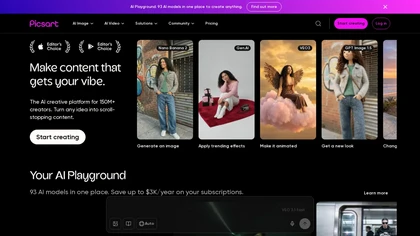
Picsart is a web and mobile photo editor and design app offering layers, filters, color correction, retouching, automatic background removal, collage and template tools, stickers and text overlays, basic social-video editing, and AI image generation with cross-device sync.
Freemium
PseudoEditor is a web‑based pseudocode IDE with syntax highlighting, error detection, auto‑completion, and instant compilation. Cloud‑stored projects are accessible from any device. It supports AQA, OCR, CIE, Edexcel, and IB specifications, helping students and teachers practice algorithms.
Free

OpenPencil.dev is a lightweight, open-source desktop design editor that runs locally with full Figma file support. It offers scriptable workflows and an optional AI chat tool, prioritizing developer control and extensibility under the MIT license.
Free
ColorGenie is an AI Color Palette Generator that uses machine learning to create unique color schemes for branding, websites, and graphics. Simply input your preferences and let ColorGenie generate visually appealing palettes for your projects.
Freemium
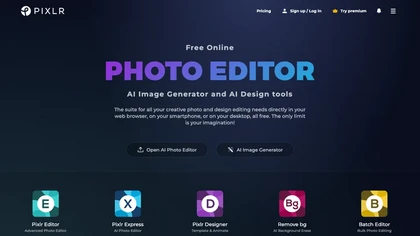
Pixlr is a browser‑based photo editor that uses AI for background removal, generative fill, and object deletion. It offers cropping, color correction, collages, templates, and social media layouts across desktop, tablet, and mobile.
Free trial
- $1.99/mo

PicWish AI Photo Editor automates image enhancement, background removal, and watermark deletion. It processes batches of up to 30 files, offering resizing, lighting, upscaling, AI Designer prompts, Face Cutout, and single‑click unblur/sharpen. Available on Windows, macOS, iOS, Android, and browser.
Subscription
- $9.99/mo
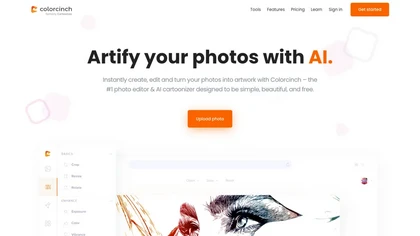
Colorcinch is an AI photo editor that instantly cartoonizes or sketches images and offers background removal, cropping, resizing, exposure and detail controls, file compression, and 400 DPI print‑ready export. Mobile app adds cartoonizing, background removal, and upscaling on the go.
Paid
TattooCanvas is an AI platform that generates custom tattoo designs from prompts. Users select style, line type, and color to receive high‑resolution artwork. The step‑by‑step interface stores creations in a cloud library for quick preview, editing, and download.
Paid
- $6
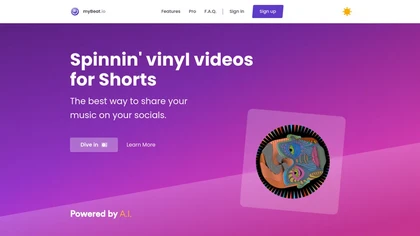
myBeat converts tracks into vinyl‑style music videos, auto‑generating cover art with an OpenAI model. Users edit GIFs, videos, add loops and effects, export full songs or clips, and publish to YouTube or Spotify Canvas with watermark‑free finishes.
Freemium
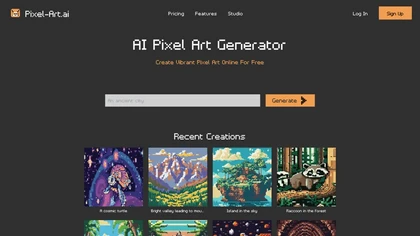
Pixel‑Art.ai is a browser-based pixel art studio that offers multiple canvases, layer and brush controls, copy/paste, AI inpainting for editing, custom canvas size, and ready‑made scenes. All creations stay private and export as PNG.
Freemium
- $0.42/mo
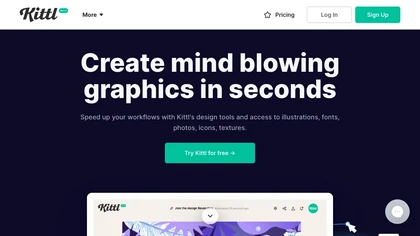
Kittl is an AI‑driven design platform that lets creators and designers generate images, vectors, and videos from prompts. It offers vectorization, background removal, upscaling, an infinite collaborative canvas, and a library of templates, fonts, and icons.
Subscription
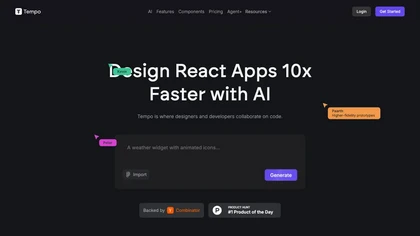
Tempo AI streamlines React application development with a drag-and-drop interface. It supports component imports from Storybook, custom library creation, and integrates with Visual Studio Code and GitHub for improved collaboration and version control.
Free trial
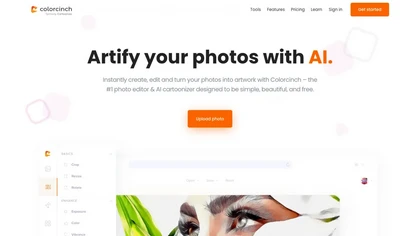
Colorcinch converts photos to cartoons, sketches, or paintings with one click, offers AI background removal, adjustable sliders, overlay effects, multi‑layer editing, high‑resolution export to JPG/PNG/PDF, all usable online/offline without login.
Free
- $8.99

Karaoke Maker uses browser-based AI vocal isolation to turn MP3, WAV, FLAC, or M4A tracks into downloadable instrumentals. Adjust vocal bleed and transpose pitch via sliders for practice, covers, performances, or video soundtracks.
Free
- $4/mo
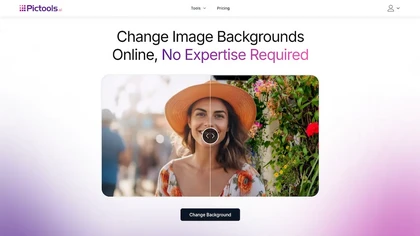
PicTools.AI is a web‑based photo editor that lets users upload images and apply changes via text prompts or over 100 one‑click AI filters—background removal, outfit changes, smile addition, restoration, and artistic styles—without design skills.
Subscription
- $23.4/mo

Coddy.Tech offers free interactive coding lessons across many languages and AI prompt engineering, featuring an in‑browser editor, streak tracking, achievements, AI debugging, a community leaderboard, and certificates for LinkedIn. It runs on iOS, Android, and web.
Free
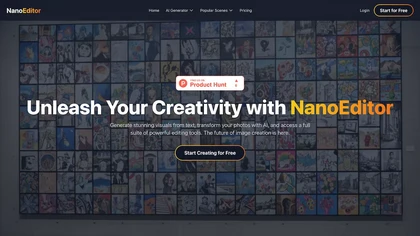
NanoEditor is a versatile AI image generation and editing platform. It enables text-to-image creation, face swaps, style transfers, and more for high-resolution digital content.
Freemium
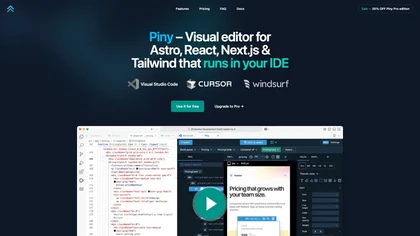
Piny is a visual editing tool for developers using Astro, React, Next.js, and Tailwind CSS. It features intuitive styling, code reflection, a Tailwind class inspector, component navigation, and an AI-powered drag-and-drop interface for efficient UI creation.
Free trial
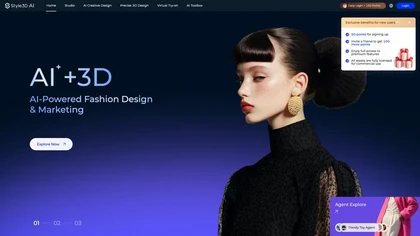
Style3D AI converts text, sketches and images into production-ready 3D garments, offering virtual photoshoots, fabric pattern extraction, texture mapping and exportable 3D assets, plus workflow agents, batch rendering and Procreate integration for faster merchandising.
Freemium
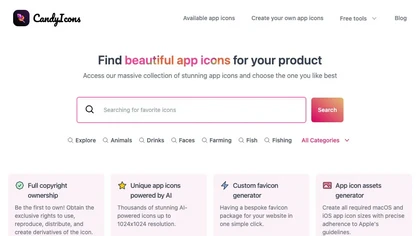
CandyIcons uses AI to turn keyword prompts into custom app icons across diverse styles—retro, neon, 3D, watercolor, etc.—with real‑time preview, color palette selection, and export to PNG, SVG, iOS/macOS asset sets, or favicons for developers and designers.
Free

imgeditor.co is an AI image editor that transforms images using text prompts. It features one-shot editing for consistent details, superior scene preservation, and rapid processing for multi-image workflows.
Free trial
- $12/mo
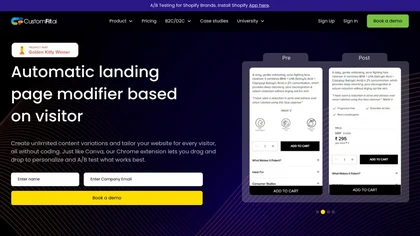
CustomFit.ai is a no‑code platform for e‑commerce and CMS owners, enabling A/B testing and content personalization with drag‑and‑drop editing, real‑time AI optimization, pre‑built widgets, and analytics across Shopify, WooCommerce, BigCommerce, Magento, Salesforce, WordPress, Webflow, and custom sta
Free trial
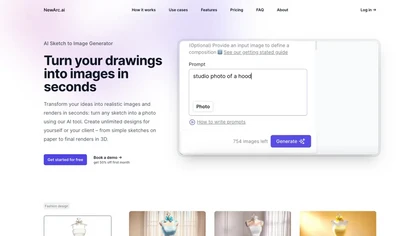
NewArc.ai converts hand‑drawn or Illustrator sketches into photorealistic images in seconds, applying fabrics, textures, and colors, and offers virtual try‑on, image‑to‑video, and image‑to‑sketch features for designers and fashion teams quickly.
Freemium
AI‑powered logo generator that produces hundreds of variations from a company name. Users refine colors, symbols, and sizes, then export high‑resolution files. An automated Brand Kit delivers brand assets, templates, and mockups, streamlining visual consistency and production.
Free