
Create Background For Motion Video
The best 50 Create Background For Motion Video AI tools - Free & Paid
Explore 50 AI for Create Background For Motion Video
🔥 Featured
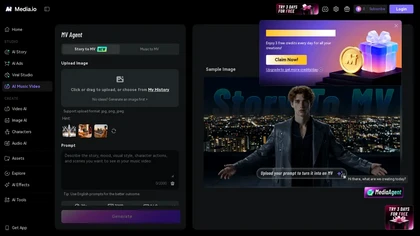
Media.io Music Video Generator is an AI tool that turns text prompts, images, and audio into complete, story-driven music videos with synchronized visuals, scene animations, and beat-matched music. It automates scene generation, transitions, and assembly, letting creators produce and download cinema
Free trial
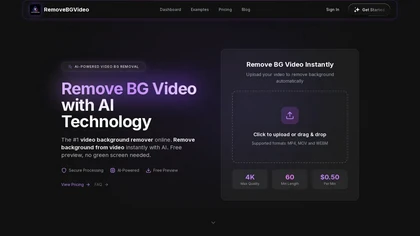
RemoveBGVideo is an AI tool that automatically removes backgrounds from videos, supporting HD/4K footage up to 60 minutes. It offers batch processing, green-screen support, and exports with transparent or custom backgrounds for content creators and e-commerce.
Freemium
- $6
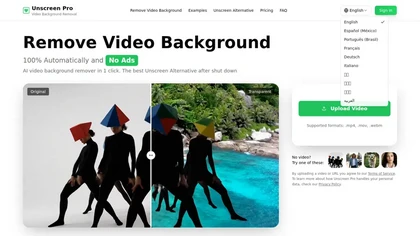
Unscreen Pro automatically removes video backgrounds frame by frame, no greenscreen, producing transparent outputs (MP4, MOV, WebM, AVI) at original or upscaled resolution, with live preview, batch processing and an API for workflow integration.
Freemium
- $4.99/mo
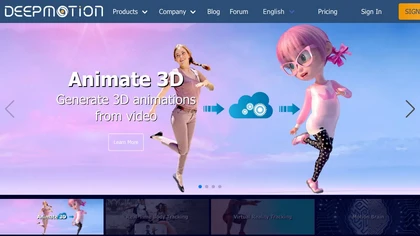
DeepMotion converts video or text into realistic 3‑D character animation, extracting motion from a single camera and offering real‑time body and facial tracking for game devs, VR artists, and content creators. Its API integrates into pipelines, speeding production.
Freemium
- $9/mo
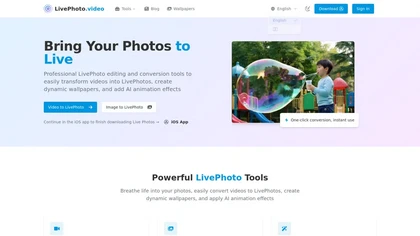
LivePhoto.video is a tool that converts videos, GIFs, and static images into animated Live Photos and dynamic wallpapers for iPhone. It uses AI to add motion, offers one-click saving to your Camera Roll, and allows direct sharing to social media.
Freemium
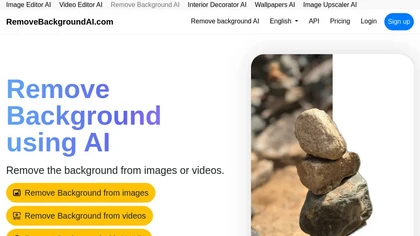
RemoveBackgroundAI.com is a web‑based AI that deletes image and video backgrounds from JPEG, PNG, GIF, MP4, MOV files up to 234 MB, offering transparent or solid colors. It supports batch processing, multiple output formats (PNG, WebP, MP4), and a multilingual interface.
Paid
- $70/mo
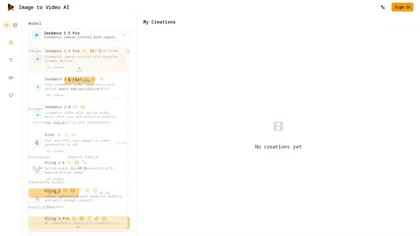
imagetovideoai.pro is an AI tool that transforms static images into cinematic video clips with camera controls, keyframes, and audio. It supports multi-image references, physics-aware motion, and team collaboration for rapid, consistent content creation.
Free trial
- $15/mo

Webcam Effects Chrome Plugin provides browser-based virtual backgrounds, blur, and background replacement with images or video; records browser tabs or single sources; adds AI noise cancellation, smart auto-framing, picture-in-picture, emoji/Giphy, and custom layouts.
Freemium

Animate Image AI turns static photos into animated MP4/GIF/WebM/MOV videos, applying facial and context-aware object motion for portraits, products and landscapes; offers one-click and batch processing, customizable expression and movement controls, real-time previews and 1080p export.
Free
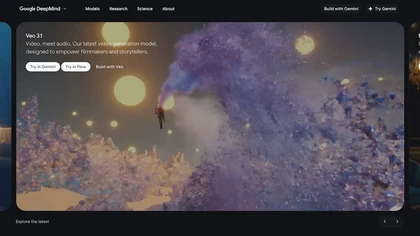
Veo3 is an advanced video generation model that creates high-quality 4K visuals with realistic motion. It supports various prompts and camera controls, minimizing artifacts while simulating real-world physics for dynamic cinematic results.
Freemium
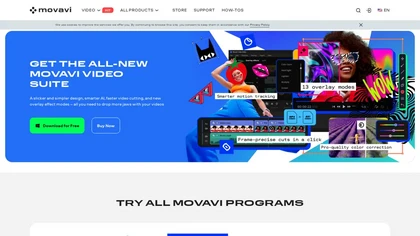
Movavi Video Editor is a desktop app for Mac and Windows that lets users trim, crop, color‑grade footage and add titles, overlays, and filters. AI features automate subtitles, noise suppression, and motion tracking. It includes a screen recorder for tutorials.
Paid
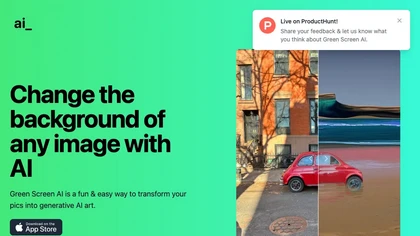
Green Screen AI is an AI tool that changes the background image of a picture into an AI-generated art scene.

Kling AI Motion Control turns a single static image into a realistic, physics‑based animated video. It automatically generates motion paths, applies dynamic effects, and outputs smooth, cinematic clips, supporting batch processing and custom parameters for marketers, designers, and creators.
Subscription
HitPaw Online Background Remover uses AI to delete backgrounds in seconds, supporting single or up to 50‑image batch uploads. It offers transparent, black, or template backgrounds, realistic shadows, and works on Windows, macOS, iOS, Android, and browsers.
Freemium
Google Veo 3 generates 8‑second, full‑HD cinematic clips from text prompts with lip‑synced dialogue and ambient audio. It animates still images, adds motion, lighting, perspective shifts, and over 60 visual effects for quick online video prototyping.
Subscription
- $7.9/mo
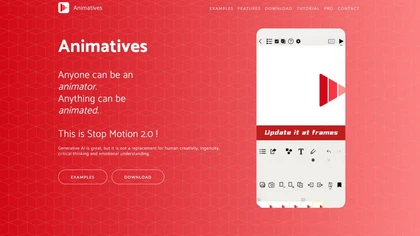
Animatives lets iPhone/iPad users create stop‑motion, timelapse, and mixed‑media videos with frame‑by‑frame control, combining photos, drawings, virtual objects, and audio. Export as MP4 or GIF up to 4K for sharing.
Freemium
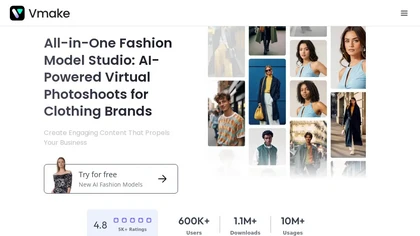
Vmake automates UGC and viral video cloning, producing product, fitness, and real‑estate clips with AI editing tools—watermark removal, background swap, noise suppression, upscaling. It auto‑generates captions, hooks, thumbnails, supports batch processing, and offers a teleprompter for polished deli
Free
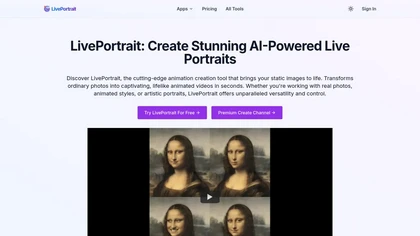
LivePortrait turns static images (PNG, JPEG, WEBP) into animated videos using AI motion synthesis. It restores, colorizes, upscales photos, lets users choose or upload motion, and fine‑tunes eye and lip movements for realistic portraits in seconds.
Freemium

Remove.bg automatically deletes image backgrounds, outputting white or transparent PNGs. It offers a web app, Photoshop plugin, mobile app, and API for single or bulk processing, with a brush tool for manual edits, aiding product shots, branding, and development.
Freemium
- $8.1/mo

imagetovideoaifree.com is a free AI tool that converts static photos into short animated clips by defining camera motion and style. It offers daily free previews without sign-up, supporting portrait, square, and landscape formats for social media, ads, and presentations.
Free trial
- $9.99/mo

Image Video AI converts photos (JPG/PNG/WEBP) into short MP4 videos up to 1080p using multiple AI models, enabling text-guided motion, style and duration, animating faces, bodies, objects or avatars with fast, simple workflows and commercial usage.
Freemium
- $7.99/mo
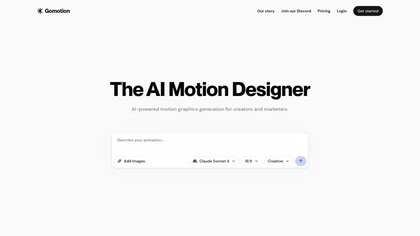
Gomotion is an AI-driven tool that simplifies motion graphics creation by allowing users to describe animations without keyframes. It supports animated stories, customizes for various devices, and enables complex animations for effective visual content.
Subscription
- $8.99
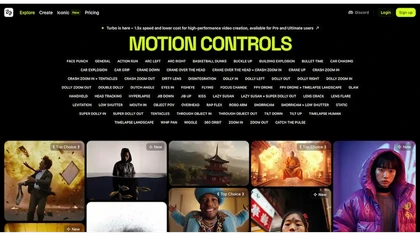
Higgsfield.ai is a platform focused on cinematic video generation that utilizes AI for dynamic motion control, enabling users to create high-quality videos with engaging effects without extensive technical skills.
Free trial
- $9/mo
AutoAE transforms scripts or ideas into motion graphics using AI. Choose from text, flowchart, mockup, 3‑D, and web‑search templates, edit colors and images in real time, and export finished videos for sharing or further editing.
Freemium
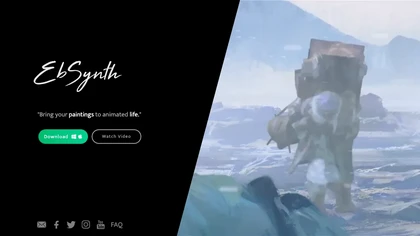
EbSynth propagates changes from a single keyframe to an entire video using texture synthesis, enabling hand‑drawn animation, retouching, colorization, and digital makeup without manual tracking. It supports desktop OS, MP4/PNG export, up to 4K, and offline command‑line processing.
Freemium
- $20/mo
ImagineArt unifies AI‑driven image, video, and audio creation and editing, enabling prompt‑based generation, upscale tools, drag‑and‑drop video workflows, 4K cinematic rendering, and real‑time team collaboration for streamlined media production for artists, designers, and creators.
Freemium
Veo Flow is an AI filmmaking tool designed for creatives, enabling seamless creation of cinematic clips and stories by combining user-provided assets with Google’s generative AI models, streamlining the filmmaking process.
Freemium
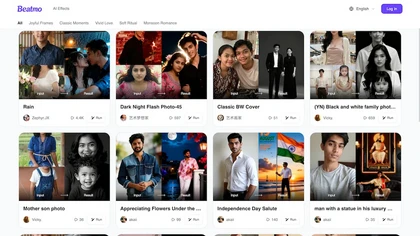
beatmo.live is an AI photo effects tool that brings still images to life with motion animation, color grading, black-and-white, and double-exposure styles. It offers themed frames and preset looks for portraits, events, and social media—ideal for weddings, birthdays, and creative portfolios.
Freemium
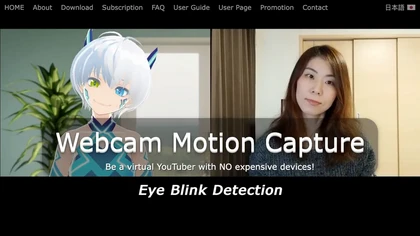
Webcam Motion Capture tracks hand, face, gaze, lip sync, and upper‑body movements via a standard camera, streaming data through VMC for avatars or game engines and exporting to FBX for 3D animation. Supports Windows, macOS, and mobile offload.
Subscription
- $1.99/mo

Seedance2.0.ai is an AI video generator that creates 1080p cinematic videos from text or images. It features multi-shot storytelling with dynamic transitions and enhanced subject consistency for professional results.
Freemium
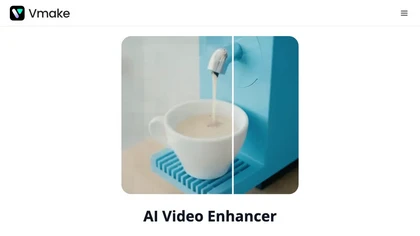
Vmake AI Video Enhancer upsamples MP4, MOV, AVI, etc. to 2K/4K/AI 4K+, removes artifacts, improves low‑light, reduces noise, and offers watermark/text removal, background elimination, and subtitle generation, giving creators, e‑commerce, and gamers sharper, cleaner videos.
Subscription
- $9.99/mo
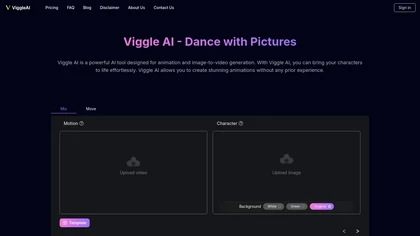
Viggle AI simplifies animation by allowing users to transform character images into dynamic videos with features like motion tracking and background preservation. Its intuitive interface supports various styles, catering to both beginners and professionals in animation creation.
Freemium
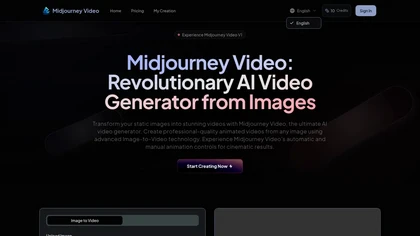
Midjourney Video converts static images into 5-second AI-generated videos, accepting JPG/PNG/WEBP uploads, with automatic or custom motion prompts, adaptive motion levels, multiple aspect ratios and up to 1080p output for short-form content.
Subscription

GStory.ai is an AI-powered creative suite for video and photo editing. Its core features include automated subtitle generation, background removal, and tools for enhancing image quality and removing watermarks.
Freemium
- $0.03
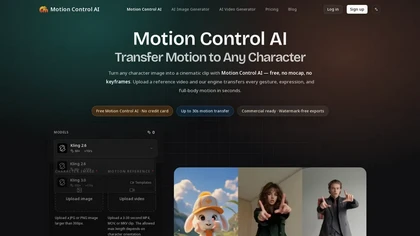
motion-control-ai.net is an AI video generator that extracts full-body motion, facial expressions, hand gestures, and lip sync from a reference video to animate any character image without manual rigging or mocap suits. It outputs watermark-free videos in standard aspect ratios, enabling creators, m
Free trial
- $15.9/mo

Vibevideo converts images and text prompts into cinematic HD videos, supporting JPG/PNG/WEBP with image-to-video and text-to-video workflows. Multiple AI models, style presets, motion effects, and prompt-guided automation speed creation of shareable clips.
Freemium
- $15/mo

backgroundremove.io is a tool that quickly erases image backgrounds using AI. It automatically creates clean, high-resolution cutouts, ready for e-commerce, social media, and design projects.
Free

VideoAI.ai is an AI video generator that converts text and images into short clips using multiple models for motion control and consistency. It features localized editing, style transfer, and audio sync for creating social media, e-commerce, and avatar-driven videos.
Free trial
- $12/mo
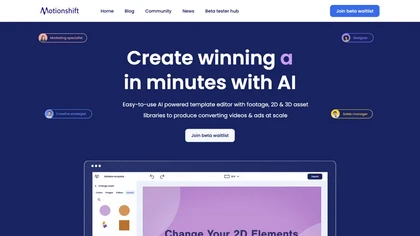
Motionshift: An AI tool for easy video creation with a template editor & extensive asset library. Converts data from URLs into conversion-focused video ad creatives in multiple industries.
Free
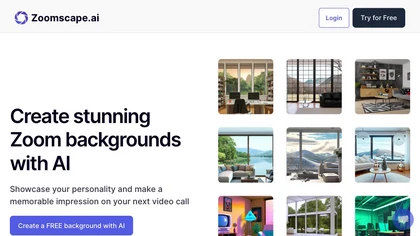
Zoomscape.ai offers a wide range of unique and personalized video call backgrounds that help users stand out during meetings.
Free trial

Motionik is a Windows and macOS screen recording and editing app combining cursor-tracking auto-zoom, timeline editing, overlays (titles, captions, webcam, mobile capture), trimming and masks, background replacement, AI transcripts and noise reduction for efficient demos and tutorials.
Free

AI Background Remover deletes backgrounds from JPG, PNG, WebP images while preserving resolution, handling up to 500 at once. Users can replace with color, gallery, or upload; ideal for designers, marketers, and e‑commerce workflows.
Freemium
- $9
Neural Frames turns songs into audio‑reactive videos with a two‑click autopilot or frame‑by‑frame editor, offers text‑to‑video tools, stem‑based modulation, custom model training, and free 4K upscaling for professional media.
Paid
- $19/mo

Unscreen is a cloud video editor that removes backgrounds from clips and exports them instantly, with format conversion and resizing. It offers plugins for After Effects and Premiere Pro and integrates with Canva for AI‑enhanced features.
Freemium
- $9

AIImageToVideo Pro is an AI tool that transforms static images and text prompts into short videos using models like Veo and Kling, offering control over motion, duration, and resolution. It features editing for text overlays and captions, with export options for creating watermark-free content for s
Freemium
- $9.99/mo
Malloy automates video production, converting prompts into motion graphics, offers a template library and animation builder, creates client‑ready portfolios in minutes, and integrates editing, hosting, and hiring tools to streamline creation and monetization.
Freemium
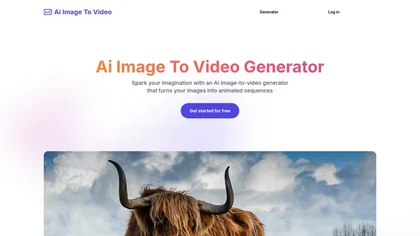
Ai Image To Video converts single photos into animated clips by adding AI‑generated motion and style layers. Users upload an image, provide a prompt, choose an animation style, adjust motion intensity, and download the resulting video within seconds.
Freemium
- $8.9
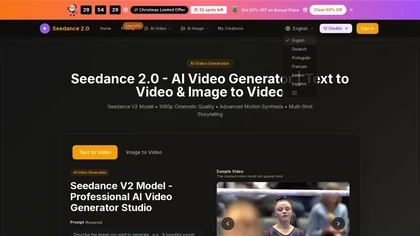
Seedance 2.0 converts text prompts and images into native 1080p videos, supporting multiple aspect ratios and durations. It synthesizes consistent multi‑shot motion, preserves character continuity, parses complex prompts, offers style presets, and exports editable video files.
Free trial

AIVideo.com automates video production, creating music videos, lyric visuals, looping clips, and converting audio or images into video. It offers text‑to‑image/video, background removal, matchcut editing, and visual effects, enabling quick, professional media creation.
Freemium

PhotoGrid is a browser‑based AI photo editor that offers one‑click enhancement, background removal, and upscaling. It lets users build collages from 20,000 templates, add stickers, text, custom backgrounds, and convert images into short video clips.
Subscription
- $2.83/mo