
What is Midjourney Video?
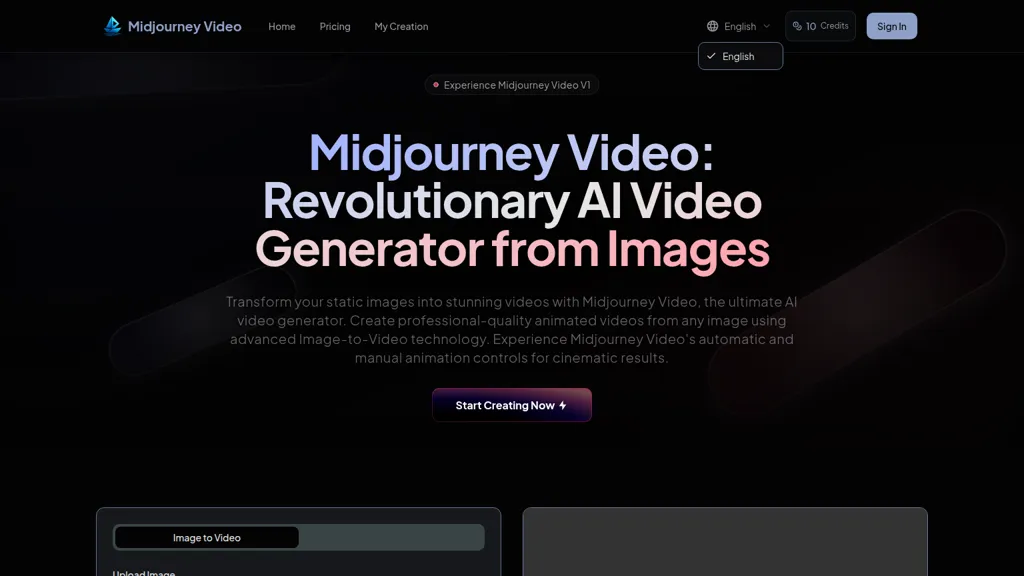
Midjourney Video transforms static images into short AI-generated videos using image-to-video technology.
Supports external image uploads (JPG, PNG, WEBP up to 5MB) and lets users mark start frames for animation.
Automatic animation generates motion prompts from images; manual motion control accepts custom motion prompts for scene and camera movement.
Adaptive motion settings provide low motion for ambient scenes and high motion for dynamic camera and subject action.
Output options include multiple aspect ratios (16,9, 9,16, 1,1, 3,4) and video qualities up to 1080p.
Workflow, upload an image, choose automatic or manual animation, and generate a 5-second video.
Designed for digital artists, content creators, social media managers, and marketers needing fast image-to-video content.
Keywords, AI video generator, image-to-video, animate images, motion prompts, automatic animation, manual motion control, short-form video.
Midjourney Video details
- Built for
- Businesses and teams
Midjourney Video tech specs
- Works with
- Midjourney
Midjourney Video pricing
SubscriptionPricing details aren't listed here — check the official pricing page below.
Verify on the official pricing page.
View plansMidjourney Video's key features
-
Image-to-Video workflow: transforms static images into dynamic 5-second videos
-
Automatic animation: auto-generates motion prompts to create natural movement
-
Manual motion control: custom motion prompts and detailed scene/camera controls
-
Adaptive motion settings: low-motion (ambient) and high-motion (dynamic) modes with camera control
-
External image import: upload and mark any image as a start frame for animation
Midjourney Video use cases
-
Create eye-catching 5-second social media teasers for products and launches using Midjourney Video's automatic or custom motion prompts and adaptive motion levels, export in multiple aspect ratios up to 1080p for Instagram Reels, TikTok, and ads
-
Bring static artwork or portfolio images to life with Midjourney Video by applying start-frame animation and manual camera motion for polished showreels or pitch videos, using subtle adaptive motion to preserve artistic intent
-
Generate quick e-commerce and real estate preview clips from photos with Midjourney Video's image-to-video generator, customizing camera moves and motion intensity to produce short-form listing videos in the ideal aspect ratio and 1080p for online marketplaces
Midjourney Video user reviews
Would you recommend Midjourney Video?
Who is Midjourney Video for?
-
Content creators
-
Social media marketers
-
Digital artists
-
Graphic designers
-
Short-form video producers
Midjourney Video FAQ
Is Midjourney Video free?
No. Midjourney Video is a paid product and requires a paid plan to use.
What are the best alternatives to Midjourney Video?
The closest alternatives to Midjourney Video are ImageToVideo AI, AIImagetoVideo.video, ImageToVideos.ai, Meta Image Generator and Animate Image AI. You can compare them side by side in the alternatives section further down this page.
What does Midjourney Video do with my data?
Midjourney Video states that customer content may be used to train its models. Its privacy policy states that personal data is not sold or shared for marketing purposes. Data may be shared with third-party service providers that help run the product.
Which AI models does Midjourney Video use?
Midjourney Video is built on Midjourney. Which models you can reach may depend on your plan.
Compliance, privacy and billing terms are as stated in each product's own published documentation and have not been independently verified by TopAI.tools.


