
Chrome Text To Image Extension
The best 50 Chrome Text To Image Extension AI tools - Free & Paid
Explore 50 AI for Chrome Text To Image Extension
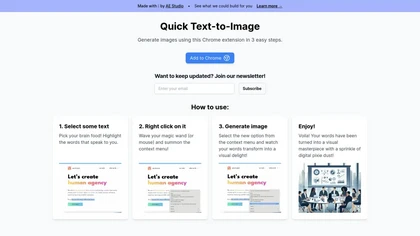
Quick Text-to-Image is a Chrome extension that transforms highlighted text into AI‑generated images within seconds. The three‑step, no‑setup process lets writers, marketers, designers, and educators add instant visuals to blogs, social posts, or slides without searching stock photos.
Freemium

Webcam Effects Chrome Plugin provides browser-based virtual backgrounds, blur, and background replacement with images or video; records browser tabs or single sources; adds AI noise cancellation, smart auto-framing, picture-in-picture, emoji/Giphy, and custom layouts.
Freemium
Pixelcode is a Chrome extension that extracts code from screenshots, images, PDFs, and video frames, recognizes over 30 programming languages, preserves formatting, and copies snippets directly to the clipboard for use in any editor.
Free

Moprh is a Chrome extension that enables quick web image editing using text prompts. It allows users to easily modify images directly in the browser, streamlining the editing process for marketers and content creators.
Freemium
YouTube sumamry chrome extension is a YouTube video summary tool developed by Glasp Inc., currently in beta testing and requires installation on Chrome or Safari browsers along with sign-up.
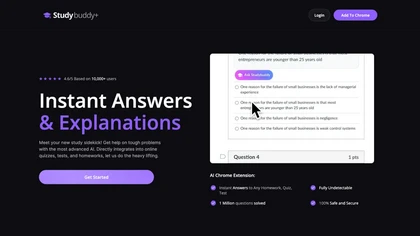
StudyBuddy Chrome Extension captures screenshots or highlights of questions to provide instant answers and detailed step‑by‑step explanations. It supports math, diagrams, and image queries in English, Spanish, and Portuguese, and includes a personal AI chat for broader study assistance.
Freemium
- $0.99

FlashAI is a Chrome extension that runs ChatGPT via your OpenAI API key in-browser, offering one-click webpage summarization, highlight-to-run prompts, a prompt manager, keyboard shortcuts and context-menu access for faster research, drafting and content extraction.
Free
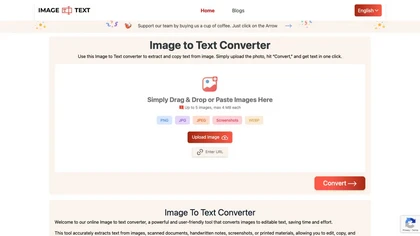
Image to Text Converter extracts text from images, PDFs, and handwritten notes in 30+ languages. It accepts JPEG, PNG, WebP, GIF, PDF, handles blurry files, and can recognize equations. Users can crop regions, and outputs editable TXT, PDF, or DOCX.
Free

Generates detailed image descriptions, SEO-friendly alt text, and searchable tags from JPG/PNG/WEBP; performs OCR on text and tables, summarizes charts, converts images into prompts, and offers batch processing, API, and chat-for-image Q&A for workflows.
Free
- $19.99
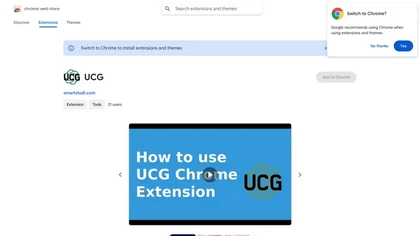
UCG is a Chrome extension that forwards input to ChatGPT without displaying a chat window, letting users send screenshots, selected text, or typed prompts and paste responses via a shortcut, supporting 14 languages.
Freemium
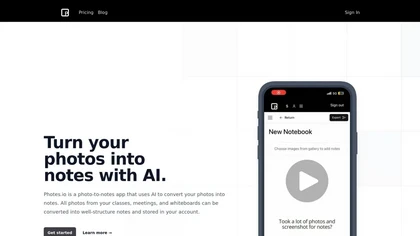
Pixno uses GPT‑4 Vision to extract text, charts, and audio from photos, PDFs, and lecture slides. It summarizes, translates, generates Q&A, exports to Notion, Obsidian, Google Docs, and syncs across devices for real‑time collaboration.
Freemium
- $3/mo
ChatGPT2Help is a Chrome extension embedding ChatGPT for instant AI assistance: rapid content drafting, copy editing, multi‑language translation, page summarization, and specialized tasks like real‑estate listings, legal risk flagging, customer‑service FAQ responses, personalized education plans, an
Subscription
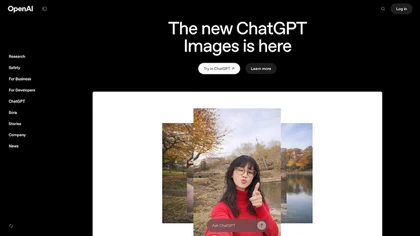
OpenAI’s ChatGPT Images, powered by GPT Image 1.5, elevates creative workflows by offering rapid, precise image generation and editing directly within ChatGPT. It’s a versatile tool for visual content creation and design.
Freemium
Monica integrates GPT‑5.2, Claude 4.5, Gemini 3 Pro, Sora 2, and Nano Banana into a single extension for Chrome, Edge, Windows, macOS, Android, and iOS. It supports chat, web search, translation, summarization, image/video creation, code assistance, OCR, PDF conversion, and resume review.
Free
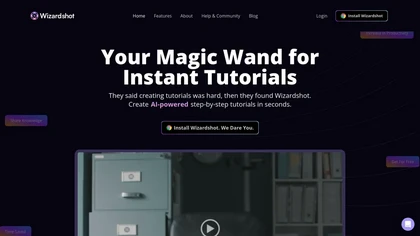
Wizardshot is a web app and Chrome extension that automatically converts screen recordings into structured, step‑by‑step tutorials. It exports to PDF/DOC, GIFs, embeds videos, supports team collaboration, role‑based access, blurs sensitive data, and provides analytics on usage and gaps.
Free
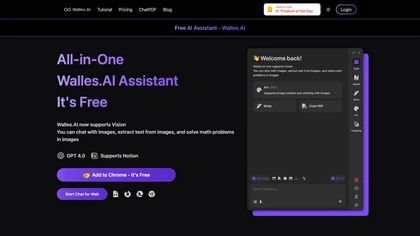
Walles.AI is a Chrome extension that brings a ChatGPT‑powered assistant to any web page, PDF, or YouTube video, enabling quick summarization, translation, paraphrasing, text extraction, and image‑based math solving, with export to Notion and keyboard shortcuts.
Freemium
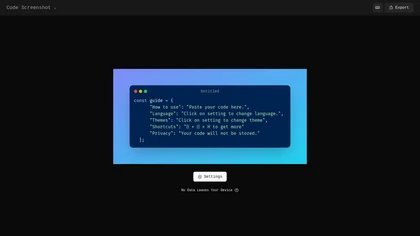
Code Screenshot allows developers to convert code snippets into visually appealing images with syntax highlighting for various languages. It features customizable themes, keyboard shortcuts for efficiency, and local storage for enhanced privacy in sensitive projects.
Freemium
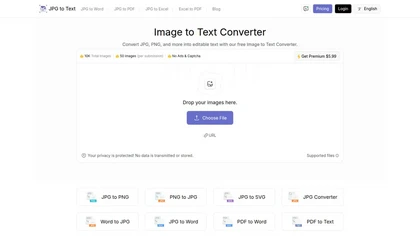
Image Text Converter is an online OCR tool that extracts text from JPG, PNG, and SVG images, converting them into editable .txt files. It supports multiple languages, including mathematical equations, enhancing document automation and data entry for various users.
Freemium
- $3.5

Chippy is a Chrome extension that embeds ChatGPT directly into the browser, letting users ask questions, summarize pages, research topics, translate text, and draft emails instantly while staying on the current tab.
Free
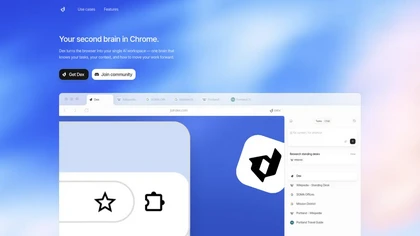
Dex is a Chrome extension that turns your browser into an AI workspace, centralizing notes, tasks and context across tabs and apps, integrating Gmail, Calendar, Sheets and LinkedIn for meeting prep, lead extraction, analysis and personalized outreach.
Freemium
ComfyUI Web is a cloud platform offering over 40 AI tools for text‑to‑image, video, audio, and editing tasks. It runs in a browser, requires no GPU, and deletes uploads after use.
Subscription
- $9.99/mo
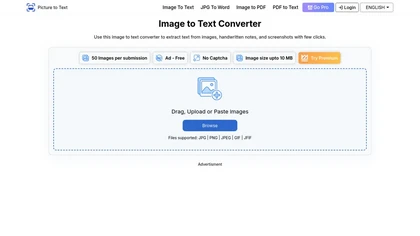
Image to Text Converter uses AI OCR to extract editable text from JPG, PNG, GIF, WEBP, BMP, HEIC, TIFF, and PDF images. It supports over twenty languages, allows drag‑and‑drop and batch processing, and automatically deletes uploads for privacy.
Paid
- $2.99
Checkget is a browser extension that adds ChatGPT to any webpage via a single shortcut. It auto‑detects contexts, enabling summarization, translation, grammar correction, tone adjustment, and can run locally encrypted. Supports GPT‑3.5/4 for fast, on‑page AI help.
Subscription
- $4.99/mo
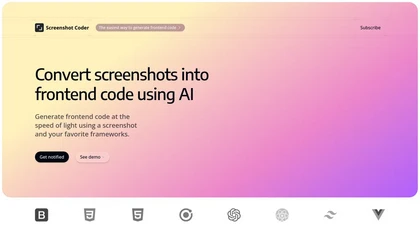
Screenshot Coder transforms visual mockups into production‑ready frontend code in seconds, supporting Tailwind CSS, Bootstrap, and React. It delivers responsive, clean UI code directly from screenshots, accelerating prototyping for designers and developers.
Free

NopeCHA uses AI to detect and solve diverse CAPTCHAs—reCAPTCHA, hCaptcha, FunCAPTCHA, text challenges—via a stealth browser. It offers Chrome and Firefox extensions, a token API, SDKs for Selenium, Puppeteer, Playwright, and real‑time usage monitoring.
Paid
- $4.99/mo

ImageToCartoon turns JPEG, PNG, or WebP photos into high‑resolution cartoon images directly in the browser. Users pick from 80+ styles—Ghibli, Pixar, anime, comics—to create avatars, prints, or pet illustrations, with royalty‑free commercial rights.
Free
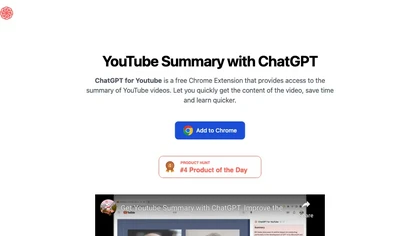
ChatGPT for YouTube is a Chrome extension that produces concise text summaries of YouTube videos, enabling quick understanding of key points. It operates without requiring a ChatGPT or OpenAI account and integrates directly into the YouTube interface.
Free
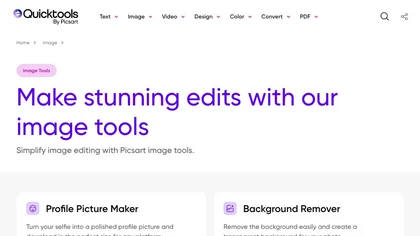
An online image tool with features including background removal, image resizing, text addition, color palettes, conversion, and AI-powered social media bios, market slogans, business name ideas, and hashtag generation.
Free
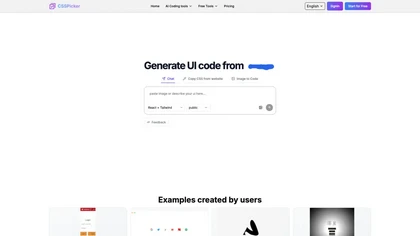
CSSPicker is an AI tool that transforms design screenshots into responsive HTML, CSS, or Tailwind code. With a real-time code editor and integration for frameworks like React, it aids both novice and experienced developers in UI coding tasks.
Free trial
- $30

Grok Imagine is a multimodal AI generator for text-to-image, text-to-video and image-to-video creation, offering adjustable modes, aspect ratios and lengths, character/anime/3D/pixel generators, face swap, video effects, lip-sync and image editing utilities.
Free

Kome is a browser extension that summarizes articles, news, videos, and PDFs for quick skimming. It bookmarks pages for easy retrieval, powers Smart Compose for emails and posts, and extracts emails and color palettes for designers.
Freemium
- $5.99/mo

ChatPhoto turns photos into readable text and answers. Upload one or many images, ask questions, and receive translations, captions, and concise narratives in multiple languages. Ideal for quick social‑media copy, product titles, and travel stories.
Freemium
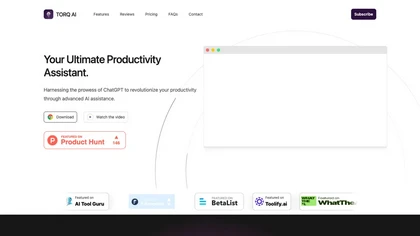
Torq AI is a Chrome extension that lets users draft and reply to emails with one click, analyze selected text, translate it, access ChatGPT and Google search, and extract data insights—all from a lightweight toolbar for individuals and teams.
Free
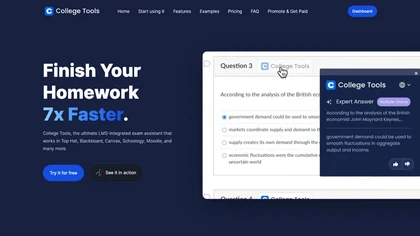
AI Homework Helper is a Chrome extension that highlights questions or images to instantly provide detailed, step‑by‑step answers across subjects. It supports PDFs, lecture notes, a sidepanel chat, a mobile app, and works on multiple browsers while safeguarding privacy.
Subscription
- $19.99/mo

This is an image-to-text model that generates prompts based on input images.
Free
ChatGPT2PDF is a Chrome extension tool that simplifies the process of converting ChatGPT conversations into PDF files effortlessly. Ideal for businesses of any size, it offers a user-friendly interface to efficiently manage and share creative ideas.
Subscription
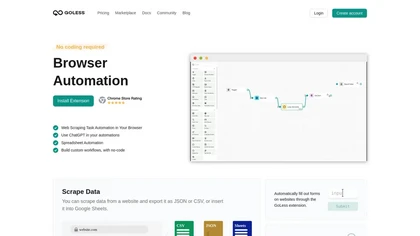
GoLess is a Chrome extension that automates web tasks without code, extracting pages into JSON, CSV, or Google Sheets, auto‑filling forms, solving CAPTCHAs, and running ChatGPT actions, enabling drag‑and‑drop workflows for data entry, testing, and social media.
Freemium
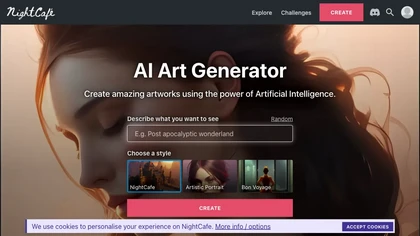
NightCafe is an AI art platform for text-to-image and text-to-video generation, prompt-based image editing and image-to-video conversion, offering multiple models, multi-image fusion, upscaling, audio-synced video output, galleries and community collaboration tools.
Freemium
WebCopilot is a Chrome extension that lets users upload PDFs, text files, URLs, and Notion pages to build a semantic, searchable knowledge base. It chunks, embeds, and indexes content so queries return meaning‑based answers with source references.
Freemium
- $19/mo

Readvox is a Chrome text-to-speech extension that converts web pages, PDFs, Google Docs, Kindle books and images (OCR) into audio, offering selectable voices, custom pronunciation, adjustable speed, pause/resume, and controls to support accessibility and language learning.
Free
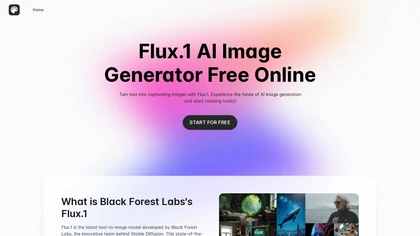
FluxAI.art offers free AI image generation with models such as Nano Banana and ChatGPT‑4o image. It supports text‑to‑image, image‑to‑image, editing, multi‑image fusion, character consistency, and styles like Ghibli, Pixar, and realistic looks.
Subscription
- $6/mo
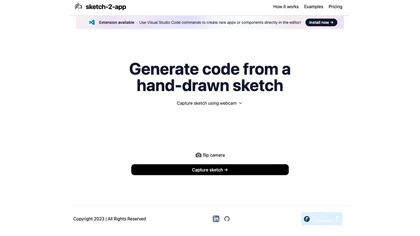
Sketch2App" is a Visual Studio Code extension AI tool that converts hand-drawn sketches into functional app components swiftly. Streamlining app development, it seamlessly translates sketches into code for efficient design realization.
Subscription
- $29/mo
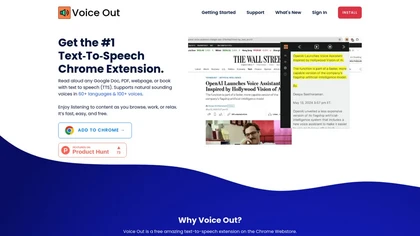
Voice Out is a Chrome extension that reads webpages, Google Docs, PDFs, and e‑books aloud in 60+ languages with 100+ natural voices. It highlights text, lets users adjust speed, pitch, and volume, and supports background playback and keyboard shortcuts.
Subscription
- $6/mo
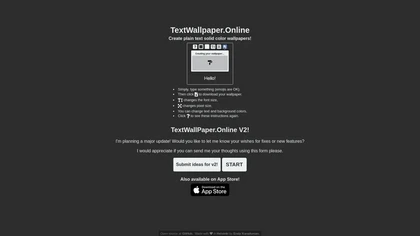
Generate custom phone or desktop wallpapers from any text. Choose emojis, fonts, text size, colors, and dimensions. Download directly from the browser. The fully online, open‑source tool requires no JavaScript.
Freemium
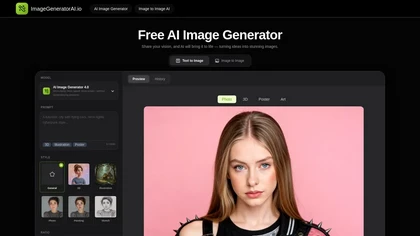
ImageGeneratorAI.io is a browser-based AI image generator that transforms text prompts into high-resolution visuals using models like SDXL and Flux. It offers extensive customization for style, aspect ratio, and composition, enabling rapid creation of marketing assets, concept art, and social media
Free
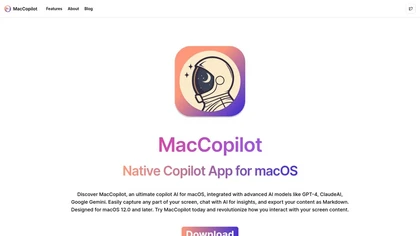
MacCopilot lets macOS users select any screen area, capture screenshots, and chat with AI models—GPT‑4o, Claude, Gemini, or local Ollama—to receive instant visual analysis, code reviews, design feedback, and contextual insights directly on‑screen. Hotkeys and history improve workflow.
Free
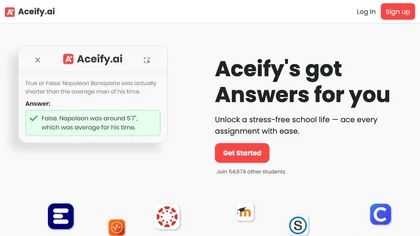
Aceify.ai delivers instant AI help for homework and study queries, letting users upload screenshots or use a Chrome extension. It summarizes content and supports Canvas, Blackboard, MoodleCloud, and other LMS, offering quick, accurate answers, especially in mathematics.
Subscription
- $9.99/mo
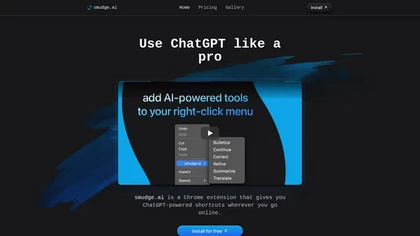
smudge.ai is a Chrome extension that adds AI commands to the right‑click menu for instant summarizing, proofreading, bullet‑pointing, and translating highlighted text. It handles up to 150k words, syncs across devices, and uses OpenAI without logging content.
Subscription
- $5/mo