
Chrome Extension For Bookmarking
The best 50 Chrome Extension For Bookmarking AI tools - Free & Paid
Explore 50 AI for Chrome Extension For Bookmarking
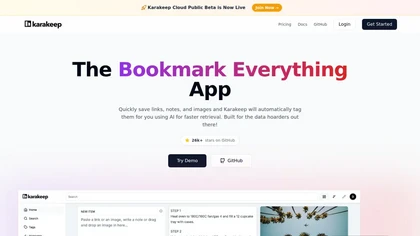
Karakeep is an open source bookmark manager with browser extensions, native apps and a CLI. It auto-tags saved links, notes, images and PDFs, offers full-text search, RSS clipping, shared lists, rules and self-hosting.

Pinbot is a Chrome extension that lets users add bookmarks with a single click, automatically summarizes each page, and offers tag suggestions. It supports natural‑language search, offline processing, and custom tagging for personal databases.
Freemium
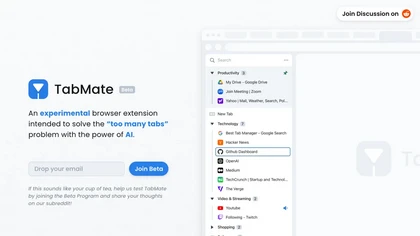
TabMate auto‑categorizes browser tabs by domain and date, grouping them into customizable collections. Pinning, keyboard navigation, dark mode, labels, and color coding keep tabs organized and improve productivity on Chrome, Edge, Brave, Vivaldi, and others.
Free
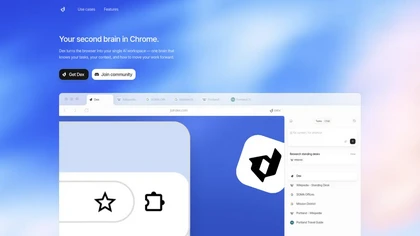
Dex is a Chrome extension that turns your browser into an AI workspace, centralizing notes, tasks and context across tabs and apps, integrating Gmail, Calendar, Sheets and LinkedIn for meeting prep, lead extraction, analysis and personalized outreach.
Freemium
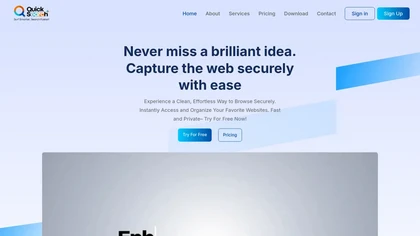
QuickSearchPlus enhances secure browsing and bookmark management with multi-device synchronization, advanced search capabilities, and incognito features. Its user-friendly interface allows for efficient organization of bookmarks and files through structured folders and drag-and-drop functionality.
Free trial
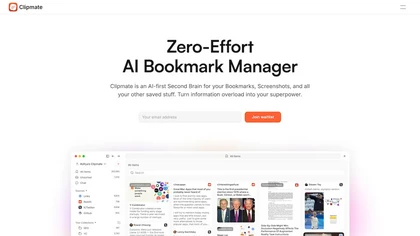
Clipmate is an AI-first Second Brain for your Bookmarks, Screenshots, and all your other saved stuff. Turn information overload into your superpower.
Freemium

YouTube sumamry chrome extension is a YouTube video summary tool developed by Glasp Inc., currently in beta testing and requires installation on Chrome or Safari browsers along with sign-up.
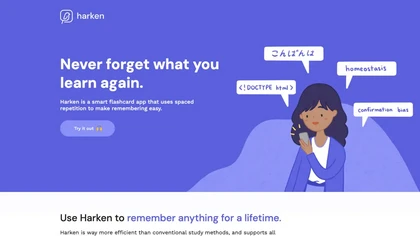
Harken is a spaced‑repetition flashcard tool supporting text, images, audio, and code. A Chrome extension auto‑creates quizzes from web articles, imports Anki decks, offers cross‑device review, and displays retention statistics.
Freemium
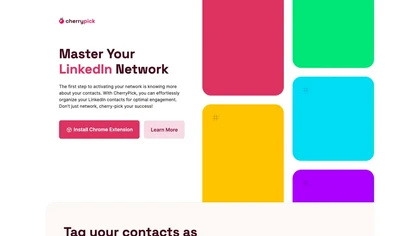
CherryPick is a Chrome extension that adds in‑browser tagging controls to LinkedIn, letting users create and assign tags on the fly. Tagged contacts sync to a dashboard for filtering, review, and CSV/JSON export to CRMs.
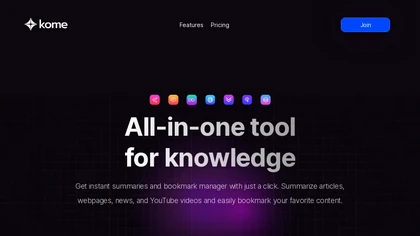
Kome is a browser extension that summarizes articles, news, videos, and PDFs for quick skimming. It bookmarks pages for easy retrieval, powers Smart Compose for emails and posts, and extracts emails and color palettes for designers.
Freemium
- $5.99/mo
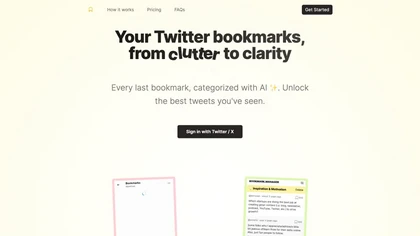
Bookmarks Manager syncs your Twitter bookmarks via a single sign‑in, automatically categorizes them with GPT‑4 Turbo, lets you add or edit tags, and exports the organized list to CSV or JSON for offline use or integration.
Freemium
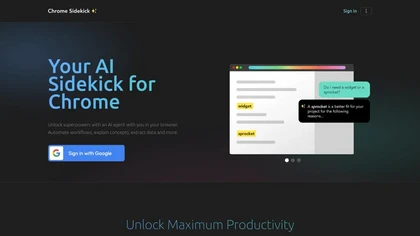
Chrome Sidekick is an AI-powered Chrome extension that explains web pages and automates repetitive tasks like form filling. It uses memory to recall your workflows and integrates with other apps for collaboration.
Subscription
- $9/mo
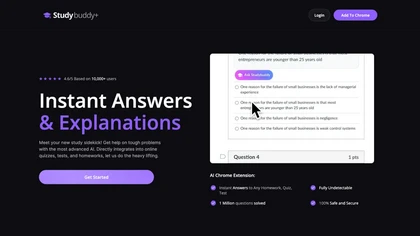
StudyBuddy Chrome Extension captures screenshots or highlights of questions to provide instant answers and detailed step‑by‑step explanations. It supports math, diagrams, and image queries in English, Spanish, and Portuguese, and includes a personal AI chat for broader study assistance.
Freemium
- $0.99
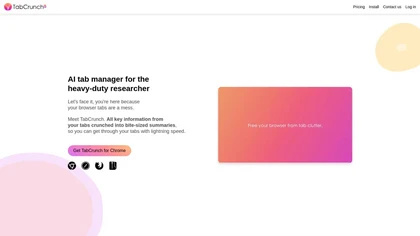
TabCrunch uses AI to analyze open Chrome tabs, grouping related content and providing bullet‑point summaries, reading‑time estimates, overlap metrics, and keyword search. Users can manage, export, and share tab groups for efficient browsing.
Freemium
Glasp is a web app that enables users to highlight and take notes on online articles, curate and organize their reading materials, share insights with the Glasp community, and discover like-minded individuals through its social network feature.
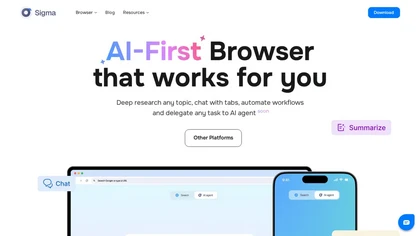
Sigma Browser is an AI-first web browser that enhances productivity with integrated tools like SigmaGPT for task automation, research, and content assistance. It prioritizes privacy with encrypted DNS, phishing protection, and built-in organization features like bookmarks and password management.
Freemium

Chippy is a Chrome extension that embeds ChatGPT directly into the browser, letting users ask questions, summarize pages, research topics, translate text, and draft emails instantly while staying on the current tab.
Free
Recap is a Chrome extension that lets users highlight any web text and receive a concise ChatGPT summary. It supports model selection, custom API hosts, sticky‑panel removal, and density‑chain control for precise length.
Free
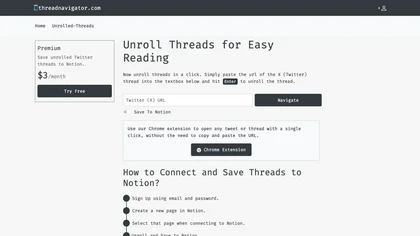
Thread Navigator unrolls Twitter threads via a Chrome extension, presenting them in a readable layout. Users export to PDF or save directly to a linked Notion page, using a visual editor for formatting.
Freemium

BrowseGPT automates web browsing with a Chrome extension that uses GPT‑3 to interpret commands like CLICK, ENTER_TEXT, and NAVIGATE, logging actions and reasons for easy correction. It saves time for shoppers, researchers, and repetitive tasks.
Free
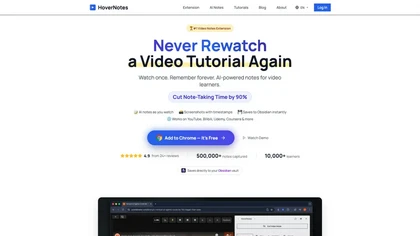
HoverNotes is an AI browser extension that enhances note-taking for videos by capturing key concepts, screenshots, and timestamps. It integrates with Obsidian for organized storage, making it ideal for students and professionals engaged in technical subjects.
Free trial
💰 Deal
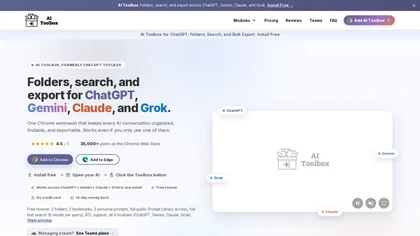
AI Toolbox is a Chrome extension that organizes AI conversations from ChatGPT, Gemini, Claude, and Grok with folders, tags, and full-text cross-platform search. It offers bulk export, prompt management, live analytics, and deep links for efficient individual and team workflows.
Freemium
- $15/mo
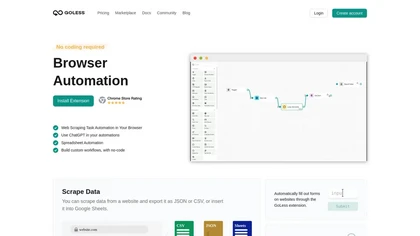
GoLess is a Chrome extension that automates web tasks without code, extracting pages into JSON, CSV, or Google Sheets, auto‑filling forms, solving CAPTCHAs, and running ChatGPT actions, enabling drag‑and‑drop workflows for data entry, testing, and social media.
Freemium

AI Tab Group is a user-friendly Chrome extension that uses AI to automatically categorize and organize browser tabs, simplifying tab management for effortless navigation. With features like hierarchical tabs and saving in markdown format, enhance efficiency in tab organization.
Free trial
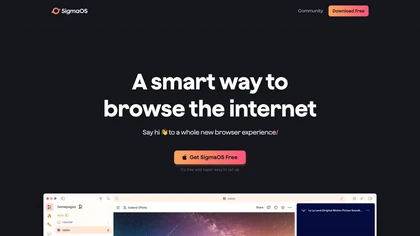
SigmaOS is an AI-powered, ad-free browser tool that revolutionizes internet navigation through organized workspaces, vertical tabs as to-do lists, split-screen multitasking, and lazy search functionality. It integrates with Airis for contextual answers and simplifies web content with interactive su
Free
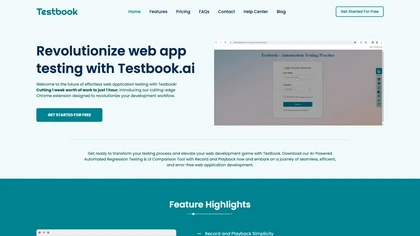
Testbook AI is a Chrome extension that records and replays user interactions to create regression and UI comparison tests without coding. It supports cross‑browser validation, integrates with Sauce Labs, BrowserStack, LambdaTest, exports code, and auto‑heals scripts.
Freemium

Webcam Effects Chrome Plugin provides browser-based virtual backgrounds, blur, and background replacement with images or video; records browser tabs or single sources; adds AI noise cancellation, smart auto-framing, picture-in-picture, emoji/Giphy, and custom layouts.
Freemium
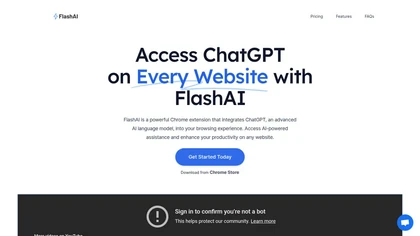
FlashAI is a Chrome extension that runs ChatGPT via your OpenAI API key in-browser, offering one-click webpage summarization, highlight-to-run prompts, a prompt manager, keyboard shortcuts and context-menu access for faster research, drafting and content extraction.
Free
ChatGPT2Help is a Chrome extension embedding ChatGPT for instant AI assistance: rapid content drafting, copy editing, multi‑language translation, page summarization, and specialized tasks like real‑estate listings, legal risk flagging, customer‑service FAQ responses, personalized education plans, an
Subscription

LipSurf is a Chrome extension that lets users dictate text and control web pages via voice commands. It supports Gmail, Docs, Slack, and other sites, enabling hands‑free navigation, scrolling, clicking, and media control in multiple languages.
Free
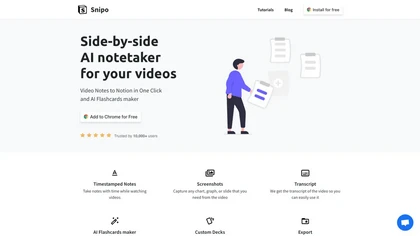
Snipo is a browser extension that imports video content from YouTube, Udemy, Coursera, Skillshare, and LinkedIn Learning into Notion. It records timestamped notes, screenshots, transcripts, auto‑creates flashcards, links playlists, and offers keyboard‑controlled playback for streamlined study.
Free

Dex consolidates LinkedIn, email, and other tools into one interface, automatically syncing contacts. Its browser extension and mobile app let users manage connections, store notes, set reminders, group contacts, and provide privacy controls for data export or deletion.
Paid
Thunderbit AI Web Scraper is a Chrome extension that extracts structured data from web pages, PDFs, images, and documents using natural‑language prompts, auto‑crawls sub‑pages, offers real‑time enrichment, and exports to Google Sheets, Airtable, Notion, or copy‑paste.
Freemium
Ashdeck transforms Chrome’s new‑tab into a productivity hub with Pomodoro timers and site blocking, letting users define custom block lists, support multiple profiles, store settings locally for privacy, and help maintain focus for students and professionals.
Paid
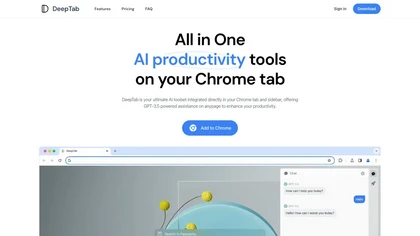
DeepTab embeds GPT‑3.5 help into Chrome’s tab and sidebar, offering on‑page assistance, a quick AI search panel, daily wallpaper refreshes, and a curated AI‑website directory—all designed to streamline browsing and AI resource access.
Freemium
- $6.9/mo

Google Chrome integrates AI features—Gemini-powered context-aware assistance and AI search via the Omnibox—plus Google Lens, password manager, Safe Browsing, tab grouping, performance and privacy controls, offline Workspace access, and extensions across desktop and mobile.
Free
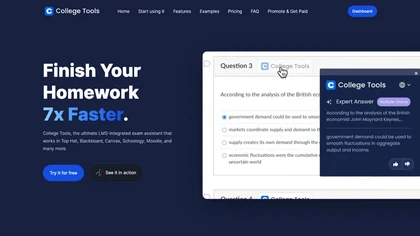
AI Homework Helper is a Chrome extension that highlights questions or images to instantly provide detailed, step‑by‑step answers across subjects. It supports PDFs, lecture notes, a sidepanel chat, a mobile app, and works on multiple browsers while safeguarding privacy.
Subscription
- $19.99/mo
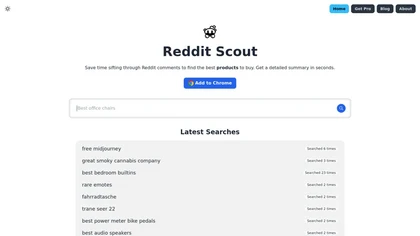
Reddit Scout is a Chrome extension that fetches and summarizes top‑rated Reddit comments for a product or product type, automatically refreshing to keep insights current, saving time for shoppers, reviewers, and market researchers.
Free
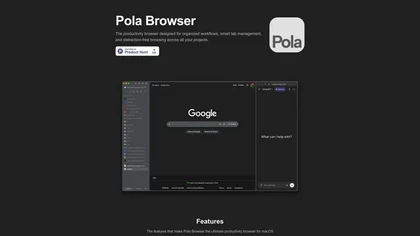
Pola Browser enhances productivity with smart tab management, research mode for tracking browsing journeys, AI tools for content summarization, and multiple profiles for organized workflows, all while maintaining performance and user privacy with integrated security features.
Free trial
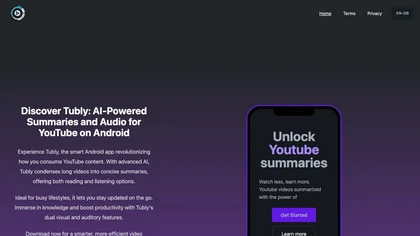
Tubly, a Chrome extension, uses the YouTube API to deliver AI‑generated summaries of subscribed channel videos. It extracts key transcript points, offers timestamps and chapter markers, and lets users save highlights and download transcripts.
Freemium

Ego lite is a browser-based platform that runs AI agents for web automation and parallel multitasking, sharing logged-in browser state and enabling zero-config tasks from a Chromium runtime. It supports multiple agents, workspaces, semantic snapshots, and in-page JavaScript actions for reliable aut
Free
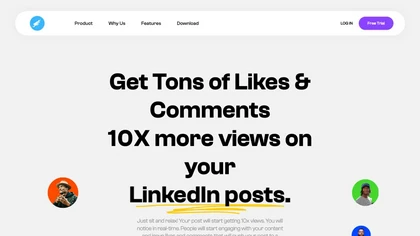
HyperClapper is a Chrome extension that automatically likes, comments, and tracks LinkedIn engagement through curated pods, offering AI‑generated replies and real‑time analytics to scale content visibility and audience growth for marketers, recruiters, and creators.
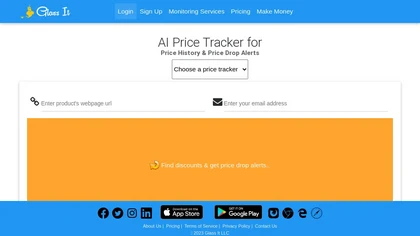
Glass is a browser extension that tracks product prices on major e‑commerce sites, offering daily monitoring, threshold alerts, and downloadable price‑history dashboards to help shoppers time purchases and compare retailer pricing.
Free trial
- $18/mo
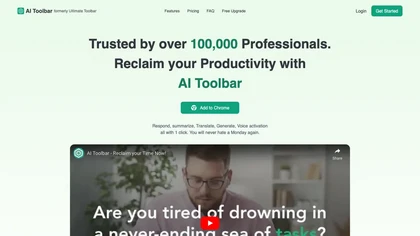
AI Toolbar is a Chrome extension that adds an AI assistant to every webpage. It generates text, summarizes, translates, and paraphrases content, supports voice commands, offers a chatbot, exports replies to Word/PDF, integrates with ChatGPT, and allows custom prompts.
Freemium
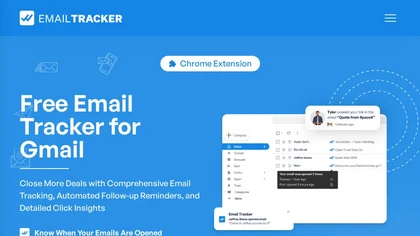
Email Tracker is a Gmail‑compatible Chrome extension that notifies users when emails are opened or links/attachments are clicked. It offers visible or invisible tracking, detailed open counts and timestamps, and customizable Chrome pop‑up or email alerts for outreach optimization.
Subscription
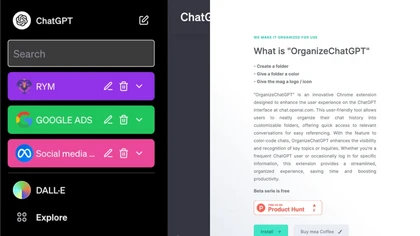
Organize ChatGPT is a Chrome extension that lets users create color‑coded folders to group and pin ChatGPT conversations, add multiple chats at once, and use search and filter tools to quickly find discussions, streamlining large‑volume chat management.
Free
GitHub Copilot is an AI pair programmer that uses the OpenAI Codex to suggest code and entire functions in real-time.
Free trial

Tubed.pro is a Chrome extension that instantly delivers concise summaries, full transcripts, and quick critical “roasts” for YouTube videos, filtering ads and highlighting key points so students, researchers, and professionals can review content faster.
Freemium
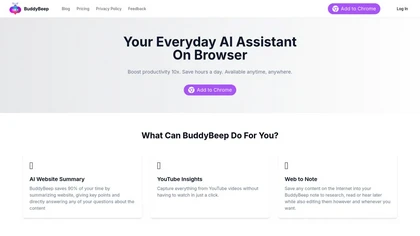
Buddybeep is an AI Chrome extension that summarizes web content, extracts insights from YouTube videos, and allows users to save and organize notes. It enhances productivity by facilitating efficient content consumption and knowledge management.
Subscription