
Batch Photo Restoration
The best 50 Batch Photo Restoration AI tools - Free & Paid
Explore 50 AI for Batch Photo Restoration
Face Photo Restorer uses AI to enhance and restore old or blurry face photos, supporting batch uploads. It outputs high‑resolution images with corrected color, reduced noise, and sharpened detail, and offers real‑time previews for comparison.
Freemium
PhotoRestore uses AI to repair scratches, fading, and stains in legacy photos, auto‑colorizes black‑and‑white images, sharpens and denoises for clarity, upscales 2‑4×, and removes backgrounds for clean cutouts, supporting common formats and album sharing.
Free
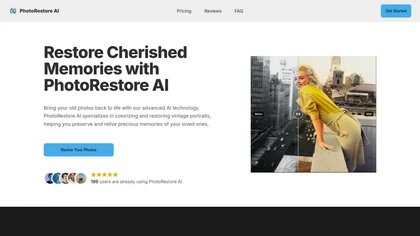
PhotoRestore AI restores, colorizes, and sharpens vintage photos by detecting scratches, tears, and fading. It supports batch uploads, produces high‑resolution, detail‑rich results, and serves genealogists, historians, archivists, educators, and casual users.
Paid
jpgHD uses AI to perform lossless restoration of old, scratched photos, adding color, repairing damage, and providing Ultra Restore. It animates up to ten faces, offers 2×/4× super‑resolution, denoising, and high‑definition enhancement via web UI or REST API.
Paid

Photoroom is an AI-powered tool for creating professional product visuals at scale, featuring automatic background removal, image generation, virtual staging, and batch editing capabilities for efficient high-quality output.
Free trial
- $5.99/mo

AI Background Remover deletes backgrounds from JPG, PNG, WebP images while preserving resolution, handling up to 500 at once. Users can replace with color, gallery, or upload; ideal for designers, marketers, and e‑commerce workflows.
Freemium
- $9
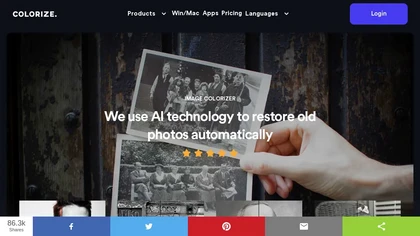
ImageColorizer automatically colorizes black‑and‑white photos, doubles resolution, removes scratches, deletes unwanted objects, and retouches portraits. It supports batch processing, delivering high‑quality, corrected images quickly for restorers and hobbyists and preserves surrounding detail.
Freemium
- $3.9/mo
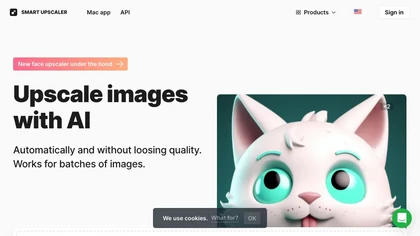
AI-driven image upscaler that enlarges photos to 7680 × 7680 px, supporting JPEG, PNG, WebP and up to 500 images per batch. It offers an API for sharpening, noise reduction, and a Mac app with background removal, photographers, designers, marketers, and social media managers.
Subscription
- $19.99/mo
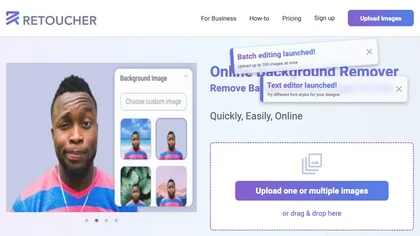
Retoucher Online is an AI background remover handling batch uploads via drag‑and‑drop, camera, or file selection. It isolates foregrounds, lets users keep transparent backgrounds, replace with white or custom images, add shadows, fine‑tune edges, and download PNG/JPG at various resolutions.
Freemium
- $659/mo

PhotoGrid is a browser‑based AI photo editor that offers one‑click enhancement, background removal, and upscaling. It lets users build collages from 20,000 templates, add stickers, text, custom backgrounds, and convert images into short video clips.
Subscription
- $2.83/mo

Photo Restore AI is an online tool that uses artificial intelligence to automatically repair, colorize, and enhance old or damaged photos. It fixes issues like scratches, tears, and blurriness, and can add realistic color, with results delivered in under a minute.
Free trial
- $9.9/mo

PicWish AI Photo Editor automates image enhancement, background removal, and watermark deletion. It processes batches of up to 30 files, offering resizing, lighting, upscaling, AI Designer prompts, Face Cutout, and single‑click unblur/sharpen. Available on Windows, macOS, iOS, Android, and browser.
Subscription
- $9.99/mo
LetsEnhance is an AI image editor that upscales up to 512 MP, sharpens, restores, and removes compression artifacts from JPG, PNG, or WebP files. It supports batch processing, high‑resolution outputs for prints and AI art, preserving natural texture without watermarks.
Freemium
- $0.75/mo
Remove.bg automatically deletes image backgrounds, outputting white or transparent PNGs. It offers a web app, Photoshop plugin, mobile app, and API for single or bulk processing, with a brush tool for manual edits, aiding product shots, branding, and development.
Freemium
- $8.1/mo
Cleanup.pictures is an AI-powered photo editing tool that allows users to remove objects, people, text, and defects from any picture with ease, highly valued by photographers, creative agencies, real estate professionals, and e-commerce businesses.
Free trail

PhotoGPT.io is a free, browser-based AI photo editor that enables fast online enhancements like generative fill, relighting, and restoration. It supports batch editing and multiple export formats, ideal for social media creators and small businesses needing quick, professional photo fixes.
Free

Upscale.media is a browser-based AI upscaler that increases image and short-video resolution up to 2×/4×/8×, reconstructs detail, reduces noise/artifacts, and offers deblur, sharpen, colorisation, face restoration, batch processing and API access.
Freemium
- $0.02
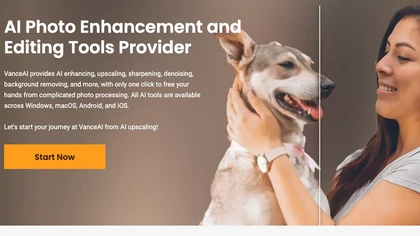
VanceAI offers AI‑driven image enhancement tools—upscaling, sharpening, denoising, background removal, restoration, and cartoonization. Supports batch processing and a Windows desktop app, enabling quick, detail‑preserving edits for photographers, designers, and e‑commerce sellers.
Free trial

Retouch4me is an AI retouching suite that functions as Photoshop plugins or standalone apps. It automates skin, eyes, hair, clothing, and background edits in real‑time, supports RAW and batch workflows, and offers video color grading with offline processing.
Paid
Deep‑Image.ai offers photo upscaling, denoising, sharpening, color and lighting adjustments. It removes backgrounds, adds virtual staging, creates business headshots, and delivers batch product‑photo presets, inpainting, and high‑resolution generative upscaling up to 300 MP.
Freemium

Remini is an AI photo enhancer that offers various tools to improve the quality of low-quality visuals and restore old photos with incredible detail.
Free

AI image enhancer that upscales up to 4×, removes noise, sharpens blur, and can enhance faces or colorize. Handles .png/.jpg/.webp/.tif/.bmp/.raw and outputs the same formats. Windows, macOS and Photoshop plugin supported.
Free trial
FixBlur restores photos by removing blur and enhancing details. It accepts standard image formats up to 2 MB, processes five images at once, and returns results in 5–10 seconds, with automatic deletion after an hour for privacy.
Free
BeFunky is an online editor for photos, collages, and graphics. It offers crop, resize, blur, exposure, batch edits, AI background removal, object erasing, upscale, artistic filters, and drag‑and‑drop templates for banners, flyers, and social‑media posts.
Free

Removal.AI instantly isolates foreground subjects from .jpg and .jpeg images, offering preview, high‑resolution downloads, background replacement, manual eraser, API integration, batch processing, and professional editing support. Ideal for photographers, designers, marketers, and e‑commerce sites n
Free
- $0.13
HitPaw Online Background Remover uses AI to delete backgrounds in seconds, supporting single or up to 50‑image batch uploads. It offers transparent, black, or template backgrounds, realistic shadows, and works on Windows, macOS, iOS, Android, and browsers.
Freemium
The AI tool is an online image enhancement platform that automatically improves the quality of images using deep learning algorithms, allowing users to upscale, denoise, restore, and refine faces in photos.
Subscription
remaker ai offers web and mobile AI image and video editing for creators and teams, including upscaling, background removal, object erasing, face swap, text-to-image, lip-sync, batch processing and templates for short-form social content.
Free trial

HitPaw FotorPea automatically enhances photos by applying AI models for sharpening, denoising, face and color correction. It unblurs images, upsizes to 4K/8K, restores old photos, removes backgrounds, and generates images from text prompts.
Free trial
Upload an old or damaged photo, and the AI removes scratches, dust, and tears, restores colors and sharpness, and can upscale up to 4×. Portrait mode enhances facial detail and skin tone, useful for families, photographers, retouchers, and historians.
Free
Unblur Image is an AI-powered tool that enhances blurry photos by removing motion blur, poor focus, and noise. It supports various formats, batch processing, and upscaling to 4K resolution for improved image quality and clarity.
Freemium
DeWatermark uses AI to remove watermarks, logos, text, emojis, and timestamps from photos, videos, PDFs, and images. It applies inpainting, offers a manual brush for edits, and batch processes up to 50 files on mobile and desktop.
Free
- $10/mo
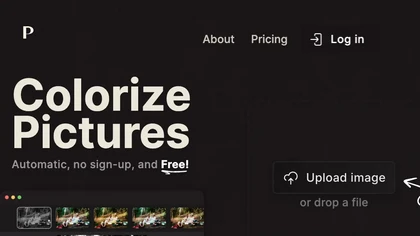
Palette automatically colorizes black‑and‑white images up to 5000 × 5000 px. Users upload single or multiple photos, choose from 150+ preset filters, and refine results with keyword‑driven adjustments to hue, saturation, and contrast. Ideal for photographers, designers, and archivists.
Free trial
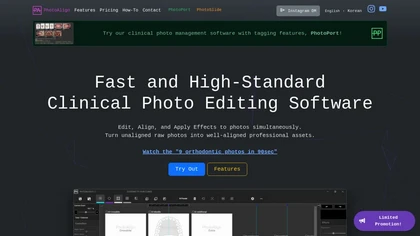
Photoalign is a clinical photo editing software for dental professionals, offering AI-powered automatic photo alignment, batch editing, and template layouts for diverse imaging needs, enhancing workflow efficiency and maintaining professional-quality results.
Freemium
- $10.99/mo
Clipdrop uses deep learning to remove backgrounds, objects, and text, upscale images, adjust lighting, uncrop, and resize. It also offers text‑to‑image generation and an API for developers, supporting design, marketing, and app workflows.
Subscription
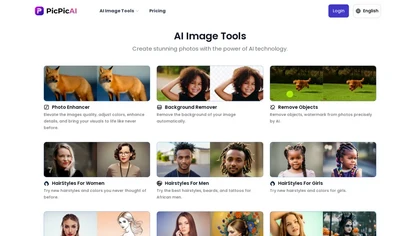
PicPicAI automatically removes backgrounds, sharpens portraits, upscales and extends images, and restores old photos, delivering polished results in seconds for e‑commerce, social media, and design workflows, with optional Flux AI art generation.
Paid

RetouchMe is a mobile and web app that lets users upload photos for professional designers to manually edit, offering skin smoothing, blemish removal, makeup, color changes, body adjustments, background replacement, and clipping path, delivered within minutes with privacy safeguards.
Paid
ImgKits is an AI-powered image and video processing tool that enables background removal, object replacement, and photo enhancement while preserving quality. It supports batch processing for JPG, PNG, and WEBP formats, offering features like watermark removal, upscaling, and unblurring.
Free trial
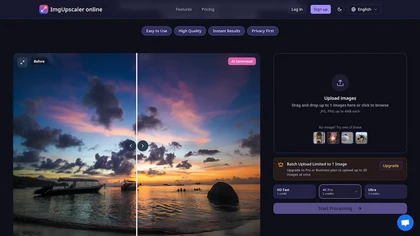
ImgUpscaler.online is an AI-powered tool that instantly upscales low-resolution images to HD, 4K, or Ultra quality, reducing blur while preserving detail. It offers batch processing and is designed for photographers, e-commerce, and real estate to enhance web and print visuals.
Free trial
- $2.5/mo
Clipdrop is an AI image editor that adjusts aspect ratios, extends boundaries, and adds background space while preserving detail. It offers background removal, object cleanup, relighting, universal resizing, upscale, and text‑to‑image generation for photographers and designers.
Freemium
- $15/mo

AI Photo Studio automates e‑commerce image editing: background removal, resolution enhancement, lossless compression, profile passport creation, hairstyle preview, object cleanup, old‑photo restoration, colorization, AI fashion model generation, clothing recolor, background changes, and file convers
Free
PhotoEnhance AI: Innovative tool with advanced image upscaling, face restoration, background removal, night enhancement, scratch & object removal for seamless photo transformation via AI-enhanced detailing.
Freemium
- $100/mo
EzMaker AI is an AI-powered photo editor that automates image enhancement, background removal, and retouching for scalable, consistent edits. It offers fast batch processing and workflow presets tailored for photographers, e-commerce sellers, and social media managers.
Free

PixPretty AI Photo Editor is a free tool that uses AI to remove or replace backgrounds in seconds. It also supports batch editing for bulk transformations, retouching, and format conversion.
Freemium
- $12.99/mo
Deep Art AI transforms photos into artworks using style‑transfer algorithms, offering on‑device, privacy‑respecting editing across Windows, macOS, Linux, Android, and iOS. Features include up to 4× upscale, background removal, colorization, preset filters, batch processing, and an API for developers
Free trial

Studioshot is an AI tool that transforms uploaded photos into professional headshots with customizable styles, lighting, and backgrounds. It delivers high-quality, retouched results quickly, including outfit and background adjustments.
Freemium
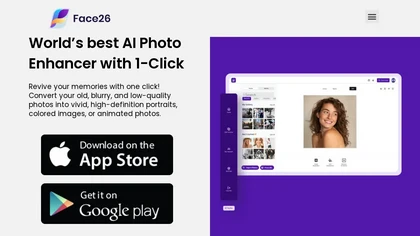
Face26 is an AI photo enhancer that improves image quality with denoising, color correction, upscaling, recoloring, and background removal. It supports photo‑realistic art, animated versions, and headshot creation, available on web and mobile.
Freemium
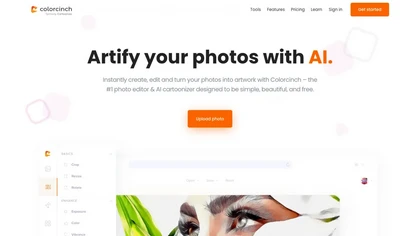
Colorcinch converts photos to cartoons, sketches, or paintings with one click, offers AI background removal, adjustable sliders, overlay effects, multi‑layer editing, high‑resolution export to JPG/PNG/PDF, all usable online/offline without login.
Free
- $8.99