
Background Expansion
The best 50 Background Expansion AI tools - Free & Paid
Explore 50 AI for Background Expansion

Remove.bg automatically deletes image backgrounds, outputting white or transparent PNGs. It offers a web app, Photoshop plugin, mobile app, and API for single or bulk processing, with a brush tool for manual edits, aiding product shots, branding, and development.
Freemium
- $8.1/mo

HitPaw Online Background Remover uses AI to delete backgrounds in seconds, supporting single or up to 50‑image batch uploads. It offers transparent, black, or template backgrounds, realistic shadows, and works on Windows, macOS, iOS, Android, and browsers.
Freemium

AI Background Remover deletes backgrounds from JPG, PNG, WebP images while preserving resolution, handling up to 500 at once. Users can replace with color, gallery, or upload; ideal for designers, marketers, and e‑commerce workflows.
Freemium
- $9

Backgrounds AI offers 6k resolution, AI-generated backgrounds in diverse styles (metallic, neon, abstract) and themed collections (Roseate, Twilight). Subscribe for weekly releases, inspiration, and occasional free gifts.
Freemium

Clipdrop is an AI image editor that adjusts aspect ratios, extends boundaries, and adds background space while preserving detail. It offers background removal, object cleanup, relighting, universal resizing, upscale, and text‑to‑image generation for photographers and designers.
Freemium
- $15/mo
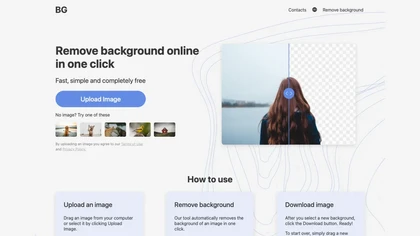
BG is an online AI background remover that deletes image backgrounds with a single click, supporting PNG/JPG of any size. It outputs high‑resolution transparent or custom‑colored images, works in-browser on PC and mobile, no installation required.
Free

Wallpapers.com provides a searchable library of 1.5M+ HD, 4K and 8K images organized by theme and device, with resolution presets, multi‑monitor and meeting backgrounds, built‑in upscaler, background remover, enhancers, free PNG/SVG assets and hosting.
Freemium
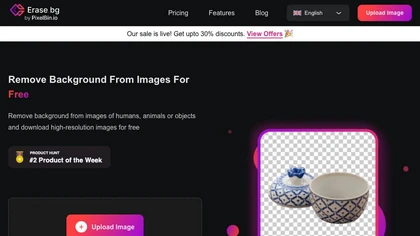
Erase.bg uses AI to remove backgrounds from PNG, JPG, JPEG, WEBP, and HEIC files. It supports batch processing, lets users replace backgrounds with colors or images, works on browser, iOS, Android, outputs PNG/JPEG, and clears data after use.
Freemium

Removal.AI instantly isolates foreground subjects from .jpg and .jpeg images, offering preview, high‑resolution downloads, background replacement, manual eraser, API integration, batch processing, and professional editing support. Ideal for photographers, designers, marketers, and e‑commerce sites n
Free
- $0.13

backgroundremove.io is a tool that quickly erases image backgrounds using AI. It automatically creates clean, high-resolution cutouts, ready for e-commerce, social media, and design projects.
Free

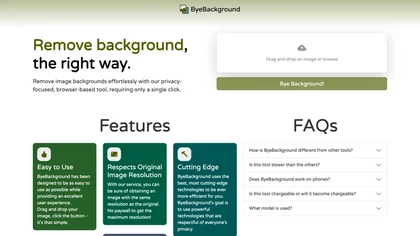
ByeBackground removes image backgrounds entirely in the browser, keeping original resolution. Drag‑and‑drop or file selection followed by one click erases the background; no server upload, no ads, and open‑source model.
Freemium
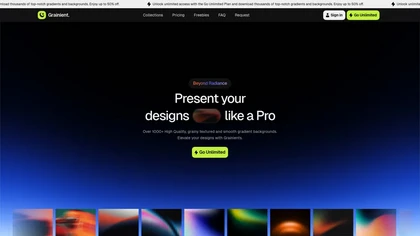
Grainient offers over 1000 AI-generated gradient backgrounds in high-resolution, suitable for UI design, presentations, and branding. Users can explore various styles and customize gradients to create unique color schemes for diverse design projects.
Freemium

Webcam Effects Chrome Plugin provides browser-based virtual backgrounds, blur, and background replacement with images or video; records browser tabs or single sources; adds AI noise cancellation, smart auto-framing, picture-in-picture, emoji/Giphy, and custom layouts.
Freemium
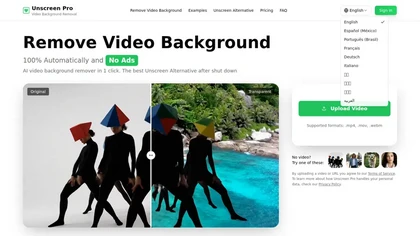
Unscreen Pro automatically removes video backgrounds frame by frame, no greenscreen, producing transparent outputs (MP4, MOV, WebM, AVI) at original or upscaled resolution, with live preview, batch processing and an API for workflow integration.
Freemium
- $4.99/mo
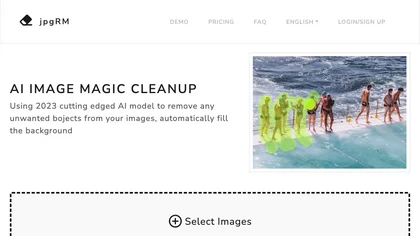
AI Image Magic Cleanup uses a 2026 GAN to automatically erase backgrounds or unwanted objects from photos. Users mark areas with a brush, then the tool refines and fills the space with matching background detail, delivering quick results on mobile.
Paid

Colorcinch is an AI photo editor that instantly cartoonizes or sketches images and offers background removal, cropping, resizing, exposure and detail controls, file compression, and 400 DPI print‑ready export. Mobile app adds cartoonizing, background removal, and upscaling on the go.
Paid

Deep‑Image.ai offers photo upscaling, denoising, sharpening, color and lighting adjustments. It removes backgrounds, adds virtual staging, creates business headshots, and delivers batch product‑photo presets, inpainting, and high‑resolution generative upscaling up to 300 MP.
Freemium
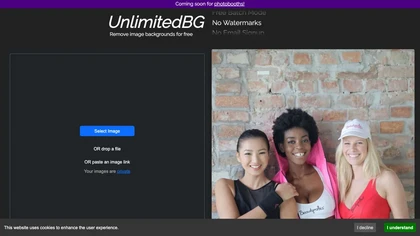
UnlimitedBG uses AI to remove image backgrounds in seconds, supporting PNG, JPG, GIF, WebP, BMP, TIFF, and AVIF. It offers batch processing, local browser execution, no sign‑up, no watermark, and unlimited high‑resolution output.
Free
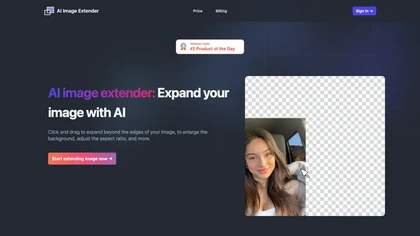
AI Image Extender enlarges photos by dragging edges, auto‑generating backgrounds and preserving visual coherence. It adjusts aspect ratios, removes unwanted elements, and produces widescreen wallpapers with a single click, aiding photographers and social‑media users.
Free
- $4.99/mo
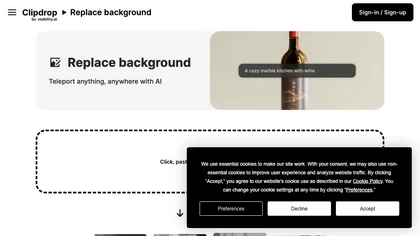
Clipdrop is an AI-driven tool for background replacement and image editing, allowing users to easily swap subjects with new environments, and provide additional capabilities like resizing, text removal, and relighting.
Free

AutoBG automatically removes vehicle backgrounds, blurs license plates, and adds realistic shadows. Users select premium studio backdrops, receive manual QC, and export via web, mobile, or API, with options for upscaling and background replacement for consistent, error‑free imagery.
Freemium
- $0.13

carbackground.ai is an AI tool that automates precise car background removal and replacement, preserving vehicle details like mirrors, reflections, and windows. It supports bulk editing, branded templates, and export presets for major marketplaces to streamline dealership inventory workflows.
Free trial
- $39.99
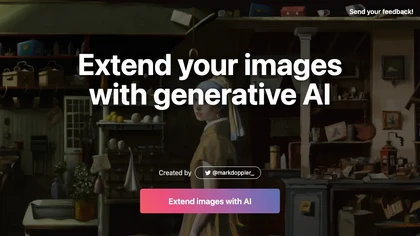
ExtendImageAI enlarges photos beyond original borders while preserving sharpness and color continuity. It offers aspect‑ratio adjustments, freeform selection, and variant generation for marketing, posters, and social media. Convert vertical shots to landscape instantly.
Free

PhotoGrid is a browser‑based AI photo editor that offers one‑click enhancement, background removal, and upscaling. It lets users build collages from 20,000 templates, add stickers, text, custom backgrounds, and convert images into short video clips.
Subscription
- $2.83/mo
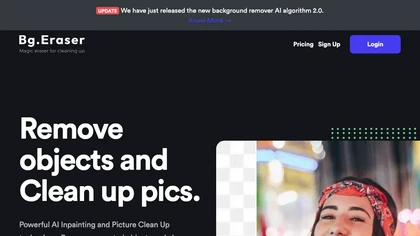
BgEraser is a web‑based AI that removes photo backgrounds in seconds, supporting JPEG, PNG, and WebP. It handles up to 20 images at once, preserves fine detail, offers drag‑and‑drop uploads, and provides commercial‑ready, watermark‑free downloads.
Free

RemoveBackgroundAI.com is a web‑based AI that deletes image and video backgrounds from JPEG, PNG, GIF, MP4, MOV files up to 234 MB, offering transparent or solid colors. It supports batch processing, multiple output formats (PNG, WebP, MP4), and a multilingual interface.
Paid
- $70/mo
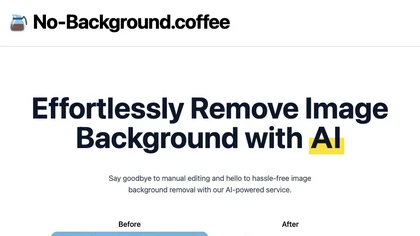
The AI tool removes image backgrounds using deep learning and modnet, assuring data safety with automatic deletion of input images within an hour.
Free
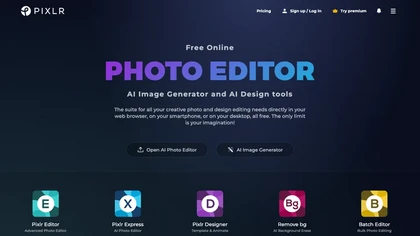
Pixlr is a browser‑based photo editor that uses AI for background removal, generative fill, and object deletion. It offers cropping, color correction, collages, templates, and social media layouts across desktop, tablet, and mobile.
Free trial
- $1.99/mo

AI-driven image upscaler that enlarges photos to 7680 × 7680 px, supporting JPEG, PNG, WebP and up to 500 images per batch. It offers an API for sharpening, noise reduction, and a Mac app with background removal, photographers, designers, marketers, and social media managers.
Subscription
- $19.99/mo
Backdrop Build is a free online acceleration program that helps developers and entrepreneurs launch AI, crypto, gaming, or open‑source projects within four weeks. It offers structured schedules, peer feedback, mentor access, grant/credit opportunities, and flexible weekly hours.
Free

HitPaw FotorPea automatically enhances photos by applying AI models for sharpening, denoising, face and color correction. It unblurs images, upsizes to 4K/8K, restores old photos, removes backgrounds, and generates images from text prompts.
Free trial

Green Screen AI is an AI tool that changes the background image of a picture into an AI-generated art scene.
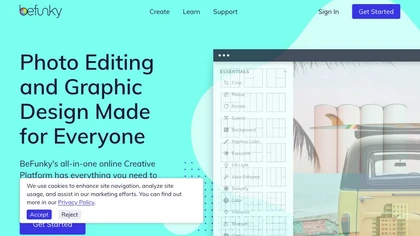
BeFunky is an online editor for photos, collages, and graphics. It offers crop, resize, blur, exposure, batch edits, AI background removal, object erasing, upscale, artistic filters, and drag‑and‑drop templates for banners, flyers, and social‑media posts.
Free
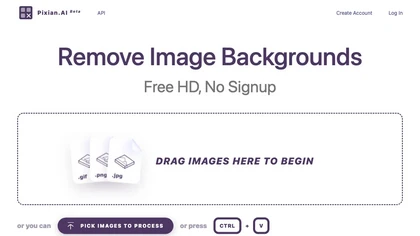
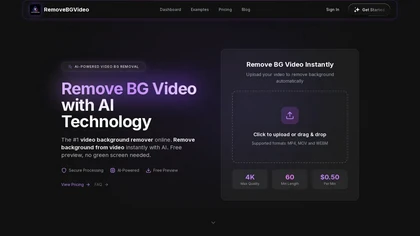
RemoveBGVideo is an AI tool that automatically removes backgrounds from videos, supporting HD/4K footage up to 60 minutes. It offers batch processing, green-screen support, and exports with transparent or custom backgrounds for content creators and e-commerce.
Freemium
- $6

DeepAI offers browser‑based AI tools for text‑to‑image, photo editing, background removal, super‑resolution, and video/musical generation, plus APIs for integration. It prioritizes user ownership, privacy, fast processing, and supports conservation research via object detection and habitat mapping.
Subscription

Colorcinch converts photos to cartoons, sketches, or paintings with one click, offers AI background removal, adjustable sliders, overlay effects, multi‑layer editing, high‑resolution export to JPG/PNG/PDF, all usable online/offline without login.
Free
- $8.99
Clipdrop uses deep learning to remove backgrounds, objects, and text, upscale images, adjust lighting, uncrop, and resize. It also offers text‑to‑image generation and an API for developers, supporting design, marketing, and app workflows.
Subscription

Deep Art AI transforms photos into artworks using style‑transfer algorithms, offering on‑device, privacy‑respecting editing across Windows, macOS, Linux, Android, and iOS. Features include up to 4× upscale, background removal, colorization, preset filters, batch processing, and an API for developers
Free trial
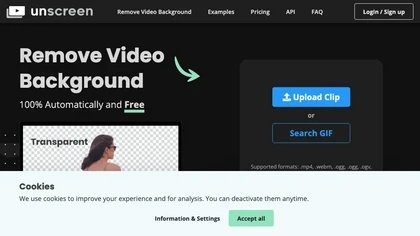
Unscreen is a cloud video editor that removes backgrounds from clips and exports them instantly, with format conversion and resizing. It offers plugins for After Effects and Premiere Pro and integrates with Canva for AI‑enhanced features.
Freemium
- $9
VanceAI offers AI‑driven image enhancement tools—upscaling, sharpening, denoising, background removal, restoration, and cartoonization. Supports batch processing and a Windows desktop app, enabling quick, detail‑preserving edits for photographers, designers, and e‑commerce sellers.
Free trial

StripBackground.com instantly removes image backgrounds from JPG, WebP, PNG, AVIF, and GIF files without registration. Users edit the result, then replace the background with a solid color, image library, or custom upload. No limits on resolution or size.
Free

PhotoGPT.io is a free, browser-based AI photo editor that enables fast online enhancements like generative fill, relighting, and restoration. It supports batch editing and multiple export formats, ideal for social media creators and small businesses needing quick, professional photo fixes.
Free

Picsman is an AI‑powered editor that removes or replaces backgrounds, ups image resolution, and applies styles like Ghibli or cartoon. It also offers text‑prompt editing, video generation, image extending, and watermark removal for quick, high‑definition results.
Free
- $5.99/mo

Imglarger is an image enhancer that upsamples photos up to 8×, supports batch processing, and offers background, object, and face retouch tools. It converts WebP, JPEG, PNG, SVG, JFIF formats and lets users adjust brightness, contrast, and saturation via web or mobile.
Freemium

Bgrem AI automates background removal, photo‑to‑video conversion, and inpainting for image editing. It offers text‑driven image generation, artistic painting effects, object erasure/replacement, interior redesign from photos, and vector illustration creation.
Free trial
- $4.99

Photoroom is an AI-powered tool for creating professional product visuals at scale, featuring automatic background removal, image generation, virtual staging, and batch editing capabilities for efficient high-quality output.
Free trial
- $5.99/mo

Zoomscape.ai offers a wide range of unique and personalized video call backgrounds that help users stand out during meetings.
Free trial