
Automatic Photo Retouch
The best 50 Automatic Photo Retouch AI tools - Free & Paid
Explore 50 AI for Automatic Photo Retouch
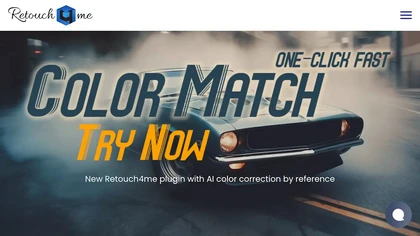
Retouch4me is an AI retouching suite that functions as Photoshop plugins or standalone apps. It automates skin, eyes, hair, clothing, and background edits in real‑time, supports RAW and batch workflows, and offers video color grading with offline processing.
Paid
AutoRetouch uses AI to automate photo retouching, model replacement, and platform‑ready visual generation for fashion brands and marketplaces. It standardizes supplier content, cuts production time and costs, reduces manual edits or reshoots, and scales visual production quickly.
Freemium
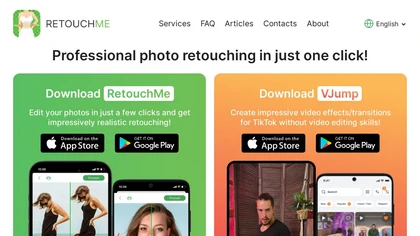
RetouchMe is a mobile and web app that lets users upload photos for professional designers to manually edit, offering skin smoothing, blemish removal, makeup, color changes, body adjustments, background replacement, and clipping path, delivered within minutes with privacy safeguards.
Paid

BeautyPlus - Versatile AI tool for effortless photo & video editing; offers face reshaping, filter & sticker additions; perfect for enhancing selfies & videos.
Free trial

SnapEdit is an AI‑driven photo editor that removes objects, backgrounds, and text, provides 100+ background templates, upsamples images to HD/4K, and offers skin retouching, all accessible via web, iOS, and Android.
Freemium
Lensa AI is a mobile photo editor that offers one‑tap portrait retouching, automatic background and object removal, adjustable background blur with bokeh, a variety of social‑media filters, stylized avatar generation, and high‑resolution exports for iOS and Android.
Free trial
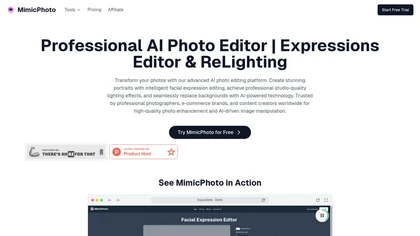
MimicPhoto is a professional AI photo editor that transforms photos with advanced tools like facial expression editing, studio-quality lighting, and seamless background replacement. It also features LivePortrait and AI Hug Generator for dynamic animations, delivering hyper-realistic results for port
Free trial
- $16/mo

Evoto is a next-generation image editor that streamlines workflows and allows users to focus on creative work rather than tedious tasks.
Free trial
Photoroom is an AI-powered tool for creating professional product visuals at scale, featuring automatic background removal, image generation, virtual staging, and batch editing capabilities for efficient high-quality output.
Free trial
- $5.99/mo
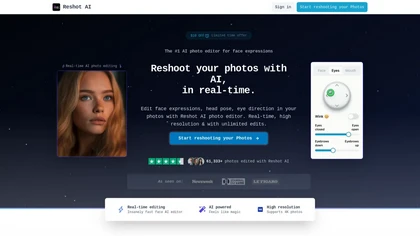
Reshot AI is a real-time photo editing tool for enhancing facial expressions and poses in high-resolution images. It features precision eye editing, expression sculpting, and 3D pose manipulation, ideal for content creators and photographers.
Freemium
Facetune is an AI‑driven photo and video editor offering touch‑up, background removal, face and body reshaping, realistic makeup and hairstyle try‑on, background blur, and noise removal—enabling quick mobile edits for influencers, photographers, and stylists.
Subscription
- $25/mo
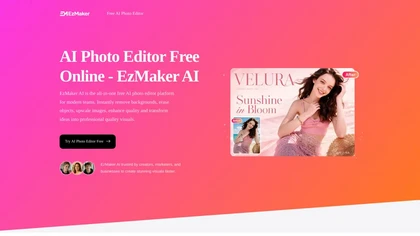
EzMaker AI is an AI-powered photo editor that automates image enhancement, background removal, and retouching for scalable, consistent edits. It offers fast batch processing and workflow presets tailored for photographers, e-commerce sellers, and social media managers.
Free
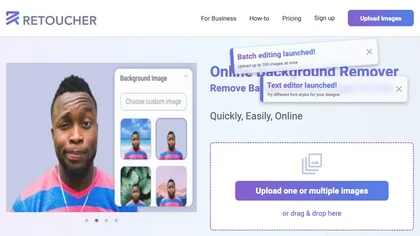
Retoucher Online is an AI background remover handling batch uploads via drag‑and‑drop, camera, or file selection. It isolates foregrounds, lets users keep transparent backgrounds, replace with white or custom images, add shadows, fine‑tune edges, and download PNG/JPG at various resolutions.
Freemium
- $659/mo

AI Photo Studio automates e‑commerce image editing: background removal, resolution enhancement, lossless compression, profile passport creation, hairstyle preview, object cleanup, old‑photo restoration, colorization, AI fashion model generation, clothing recolor, background changes, and file convers
Free
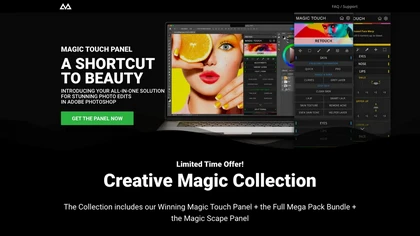
CreativeMagicPanel automates portrait retouching in Photoshop with AI face/body recognition. It offers 289+ features—skin smoothing, facial tweaks, color grading, overlays, quick presets, luminosity masks, and selection helpers—compatible with Photoshop CC 2023+ on Windows, macOS, and Apple Silicon.
Free
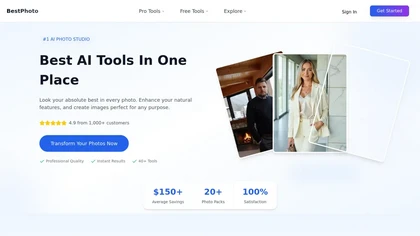
BestPhotoAI is an AI photo studio offering over 40 tools to enhance, create, or transform images. Upload a photo, choose a style like anime or professional headshot, and receive a high-resolution edit in under an hour.
Freemium
Aftershoot is an AI‑powered photo workflow tool that streamlines culling, editing, and retouching. It ranks images with over 30 technical factors, offers custom AI profiles, Lightroom preset integration, masking, cropping, object removal, and preserves local, non‑destructive workflows.
Paid
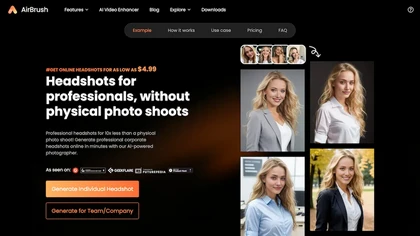
Headshot AI Generator is an AI-powered tool that quickly produces professional headshots with advanced editing capabilities. Whether you need to retouch photos, create avatars, or enhance images, this tool offers customization options and fast results, perfect for improving your online presence effo
Paid

PicWish AI Photo Editor automates image enhancement, background removal, and watermark deletion. It processes batches of up to 30 files, offering resizing, lighting, upscaling, AI Designer prompts, Face Cutout, and single‑click unblur/sharpen. Available on Windows, macOS, iOS, Android, and browser.
Subscription
- $9.99/mo
Photoleap is an iOS‑only photo editing app that uses AI for quick enhancements, background removal, object deletion, collage creation, filters, text‑to‑image, video from stills, 4K upscaling, style transfer, portrait retouching, and hair color simulation.
Free trial
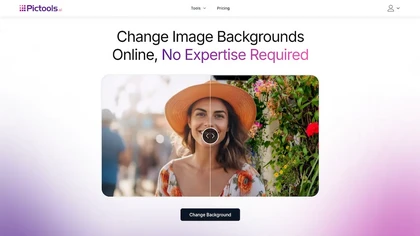
PicTools.AI is a web‑based photo editor that lets users upload images and apply changes via text prompts or over 100 one‑click AI filters—background removal, outfit changes, smile addition, restoration, and artistic styles—without design skills.
Subscription
- $23.4/mo
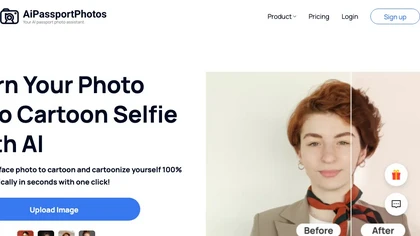
AiPassportPhotos transforms portrait photos into cartoon styles—sketch, 3D, manga—via one click. It also offers background removal, blur, face cutout, enhancement, colorization, and old‑photo restoration, all online with instant downloads. For mobile and desktop browsers, ensuring privacy with a dat
Free
123rf Image Editor is a comprehensive AI tool for effortless photo editing, offering features like image scaling, background removal, object removal, and seamless background remixing. It also includes an AI writer for content creation and an image enlarger for ratio adjustments. Efficiently enhance
Freemium
PixPretty AI Photo Editor is a free tool that uses AI to remove or replace backgrounds in seconds. It also supports batch editing for bulk transformations, retouching, and format conversion.
Freemium
- $12.99/mo

PhotoGrid is a browser‑based AI photo editor that offers one‑click enhancement, background removal, and upscaling. It lets users build collages from 20,000 templates, add stickers, text, custom backgrounds, and convert images into short video clips.
Subscription
- $2.83/mo

HitPaw FotorPea automatically enhances photos by applying AI models for sharpening, denoising, face and color correction. It unblurs images, upsizes to 4K/8K, restores old photos, removes backgrounds, and generates images from text prompts.
Free trial
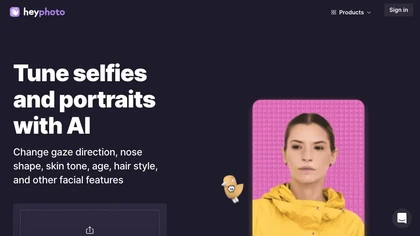
HeyPhoto is an AI‑powered photo editor that lets users swap faces, generate new faces, upscale images, and remove backgrounds with one click, offering facial attribute adjustments and support for common image formats up to 5 MB.
Free
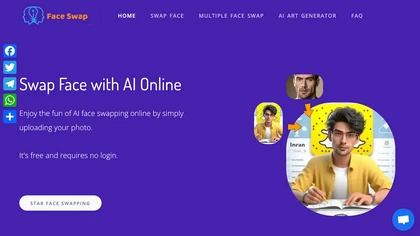
AIFaceSwap lets you swap faces in photos, GIFs, and videos without sign‑up. It supports JPG, PNG, WebP, batch processing, and gender swapping. Results are watermark‑free, auto‑deleted after 24 hours, and mobile‑friendly.
Free

AI image enhancer that upscales up to 4×, removes noise, sharpens blur, and can enhance faces or colorize. Handles .png/.jpg/.webp/.tif/.bmp/.raw and outputs the same formats. Windows, macOS and Photoshop plugin supported.
Free trial
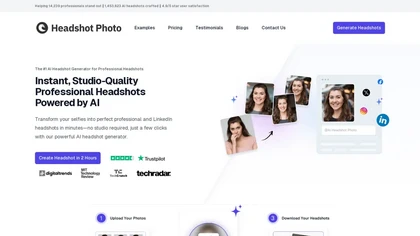
Headshot Photo is an AI-driven tool that transforms selfies into studio-quality professional headshots in minutes. With customizable backgrounds and outfits, it provides a quick, cost-effective solution for enhancing professional online presence.
Paid
- $19

Colorcinch converts photos to cartoons, sketches, or paintings with one click, offers AI background removal, adjustable sliders, overlay effects, multi‑layer editing, high‑resolution export to JPG/PNG/PDF, all usable online/offline without login.
Free
- $8.99
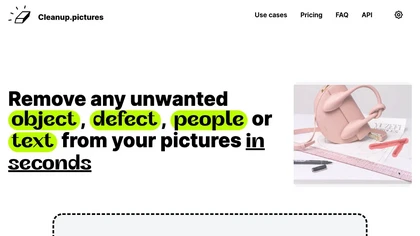
Cleanup.pictures is an AI-powered photo editing tool that allows users to remove objects, people, text, and defects from any picture with ease, highly valued by photographers, creative agencies, real estate professionals, and e-commerce businesses.
Free trail
Face Photo Restorer uses AI to enhance and restore old or blurry face photos, supporting batch uploads. It outputs high‑resolution images with corrected color, reduced noise, and sharpened detail, and offers real‑time previews for comparison.
Freemium
AI Photo Studio delivers AI‑powered image and video creation, including generation, background removal, virtual try‑on, style libraries, advanced editing (skin, age, expression, eye color), outpainting, thumbnails, and direct social publishing via a web interface.
Free
- $1.99

Studioshot is an AI tool that transforms uploaded photos into professional headshots with customizable styles, lighting, and backgrounds. It delivers high-quality, retouched results quickly, including outfit and background adjustments.
Freemium
Photoflow AI enables users to create ultra-realistic 8K professional headshots quickly. With customizable backgrounds, automatic enhancements, and easy sharing options, it is ideal for enhancing online professional presence and making a strong first impression.
Paid

Picsman is an AI‑powered editor that removes or replaces backgrounds, ups image resolution, and applies styles like Ghibli or cartoon. It also offers text‑prompt editing, video generation, image extending, and watermark removal for quick, high‑definition results.
Free
- $5.99/mo

NanoBanana-2.ai is an AI-powered image editor and generator that automates enhancement, retouching, and batch processing. It also features text-to-image creation with web grounding for professional photo editing and content workflows.
Freemium
AI Background Remover deletes backgrounds from JPG, PNG, WebP images while preserving resolution, handling up to 500 at once. Users can replace with color, gallery, or upload; ideal for designers, marketers, and e‑commerce workflows.
Freemium
- $9
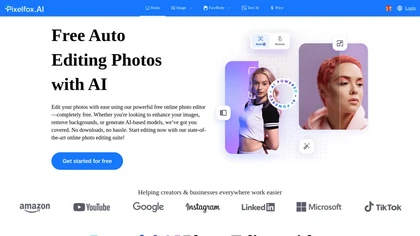
Pixelfox AI is an online AI-powered photo editor that offers advanced features like background removal, face swaps, and image enhancement. It’s designed for both personal and professional use, requiring no downloads.
Free trial
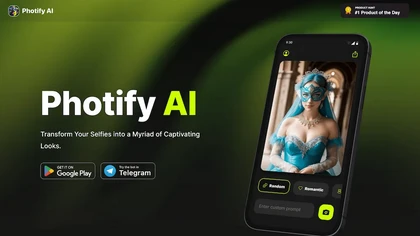
Photify AI transforms a single selfie into a stylized image in about two seconds, offering themed packs (cartoon, anime, retro, travel, etc.). Its quick processing, style transfer, and intuitive interface help creators, marketers, and hobbyists generate ready‑to‑use visuals.
Free

The AI Lab provides an advanced tool with image and facial enhancements features such as photo colorization, object and background removal, cartoon creation, retouching portraits, adjusting facial expressions, and API and platform for developers.
Free
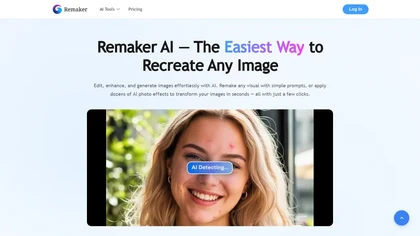
remaker ai offers web and mobile AI image and video editing for creators and teams, including upscaling, background removal, object erasing, face swap, text-to-image, lip-sync, batch processing and templates for short-form social content.
Free trial
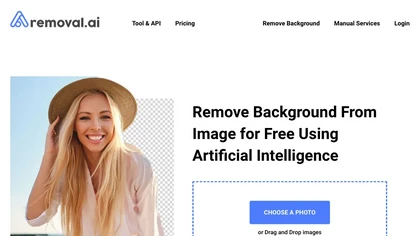
Removal.AI instantly isolates foreground subjects from .jpg and .jpeg images, offering preview, high‑resolution downloads, background replacement, manual eraser, API integration, batch processing, and professional editing support. Ideal for photographers, designers, marketers, and e‑commerce sites n
Free
- $0.13
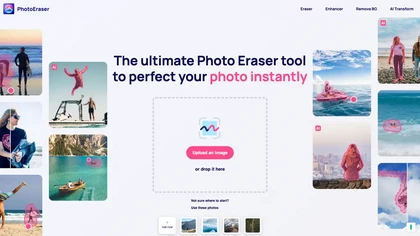
Photo Eraser uses AI to delete objects, people, backgrounds, or blemishes, replace skies, and swap faces. It supports HEIC, PNG, JPG, and offers automatic context‑aware erasing, cropping, and photo enhancement via a drag‑and‑drop interface.
Free
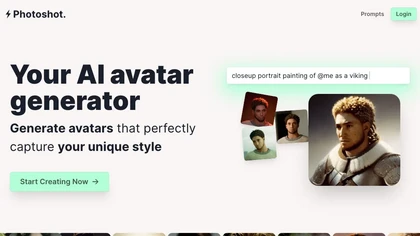
Photoshot lets users upload multiple selfies to train a personalized AI model, automatically producing high‑resolution (4K) portraits that reflect their unique look. Detailed prompts and iterative refinement allow precise, creative outputs for individual creators and brand teams.
Paid
- $12
Prequel is a mobile photo and video editor that uses AI to transform portraits, create comic‑style art, and craft custom profile pictures. One‑tap retouching, a broad filter library, advanced color controls, and ready‑made video templates streamline social‑media content creation.
Freemium
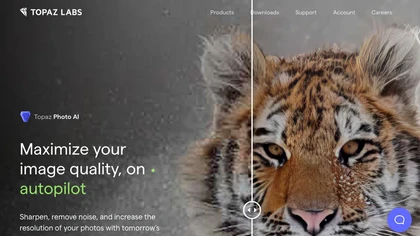
This tool uses deep learning to enhance photos by reducing noise, sharpening, upscaling, and recovering faces.
Paid
- $99
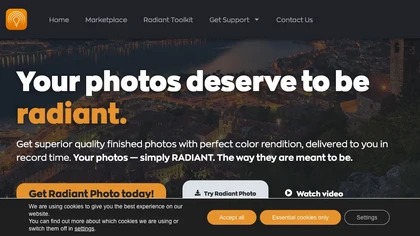
Get superior quality finished photos with perfect color rendition and fast delivery for radiant results.
Freemium