
AI Background Removal
The best 50 AI Background Removal tools - Free & Paid
Explore 50 AI for AI Background Removal
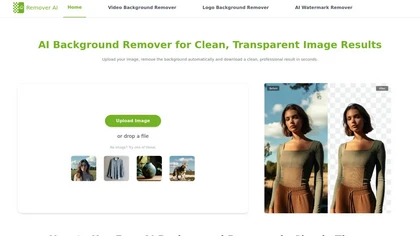
removerai.io is a web-based AI tool that automatically removes backgrounds from images, preserving fine details like hair and edges. It requires no installation, allows manual refinements, and exports high-resolution transparent PNGs for e-commerce, design, and marketing.
Free

Removal.AI instantly isolates foreground subjects from .jpg and .jpeg images, offering preview, high‑resolution downloads, background replacement, manual eraser, API integration, batch processing, and professional editing support. Ideal for photographers, designers, marketers, and e‑commerce sites n
Free
- $0.13
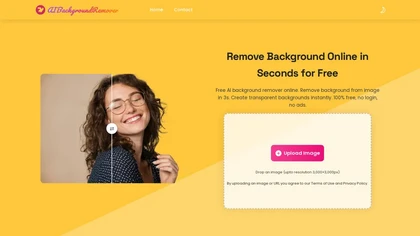
aibackgroundremover.io is a free online tool that automatically removes image backgrounds in seconds. It supports multiple formats and requires no sign-up, delivering images with a transparent background instantly.
Free

AI Background Remover deletes backgrounds from JPG, PNG, WebP images while preserving resolution, handling up to 500 at once. Users can replace with color, gallery, or upload; ideal for designers, marketers, and e‑commerce workflows.
Freemium
- $9

The AI Lab provides an advanced tool with image and facial enhancements features such as photo colorization, object and background removal, cartoon creation, retouching portraits, adjusting facial expressions, and API and platform for developers.
Free

AI Photo Studio automates e‑commerce image editing: background removal, resolution enhancement, lossless compression, profile passport creation, hairstyle preview, object cleanup, old‑photo restoration, colorization, AI fashion model generation, clothing recolor, background changes, and file convers
Free
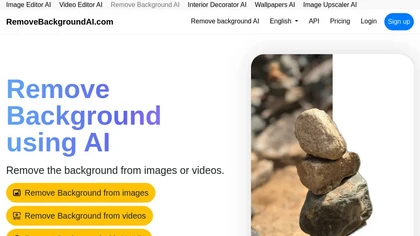
RemoveBackgroundAI.com is a web‑based AI that deletes image and video backgrounds from JPEG, PNG, GIF, MP4, MOV files up to 234 MB, offering transparent or solid colors. It supports batch processing, multiple output formats (PNG, WebP, MP4), and a multilingual interface.
Paid
- $70/mo

backgroundremove.io is a tool that quickly erases image backgrounds using AI. It automatically creates clean, high-resolution cutouts, ready for e-commerce, social media, and design projects.
Free
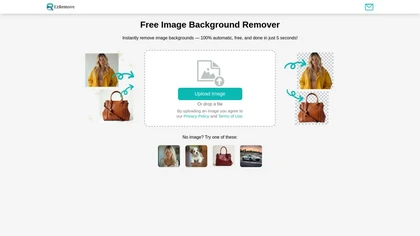
EzRemove.ai is an AI-powered tool that instantly removes image backgrounds in 5 seconds, delivering high-quality transparent PNGs with precision. It offers batch processing, customizable backgrounds, and basic editing features, ideal for ecommerce, design, and social media.
Free
Aiarty is a desktop AI that locally enhances images and video—denoising, deblurring, upscaling to 4K–32K, HDR, batch processing, and precise matting for semi‑transparent elements—without cloud, preserving privacy. It runs on GPU, handling millions of images or 4K footage offline.
Paid

HitPaw Online Background Remover uses AI to delete backgrounds in seconds, supporting single or up to 50‑image batch uploads. It offers transparent, black, or template backgrounds, realistic shadows, and works on Windows, macOS, iOS, Android, and browsers.
Freemium
Imglarger is an image enhancer that upsamples photos up to 8×, supports batch processing, and offers background, object, and face retouch tools. It converts WebP, JPEG, PNG, SVG, JFIF formats and lets users adjust brightness, contrast, and saturation via web or mobile.
Freemium

Kaze.ai is an AI-powered image editing tool for watermark removal and photo restoration, featuring quick processing and high-quality enhancements. It includes a watermark remover, AI headshot generator, background removal, and tools for restoring old or damaged photos.
Free trial
- $4.95/mo

PicWish AI Photo Editor automates image enhancement, background removal, and watermark deletion. It processes batches of up to 30 files, offering resizing, lighting, upscaling, AI Designer prompts, Face Cutout, and single‑click unblur/sharpen. Available on Windows, macOS, iOS, Android, and browser.
Subscription
- $9.99/mo
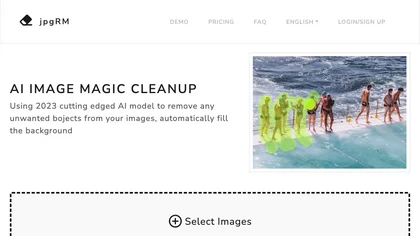
AI Image Magic Cleanup uses a 2026 GAN to automatically erase backgrounds or unwanted objects from photos. Users mark areas with a brush, then the tool refines and fills the space with matching background detail, delivering quick results on mobile.
Paid

AdWorker AI is an image toolset for ecommerce sellers that removes backgrounds (including from GIFs), creates white-background product shots, and generates AI product scenes. It also offers batch processing, compression, and marketplace-specific cropping for Amazon, Shopify, and eBay.
Free trial
AI Voice Cleaner is a tool that removes background noise, echo, and unwanted sounds from audio files while enhancing speech clarity. It supports various formats and offers features like volume normalization, breath reduction, and studio-style enhancement for professional-quality results.
Freemium
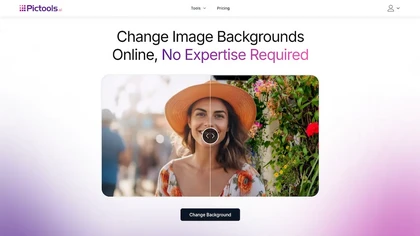
PicTools.AI is a web‑based photo editor that lets users upload images and apply changes via text prompts or over 100 one‑click AI filters—background removal, outfit changes, smile addition, restoration, and artistic styles—without design skills.
Subscription
- $23.4/mo
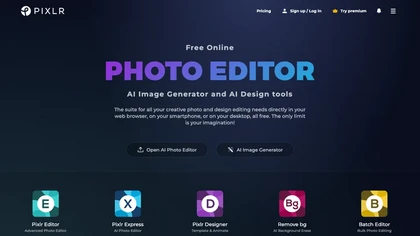
Pixlr is a browser‑based photo editor that uses AI for background removal, generative fill, and object deletion. It offers cropping, color correction, collages, templates, and social media layouts across desktop, tablet, and mobile.
Free trial
- $1.99/mo
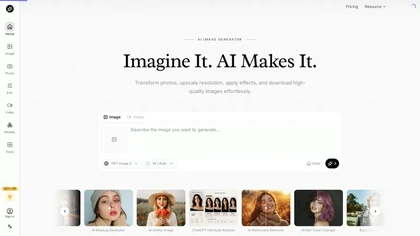
AI Imagine offers image and video generation and editing: text-to-image creation, enhancement, background/object/watermark removal, upscaling, unblurring, style transfer, batch format conversion, portrait retouching and virtual try-ons, plus short-form video with consistent character styling.
Free trial
- $4.99/mo
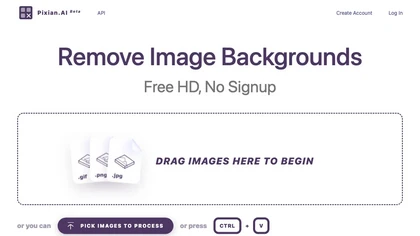
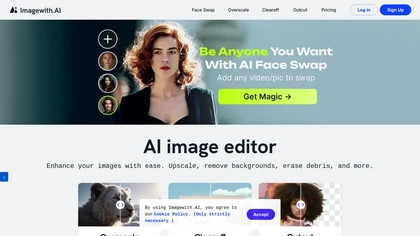
Imagewith.AI offers web‑based AI tools for image enhancement, background removal, object deletion, upscaling, photo restoration, and portrait improvement. Deep‑learning algorithms increase resolution, reduce noise, clean artifacts, and preserve fine detail for designers, photographers, and archivist
Free
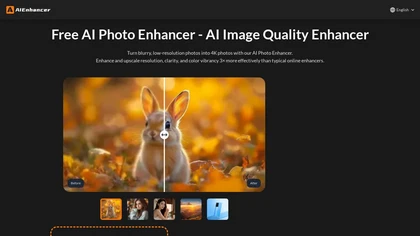
AIEnhancer.ai is a free online tool that instantly transforms blurry, low-quality images into high-resolution 4K photos. Simply upload your picture to apply AI-powered upscaling, noise reduction, and color correction, then preview and download the enhanced result.
Freemium

imagetolmageai.ai is an AI-powered image editing platform offering 12+ tools for enhancement, restoration, and creative transformation. It simplifies workflows with features like upscaling, background removal, and style transfer, requiring no technical skills for professional results.
Freemium
- $9.9/mo
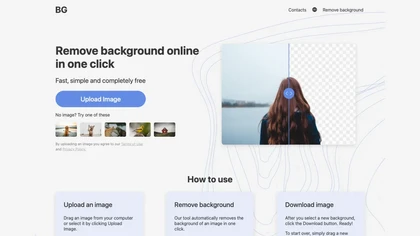
BG is an online AI background remover that deletes image backgrounds with a single click, supporting PNG/JPG of any size. It outputs high‑resolution transparent or custom‑colored images, works in-browser on PC and mobile, no installation required.
Free
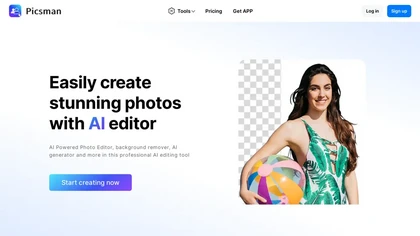
Picsman is an AI‑powered editor that removes or replaces backgrounds, ups image resolution, and applies styles like Ghibli or cartoon. It also offers text‑prompt editing, video generation, image extending, and watermark removal for quick, high‑definition results.
Free
- $5.99/mo

Pixelfox AI is an online AI-powered photo editor that offers advanced features like background removal, face swaps, and image enhancement. It’s designed for both personal and professional use, requiring no downloads.
Free trial
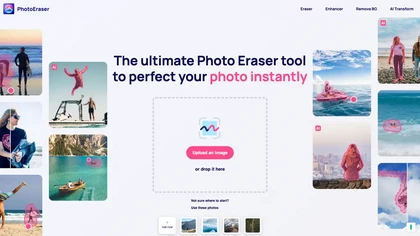
Photo Eraser uses AI to delete objects, people, backgrounds, or blemishes, replace skies, and swap faces. It supports HEIC, PNG, JPG, and offers automatic context‑aware erasing, cropping, and photo enhancement via a drag‑and‑drop interface.
Free
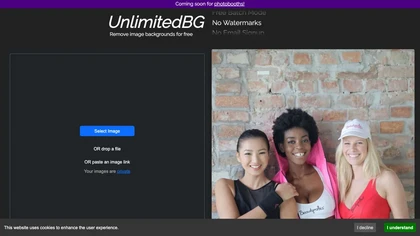
UnlimitedBG uses AI to remove image backgrounds in seconds, supporting PNG, JPG, GIF, WebP, BMP, TIFF, and AVIF. It offers batch processing, local browser execution, no sign‑up, no watermark, and unlimited high‑resolution output.
Free
AI Image Editor is an image editing and generation platform offering background removal, retouching, color correction, resizing, batch processing, templates, style transfer and an API for automating pipelines, plus export options, asset management and analytics.
Freemium

iLikeIMG is a browser-based AI photo and video editor offering 50+ task-specific tools for photo enhancement, restoration, background removal, and AI generation. It provides fast, no-install features like unblur, denoise, colorize, background changer, and batch processing for streamlined edits.
Freemium
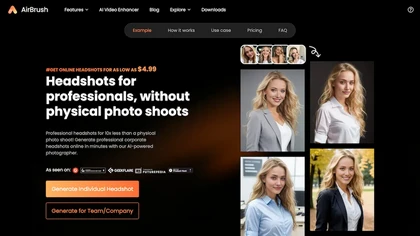
Headshot AI Generator is an AI-powered tool that quickly produces professional headshots with advanced editing capabilities. Whether you need to retouch photos, create avatars, or enhance images, this tool offers customization options and fast results, perfect for improving your online presence effo
Paid

Audioai.io is an AI audio enhancer that removes background noise, reduces echo and distortion, levels volume, and brings buried voices forward for clearer speech—while preserving music, ambience, and natural pacing. Upload a supported file, choose an output format, preview and compare enhanced vs o
Free trial
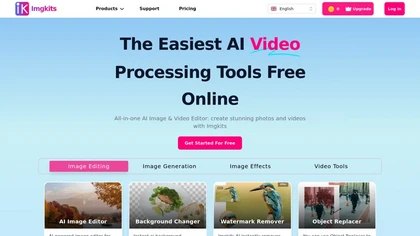
ImgKits is an AI-powered image and video processing tool that enables background removal, object replacement, and photo enhancement while preserving quality. It supports batch processing for JPG, PNG, and WEBP formats, offering features like watermark removal, upscaling, and unblurring.
Free trial

AI image enhancer that upscales up to 4×, removes noise, sharpens blur, and can enhance faces or colorize. Handles .png/.jpg/.webp/.tif/.bmp/.raw and outputs the same formats. Windows, macOS and Photoshop plugin supported.
Free trial
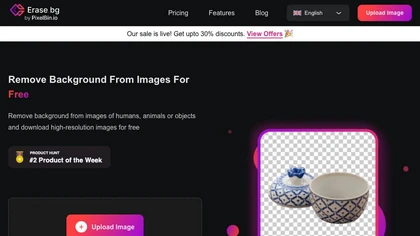
Erase.bg uses AI to remove backgrounds from PNG, JPG, JPEG, WEBP, and HEIC files. It supports batch processing, lets users replace backgrounds with colors or images, works on browser, iOS, Android, outputs PNG/JPEG, and clears data after use.
Freemium

imgtoimg.ai is an AI image transformation tool that generates new images from your photo inputs and text prompts. It offers precise control over style and composition, plus built-in utilities like upscaling and background removal for creators.
Freemium
- $9.99/mo
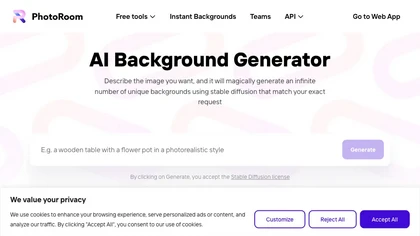
The AI Background Generator tool generates unique high-quality backgrounds quickly and easily using AI, allowing users to download and use their favorite background as wallpaper or for showcasing product images.
Free
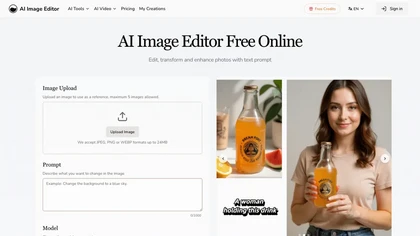
AI Image Editor is an online tool for editing and enhancing images with pixel-level precision. It supports various formats, offers text editing, artistic style transfers, and allows quick generation of image variations for efficient workflow.
Free trial
- $7.99
Image to Image AI is a tool that intelligently edits and transforms your photos based on simple text prompts. It allows for complex alterations like style changes, object removal, and realistic detail enhancement while maintaining consistency.
Free trial

PixPretty AI Photo Editor is a free tool that uses AI to remove or replace backgrounds in seconds. It also supports batch editing for bulk transformations, retouching, and format conversion.
Freemium
- $12.99/mo
carbackground.ai is an AI tool that automates precise car background removal and replacement, preserving vehicle details like mirrors, reflections, and windows. It supports bulk editing, branded templates, and export presets for major marketplaces to streamline dealership inventory workflows.
Free trial
- $39.99

AI Photo Studio delivers AI‑powered image and video creation, including generation, background removal, virtual try‑on, style libraries, advanced editing (skin, age, expression, eye color), outpainting, thumbnails, and direct social publishing via a web interface.
Free
- $1.99

free-ai-generator.com is a unified AI platform for generating, editing, and upscaling images and video on a single canvas. It offers continuous editing, background removal, headshot generation, and 4K upscaling for photographers, e-commerce teams, and social media creators.
Freemium
- $4
ObjectRemover uses AI to erase unwanted people, stickers, logos, text, and clutter from images. Drag‑and‑drop JPG, PNG, or WebP files up to 10 MB, preview edits, and download watermark‑free results in seconds with high‑quality output.
Free
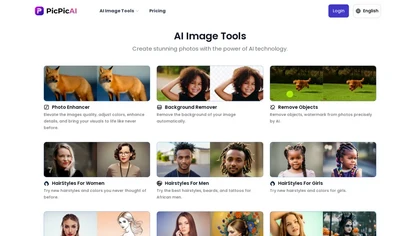
PicPicAI automatically removes backgrounds, sharpens portraits, upscales and extends images, and restores old photos, delivering polished results in seconds for e‑commerce, social media, and design workflows, with optional Flux AI art generation.
Paid

Bgrem AI automates background removal, photo‑to‑video conversion, and inpainting for image editing. It offers text‑driven image generation, artistic painting effects, object erasure/replacement, interior redesign from photos, and vector illustration creation.
Free trial
- $4.99
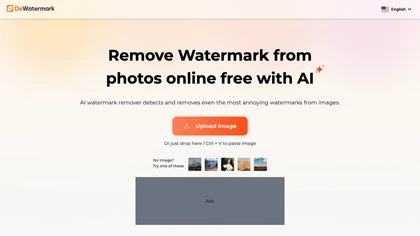
DeWatermark uses AI to remove watermarks, logos, text, emojis, and timestamps from photos, videos, PDFs, and images. It applies inpainting, offers a manual brush for edits, and batch processes up to 50 files on mobile and desktop.
Free
- $10/mo
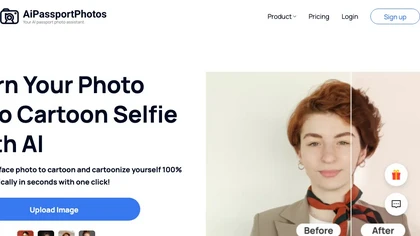
AiPassportPhotos transforms portrait photos into cartoon styles—sketch, 3D, manga—via one click. It also offers background removal, blur, face cutout, enhancement, colorization, and old‑photo restoration, all online with instant downloads. For mobile and desktop browsers, ensuring privacy with a dat
Free
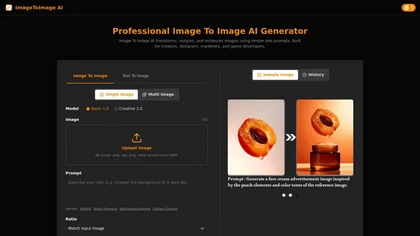
Image to Image AI is a versatile photo editor that transforms images using text prompts, enabling style transfer, background replacement, and object removal. It supports multi-image uploads and fast generation for creators and designers needing high-resolution, watermark-free results.
Freemium