
What is ImageToImageAI?
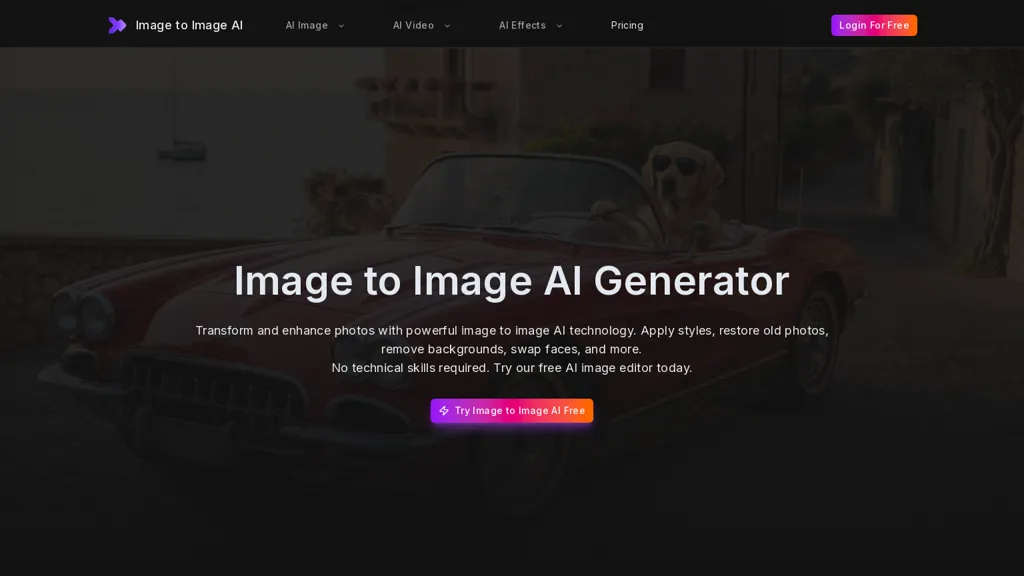
Image to Image AI is an AI image editor and enhancement platform with 12+ tools for photo transformation.It includes an AI enhancer for automatic brightness, contrast, sharpness and color balance corrections and an upscaler that increases resolution while preserving detail.
Background remover, object remover and watermark remover provide precise cutouts and seamless fills for product photos and profile images.Face swap, portrait retouch, photo colorizer and old photo restoration repair scratches, restore colors and refine facial features for archival and creative use.
Style transfer, anime conversion and cartoon generation convert photos into illustrative or artistic outputs for social media and marketing.Batch processing, fast processing times, JPG/PNG/WEBP support and high-resolution output streamline workflows for photographers, e-commerce sellers, designers and marketers.
No technical skills required.upload an image, select a transformation and download the final file; commercial use rights are available for transformed images.
ImageToImageAI details
- Built for
- Individuals
ImageToImageAI tech specs
- Works with
- OpenAI / Sora Google / Veo Google / Nano Banana Kling ByteDance / Seedream
ImageToImageAI pricing
FreemiumVerify on the official pricing page.
View plansImageToImageAI's key features
-
AI enhancer for automatic brightness, contrast, sharpness and color balance corrections
-
AI upscaler that increases resolution while preserving detail
-
Background, object and watermark removal with precise cutouts and seamless fills
-
Face swap, portrait retouch, photo colorization and old-photo restoration (scratch repair, color recovery, facial refinement)
-
Style transfer, anime conversion and cartoon generation for illustrative/artistic outputs
ImageToImageAI use cases
-
Restore and digitize family photo albums using Image AI's old photo restoration, automatic enhancer and upscaler to remove scratches and noise, recover faded colors, and export high‑resolution prints or archival files for sharing or commercial photo books
-
Prepare product and catalog images for e‑commerce by removing backgrounds and unwanted objects, retouching portraits, applying batch processing for large inventories, and exporting high‑resolution, marketplace‑ready images with optional watermark removal
-
Create eye‑catching marketing and social content by applying style transfer, anime conversion or face swap, then enhance details with the AI upscaler and automatic enhancer to produce multiple high‑resolution variants for A/B testing and commercial use
ImageToImageAI user reviews
Based on 4 reviews, 75% of users recommend ImageToImageAI, rated highly for ease of use.
Liked for
Disliked for
Would you recommend ImageToImageAI?
Who is ImageToImageAI for?
-
Creative designers
-
Content creators
-
E-commerce sellers
-
Small business owners
-
Social media managers
ImageToImageAI FAQ
Is ImageToImageAI free?
Partly. ImageToImageAI has a free plan with usage limits, and paid plans unlock the full feature set. Plans include Standard at $9.9/mo, Premium at $19.9/mo, Business at $49.9/mo and Enterprise at $99.9/mo.
What are the best alternatives to ImageToImageAI?
The closest alternatives to ImageToImageAI are AIimagine.io, Image to Image AI, Magickimg, ImagetoImage AI and Remaker AI. You can compare them side by side in the alternatives section further down this page.
What does ImageToImageAI do with my data?
ImageToImageAI states that customer content may be used to train its models. Its privacy policy states that personal data is not sold or shared for marketing purposes. Data may be shared with third-party service providers that help run the product.
Which AI models does ImageToImageAI use?
ImageToImageAI is built on OpenAI / Sora, Google / Veo, Google / Nano Banana, Kling and ByteDance / Seedream. Which models you can reach may depend on your plan.
Compliance, privacy and billing terms are as stated in each product's own published documentation and have not been independently verified by TopAI.tools.


