
4X Resolution Enhancer
The best 50 4X Resolution Enhancer AI tools - Free & Paid
Explore 50 AI for 4X Resolution Enhancer
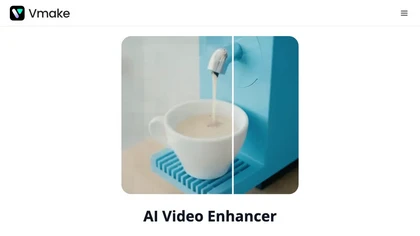
Vmake AI Video Enhancer upsamples MP4, MOV, AVI, etc. to 2K/4K/AI 4K+, removes artifacts, improves low‑light, reduces noise, and offers watermark/text removal, background elimination, and subtitle generation, giving creators, e‑commerce, and gamers sharper, cleaner videos.
Subscription
- $9.99/mo
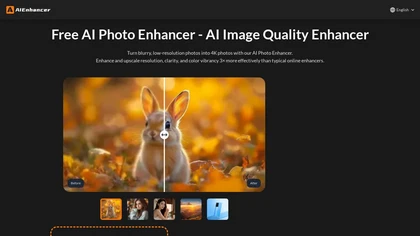
AIEnhancer.ai is a free online tool that instantly transforms blurry, low-quality images into high-resolution 4K photos. Simply upload your picture to apply AI-powered upscaling, noise reduction, and color correction, then preview and download the enhanced result.
Freemium
ImgUpscaler enlarges JPG, PNG, WebP images up to 400 % using super‑resolution, producing 16k × 16k outputs with minimal detail loss. Batch up to 5 images, offers basic editing, deletes uploads after 24 h, free commercial use.
Free
HitPaw Video Enhancer is an AI-powered tool that upscales and enhances low-resolution videos to higher resolutions and improves video quality without losing it.
Free trial
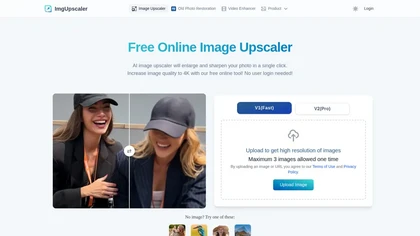
Imgupscaler is an AI tool for enhancing image quality by upscaling images to 4K resolution. It supports multiple formats and restores details while reducing noise, making it suitable for e-commerce, social media, and graphic design.
Freemium
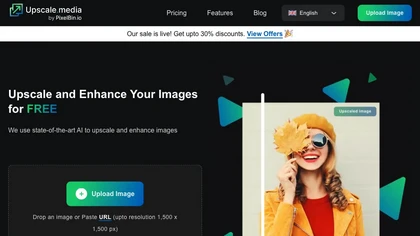
Upscale.media is a browser-based AI upscaler that increases image and short-video resolution up to 2×/4×/8×, reconstructs detail, reduces noise/artifacts, and offers deblur, sharpen, colorisation, face restoration, batch processing and API access.
Freemium
- $0.02
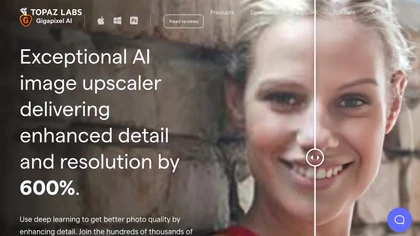
Gigapixel AI is a powerful image upscaling and detail enhancement tool that uses deep learning to increase image resolution up to 600%, improve print quality, restore old photos, and enhance natural details.
Free trial
- $99

Enhancephoto.ai is a web-based AI tool that improves low-resolution images to high-quality versions up to 16k. It restores missing details without blurring and enables users to enhance three images simultaneously without registration.
Freemium
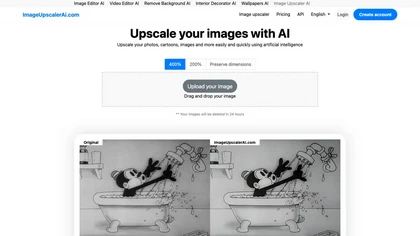
Image Upscaler AI enlarges photos, cartoons, and images up to 400 % using AI while preserving aspect ratio. Users upload via drag‑and‑drop, receive high‑resolution downloads within seconds, with files kept temporarily for privacy.
Paid
- $7/mo

AI-driven image upscaler that enlarges photos to 7680 × 7680 px, supporting JPEG, PNG, WebP and up to 500 images per batch. It offers an API for sharpening, noise reduction, and a Mac app with background removal, photographers, designers, marketers, and social media managers.
Subscription
- $19.99/mo
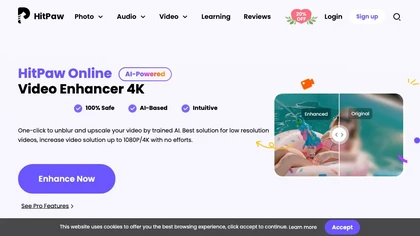
Upload video files (MP4, MOV, MKV, M4V, AVI) and apply AI models—Face, Animation, Denoise, Low‑Light, Colorize—to improve clarity, reduce noise, brighten dark scenes, or add color. Preview changes, upscale to 4K, then download without watermarks.
Paid

HitPaw FotorPea automatically enhances photos by applying AI models for sharpening, denoising, face and color correction. It unblurs images, upsizes to 4K/8K, restores old photos, removes backgrounds, and generates images from text prompts.
Free trial
LetsEnhance is an AI image editor that upscales up to 512 MP, sharpens, restores, and removes compression artifacts from JPG, PNG, or WebP files. It supports batch processing, high‑resolution outputs for prints and AI art, preserving natural texture without watermarks.
Freemium
- $0.75/mo

Upscalepics lifts image resolution up to 8× with one click via a machine‑learning model, supporting JPG, PNG, and WebP files up to 4000 px. It offers custom dimensions, bulk uploads, and outputs up to 256 MP for print‑ready quality.
Freemium
- $3.3/mo
Browser‑based AI upscaler uses WebGPU and open‑source algorithms like Anime4K and RealESRGAN to enlarge video and image resolution. It processes each frame client‑side, preserving privacy, with drag‑and‑drop, side‑by‑side comparison, and selectable output sizes.
Free
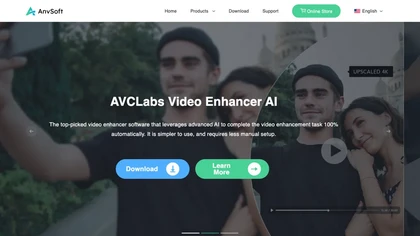
AVCLabs Video Enhancer AI uses deep learning to upscale, denoise, sharpen, colorize, and interpolate frames, automatically detecting and refining faces. It supports batch conversion, preview comparison, multiple formats, preserves frame rates, and leaves originals unaltered.
Free

Imglarger is an image enhancer that upsamples photos up to 8×, supports batch processing, and offers background, object, and face retouch tools. It converts WebP, JPEG, PNG, SVG, JFIF formats and lets users adjust brightness, contrast, and saturation via web or mobile.
Freemium

VidHex is an AI-powered video enhancement tool that upscales low-resolution footage to 4K/8K, restores quality, and colorizes black-and-white clips. It optimizes exposure, contrast, and noise reduction for creators, educators, and casual users.
Freemium

Lupa Upscaler is an AI tool that transforms low-resolution, blurry images into crisp 4K quality. It enhances details, reduces noise, and is ideal for restoring old photos and optimizing digital visuals.
Freemium
- $4.9/mo

Mejorar Calidad de Imagen uses AI to enhance photo resolution up to 10 times, achieving high-quality 12K images. Users can easily upload images and select enhancement levels for professional-grade results, accessible on mobile devices.
Freemium
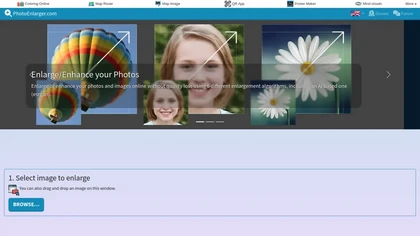
Upload or drag a photo, then upscale it with one of six algorithms—Magic Kernel Sharp, Lanczos 3, Hermite, or AI‑based ESRGAN—entirely client‑side for privacy. Crop as needed and download in JPG, PNG, or WebP.
Free
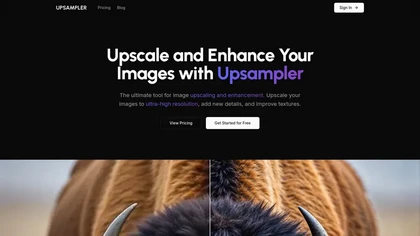
Upsampler enhances and upscales images up to 100 megapixels, improving textures and adding details. Its generative fill feature allows users to modify specific sections, making it valuable for designers, photographers, and game developers seeking increased realism.
Freemium
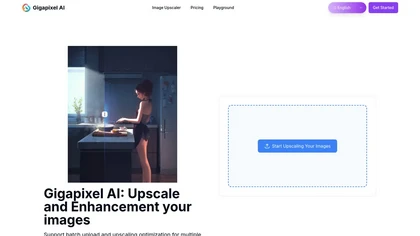
Gigapixel AI is an AI-driven image upscaler that enhances image quality up to 10x, preserving details and textures. It supports batch processing and offers specialized presets for portraits, landscapes, and more, making it suitable for both professionals and casual users.
Free trial
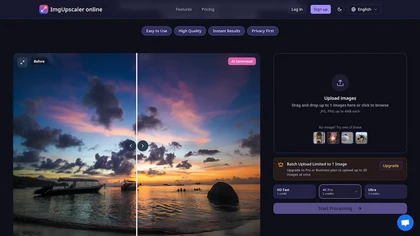
ImgUpscaler.online is an AI-powered tool that instantly upscales low-resolution images to HD, 4K, or Ultra quality, reducing blur while preserving detail. It offers batch processing and is designed for photographers, e-commerce, and real estate to enhance web and print visuals.
Free trial
- $2.5/mo
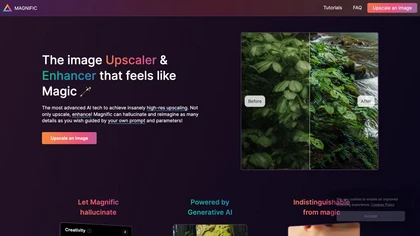
Magnific AI upsamples, enhances, and transforms images, producing high‑resolution outputs for photography, illustration, design, and game assets. Users guide detail with prompts and sliders for creativity, HDR, and resemblance, and can batch‑process for workflow integration.
Freemium
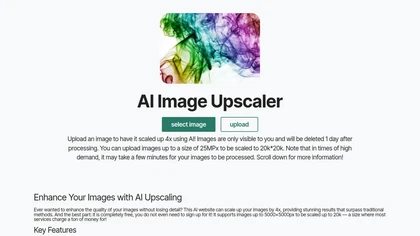
Free AI Image Enhancer upscale images up to 25MP by a factor of four, improving resolution and detail. It features various enhancement modes, including face restoration, and supports batch processing while ensuring user data privacy.
Free
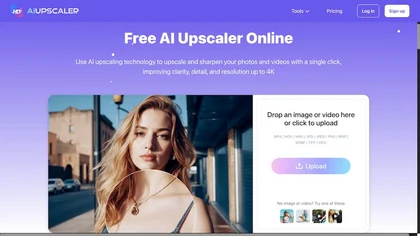
AIUpscaler.ai is a browser-based AI tool that instantly enhances photos and videos to HD or 4K resolution with one click. It upscales, sharpens, and restores detail directly in your browser while preserving colors and ensuring privacy.
Freemium
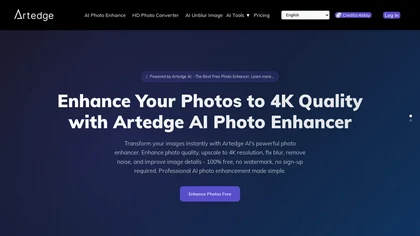
ArtEdge AI upscales and enhances photos to 4K, reducing blur and noise while restoring faces, logos and old or raw images. Server-side processing handles JPG, PNG and WebP up to 50 MB with fast drag-and-drop uploads.
Freemium
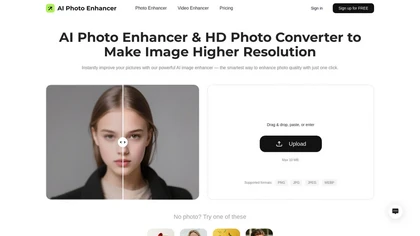
AI Photo Enhancer.pro is a free AI tool that automatically enhances image quality. It upscales images to 4K, sharpens details, reduces noise, and corrects colors with a simple drag-and-drop interface.
Freemium
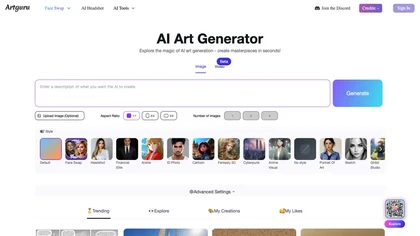
Artguru is a one‑click AI enhancer that sharpens photos, restores old or blurry images, upsamples videos to 8K, removes backgrounds, cleans scanned PDFs, and batch‑processes folders across phone and desktop for consistent, high‑quality media.
Freemium
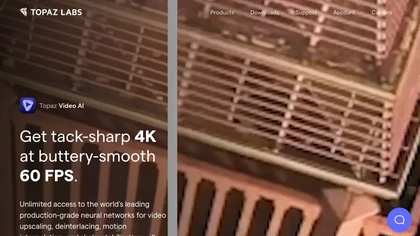
Topaz Video AI is a powerful video enhancement tool that uses AI models to upscale, deinterlace, stabilize, and interpolate frames for high-quality results.
Paid
- $99
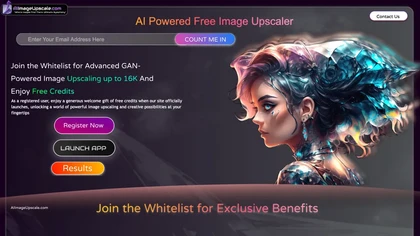
AIImageUpscale enlarges images to 16 K resolution with GAN technology, applying automatic color correction for sharper contrast and saturation. It offers batch processing and an integrated AI art generator, supporting designers, photographers, and content creators.
Free
GoEnhance AI transforms text, images, and videos into 4K, 60fps clips in seconds, offering text‑to‑video, image‑to‑video, and video‑to‑video engines, face swap, lip sync, and anime‑style animations with upscaling and a talking avatar.
Freemium

AI image enhancer that upscales up to 4×, removes noise, sharpens blur, and can enhance faces or colorize. Handles .png/.jpg/.webp/.tif/.bmp/.raw and outputs the same formats. Windows, macOS and Photoshop plugin supported.
Free trial
HitPaw AI Photo Enhancer upsamples images up to 8×, removes blur and noise, sharpens detail, and restores color for JPG, PNG, and WebP files. Works on web, desktop, and mobile with batch processing, aiding photographers, designers, and archivists.
Freemium

AnyEnhancer AI video enhancer upsamples footage to 4K/2K, improves color fidelity, restores facial details, denoises, and interpolates frames. It runs on Windows and macOS, supports batch processing, real‑time preview, and direct export.
Paid
BigJpg AI upsizes JPEG, PNG, GIF, BMP images from 2× to 16× while preserving edge sharpness and detail. It automatically sharpens textures, keeps fine lines and color gradients, and supports single or batch processing for printing, displays, and design work.
Paid
AI Video Enhancement enlarges and improves video/images with no quality loss, scaling to 2K/4K/8K, noise‑reducing, colorizing black‑and‑white, interpolating up to 240fps for smooth slow‑motion. Supports MP4, MOV, MKV, AVI, JPG, PNG, BMP, GIF, WEBP; batch ZIP; desktop for Mac/Windows.
Paid
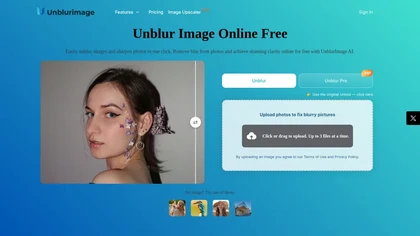
Unblur Image is an AI-powered tool that enhances blurry photos by removing motion blur, poor focus, and noise. It supports various formats, batch processing, and upscaling to 4K resolution for improved image quality and clarity.
Freemium

Remini is an AI photo enhancer that offers various tools to improve the quality of low-quality visuals and restore old photos with incredible detail.
Free
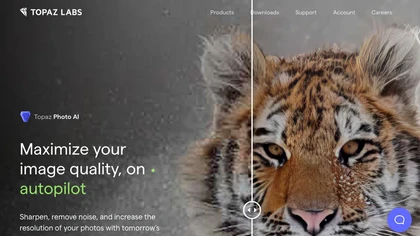
This tool uses deep learning to enhance photos by reducing noise, sharpening, upscaling, and recovering faces.
Paid
- $99
SupaRes is an AI‑driven image enhancement platform that upscales, restores, denoises, and optimizes photos quickly. It offers super‑resolution, face restoration, tone correction, low‑light enhancement, artifact removal, and cloud‑based collaboration features.
Freemium
- $9/mo

Retouch4me is an AI retouching suite that functions as Photoshop plugins or standalone apps. It automates skin, eyes, hair, clothing, and background edits in real‑time, supports RAW and batch workflows, and offers video color grading with offline processing.
Paid
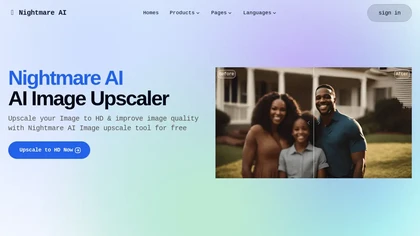
Nightmare AI is a web‑based image upscaler that uses Real‑ESRGAN to enlarge photos by 2×, 4×, or up to 4K while preserving detail. It supports anime/cartoon modes, face correction, and restores blurry or low‑resolution images, handling JPG and PNG up to 10 MB.
Free

TensorPix enhances SD video to 4K 60FPS, removes artifacts from VHS and old footage, offers real‑time call improvement, batch processing, API integration, and cloud GPU processing—no local install needed.
Freemium
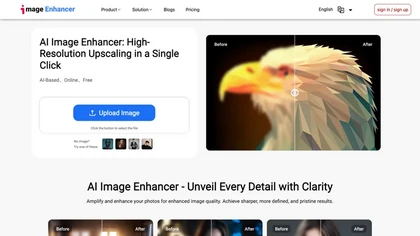
AI‑powered Image Enhancer Online upsizes and restores photos and videos to 4K/8K, applies style filters, face/background edits, and batch drag‑and‑drop processing. It serves hobbyists, photographers, designers, and marketers seeking quick, high‑quality image improvements.
Paid
- $6
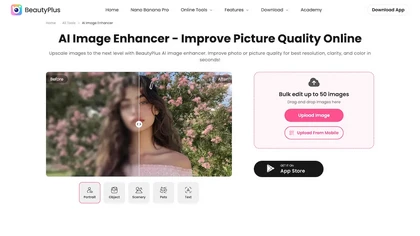
BeautyPlus AI Image Enhancer automates photo and video improvement with AI-driven noise reduction, deblurring, color/contrast correction, 4K upscaling, bulk editing (up to 50), background/object/watermark removal, face tools, and restoration/colorization for print, e-commerce, and social use.
Free trial
Face26 is an AI photo enhancer that improves image quality with denoising, color correction, upscaling, recoloring, and background removal. It supports photo‑realistic art, animated versions, and headshot creation, available on web and mobile.
Freemium
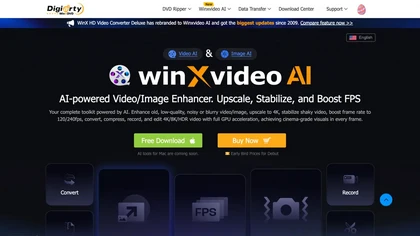
Winxvideo AI enhances videos and audio, upscaling to 4K/8K/HDR, stabilizing and interpolating frames while reducing noise. It offers batch GPU‑accelerated conversion, editing tools, 60 fps screen recording, and AI photo restoration for creators and educators.
Freemium
- $9.99/mo