
Real Time Color Balance
The best 50 Real Time Color Balance AI tools - Free & Paid
Explore 50 AI for Real Time Color Balance

Get superior quality finished photos with perfect color rendition and fast delivery for radiant results.
Freemium

Perfect365 applies AI‑powered virtual makeup and hairstyles to photos or live video, enabling real‑time adjustments to skin tone, eye color, lipstick, and hair. It provides a 6,400‑look library and high‑resolution editing for quick sharing.
Freemium
Palette automatically colorizes black‑and‑white images up to 5000 × 5000 px. Users upload single or multiple photos, choose from 150+ preset filters, and refine results with keyword‑driven adjustments to hue, saturation, and contrast. Ideal for photographers, designers, and archivists.
Free trial

Retouch4me is an AI retouching suite that functions as Photoshop plugins or standalone apps. It automates skin, eyes, hair, clothing, and background edits in real‑time, supports RAW and batch workflows, and offers video color grading with offline processing.
Paid
My Color Analysis AI quickly identifies your personalized color palette from your photo, offering seasonal color suggestions for outfits and makeup. Get accurate results without special equipment, making it easy to enhance your natural beauty.
Freemium
ImageColorizer automatically colorizes black‑and‑white photos, doubles resolution, removes scratches, deletes unwanted objects, and retouches portraits. It supports batch processing, delivering high‑quality, corrected images quickly for restorers and hobbyists and preserves surrounding detail.
Freemium
- $3.9/mo
AI Color Analysis.ai is a photo-based personal color analysis tool that uses facial landmark detection and color-science algorithms to determine your seasonal palette. It provides personalized makeup, hair, and clothing recommendations with virtual try-on features for visualization.
Freemium
Color Wheel automatically colorizes grayscale flat graphics, generating thousands of palettes from one upload. Users tweak schemes and preview styles from Warhol to NES, saving locally with no registration for web and UI projects.
Free
Colorcinch converts photos to cartoons, sketches, or paintings with one click, offers AI background removal, adjustable sliders, overlay effects, multi‑layer editing, high‑resolution export to JPG/PNG/PDF, all usable online/offline without login.
Free
- $8.99
Colorcinch is an AI photo editor that instantly cartoonizes or sketches images and offers background removal, cropping, resizing, exposure and detail controls, file compression, and 400 DPI print‑ready export. Mobile app adds cartoonizing, background removal, and upscaling on the go.
Paid

Perfectly Clear Video automatically enhances each video frame, improving lighting, color balance, detail, and facial tones while correcting exposure. It offers SDKs, APIs, Docker, and CLI for integration across desktop, mobile, and cloud workflows.
Subscription

Kolors AI is a chat-driven design agent for high-resolution image and short-video generation and editing—text-to-image, image-to-image, background/object removal, retouching, expression and clothing changes, virtual try-on, poster layouts, and character-consistent assets for catalogs and ads.
Freemium
- $15

Photoroom is an AI-powered tool for creating professional product visuals at scale, featuring automatic background removal, image generation, virtual staging, and batch editing capabilities for efficient high-quality output.
Free trial
- $5.99/mo
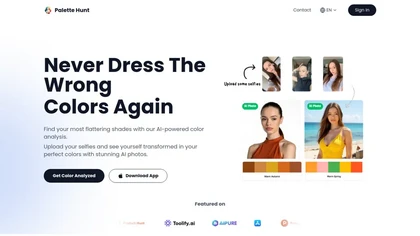
Palette Hunt is an AI tool that analyzes uploaded selfies to create personalized color palettes based on skin tones. It offers virtual try-ons and expert recommendations, helping users discover flattering shades for enhanced fashion choices.
Freemium
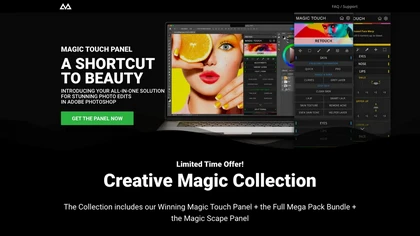
CreativeMagicPanel automates portrait retouching in Photoshop with AI face/body recognition. It offers 289+ features—skin smoothing, facial tweaks, color grading, overlays, quick presets, luminosity masks, and selection helpers—compatible with Photoshop CC 2023+ on Windows, macOS, and Apple Silicon.
Free

The AI Lab provides an advanced tool with image and facial enhancements features such as photo colorization, object and background removal, cartoon creation, retouching portraits, adjusting facial expressions, and API and platform for developers.
Free
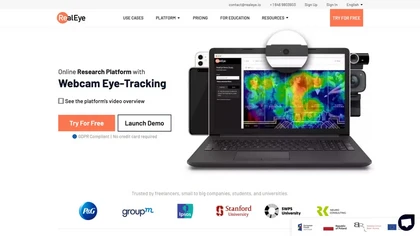
RealEye.io collects real‑time gaze, attention, and facial emotion data via participants’ webcams for image, video, or website stimuli. It offers triggers, heatmaps, fixation plots, API access, and records mouse/keyboard interactions for integrated survey analysis.
Paid
- $249/mo
Kolorize automatically colorizes grayscale, black‑and‑white, or sepia images in 3–8 seconds. It accepts JPEG, PNG, WebP, GIF, or AVIF up to 4096×4096 pixels, resamples larger files, outputs colorized JPGs, and deletes uploads after processing.
Freemium

FLUX.2 is a high‑resolution AI image generator delivering 4‑megapixel photorealistic outputs with rapid, sub‑second inference, multi‑reference control, and easy API or local deployment. It supports fine‑tuning, on‑prem compliance, and 24/7 availability.
Free
UniFab AI enhances video and audio with AI: upscales to 16K 120fps, denoises, colorizes black‑and‑white, sharpens faces, converts formats, upmixes to surround sound, removes vocals, and supports batch GPU‑accelerated processing for creators and archivists.
Paid
Stable Diffusion Online lets users generate photo‑realistic images from text using the Stable Diffusion XL model. It offers fast GPU‑accelerated rendering, real‑time inpainting/outpainting, a 9‑million‑entry prompt database, and no prompt or image storage.
Free
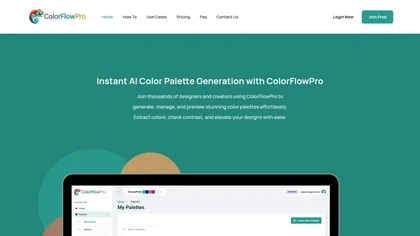
ColorFlowPro is an AI-driven tool for generating and managing color palettes. It offers real-time previews, a color contrast checker for accessibility, and organizational features to streamline design processes for designers, developers, and marketing teams.
Freemium
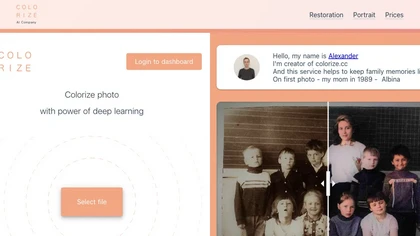
Colorize.cc is an AI tool that restores and enhances old photos, removes noise, and restores faces through colorization, photo restoration, and color portrait generation.
Usage based

Ray3 is an AI video generator producing true 10/12/16‑bit HDR EXR (ACES2065‑1) outputs with temporal consistency, multi‑character and physics‑aware reasoning; supports text/image prompts, motion control, keyframes, Draft fast previews, Adobe/ACES workflows, EXR exports.
- $39

Twinit is an AI‑powered platform that delivers real‑time, skin‑responsive makeup simulations and detailed skin diagnostics. It reconstructs 3D skin, identifies aging markers, and recommends personalized skincare, boosting in‑store engagement and conversion.
Freemium
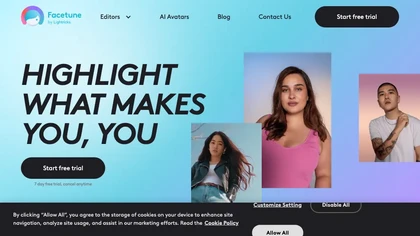
Facetune is an AI‑driven photo and video editor offering touch‑up, background removal, face and body reshaping, realistic makeup and hairstyle try‑on, background blur, and noise removal—enabling quick mobile edits for influencers, photographers, and stylists.
Subscription
- $25/mo
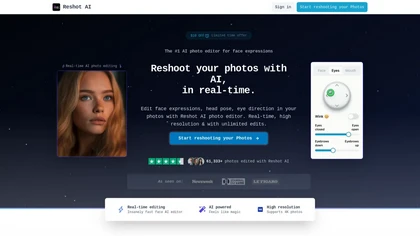
Reshot AI is a real-time photo editing tool for enhancing facial expressions and poses in high-resolution images. It features precision eye editing, expression sculpting, and 3D pose manipulation, ideal for content creators and photographers.
Freemium
AI Video Enhancement enlarges and improves video/images with no quality loss, scaling to 2K/4K/8K, noise‑reducing, colorizing black‑and‑white, interpolating up to 240fps for smooth slow‑motion. Supports MP4, MOV, MKV, AVI, JPG, PNG, BMP, GIF, WEBP; batch ZIP; desktop for Mac/Windows.
Paid
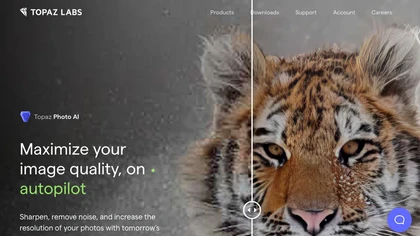
This tool uses deep learning to enhance photos by reducing noise, sharpening, upscaling, and recovering faces.
Paid
- $99

VSCO is a cross-platform photo and video editor combining 200+ presets, analog-style Film FX and precision exposure/color controls with AI-powered Remove and retouching, live in-app capture, clip-level video edits, and portfolio/workspace tools for creators.
Freemium

RightNow AI is an AI-powered code editor for CUDA development, offering real-time GPU monitoring, inline profiling, and support for local LLMs. It enhances performance analysis and optimization for high-performance computing applications.
Freemium
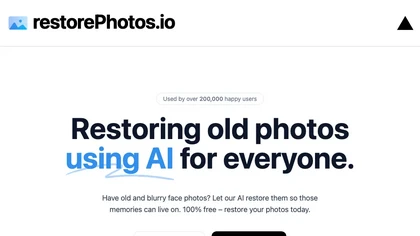
Face Photo Restorer uses AI to enhance and restore old or blurry face photos, supporting batch uploads. It outputs high‑resolution images with corrected color, reduced noise, and sharpened detail, and offers real‑time previews for comparison.
Freemium
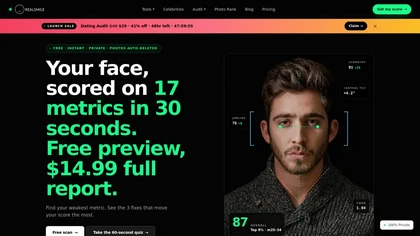
RealSmile is a privacy-first AI tool that analyzes selfies using 17 facial-geometry metrics to generate a 0–100 face score, percentile ranking, and specialized feedback for dating profiles, professional headshots, or smile authenticity. It runs entirely on-device in the browser, with no photo upload
Freemium
- $14.99

Runway Aleph is an in-browser, real-time AI video editor that performs multi-task edits via natural-language prompts—angle generation, object add/remove, background/green-screen extraction, and style/lighting adjustments—preserving scene lighting and perspective and exporting short-form MP4 clips.
Free
- $15

Remodel AI Free turns photos or sketches into realistic interior and exterior designs in seconds, offering virtual staging, paint palettes, landscaping plans, and renderings for rooms and facades. It serves homeowners, designers, architects, and agents on all devices.
Paid
- $29/mo
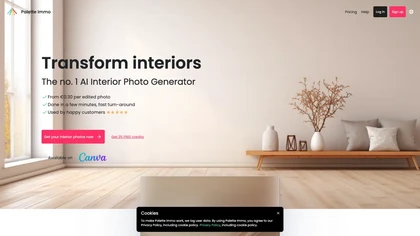
Palette Immo generates photorealistic interior renders from photos, sketches, or empty rooms. Users select styles, adjust colors, furniture, sky, or remove clutter, batch‑process multiple images, and collaborate via team accounts for real‑estate and design workflows.
Freemium
- $0.3

PhotoRestore uses AI to repair scratches, fading, and stains in legacy photos, auto‑colorizes black‑and‑white images, sharpens and denoises for clarity, upscales 2‑4×, and removes backgrounds for clean cutouts, supporting common formats and album sharing.
Free
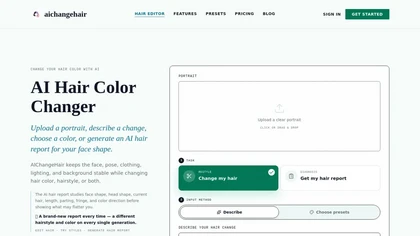
AIChangeHair is a hair editor that lets you change hair color and try new styles on portrait photos. It preserves face, pose, and background while applying colors or 180 hairstyle presets from text prompts or palettes.
Free trial
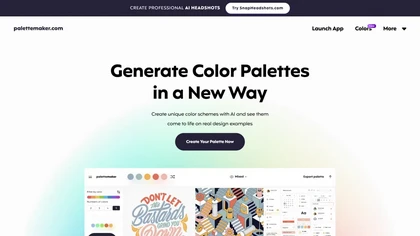
Palettemaker is an AI‑powered color palette generator that lets designers and non‑designers create, tweak, and preview color schemes in real‑world design contexts. It offers export options for Procreate, Adobe ASE, images, and CSS.
Free

Room AI is an AI interior designer that creates photo‑realistic renderings from existing images or from scratch. Users choose styles, colors, and materials, then generate multiple design concepts quickly, aiding homeowners, designers, agents, and architects.
Paid
- $2.42/mo
Deep‑Image.ai offers photo upscaling, denoising, sharpening, color and lighting adjustments. It removes backgrounds, adds virtual staging, creates business headshots, and delivers batch product‑photo presets, inpainting, and high‑resolution generative upscaling up to 300 MP.
Freemium
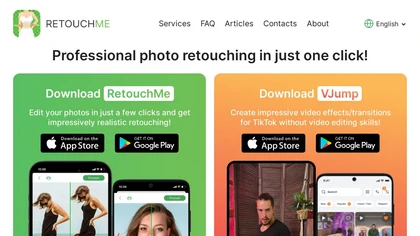
RetouchMe is a mobile and web app that lets users upload photos for professional designers to manually edit, offering skin smoothing, blemish removal, makeup, color changes, body adjustments, background replacement, and clipping path, delivered within minutes with privacy safeguards.
Paid

Upload video files (MP4, MOV, MKV, M4V, AVI) and apply AI models—Face, Animation, Denoise, Low‑Light, Colorize—to improve clarity, reduce noise, brighten dark scenes, or add color. Preview changes, upscale to 4K, then download without watermarks.
Paid

AI image enhancer that upscales up to 4×, removes noise, sharpens blur, and can enhance faces or colorize. Handles .png/.jpg/.webp/.tif/.bmp/.raw and outputs the same formats. Windows, macOS and Photoshop plugin supported.
Free trial
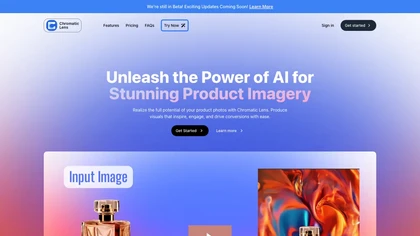
Chromatic Lens is an AI tool for enhancing product photography. It offers easy transformation, precise editing, and attractive backgrounds to boost online appeal, increase conversions, and engage customers with striking visuals.
Free trial
- $9.99/mo
Deep Art AI transforms photos into artworks using style‑transfer algorithms, offering on‑device, privacy‑respecting editing across Windows, macOS, Linux, Android, and iOS. Features include up to 4× upscale, background removal, colorization, preset filters, batch processing, and an API for developers
Free trial

Generate AI‑powered color palettes and apply them instantly across Adobe Illustrator, Photoshop 2022+, and Figma. Customize and save schemes to the cloud, accessing them from any device via a ZXP plugin or web interface.
Freemium
- $8/mo
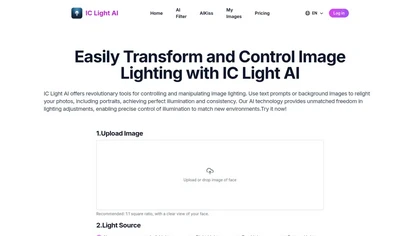
IC Light AI enhances image lighting control by allowing users to adjust illumination angles and styles for portraits. It supports various image sizes, helping photographers and e-commerce platforms to create high-quality, beautifully lit images effortlessly.
Free trial
- $14.9