
What is videoeditor.video?
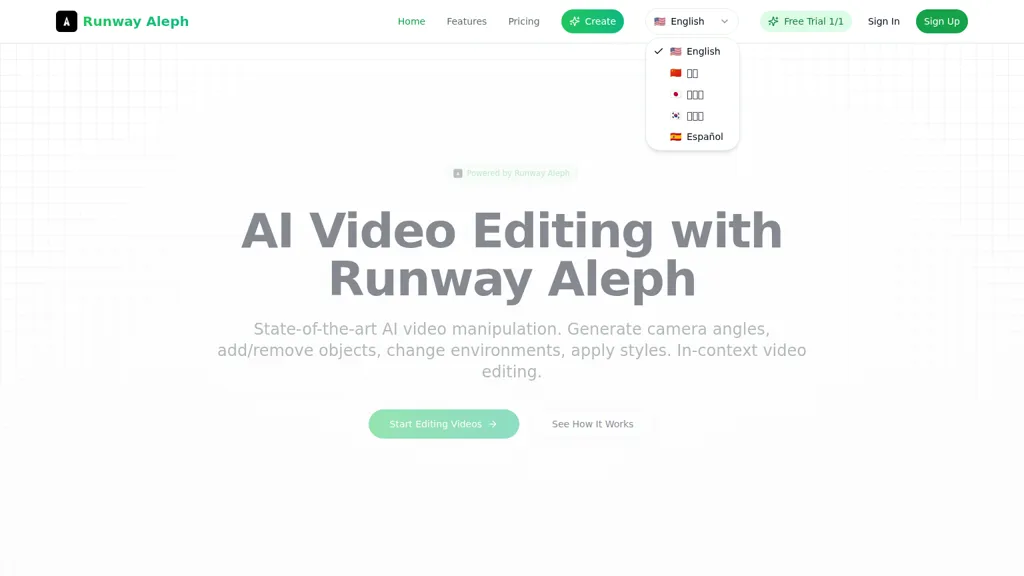
Runway Aleph is an AI video editor offering in-context video editing and multi-task video manipulation via natural language prompts. It supports camera angle generation, object addition and removal, environment and background changes, green screen extraction, and style and lighting adjustments.
The model preserves scene lighting, shadows, and perspective while integrating new elements and motion controls. Editing runs in-browser with real-time processing, no account required, and outputs downloadable MP4 files. Current output targets short-form clips (approximately 360p, 5–30 seconds) and common workflows like next-shot generation and lip-sync.
videoeditor.video pricing Free
Starter pack
$15
Popular pack
$60
Professional pack
$150
Enterprise pack
$300
Basic
$15.99/mo
Pro
$23.99/mo
Ultra
$63.99/mo
Verify on the official pricing page.
Get started freevideoeditor.video user reviews
Would you recommend videoeditor.video?
Recommend this tool?
videoeditor.video's key features
-
Natural-language in-context video editing model (transform videos via text prompts)
-
No-login/no-registration immediate editing
-
Lightning-fast processing with optimized infrastructure and concurrent task handling
-
Webhook-based delivery for automated integration
-
Flexible API video parameters (aspect ratios 16:9/9:16/1:1, adjustable duration, quality levels, motion intensity, reproducible seed)
videoeditor.video use cases
-
Produce attention-grabbing short-form social media videos in-browser with natural-language prompts to generate new camera angles, apply lighting and style adjustments that preserve scene lighting and perspective, perform lip-sync corrections, and export ready-to-post MP4s without any technical setup
-
Remove unwanted objects or add realistic virtual props and product placements using natural-language editing while maintaining correct perspective and lighting, perform background/green-screen extraction or replacement in real time, and export short promotional clips for ads or product demos
-
Create multiple branded versions of tutorials, course modules, or marketing cutdowns by prompting automatic angle generation, consistent style/lighting tweaks, and lip-sync alignment, then quickly iterate and export short MP4 variants for A/B testing and regional audiences
Who is it for?
-
Content creators
-
Digital artists
-
Social media managers
-
Marketers
-
Business owners


