
Batch Image Colorizer
The best 50 Batch Image Colorizer AI tools - Free & Paid
Explore 50 AI for Batch Image Colorizer
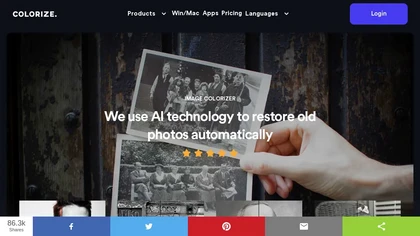
ImageColorizer automatically colorizes black‑and‑white photos, doubles resolution, removes scratches, deletes unwanted objects, and retouches portraits. It supports batch processing, delivering high‑quality, corrected images quickly for restorers and hobbyists and preserves surrounding detail.
Freemium
- $3.9/mo
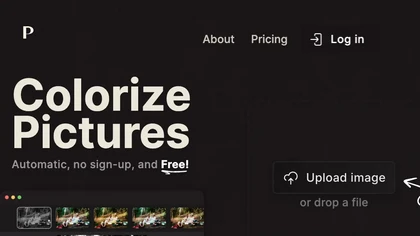
Palette automatically colorizes black‑and‑white images up to 5000 × 5000 px. Users upload single or multiple photos, choose from 150+ preset filters, and refine results with keyword‑driven adjustments to hue, saturation, and contrast. Ideal for photographers, designers, and archivists.
Free trial

Colorcinch is an AI photo editor that instantly cartoonizes or sketches images and offers background removal, cropping, resizing, exposure and detail controls, file compression, and 400 DPI print‑ready export. Mobile app adds cartoonizing, background removal, and upscaling on the go.
Paid
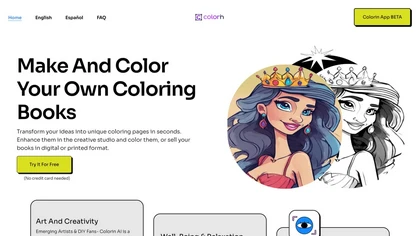
Colorin AI Generator turns text, characters, or photos into clean printable coloring outlines with styles like kawaii and line art. Batch creation, photo conversion, AI editing, auto‑margins, and PDF export enable ready‑to‑print resources for educators, creators, and mindfulness practitioners.
Freemium

Colorcinch converts photos to cartoons, sketches, or paintings with one click, offers AI background removal, adjustable sliders, overlay effects, multi‑layer editing, high‑resolution export to JPG/PNG/PDF, all usable online/offline without login.
Free
- $8.99
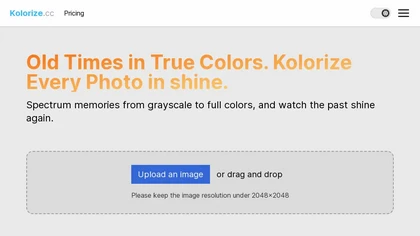
Kolorize automatically colorizes grayscale, black‑and‑white, or sepia images in 3–8 seconds. It accepts JPEG, PNG, WebP, GIF, or AVIF up to 4096×4096 pixels, resamples larger files, outputs colorized JPGs, and deletes uploads after processing.
Freemium
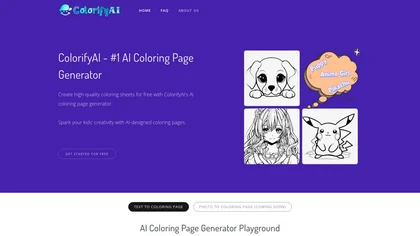
Colorify AI turns text prompts or uploaded photos into black‑and‑white coloring pages in under three seconds, offering seven art styles and multiple sizes. Users download PNG or PDF, keep a temporary history, and use files commercially without login.
Paid
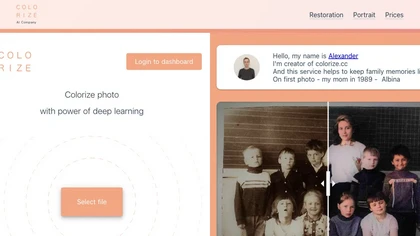
Colorize.cc is an AI tool that restores and enhances old photos, removes noise, and restores faces through colorization, photo restoration, and color portrait generation.
Usage based
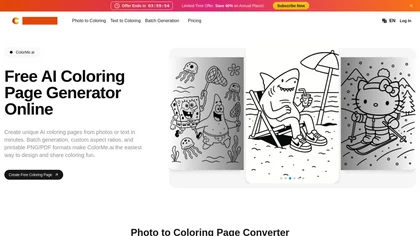
ColorMe.ai is a free AI tool that converts your photos and text descriptions into printable coloring pages. It generates clean, customizable line art in PNG or PDF format for personal or commercial use.
Freemium
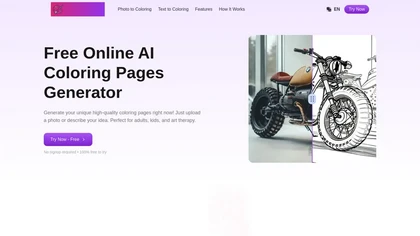
Gencolor.ai is an AI coloring page generator that transforms uploaded images or text descriptions into high-quality coloring pages. It produces detailed designs in multiple formats, making it suitable for art therapy and educational applications.
Free trial
AI Background Remover deletes backgrounds from JPG, PNG, WebP images while preserving resolution, handling up to 500 at once. Users can replace with color, gallery, or upload; ideal for designers, marketers, and e‑commerce workflows.
Freemium
- $9
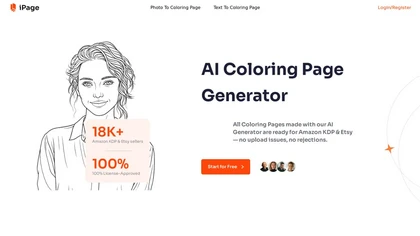
iPage AI is an AI coloring page generator that converts text and photos into printable coloring pages. It offers batch mode for mass creation and includes access to a library of over 10,000 free coloring pages for commercial use.
Freemium
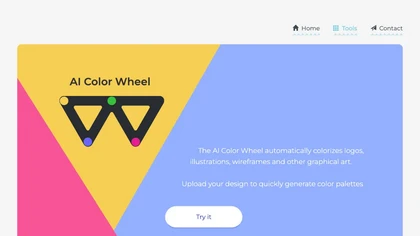
Color Wheel automatically colorizes grayscale flat graphics, generating thousands of palettes from one upload. Users tweak schemes and preview styles from Warhol to NES, saving locally with no registration for web and UI projects.
Free
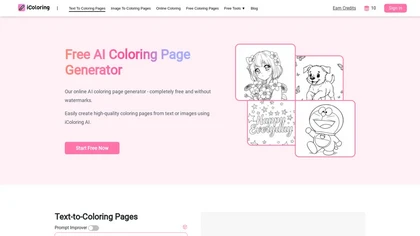
iColoring AI is a user-friendly online tool that transforms text prompts or images into customizable black-and-white coloring pages. It offers daily credits, supports multiple styles, and allows instant downloads in PNG or PDF formats for children, educators, and parents.
Free trial

ColoringStore converts text prompts, photos, or sketches into print-ready 300 DPI coloring pages in about 30 seconds, offering three art styles, adjustable line detail, PNG/PDF/SVG A4/Letter exports, and browser-based brush, fill, save, and preview tools.
Free

Kolors AI is a chat-driven design agent for high-resolution image and short-video generation and editing—text-to-image, image-to-image, background/object removal, retouching, expression and clothing changes, virtual try-on, poster layouts, and character-consistent assets for catalogs and ads.
Freemium
- $15
ColorGenie is an AI Color Palette Generator that uses machine learning to create unique color schemes for branding, websites, and graphics. Simply input your preferences and let ColorGenie generate visually appealing palettes for your projects.
Freemium
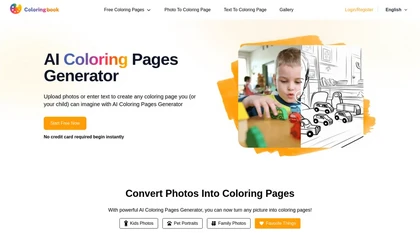
Coloringbook.ai allows users to create personalized coloring pages from images or text. It offers downloadable formats like PDF and PNG, supports pre-made themes, and is suitable for creating coloring books, ensuring a user-friendly experience.
Free trial
- $0.58/mo
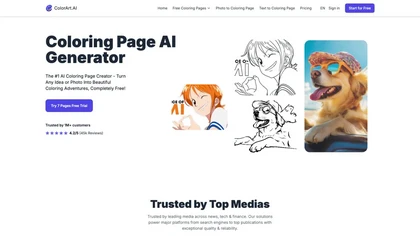
ColorArt.ai is an AI-powered tool that generates customizable coloring pages from photos and text prompts. It enhances image outlines for better quality, making it suitable for both individual and business use in creative activities.
Free trial
- $6.99/mo
Bulk Image Generation quickly produces up to 100 images in 15 seconds with the Flux 1.1 model, needs only a simple description, and offers bulk editing, resizing, aspect‑ratio calculations, and prompt conversion for diverse projects.
Subscription
- $15/mo

Picture Picker is an AI-driven image management tool that captures images via browser extension, syncs libraries across devices, supports one-click collection and bulk downloads, natural-language image search and automatic categorization, color palette extraction, format conversion, and compression.
Free
- $9/mo

My Coloring.ai is an AI tool that transforms photos and text prompts into clean, printable coloring pages. It offers customizable styles and difficulty levels, generating downloadable PDF or PNG files in seconds for crafts, education, or personal use.
Freemium
- $9.99/mo
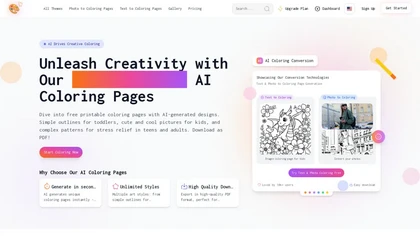
Best Coloring Pages generates free, printable AI coloring sheets for all ages. Users can upload photos or input descriptions to create custom designs, with various styles available for kids and adults in high-quality PDF format.
Free trial
- $9.99/mo
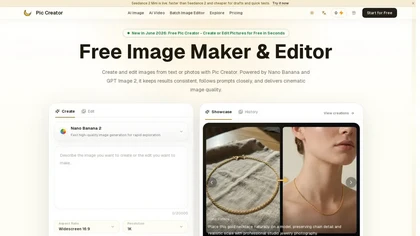
PicCreator.ai is an AI image maker and editor that combines text-to-image generation with robust photo editing tools. It enables prompt-based creation, inpainting/outpainting, batch editing, and high-resolution upscaling for marketers, designers, and photographers.
Freemium
- $5.99/mo
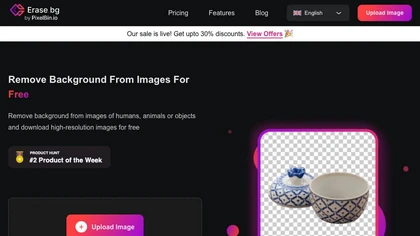
Erase.bg uses AI to remove backgrounds from PNG, JPG, JPEG, WEBP, and HEIC files. It supports batch processing, lets users replace backgrounds with colors or images, works on browser, iOS, Android, outputs PNG/JPEG, and clears data after use.
Freemium
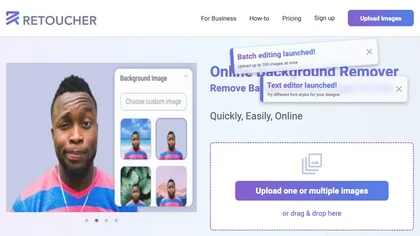
Retoucher Online is an AI background remover handling batch uploads via drag‑and‑drop, camera, or file selection. It isolates foregrounds, lets users keep transparent backgrounds, replace with white or custom images, add shadows, fine‑tune edges, and download PNG/JPG at various resolutions.
Freemium
- $659/mo
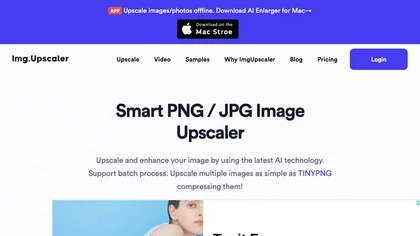
ImgUpscaler enlarges JPG, PNG, WebP images up to 400 % using super‑resolution, producing 16k × 16k outputs with minimal detail loss. Batch up to 5 images, offers basic editing, deletes uploads after 24 h, free commercial use.
Free
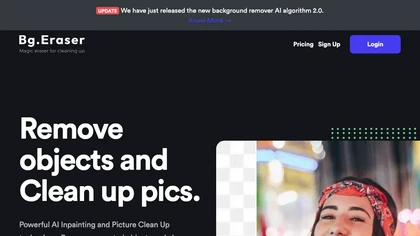
BgEraser is a web‑based AI that removes photo backgrounds in seconds, supporting JPEG, PNG, and WebP. It handles up to 20 images at once, preserves fine detail, offers drag‑and‑drop uploads, and provides commercial‑ready, watermark‑free downloads.
Free
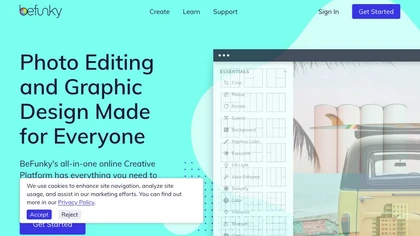
BeFunky is an online editor for photos, collages, and graphics. It offers crop, resize, blur, exposure, batch edits, AI background removal, object erasing, upscale, artistic filters, and drag‑and‑drop templates for banners, flyers, and social‑media posts.
Free

AI-driven image upscaler that enlarges photos to 7680 × 7680 px, supporting JPEG, PNG, WebP and up to 500 images per batch. It offers an API for sharpening, noise reduction, and a Mac app with background removal, photographers, designers, marketers, and social media managers.
Subscription
- $19.99/mo
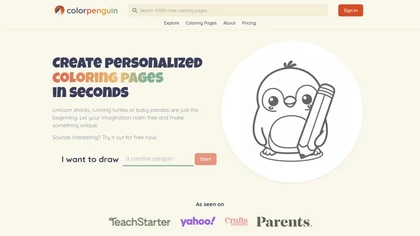
ColorPenguin is an AI tool for creating personalized coloring pages tailored to various age groups. Users can input prompts and access a large catalog of over 5,000 free downloadable pages, promoting creativity and engagement for children and educators alike.
Freemium
- $7.99/mo
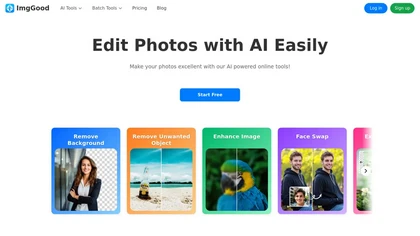
ImgGood is an AI-powered online photo editor that offers background removal, object editing, and image enhancement tools. It supports batch processing for resizing, format conversion, and intelligent image expansion.
Free trial
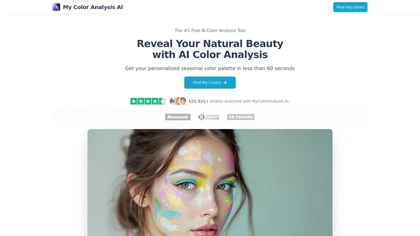
My Color Analysis AI quickly identifies your personalized color palette from your photo, offering seasonal color suggestions for outfits and makeup. Get accurate results without special equipment, making it easy to enhance your natural beauty.
Freemium
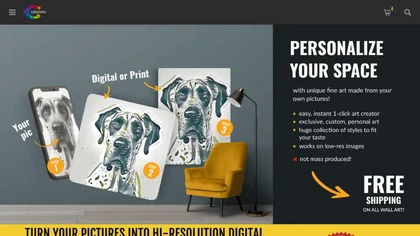
Coloromo transforms a single photo into thousands of high‑resolution artistic variations—neon, black & white, metallic, seasonal, etc.—through a simple three‑step workflow. Users can download or order prints on canvas, posters, wood, aluminum, and more.
Paid
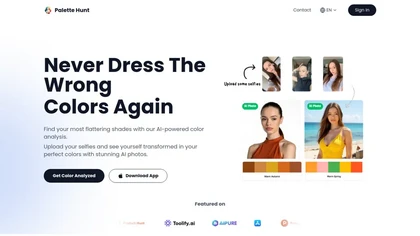
Palette Hunt is an AI tool that analyzes uploaded selfies to create personalized color palettes based on skin tones. It offers virtual try-ons and expert recommendations, helping users discover flattering shades for enhanced fashion choices.
Freemium
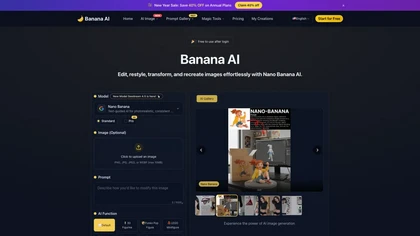
banana-ai.org is a fast AI photo editor for text-guided image generation and editing. It offers style conversion, background replacement, and identity-consistent edits using simple prompts.
Freemium
- $7.92/mo
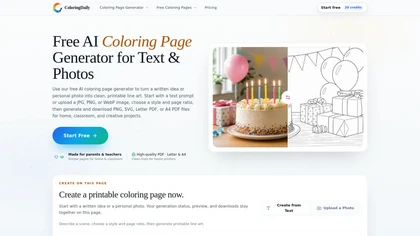
ColoringDaily is an AI coloring page generator that turns text prompts and photos into printable line art. It supports multiple styles, batch generation, and vector/PDF exports for creating customized coloring books and assets.
Free trial
- $8.25/mo
Image to Image AI is a tool that intelligently edits and transforms your photos based on simple text prompts. It allows for complex alterations like style changes, object removal, and realistic detail enhancement while maintaining consistency.
Free trial
Photoroom is an AI-powered tool for creating professional product visuals at scale, featuring automatic background removal, image generation, virtual staging, and batch editing capabilities for efficient high-quality output.
Free trial
- $5.99/mo
Deep Art AI transforms photos into artworks using style‑transfer algorithms, offering on‑device, privacy‑respecting editing across Windows, macOS, Linux, Android, and iOS. Features include up to 4× upscale, background removal, colorization, preset filters, batch processing, and an API for developers
Free trial

Imglarger is an image enhancer that upsamples photos up to 8×, supports batch processing, and offers background, object, and face retouch tools. It converts WebP, JPEG, PNG, SVG, JFIF formats and lets users adjust brightness, contrast, and saturation via web or mobile.
Freemium

PicWish AI Photo Editor automates image enhancement, background removal, and watermark deletion. It processes batches of up to 30 files, offering resizing, lighting, upscaling, AI Designer prompts, Face Cutout, and single‑click unblur/sharpen. Available on Windows, macOS, iOS, Android, and browser.
Subscription
- $9.99/mo

The AI Lab provides an advanced tool with image and facial enhancements features such as photo colorization, object and background removal, cartoon creation, retouching portraits, adjusting facial expressions, and API and platform for developers.
Free
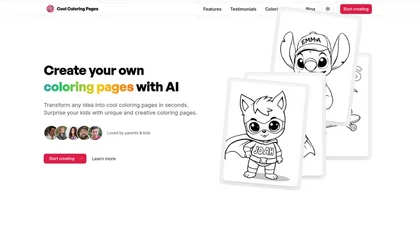
Cool Coloring Pages is an AI tool that quickly creates custom coloring pages based on user ideas, allowing for color and pattern customization. It offers high-quality downloads and personalizes designs with names, making it ideal for kids' creative activities.
Free
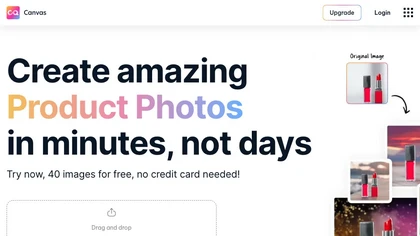
Magicstudio Canvas is an AI tool for quickly creating product photos with up to 40 free uploads in JPEG or PNG format. It offers intuitive, easy-to-use editing tools and features for profile pictures, removing backgrounds, and adding text.
Freemium
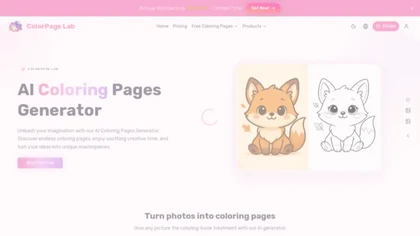
ColorPage Lab is an AI tool that generates printable coloring pages from text prompts or uploaded images. It converts inputs into clean line art with adjustable styles and detail levels, organizing content by age group and theme for easy discovery.
Freemium
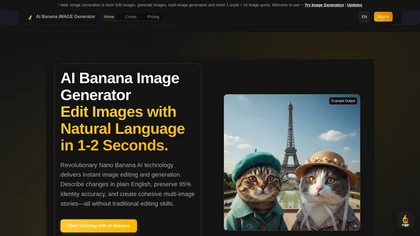
AIBanana.net is an AI image generator that creates and edits images from text descriptions in seconds. It specializes in high-identity accuracy, batch processing, and smart prompts for professional e-commerce and marketing content.
Freemium
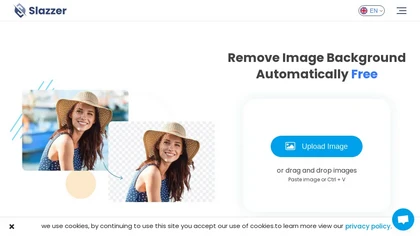
Slazzer: AI‑driven background removal that handles complex edges, offers upscale, shadow, sky replacement, and de‑oldifying. Available via web, desktop, mobile, API, and design‑software plugins for bulk processing, ideal for photographers, e‑commerce, marketers, and developers.
Paid
- $0.14