
Background Cleanup AI
The best 50 Background Cleanup AI tools - Free & Paid
Explore 50 AI for Background Cleanup AI

Removal.AI instantly isolates foreground subjects from .jpg and .jpeg images, offering preview, high‑resolution downloads, background replacement, manual eraser, API integration, batch processing, and professional editing support. Ideal for photographers, designers, marketers, and e‑commerce sites n
Free
- $0.13

AI Background Remover deletes backgrounds from JPG, PNG, WebP images while preserving resolution, handling up to 500 at once. Users can replace with color, gallery, or upload; ideal for designers, marketers, and e‑commerce workflows.
Freemium
- $9
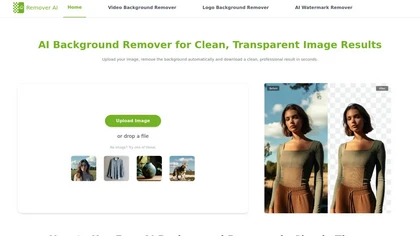
removerai.io is a web-based AI tool that automatically removes backgrounds from images, preserving fine details like hair and edges. It requires no installation, allows manual refinements, and exports high-resolution transparent PNGs for e-commerce, design, and marketing.
Free
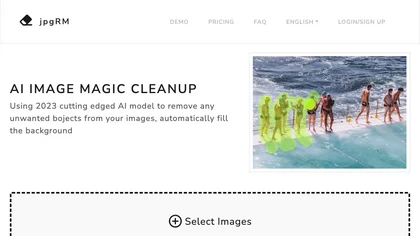
AI Image Magic Cleanup uses a 2026 GAN to automatically erase backgrounds or unwanted objects from photos. Users mark areas with a brush, then the tool refines and fills the space with matching background detail, delivering quick results on mobile.
Paid
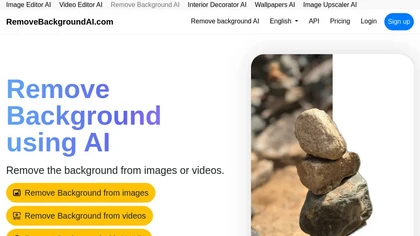
RemoveBackgroundAI.com is a web‑based AI that deletes image and video backgrounds from JPEG, PNG, GIF, MP4, MOV files up to 234 MB, offering transparent or solid colors. It supports batch processing, multiple output formats (PNG, WebP, MP4), and a multilingual interface.
Paid
- $70/mo
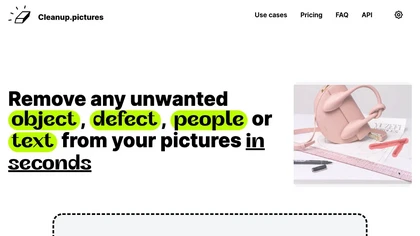
Cleanup.pictures is an AI-powered photo editing tool that allows users to remove objects, people, text, and defects from any picture with ease, highly valued by photographers, creative agencies, real estate professionals, and e-commerce businesses.
Free trail

HitPaw Online Background Remover uses AI to delete backgrounds in seconds, supporting single or up to 50‑image batch uploads. It offers transparent, black, or template backgrounds, realistic shadows, and works on Windows, macOS, iOS, Android, and browsers.
Freemium
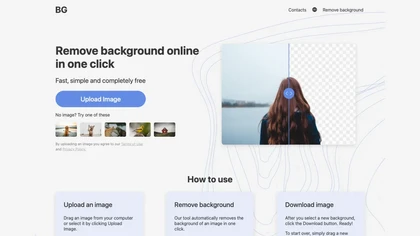
BG is an online AI background remover that deletes image backgrounds with a single click, supporting PNG/JPG of any size. It outputs high‑resolution transparent or custom‑colored images, works in-browser on PC and mobile, no installation required.
Free

backgroundremove.io is a tool that quickly erases image backgrounds using AI. It automatically creates clean, high-resolution cutouts, ready for e-commerce, social media, and design projects.
Free

Green Screen AI is an AI tool that changes the background image of a picture into an AI-generated art scene.

carbackground.ai is an AI tool that automates precise car background removal and replacement, preserving vehicle details like mirrors, reflections, and windows. It supports bulk editing, branded templates, and export presets for major marketplaces to streamline dealership inventory workflows.
Free trial
- $39.99

Erase.bg uses AI to remove backgrounds from PNG, JPG, JPEG, WEBP, and HEIC files. It supports batch processing, lets users replace backgrounds with colors or images, works on browser, iOS, Android, outputs PNG/JPEG, and clears data after use.
Freemium

Remove.bg automatically deletes image backgrounds, outputting white or transparent PNGs. It offers a web app, Photoshop plugin, mobile app, and API for single or bulk processing, with a brush tool for manual edits, aiding product shots, branding, and development.
Freemium
- $8.1/mo

AdWorker AI is an image toolset for ecommerce sellers that removes backgrounds (including from GIFs), creates white-background product shots, and generates AI product scenes. It also offers batch processing, compression, and marketplace-specific cropping for Amazon, Shopify, and eBay.
Free trial
AI Voice Cleaner is a tool that removes background noise, echo, and unwanted sounds from audio files while enhancing speech clarity. It supports various formats and offers features like volume normalization, breath reduction, and studio-style enhancement for professional-quality results.
Freemium
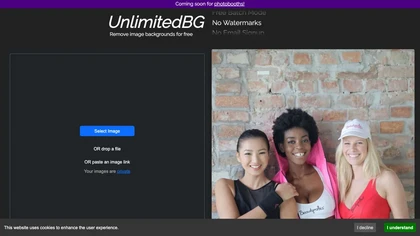
UnlimitedBG uses AI to remove image backgrounds in seconds, supporting PNG, JPG, GIF, WebP, BMP, TIFF, and AVIF. It offers batch processing, local browser execution, no sign‑up, no watermark, and unlimited high‑resolution output.
Free

Pixlr is a browser‑based photo editor that uses AI for background removal, generative fill, and object deletion. It offers cropping, color correction, collages, templates, and social media layouts across desktop, tablet, and mobile.
Free trial
- $1.99/mo
The AI tool removes image backgrounds using deep learning and modnet, assuring data safety with automatic deletion of input images within an hour.
Free

EzRemove.ai is an AI-powered tool that instantly removes image backgrounds in 5 seconds, delivering high-quality transparent PNGs with precision. It offers batch processing, customizable backgrounds, and basic editing features, ideal for ecommerce, design, and social media.
Free
Imagewith.AI offers web‑based AI tools for image enhancement, background removal, object deletion, upscaling, photo restoration, and portrait improvement. Deep‑learning algorithms increase resolution, reduce noise, clean artifacts, and preserve fine detail for designers, photographers, and archivist
Free

free-ai-generator.com is a unified AI platform for generating, editing, and upscaling images and video on a single canvas. It offers continuous editing, background removal, headshot generation, and 4K upscaling for photographers, e-commerce teams, and social media creators.
Freemium
- $4

Kaze.ai is an AI-powered image editing tool for watermark removal and photo restoration, featuring quick processing and high-quality enhancements. It includes a watermark remover, AI headshot generator, background removal, and tools for restoring old or damaged photos.
Free trial
- $4.95/mo

Bgrem AI automates background removal, photo‑to‑video conversion, and inpainting for image editing. It offers text‑driven image generation, artistic painting effects, object erasure/replacement, interior redesign from photos, and vector illustration creation.
Free trial
- $4.99
Remove Backgrounds AI is a video editing tool that utilizes neural networks to extract backgrounds from videos featuring human subjects. Its user-friendly interface allows for quick, professional-quality results, ideal for marketing and advertising applications while ensuring confidentiality.
Free
BgEraser is a web‑based AI that removes photo backgrounds in seconds, supporting JPEG, PNG, and WebP. It handles up to 20 images at once, preserves fine detail, offers drag‑and‑drop uploads, and provides commercial‑ready, watermark‑free downloads.
Free

Backgrounds AI offers 6k resolution, AI-generated backgrounds in diverse styles (metallic, neon, abstract) and themed collections (Roseate, Twilight). Subscribe for weekly releases, inspiration, and occasional free gifts.
Freemium
Aiarty is a desktop AI that locally enhances images and video—denoising, deblurring, upscaling to 4K–32K, HDR, batch processing, and precise matting for semi‑transparent elements—without cloud, preserving privacy. It runs on GPU, handling millions of images or 4K footage offline.
Paid

cleanaudio.io is a browser-based AI tool that removes background noise and reverb from audio and video files with one click. It instantly cleans wind, traffic, fan hum, static, pet barking, and room echo in formats like mp4, mp3, and wav for clearer speech.
Free trial
- $16.99/mo

PicWish AI Photo Editor automates image enhancement, background removal, and watermark deletion. It processes batches of up to 30 files, offering resizing, lighting, upscaling, AI Designer prompts, Face Cutout, and single‑click unblur/sharpen. Available on Windows, macOS, iOS, Android, and browser.
Subscription
- $9.99/mo

Picsman is an AI‑powered editor that removes or replaces backgrounds, ups image resolution, and applies styles like Ghibli or cartoon. It also offers text‑prompt editing, video generation, image extending, and watermark removal for quick, high‑definition results.
Free
- $5.99/mo
Cleanvoice AI automates podcast post‑production by removing background noise, filler words, pauses, mouth sounds, and breath artifacts in 20+ languages. It offers transcription, summaries, show notes, chapter markers, multi‑track editing, a drag‑and‑drop interface, and an API for batch processing.
Paid
ObjectRemover uses AI to erase unwanted people, stickers, logos, text, and clutter from images. Drag‑and‑drop JPG, PNG, or WebP files up to 10 MB, preview edits, and download watermark‑free results in seconds with high‑quality output.
Free

PixPretty AI Photo Editor is a free tool that uses AI to remove or replace backgrounds in seconds. It also supports batch editing for bulk transformations, retouching, and format conversion.
Freemium
- $12.99/mo

Deep‑Image.ai offers photo upscaling, denoising, sharpening, color and lighting adjustments. It removes backgrounds, adds virtual staging, creates business headshots, and delivers batch product‑photo presets, inpainting, and high‑resolution generative upscaling up to 300 MP.
Freemium
bgremover.com is a free AI background remover for images and videos, providing transparent PNG and white-background exports with edge-aware processing. It also offers specialized tools for ecommerce listings, ID photos, logos, avatars, and more, supporting uploads up to 10 MB.
Free trial
- $7.99/mo

Clipdrop uses deep learning to remove backgrounds, objects, and text, upscale images, adjust lighting, uncrop, and resize. It also offers text‑to‑image generation and an API for developers, supporting design, marketing, and app workflows.
Subscription

SimpleClean is a browser-based AI noise reducer that removes wind, traffic, hums, clicks, and background chatter from audio and video (MP3, WAV, MP4, MOV, etc.), preserving natural speech, supporting bulk uploads, cloud processing, and multiple output formats.
Subscription
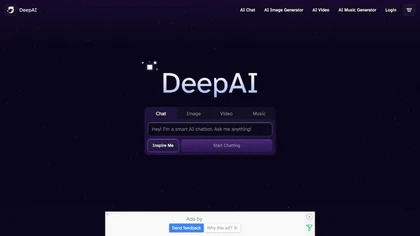
DeepAI offers browser‑based AI tools for text‑to‑image, photo editing, background removal, super‑resolution, and video/musical generation, plus APIs for integration. It prioritizes user ownership, privacy, fast processing, and supports conservation research via object detection and habitat mapping.
Subscription

AI image enhancer that upscales up to 4×, removes noise, sharpens blur, and can enhance faces or colorize. Handles .png/.jpg/.webp/.tif/.bmp/.raw and outputs the same formats. Windows, macOS and Photoshop plugin supported.
Free trial

AI Photo Studio automates e‑commerce image editing: background removal, resolution enhancement, lossless compression, profile passport creation, hairstyle preview, object cleanup, old‑photo restoration, colorization, AI fashion model generation, clothing recolor, background changes, and file convers
Free
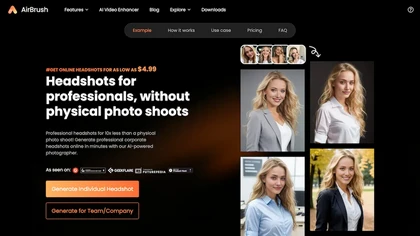
Headshot AI Generator is an AI-powered tool that quickly produces professional headshots with advanced editing capabilities. Whether you need to retouch photos, create avatars, or enhance images, this tool offers customization options and fast results, perfect for improving your online presence effo
Paid
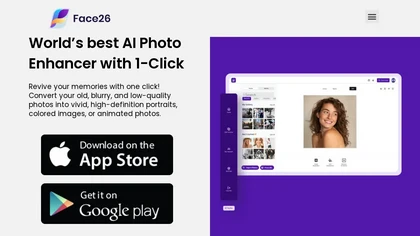
Face26 is an AI photo enhancer that improves image quality with denoising, color correction, upscaling, recoloring, and background removal. It supports photo‑realistic art, animated versions, and headshot creation, available on web and mobile.
Freemium
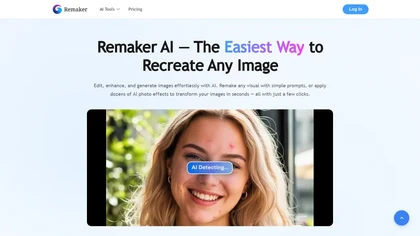
remaker ai offers web and mobile AI image and video editing for creators and teams, including upscaling, background removal, object erasing, face swap, text-to-image, lip-sync, batch processing and templates for short-form social content.
Free trial
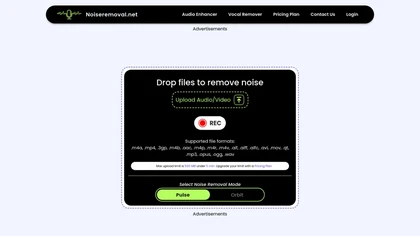
The Free Background Noise Removal Tool utilizes AI algorithms to efficiently reduce unwanted sounds in audio and video recordings. It supports multiple file formats and offers customizable noise removal modes while preserving audio quality.
Freemium
- $20/mo

UpscaleImage.AI quickly produces realistic user‑generated content videos and cleans up photos. It offers 8× image upscaling, clarity restoration, old photo repair, and precise automated background removal. Users choose from 20+ scenes, customize actors, and generate unlimited video variations.
Free
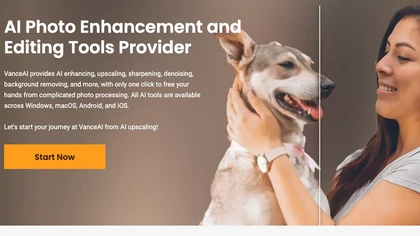
VanceAI offers AI‑driven image enhancement tools—upscaling, sharpening, denoising, background removal, restoration, and cartoonization. Supports batch processing and a Windows desktop app, enabling quick, detail‑preserving edits for photographers, designers, and e‑commerce sellers.
Free trial

AI Photo Studio delivers AI‑powered image and video creation, including generation, background removal, virtual try‑on, style libraries, advanced editing (skin, age, expression, eye color), outpainting, thumbnails, and direct social publishing via a web interface.
Free
- $1.99
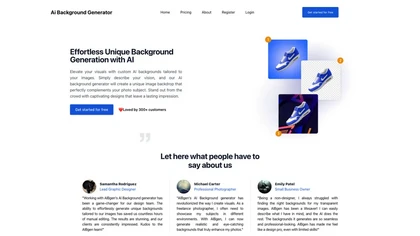
AI Background Removal and Generation quickly removes existing backgrounds from images and replaces them with AI‑generated scenes. Users upload, describe the desired backdrop, and download high‑resolution, watermark‑free outputs in PNG, JPEG, or WebP, and batch processing for multiple images.
Freemium
- $49/mo
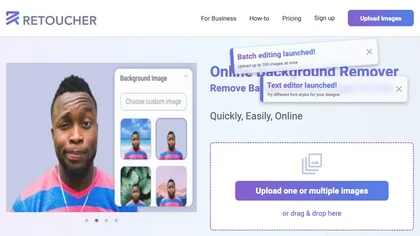
Retoucher Online is an AI background remover handling batch uploads via drag‑and‑drop, camera, or file selection. It isolates foregrounds, lets users keep transparent backgrounds, replace with white or custom images, add shadows, fine‑tune edges, and download PNG/JPG at various resolutions.
Freemium
- $659/mo