
AI Color Balance Correction
The best 50 AI Color Balance Correction tools - Free & Paid
Explore 50 AI for AI Color Balance Correction
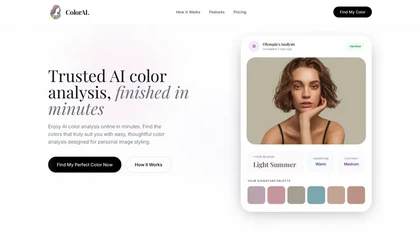
AI Color Analysis.ai is a photo-based personal color analysis tool that uses facial landmark detection and color-science algorithms to determine your seasonal palette. It provides personalized makeup, hair, and clothing recommendations with virtual try-on features for visualization.
Freemium

The AI Lab provides an advanced tool with image and facial enhancements features such as photo colorization, object and background removal, cartoon creation, retouching portraits, adjusting facial expressions, and API and platform for developers.
Free
Get superior quality finished photos with perfect color rendition and fast delivery for radiant results.
Freemium
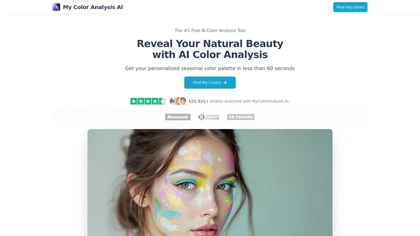
My Color Analysis AI quickly identifies your personalized color palette from your photo, offering seasonal color suggestions for outfits and makeup. Get accurate results without special equipment, making it easy to enhance your natural beauty.
Freemium
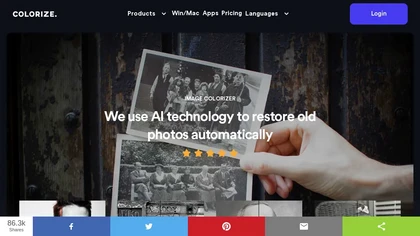
ImageColorizer automatically colorizes black‑and‑white photos, doubles resolution, removes scratches, deletes unwanted objects, and retouches portraits. It supports batch processing, delivering high‑quality, corrected images quickly for restorers and hobbyists and preserves surrounding detail.
Freemium
- $3.9/mo
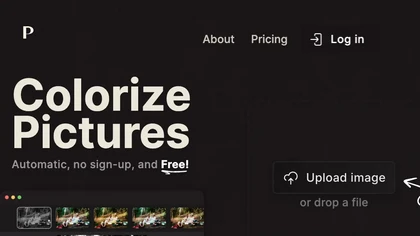
Palette automatically colorizes black‑and‑white images up to 5000 × 5000 px. Users upload single or multiple photos, choose from 150+ preset filters, and refine results with keyword‑driven adjustments to hue, saturation, and contrast. Ideal for photographers, designers, and archivists.
Free trial
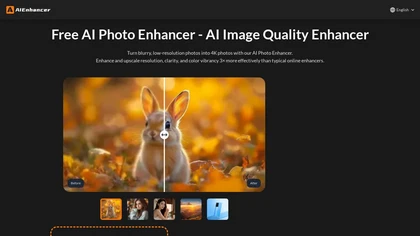
AIEnhancer.ai is a free online tool that instantly transforms blurry, low-quality images into high-resolution 4K photos. Simply upload your picture to apply AI-powered upscaling, noise reduction, and color correction, then preview and download the enhanced result.
Freemium
IC Light AI enhances image lighting control by allowing users to adjust illumination angles and styles for portraits. It supports various image sizes, helping photographers and e-commerce platforms to create high-quality, beautifully lit images effortlessly.
Free trial
- $14.9

AI Photo Studio automates e‑commerce image editing: background removal, resolution enhancement, lossless compression, profile passport creation, hairstyle preview, object cleanup, old‑photo restoration, colorization, AI fashion model generation, clothing recolor, background changes, and file convers
Free

AI image enhancer that upscales up to 4×, removes noise, sharpens blur, and can enhance faces or colorize. Handles .png/.jpg/.webp/.tif/.bmp/.raw and outputs the same formats. Windows, macOS and Photoshop plugin supported.
Free trial

Retouch4me is an AI retouching suite that functions as Photoshop plugins or standalone apps. It automates skin, eyes, hair, clothing, and background edits in real‑time, supports RAW and batch workflows, and offers video color grading with offline processing.
Paid
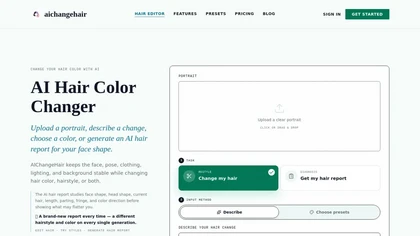
AIChangeHair is a hair editor that lets you change hair color and try new styles on portrait photos. It preserves face, pose, and background while applying colors or 180 hairstyle presets from text prompts or palettes.
Free trial
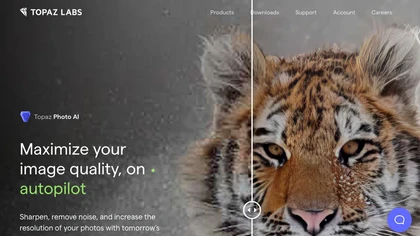
This tool uses deep learning to enhance photos by reducing noise, sharpening, upscaling, and recovering faces.
Paid
- $99
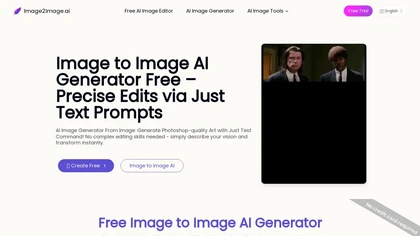
Image to Image AI is a tool that intelligently edits and transforms your photos based on simple text prompts. It allows for complex alterations like style changes, object removal, and realistic detail enhancement while maintaining consistency.
Free trial
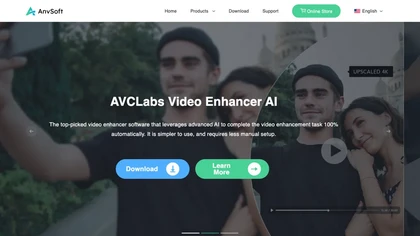
AVCLabs Video Enhancer AI uses deep learning to upscale, denoise, sharpen, colorize, and interpolate frames, automatically detecting and refining faces. It supports batch conversion, preview comparison, multiple formats, preserves frame rates, and leaves originals unaltered.
Free

imagetolmageai.ai is an AI-powered image editing platform offering 12+ tools for enhancement, restoration, and creative transformation. It simplifies workflows with features like upscaling, background removal, and style transfer, requiring no technical skills for professional results.
Freemium
- $9.9/mo
PhotoRestore uses AI to repair scratches, fading, and stains in legacy photos, auto‑colorizes black‑and‑white images, sharpens and denoises for clarity, upscales 2‑4×, and removes backgrounds for clean cutouts, supporting common formats and album sharing.
Free

Photo Glare Remover is an AI-powered tool that automatically detects and eliminates glare, reflections, and highlights from photos using advanced computer vision. It restores clear, natural-looking images with minimal manual effort, ideal for product shots, portraits, and scanned documents.
Freemium

Colorcinch converts photos to cartoons, sketches, or paintings with one click, offers AI background removal, adjustable sliders, overlay effects, multi‑layer editing, high‑resolution export to JPG/PNG/PDF, all usable online/offline without login.
Free
- $8.99
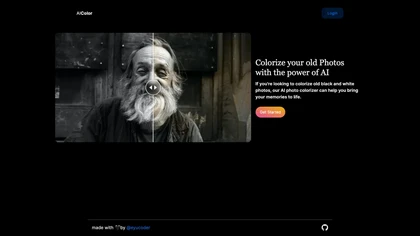
aicolor.art colorizes old black and white photographs, enhancing their visual experience with realistic colors. Users can relive cherished memories with heightened emotional resonance.
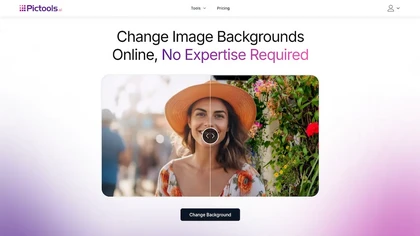
PicTools.AI is a web‑based photo editor that lets users upload images and apply changes via text prompts or over 100 one‑click AI filters—background removal, outfit changes, smile addition, restoration, and artistic styles—without design skills.
Subscription
- $23.4/mo
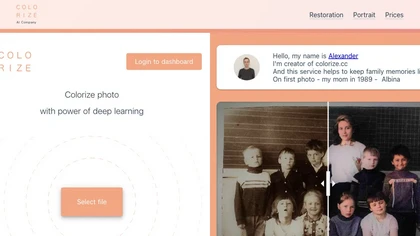
Colorize.cc is an AI tool that restores and enhances old photos, removes noise, and restores faces through colorization, photo restoration, and color portrait generation.
Usage based

Kolors AI is a chat-driven design agent for high-resolution image and short-video generation and editing—text-to-image, image-to-image, background/object removal, retouching, expression and clothing changes, virtual try-on, poster layouts, and character-consistent assets for catalogs and ads.
Freemium
- $15

MyPhotoByAI is an AI-powered image enhancement tool that improves photo clarity, color balance, and detail. It features customizable filters, batch processing, and an intuitive interface, making it suitable for casual users and social media enthusiasts alike.
Freemium
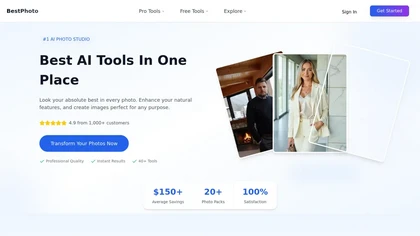
BestPhotoAI is an AI photo studio offering over 40 tools to enhance, create, or transform images. Upload a photo, choose a style like anime or professional headshot, and receive a high-resolution edit in under an hour.
Freemium
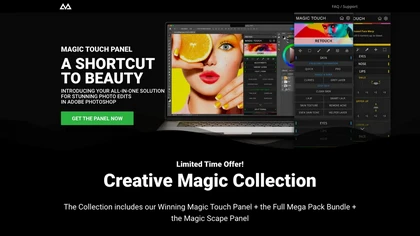
CreativeMagicPanel automates portrait retouching in Photoshop with AI face/body recognition. It offers 289+ features—skin smoothing, facial tweaks, color grading, overlays, quick presets, luminosity masks, and selection helpers—compatible with Photoshop CC 2023+ on Windows, macOS, and Apple Silicon.
Free
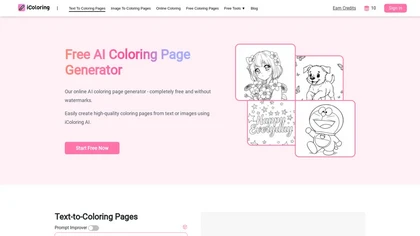
iColoring AI is a user-friendly online tool that transforms text prompts or images into customizable black-and-white coloring pages. It offers daily credits, supports multiple styles, and allows instant downloads in PNG or PDF formats for children, educators, and parents.
Free trial

Colorcinch is an AI photo editor that instantly cartoonizes or sketches images and offers background removal, cropping, resizing, exposure and detail controls, file compression, and 400 DPI print‑ready export. Mobile app adds cartoonizing, background removal, and upscaling on the go.
Paid
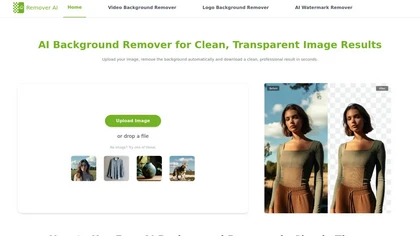
removerai.io is a web-based AI tool that automatically removes backgrounds from images, preserving fine details like hair and edges. It requires no installation, allows manual refinements, and exports high-resolution transparent PNGs for e-commerce, design, and marketing.
Free
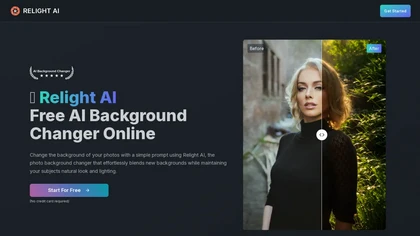
Relight AI is an online tool that effortlessly changes photo backgrounds while maintaining natural lighting and authenticity. With advanced AI algorithms, it enables users to transform images quickly and professionally without needing complex editing skills.
Freemium

PicWish AI Photo Editor automates image enhancement, background removal, and watermark deletion. It processes batches of up to 30 files, offering resizing, lighting, upscaling, AI Designer prompts, Face Cutout, and single‑click unblur/sharpen. Available on Windows, macOS, iOS, Android, and browser.
Subscription
- $9.99/mo

Perfect365 applies AI‑powered virtual makeup and hairstyles to photos or live video, enabling real‑time adjustments to skin tone, eye color, lipstick, and hair. It provides a 6,400‑look library and high‑resolution editing for quick sharing.
Freemium
AI Image Editor is an image editing and generation platform offering background removal, retouching, color correction, resizing, batch processing, templates, style transfer and an API for automating pipelines, plus export options, asset management and analytics.
Freemium
Kolorize automatically colorizes grayscale, black‑and‑white, or sepia images in 3–8 seconds. It accepts JPEG, PNG, WebP, GIF, or AVIF up to 4096×4096 pixels, resamples larger files, outputs colorized JPGs, and deletes uploads after processing.
Freemium
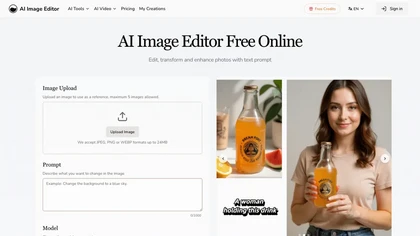
AI Image Editor is an online tool for editing and enhancing images with pixel-level precision. It supports various formats, offers text editing, artistic style transfers, and allows quick generation of image variations for efficient workflow.
Free trial
- $7.99
iPage AI is an AI coloring page generator that converts text and photos into printable coloring pages. It offers batch mode for mass creation and includes access to a library of over 10,000 free coloring pages for commercial use.
Freemium
banana-ai.org is a fast AI photo editor for text-guided image generation and editing. It offers style conversion, background replacement, and identity-consistent edits using simple prompts.
Freemium
- $7.92/mo
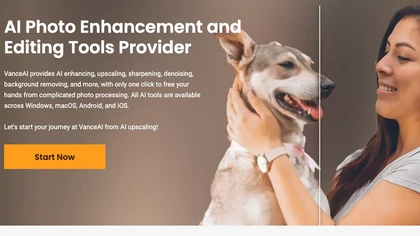
VanceAI offers AI‑driven image enhancement tools—upscaling, sharpening, denoising, background removal, restoration, and cartoonization. Supports batch processing and a Windows desktop app, enabling quick, detail‑preserving edits for photographers, designers, and e‑commerce sellers.
Free trial
Aiarty is a desktop AI that locally enhances images and video—denoising, deblurring, upscaling to 4K–32K, HDR, batch processing, and precise matting for semi‑transparent elements—without cloud, preserving privacy. It runs on GPU, handling millions of images or 4K footage offline.
Paid

Luminar Neo is a powerful AI-powered photo editing software designed for photographers and content creators. It features automated AI tools for enhancement and creative effects, alongside layers and precise controls for professional-grade editing.
Freemium
Topaz Video AI is a powerful video enhancement tool that uses AI models to upscale, deinterlace, stabilize, and interpolate frames for high-quality results.
Paid
- $99
iLikeIMG is a browser-based AI photo and video editor offering 50+ task-specific tools for photo enhancement, restoration, background removal, and AI generation. It provides fast, no-install features like unblur, denoise, colorize, background changer, and batch processing for streamlined edits.
Freemium
Lensa AI is a mobile photo editor that offers one‑tap portrait retouching, automatic background and object removal, adjustable background blur with bokeh, a variety of social‑media filters, stylized avatar generation, and high‑resolution exports for iOS and Android.
Free trial
The AI tool is an online image enhancement platform that automatically improves the quality of images using deep learning algorithms, allowing users to upscale, denoise, restore, and refine faces in photos.
Subscription
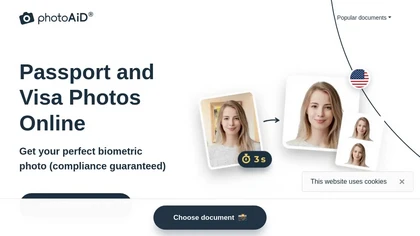
PhotoAiD generates passport, visa, and driver‑license photos from user selfies. The AI crops, resizes, and removes backgrounds to meet official specifications, flags compliance issues, and offers downloadable high‑resolution images or same‑day printed copies via Android or iOS.
Free
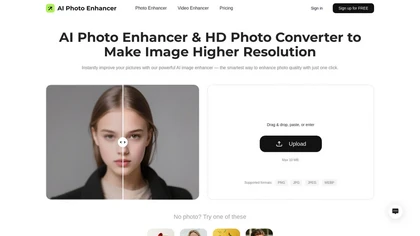
AI Photo Enhancer.pro is a free AI tool that automatically enhances image quality. It upscales images to 4K, sharpens details, reduces noise, and corrects colors with a simple drag-and-drop interface.
Freemium

AI Image Editor is a free online tool that utilizes AI to edit and enhance photos. It supports various image formats and batch processing, offering customizable transformations, aspect ratio adjustments, and precise edits for diverse visual content.
Free trial
- $11.85
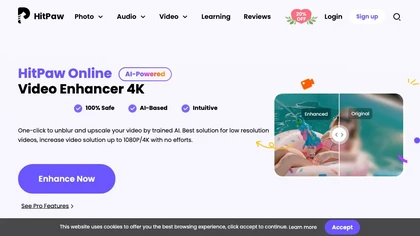
Upload video files (MP4, MOV, MKV, M4V, AVI) and apply AI models—Face, Animation, Denoise, Low‑Light, Colorize—to improve clarity, reduce noise, brighten dark scenes, or add color. Preview changes, upscale to 4K, then download without watermarks.
Paid
AI Background Remover deletes backgrounds from JPG, PNG, WebP images while preserving resolution, handling up to 500 at once. Users can replace with color, gallery, or upload; ideal for designers, marketers, and e‑commerce workflows.
Freemium
- $9