
Best Photo Retouching AI tools
Explore the top AI app list for Photo Retouching and compare them for use cases, features and pricing. You will find Tools for editing portraits and photos, correcting skin, adjusting lighting, and applying artistic filters.
See all 90 AI Tools for: Photo Retouching
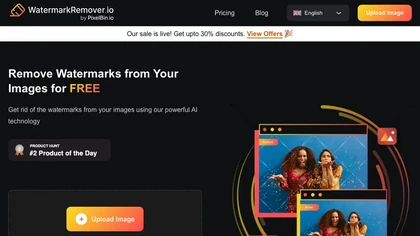
WatermarkRemover.io uses AI to erase watermarks from images, videos, and PDFs while preserving quality. It supports batch uploads, command‑line, web, API, and plugin integration for workflows, with secure, compliant data handling.
18 3
Subscription
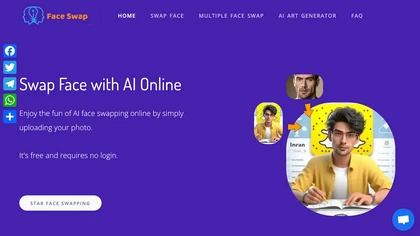
AIFaceSwap lets you swap faces in photos, GIFs, and videos without sign‑up. It supports JPG, PNG, WebP, batch processing, and gender swapping. Results are watermark‑free, auto‑deleted after 24 hours, and mobile‑friendly.
18 2
Free
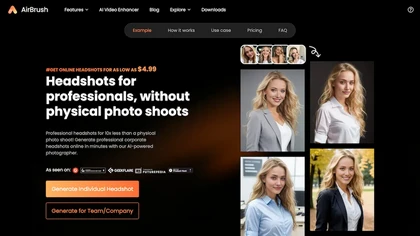
Headshot AI Generator is an AI-powered tool that quickly produces professional headshots with advanced editing capabilities. Whether you need to retouch photos, create avatars, or enhance images, this tool offers customization options and fast results, perfect for improving your online presence effortlessly.
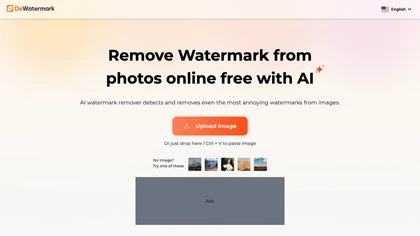
DeWatermark uses AI to remove watermarks, logos, text, emojis, and timestamps from photos, videos, PDFs, and images. It applies inpainting, offers a manual brush for edits, and batch processes up to 50 files on mobile and desktop.
18 5
Free
- $10/mo
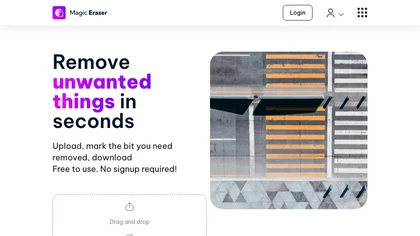
Magic Eraser is an AI-powered tool for removing unwanted elements from images in seconds. It offers free use with low-resolution image downloads and is suitable for various industries such as real estate, photography, fashion, and social media.
1 0
Freemium
Nano-Banana.io is a free AI image editor that uses natural language for precise edits. It maintains character consistency and original scene details while supporting batch editing for high-resolution results.
2 2
Freemium
- $7.9/mo

Evoto is a next-generation image editor that streamlines workflows and allows users to focus on creative work rather than tedious tasks.
14 4
Free trial

SnapEdit is an AI‑driven photo editor that removes objects, backgrounds, and text, provides 100+ background templates, upsamples images to HD/4K, and offers skin retouching, all accessible via web, iOS, and Android.
19 8
1
Freemium
- $6.00
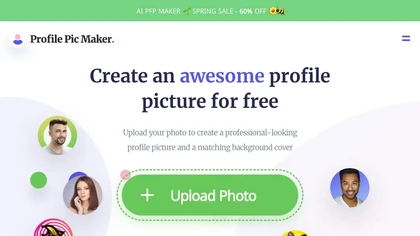
PFPMaker uses AI to generate professional profile pictures from a single selfie in about 15 seconds. It auto‑removes backgrounds, offers templates, borders, gradients, text overlays, and chat‑based edits for makeup, lighting, and expression changes, outputting JPG/PNG up to 5 MB.
13 6
Freemium
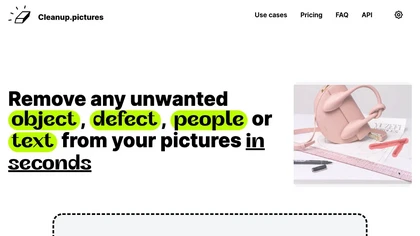
Cleanup.pictures is an AI-powered photo editing tool that allows users to remove objects, people, text, and defects from any picture with ease, highly valued by photographers, creative agencies, real estate professionals, and e-commerce businesses.
11 2
Free trail

BeautyPlus - Versatile AI tool for effortless photo & video editing; offers face reshaping, filter & sticker additions; perfect for enhancing selfies & videos.
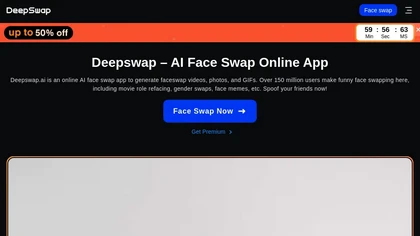
Deepswap swaps faces in images and videos, supporting up to six per clip. A custom model attains >90% similarity and GPU acceleration turns a minute of footage into about ten seconds. It also creates videos from photos and extends clips.
29 5
Paid
- $9.99
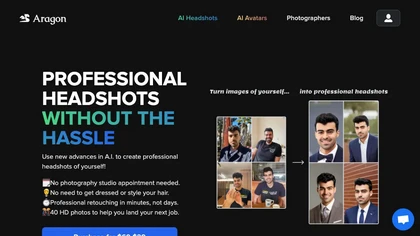
Aragon.ai is an AI-powered headshots generator that transforms selfies into professional, studio-quality headshots in minutes. It features curated outfits, customizable backgrounds, and advanced editing options for versatile personal and professional use.
5 1
Paid
- $49
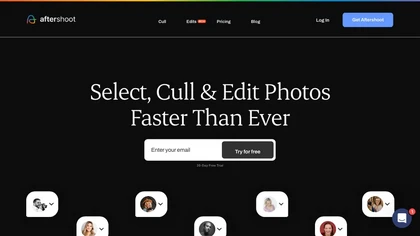
Aftershoot is an AI‑powered photo workflow tool that streamlines culling, editing, and retouching. It ranks images with over 30 technical factors, offers custom AI profiles, Lightroom preset integration, masking, cropping, object removal, and preserves local, non‑destructive workflows.
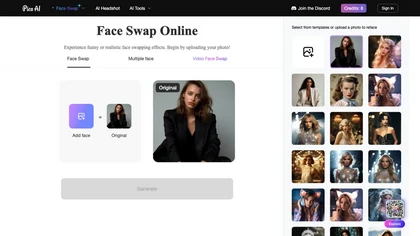
Pica AI Face Swapper: Effortless face swapping in photos & videos, advanced algorithms for precise matches & seamless transitions, vast template library for creativity.
12 5
Free
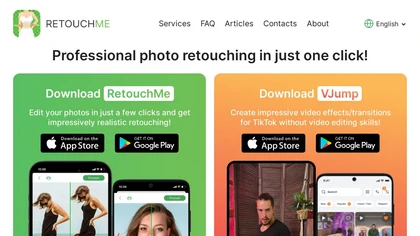
RetouchMe is a mobile and web app that lets users upload photos for professional designers to manually edit, offering skin smoothing, blemish removal, makeup, color changes, body adjustments, background replacement, and clipping path, delivered within minutes with privacy safeguards.
18 8
1
Paid
FaceApp lets users quickly enhance portraits with filters, realistic makeup, hair volume, blemish removal, and merge edits, making high‑quality photo improvements accessible for photographers, social‑media creators, and everyday users today.
13 4
Freemium

Pincel is a web‑based AI image editor offering tools for photo retouching, generative fill, background removal, and creative manipulation. It supports upscaling, virtual makeup, and quick edits across devices for designers and marketers.
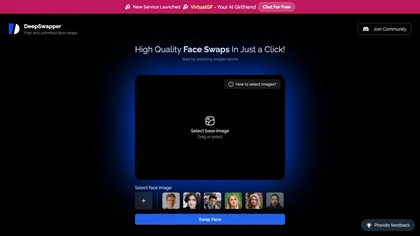
DeepSwapper is an online AI service that swaps faces in photos, GIFs, and videos. It supports single, multi‑face, and batch processing across JPEG, PNG, GIF, MP4, and more. Swaps render high‑resolution, watermark‑free, ready for download.
1 0
Free
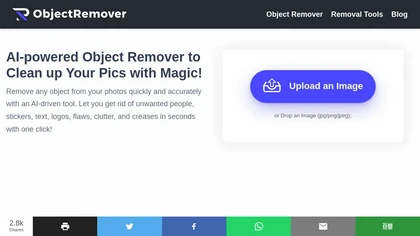
ObjectRemover uses AI to erase unwanted people, stickers, logos, text, and clutter from images. Drag‑and‑drop JPG, PNG, or WebP files up to 10 MB, preview edits, and download watermark‑free results in seconds with high‑quality output.
3 1
Free
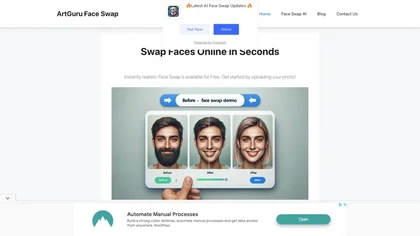
Web‑based AI tool that swaps faces in photos by uploading two images. Drag‑and‑drop and single‑click submit deliver high‑quality swaps in seconds while preserving lighting and composition. Free download, no account required.
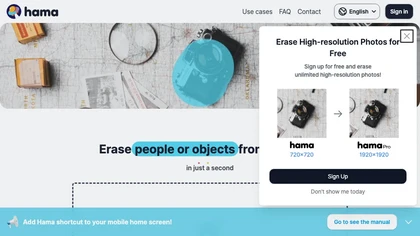
HAMA is an AI‑powered web tool that removes unwanted objects from photos using a brush‑based mask. Users upload an image and a mask, and the API returns a cleaned photo, useful for photo editing, e‑commerce imagery, and design workflows.
1 0
Free
Lensa AI is a mobile photo editor that offers one‑tap portrait retouching, automatic background and object removal, adjustable background blur with bokeh, a variety of social‑media filters, stylized avatar generation, and high‑resolution exports for iOS and Android.
Prequel is a mobile photo and video editor that uses AI to transform portraits, create comic‑style art, and craft custom profile pictures. One‑tap retouching, a broad filter library, advanced color controls, and ready‑made video templates streamline social‑media content creation.
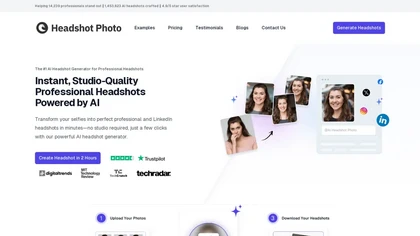
Headshot Photo is an AI-driven tool that transforms selfies into studio-quality professional headshots in minutes. With customizable backgrounds and outfits, it provides a quick, cost-effective solution for enhancing professional online presence.
3 1
Paid
- $19

BestPhotoAI is an AI photo studio offering over 40 tools to enhance, create, or transform images. Upload a photo, choose a style like anime or professional headshot, and receive a high-resolution edit in under an hour.
4 1
Freemium
- $9.99
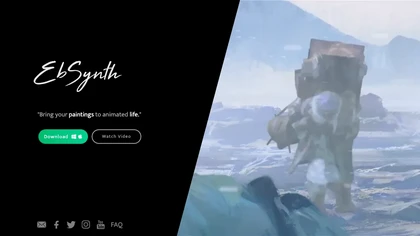
EbSynth propagates changes from a single keyframe to an entire video using texture synthesis, enabling hand‑drawn animation, retouching, colorization, and digital makeup without manual tracking. It supports desktop OS, MP4/PNG export, up to 4K, and offline command‑line processing.
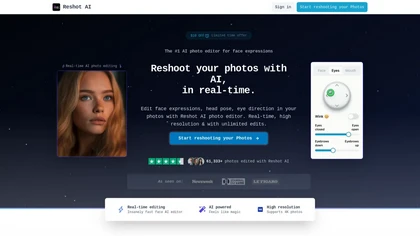
Reshot AI is a real-time photo editing tool for enhancing facial expressions and poses in high-resolution images. It features precision eye editing, expression sculpting, and 3D pose manipulation, ideal for content creators and photographers.
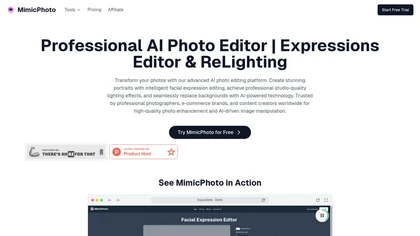
MimicPhoto is a professional AI photo editor that transforms photos with advanced tools like facial expression editing, studio-quality lighting, and seamless background replacement. It also features LivePortrait and AI Hug Generator for dynamic animations, delivering hyper-realistic results for portraits, e-commerce, and social media.
3 3
Free trial
- $16/mo

Image Editor Online is an AI-powered tool that edits your photos using simple text prompts. It allows you to remove backgrounds, adjust poses, transfer styles, and continuously refine your images in one place.
2 1
1
Free
Perfect photos every time
We track 90 Photo Retouching tools.
What it costs
$10.0
median starting price
Most start between $9.0 and $20.0.
How concentrated
The top 5 take 55.9% of the traffic here.
The top 10 take 80.6%.
Most popular
 Watermark Remover
100
Watermark Remover
100
 AI Face Swap
99
AI Face Swap
99
 Airbrush AI Headshots
95
Airbrush AI Headshots
95
 Dewatermark AI
91
Dewatermark AI
91
 Magic Eraser
88
Magic Eraser
88


Built on
Models these tools say they run on
Nano Banana 9
Flux 5
Seedream 5
GPT 4
Sora 3
Kling 3
Seedance 3
Hailuo 3
Use cases
Edit:Image>Image
Enhance:Image>Image
Stylize:Image>Image
Remove:Image>Image
Generate:Image>Image
Generate:Text>Image
Convert:Image>Image
Edit:Video>Video
Create:Text>Image
Create:Image>Image
Figures updated 24 October 2026
 Remaker Face Swap
 Evoto AI