
90S Film Grain Effect
The best 50 90S Film Grain Effect AI tools - Free & Paid
Explore 50 AI for 90S Film Grain Effect

VSCO is a cross-platform photo and video editor combining 200+ presets, analog-style Film FX and precision exposure/color controls with AI-powered Remove and retouching, live in-app capture, clip-level video edits, and portfolio/workspace tools for creators.
Freemium
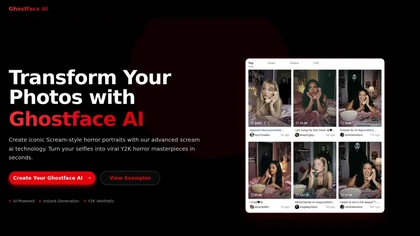
ghostface ai converts portraits into Y2K scream style horror images with film grain, cinematic lighting, and retro color grading. Upload a photo, pick mood and scene presets, then generate high-resolution, customizable horror portraits.
Free
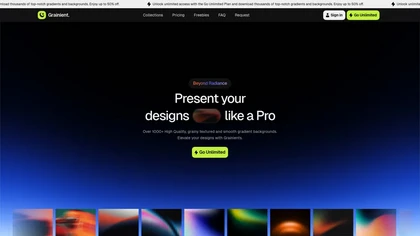
Grainient offers over 1000 AI-generated gradient backgrounds in high-resolution, suitable for UI design, presentations, and branding. Users can explore various styles and customize gradients to create unique color schemes for diverse design projects.
Freemium
AI Video Enhancement enlarges and improves video/images with no quality loss, scaling to 2K/4K/8K, noise‑reducing, colorizing black‑and‑white, interpolating up to 240fps for smooth slow‑motion. Supports MP4, MOV, MKV, AVI, JPG, PNG, BMP, GIF, WEBP; batch ZIP; desktop for Mac/Windows.
Paid

PhotoGrid is a browser‑based AI photo editor that offers one‑click enhancement, background removal, and upscaling. It lets users build collages from 20,000 templates, add stickers, text, custom backgrounds, and convert images into short video clips.
Subscription
- $2.83/mo

TensorPix enhances SD video to 4K 60FPS, removes artifacts from VHS and old footage, offers real‑time call improvement, batch processing, API integration, and cloud GPU processing—no local install needed.
Freemium
Veo Flow is an AI filmmaking tool designed for creatives, enabling seamless creation of cinematic clips and stories by combining user-provided assets with Google’s generative AI models, streamlining the filmmaking process.
Freemium

Upload video files (MP4, MOV, MKV, M4V, AVI) and apply AI models—Face, Animation, Denoise, Low‑Light, Colorize—to improve clarity, reduce noise, brighten dark scenes, or add color. Preview changes, upscale to 4K, then download without watermarks.
Paid
jpgHD uses AI to perform lossless restoration of old, scratched photos, adding color, repairing damage, and providing Ultra Restore. It animates up to ten faces, offers 2×/4× super‑resolution, denoising, and high‑definition enhancement via web UI or REST API.
Paid

Webcam Effects Chrome Plugin provides browser-based virtual backgrounds, blur, and background replacement with images or video; records browser tabs or single sources; adds AI noise cancellation, smart auto-framing, picture-in-picture, emoji/Giphy, and custom layouts.
Freemium
Veo3 is an advanced video generation model that creates high-quality 4K visuals with realistic motion. It supports various prompts and camera controls, minimizing artifacts while simulating real-world physics for dynamic cinematic results.
Freemium
Topaz Video AI is a powerful video enhancement tool that uses AI models to upscale, deinterlace, stabilize, and interpolate frames for high-quality results.
Paid
- $99
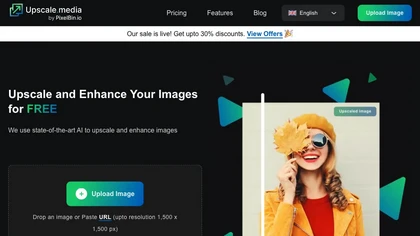
Upscale.media is a browser-based AI upscaler that increases image and short-video resolution up to 2×/4×/8×, reconstructs detail, reduces noise/artifacts, and offers deblur, sharpen, colorisation, face restoration, batch processing and API access.
Freemium
- $0.02

PhotoRestore uses AI to repair scratches, fading, and stains in legacy photos, auto‑colorizes black‑and‑white images, sharpens and denoises for clarity, upscales 2‑4×, and removes backgrounds for clean cutouts, supporting common formats and album sharing.
Free
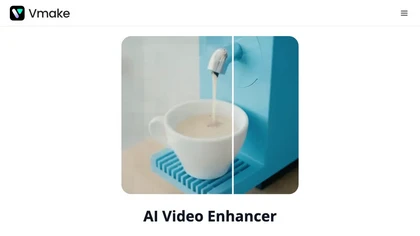
Vmake AI Video Enhancer upsamples MP4, MOV, AVI, etc. to 2K/4K/AI 4K+, removes artifacts, improves low‑light, reduces noise, and offers watermark/text removal, background elimination, and subtitle generation, giving creators, e‑commerce, and gamers sharper, cleaner videos.
Subscription
- $9.99/mo
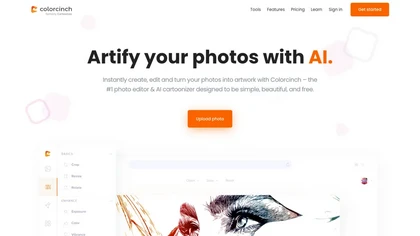
Colorcinch is an AI photo editor that instantly cartoonizes or sketches images and offers background removal, cropping, resizing, exposure and detail controls, file compression, and 400 DPI print‑ready export. Mobile app adds cartoonizing, background removal, and upscaling on the go.
Paid
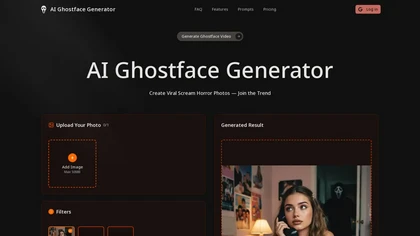
AI Ghostface Generator converts user photos into horror-themed images—applying Ghostface mask overlays, scream-movie lighting, blood and vintage grain effects. Offers image-to-image edits, selectable models/filters, prompt presets, and social-ready formats for quick iterations.
Freemium

Remini is an AI photo enhancer that offers various tools to improve the quality of low-quality visuals and restore old photos with incredible detail.
Free
Colorcinch converts photos to cartoons, sketches, or paintings with one click, offers AI background removal, adjustable sliders, overlay effects, multi‑layer editing, high‑resolution export to JPG/PNG/PDF, all usable online/offline without login.
Free
- $8.99
FilmFinder delivers personalized movie suggestions by genre, theme, and era. Users search specific categories, view results ordered by relevance and release date, and build watchlists. The platform respects privacy, keeping data confidential.
Freemium
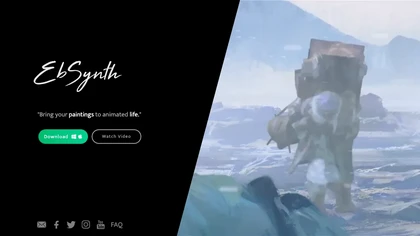
EbSynth propagates changes from a single keyframe to an entire video using texture synthesis, enabling hand‑drawn animation, retouching, colorization, and digital makeup without manual tracking. It supports desktop OS, MP4/PNG export, up to 4K, and offline command‑line processing.
Freemium
- $20/mo
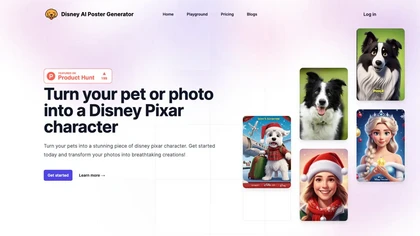
Create Disney‑style movie posters by uploading photos or entering prompts. The tool uses Stable Diffusion XL for detailed patterns and offers Face‑To‑Many features, multiple style filters, adjustable output size, preview, and download options.
Paid
AVCLabs Video Enhancer AI uses deep learning to upscale, denoise, sharpen, colorize, and interpolate frames, automatically detecting and refining faces. It supports batch conversion, preview comparison, multiple formats, preserves frame rates, and leaves originals unaltered.
Free

AI image enhancer that upscales up to 4×, removes noise, sharpens blur, and can enhance faces or colorize. Handles .png/.jpg/.webp/.tif/.bmp/.raw and outputs the same formats. Windows, macOS and Photoshop plugin supported.
Free trial
NeonLights AI generates high-resolution images (up to 4K) and short cinematic videos (up to 12s), converts photos into animated effects using templates, offers multiple image/video models with guides, plus export, render and batch-processing tools.
- $6/mo
Deep Art AI transforms photos into artworks using style‑transfer algorithms, offering on‑device, privacy‑respecting editing across Windows, macOS, Linux, Android, and iOS. Features include up to 4× upscale, background removal, colorization, preset filters, batch processing, and an API for developers
Free trial
Upload or drag a photo, then upscale it with one of six algorithms—Magic Kernel Sharp, Lanczos 3, Hermite, or AI‑based ESRGAN—entirely client‑side for privacy. Crop as needed and download in JPG, PNG, or WebP.
Free
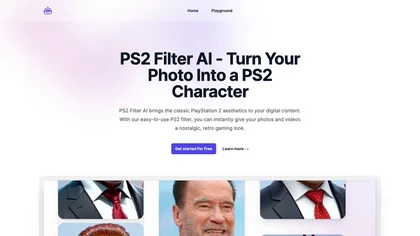
PS2 Filter AI is an online tool that effortlessly transforms photos and videos into the classic aesthetics of a PlayStation 2 game. With its specialized filter, relive the nostalgia of early 2000s gaming with just a few clicks.
Free trial
UniFab AI enhances video and audio with AI: upscales to 16K 120fps, denoises, colorizes black‑and‑white, sharpens faces, converts formats, upmixes to surround sound, removes vocals, and supports batch GPU‑accelerated processing for creators and archivists.
Paid
Face Photo Restorer uses AI to enhance and restore old or blurry face photos, supporting batch uploads. It outputs high‑resolution images with corrected color, reduced noise, and sharpened detail, and offers real‑time previews for comparison.
Freemium

ghibli-art.io is an AI tool that transforms photos into Ghibli-inspired, painterly anime art with cinematic lighting and soft palettes. It supports batch uploads, custom style prompts, and aspect ratios for fast, high-resolution social-media-ready outputs.
Freemium

Browser‑based AI upscaler uses WebGPU and open‑source algorithms like Anime4K and RealESRGAN to enlarge video and image resolution. It processes each frame client‑side, preserving privacy, with drag‑and‑drop, side‑by‑side comparison, and selectable output sizes.
Free

VidHex is an AI-powered video enhancement tool that upscales low-resolution footage to 4K/8K, restores quality, and colorizes black-and-white clips. It optimizes exposure, contrast, and noise reduction for creators, educators, and casual users.
Freemium
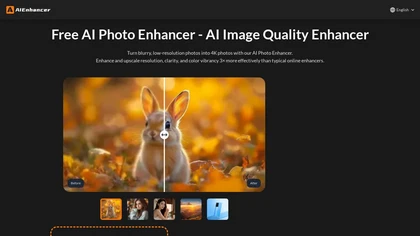
AIEnhancer.ai is a free online tool that instantly transforms blurry, low-quality images into high-resolution 4K photos. Simply upload your picture to apply AI-powered upscaling, noise reduction, and color correction, then preview and download the enhanced result.
Freemium
Face26 is an AI photo enhancer that improves image quality with denoising, color correction, upscaling, recoloring, and background removal. It supports photo‑realistic art, animated versions, and headshot creation, available on web and mobile.
Freemium

Retouch4me is an AI retouching suite that functions as Photoshop plugins or standalone apps. It automates skin, eyes, hair, clothing, and background edits in real‑time, supports RAW and batch workflows, and offers video color grading with offline processing.
Paid

Pixel Dojo consolidates 70+ AI models—Flux 2, Nano Banana 2, Veo 3.1, WAN—into one workspace for instant image and video creation, real‑time animation, 16× upscaling, one‑click background removal, character consistency, virtual try‑on, and API access for developers.
Freemium
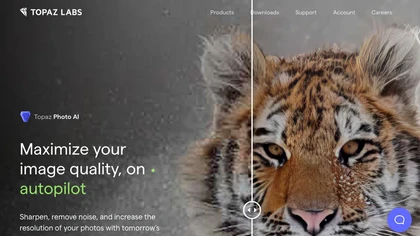
This tool uses deep learning to enhance photos by reducing noise, sharpening, upscaling, and recovering faces.
Paid
- $99

toona converts single images into anime videos, manga color pages, and 4K upscaled clips. It offers frame interpolation up to 240fps, background removal, and motion painting for backgrounds and hair. Web interface enables quick, high‑quality output.
Freemium
Movavi Video Editor is a desktop app for Mac and Windows that lets users trim, crop, color‑grade footage and add titles, overlays, and filters. AI features automate subtitles, noise suppression, and motion tracking. It includes a screen recorder for tutorials.
Paid
AI tool for searching and playing movie/TV dialogue clips using keywords. Includes login, favorites, and download options.
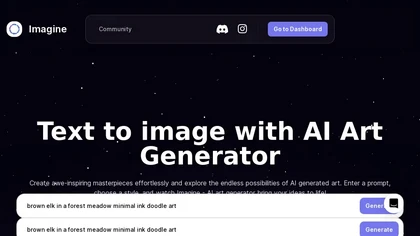
ImagineArt unifies AI‑driven image, video, and audio creation and editing, enabling prompt‑based generation, upscale tools, drag‑and‑drop video workflows, 4K cinematic rendering, and real‑time team collaboration for streamlined media production for artists, designers, and creators.
Freemium

Scream AI transforms personal images into horror movie posters inspired by the "Scream" franchise. Users can create high-quality visuals featuring Ghostface with minimal processing time, while ensuring privacy by securely handling uploaded photos.
Free
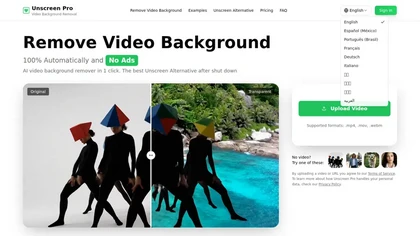
Unscreen Pro automatically removes video backgrounds frame by frame, no greenscreen, producing transparent outputs (MP4, MOV, WebM, AVI) at original or upscaled resolution, with live preview, batch processing and an API for workflow integration.
Freemium
- $4.99/mo
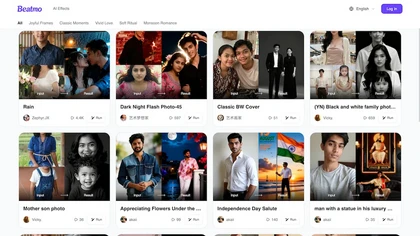
beatmo.live is an AI photo effects tool that brings still images to life with motion animation, color grading, black-and-white, and double-exposure styles. It offers themed frames and preset looks for portraits, events, and social media—ideal for weddings, birthdays, and creative portfolios.
Freemium
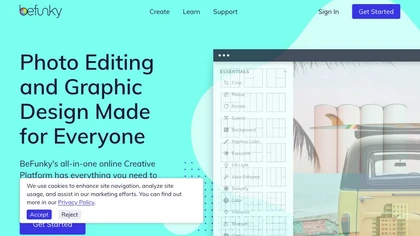
BeFunky is an online editor for photos, collages, and graphics. It offers crop, resize, blur, exposure, batch edits, AI background removal, object erasing, upscale, artistic filters, and drag‑and‑drop templates for banners, flyers, and social‑media posts.
Free

HitPaw FotorPea automatically enhances photos by applying AI models for sharpening, denoising, face and color correction. It unblurs images, upsizes to 4K/8K, restores old photos, removes backgrounds, and generates images from text prompts.
Free trial

PhotoGPT.io is a free, browser-based AI photo editor that enables fast online enhancements like generative fill, relighting, and restoration. It supports batch editing and multiple export formats, ideal for social media creators and small businesses needing quick, professional photo fixes.
Free
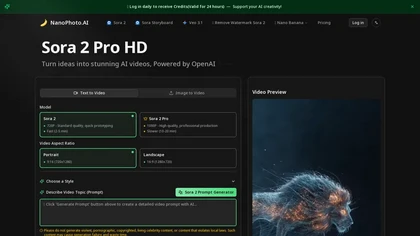
NanoPhoto.AI is an AI-powered media editor that simplifies generating and editing images and videos. It offers features like photo restoration and style changes, and supports batch processing for efficient workflows.
Free trial
- $15/mo