
Best AI Tools For PPT
By topAI.tools

Welcome to our guide to the best AI tools for ppt. As businesses become increasingly reliant on data insights and speed, artificial intelligence has become an indispensable tool for ppt professionals who are looking to stay ahead of the competition. By using AI-powered solutions, you can streamline their efforts, automate routine tasks, and become more productive, among other benefits. In this guide, we'll take a look at the top AI tools for ppt, highlighting their key differentiators you can choose the right solution for your business. So whether you're looking to improve your ppt strategy or simply stay ahead of the curve, read on to discover the best AI tools for ppt.
Best AI Tools For PPT
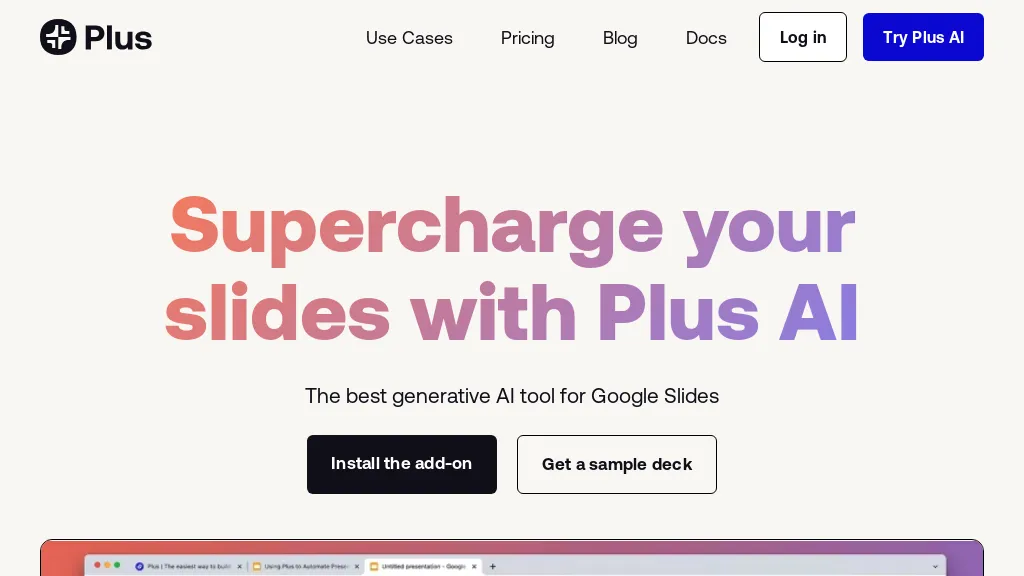
Plus AI is an AI-powered presentation maker for Google Slides that allows users to convert text into slides, create professional slide layouts, and design presentations with the help of AI.With Plus AI, users can generate custom presentations in minutes, make edits to their slides, and add or remove specific slide types.
The tool also offers a range of features such as live snapshots, templates, and customizable themes.Plus AI is designed for teams of all sizes and can be integrated with other tools such as PowerPoint and Notion.
Pricing starts at: $10 per user/mobilled annually or $15 per userbilled mo
Plus AI for Google Slides can be used for:
- Create a sales pitch in minutes with customizable templates and themes
- Design a training presentation for your team using AI-generated slides
- Streamline your presentation creation process with automated slide design and editing tools
Plus AI for Google Slides Key Features
- Prompt to presentation
- Convert text to slides
- Multilingual
- Professional slide layouts
- Edit slides
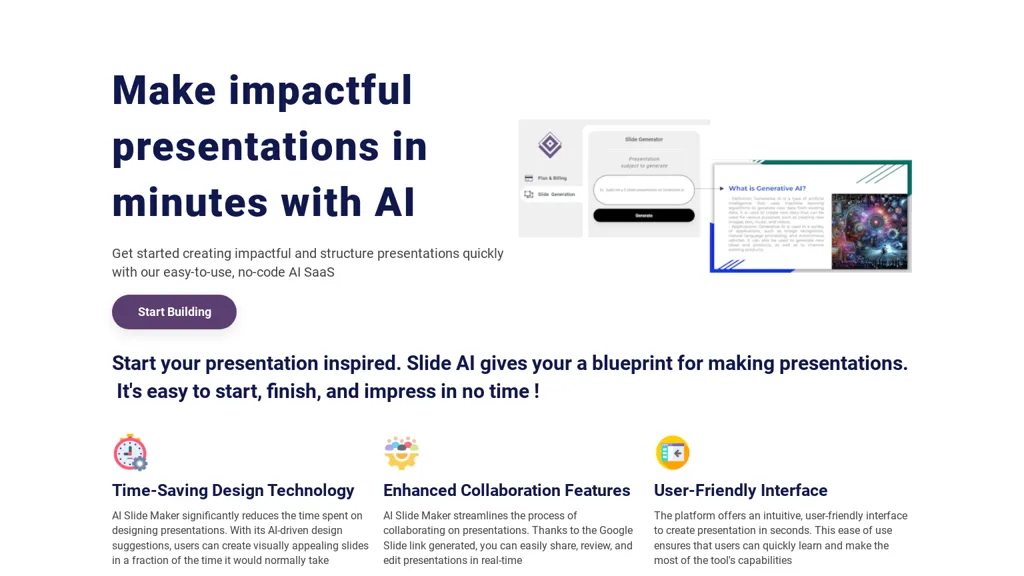
AI Slide Maker is an AI tool that enables users to create impactful presentations in minutes.With its easy-to-use interface, users can start building structured presentations inspired by a pre-designed blueprint.
The time-saving design technology of AI Slide Maker significantly reduces the time spent on designing slides by offering AI-driven design suggestions.Additionally, the tool enhances collaboration with its streamlined process for sharing and editing presentations in real-time through Google Slide links.
The user-friendly interface ensures quick learning and utilization of the tool's capabilities, allowing users to create visually appealing presentations with ease.Designed to increase productivity, AI Slide Maker is a convenient solution for creating professional presentations effortlessly.
Pricing starts at: $0/mo - Freemium
AI Slide Maker can be used for:
- Design engaging sales pitch presentations with AI Slide Maker, leveraging AI-driven design suggestions to create visually stunning slides that capture the audience's attention and drive conversions
- Collaborate seamlessly with remote teams on project presentations using AI Slide Maker's real-time editing and sharing features via Google Slide links, ensuring all team members can contribute to the presentation effortlessly
- Create professional training modules and educational presentations efficiently with AI Slide Maker, utilizing its pre-designed blueprints and user-friendly interface to streamline the content creation process and enhance learning experiences
AI Slide Maker Key Features
- Prompt to slides maker
- Access presentation in google slides
- AI-driven design suggestions
- Real-time collaboration
- User-friendly interface
See also: Presentations Alternatives of AI Slide Maker
Instant, AI‑driven presentation creation tool that plugs directly into Google Slides. It automatically produces an outline, draft slide content, and suggested layouts from a brief topic prompt, allowing users to adjust the text and visual flow with a few clicks.
The interface lets users apply custom brand colors and fonts, and choose from 100+ pre‑designed templates, including infographics and flowcharts, to enhance visual storytelling. Designed for marketers, sales professionals, investors, and educators, it streamlines the slide‑building process, reduces manual formatting time, and keeps presentations consistent and visually engaging.
Pricing starts at: $0/mo - Freemium
Instant AI for Google Slides can be used for:
- Create a polished investor pitch deck in minutes for a startup, using instant outlines, brand color integration, and pre‑built templates that maintain visual consistency throughout slides.
- Draft a dynamic training module for corporate onboarding, letting HR auto‑generate slide content from bullet points, then tweak visuals and infographics for engaging learning.
- Develop an engaging conference presentation on emerging tech, leveraging auto‑built slide layouts, editable visuals, and 100+ templates to quickly prototype and iterate before final delivery.
Instant AI for Google Slides Key Features
- Editable Google Slides integration
- Auto-generated presentation outline
- Auto-generated slide layouts
- Instant style customization
- Flowchart and infographic support
- Professional template library
- Per-slide pricing tiers

ChatBA, Generative AI for Slides is an AI tool that creates presentation slides from prompts and outlines using the OpenAI API.
It converts text prompts into slide decks and presentation outlines, supporting slide generation for pitch decks, training, and reports.
The interface offers cached example prompts for immediate testing and rapid prototyping of slide content.
Users can sign in with Google or email to access project workflows and saved outputs.
Requires JavaScript to run and may be affected by OpenAI API account limits during periods of high demand.
Target users include marketers, consultants, educators, and business professionals seeking fast outline-to-slide and content drafting workflows.
Keywords, AI slide generator, presentation AI, generative AI for presentations, slide deck generator, OpenAI API integration.
Pricing starts at: $0/mo - Freemium
chatba.com can be used for:
- Create investor-ready pitch decks using ChatBA by converting your prompts or outlines into polished slide decks for rapid prototyping and iteration, leveraging saved projects and example prompts to quickly tailor messaging for different investors.
- Develop scalable training materials and employee onboarding presentations with ChatBA by turning course outlines into cohesive slides, using the prompt-based generator and saved templates to update content rapidly across teams.
- Create clear, data-backed executive reports and stakeholder presentations using ChatBA's outline-to-slides workflow to prototype multiple versions quickly, reuse example prompts for consistency, and deliver ready-to-present decks for meetings and board reviews.
chatba.com Key Features
- Generative AI for creating presentation slides
- Integrates with the OpenAI API
- Client-side web app requiring JavaScript
- Cached example prompts for offline/demo use
- Supports authentication via Google OAuth and email/password
See also: Text-to-video Alternatives of chatba.com
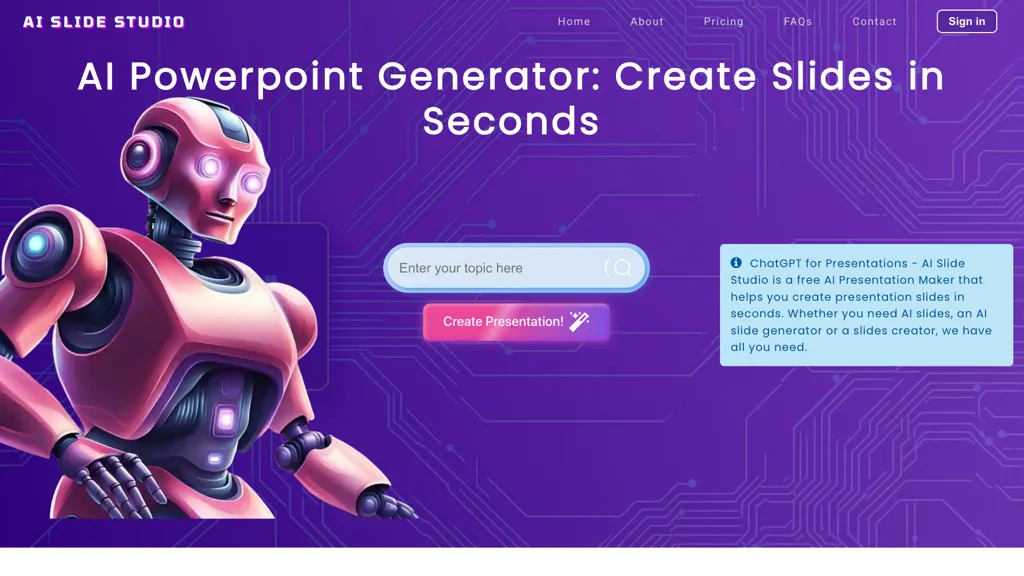
AI Slide Studio is an AI-powered presentation maker designed to streamline the process of creating professional-quality PowerPoint presentations. Users can input a topic, and within seconds, the tool generates a complete slideshow with customizable slides, including text and images.
The software supports a variety of design options, enabling the selection of different fonts, colors, and backgrounds, as well as the inclusion of AI-generated images to enhance visual appeal. It integrates easily with Google Slides and Microsoft PowerPoint, allowing for seamless editing and sharing.
Pricing starts at: $0/mo - Free trial
AI Slide Studio can be used for:
- Create stunning and professional presentations for meetings or conferences in minutes using AI Slide Studio, allowing users to focus on content rather than design intricacies
- Educators can effortlessly generate informative lecture slides tailored to specific topics, complete with speaker notes to enhance classroom delivery and engagement
- Students can quickly prepare visually appealing project presentations with customizable templates, adding AI-generated images to captivate their audience and effectively communicate their ideas
AI Slide Studio Key Features
- AI-powered presentation creation
- Customizable slides with text and images
- Variety of design options
- Integration with Google Slides and Microsoft PowerPoint
- Automated speaker notes
See also: Presentations Alternatives of AI Slide Studio
6.PPT.AI

PPT.AI is an AI-powered presentation maker that converts text, documents, and videos into professional presentations. It generates over 20 customizable slides in seconds, saving you precious time. The tool analyzes content to optimize slide design and layout. It also offers free templates, supports multiple languages, and allows customization of text, images, and colors. Presentations can be exported with full PowerPoint compatibility. Providing a suitable solution for business, education, and professional use.
Pricing starts at: $0/mo - Free trial
PPT.AI can be used for:
- Transform lengthy reports into engaging presentations in minutes with ppt.ai, allowing users to communicate key findings effectively without spending hours on design
- Educators can utilize ppt.ai to create interactive lesson presentations from video content, enhancing student engagement and understanding while maintaining a professional look
- Business professionals can quickly generate pitch decks for investor meetings using ppt.ai, ensuring that their presentations are visually appealing and aligned with branding standards, all while saving hours of preparation time
PPT.AI Key Features
- AI-powered presentation maker
- Content analysis for slide optimization
- Generation of 20 slides in seconds
- Multiple languages support
- Full PowerPoint compatibility for exports
See also: Presentations Alternatives of PPT.AI
AI Presentation Maker converts written text into structured slides quickly and without cost. It uses GPT‑based algorithms to read a user’s prompt, organize content, and generate professional slide decks. The tool offers a library of customizable templates and design options, enabling users to adjust layout, color, fonts, and images to fit specific presentation needs.
Slides can be created in multiple languages, supporting a global audience. Finished decks are downloadable in common formats such as PPTX and PDF for easy sharing and editing. The workflow is straightforward, register, input text, tweak the design, and export, making the tool suitable for students, educators, marketers, and business professionals who need efficient slide creation.
Pricing starts at: $0/mo - Free
Slides.bot can be used for:
- Create engaging lecture slides for university professors by inputting lecture notes, letting the AI auto‑structure content, translate key points into multiple languages, and export in PPTX for classroom use.
- Develop polished marketing pitch decks in minutes: paste product descriptions, let the AI generate visually consistent slide templates, embed statistics, and export to PDF for client meetings without any design skills.
- Generate dynamic investor presentation decks for startup founders: import business plan text, have the tool auto‑organize into executive summary, financials, and roadmap slides, translate sections into Mandarin and Spanish, and deliver final PPTX ready for pitch events.
Slides.bot Key Features
- Text-to-Presentation Conversion
- Automated Slide Creation
- Customizable Design Templates
- Fast Presentation Generation
- Multi-language Support
- Visuals and Data Integration
- Multiple Format Download
See also: Presentations Alternatives of Slides.bot
8.SlidesGo
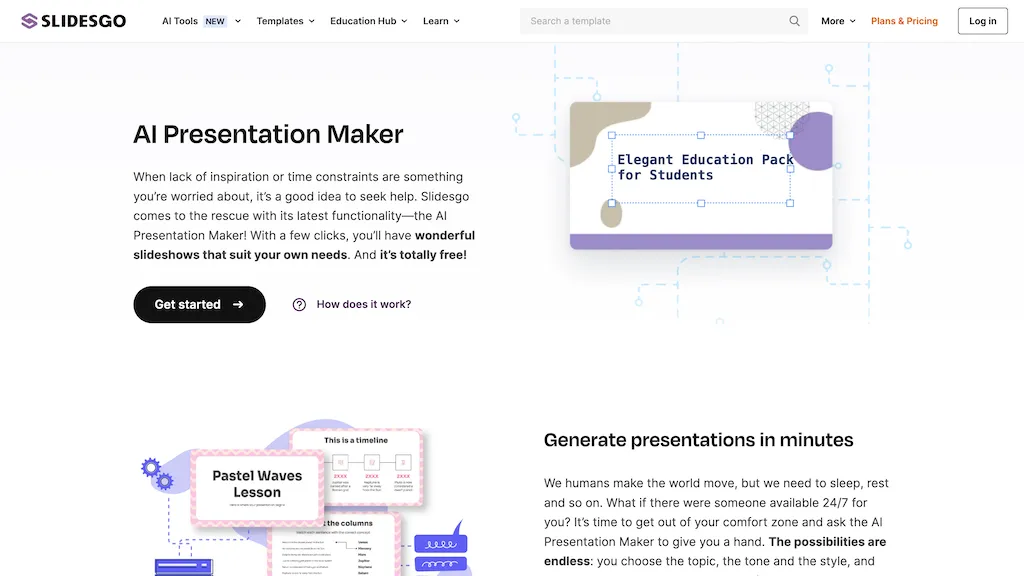
Slidesgo's AI Presentation Maker is a free tool that generates presentations in minutes. It allows users to customize the slides and choose from a variety of design styles, including doodle, simple, abstract, geometric, and elegant. The tool offers different tones such as fun, creative, casual, professional, and formal. Users can also modify the slides by adding their own images, rearranging elements, changing colors, and text using the online editor. The tool provides various resources such as images and icons from big names, including Freepik and Flaticon. The presentations generated by the AI can be downloaded in PDF format for free.
Pricing starts at: $0/mo - Free
SlidesGo can be used for:
- Create professional presentations for work or school
- Design engaging slides for marketing or sales pitches
- Make visually appealing presentations for personal projects or events
SlidesGo Key Features
- Generate presentations
- Customize slides
- Choose design styles
- Modify slides
- Download presentations
See also: Presentation Alternatives of SlidesGo
PoweredTemplate's AI Presentation Maker is a free online tool that enables users to create stunning presentations quickly and effortlessly.Using AI, it automates slide creation with professional designs, unique content, and high-quality visuals.
Users simply input their topic, audience, and goals, choose a design theme, and let the AI generate a fully formatted deck.Presentations can be downloaded in PowerPoint (PPT) or Google Slides for further customization.
The tool supports various presentation topics, including education, business, healthcare, and finance.It also offers a vast library of templates, stock photos, and videos, making it easy to craft visually appealing slides.
Pricing starts at: $0/mo - Freemium
AI Presentation Maker can be used for:
- Easily create engaging sales presentations by specifying your product topic, target audience, and desired outcomes, utilizing curated templates and stock images to visually enhance your message
- Develop educational presentations for classrooms by inputting lesson topics, identifying student age groups, and outlining key learning objectives, ensuring an interactive and visually stimulating learning experience
- Streamline team project updates by generating concise presentations with defined goals and tailored themes, allowing for quick edits and refinements in Microsoft PowerPoint or Google Slides
AI Presentation Maker Key Features
- Generative AI for presentation creation
- Customizable themes and color schemes
- Library of templates and stock images
- Presentation refinement in Microsoft PowerPoint
- Presentation refinement in Google Slides
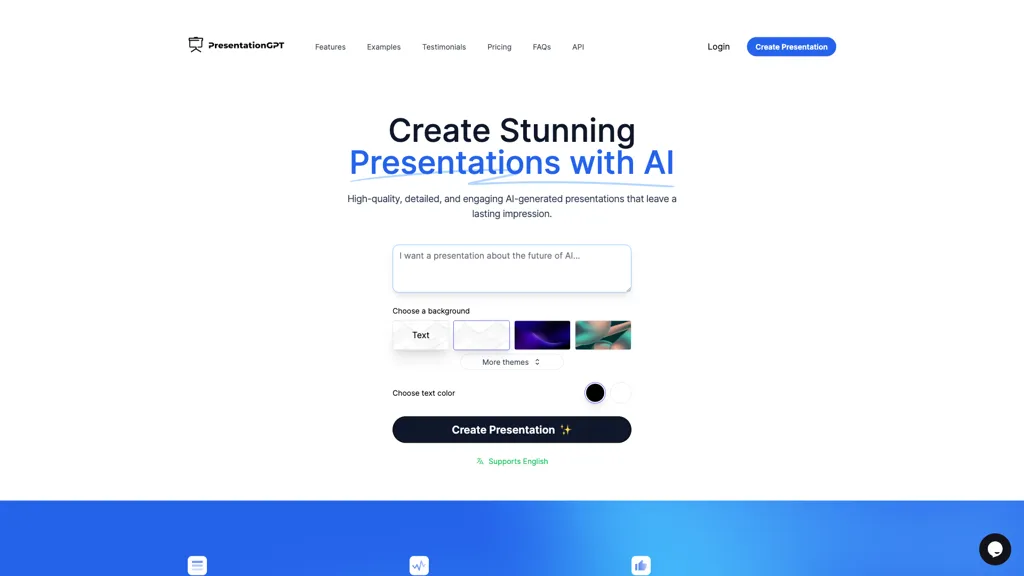
PresentationGPT generates full slide decks automatically from user input, supporting English text and image prompts. It outputs compatible files for Microsoft PowerPoint, Google Slides, and PDF, allowing seamless editing or sharing after download. The tool’s core engine, the LISA language model, is tuned for presentation structure, slide layout, and visual hierarchy.
Users can customize backgrounds, themes, and color schemes before finalizing the deck. Integration options include API access, enabling automated presentation creation within third‑party services. The platform facilitates quick turnaround, freeing time for content refinement and audience engagement.
Pricing starts at: $12/mo
PresentationGPT can be used for:
- Generate a polished investor pitch deck from a short business description, automatically formatting key slides, adding custom branding, and exporting as PowerPoint for a quick board meeting
- Create a dynamic training curriculum in Google Slides by feeding in lesson outlines, with the AI arranging modules, inserting visual aids, and syncing speaker notes across all slides
- Automate quarterly performance reports by integrating the API into your analytics pipeline, producing a PDF slide deck summarizing KPIs, visual charts, and executive commentary for stakeholders
PresentationGPT Key Features
- Supports English language
- Compatible with PowerPoint and Google Slides
- High-quality editable PowerPoint files
- High-quality editable Google Slides decks
- High-quality PDF download
- Generate presentations in seconds
- Create slides from file upload
See also: Presentations Alternatives of PresentationGPT
11.SlideAI
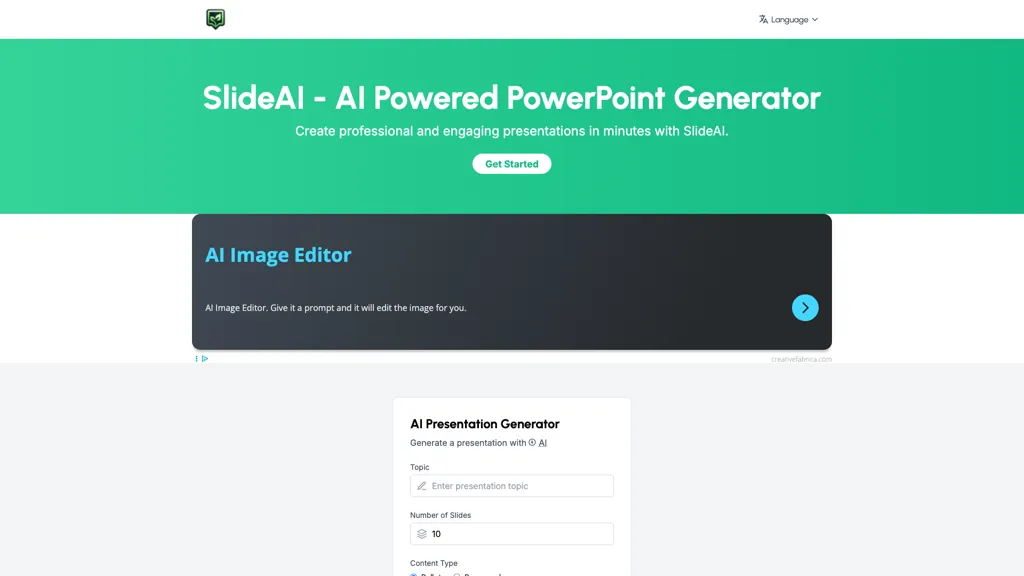
SlideAI is an AI‑powered presentation generator that creates professional PowerPoint decks from a topic and slide count. It automatically composes headings, bullet points, and searches for relevant images, assembling a coherent slide layout without manual design.
Users can choose from a library of themes and automatically apply them, or edit text, reorder slides, and add custom graphics as needed. The tool supports business pitches, lecture slides, research presentations, and other formats, providing tailored content that adapts to the specified subject area.
SlideAI can be used for:
- Create a concise investor pitch deck in under 10 minutes, automatically drafting headings, bullet points, and image suggestions with a polished theme, saving time for startup founders
- Generate lecture slides for university professors, automatically populating content from a given topic and allowing real‑time editing and slide reordering for dynamic classroom delivery
- Produce research conference presentations with auto‑themed design, integrating custom graphics and slide reordering to meet tight deadlines for academic professionals
SlideAI Key Features
- Automatic content generation
- Unique, tailored slide content
- Advanced generative AI models
- Customizable slide editing
- Automated image sourcing
- Theme selection with auto rotation
See also: Presentations Alternatives of SlideAI
12.SliderAI

Slider AI is an AI‑powered presentation builder that turns prompts, videos, websites, and file uploads into fully formatted slide decks within seconds.
The tool supports multiple languages and uses AI‑generated images to strengthen visual storytelling.
Users can export presentations to PowerPoint, Google Slides, and PDF formats without watermarks, facilitating easy sharing.
Its straightforward setup delivers quick results, making it suitable for marketers, consultants, educators, and business teams.
Slider AI employs the latest AI models to auto‑generate structured content, charts, and design elements, streamlining slide creation.
A library of free presentations is available, and templates can be downloaded for rapid customization.
All user content is kept confidential and is not used for training purposes, ensuring privacy and data security.
SliderAI can be used for:
- Generate bilingual marketing pitch decks in minutes with AI-designed templates and images, then export to Google Slides for instant sharing
- Create engaging classroom presentations from uploaded videos, auto‑generated charts and slides in multiple languages, and export to PDF for handouts
- Produce data‑driven consulting reports as slide decks, automatically converting complex data into visual charts, ready for PowerPoint distribution without watermark
SliderAI Key Features
- AI-Generated Presentation Creation
- Prompt-Based Slide Generation
- Multiple Language Support
- Export to PowerPoint and Google Slides
- Watermark-Free Output
- Chart Generation Capability
- Replace Slide Images
See also: Presentations Alternatives of SliderAI
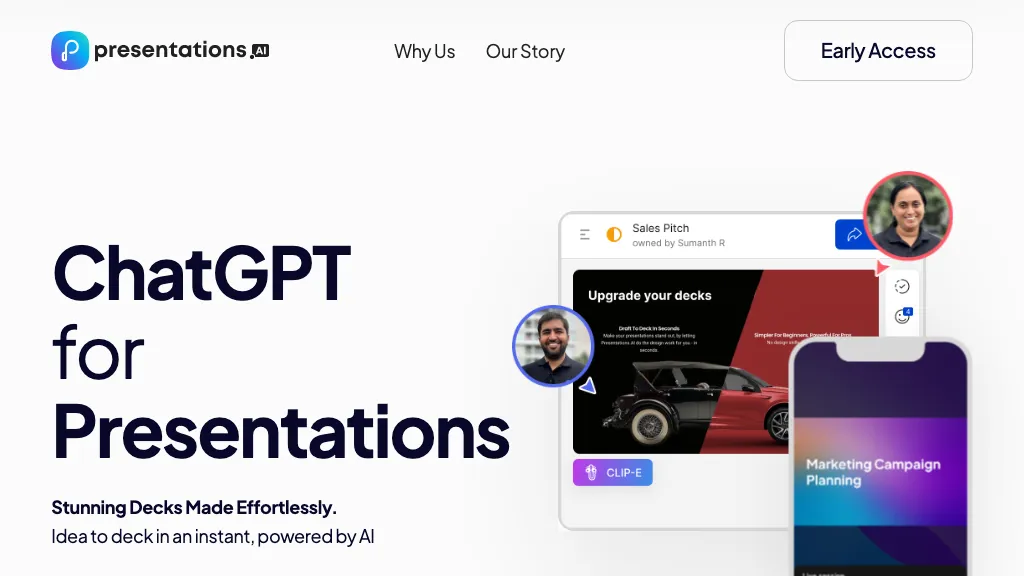
Presentations.AI is an AI‑driven slide creation platform that converts text prompts into complete presentation decks within seconds. It uses natural language processing to generate slides, infographics, charts, timelines, project plans, reports, and product roadmaps, automatically formatting each slide with a responsive template that adapts to content changes.
The tool includes a brand sync feature that applies company branding elements across all slides, ensuring consistent visual identity. Users can export finished decks to PowerPoint, share them in real time, and track engagement analytics to refine content.
The platform supports multiple devices and languages, allowing collaboration across teams and global audiences. It is suitable for business presenters, marketers, educators, and project managers who need to create professional presentations quickly and without design expertise.
Pricing starts at: $0/mo - Freemium
PresentationsAI can be used for:
- Generate a multilingual investor deck in minutes, automatically adapting charts to local market data and exporting to PowerPoint for a global pitch
- Collaborate in real-time on a product launch roadmap, with automatic branding sync and instant engagement analytics to refine messaging
- Convert a data-heavy report into an interactive infographics slide deck, embedding auto-generated charts and timelines, and track audience interaction for future refinement
PresentationsAI Key Features
- AI-generated decks from prompts
- Pre-built slide templates matched automatically
- AI-assisted design customization
- Real-time collaborative editing
- Task assignment and feedback workflow
- Slide engagement analytics tracking
See also: Presentation Alternatives of PresentationsAI
14.MotionIt AI
Motionit generates presentation slides from keywords or uploaded documents, automatically selecting images, applying layouts, and formatting the deck. The tool delivers consistent design across all slides, enabling users to focus on content rather than formatting tasks.
It exports finished presentations to Google Slides, PowerPoint, and PDF for final edits or sharing. Targeted for students, educators, and business professionals, Motionit speeds up slide creation by turning text input into a complete deck in minutes, removing the need for design expertise.
MotionIt AI can be used for:
- Generate a polished sales pitch deck for a startup in under 10 minutes by uploading a PDF of the business plan and letting Motionit auto-select compelling images and a uniform layout for Google Slides
- Create an engaging classroom lecture presentation from a PDF of textbook chapters, automatically formatting key points, inserting relevant diagrams, and exporting to PowerPoint for instant use
- Build a professional conference talk deck from keyword prompts about climate change, with consistent slide styles and optimized visuals, ready for PDF distribution
MotionIt AI Key Features
- AI slide generation from keywords
- Auto image selection
- Consistent layout auto-generation
- Export to Google Slides
- Export to PowerPoint
- Export to PDF
- Beautiful template library
See also: Writing Marketing Alternatives of MotionIt AI
15.Deckster
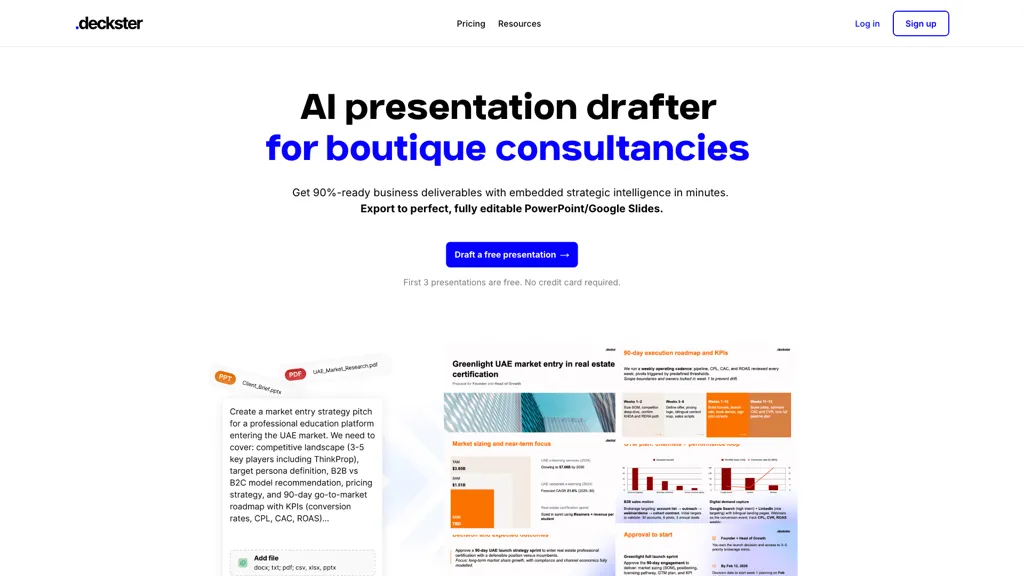
Deckster is an AI presentation drafting tool that transforms raw notes, documents, or web links into structured slide decks within minutes. It auto‑generates charts from Excel, CSV, or online data and applies persuasive narrative frameworks to support clear arguments.
Users can quickly iterate by reordering slides, regenerating sections, or editing text, images, and charts while keeping layouts locked for consistency. The platform exports fully editable PowerPoint and Google Slides files that preserve charts as real, editable objects with no broken layouts.
Pricing starts at: $15/mo
Deckster can be used for:
- Generate an investor pitch deck from raw meeting notes and spreadsheet data, automatically converting key metrics into polished charts and applying a persuasive narrative structure, then export a fully editable PowerPoint for board review
- Create a quarterly sales performance presentation by importing a CSV of sales figures and internal reports, auto-generating trend charts and slide layouts, allowing real‑time reordering and editing before sharing on Google Slides with team members
- Draft a corporate training module by feeding a documentation URL and lecture notes into Deckster, producing structured slides with embedded visuals, and exporting an editable PowerPoint that preserves all formatting for easy customization
Deckster Key Features
- AI-generated slide drafts
- Instant slide iteration feedback
- Export to editable PowerPoint
- Auto-generated editable charts
- Version history & slide locks
- AI edit modes for structure
- Unlimited presentation generation
See also: Presentations Alternatives of Deckster
16.DokieAI.com
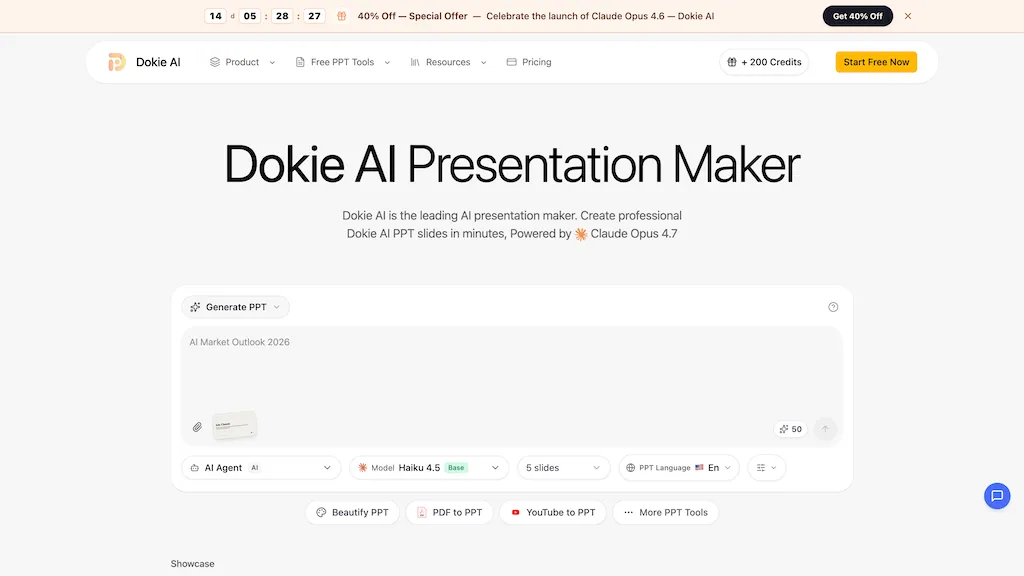
Dokie AI is an AI presentation maker and PPT generator that converts text prompts, notes, Word files, PDFs, and YouTube videos into structured slide decks.It offers text-to-slides conversion, slide beautification, smart layout selection, image suggestions, and automatic chart generation for data visualization.
Users can upload existing PPT or PDF files to redesign layouts, apply consistent branding, and export editable PPTX compatible with PowerPoint, Google Slides, and Keynote.dokie ai generates speaker notes and slide-specific talking points, provides in-browser preview and editing, and accelerates deck iteration for business teams, educators, and content creators.
Multi-language support and automated prompt extraction help global teams produce consistent, presentation-ready slides from briefs or longer source material.AI-based content analysis and formatting workflows streamline slide creation, conversion, enhancement, and export for faster presentation production.
Pricing starts at: $9.5/ mo
DokieAI.com can be used for:
- Convert research papers, technical reports or long Word/PDF notes into a concise, branded PowerPoint-ready slide deck using Dokie AI's automated slide creation, layouts, visuals and speaker notes — exportable as PPTX and editable in-browser without manual design work
- Turn quarterly reports, PDFs or data summaries into executive-ready presentations by auto-generating charts, branded templates and multilingual speaker notes with Dokie AI, then finalize edits in-browser and export a polished PPTX for stakeholder meetings
- Transform YouTube tutorials, recorded training videos or meeting transcripts into structured training modules and slide decks with visuals, step-by-step slides and translated speaker notes using Dokie AI, ready for in-browser refinement and PPTX export
DokieAI.com Key Features
- Convert text prompts, notes, Word files, PDFs, and YouTube videos into structured slide decks
- Automatic slide beautification and smart layout selection
- Suggest images and automatically generate charts for data visualization
- Import and redesign existing PPT/PDFs, apply consistent branding, and export editable PPTX compatible with PowerPoint, Google Slides, and Keynote
- Generate speaker notes and slide-specific talking points
See also: Presentations Alternatives of DokieAI.com
17.Sendsteps
Sendsteps.ai AI Presentation Maker, Upload a Word, PowerPoint, PDF, or .txt file and let the AI automatically summarize the content, generate slide layouts, insert images, and create interactive elements such as quizzes and polls. The tool accepts a brief topic description to produce a full presentation without manual slide design.
It produces speaker notes and supports over 86 languages, making it suitable for educators, trainers, and business presenters. AI-generated slides are unique and plagiarism‑free, with real‑time audience engagement options built in. Export directly to PowerPoint for familiar workflow and share or present immediately.
Sendsteps can be used for:
- Convert a 50‑page research article into a concise, multilingual slide deck with speaker notes and interactive quizzes for a virtual conference
- Transform a company's compliance PDF into a fully interactive PowerPoint training module featuring auto‑generated slide layouts, images, quizzes, and speaker notes—ready for instant employee onboarding
- Turn an existing sales deck into a plagiarism‑free, multilingual presentation with auto‑created layouts and engaging visuals, and export directly to PowerPoint for worldwide distribution
Sendsteps Key Features
- Generate presentations from documents
- Include interactive quizzes and polls
- Export AI slides to PowerPoint
- Create in up to 86 languages
- Add speaker notes automatically
- Real‑time audience engagement tools
See also: Presentations Alternatives of Sendsteps
18.SlideSpeak
SlideSpeak is an AI presentation platform that converts PDFs, Word documents, Excel sheets, and web content into structured PowerPoint slides in seconds. The tool includes an AI editor that can shorten, expand, or rewrite slide text while preserving layout.
Users can generate infographics, charts, and AI‑created images directly within a presentation. A video feature turns slide decks into narrated videos, useful for social media, training, and explainer content. The platform supports full branding by automatically applying logos, colors, and fonts across slides.
It offers a translation function that maintains formatting for multilingual teams. An API allows developers to embed presentation generation into custom applications. The service is tailored for consultants, students, educators, and enterprises seeking efficient slide creation and document summarization.
Pricing starts at: $29/mo
SlideSpeak can be used for:
- Generate a brand‑consistent slide deck from a long PDF report in minutes, automatically adding infographics and charts, then export a narrated video ready for client presentation
- Translate an Excel financial analysis into a multilingual PowerPoint with localized charts and AI‑generated images for global investor meetings, all via the SlideSpeak API integrated into your BI workflow
- Convert a blog article or website content into a visually engaging slide deck, embed a narrated video for social media sharing, and apply brand colors and custom fonts automatically
SlideSpeak Key Features
- Generate slides from PDF/Word/Excel
- Fully editable AI-generated slides
- Built-in AI editor for layouts
- Automatic brand kit application
- Convert deck to narrated video
- Programmatic generation via API
See also: Presentations Chat Alternatives of SlideSpeak
19.SlidesGPT
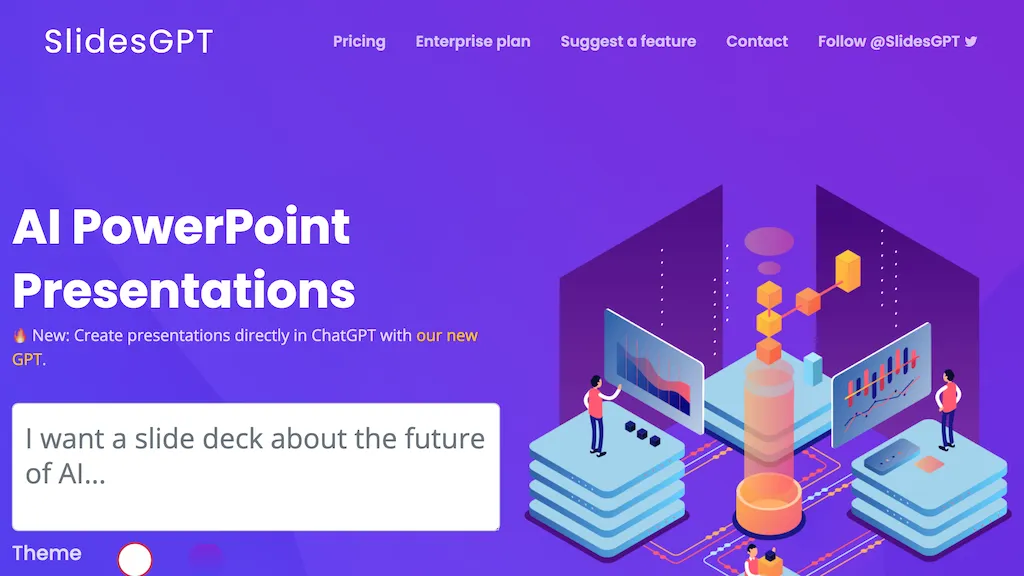
SlidesGPT is an AI‑powered PowerPoint generator that converts written content—blog posts, articles, PDFs, or custom prompts—into fully formatted slide decks in seconds. It automatically applies professional layouts, generates accompanying images, and can export finished presentations to PowerPoint, Google Slides, or PDF for offline use.
The platform supports bulk slide creation with an API that allows developers and organizations to integrate automated slide generation into existing workflows. Users can upload PDFs and have them transformed into slide decks, while the AI image engine can create up to 30 visuals per month to enrich slide content.
Pricing starts at: $0/mo - Freemium
SlidesGPT can be used for:
- Convert a detailed monthly industry report PDF into a polished PowerPoint deck for executive presentations in minutes, automatically formatting slides and adding engaging visuals without manual editing
- Generate a slide deck from a technical blog post for a webinar, leveraging SlidesGPT’s auto‑layout and image generation to create a professional, visually appealing deck in seconds
- Integrate SlidesGPT’s API into a content management system to batch‑convert newly published articles into slide decks, exporting to Google Slides for seamless team collaboration
SlidesGPT Key Features
- Generate PPT from text prompts
- In-chat slide preview and carousel
- Create presentations within ChatGPT chat
- Convert YouTube videos to PPT
- Convert PDFs to editable PPT
- Custom GPT for enterprise PPT generation
See also: Presentations Alternatives of SlidesGPT
20.Dokie AI
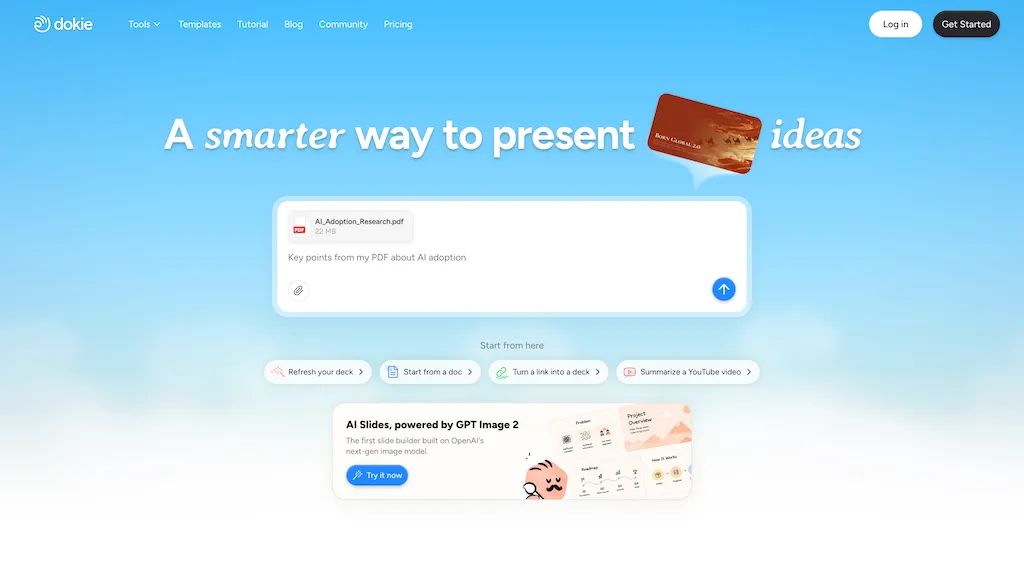
Dokie AI is an AI presentation maker and slides generator that creates and edits presentations from text, links, PDFs, and docs.The slide builder converts uploaded files into structured slide decks and exports to PowerPoint or native formats.
Image generation and contextual visual search provide on-demand visuals while brand templates enforce consistent design systems.Data and logic visualization tools produce charts, diagrams, and data-driven slides for reports, analytics, and proposals.
Interactive and animated presentation options support storytelling, guided navigation, and attention-focused layouts.Template reuse, layout refinement, and custom editing streamline workflows for educators, marketers, consultants, and startups.
AI-driven content structuring organizes speaking points, summaries, and pitch decks to reduce formatting time and enhance clarity.
Pricing starts at: $19/mo
Dokie AI can be used for:
- Turn long PDFs, research papers or web links into concise investor pitch decks using Dokie AI's auto-slide generator, data-driven charts/diagrams, AI image generation and brand templates—then export polished PowerPoint or native slides for investor meetings
- Convert product documentation, user manuals or marketing collateral into visually engaging training and sales decks with contextual visual search, custom diagrams, interactive animations and on-brand templates to speed onboarding and client demos
- Create data-rich executive presentations from quarterly reports and docs by auto-generating slides with charts, annotated visuals and animated transitions, applying corporate templates and exporting editable PowerPoint files for board reviews
Dokie AI Key Features
- Generates and edits presentations from text, links, PDFs, and docs
- Converts uploaded files into structured slide decks and exports to PowerPoint or native formats
- Image generation and contextual visual search for on-demand visuals
- Data and logic visualization tools for charts, diagrams, and data-driven slides
- Interactive and animated presentation options with guided navigation and attention-focused layouts
See also: Presentations Alternatives of Dokie AI
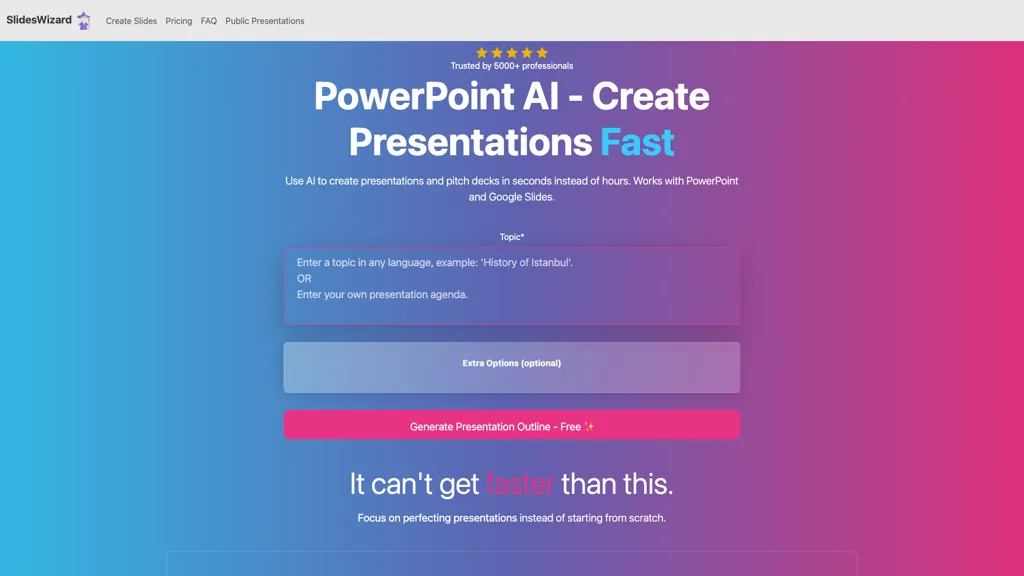
SlidesWizard is a presentation creation tool designed to streamline the process of generating professional slide decks quickly. Users can create presentations for platforms like PowerPoint and Google Slides in a fraction of the time typically required.
The tool utilizes AI capabilities to outline presentations, suggest content, and select appropriate templates, ensuring a structured flow of information. It offers a variety of slide formats including bullet points, text-image combinations, timelines, Venn diagrams, and pie charts to cater to diverse presentation needs.
Users benefit from automatic image sourcing and the ability to add speaker notes, making it easier to design visually engaging and informative presentations. The tool supports multiple languages, broadening its accessibility to users around the globe.
Pricing starts at: $0/mo - Freemium
SlidesWizard.io can be used for:
- Create a professional presentation for an upcoming business meeting in minutes by utilizing SlidesWizard's AI-generated outlines and content suggestions, allowing you to focus on delivery rather than design
- Design engaging educational presentations for students with diverse slide formats like timelines and pie charts, enhancing understanding of complex topics with visual aids
- Collaborate on international projects by creating multilingual presentations easily with SlidesWizard's language support, ensuring your message resonates with a global audience
SlidesWizard.io Key Features
- AI-powered outlining
- Content suggestion
- Template selection
- Variety of slide formats
- Automatic image sourcing
See also: Presentations Alternatives of SlidesWizard.io
22.Alai
Alai is an AI presentation software that focuses on quality and ease. The user starts with 4 AI generated options for every slide. Each slide sits on a responsive canvas that adjusts automatically as you add or move content, so you never have to fix alignment or spacing. Slides are built with a library of rich visual elements that fit real presentation needs like comparisons, funnels, and timelines. You can customize their look with presets or precise controls. Every AI action in Alai understands your entire deck. You can rewrite, split or merge slides, change layout or try different visualizations for your content. Alai lets you import existing documents and presentations, restyle them, and export the final output in PDF or PowerPoint formats. Developers can also use Alai’s API to generate presentations programmatically.
Pricing starts at: $0/mo - Free trial
Alai can be used for:
- Generate stunning business presentations in minutes with alai, turning basic concepts into comprehensive decks without any design expertise required
- Use alai to create educational presentations for classrooms or workshops, allowing teachers to focus on content while the tool handles design and layout
- Quickly prepare pitch decks for startups or entrepreneurs with alai, ensuring professional-quality visuals that captivate investors and stakeholders
Alai Key Features
- AI-driven presentation generation
- Custom design tweaks
- Content refinement
- Streamlined presentation process
- User control over designs
See also: Presentations Alternatives of Alai
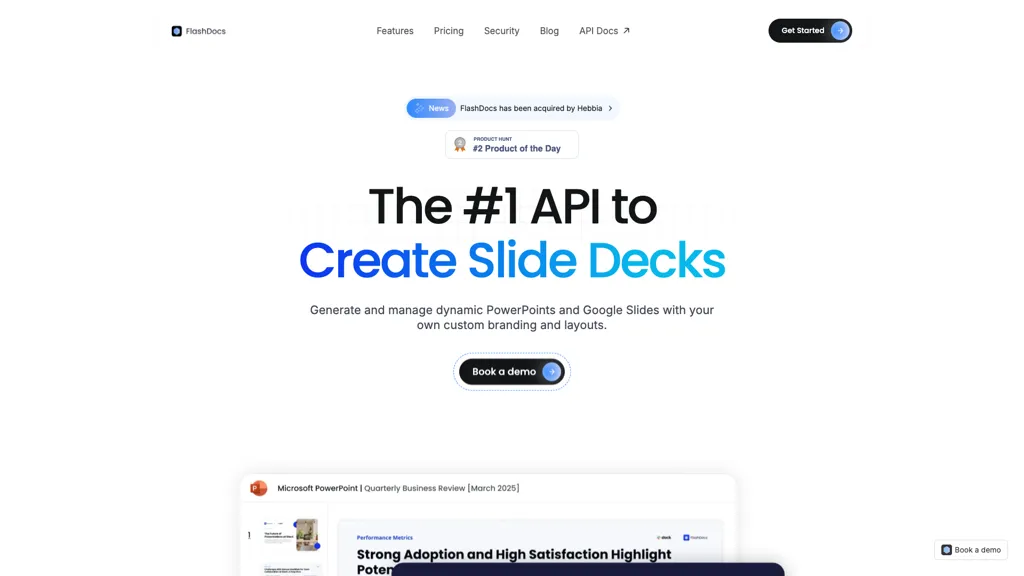
FlashDocs API enables users to programmatically create and manage slide decks for both PowerPoint and Google Slides. The platform allows for dynamic generation of presentations, supporting custom branding and layouts, which can be tailored to meet diverse user needs.
Utilizing markdown content, users can seamlessly export structured data into visually appealing slides, ensuring consistency in design. FlashDocs API accommodates advanced customizations, including control over text, images, tables, and charts, enhancing the presentation creation process.
With enterprise-grade security features and options for on-premise deployment, organizations can maintain stringent data privacy and compliance measures. By leveraging this API, teams can automate the creation of up to 10,000 slide decks monthly, streamlining workflow and increasing productivity.
Pricing starts at: $0/mo - Free trial
FlashDocs API can be used for:
- Automatically generate branded slide decks for client pitches using FlashDocs API, allowing teams to focus on content while ensuring a cohesive visual identity
- Create dynamic and interactive training presentations for employee onboarding by utilizing Markdown content and advanced customization features within FlashDocs API, boosting engagement and retention
- Streamline reporting processes by programmatically creating slide decks summarizing key metrics and performance data, enabling real-time updates and consistent design across all presentations with FlashDocs API
FlashDocs API Key Features
- Programmatic slide deck creation
- Dynamic presentation generation
- Markdown content export
- Advanced customizations
- Enterprise-grade security features
See also: Presentations Alternatives of FlashDocs API
24.Mentimeter
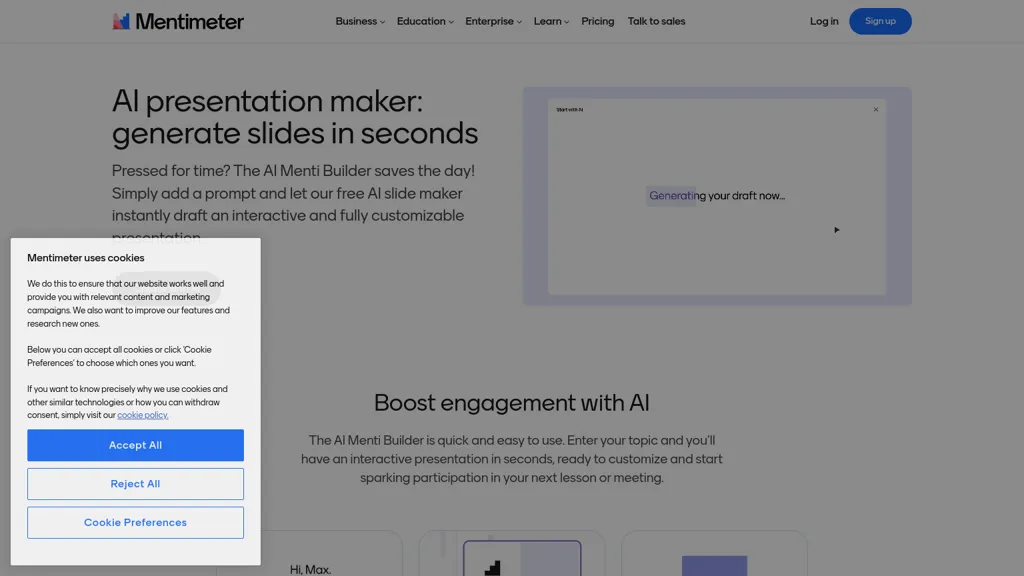
Free AI Presentation Maker is a tool designed to create fully customizable slides in seconds, streamlining the presentation development process. Users simply input a topic, and the AI generates an interactive presentation ready for immediate editing. Perfect for business professionals, educators, and team leaders, this tool enhances audience engagement through interactive questions and collaborative features.
The AI-generated slides can be easily modified to suit specific needs, allowing for real-time adjustments during meetings, workshops, and lectures. This capability saves time, eliminating hours of preparation and enabling users to focus on refining their delivery.
Additionally, the tool supports anonymous responses, fostering participation from all audience members. Ideal for anyone looking to enhance their presentation efficiency and effectiveness, the Free AI Presentation Maker simplifies the slide creation process while promoting an engaging learning environment.
Pricing starts at: $0/mo - Freemium
Mentimeter can be used for:
- Quickly generate an engaging presentation for an upcoming business meeting in minutes, allowing professionals to adapt content on-the-fly based on audience feedback using the Free AI Presentation Maker's real-time editing features
- Create interactive educational slideshows that incorporate questions and polls, actively involving students during lectures and improving comprehension by utilizing the tool's capability to foster participation through anonymous responses
- Efficiently prepare for a team brainstorming session by developing customizable slides that can be collaboratively modified by all members in real-time, ensuring that everyone has a voice and promoting a more dynamic discussion with the AI-generated interactive elements
Mentimeter Key Features
- Fully customizable slides
- AI-generated interactive presentations
- Real-time editing and adjustments
- Anonymous response support
- Collaboration features
See also: Presentations Alternatives of Mentimeter
25.Edit in PPT
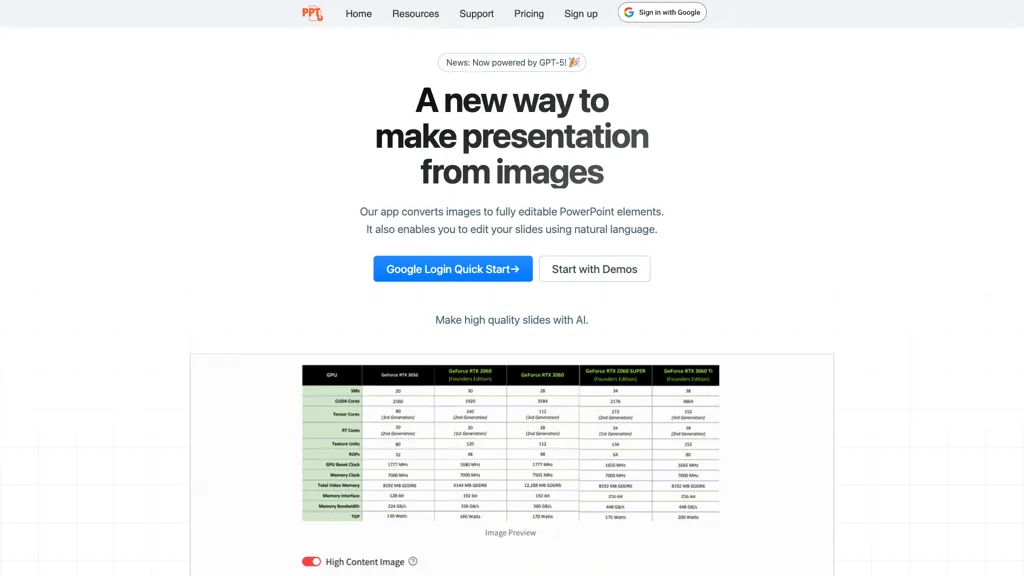
Edit in PPT – Convert Images to PowerPoint Slides
Edit in PPT transforms uploaded images into fully editable PowerPoint slides using GPT‑5 and other vision‑capable models. The tool offers a user‑friendly interface that allows users to convert images into high‑resolution, editable slide elements with a single click.
It supports natural language commands, letting presenters modify text, layout, and design without opening PowerPoint. The service provides 5 free conversions per month per registered account, with additional credits available through referral. Educators, business professionals, content creators, and presenters can reduce slide‑creation time, maintain visual clarity, and streamline the editing process with a simple web‑based workflow.
Pricing starts at: $0/mo - Free
Edit in PPT can be used for:
- Convert scanned lecture notes or whiteboard images into editable PowerPoint slides, allowing professors to quickly publish study material without manual retyping
- Transform marketing flyers and product images into polished slide decks for pitch meetings, with auto‑layout adjustments and brand‑consistent design
- Turn event photos into a dynamic slide presentation for post‑conference recap, enabling quick caption edits and layout tweaks via natural‑language commands
Edit in PPT Key Features
- Convert images to PPT slides
- Edit slides with natural language
- User-friendly interface design
- High-resolution editable slides
- Powered by GPT-5 vision model
- Free monthly conversion credits
- Choose AI model by complexity
See also: Presentations Alternatives of Edit in PPT
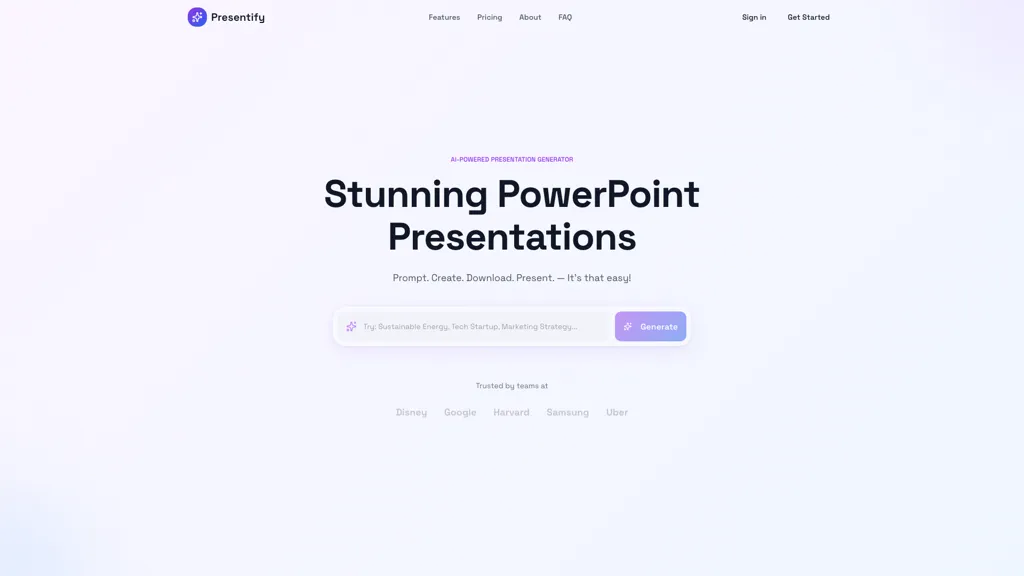
Presentify AI is a web-based tool designed to simplify and enhance the presentation creation process. Users can input content through text prompts, allowing the AI to generate visually appealing and professionally formatted slides in a matter of seconds.
The platform offers flexibility in storytelling, featuring contextual icons that align with key points to boost engagement and clarity. Each slide comes with four downloadable options, conveniently provided in .pptx format for user customization. With access to diverse color palettes, trendy illustrations, and dynamic elements, Presentify AI facilitates the creation of impactful presentations that resonate with audiences.
Pricing starts at: $0/mo - Free trial
Presentify.ai can be used for:
- Quickly generate engaging pitch decks for startup presentations using Presentify AI, allowing entrepreneurs to effectively communicate their business ideas with visually striking slides and relevant icons.
- Design impactful educational presentations for classrooms by utilizing Presentify AI's contextual storytelling features, helping educators deliver complex information in an easily digestible format for students.
- Create customized corporate reports with Presentify AI, facilitating the rapid production of professional slides that align with company branding through diverse color palettes and dynamic elements.
Presentify.ai Key Features
- Web-based presentation creation
- AI-generated visually appealing slides
- Contextual icons for storytelling
- Downloadable slides in .pptx format
- Diverse color palettes and dynamic elements
See also: Presentations Alternatives of Presentify.ai
27.WorkPPT
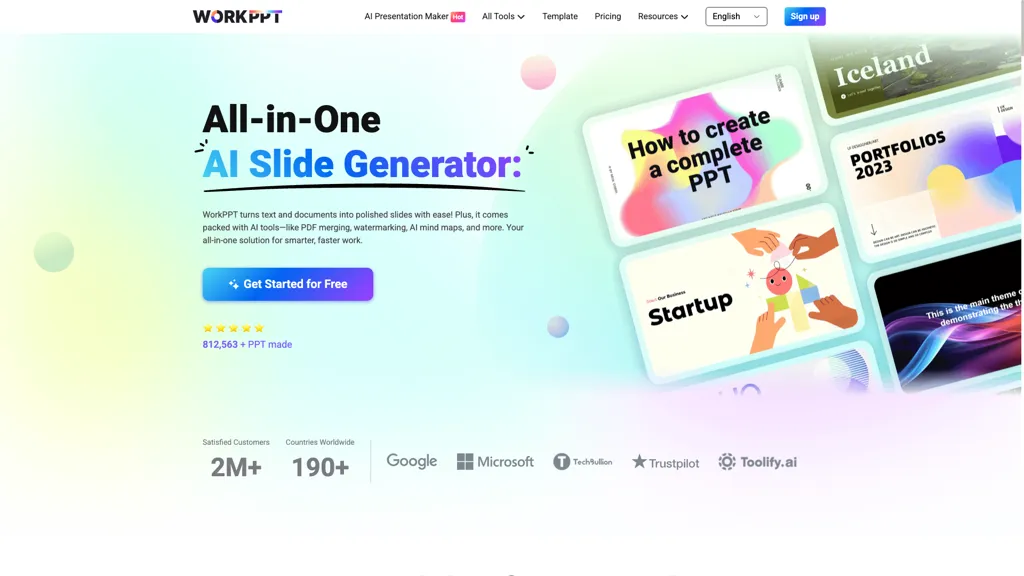
Workppt is an AI-powered presentation tool that creates presentations and websites quickly. It generates slide decks and summarizes content from online links, local files, and PDFs. The tool supports sharing and visual idea expression, streamlining the process for professionals and teams.
Pricing starts at: $0/mo - Freemium
WorkPPT can be used for:
- Quickly create engaging presentation slides from your existing content in local files or PDFs, allowing you to focus more on your delivery rather than design details
- Effortlessly summarize long articles or online resources into concise slides with Workppt, enabling faster preparation for meetings and discussions
- Collaborate with team members in real-time to develop visually appealing presentations or websites, fostering creativity and streamlining project workflows.
WorkPPT Key Features
- AI-powered presentation creation
- Slide deck generation
- Content summarization from online links
- Local file and PDF integration
- Sharing and visual idea expression
See also: Presentations Alternatives of WorkPPT
28.Decktopus AI
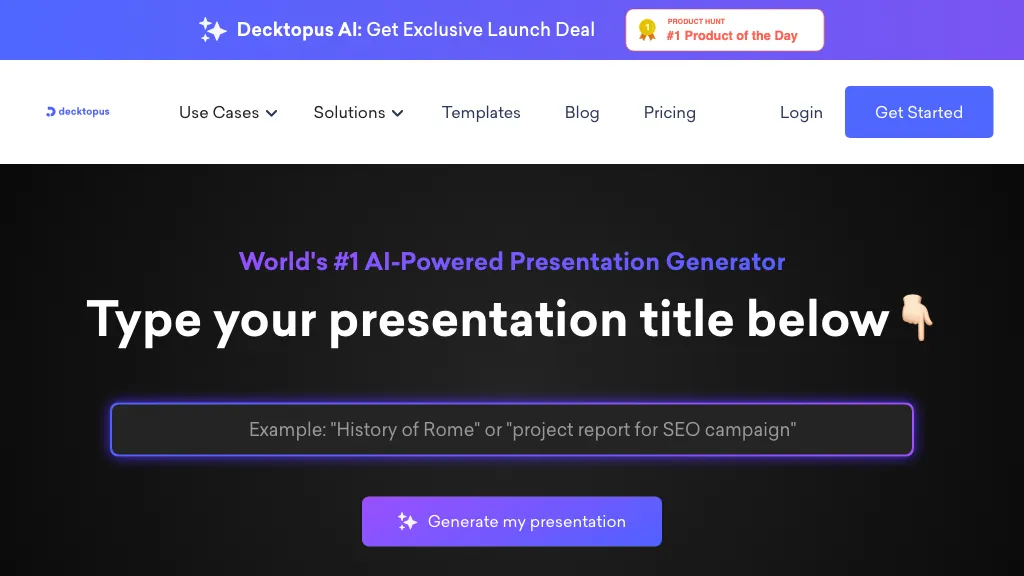
Decktopus AI is an AI‑driven presentation platform that creates slide outlines, designs, and content from user prompts or pasted text. It automatically applies brand colors, fonts, and logos, ensuring consistent decks without manual formatting. Users can edit slides with a drag‑and‑drop editor, regenerate individual slides for alternative styles, and import PDFs to convert them into interactive presentations.
The tool offers a library of customizable templates and custom layouts, and a shared team organization panel for collaborative deck management. Integration with Zapier connects Decktopus AI to other business tools for automated workflow. Built‑in dynamic Q&A and AI‑generated story elements tailor audience engagement and narrative flow.
Pricing starts at: $7/mo
Decktopus AI can be used for:
- Generate a brand‑consistent investor pitch deck from a single PDF, collaborate in real time with your finance team, and export to PowerPoint for a polished presentation
- Create an interactive onboarding training deck by importing your employee handbook PDF, adding AI‑powered Q&A, and automating distribution to new hires via Zapier
- Build a dynamic product launch presentation by dragging and dropping pre‑built templates, integrating live data through Zapier, and letting teammates co‑author slides while keeping brand style intact
Decktopus AI Key Features
- AI-generated slide outlines from prompts
- Drag‑and‑drop slide editor
- Auto‑branding with company style
- Custom template creation and reuse
- PDF to interactive presentation conversion
- Zapier integration for automation
- AI‑driven dynamic Q&A sessions
See also: Presentations Alternatives of Decktopus AI
29.Slideflow AI
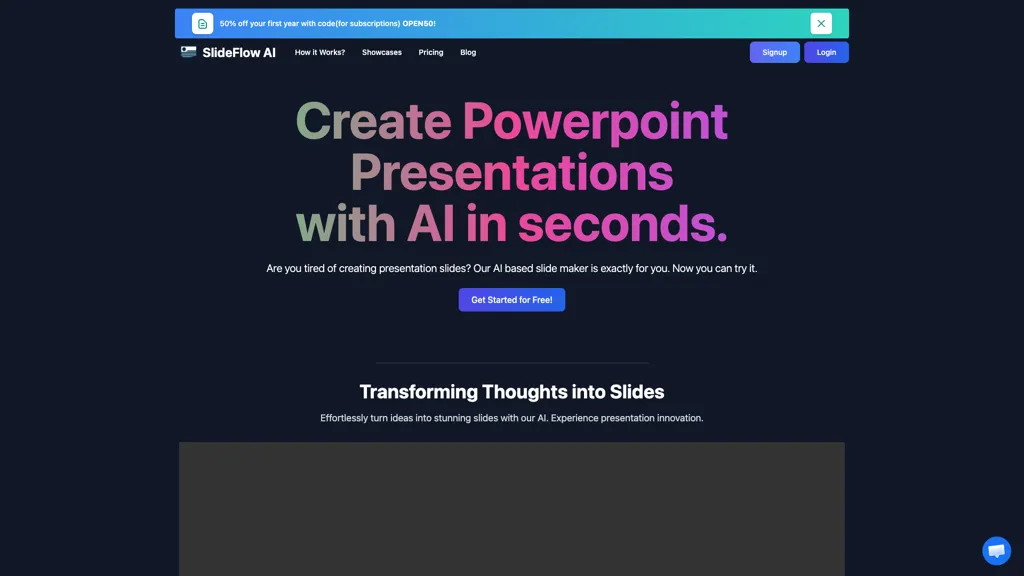
SlideFlow AI generates PowerPoint presentations from text in seconds, letting users convert ideas into slide decks via a simple dashboard. The platform includes a Magic Writer that expands or refines content automatically, saving editing time. Users can select or upload custom backgrounds from a library, ensuring visual relevance to slide content.
The tool supports up to 85 languages, enabling international use without language barriers. Finished decks can be exported directly to presentation formats for immediate sharing or presentation. SlideFlow AI stores creations temporarily (up to 72 hours on the free tier) to give users time for final review before exporting.
Pricing starts at: $0/mo - Freemium
Slideflow AI can be used for:
- Create a multilingual pitch deck for your startup in under 5 minutes, using SlideFlow AI's auto‑refining Magic Writer to polish key points, customizable background library to match brand identity, and export directly to PPTX for investor meetings
- Prepare a comprehensive, visually engaging lecture deck from plain notes, with SlideFlow AI translating content into the student’s native language, auto‑refining the script, and allowing instant preview and edits, then export to PowerPoint for classroom use
- Design a dynamic, culturally relevant marketing presentation across 85 languages, leveraging SlideFlow AI's background library and Magic Writer enhancements, while saving drafts for 72 hours to collaborate with remote teammates
Slideflow AI Key Features
- AI-powered slide generation
- Magic Writer content creation
- Background library selection
- Multi-language support
- Export to PowerPoint
- 72-hour temporary storage
- Slide count limit per generation
See also: Presentations Alternatives of Slideflow AI
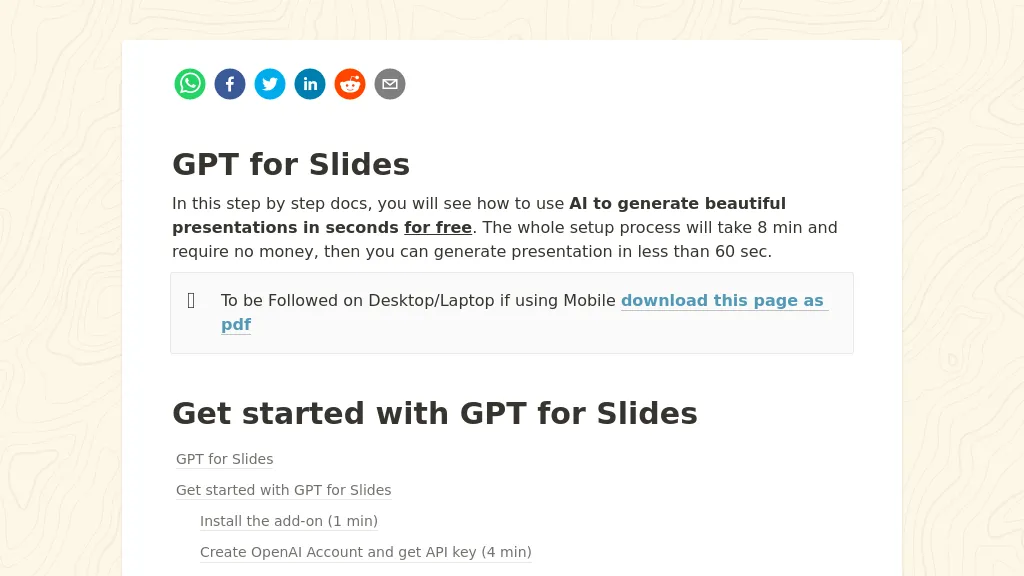
GPT for Slides is a Google Slides add‑on that creates complete presentation decks from a single topic, a YouTube URL, a PDF, a website, or plain text. It automatically generates structured slide content, titles, bullet points, and layouts within 60 seconds, saving users the time spent on manual formatting.
The tool embeds AI‑generated images that match each slide’s topic, builds data visualizations from natural‑language descriptions, and can produce quizzes with answer keys for educational use. It supports translation of an entire deck into more than 100 languages while preserving layout and formatting, making it useful for global teams and multilingual classrooms.
The add‑on works entirely inside Google Slides, requiring no downloads or separate software, and handles input from PDFs, Word documents, video files, and website links, extracting key points and restructuring them into a polished deck. This functionality serves students, teachers, marketers, and business teams who need rapid, professional presentations without design skills.
Pricing starts at: $8/mo
GPT for Slides can be used for:
- Generate a polished sales pitch deck from a product brochure PDF in under a minute, automatically embedding AI images and charts
- Create an engaging multilingual training presentation from a single URL, adding quizzes and data visuals for instant knowledge retention
- Convert a research paper PDF into an interactive conference slide deck, translating key sections into multiple languages and incorporating infographics
GPT for Slides Key Features
- Generate slides from any topic
- Convert YouTube videos to slides
- Import PDFs and Word docs
- AI-generated images per slide
- Create charts from plain text
- Translate deck into 100+ languages
31.Tome App
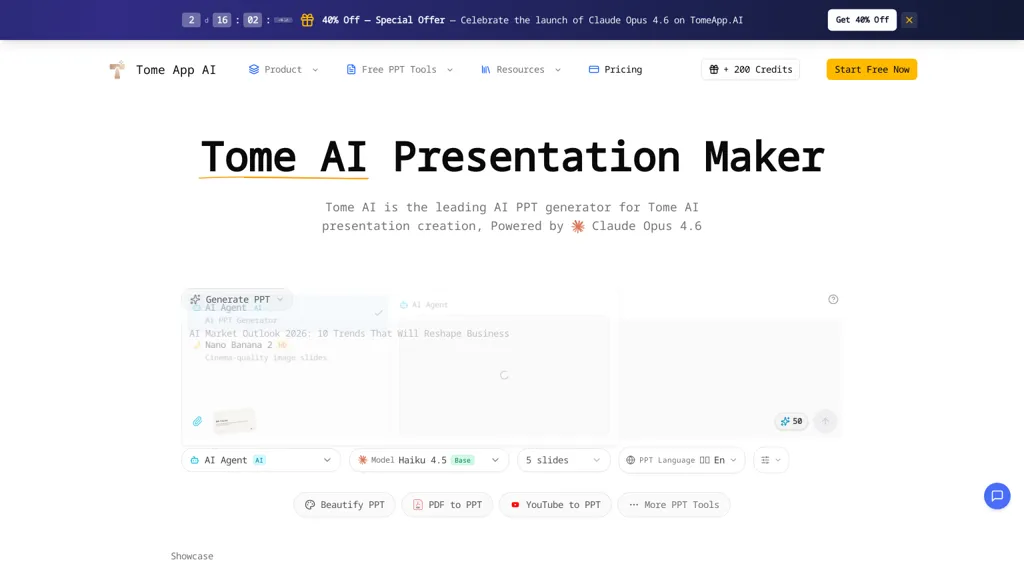
Tome App AI is an AI presentation maker and AI PPT generator that creates, converts, and enhances slide decks.It converts text prompts, Word documents, web pages, PDFs, and YouTube videos into structured slide decks using text-to-slides and reverse-prompt extraction.
Automated layout selection, chart and graph generation, image recommendations, and speaker-note generation streamline content-to-slide workflows.Users can upload existing PPT or PDF files to redesign layouts, apply consistent branding, and export final decks as PPTX compatible with PowerPoint, Google Slides, and Keynote.
Real-time preview and in-browser editing support iterative refinement and collaborative review.Multi-language support and data visualization tools address the needs of business teams, educators, and content creators for multilingual, data-driven presentations.
Integrations and export options enable reuse, distribution, and workflow automation for presentation delivery.
Pricing starts at: $9.5/mo
Tome App can be used for:
- Create investor-ready pitch decks from business plans, PDFs, or spreadsheets using Tome App AI, automatically generate slide layouts, charts and speaker notes, apply brand styles, collaborate in real time and export editable PPTX for meetings
- Turn long reports, research papers, or web pages into concise training or onboarding slide decks using Tome App AI, with automated data visualizations, images, structured speaker notes and in-browser editing so teams can iterate together and export finalized PPTX
- Convert product demos, video walkthroughs, or user interviews into polished client proposals and status presentations using Tome App AI, extract key points into slides, redesign layouts, add branded themes and charts, preview online and share or download PPTX for stakeholders
Tome App Key Features
- Converts text prompts, Word documents, web pages, PDFs, and YouTube videos into structured slide decks using text-to-slides and reverse-prompt extraction
- Automated layout selection and redesign of uploaded PPT/PDF with consistent branding and export as PPTX compatible with PowerPoint, Google Slides, and Keynote
- Automated chart and graph generation and data visualization tools
- Image recommendations and media suggestion engine
- Real-time preview, in-browser editing, and collaborative review
See also: Presentations Alternatives of Tome App
32.Plusdocs
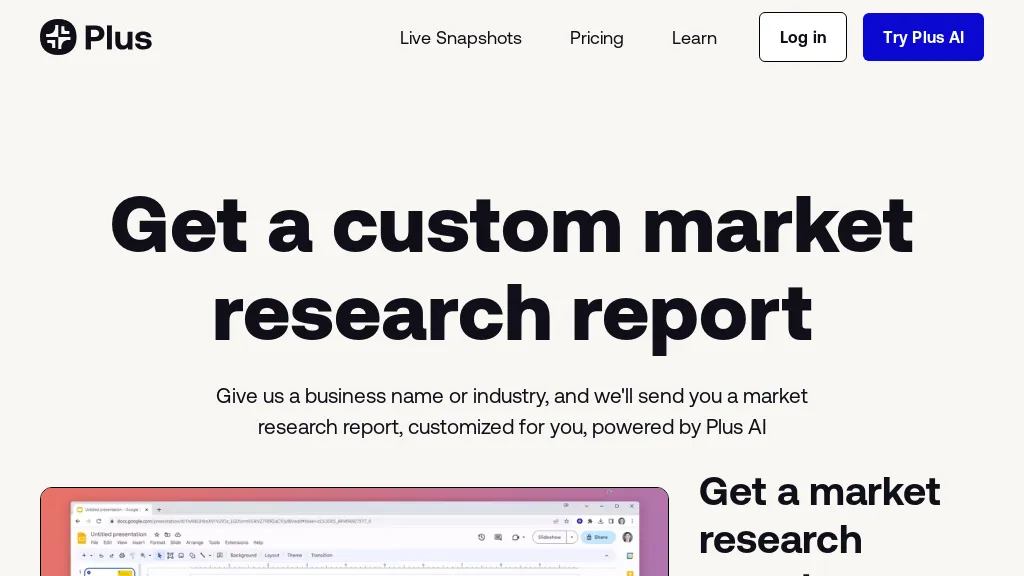
Plus AI is a powerful AI tool that offers a range of features to help businesses with market research, slide creation, and automation of reporting. With Plus AI, users can access a free market research report and always-up-to-date snapshots of pricing. The tool also enables users to create professional-quality presentations quickly and easily, with AI-assisted slide creation, design, and editing capabilities.
Plus AI integrates seamlessly with Google Slides, making it easy to add data and context to presentations. It even offers custom AI models trained on slide libraries for on-brand, one-click presentations.
Additionally, Plus AI can automate reporting across various tools, saving teams valuable time and effort. With enterprise-grade security, Plus AI is trusted by businesses of all sizes. Start utilizing the power of AI with Plus AI today and transform the way your team communicates and works.
Pricing starts at: $0
Plusdocs can be used for:
- Generate market research reports
- Create professional presentations from public market data
- Automate market research report creation
Plusdocs Key Features
- Market research
- Slide creation
- Report automation
See also: Finance Presentation Alternatives of Plusdocs
33.Choladeck
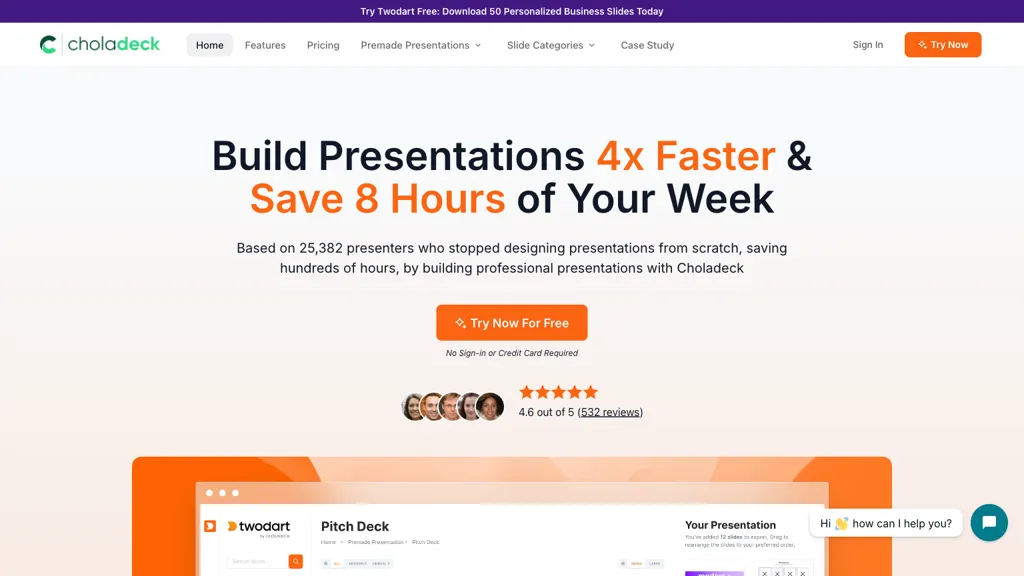
Choladeck simplifies the presentation creation process by providing an extensive library of over 9,870 unique slide templates across 159 categories. Designed for various use cases, Choladeck offers premade presentations suitable for pitch decks, business plans, project proposals, and more.
Users can customize presentations easily by replacing placeholders with their content and aligning designs with company branding through customizable themes and logos. The tool features fully animated slides and Excel-compatible charts that enhance visual storytelling.
With the added benefit of premium images and vector icons, Choladeck enables users to create visually engaging and professional presentations efficiently, saving time in the design process. Its intuitive interface allows users to focus on content delivery, making it ideal for professionals seeking to impress their audience without the stress of starting from scratch.
Pricing starts at: $0/mo - Free trial
Choladeck can be used for:
- Create a visually stunning pitch deck for investors using Choladeck's extensive library of templates, ensuring a professional appearance without the hassle of designing from scratch
- Design a comprehensive business plan presentation that aligns with your company's branding, utilizing customizable themes and logos to create a cohesive look
- Enhance project proposals with fully animated slides and Excel-compatible charts, making complex data easier to understand for stakeholders and improving engagement during presentations
Choladeck Key Features
- Extensive library of over 9,870 unique slide templates
- Premade presentations for various use cases
- Customizable themes and logos
- Fully animated slides and Excel-compatible charts
- Intuitive interface for content delivery
See also: Presentations Alternatives of Choladeck
SketchBubble AI is an intelligent AI-powered presentation tool that helps users create stunning, professional slides in seconds.Designed to simplify the presentation workflow, it transforms prompts or ideas into ready-to-use decks with clean structure, impactful design, and logical storytelling.
The tool combines the design expertise of SketchBubble with the speed of generative AI, making it ideal for business users, educators, marketers, and professionals.With its easy-to-use interface and support for PowerPoint and Google Slides exports, SketchBubble AI lets users focus more on delivery and less on design.
Pricing starts at: $0/mo - Freemium
SketchBubble AI can be used for:
- Create business decks, reports, proposals, or training slides in minutes
- Build branded and visually consistent presentations effortlessly
- Present ideas faster and more effectively
SketchBubble AI Key Features
- Generate professional presentations instantly from a prompt
- AI-powered slide structuring and visual design
- User-friendly interface with minimal learning curve
- Export to PowerPoint or Google Slides for easy editing
- Pre-designed content themes tailored for business, education, and more
See also: Presentations Alternatives of SketchBubble AI
35.Kroma.ai

Kroma is an AI-powered tool designed to help businesses and startups create powerful and persuasive PowerPoint slides and pitch presentations. Whether you need to pitch investors, present ideas, propose B2B services, or showcase data, Kroma has you covered. With expertly designed slide presentation templates, you can easily grab and go, saving you time and ensuring professional results.
Kroma's AI features and expert content make it stand out from other presentation tools. It automates the process of creating captivating and visually appealing slides, transforming raw ideas into tangible presentations.
Additionally, Kroma simplifies data visualization, using machine learning and automation to bring flat sheets of data to life. With easy-to-use chart and graph tools, you can inform your team quickly and effectively.
For B2B providers, Kroma offers the ability to create persuasive proposals that win clients faster. Spend less time in contract limbo and more time landing accounts with professionally designed templates.
In addition to presentation tools, Kroma provides access to a vast library of high-resolution visuals, including images, videos, and icons. You can easily incorporate these creative assets into your slides, without spending hours searching for the right content.
Kroma eliminates the need for a graphic designer and offers an all-in-one platform for creating eye-catching presentations. It even allows you to customize settings like logo, brand colors, and fonts to make your slides unique.
Whether you're pitching investors, presenting ideas to your team, or proposing B2B services, Kroma has the tools and resources to help you succeed. With a user-friendly interface and expertly crafted templates, you can confidently deliver your message and make a lasting impression.
Pricing starts at: $1699 per year
Kroma.ai can be used for:
- Creating pitch decks for Pitching investors
- Presenting ideas to a team
- Proposing B2B services
- Creating persuasive proposals
- Simplifying data visualization
Kroma.ai Key Features
- Slide creation
- Presentation templates
- Data visualization
- Persuasive proposals
- Visual asset library
See also: Presentations Alternatives of Kroma.ai
36.Prezo
The tool is an AI-powered presentation software that generates layout designs and helps create visually appealing slides. It has a feature that can turn stories into presentations. Users can try it for free. The tool exists in a competitive world. The company's copyright is reserved.
Pricing starts at: $0/mo - Free trial
Prezo can be used for:
- Create visually appealing presentations
- Generate layout designs
- Transform stories into presentations
Prezo Key Features
- Generate layout designs
- Create visually appealing slides
- Turn stories into presentations
- Competitive feature set
- Free trial
See also: Marketing Art Generation Alternatives of Prezo
37.KindlePPT
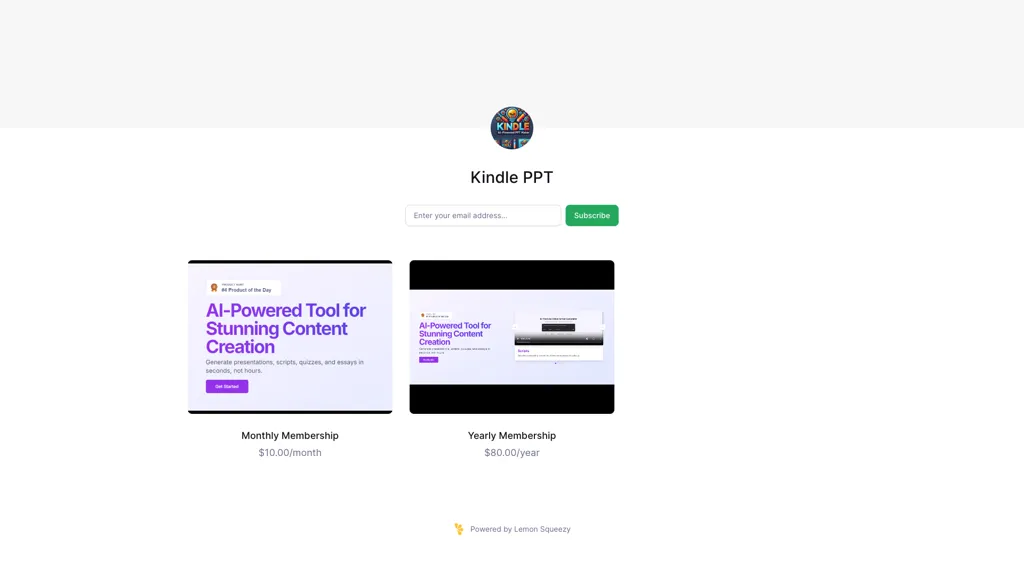
Kindle PPT is a subscription-based tool designed for users who need to create presentations from their Kindle content. This tool allows users to seamlessly convert eBooks and documents into visually appealing PowerPoint slides. With features that enable text extraction, slide customization, and easy image integration, Kindle PPT streamlines the presentation-making process for educators, business professionals, and students.
The user-friendly interface facilitates quick editing and enhances productivity, ensuring that users can effectively share their knowledge and insights. Kindle PPT supports various file formats, making it versatile for different content types and enhancing the overall user experience in presentation development.
KindlePPT can be used for:
- Transform your Kindle eBooks into engaging PowerPoint presentations effortlessly, perfect for educators looking to enhance their lectures and create interactive learning experiences.
- Business professionals can quickly convert important documents and research from Kindle into visually appealing slides, streamlining their presentations for meetings and conferences.
- Students can utilize Kindle PPT to extract key information from academic texts, creating customized study aids and presentations that effectively communicate complex ideas to their peers.
KindlePPT Key Features
- Text extraction
- Slide customization
- Image integration
- Support for various file formats
- User-friendly interface
See also: Presentations Alternatives of KindlePPT
38.Beemer
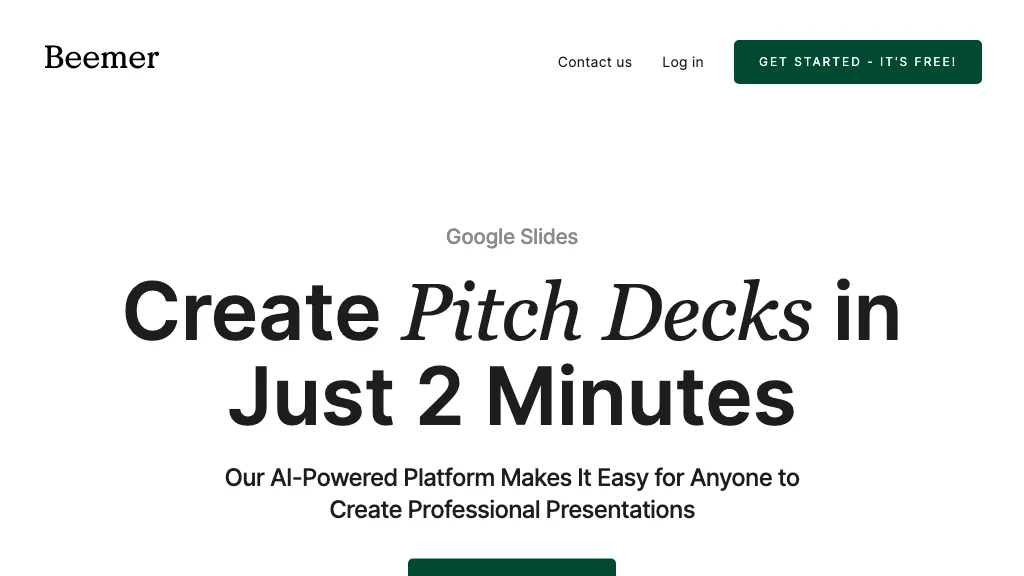
Beemer is an AI‑powered platform that creates complete pitch decks in minutes for Google Slides and PowerPoint.
The tool automatically generates slide layouts, text, and imagery based on a brief business description, eliminating manual design work.
Users can choose from pre‑built sections, add custom images and text, and then export the finished deck directly to Google Slides or PowerPoint for delivery.
Team members can collaborate within familiar interfaces, sharing edits and comments in real time.
The design templates follow current visual‑communication trends, ensuring decks remain modern and engaging.
Beemer supports optional extra slide templates and executive‑summary generation to enhance investor‑focused presentations.
Beemer can be used for:
- Generate an investor‑ready pitch deck from a simple business brief with Beemer, exporting instantly to Google Slides for collaborative review and sharing—no design skills needed.
- Turn a startup’s product roadmap into a polished PowerPoint deck using Beemer’s auto‑generated executive summaries and customizable templates, ready for venture funding meetings.
- Craft a sales pitch presentation in minutes by feeding Beemer your service overview; automatically add visuals, data charts, and export to Google Slides for real‑time collaboration with your team.
Beemer Key Features
- Generate pitch decks from description
- Export decks to Google Slides
- Export decks to PowerPoint
- Collaborative team editing
- Auto-generated slide structure
- Publish decks to Webflow.io
- Customizable slide layouts
See also: Startup tools Presentations Alternatives of Beemer
39.Korl
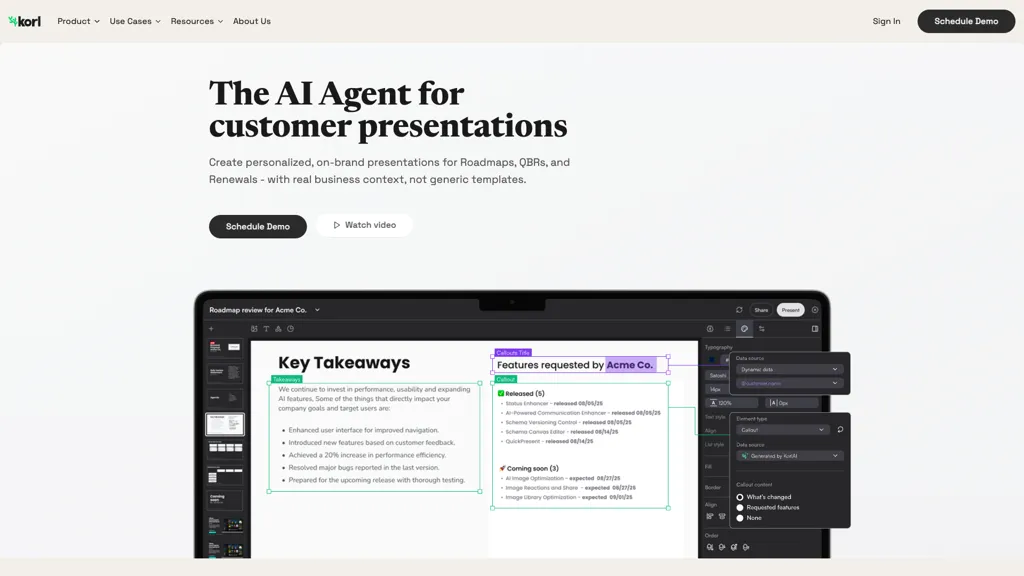
Korl generates personalized QBR and renewal presentations with AI. It imports data from Jira, Google Docs, Figma, Salesforce, and similar sources, building a unified view of product usage and customer goals. The system enriches missing connections and applies brand styles automatically to produce slide decks that match existing templates.
Account managers can schedule or request presentations, which the AI drafts with customer‑specific narratives and relevant feature updates. It supports quarterly business reviews, roadmap updates, and renewal conversations. By automating data integration and content creation, Korl reduces preparation time and delivers consistent, data‑driven insights for sales and customer success teams.
Pricing starts at: $0/mo - Freemium
Korl can be used for:
- Generate a QBR deck for a SaaS provider by pulling usage stats from Salesforce and Jira tickets, auto‑applying brand styles and producing narrative slides that showcase customer success and roadmap alignment.
- Create a renewal deck for enterprise accounts by integrating Google Docs roadmaps, Figma design specs, and Salesforce contract data, saving prep time and delivering consistent, data‑driven insights.
- Produce a product usage analytics presentation for customer success teams, automatically aggregating Jira issue trends, Figma UI updates, and Salesforce usage data into a cohesive slide deck.
Korl Key Features
- Instant customer-ready presentations
- Branded AI-crafted slides
- Real-time data updates
- Personalized slide content
- Smart slide editing
- Predefined style templates
- Dynamic visibility animation
See also: Productivity Alternatives of Korl
40.SlideNotes
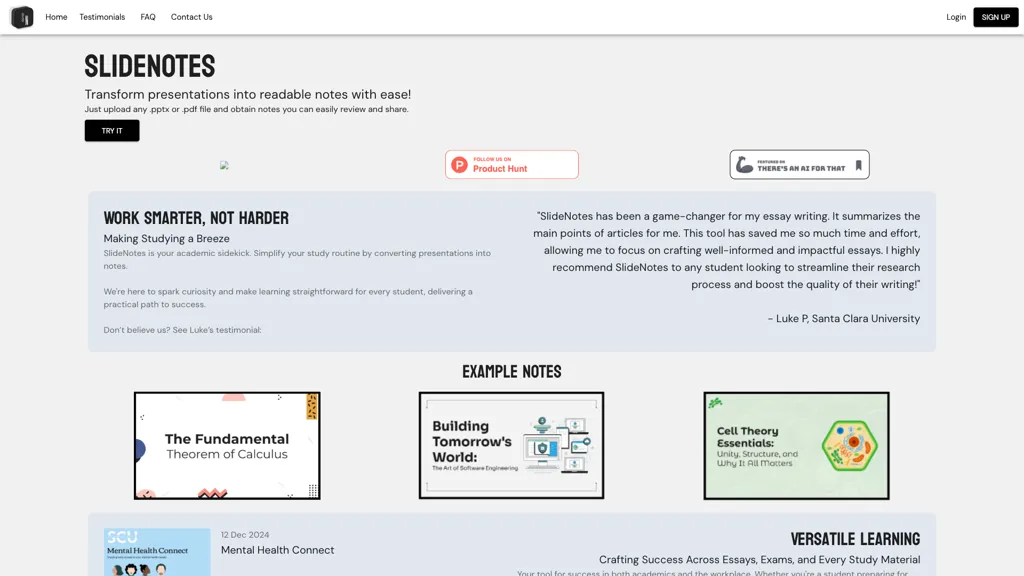
SlideNotes converts PowerPoint (.pptx) and PDF files into concise, bullet‑point notes by extracting key terms and summarizing slide content. The tool automatically identifies important phrases and presents them in a readable format, saving users time on manual note‑taking.
Students can upload lecture slides and receive study‑ready notes that highlight core concepts and critical details. Business professionals can transform meeting presentations into actionable minutes and quick reference guides. SlideNotes supports users in the United States and Canada, providing a straightforward upload interface and instant note generation.
Pricing starts at: $0/mo - Freemium
SlideNotes can be used for:
- Generate lecture notes in bullet form from professor PowerPoint slides for instant study review, saving time on manual transcription
- Convert corporate presentation PDFs into concise meeting minutes with key term extraction, enabling quick dissemination to stakeholders
- Transform full PDF proposals into bullet‑point outlines for clear client communication, ensuring key concepts are highlighted
SlideNotes Key Features
- Upload .pptx or .pdf files
- Automatic slide-to-note conversion
- Summarizes key words into bullets
- Supports PowerPoint and PDF formats
- Generates actionable notes for professionals
- Distills presentation content efficiently
See also: Presentations Alternatives of SlideNotes
41.PPTX.ai
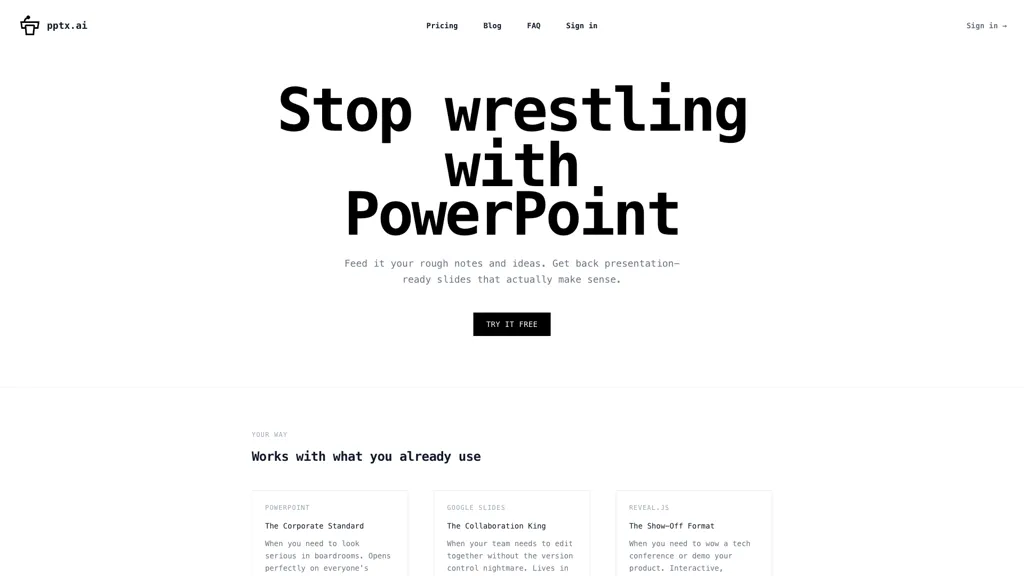
PPTX.ai automatically transforms rough notes into polished slide decks compatible with PowerPoint, Google Slides, and Reveal.js.
The AI analyzes content to align tone, density, and visuals for the target audience, whether an investor pitch, team update, or product demo.
It eliminates common presentation issues such as excessive text, unclear fonts, and overused charts, producing slides that look professionally designed.
Teams can collaborate online without version conflicts, while individual users can quickly upload a draft and download a finalized deck in minutes.
Pricing starts at: $5
PPTX.ai can be used for:
- Create a polished investor pitch deck from raw notes in minutes, with AI‑generated visuals and consistent tone, all without touching PowerPoint
- Collaborate in real‑time across departments to build a product launch presentation, with version‑conflict avoidance and automated design suggestions
- Generate concise, data‑rich slide decks for sales or training meetings, stripping excess text and refining fonts for maximum impact
PPTX.ai Key Features
- Cross-platform slide integration
- AI content analysis and structuring
- Audience-aware tone adaptation
- Prevents common slide mistakes
- Cloud-based collaboration
- Quick draft-to-polished conversion
- Integration with existing tools
See also: Presentations Alternatives of PPTX.ai
42.GenPPT AI
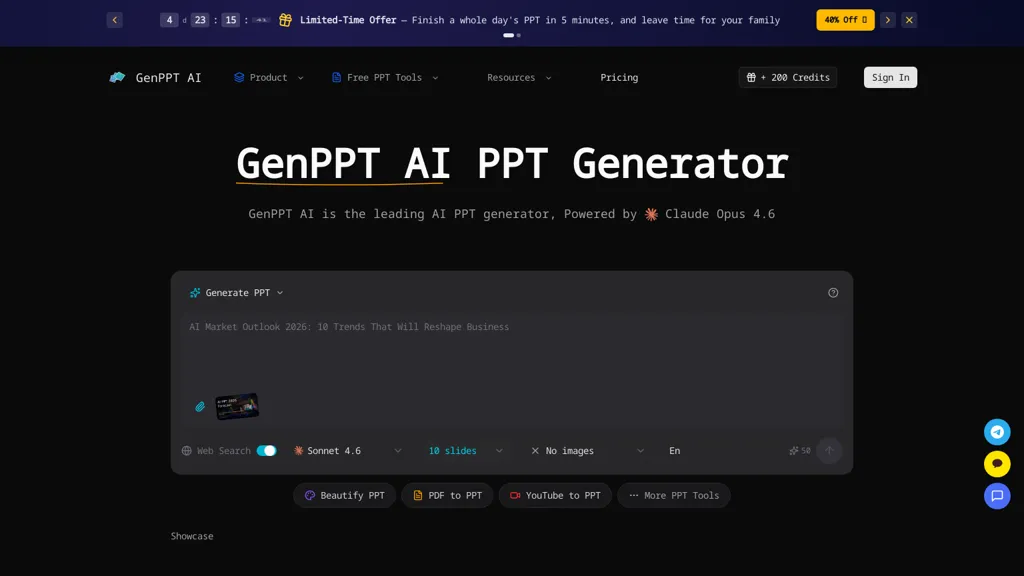
Genppt AI - an AI PPT generator that creates complete slide decks from text prompts, uploaded notes, or existing files.It converts Word, PDF, and web content into editable PPTX files and supports export for Google Slides and Keynote.
The tool applies automated layouts, template-based styling, image suggestions, and chart generation to streamline slide design.genppt ai can reformat and enhance existing presentations, produce detailed speaker notes and talking points, and support multilingual output.
Target users include business teams, educators, marketers, and content creators who need faster slide production, consistent branding, and data visualizations.Real-time preview and in-browser editing enable quick revisions and ready-to-share PowerPoint exports.
Pricing starts at: $9.5/mo
GenPPT AI can be used for:
- Create investor-ready pitch decks from a business plan or text prompt using genppt's automated layouts, chart generation and speaker notes, then polish slides in-browser and export to PowerPoint, Google Slides or Keynote for investor meetings
- Convert long reports, Word documents or PDFs into concise, editable slide decks with genppt's document-to-slides converter, auto-generated charts and multilingual speaker notes to present to global stakeholders
- Turn bullet notes or web content into training or webinar slide decks using genppt's templates, images and automated layouts, finalize edits in-browser and export slides and handouts for seamless delivery
GenPPT AI Key Features
- Generates complete slide decks from text prompts, uploaded notes, or existing files
- Converts Word, PDF, and web content into editable PPTX and exports to Google Slides and Keynote
- Applies automated layouts, template-based styling, image suggestions, and chart generation
- Reformats and enhances existing presentations
- Produces detailed speaker notes and talking points and supports multilingual output
See also: Presentations Alternatives of GenPPT AI
43.AI PPT Maker
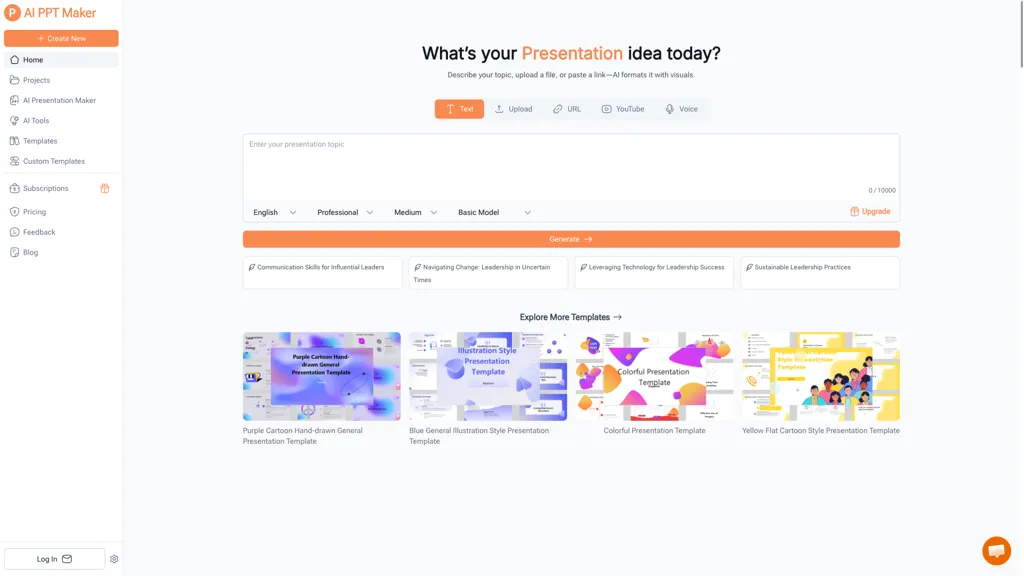
AI PPT Maker is an online tool that converts text, PDFs, videos, or voice recordings into professional PowerPoint presentations. It generates structured slides quickly, offers extensive customization options, and includes thousands of templates. The tool supports multiple languages and file formats, making it versatile for global users. It enhances workflow efficiency by enabling instant creation of high-quality slides.
Pricing starts at: $0/mo - Free trial
AI PPT Maker can be used for:
- Transform your research papers or reports into polished PowerPoint presentations quickly with AI PPT Maker, allowing you to focus on content while the tool handles the slide design effortlessly.
- Create visually engaging sales pitches using AI PPT Maker’s vast template library, ensuring you make an impactful presentation that stands out to stakeholders and clients without needing design skills.
- Convert training videos or voice recordings into structured presentation slides with AI PPT Maker, making it easy to share knowledge with your team in an organized and visually appealing format.
AI PPT Maker Key Features
- Text, PDF, video, and voice conversion
- Structured slide generation
- Extensive customization options
- Multiple language and file format support
- Template library
See also: Presentations Alternatives of AI PPT Maker
44.Pageon.ai
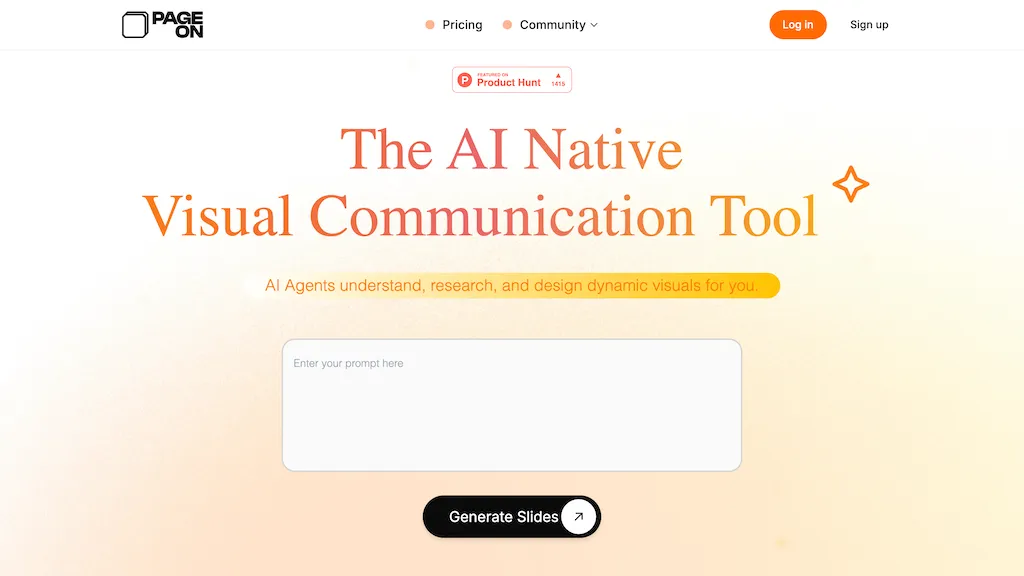
PageOn is an AI-powered presentation and media tool designed for the modern user, enabling effortless transformation of ideas into visually stunning slides.By simply inputting a topic, the AI generates content, drawing from comprehensive search sources like Reddit, YouTube, or personal databases.
It also features AI-driven storytelling, providing reliable citations for each slide.With efficient editing tools, users can easily drag-and-drop elements and switch themes with a click.Additionally, PageOn enhances presentations with automated voice narration and dynamic visual effects, making it a powerful tool for creating engaging and polished presentations.
Pricing starts at: $0/mo - Freemium
Pageon.ai can be used for:
- Generate visually compelling slides with automated content and reliable citations
- Enhance presentations with dynamic visual effects and automated voice narration
- Efficiently edit and customize presentation themes using drag-and-drop functionality
Pageon.ai Key Features
- AI-driven storytelling
- Comprehensive search source integration
- Efficient drag-and-drop editing tools
- Automated voice narration
- Dynamic visual effects
- Theme switching with a single click
- Reliable citations for each slide
See also: Presentations Alternatives of Pageon.ai
45.shufflrr.com
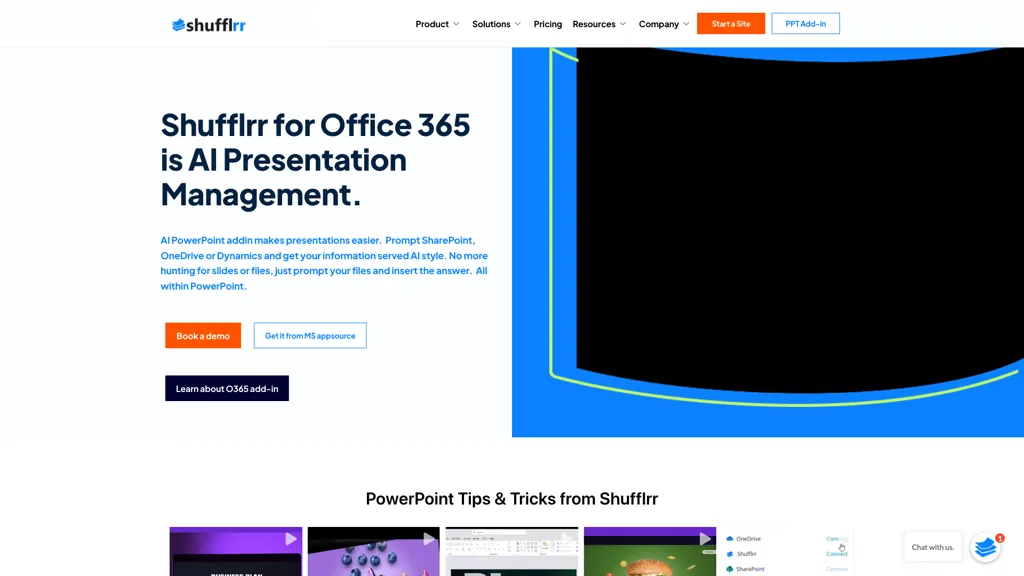
Shufflrr for Office 365 is a PowerPoint add‑in that centralizes slide creation and asset management. It connects directly to OneDrive, SharePoint, Google Drive, Dropbox, and Microsoft Dynamics 365, allowing users to pull data, images, and PDFs into slides without leaving PowerPoint.
The add‑in includes an on‑demand search engine that locates slides and media in seconds, and a brand‑centered library that enforces consistent fonts, colors, logos, and compliance across all decks. Integrated AI tools generate slide outlines and content from prompts, speeding up deck construction.
Built‑in analytics track slide usage, audience engagement, and sales‑impact metrics, giving teams insight into which presentations perform best. The platform supports small and midsize enterprises, financial services, life sciences, hospitality, travel, and media organizations that need reliable, enterprise‑grade presentation management.
Pricing starts at: $30/mo
shufflrr.com can be used for:
- Generate a consistent, brand‑compliant onboarding PowerPoint using Shufflrr’s AI outline generator and OneDrive templates, eliminating manual design work
- Create a persuasive quarterly sales pitch by quickly searching Google Drive, Dropbox, and SharePoint for relevant images and icons, then enforcing brand standards with the add‑in’s compliance editor
- Monitor audience engagement with the built‑in analytics dashboard, exporting slide view metrics to Power BI or Excel for executive reporting
shufflrr.com Key Features
- Developer API replicates PowerPoint functions
- Recursive file uploader for directories
- JSON lens data extraction
- Plug-and-play platform integration
- Swagger documentation for endpoints
- Custom enterprise integration support
See also: Presentations Alternatives of shufflrr.com
46.Presenton AI
Presenton is an open-source AI presentation generator offering an API and self-hosted or managed cloud deployment for automated, brand-consistent slide creation.It supports template conversion from existing PPTX/PDF, export to editable PPTX and PDF, and global theming to preserve colors, typography, spacing and layout across every slide.
Features include charts, tables, images, data-driven components, slide variants, element-level edits and a prompt-based template editor for reusable design systems.Developers can integrate generation via a REST API, embed into data workflows, and run the engine locally or in Docker for on-premise deployments.
Integrations cover LLM providers and image-generation models, with outputs compatible with PowerPoint and Google Slides.Use cases include automated report generation, developer-focused embedding, and enterprise presentation pipelines that require data control and customizable templates.
Pricing starts at: $0/mo - Free
Presenton AI can be used for:
- Automate generation of investor-ready pitch decks from CSV or BI data using Presenton's REST API, converting existing PPTX/PDF templates into brand-consistent, editable slides with charts and tables for regular startup updates
- Integrate Presenton into your internal reporting pipeline to produce data-driven, brand-compliant quarterly reports and dashboards as editable PPTX/PDF files, self-hosted for security and customizable via reusable, prompt-editable design systems
- Enable non-design teams to quickly create on-brand training materials and sales collateral by uploading template PDFs and using the cloud or self-hosted generator to produce editable slides with images, tables and reusable styles without manual formatting
Presenton AI Key Features
- REST API for slide generation and integration
- Self-hosted (local/Docker) and managed cloud deployment options
- PPTX/PDF template import and export to editable PPTX and PDF
- Global theming, prompt-based template editor, slide variants and element-level edits
- Charts, tables, images and data-driven components with integrations to LLMs and image-generation models and output compatibility with PowerPoint and Google Slides
See also: Presentations Alternatives of Presenton AI
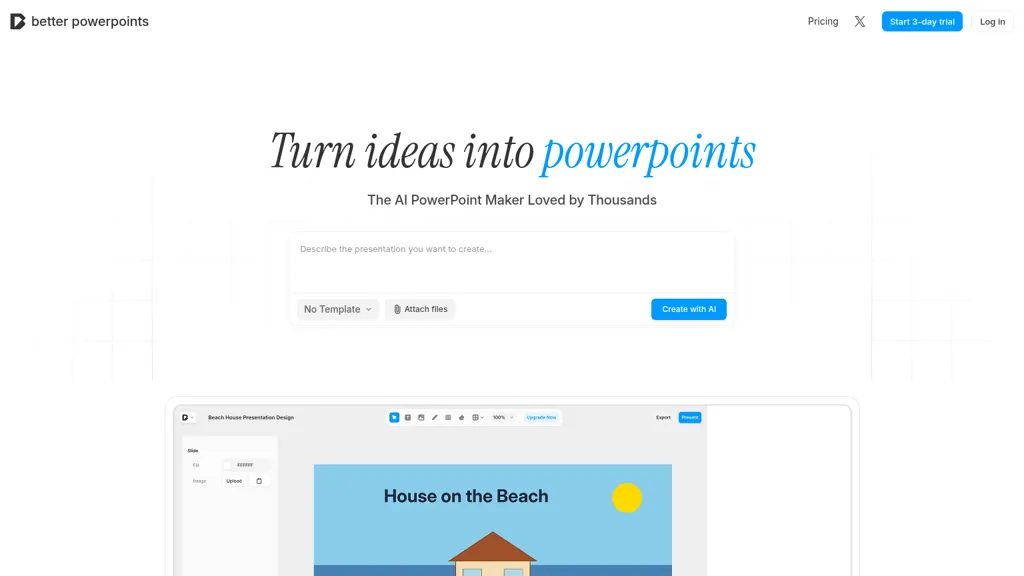
Better Powerpoints is an AI PowerPoint maker that converts notes, files, or ideas into editable slide decks using AI-generated layouts and content.
Features include slide templates, advanced editing tools, file attachment support, and PPTX export for sharing and offline editing.
Real-time collaboration enables live editing, commenting, and version tracking for teams preparing meetings, project updates, or investor presentations.
Template and layout options support business presentations, pitch decks, academic lectures, training workshops, and creative portfolios.
AI-assisted content generation and layout optimization speed slide creation while maintaining consistent branding and clear visual hierarchy.
Export and share options produce PowerPoint-compatible files that preserve editable text, shapes, and tables.
Pricing starts at: $9.99
Better Powerpoints can be used for:
- Turn meeting notes or a one-page brief into a polished, editable PowerPoint pitch deck using Better Powerpoints’ AI-generated layouts and templates, preserving editable elements and consistent company branding while exporting a ready-to-share PPTX
- Convert research papers, reports, or long-form content into well-organized slide decks with layout optimization and editable slide templates, then collaborate in real-time to refine visuals and maintain consistent formatting across presentations
- Create investor-ready pitch decks from bullet points or rough ideas with the AI slide generator and advanced editing tools, iterate live with teammates to perfect messaging and design, and export a brand-aligned PPTX for demos or funding meetings
Better Powerpoints Key Features
- AI-powered presentation generation
- Advanced editing tools
- Real-time collaboration with live editing and instant feedback
- Export to PPTX format
- Presentation templates library
48.Power Mode
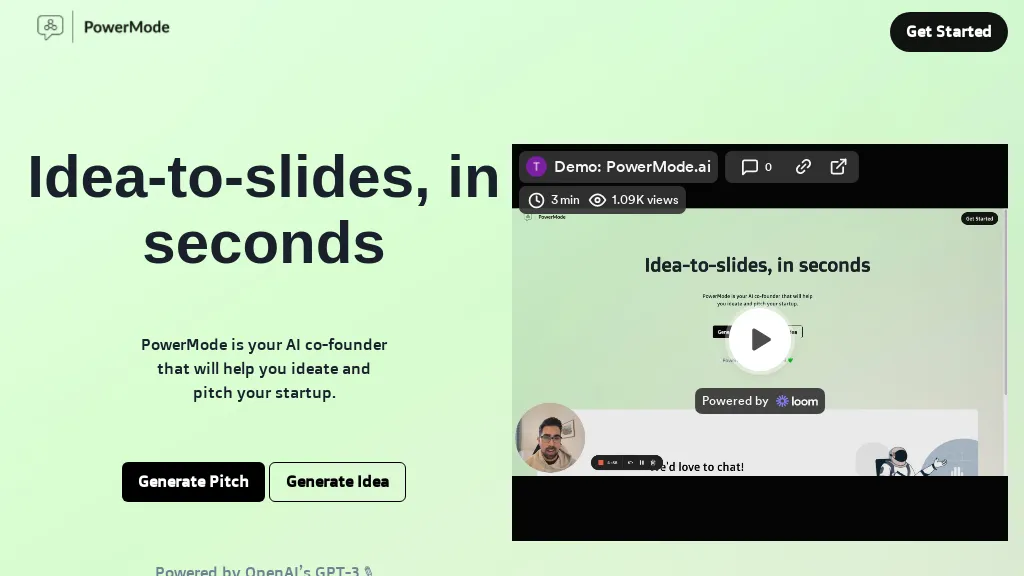
PowerMode AI is an AI‑powered presentation builder that creates complete slide decks from a few prompts using GPT‑3. Users can generate sales pitches, classroom lessons, or internal presentations in seconds, reducing the need for manual design. The platform offers iterative editing, allowing quick revisions and alternate slide options without re‑building the deck.
It structures content into a clear narrative flow, automatically formatting text, graphics, and layout for professional results. By automating slide creation, PowerMode AI saves time and helps teams focus on messaging rather than design, making last‑minute deck preparation efficient and reliable.
Pricing starts at: $0/mo - Freemium
Power Mode can be used for:
- Generate a data‑driven quarterly business review deck from a spreadsheet summary in minutes, automatically inserting charts, bullet points, and a polished layout without manual formatting
- Create an investor pitch deck on the fly by feeding a one‑sentence concept, then iteratively refine slides with real‑time feedback to achieve a professional narrative flow
- Build a training presentation for new hires by prompting key learning objectives, letting PowerMode AI auto‑populate slides with visuals, step‑by‑step instructions, and a consistent branding template
Power Mode Key Features
- Generate decks from prompts
- Create slides in seconds
- Iterate multiple decks fast
- AI-driven slide design
- Quick edits with suggestions
- Near-complete deck in 90 seconds
See also: Productivity Business Alternatives of Power Mode
AI PowerPoint Maker is a browser‑based tool that transforms raw text, Word documents, PDFs, and web articles into PowerPoint slide decks using large‑language‑model reasoning and design rules.
It generates ready‑to‑present decks in minutes, eliminating the need for manual formatting or template selection.
Users can export finished slides as native PPTX files, which open seamlessly in Microsoft PowerPoint or Google Slides for further editing.
The platform includes template cloning, automatic stock image and icon insertion, and brand guideline integration to maintain visual consistency.
Presenters, marketers, sales professionals, and designers can fine‑tune text, swap images, and apply custom layouts directly within the generated deck.
No installation is required; the tool runs entirely in the browser on any device with internet access.
Pricing starts at: $2.99/mo
AI PowerPoint Maker can be used for:
- Transform a 30-page research paper into a concise, brand‑aligned PowerPoint deck for a conference presentation, automatically adding relevant images and slide layouts
- Convert a PDF sales proposal into a polished slide deck with brand‑consistent colors and icons, enabling quick sharing with clients
- Generate a webinar slide deck from a long‑form blog article, inserting stock images and maintaining company branding, all within the browser
AI PowerPoint Maker Key Features
- Generate decks from Word/PDF
- Instant slide creation from text
- Export native PPTX without formatting issues
- Run fully in browser, no install
- Fine-tune slides after generation
- Automatically pull stock images
- Maintain consistent design across decks
ChatGPT for PowerPoint is an AI-driven app that transforms ideas into professional presentations.Users generate slides by inputting prompts, uploading documents, or linking to online content.The tool enhances presentations with relevant images, charts, and infographics.
It supports on-demand translation for multiple languages and offers customizable templates for various themes and styles.Integrates seamlessly with Microsoft PowerPoint.
Pricing starts at: $10.99/mo
ChatGPT for PowerPoint can be used for:
- Create stunning business presentations by inputting key ideas into ChatGPT PowerPoint, which automatically generates slides complete with relevant images and charts to enhance visual appeal
- Turn academic research or reports into engaging presentations by uploading documents, allowing ChatGPT PowerPoint to extract essential information and present it in a clear and professional format
- Develop multilingual presentations effortlessly by utilizing the on-demand translation feature, ensuring that content is accessible to diverse audiences while maintaining a consistent design through customizable templates
ChatGPT for PowerPoint Key Features
- Slide generation from prompts
- Document upload capability
- Online content linking
- On-demand translation support
- Customizable templates
Best AI Tools For PPT Comparison chart
| App name | Short Description | Starting Price | Has App | Pricing model |
|---|---|---|---|---|
| Plus AI for Google Slides | Plus AI is a free AI-powered presentation maker for Google Slides that allows users to convert text into slides, create professional slide layouts, and design presentations with the help of AI. | $10 per user/mobilled annually or $15 per userbilled mo | No | Freemium |
| AI Slide Maker | AI Slide Maker is a user-friendly, AI tool that simplifies the creation of impactful presentations within minutes through AI-driven design suggestions and pre-designed blueprints, enhancing collaboration with real-time editing and sharing capabilities. | - | No | Freemium |
| Instant AI for Google Slides | Instant auto‑creates outlines, slide content, and layout suggestions inside Google Slides from a brief topic prompt. Users can edit text, visuals, brand colors, and choose from 100+ templates, speeding slide creation and ensuring consistency. | - | No | Freemium |
| chatba.com | ChatBA converts prompts and outlines into slide decks and presentation outlines using the OpenAI API, enabling rapid generation and prototyping of pitch decks, training materials, and reports, with saved projects and example prompts for quick iteration. | - | No | Freemium |
| AI Slide Studio | AI Slide Studio is an AI-driven presentation maker that quickly generates customizable PowerPoint slideshows. It offers design options, AI-generated images, and integrates with Google Slides and Microsoft PowerPoint, reducing preparation time for educators, professionals, and students. | - | No | Free trial |
| PPT.AI | PPT.AI is an AI-driven presentation maker that transforms text, documents, and videos into professional slides in seconds. It offers customizable templates, supports multiple languages, and ensures full compatibility with PowerPoint. | - | No | Free trial |
| Slides.bot | AI Presentation Maker turns written content quickly into slide decks using GPT, auto‑organizes material, offers editable templates, multi‑language support, and exports to PPTX/PDF for students, educators, marketers, and professionals. | - | No | Free |
| SlidesGo | Slidesgo's AI Presentation Maker is a free tool that generates presentations with customizable slides and design styles, offering different tones and resources. Presentations can be downloaded in PDF format. | - | No | Free |
| AI Presentation Maker | AI Presentation Maker is an online tool that uses generative AI to create professional presentations in three simple steps: input topic, define audience, and outline goals. It offers customizable themes, templates, and stock images, with the ability to refine presentations in PowerPoint or Google Slides. | - | No | Freemium |
| PresentationGPT | PresentationGPT auto‑creates slide decks from text or image prompts, outputting PowerPoint, Google Slides, or PDF files. Its LISA model optimizes structure and layout, while users can adjust themes, backgrounds, and colors. API support enables integration into other workflows. | $12/mo | No | Freemium |
| SlideAI | SlideAI auto‑generates complete PowerPoint decks from a topic and desired slide count, drafting headings, bullet points, and image suggestions. It applies themes automatically, supports editing, slide reordering, and custom graphics, saving professionals and students minutes of design work. | - | No | Paid |
| SliderAI | Slider AI quickly converts prompts, videos, websites, or uploads into fully formatted slide decks, supporting multiple languages and AI‑generated images. Export to PowerPoint, Google Slides, or PDF with no watermarks. Ideal for marketers, consultants, educators, and teams. | - | No | Subscription |
| PresentationsAI | Presentations.AI automatically turns text prompts into fully formatted slide decks, including charts, infographics, timelines, and roadmaps. It applies consistent branding, exports to PowerPoint, supports multilingual collaboration, and offers engagement analytics for content refinement. | - | No | Freemium |
| MotionIt AI | Motionit auto‑creates polished slide decks from keywords or uploaded documents. It selects images, applies uniform layouts, and formats content, delivering ready presentations for Google Slides, PowerPoint, or PDF. Ideal for students, educators, and professionals seeking rapid, design‑free decks. | - | No | Subscription |
| Deckster | Deckster auto‑generates slide decks from notes, docs, or URLs, creating charts from Excel/CSV and applying narrative structures. Users can reorder, edit, and export fully editable PowerPoint or Google Slides without layout breaks. | $15/mo | No | Freemium |
| DokieAI.com | Dokie AI converts text, notes, Word/PDF files and YouTube content into structured, branded PowerPoint-compatible slide decks, offering automated slide creation, layouts, visuals and charts, speaker notes, in-browser editing, exportable PPTX, and multi-language support. | $9.5/ mo | No | Free trial |
| Sendsteps | Sendsteps.ai lets you upload Word, PPT, PDF, or text files; the AI summarizes the content, auto‑creates slide layouts, images, quizzes, and speaker notes, supports 86+ languages, and exports directly to PowerPoint for instant sharing. | - | No | Subscription |
| SlideSpeak | SlideSpeak transforms PDFs, Word, Excel, and web content into PowerPoint slides in seconds, offering AI editing, infographics, charts, AI images, narrated videos, branding, translation, and an API for custom integration. | $29/mo | No | Freemium |
| SlidesGPT | SlidesGPT converts blog posts, PDFs, or custom prompts into polished slide decks in seconds. It auto‑formats slides, generates visuals, and exports to PowerPoint, Google Slides, or PDF. Developers can integrate bulk creation through an API. | - | No | Freemium |
| Dokie AI | Dokie AI is a presentation maker that generates and edits slides from text, links, PDFs, and docs, converting them into structured decks with on-demand visuals and brand templates. It streamlines workflows for professionals by offering data visualization, interactive animations, and AI-driven content structuring for reports, pitches, and proposals. | $19/mo | No | Freemium |
| SlidesWizard.io | SlidesWizard is an AI-driven presentation tool that streamline slide deck creation for PowerPoint and Google Slides. It offers diverse formats, automated content suggestions, image sourcing, and speaker notes, enhancing the efficiency of creating professional presentations. | - | No | Freemium |
| Alai | Alaigetalai.com is an AI-driven presentation tool that generates complete decks from simple ideas in seconds. It allows for easy customization of design and content, enabling anyone to create polished, professional presentations quickly. | - | No | Free trial |
| FlashDocs API | FlashDocs API allows users to programmatically create and manage PowerPoint and Google Slides presentations, supporting custom branding and layouts. It enables dynamic generation of up to 10,000 slide decks monthly while ensuring enterprise-grade security and data privacy. | - | No | Free trial |
| Mentimeter | Free AI Presentation Maker quickly generates customizable slides based on user-inputted topics. It enhances engagement with interactive features, supports real-time edits, and enables anonymous audience responses, streamlining the presentation development process for various professional settings. | - | No | Freemium |
| Edit in PPT | Edit in PPT converts uploaded images into fully editable PowerPoint slides using GPT‑5 vision models. The web interface accepts natural‑language commands to modify text, layout, and design, enabling users to create or adjust slides quickly and maintain high visual quality. | - | No | Free |
| Presentify.ai | Presentify AI is a web-based tool that generates visually appealing presentation slides from text prompts, offering customizable options in .pptx format. It features contextual icons and diverse design elements to enhance engagement and storytelling. | - | No | Free trial |
| WorkPPT | WorkPPT is an AI-powered presentation tool that generates slide decks and websites from online links, files, or PDFs. It simplifies content summarization and visual storytelling for professionals and teams. | - | No | Freemium |
| Decktopus AI | Decktopus AI generates slide outlines, designs, and content from prompts or text, auto‑applying brand style. It offers drag‑and‑drop editing, PDF import, template library, team collaboration, Zapier integration, and AI‑driven Q&A and storytelling. | $7/mo | No | Subscription |
| Slideflow AI | SlideFlow AI turns text into PowerPoint decks in seconds, featuring an auto‑refining Magic Writer and customizable backgrounds. Supporting 85 languages, it lets users edit, preview, and export slides directly, storing drafts for up to 72 hours. | - | No | Freemium |
| GPT for Slides | GPT for Slides is a Google Slides add‑on that builds complete decks from a topic, URL, PDF, or text in under a minute, adding AI‑generated images, data visuals, quizzes, and multilingual translation, saving design time. | $8/mo | No | Freemium |
| Tome App | Tome App is a versatile AI presentation maker that generates, converts, and enhances slide decks from text, documents, PDFs, and videos. It automates layout, chart, and speaker-note creation, with exports compatible for PowerPoint, Google Slides, and Keynote. | $9.5/mo | No | Free trial |
| Plusdocs | Plus AI is an AI-powered market research tool that provides customizable features for free reports, slide creation, and reporting automation, seamlessly integrated with Google Slides and other tools. | $0 | No | Freemium |
| Choladeck | Choladeck offers over 9,870 customizable slide templates across various categories, enabling users to create professional presentations quickly. Features include animated slides, Excel-compatible charts, and premium visuals, streamlining the design process for impactful content delivery. | - | No | Free trial |
| SketchBubble AI | SketchBubble AI is an intelligent presentation tool that uses AI to create professional slides from text prompts, simplifying the design process. | - | No | Freemium |
| Kroma.ai | Kroma is an AI-powered tool that simplifies PowerPoint slide creation and eliminates the need for graphic designers, offering easy access to high-resolution visuals and customizable settings. | $1699 per year | No | Freemium |
| Prezo | The AI-powered presentation software generates layout designs and helps create visually appealing slides. It has a feature that turns stories into presentations and is available for free. | - | No | Free trial |
| KindlePPT | Kindle PPT is a tool that converts Kindle content into PowerPoint presentations, offering text extraction, slide customization, and image integration. It enhances productivity for educators, professionals, and students by supporting various file formats for versatile content use. | - | No | Subscription |
| Beemer | Beemer automates pitch deck creation, generating slides, text, and images from a business brief. Export to Google Slides or PowerPoint, collaborate in real time, and add executive summaries or optional templates for investor‑ready presentations. | - | No | Paid |
| Korl | Korl automates QBR and renewal slide decks by pulling data from Jira, Google Docs, Figma, Salesforce, etc., integrating usage and goals, auto‑applying brand styles, and generating narrative slides—cutting prep time and ensuring consistent, data‑driven insights. | - | No | Freemium |
| SlideNotes | SlideNotes turns PowerPoint and PDF slides into concise bullet‑point summaries, extracting key terms and core concepts for quick review. Students use it for lecture notes; professionals convert presentations into actionable minutes, saving manual note‑taking time. | - | No | Freemium |
| PPTX.ai | PPTX.ai turns rough notes into polished slide decks for PowerPoint, Google Slides, and Reveal.js. It refines tone, density, and visuals, removing excess text, unclear fonts, and redundant charts. Teams collaborate online without version conflicts, and users download decks quickly. | $5 | No | Freemium |
| GenPPT AI | GenPPT AI is an AI-powered presentation generator that creates complete, editable slide decks from text prompts, notes, or uploaded files. It automates design, generates visuals and charts, and exports to multiple formats to streamline professional presentation creation. | $9.5/mo | No | Freemium |
| AI PPT Maker | AIPPTMaker.ai is an AI-powered online tool that transforms text, PDFs, videos, or voice recordings into professional PowerPoint presentations instantly. It offers customizable templates, multi-language support, and streamlined slide creation for enhanced productivity. | - | No | Free trial |
| Pageon.ai | PageOn is an AI-powered presentation tool that transforms ideas into visually stunning slides. It offers AI-driven storytelling, comprehensive content generation, and efficient editing tools, making it ideal for creating polished presentations. | - | No | Freemium |
| shufflrr.com | Shufflrr for Office 365 is a PowerPoint add‑in that centralizes slide creation, asset management, and brand compliance by integrating with OneDrive, SharePoint, Google Drive, Dropbox, and Dynamics 365, offering AI‑generated outlines, a fast search engine, and usage analytics. | $30/mo | No | Freemium |
| Presenton AI | Presenton is an open-source AI presentation generator with REST API and self-hosted or cloud deployment, converting PPTX/PDF templates into brand-consistent, editable PPTX/PDF slides with charts, tables, images, data-driven components and reusable, prompt-editable design systems. | - | No | Free |
| Better Powerpoints | Better Powerpoints converts notes, files, or ideas into editable PowerPoint slide decks with AI-generated layouts, templates, real-time collaboration, advanced editing, and PPTX export—speeding slide creation while preserving editable elements and consistent branding. | $9.99 | No | Free |
| Power Mode | PowerMode AI generates complete slide decks from brief prompts using GPT‑3. It automatically formats text, graphics, and layout, offers iterative editing for quick revisions, and structures content into a clear narrative flow, saving time on presentation creation. | - | No | Freemium |
| AI PowerPoint Maker | AI PowerPoint Maker converts text, Word, PDFs, and web articles into ready‑to‑present PowerPoint decks in minutes using LLM reasoning and design rules, automatically inserting images, respecting brand guidelines, and exporting native PPTX files—all in the browser. | $2.99/mo | No | Subscription |
| ChatGPT for PowerPoint | ChatGPT for PowerPoint is an AI-powered tool that converts ideas, documents, or online content into polished presentations. It enhances slides with visuals, charts, and multilingual support while integrating seamlessly with Microsoft PowerPoint. | $10.99/mo | No | Free trial |
Ready to supercharge your ppt strategy? Try out the best AI tools for ppt today, and take your business to the next level."
Introduction
1.Plus AI for Google Slides
2.AI Slide Maker
3.Instant AI for Google Slides
4.chatba.com
5.AI Slide Studio
6.PPT.AI
7.Slides.bot
8.SlidesGo
9.AI Presentation Maker
10.PresentationGPT
11.SlideAI
12.SliderAI
13.PresentationsAI
14.MotionIt AI
15.Deckster
16.DokieAI.com
17.Sendsteps
18.SlideSpeak
19.SlidesGPT
20.Dokie AI
21.SlidesWizard.io
22.Alai
23.FlashDocs API
24.Mentimeter
25.Edit in PPT
26.Presentify.ai
27.WorkPPT
28.Decktopus AI
29.Slideflow AI
30.GPT for Slides
31.Tome App
32.Plusdocs
33.Choladeck
34.SketchBubble AI
35.Kroma.ai
36.Prezo
37.KindlePPT
38.Beemer
39.Korl
40.SlideNotes
41.PPTX.ai
42.GenPPT AI
43.AI PPT Maker
44.Pageon.ai
45.shufflrr.com
46.Presenton AI
47.Better Powerpoints
48.Power Mode
49.AI PowerPoint Maker
50.ChatGPT for PowerPoint
Conclusion
- Personalized recommendations
- Custom collections
- Save favorites
Already a member? Sign in