
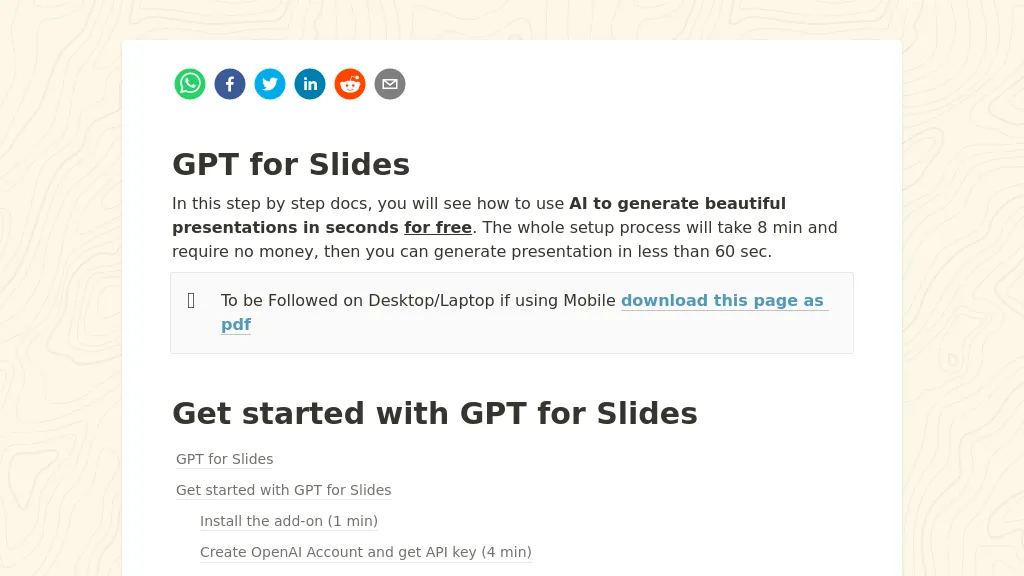
What is GPT for Slides?
GPT for Slides is a Google Slides add‑on that creates complete presentation decks from a single topic, a YouTube URL, a PDF, a website, or plain text. It automatically generates structured slide content, titles, bullet points, and layouts within 60 seconds, saving users the time spent on manual formatting.
The tool embeds AI‑generated images that match each slide’s topic, builds data visualizations from natural‑language descriptions, and can produce quizzes with answer keys for educational use. It supports translation of an entire deck into more than 100 languages while preserving layout and formatting, making it useful for global teams and multilingual classrooms.
The add‑on works entirely inside Google Slides, requiring no downloads or separate software, and handles input from PDFs, Word documents, video files, and website links, extracting key points and restructuring them into a polished deck. This functionality serves students, teachers, marketers, and business teams who need rapid, professional presentations without design skills.
✅ Get started with GPT for Slides
✅ Install the add-on (1 min)
✅ Create OpenAI Account and get API key (4 min)
✅ Setup API key to MagicSlides (2 min)
✅ Create your First Presentation with AI (2 min)
GPT for Slides details
- Jurisdiction
- India
- Built for
- Individuals
GPT for Slides tech specs
- Works with
- OpenAI / GPT Anthropic / Claude Google / Gemini DeepSeek
- Integrations
- Google Workspace
GPT for Slides pricing
Freemium- Refund window
- 5 days
Verify on the official pricing page.
View plansGPT for Slides's key features
-
Generate slides from any topic
-
Convert YouTube videos to slides
-
Import PDFs and Word docs
-
AI-generated images per slide
-
Create charts from plain text
-
Translate deck into 100+ languages
GPT for Slides use cases
-
Generate a polished sales pitch deck from a product brochure PDF in under a minute, automatically embedding AI images and charts
-
Create an engaging multilingual training presentation from a single URL, adding quizzes and data visuals for instant knowledge retention
-
Convert a research paper PDF into an interactive conference slide deck, translating key sections into multiple languages and incorporating infographics
GPT for Slides user reviews
Based on 1 review, 100% of users recommend GPT for Slides, rated highly for ease of use.
Liked for
Would you recommend GPT for Slides?
Who is GPT for Slides for?
-
Presentation presenters
-
Visual storytellers
-
Creative designers
-
Content creators
-
Business owners
GPT for Slides FAQ
Is GPT for Slides free?
Partly. GPT for Slides has a free plan with usage limits, and paid plans unlock the full feature set. Plans include Essential at $8/mo, Pro at $16/mo and Premium at $29/mo.
What are the best alternatives to GPT for Slides?
The closest alternatives to GPT for Slides are PresentationsAI, MagicSlides App, SlideSpeak, SlidesPilot and SlidesGPT. You can compare them side by side in the alternatives section further down this page.
What does GPT for Slides do with my data?
Its privacy policy states that personal data is not sold or shared for marketing purposes. Data may be shared with third-party service providers that help run the product.
Does GPT for Slides auto-renew or offer refunds?
GPT for Slides states a 5-day refund window.
Which AI models does GPT for Slides use?
GPT for Slides is built on OpenAI / GPT, Anthropic / Claude, Google / Gemini and DeepSeek. Which models you can reach may depend on your plan.
What does GPT for Slides integrate with?
GPT for Slides connects with Google Workspace.
Compliance, privacy and billing terms are as stated in each product's own published documentation and have not been independently verified by TopAI.tools.


