
What is AI Presentation Maker?
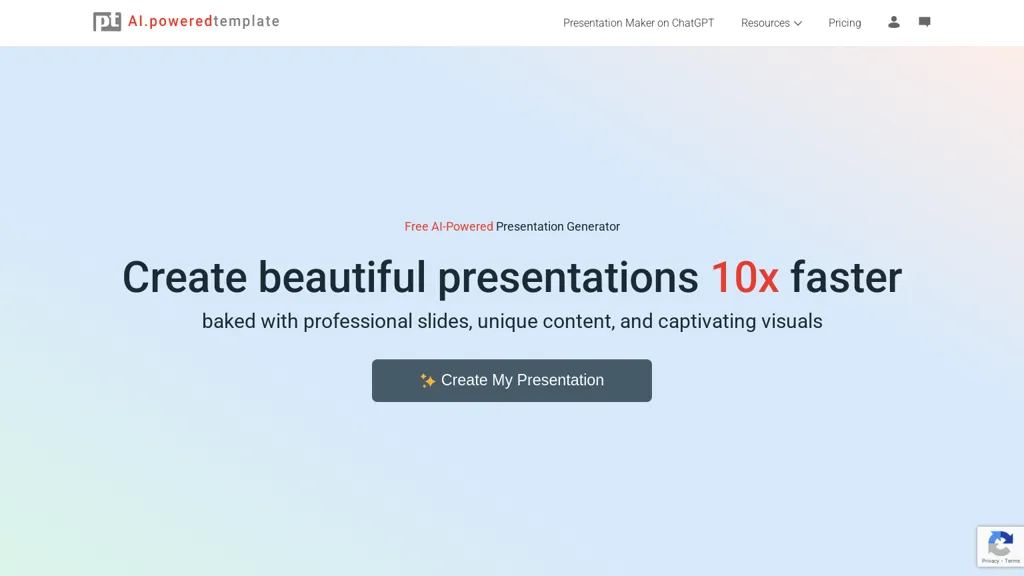
PoweredTemplate's AI Presentation Maker is a free online tool that enables users to create stunning presentations quickly and effortlessly.Using AI, it automates slide creation with professional designs, unique content, and high-quality visuals.
Users simply input their topic, audience, and goals, choose a design theme, and let the AI generate a fully formatted deck.Presentations can be downloaded in PowerPoint (PPT) or Google Slides for further customization.
The tool supports various presentation topics, including education, business, healthcare, and finance.It also offers a vast library of templates, stock photos, and videos, making it easy to craft visually appealing slides.
AI Presentation Maker pricing
FreemiumVerify on the official pricing page.
View plansAI Presentation Maker's key features
-
Generative AI for presentation creation
-
Customizable themes and color schemes
-
Library of templates and stock images
-
Presentation refinement in Microsoft PowerPoint
-
Presentation refinement in Google Slides
AI Presentation Maker use cases
-
Easily create engaging sales presentations by specifying your product topic, target audience, and desired outcomes, utilizing curated templates and stock images to visually enhance your message
-
Develop educational presentations for classrooms by inputting lesson topics, identifying student age groups, and outlining key learning objectives, ensuring an interactive and visually stimulating learning experience
-
Streamline team project updates by generating concise presentations with defined goals and tailored themes, allowing for quick edits and refinements in Microsoft PowerPoint or Google Slides
AI Presentation Maker user reviews
Based on 5 reviews, 40% of users recommend AI Presentation Maker, rated highly for quality results.
Liked for
Disliked for
Would you recommend AI Presentation Maker?
Who is AI Presentation Maker for?
-
Designers
-
Marketers
-
Business owners
-
Educators
-
Content creators
AI Presentation Maker FAQ
Is AI Presentation Maker free?
Partly. AI Presentation Maker has a free plan with usage limits, and paid plans unlock the full feature set. Plans include Subscription at $9 .95/mo billed mo, On-demand at $24 .95/one-time and Team access at 8 .48 per seat/mo $203.40 billed annually.
What are the best alternatives to AI Presentation Maker?
The closest alternatives to AI Presentation Maker are PPT.AI, PresentationsAI, SlidesAI, Autoppt and GenPPT. You can compare them side by side in the alternatives section further down this page.


