
What is Edit in PPT?
Edit in PPT – Convert Images to PowerPoint Slides
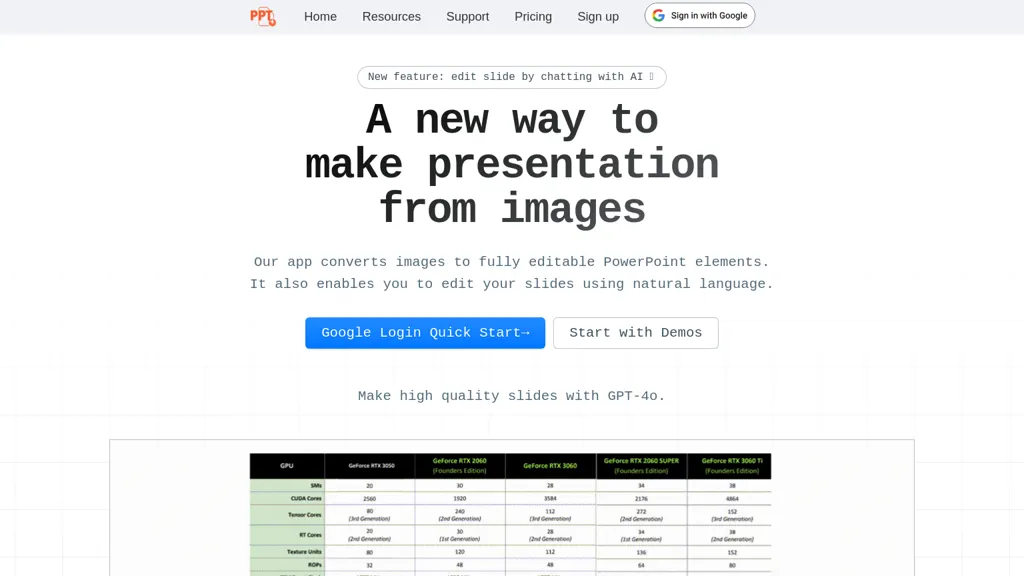
Edit in PPT transforms uploaded images into fully editable PowerPoint slides using GPT‑5 and other vision‑capable models. The tool offers a user‑friendly interface that allows users to convert images into high‑resolution, editable slide elements with a single click.
It supports natural language commands, letting presenters modify text, layout, and design without opening PowerPoint. The service provides 5 free conversions per month per registered account, with additional credits available through referral. Educators, business professionals, content creators, and presenters can reduce slide‑creation time, maintain visual clarity, and streamline the editing process with a simple web‑based workflow.
Edit in PPT details
- Built for
- Individuals
Edit in PPT tech specs
- Works with
- OpenAI / GPT
Edit in PPT pricing
FreeThis tool is free to use, with no credit card required.
Verify on the official pricing page.
Get started freeEdit in PPT's key features
-
Convert images to PPT slides
-
Edit slides with natural language
-
User-friendly interface design
-
High-resolution editable slides
-
Powered by GPT-5 vision model
-
Free monthly conversion credits
-
Choose AI model by complexity
Edit in PPT use cases
-
Convert scanned lecture notes or whiteboard images into editable PowerPoint slides, allowing professors to quickly publish study material without manual retyping
-
Transform marketing flyers and product images into polished slide decks for pitch meetings, with auto‑layout adjustments and brand‑consistent design
-
Turn event photos into a dynamic slide presentation for post‑conference recap, enabling quick caption edits and layout tweaks via natural‑language commands
Edit in PPT user reviews
Based on 1 review, 100% of users recommend Edit in PPT, rated highly for quality results.
Liked for
Would you recommend Edit in PPT?
Who is Edit in PPT for?
-
Content creators
-
Product designers
-
Strategic managers
-
Data analysts
-
System administrators
Edit in PPT FAQ
Is Edit in PPT free?
Yes. Edit in PPT is free to use and does not require a credit card.
What are the best alternatives to Edit in PPT?
The closest alternatives to Edit in PPT are SlidesGPT, SlidesPilot, AiPPT, Autoppt and SlidesAI. You can compare them side by side in the alternatives section further down this page.
What does Edit in PPT do with my data?
Its privacy policy states that personal data is sold or shared for marketing purposes. Data may be shared with third-party service providers that help run the product.
Which AI models does Edit in PPT use?
Edit in PPT is built on OpenAI / GPT. Which models you can reach may depend on your plan.
Compliance, privacy and billing terms are as stated in each product's own published documentation and have not been independently verified by TopAI.tools.


