
What is shufflrr.com?
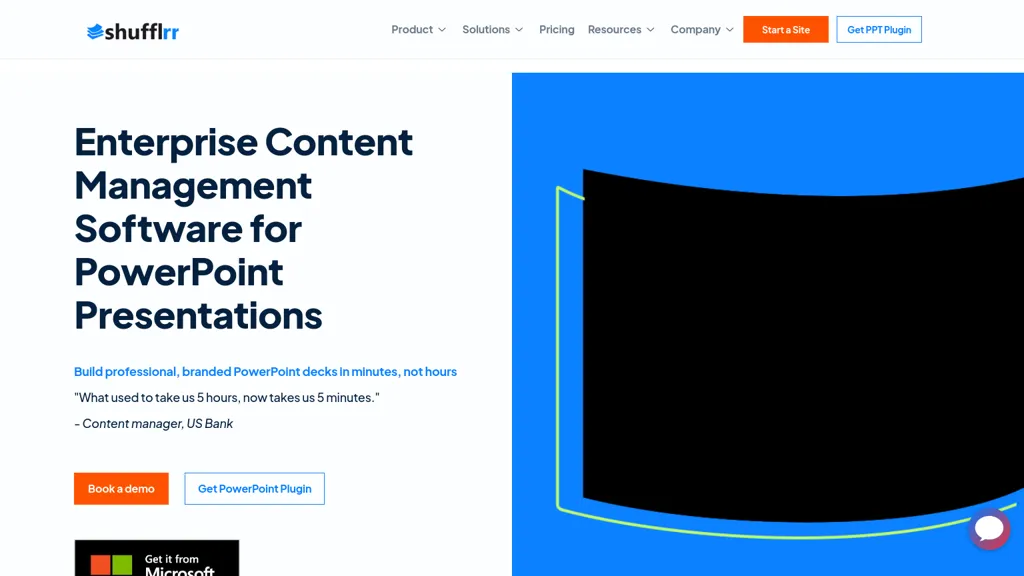
Shufflrr for Office 365 is a PowerPoint add‑in that centralizes slide creation and asset management. It connects directly to OneDrive, SharePoint, Google Drive, Dropbox, and Microsoft Dynamics 365, allowing users to pull data, images, and PDFs into slides without leaving PowerPoint.
The add‑in includes an on‑demand search engine that locates slides and media in seconds, and a brand‑centered library that enforces consistent fonts, colors, logos, and compliance across all decks. Integrated AI tools generate slide outlines and content from prompts, speeding up deck construction.
Built‑in analytics track slide usage, audience engagement, and sales‑impact metrics, giving teams insight into which presentations perform best. The platform supports small and midsize enterprises, financial services, life sciences, hospitality, travel, and media organizations that need reliable, enterprise‑grade presentation management.
shufflrr.com details
- Company
- Shufflrr llc
- Jurisdiction
- New York
- Built for
- Businesses and teams
shufflrr.com tech specs
- Works with
- OpenAI / GPT
- Cloud
- Azure
- Payment Processors
- Stripe
- Integrations
- Salesforce Google Workspace
shufflrr.com pricing
Freemium- Free trial
- 14 days
- Auto-renewal
- Yes
Verify on the official pricing page.
View plansshufflrr.com's key features
-
Developer API replicates PowerPoint functions
-
Recursive file uploader for directories
-
JSON lens data extraction
-
Plug-and-play platform integration
-
Swagger documentation for endpoints
-
Custom enterprise integration support
shufflrr.com use cases
-
Generate a consistent, brand‑compliant onboarding PowerPoint using Shufflrr’s AI outline generator and OneDrive templates, eliminating manual design work
-
Create a persuasive quarterly sales pitch by quickly searching Google Drive, Dropbox, and SharePoint for relevant images and icons, then enforcing brand standards with the add‑in’s compliance editor
-
Monitor audience engagement with the built‑in analytics dashboard, exporting slide view metrics to Power BI or Excel for executive reporting
shufflrr.com user reviews
Based on 1 review, 100% of users recommend shufflrr.com, rated highly for value for money.
Liked for
Would you recommend shufflrr.com?
Who is shufflrr.com for?
-
Digital marketers
-
Business analysts
-
Project managers
-
Content creators
-
Product designers
shufflrr.com FAQ
Is shufflrr.com free?
Partly. shufflrr.com has a free plan with usage limits, and paid plans unlock the full feature set. Plans include Pro at $ 30/user/mo, Advanced reporting at full shufflrr presentation management solution: $30/user/mo, Basic at $ 10 user/mo/5+ users and Shufflrr enterprise solution at starting at $10000/mo for unlimited users..
Is shufflrr.com safe to use?
shufflrr.com is operated by Shufflrr llc, registered in New York.
What are the best alternatives to shufflrr.com?
The closest alternatives to shufflrr.com are Beautiful.ai, PresentationsAI, Autoppt, Smallppt and SlidesAI. You can compare them side by side in the alternatives section further down this page.
What does shufflrr.com do with my data?
Its privacy policy states that personal data is not sold or shared for marketing purposes. Data may be shared with third-party service providers that help run the product.
Does shufflrr.com auto-renew or offer refunds?
shufflrr.com subscriptions renew automatically until you cancel.
Does shufflrr.com have an API?
Yes. shufflrr.com offers an API, so you can call it from your own applications instead of using the interface directly.
Who made shufflrr.com?
shufflrr.com is built and operated by Shufflrr llc, a company registered in New York.
Which AI models does shufflrr.com use?
shufflrr.com is built on OpenAI / GPT. Which models you can reach may depend on your plan.
What does shufflrr.com integrate with?
shufflrr.com connects with Salesforce and Google Workspace.
Compliance, privacy and billing terms are as stated in each product's own published documentation and have not been independently verified by TopAI.tools.


