
What is SlidesGo?
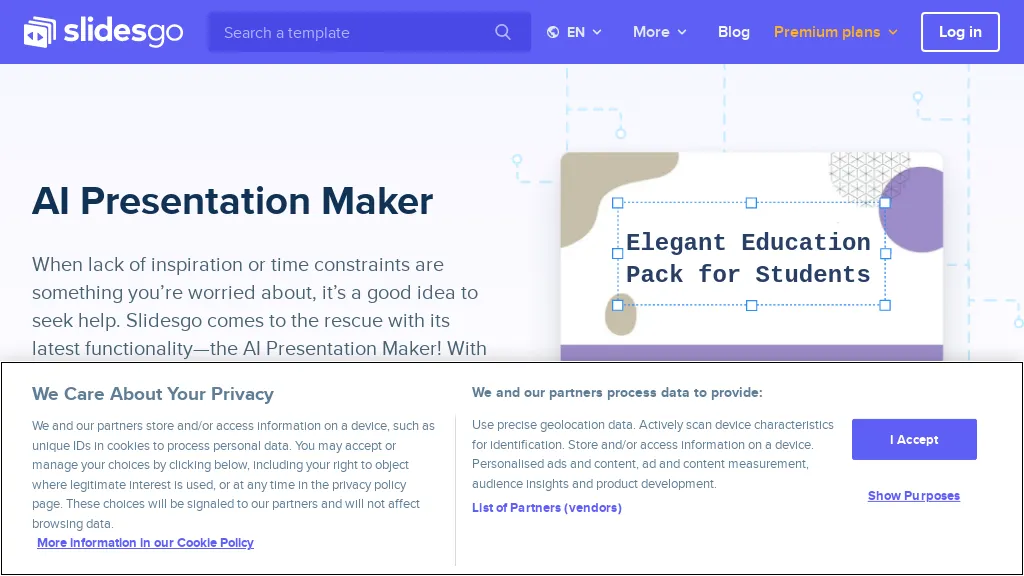
Slidesgo's AI Presentation Maker is a free tool that generates presentations in minutes. It allows users to customize the slides and choose from a variety of design styles, including doodle, simple, abstract, geometric, and elegant. The tool offers different tones such as fun, creative, casual, professional, and formal. Users can also modify the slides by adding their own images, rearranging elements, changing colors, and text using the online editor. The tool provides various resources such as images and icons from big names, including Freepik and Flaticon. The presentations generated by the AI can be downloaded in PDF format for free.
SlidesGo details
- Company
- Freepik Company, S.L.U.
- Jurisdiction
- Spain
- Built for
- Businesses and teams
- Data residency
- Magnific offers a variety of AI models clearly identified as (i) hosted in countries deemed adequate by the EU or (ii) in countries whose regulations do not offer the same level of protection as the GDPR.
- Stated compliance
- GDPR, CCPA
Compliance as stated in SlidesGo's own published documentation.
SlidesGo tech specs
- Integrations
- Figma
SlidesGo pricing
FreeThis tool is free to use, with no credit card required.
- Auto-renewal
- Yes
Verify on the official pricing page.
Get started freeSlidesGo's key features
-
Generate presentations
-
Customize slides
-
Choose design styles
-
Modify slides
-
Download presentations
SlidesGo use cases
-
Create professional presentations for work or school
-
Design engaging slides for marketing or sales pitches
-
Make visually appealing presentations for personal projects or events
SlidesGo user reviews
Based on 21 reviews, 90% of users recommend SlidesGo, rated highly for value for money.
Liked for
Disliked for
Would you recommend SlidesGo?
SlidesGo playbooks
1Step-by-step guides to get the most out of SlidesGo
Who is SlidesGo for?
-
Design professionals
-
Education facilitators
-
Content creators
-
Marketing specialists
-
Presentation builders
SlidesGo FAQ
Is SlidesGo free?
Yes. SlidesGo is free to use and does not require a credit card.
Is SlidesGo safe to use?
SlidesGo states GDPR and CCPA compliance in its own published documentation. SlidesGo is operated by Freepik Company, S.L.U., registered in Spain. SlidesGo carries the TopAI.tools verified mark, which we award after a manual review of pricing transparency, published terms, public following and working functionality.
Is SlidesGo good?
SlidesGo has a 90% recommendation rate from 21 reviewers on TopAI.tools. Reviewers rate it highest on value for money and quality of results.
What are the best alternatives to SlidesGo?
The closest alternatives to SlidesGo are PPT.AI, AI Presentation Maker, Autoppt, DesignerBot and AI PPT Maker. You can compare them side by side in the alternatives section further down this page.
What does SlidesGo do with my data?
SlidesGo states that customer content may be used to train its models. Its privacy policy states that personal data is sold or shared for marketing purposes. Data may be shared with third-party service providers that help run the product. Customer data is held in Magnific offers a variety of AI models clearly identified as (i) hosted in countries deemed adequate by the EU or (ii) in countries whose regulations do not offer the same level of protection as the GDPR..
Does SlidesGo auto-renew or offer refunds?
SlidesGo subscriptions renew automatically until you cancel.
Who made SlidesGo?
SlidesGo is built and operated by Freepik Company, S.L.U., a company registered in Spain.
What does SlidesGo integrate with?
SlidesGo connects with Figma.
Compliance, privacy and billing terms are as stated in each product's own published documentation and have not been independently verified by TopAI.tools.


I used SlidesGo's AI Presentation Maker for a quick business pitch, but the custom slide templates feel a bit generic, and the PDF export sometimes misaligns text boxes.