
What is Beemer?
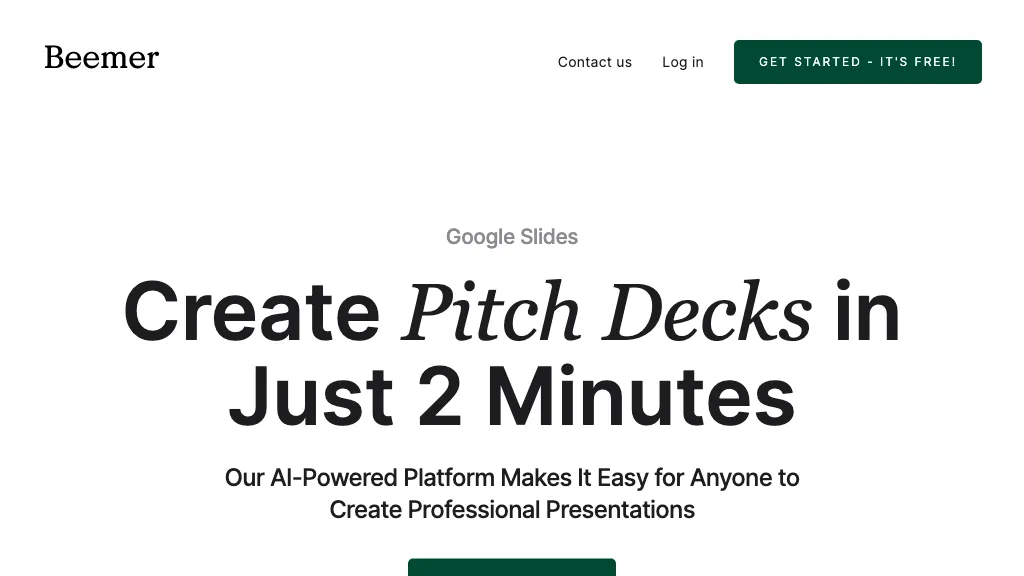
Beemer is an AI‑powered platform that creates complete pitch decks in minutes for Google Slides and PowerPoint.
The tool automatically generates slide layouts, text, and imagery based on a brief business description, eliminating manual design work.
Users can choose from pre‑built sections, add custom images and text, and then export the finished deck directly to Google Slides or PowerPoint for delivery.
Team members can collaborate within familiar interfaces, sharing edits and comments in real time.
The design templates follow current visual‑communication trends, ensuring decks remain modern and engaging.
Beemer supports optional extra slide templates and executive‑summary generation to enhance investor‑focused presentations.
Beemer details
- Jurisdiction
- Denmark
- Built for
- Individuals
Beemer tech specs
- Integrations
- Webflow
Beemer pricing
PaidVerify on the official pricing page.
View plansBeemer's key features
-
Generate pitch decks from description
-
Export decks to Google Slides
-
Export decks to PowerPoint
-
Collaborative team editing
-
Auto-generated slide structure
-
Publish decks to Webflow.io
-
Customizable slide layouts
Beemer use cases
-
Generate an investor‑ready pitch deck from a simple business brief with Beemer, exporting instantly to Google Slides for collaborative review and sharing—no design skills needed.
-
Turn a startup’s product roadmap into a polished PowerPoint deck using Beemer’s auto‑generated executive summaries and customizable templates, ready for venture funding meetings.
-
Craft a sales pitch presentation in minutes by feeding Beemer your service overview; automatically add visuals, data charts, and export to Google Slides for real‑time collaboration with your team.
Beemer user reviews
Based on 1 review, 100% of users recommend Beemer, rated highly for quality results.
Liked for
Would you recommend Beemer?
Who is Beemer for?
-
Startup founders
-
Small business owners
-
Marketing managers
-
E-commerce sellers
-
Product designers
Beemer FAQ
How much does Beemer cost?
Beemer is a paid product with no free plan. Plans include The pitch booster at $10 and Beemer at starts at $10.
What are the best alternatives to Beemer?
The closest alternatives to Beemer are Pitch, Storydoc Pitch Deck, AI Pitch Deck Generator, DesignerBot and GenPPT. You can compare them side by side in the alternatives section further down this page.
What does Beemer do with my data?
Its privacy policy states that personal data is not sold or shared for marketing purposes. Data may be shared with third-party service providers that help run the product.
What does Beemer integrate with?
Beemer connects with Webflow.
Compliance, privacy and billing terms are as stated in each product's own published documentation and have not been independently verified by TopAI.tools.


