Best Frankenfile Alternatives in 2026
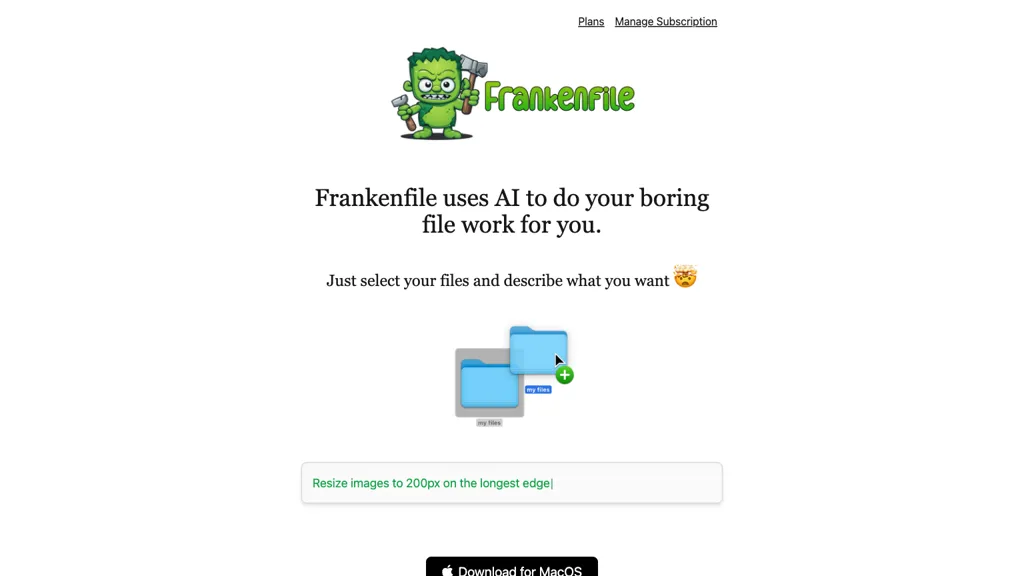
No user reviews yet FreemiumFrankenfile is a macOS desktop app that automatically converts, resizes, and crops images, videos, audio, and PDFs locally, providing quick file manipulation for photographers, videographers, designers, and office users, ensuring privacy.
We've ranked 18 Frankenfile alternatives, including 12 with a free plan. Rankings are based on feature coverage and user feedbacks.
Top-rated alternatives include TopPDF, TinyWow, and Wondershare Uniconverter.
18 Frankenfile Alternatives & Competitors, Ranked by User Reviews
Click Compare on any tool to compare it side-by-side with Frankenfile.
#1
TopPDF
AI PDF Tools offers robust features for editing, translating, compressing, merging, and converting PDF documents. It ensures efficient document management while maintaining formatting integrity across various formats, enhancing productivity for users handling PDF files.
#2
TinyWow
TinyWow is a web-based service that offers free tools for editing and converting PDFs, images, and videos, plus AI-driven text and image creation. Files are auto‑deleted after an hour for privacy.
#3
Wondershare Uniconverter
Wondershare UniConverter is an AI‑powered all‑in‑one tool that converts, enhances, compresses, records, and edits video and audio. It supports 1,000+ formats, delivers ultra‑fast conversions, upscales to 4K/8K, adds subtitles, removes backgrounds, and preserves metadata for creators and SMBs.
#4
ImageToVideo AI
ImageToVideo AI converts JPG, PNG, or WebP images into MP4 videos. Users can crop, resize to social‑media ratios, choose speed/quality presets, apply 50+ templates, add AI music, and edit motion via a prompt editor—all watermark‑free.
#5
Convertfiles.ai
ConvertFiles.ai offers free, server‑side conversion for PNG, JPEG, WEBP, and HEIC files up to 5000 × 5000 px via upload, URL, or drag‑and‑drop. It preserves quality, supports bulk processing, provides instant downloads, and includes a mobile app.
#6
PhotoEditor.ai
PhotoEditor.ai edits JPG, PNG, HEIC, and WEBP images up to 15 MB in a browser or mobile app. It offers portrait transformation, background removal, detail enhancement, and 4K upscaling, delivering instant downloads for photographers, marketers, and designers.
- Personalized recommendations
- Custom collections
- Save favorites
Already a member? Sign in
#7
anvsoft.com
AVCLabs Video Enhancer AI uses deep learning to upscale, denoise, sharpen, colorize, and interpolate frames, automatically detecting and refining faces. It supports batch conversion, preview comparison, multiple formats, preserves frame rates, and leaves originals unaltered.
#8
AutoCropper
AutoCropper uses AI to detect, crop, and straighten photos from scans, handling JPEG, PNG, TIFF, and PDF in batches. It splits images into full‑quality files, lets you resize or tag crops, all in the browser with full privacy.
#9
Cover-letter generator with AI
TheToolBus offers free, instant tools for small business owners, including PDF merge/split/compress, Word/Excel conversion, OCR, PowerPoint export, image compression/resizing/format conversion, background removal, QR code and website‑to‑PDF creation, plus business calculators and utilities like password generation and time‑zone conversion.
#10
PDF Translator & Editor
Cloud-based translator that handles PDFs, scanned PDFs, Word, Excel, PowerPoint, and images in 136 languages while preserving layout. Offers direct PDF editing, scanning, splitting, and share‑extension for seamless collaboration for teams, educators, and business professionals.
#11
OptiClean
OptiClean removes unwanted objects, people, watermarks, and blemishes from full‑resolution photos and videos on macOS and iOS using AI. It runs locally via a DMG, preserving privacy and enabling quick retouching for hobbyist to professional workflows.
#12
AI Renamer
AI Renamer automates file renaming by analyzing content, including EXIF data, and offers features like smart recognition, custom rules, and batch processing. It supports various formats and provides both local and cloud processing options for flexibility.
#13
Image upscaling
AI‑powered image editor that runs entirely in the browser, offering smart crop, AI expand, format conversion, lossless compression, watermarking, color adjustment, filter, GIF creation, side‑by‑side comparison, and batch workflow design—all processed locally with WebAssembly for speed and privacy.
#14
Video Converter
Video Converter is a free browser-based tool that converts video and audio files between popular formats and extracts audio. It offers cloud processing for large files, batch conversion, and adjustable quality settings, all with secure, encrypted handling.
#15
UltimateApp
UltimateApp consolidates AI‑powered creative and business tools—thumbnail, SVG, book cover, product photo generation, invoices, OCR, budgeting, email templates, QR codes, color palettes, and graphics—streamlining workflow for creators, designers, and enterprises.
#16
Renamer.ai
Renamer.ai is an AI-powered tool that automatically renames and organizes batches of documents, images, and PDFs using customizable templates. It works as a web or desktop app to enforce consistent naming conventions, improve searchability, and streamline digital asset management.
#17
Movavi Video Editor
Movavi Video Editor is a desktop app for Mac and Windows that lets users trim, crop, color‑grade footage and add titles, overlays, and filters. AI features automate subtitles, noise suppression, and motion tracking. It includes a screen recorder for tutorials.
#18
ImageTool
ImageTool aggregates free stock photos from Unsplash, Pexels, and Pixabay, offers AI image generation, and allows bulk upload, crop, compress, resize, and export to WebP/AVIF, simplifying web asset workflows for web designers and developers.
Frequently Asked Questions
Why look for Frankenfile alternatives?
Common reasons users switch from Frankenfile:
- Feature gaps: teams needing specific capabilities like Translate Images may find a more focused alternative better suited to their workflow.
- Flexibility: exploring alternatives helps find tools that better match your team size, integrations, and budget.
What is the best alternative to Frankenfile?
Based on 19 user reviews, TopPDF (89.5% positive) ranks as the top Frankenfile alternative. AI PDF Tools offers robust features for editing, translating, compressing, merging, and converting PDF documents. It ensures efficient document manage It is available on a Free plan.
How do the top Frankenfile alternatives compare?
| Tool | Pricing | Starting Price | User Rating |
|---|---|---|---|
| Frankenfile this tool | Freemium | — | — |
| TopPDF | Free | — | 89.5% (19) |
| TinyWow | Subscription | — | 79.2% (24) |
| Wondershare Uniconverter | Paid | — | 79.3% (29) |
| ImageToVideo AI | Paid | — | 50% (6) |
| Convertfiles.ai | Freemium | — | — |
Are there free Frankenfile alternatives?
Yes, 12 free alternatives found in our list: TopPDF, Convertfiles.ai, anvsoft.com. and 9 more — use the pricing filter above to see them all.
What should I look for in a Frankenfile alternative?
- Core capabilities: confirm the tool supports Translate Images, Edit Images, Generate Thumbnails.
- Pricing transparency: look for clear free plan, trial period, or tiered pricing — avoid tools that hide costs.
- User reviews: check both the satisfaction percentage and the number of reviews; a high score from few users is less reliable.
- Integrations: verify it connects with your existing stack before committing.
- Support and updates: active development and responsive support are strong signals of a maintained product.
Which Frankenfile alternative has the highest user rating?
PhotoEditor.ai has the highest satisfaction score among Frankenfile alternatives, with 100% positive from 1 user review. It is available on a Paid plan.
What are Frankenfile alternatives used for?
- Translate Images
- Edit Images
- Generate Thumbnails
- Translate Videos
- Trim Audio