
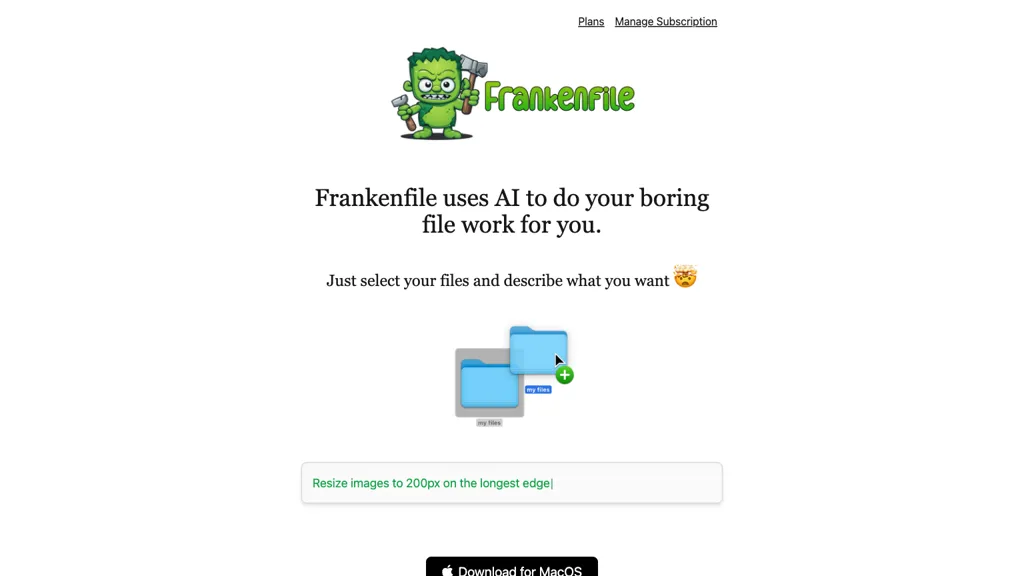
What is Frankenfile?
Frankenfile is an AI‑powered desktop application for macOS that automates common file tasks. It converts images between PNG, JPG, GIF, and other formats, resizes and crops them, and can overlay watermarks or generate thumbnails. The tool supports video conversion, clipping, resizing, and audio separation, as well as audio file conversion, trimming, compression, and track splitting.
PDF files can be split, merged, or converted to other formats. Frankenfile processes all files locally, so no data is uploaded to external services. The application serves photographers, videographers, graphic designers, and office users who need fast, reliable file manipulation without manual editing.
Frankenfile details
- Jurisdiction
- California
Frankenfile pricing
FreemiumFrankenfile offers a free plan with paid upgrades available.
Verify on the official pricing page.
View plansFrankenfile's key features
-
AI-driven file automation
-
Image conversion and resizing
-
Video conversion and trimming
-
Audio conversion and trimming
-
PDF splitting, merging, converting
-
Local processing, no uploads
-
Watermark overlay and thumbnail generation
Frankenfile use cases
-
Convert a batch of RAW images to compressed JPEGs and apply a custom watermark for a client portfolio, all offline and keeping privacy.
-
Resize and crop marketing videos into multiple aspect ratios for social media platforms, editing directly on mac without internet.
-
Merge PDFs and split audio tracks for a corporate training package, ensuring files stay local and secure.
Frankenfile user reviews
Would you recommend Frankenfile?
Who is Frankenfile for?
-
Creative designers
-
Content creators
-
Product designers
-
Macos enthusiasts
-
File managers
Frankenfile FAQ
Is Frankenfile free?
Partly. Frankenfile has a free plan with usage limits, and paid plans unlock the full feature set.
What are the best alternatives to Frankenfile?
The closest alternatives to Frankenfile are Apowersoft, PhotoGrid, Wondershare Uniconverter, ImageToVideo AI and AutoCropper. You can compare them side by side in the alternatives section further down this page.


