
Youtube Timestamps
The best 50 Youtube Timestamps AI tools - Free & Paid
Explore 50 AI for Youtube Timestamps
InstantChapters quickly generates structured chapter lists with timestamps for YouTube videos from a URL. It outputs chapter headings and exact timecodes, ready for copying into descriptions, helping creators enhance navigation, metadata consistency, and audience retention.
Free trial
Tubly, a Chrome extension, uses the YouTube API to deliver AI‑generated summaries of subscribed channel videos. It extracts key transcript points, offers timestamps and chapter markers, and lets users save highlights and download transcripts.
Freemium

YTvidhub is a YouTube subtitle downloader that extracts transcripts and captions from videos, playlists, and channels. It supports bulk downloads, multiple export formats (SRT, VTT, TXT), and includes an AI-powered summary generator for content analysis and repurposing.
Freemium
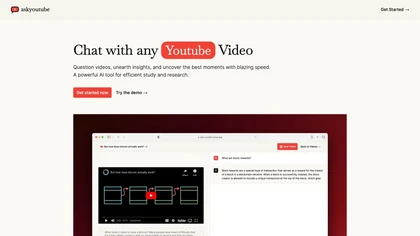
Ask Youtube is a text‑based AI that retrieves precise timestamps for any YouTube video, summarizing sections, highlighting key points, and helping educators, students, researchers, and creators locate specific content quickly.
Free
ChatTube lets users converse in real‑time with any YouTube video, asking questions, summarizing content, locating key moments, translating, and generating transcripts. It supports 45‑minute videos or 2‑hour podcasts, retains chat history, and works across Chromium browsers with a web fallback.
Subscription
- $6.99/mo

YouTube sumamry chrome extension is a YouTube video summary tool developed by Glasp Inc., currently in beta testing and requires installation on Chrome or Safari browsers along with sign-up.
SliceTube trims and downloads YouTube videos directly, offering start‑and‑end selection and export to MP4, MP3, or WEBM up to 4K. Browser‑based, watermark‑free, and privacy‑protected, it’s useful for creators and educators needing quick clips.
Paid
- $5
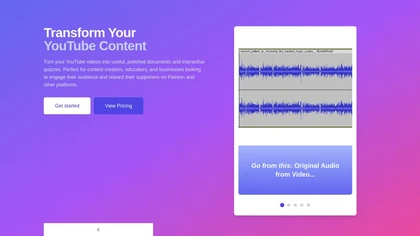
YouTube Transcript Optimizer turns video URLs into 98%+ accurate transcripts, formats them as Markdown, HTML, or PDF, auto‑generates quizzes, and lets users edit content with PDFs updating automatically. Ideal for creators, educators, and businesses needing structured video materials.
Paid
- $10
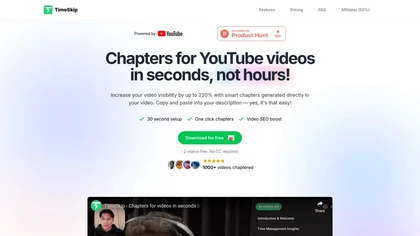
Timeskip AI is a Chrome extension that automates the creation of SEO-optimized chapters for YouTube videos, podcasts, and webinars, enhancing discoverability and viewer engagement by generating chapters with timestamps in seconds.
Free trial
vidIQ delivers real‑time YouTube analytics, keyword research, AI‑powered thumbnail creation, and competitive insights. Its AI coach refines titles and descriptions, while clipping tools produce short videos. Available via Chrome or mobile, it boosts visibility and engagement for creators.
Subscription
- $31/mo
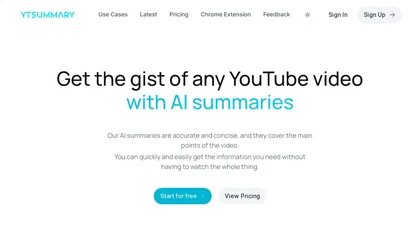
YTSummary delivers on‑demand YouTube summaries powered by ChatGPT. It offers Outline, Mind Map, and Segment modes for concise highlights, visual maps, or timestamped sections. Supports multiple languages, exports in various formats, and tracks history for easy reference.
Subscription
- $9/mo
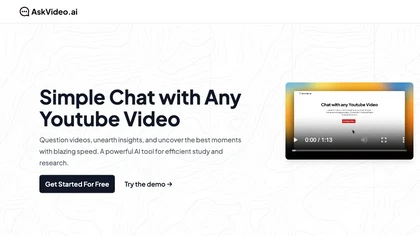
AskVideo.ai converts any public YouTube clip into a searchable knowledge base. By generating a timestamped transcript, users can ask natural‑language queries and retrieve precise answers, reducing search time and enhancing learning for students, professionals, and creators.
Subscription
- $8/mo

Summarify AI gives YouTube video summaries in‑app and via Chrome, offering text, bullet, outline styles with timestamps for quick navigation. It supports export to PDF, Markdown, TXT, etc., helping students, researchers, creators save time and organize content.
Free
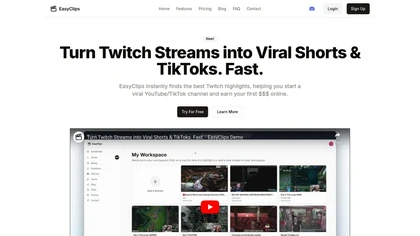
EasyClips automatically turns Twitch VODs into vertical TikTok‑ready clips by scanning for high‑impact moments, assembling polished highlights with transitions, and formatting them 9:16 in minutes—enabling streamers to quickly produce shareable content.
Freemium
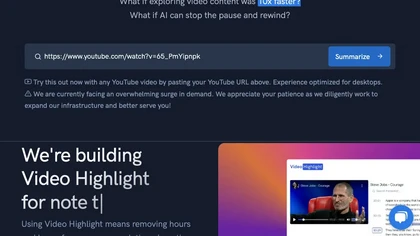
Video Highlight delivers AI‑driven summaries, searchable transcripts, and timestamped key points for YouTube, Vimeo, Dailymotion, and private files in 37+ languages. It supports annotations, exports to Notion, Word, Markdown, CSV, Readwise, and enables collaborative sharing.
Freemium
Eightify uses AI to extract key ideas from YouTube videos, delivering timestamped bullet‑point summaries, full transcripts, and comment insights via a Chrome extension and mobile apps. It supports 40+ languages, helping users preview, note‑take, and share content efficiently.
Freemium
YTSearch is a Chrome extension that lets you query YouTube videos for specific content. It returns precise, time‑stamped answers and offers a clickable jump to the exact moment in the video, all within the regular YouTube interface.
Freemium

YouTube Transcript Generator extracts accurate transcripts from YouTube videos by URL, allowing users to download in multiple formats. It features video summarization and caption translation, making video content more accessible and useful for various audiences.
Free trial
Transcribes, translates, and summarizes YouTube videos in 125+ languages, delivering instant transcripts, AI‑generated summaries with timestamps, and automatically formatted blog posts, LinkedIn articles, Twitter threads, PPT decks, chapter markers, and clip ideas for students, researchers, educator
Subscription
- $19/mo
Tube Transcript is a web-based tool that generates accurate, timestamped transcripts from any YouTube video URL. It supports multiple languages and requires no installation, providing instant results through secure processing.
Free
TubeBuddy streamlines YouTube workflow with keyword research, SEO tools, thumbnail generation, content strategy analytics, A/B testing, bulk editing, and end‑screen management, helping creators optimize visibility and scale production efficiently, and channel growth.
Paid
- $3.75/mo
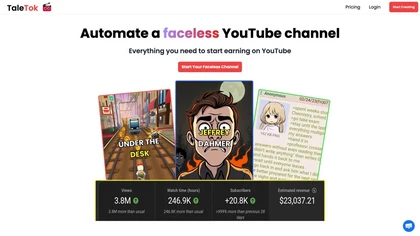
TaleTok.io automates faceless video creation and multi-platform short-form distribution, generating scripts, AI voiceovers, music, visuals and timed captions from Reddit/4chan or custom text. Exports 1080p MP4, supports scheduling, watermarks and channel scaling.
Free trial
TubeMemo: AI browser extension that extracts YouTube transcripts, highlights key points, produces summaries, mind maps, flashcards; supports annotations, multi‑language, library, drafts for blogs, tweets, study guides; useful for professionals, students, creators, educators, journalists.
Free
y2doc is an AI-powered tool that converts YouTube videos into structured documents for easy data extraction and analysis. It offers fast processing, security features, and customizable content ranges for tailored results.
Free trial
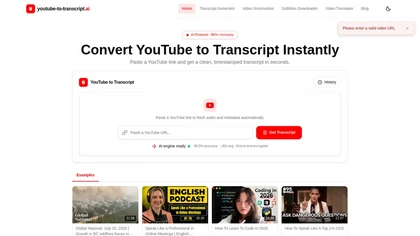
youtube-to-transcript.ai is a tool that converts YouTube videos into timestamped transcripts and downloadable subtitles (TXT, DOCX, SRT, VTT, CSV). It adds AI summaries, chapter markers, speaker labels, and 100+ language translation for faster review and global accessibility.
Free
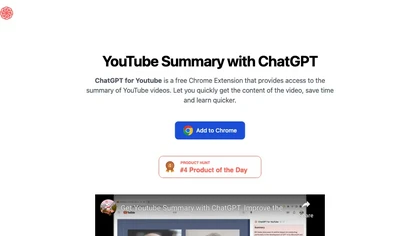
ChatGPT for YouTube is a Chrome extension that produces concise text summaries of YouTube videos, enabling quick understanding of key points. It operates without requiring a ChatGPT or OpenAI account and integrates directly into the YouTube interface.
Free
YT Copycat lets licensed users download and archive YouTube videos for offline use, supporting batch processing, multiple formats, and direct export to local or cloud storage. Creators can repurpose clips and maintain a private library.
Freemium
- $0.92/mo

Eklips is an AI tool that automatically clips gaming moments from Twitch streams and converts them into TikTok, Reel, and Short formats for easy editing and sharing on social media. It also has a mobile app and video editor for customization.
Free
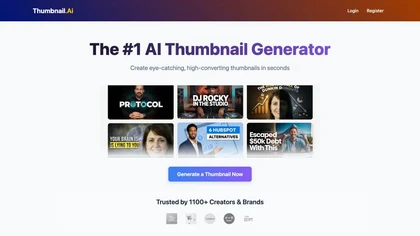
AI Thumbnail Creator automatically generates YouTube and social‑media thumbnails in about 30 seconds from a title or image. It offers multiple style templates, supports 16:9, 9:16, 1:1 ratios, and lets users create up to eight variations with editing options.
Freemium
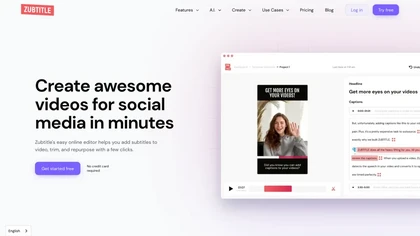
Zubtitle automatically captions videos, offers brand‑style templates and editing tools, and outputs ready‑to‑post formats for TikTok, YouTube, and LinkedIn. It adds subtitles, chapter timestamps, watermarks, and AI‑generated post copy.
Freemium
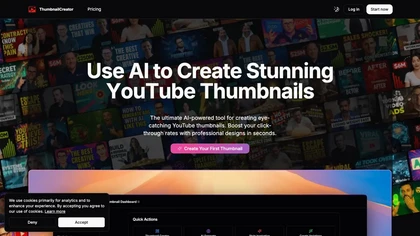
ThumbnailCreator.com is an AI-powered tool that generates professional YouTube thumbnails instantly, eliminating the need for design expertise. It leverages AI trained on vast thumbnail data to enhance visual appeal and streamline workflow for creators.
Subscription
- $9/mo

aivideosummarizer.io is an AI tool that converts videos (from uploads or links) into concise summaries, full transcripts, and chapter markers. It supports multiple formats and languages, generating editable outputs like study outlines and mind maps for faster content review.
Free
2short.ai automatically extracts the most engaging segments from long videos to create 1080p YouTube Shorts, using facial‑tracking, one‑click animated subtitles, and flexible aspect ratios. It supports multiple languages, direct Drive/URL imports, and brand presets for consistent visuals.
Freemium
- $9.9/mo
SummarizeYT is an AI tool that summarizes YouTube videos, requires JavaScript to run, and can be installed for enhanced browsing experience. Users can contact summarizeyt.com for more information.
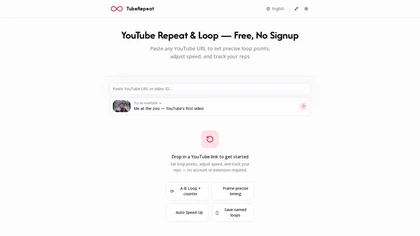
TubeRepeat is a browser-based tool for frame-precise A–B looping and speed control of YouTube videos, with features like progressive tempo increments, a repetition counter, and shareable session URLs for collaborative practice. It’s designed for musicians, language learners, dancers, and students to
Free
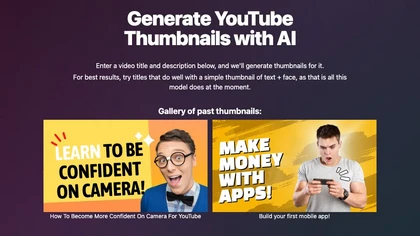
Magic Thumbnails automatically creates YouTube thumbnail images from a video title and description. The service generates simple layouts featuring text and a face, enabling creators to produce multiple options quickly, review a gallery, and download images before service ends.
Free
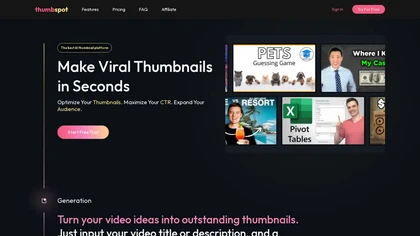
Thumbspot AI is a YouTube thumbnail generator that creates high-resolution thumbnails using video titles and descriptions. It features trending templates, allows for reference uploads, and supports multiple content genres, providing an intuitive editing interface.
Free trial
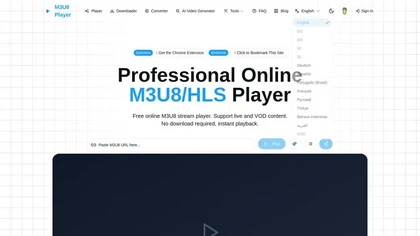
m3u8 player online is a browser-based HLS player and downloader that plays live and on-demand streams with adaptive bitrate switching, while also enabling in-browser conversion of m3u8 files to MP4/WebM/MKV and batch downloading with resume support.
Free
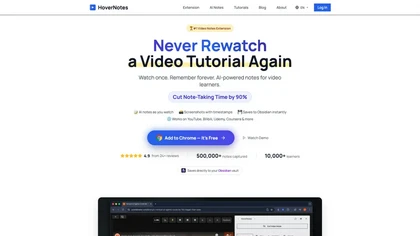
HoverNotes is an AI browser extension that enhances note-taking for videos by capturing key concepts, screenshots, and timestamps. It integrates with Obsidian for organized storage, making it ideal for students and professionals engaged in technical subjects.
Free trial

Recapio converts YouTube videos and public articles into transcripts, AI summaries, searchable notes and visual whiteboard infographics, offers a chat-with-video interface with clickable timestamps, channel monitoring/Daily Digest, and a private searchable Memory for research and collaboration.
Free trial
- $4.99
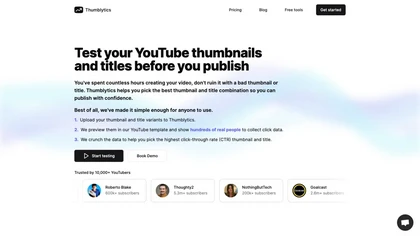
Thumblytics AI generates up to eight thumbnail variants from prompts, transcripts, or YouTube URLs, scoring them on readability, contrast, and hook strength. High‑scoring designs are stored for quick reuse, streamlining production and boosting click‑through rates.
Subscription
- $12/mo
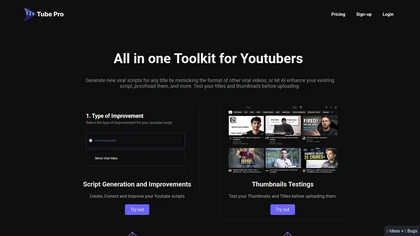
Tube Pro aids YouTubers by streamlining script creation and thumbnail testing. It offers tools for generating engaging scripts, optimizing video titles, and analyzing thumbnails across devices, helping creators enhance visibility and viewer engagement.
Subscription
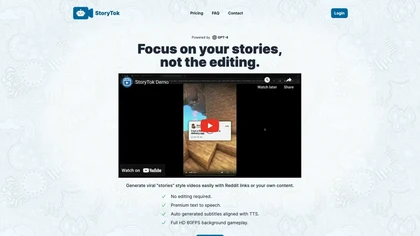
StoryTok converts Reddit posts or user text into full‑HD story videos using GPT‑4o. It auto‑creates scripts, TTS narration, time‑aligned subtitles, and 60 FPS backgrounds, requiring no manual editing and supporting up to 5,000 characters.
Freemium
- $0.7
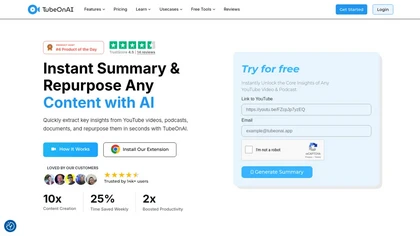
TubeOnAI automatically summarizes videos, podcasts, PDFs, and web content, offering multilingual text and audio outputs. It auto‑subscribes to channels for instant updates and transforms insights into blogs, social posts, newsletters, scripts, and mind maps with one click.
Freemium
- $19/mo
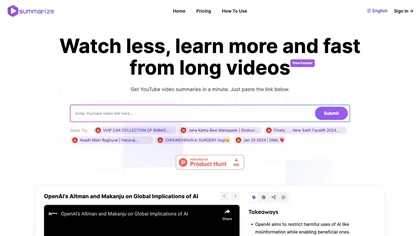
Summarize.ing instantly condenses YouTube videos into concise summaries, segmented sections, mind maps, and keyword lists. It generates 8‑10 Q&A pairs for review, aiding students, educators, and professionals in quick comprehension and decision‑making.
Freemium
- $15.7/mo
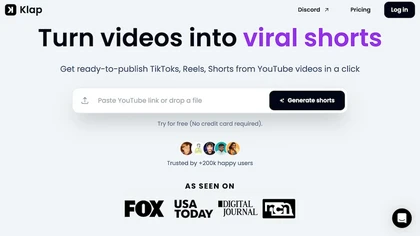
Klap automatically extracts key moments from long videos, reframes them for vertical formats, adds multilingual subtitles, and lets you customize branding. Upload files or YouTube links, then share or schedule ready‑to‑publish clips across TikTok, Instagram, LinkedIn, and YouTube.
Paid
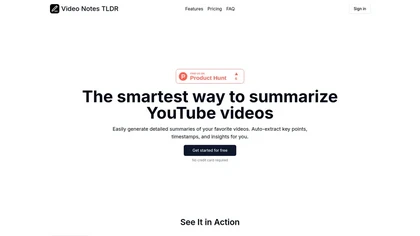
Video Notes TLDR summarizes YouTube videos into detailed notes with key points, timestamps, and tags. Users can export notes to Notion or organize them within the app, enhancing efficiency for students, researchers, and professionals.
Free trial

Snipo is a browser extension that imports video content from YouTube, Udemy, Coursera, Skillshare, and LinkedIn Learning into Notion. It records timestamped notes, screenshots, transcripts, auto‑creates flashcards, links playlists, and offers keyboard‑controlled playback for streamlined study.
Free
VidChapter automatically timestamps videos, generates chapters, tags, titles, and descriptions, and delivers near‑human transcription. It supports SRT, VTT, SBV, STL subtitles, multilingual translation, and can create summaries, thumbnails, blog posts, and other content for cross‑platform use.
Paid
- $15/mo
Video To Blog converts YouTube links or uploads into ready‑to‑publish blog posts in under a minute, supporting 30+ languages. It formats prose, adds headings, SEO metadata, and embeds, and outputs HTML, Markdown, PDF, or links.
Paid