
Webcam Enhancement
The best 50 Webcam Enhancement AI tools - Free & Paid
Explore 50 AI for Webcam Enhancement

Webcam Effects Chrome Plugin provides browser-based virtual backgrounds, blur, and background replacement with images or video; records browser tabs or single sources; adds AI noise cancellation, smart auto-framing, picture-in-picture, emoji/Giphy, and custom layouts.
Freemium
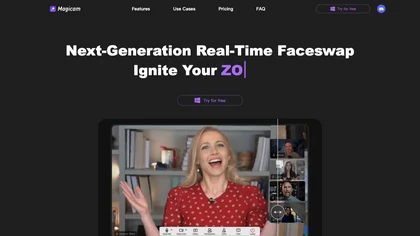
Magicam swaps faces and changes voices in real‑time for high‑definition video and live streams. It supports 4K HD, unlimited uploads and durations, runs locally on a GPU, and offers a virtual camera for platforms like Zoom or Twitch.
Free

Upload video files (MP4, MOV, MKV, M4V, AVI) and apply AI models—Face, Animation, Denoise, Low‑Light, Colorize—to improve clarity, reduce noise, brighten dark scenes, or add color. Preview changes, upscale to 4K, then download without watermarks.
Paid
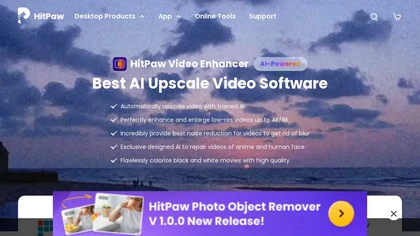
HitPaw Video Enhancer is an AI-powered tool that upscales and enhances low-resolution videos to higher resolutions and improves video quality without losing it.
Free trial
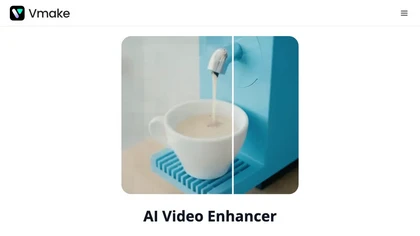
Vmake AI Video Enhancer upsamples MP4, MOV, AVI, etc. to 2K/4K/AI 4K+, removes artifacts, improves low‑light, reduces noise, and offers watermark/text removal, background elimination, and subtitle generation, giving creators, e‑commerce, and gamers sharper, cleaner videos.
Subscription
- $9.99/mo
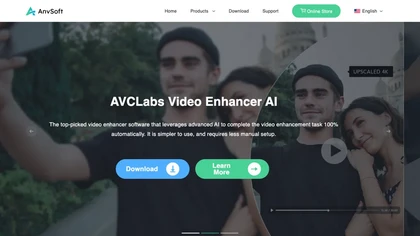
AVCLabs Video Enhancer AI uses deep learning to upscale, denoise, sharpen, colorize, and interpolate frames, automatically detecting and refining faces. It supports batch conversion, preview comparison, multiple formats, preserves frame rates, and leaves originals unaltered.
Free
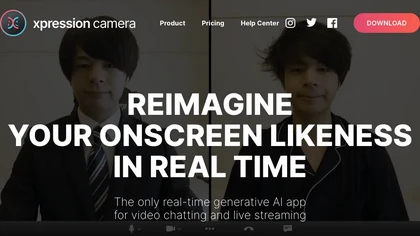
xpression camera is a real‑time AI virtual webcam that animates user‑selected faces—photos, art, avatars—by mapping expressions and voice. It integrates with Zoom, Twitch, YouTube, offers customizable styles, background, and quick GIF/video creation, protecting user identity.
Freemium
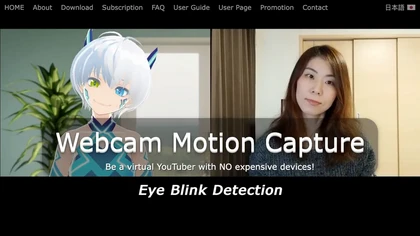
Webcam Motion Capture tracks hand, face, gaze, lip sync, and upper‑body movements via a standard camera, streaming data through VMC for avatars or game engines and exporting to FBX for 3D animation. Supports Windows, macOS, and mobile offload.
Subscription
- $1.99/mo
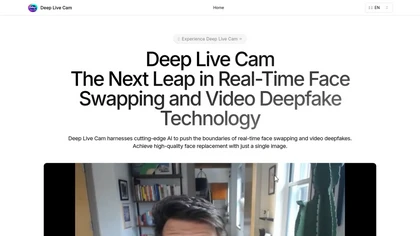
Deep Live Cam is an open‑source tool for real‑time face swapping and one‑click deepfakes from a single image. It supports CPU, CUDA, Apple Silicon, DirectML, and OpenVINO, allowing live webcam or video processing with instant preview and built‑in content checks.
Free
HitPaw AI Photo Enhancer upsamples images up to 8×, removes blur and noise, sharpens detail, and restores color for JPG, PNG, and WebP files. Works on web, desktop, and mobile with batch processing, aiding photographers, designers, and archivists.
Freemium
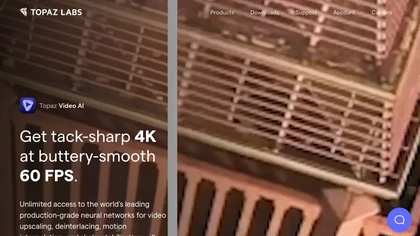
Topaz Video AI is a powerful video enhancement tool that uses AI models to upscale, deinterlace, stabilize, and interpolate frames for high-quality results.
Paid
- $99
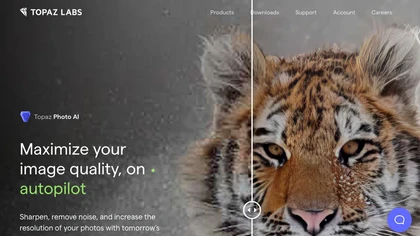
This tool uses deep learning to enhance photos by reducing noise, sharpening, upscaling, and recovering faces.
Paid
- $99

The AI Lab provides an advanced tool with image and facial enhancements features such as photo colorization, object and background removal, cartoon creation, retouching portraits, adjusting facial expressions, and API and platform for developers.
Free
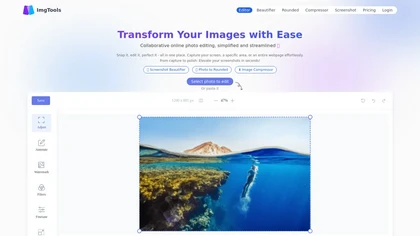
ImgTools is a versatile screenshot tool that simplifies capturing, editing, and enhancing images efficiently. It offers features like screenshot beautifier, advanced editing options, collaborative online editing, and customization tools to elevate your visuals effortlessly.
Freemium

AI image enhancer that upscales up to 4×, removes noise, sharpens blur, and can enhance faces or colorize. Handles .png/.jpg/.webp/.tif/.bmp/.raw and outputs the same formats. Windows, macOS and Photoshop plugin supported.
Free trial

HitPaw FotorPea automatically enhances photos by applying AI models for sharpening, denoising, face and color correction. It unblurs images, upsizes to 4K/8K, restores old photos, removes backgrounds, and generates images from text prompts.
Free trial
The AI tool is an online image enhancement platform that automatically improves the quality of images using deep learning algorithms, allowing users to upscale, denoise, restore, and refine faces in photos.
Subscription
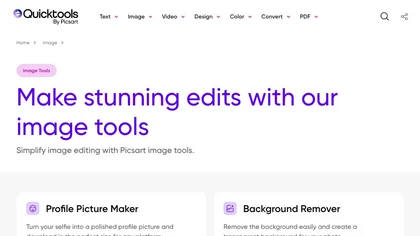
An online image tool with features including background removal, image resizing, text addition, color palettes, conversion, and AI-powered social media bios, market slogans, business name ideas, and hashtag generation.
Free
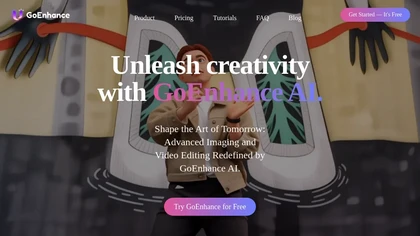
GoEnhance AI transforms text, images, and videos into 4K, 60fps clips in seconds, offering text‑to‑video, image‑to‑video, and video‑to‑video engines, face swap, lip sync, and anime‑style animations with upscaling and a talking avatar.
Freemium
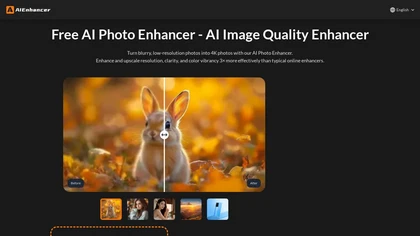
AIEnhancer.ai is a free online tool that instantly transforms blurry, low-quality images into high-resolution 4K photos. Simply upload your picture to apply AI-powered upscaling, noise reduction, and color correction, then preview and download the enhanced result.
Freemium
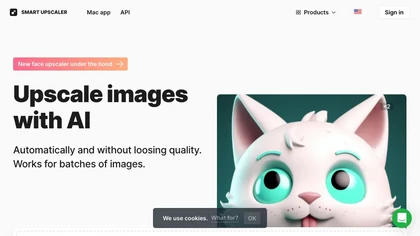
AI-driven image upscaler that enlarges photos to 7680 × 7680 px, supporting JPEG, PNG, WebP and up to 500 images per batch. It offers an API for sharpening, noise reduction, and a Mac app with background removal, photographers, designers, marketers, and social media managers.
Subscription
- $19.99/mo
Imglarger is an image enhancer that upsamples photos up to 8×, supports batch processing, and offers background, object, and face retouch tools. It converts WebP, JPEG, PNG, SVG, JFIF formats and lets users adjust brightness, contrast, and saturation via web or mobile.
Freemium

Browser‑based AI upscaler uses WebGPU and open‑source algorithms like Anime4K and RealESRGAN to enlarge video and image resolution. It processes each frame client‑side, preserving privacy, with drag‑and‑drop, side‑by‑side comparison, and selectable output sizes.
Free

BeautyPlus - Versatile AI tool for effortless photo & video editing; offers face reshaping, filter & sticker additions; perfect for enhancing selfies & videos.
Free trial

PicWish AI Photo Editor automates image enhancement, background removal, and watermark deletion. It processes batches of up to 30 files, offering resizing, lighting, upscaling, AI Designer prompts, Face Cutout, and single‑click unblur/sharpen. Available on Windows, macOS, iOS, Android, and browser.
Subscription
- $9.99/mo
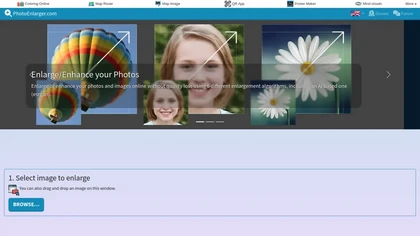
Upload or drag a photo, then upscale it with one of six algorithms—Magic Kernel Sharp, Lanczos 3, Hermite, or AI‑based ESRGAN—entirely client‑side for privacy. Crop as needed and download in JPG, PNG, or WebP.
Free
Facetune is an AI‑driven photo and video editor offering touch‑up, background removal, face and body reshaping, realistic makeup and hairstyle try‑on, background blur, and noise removal—enabling quick mobile edits for influencers, photographers, and stylists.
Subscription
- $25/mo
CapCut is an AI-powered video editor & design tool with social media templates, background removal, upscaling, color correction, portrait generation, text-to-speech, voice changers, and team collaboration support - accessible online and for Mac download.
Free trial
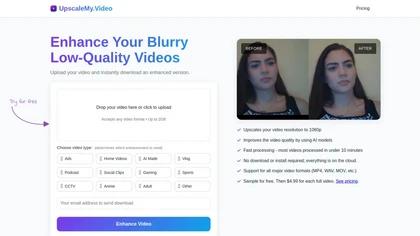
UpscaleMy.Video enhances low-resolution and blurry videos using AI, supporting various formats like MP4 and MOV. Users can easily upload videos for fast cloud processing, making it ideal for content creators and professionals seeking improved video quality.
Free trial
- $4.99

VidHex is an AI-powered video enhancement tool that upscales low-resolution footage to 4K/8K, restores quality, and colorizes black-and-white clips. It optimizes exposure, contrast, and noise reduction for creators, educators, and casual users.
Freemium
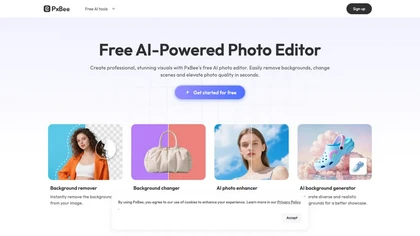
PxBee is an AI-powered photo editor that offers tools like background removal, blur fixing, noise reduction, and resolution upscaling. It also generates realistic backgrounds and works entirely in your browser with an intuitive interface.
Free
Photoroom is an AI-powered tool for creating professional product visuals at scale, featuring automatic background removal, image generation, virtual staging, and batch editing capabilities for efficient high-quality output.
Free trial
- $5.99/mo

Enhancephoto.ai is a web-based AI tool that improves low-resolution images to high-quality versions up to 16k. It restores missing details without blurring and enables users to enhance three images simultaneously without registration.
Freemium
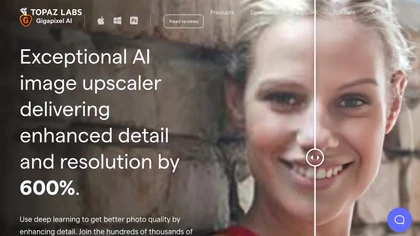
Gigapixel AI is a powerful image upscaling and detail enhancement tool that uses deep learning to increase image resolution up to 600%, improve print quality, restore old photos, and enhance natural details.
Free trial
- $99
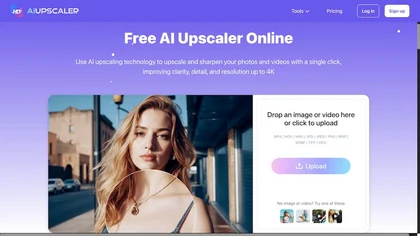
AIUpscaler.ai is a browser-based AI tool that instantly enhances photos and videos to HD or 4K resolution with one click. It upscales, sharpens, and restores detail directly in your browser while preserving colors and ensuring privacy.
Freemium
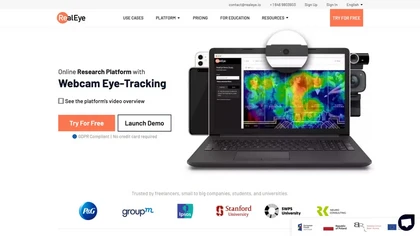
RealEye.io collects real‑time gaze, attention, and facial emotion data via participants’ webcams for image, video, or website stimuli. It offers triggers, heatmaps, fixation plots, API access, and records mouse/keyboard interactions for integrated survey analysis.
Paid
- $249/mo

PhotoGrid is a browser‑based AI photo editor that offers one‑click enhancement, background removal, and upscaling. It lets users build collages from 20,000 templates, add stickers, text, custom backgrounds, and convert images into short video clips.
Subscription
- $2.83/mo

TensorPix enhances SD video to 4K 60FPS, removes artifacts from VHS and old footage, offers real‑time call improvement, batch processing, API integration, and cloud GPU processing—no local install needed.
Freemium

Upscale.media is a browser-based AI upscaler that increases image and short-video resolution up to 2×/4×/8×, reconstructs detail, reduces noise/artifacts, and offers deblur, sharpen, colorisation, face restoration, batch processing and API access.
Freemium
- $0.02
ComfyUI Web is a cloud platform offering over 40 AI tools for text‑to‑image, video, audio, and editing tasks. It runs in a browser, requires no GPU, and deletes uploads after use.
Subscription
- $9.99/mo
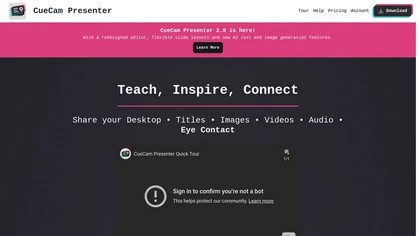
CueCam Presenter enables live or recorded webcam presentations with integrated slides, videos, and screen shares. Built‑in teleprompter, real‑time annotation, media slot system, and audio utilities support seamless delivery across macOS, iPad, iPhone, and major conferencing apps.
Subscription
- $4.99/mo

Dreamlense is an AI tool for photo enhancement and custom image generation, enabling users to create professional-quality portraits and unique visuals easily. It offers style customization for diverse occasions, streamlining visual representation for social media and professional use.
Freemium
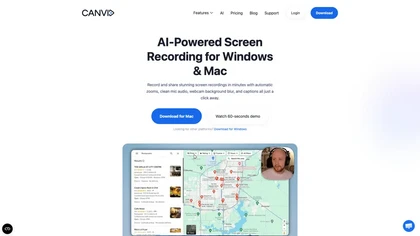

PostureCorrector AI uses a local webcam on Windows PCs to detect slouching in real time, delivering customizable alerts and visual cues for immediate correction. It tracks progress via dashboards, supports low‑light, and offers team analytics for corporate use.
Subscription
- $9.99/mo
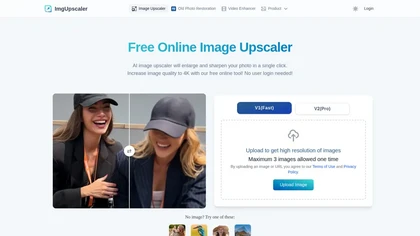
Imgupscaler is an AI tool for enhancing image quality by upscaling images to 4K resolution. It supports multiple formats and restores details while reducing noise, making it suitable for e-commerce, social media, and graphic design.
Freemium
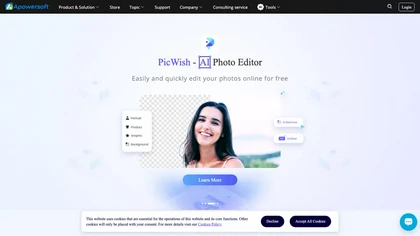
Apowersoft delivers cross‑platform screen, audio, and video capture with high‑fidelity recording, along with versatile media conversion, editing, and PDF OCR. It also offers background removal, data recovery for mobile/desktop, HEIC conversion, and multi‑monitor support for creators and businesses.
Free

Wave.video is an all-in-one AI video editing and creation platform that allows users to create, edit, and distribute videos, offering features such as online editing, live streaming, thumbnail maker, and customizable live streaming studios.
Freemium
- $16/mo
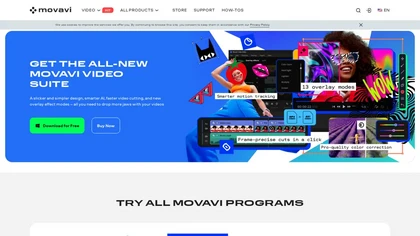
Movavi Video Editor is a desktop app for Mac and Windows that lets users trim, crop, color‑grade footage and add titles, overlays, and filters. AI features automate subtitles, noise suppression, and motion tracking. It includes a screen recorder for tutorials.
Paid

HitPaw VoicePea delivers real‑time voice transformation with 300+ effects and low latency on Windows, macOS, iOS, Android. It supports 50+ audio/video formats, noise‑reduction, pitch control, virtual mic integration, and text‑to‑speech for streams, meetings, and content creation.
Free
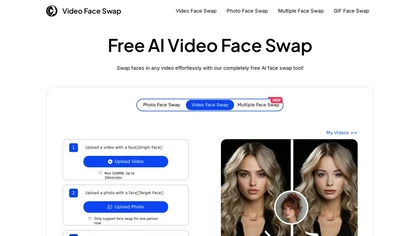
VideoFaceSwap lets users swap faces in videos, GIFs, and photos using a target face image. It supports single‑ and multi‑face swaps, processes entirely in‑browser, respects privacy, and is useful for creators and marketers.
Free